The short answer
For one approved packshot and one short ad shot, start by testing FLUX 3 Max for a simple image-to-video move; test Seedance 2.5 when your brief depends on multiple references or targeted edits. That is a workflow-fit recommendation based on the models’ official descriptions, not a claim that either preserves packaging better. Only the same image, prompt, settings, and approval gate can answer that.
I reviewed the official model pages and recent comparison writing for how they disclose test inputs. The useful decision is whether a route gets your team to an approved shot with less correction work.
Which Model Fits This Product Ad Shot?
Keep the assignment small: animate one authorized bottle packshot into a short, steady camera push, with its label facing forward. A single product photo does not test Seedance 2.5’s full reference workflow, and a model showcase does not tell you whether a particular label will hold. So the fair question is narrower: which route follows this brief, preserves the SKU, and costs less to get through review?
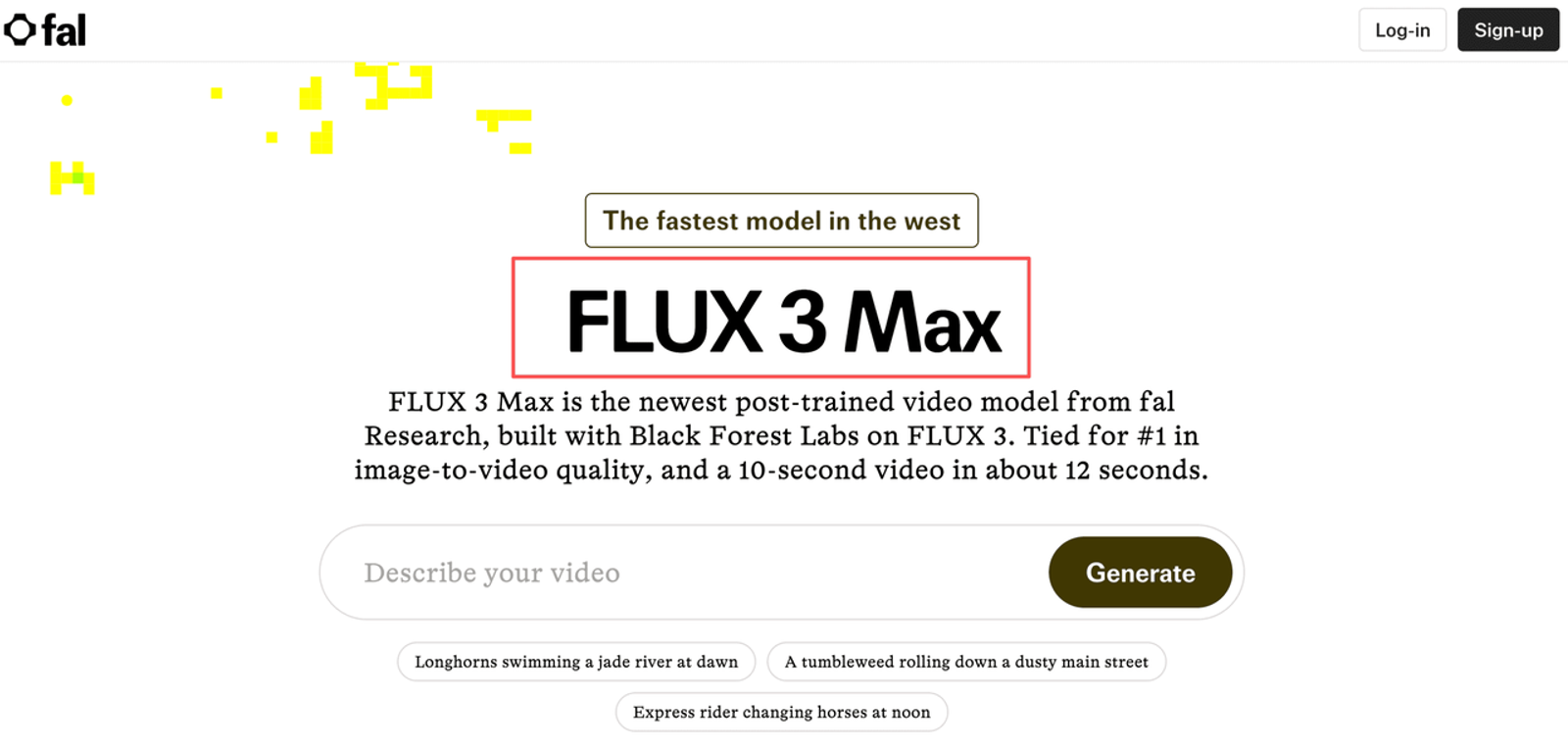
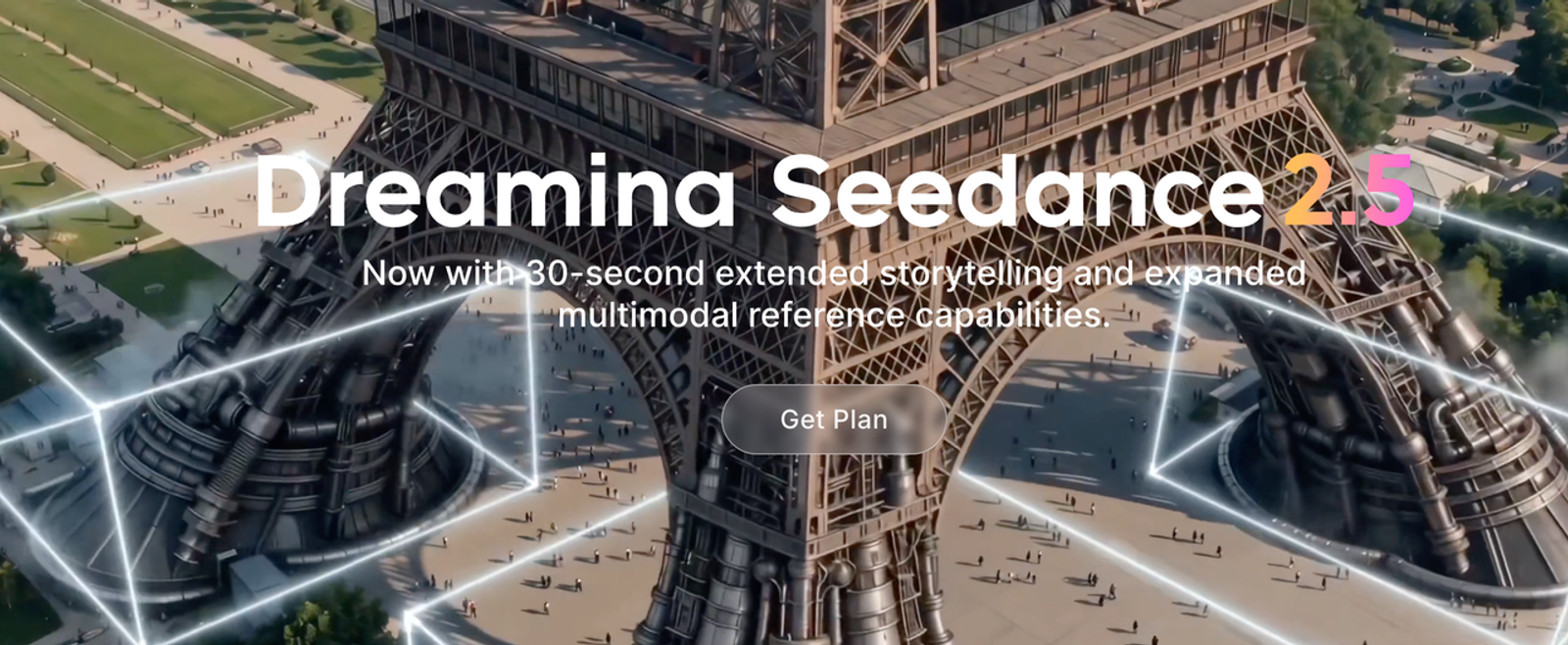
fal’s FLUX 3 Max image-to-video endpoint describes the model as a post-trained variant of FLUX 3 Video, with an image input and prompt-directed motion. ByteDance describes Seedance 2.5 as supporting longer generation, multiple reference types, and targeted editing in its official launch notes. Those features suggest different workflows. They do not establish a winner for packaging accuracy.
Start Both Models With the Same Approved Packshot
Use the same licensed source image, crop, and motion prompt in both routes. Pick a front-facing bottle with a clear label, cap, and silhouette; Avoid a source photo that hides details the model is expected to preserve. Set a common aspect ratio and duration only if both interfaces offer them. If they do not, record the difference and treat the result as a practical route comparison rather than a controlled model test.
Here is a prompt to adapt: “Make one continuous, slow camera push toward the bottle. Keep the front label, logo, cap, silhouette, color, and proportions consistent with the reference image. Do not rotate the package or add text, props, people, or claims.” Keep the copy unchanged across models. If either tool adds audio by default, mute both clips for visual review and log any extra finishing step.
Before generating, note the endpoint or interface, accepted image requirements, duration, aspect ratio, resolution, audio setting, and current price basis. Black Forest Labs’ FLUX 3 overview describes the underlying video model family; FLUX 3 Max in this comparison is the distinct fal image-to-video endpoint. Recording the exact route matters because a model name alone does not tell you which controls or billing rules you received.
Compare Motion and Packaging Detail on One Shot
Run three attempts per model with the same source and prompt, then review the clips without knowing which model made them if your workflow allows. At the opening, midpoint, and final frame, check the logo and label, bottle outline, cap, colors, and proportions. Mark each item passes, needs edit, or reject. I want to see what survives a second look: bright lighting cannot rescue a changed wordmark or a bottle that no longer matches the approved SKU.
Then check the camera move. Does the camera push in while the bottle stays stable, or does the package stretch, rotate, or drift? Is the label on screen long enough to recognize on a phone? Record the defect itself—such as “logo lettering changed” or “cap shape softened”—instead of giving the clip one vague quality score. If the source image does not show a side panel, do not treat a generated side view as proof of its real packaging.
Compare the Cost of an Approved Revision
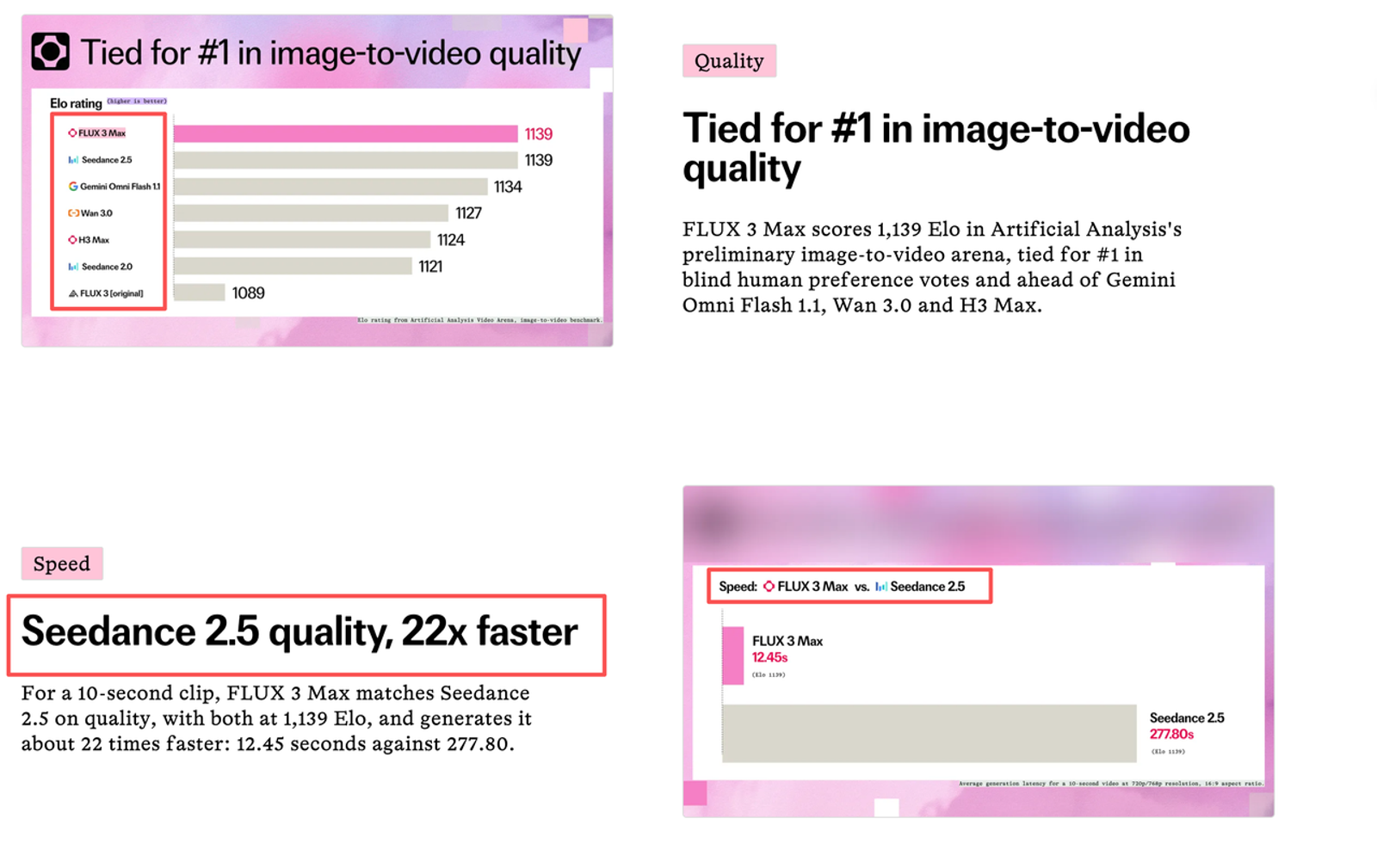
Agree on the pass condition before the first render: no visible brand or package changes, motion within the prompt, and framing suitable for the placement. For each model, record initial generations, reruns, any editing or replacement insert, and reviewer minutes until one clip passes. Compare the cost per approved shot, not just the listed cost of one generation.
This gives “video revision cost” a useful meaning: generation spend plus the human time needed to get one acceptable clip. A low-cost first render can become expensive if every label defect means a full rerun. A pricier draft may take less work if its motion and framing already fit. The next edit is part of the cost. Prices, failed-run billing, and credits depend on the access route, so check them in the interface you will actually use.
When Should a Team Choose Either Route?
For a one-image push-in, FLUX 3 Max is the more direct first route to test because fal exposes a dedicated image-to-video endpoint. Choose Seedance 2.5 when your campaign needs its documented reference and editing features, or the shot may expand into a longer sequence. Pretty is easy to spot. Useful takes another look. In either case, approve the real package frame by frame before treating the result as an ad asset.
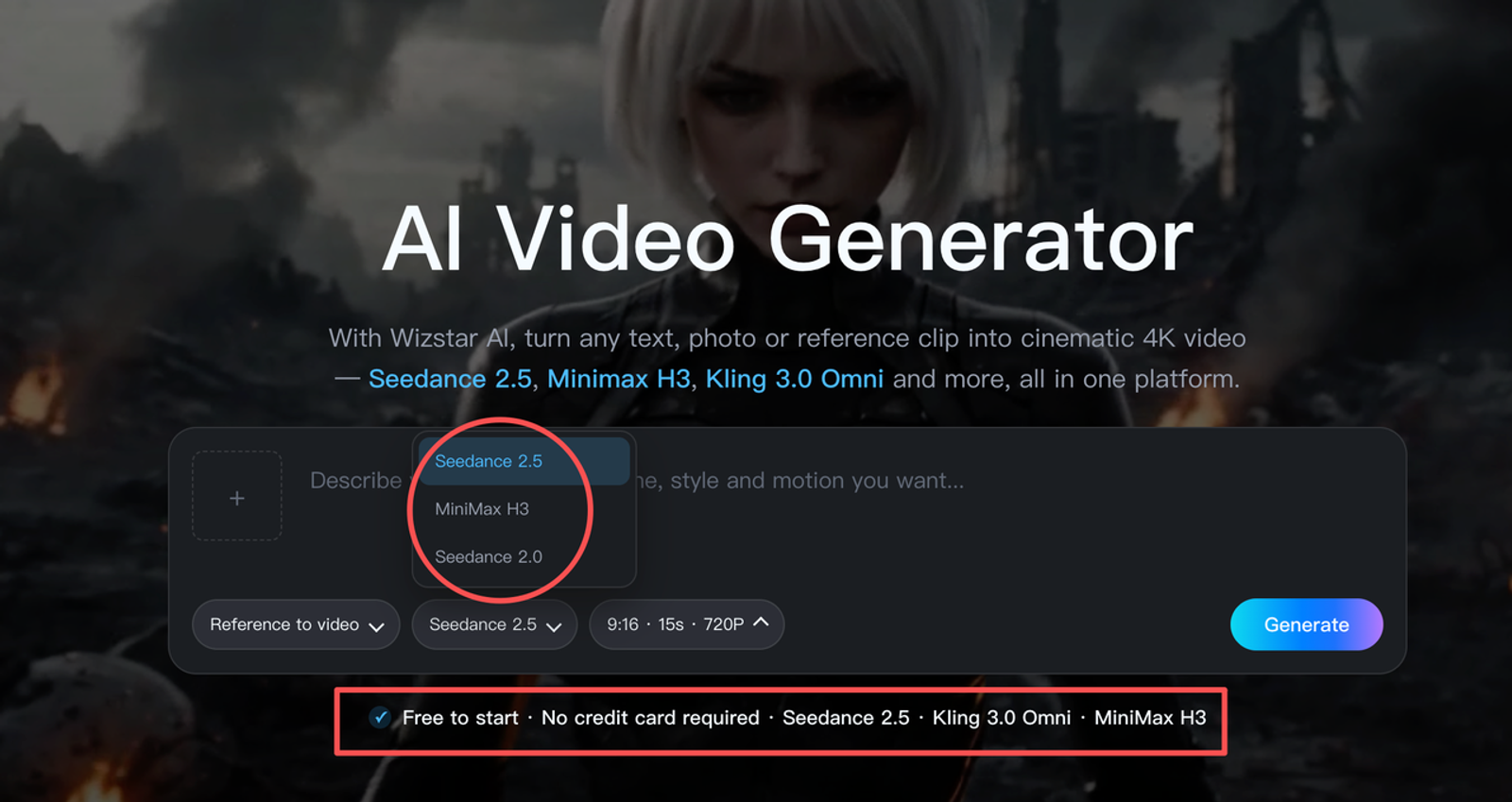
Wizstar’s current AI video generator page lists Seedance 2.5 and describes image-to-video and reference-to-video workflows. It does not list FLUX 3 Max, so do not assume that the model is available inside Wizstar. Confirm the live model menu before planning a side-by-side run there.
Conclusion
The practical FLUX 3 Max vs Seedance 2.5 choice depends on the shot: test FLUX 3 Max first for a simple packshot move; test Seedance 2.5 when references or targeted edits matter. Then decide from label fidelity and the work required to approve one take, not from a showcase reel. The FTC’s advertising guidance is a useful reminder that product claims still need evidence. A draft earns a review, not a green light.
This is a documentation-based comparison, not a hands-on model test or legal advice. Recheck current features, prices, terms, and asset permissions before production.
FAQ
- Can both models produce a silent product clip?
- Check the audio controls on the exact route you plan to use. Seedance 2.5 is described as an audio-video model, while available FLUX 3 Max controls depend on the endpoint or interface. If silence cannot be selected, mute both clips in the same editor and include that step in the comparison.
- Do both models accept portrait images?
- Both offer image-based workflows, but the official pages reviewed do not establish a universal portrait-input rule or identical aspect-ratio support. Check accepted dimensions and output framing on each route before the test.
- Are real-person reference images allowed on both services?
- Do not assume that a model’s image input makes every person’s likeness acceptable to use. Get the required permission, then check the current service rules for the route receiving the image.
- Who grants commercial rights to each model's output?
- The terms of the service you use govern that route; a model name alone does not grant blanket ad rights. Check the relevant provider terms and your rights to the packshot before paid use, and review output for third-party material.
- Can teams export the same video format from both services?
- Not necessarily. Export formats and settings depend on the interface. If the campaign requires one delivery format, normalize both approved clips in the same editor and count that finishing time.