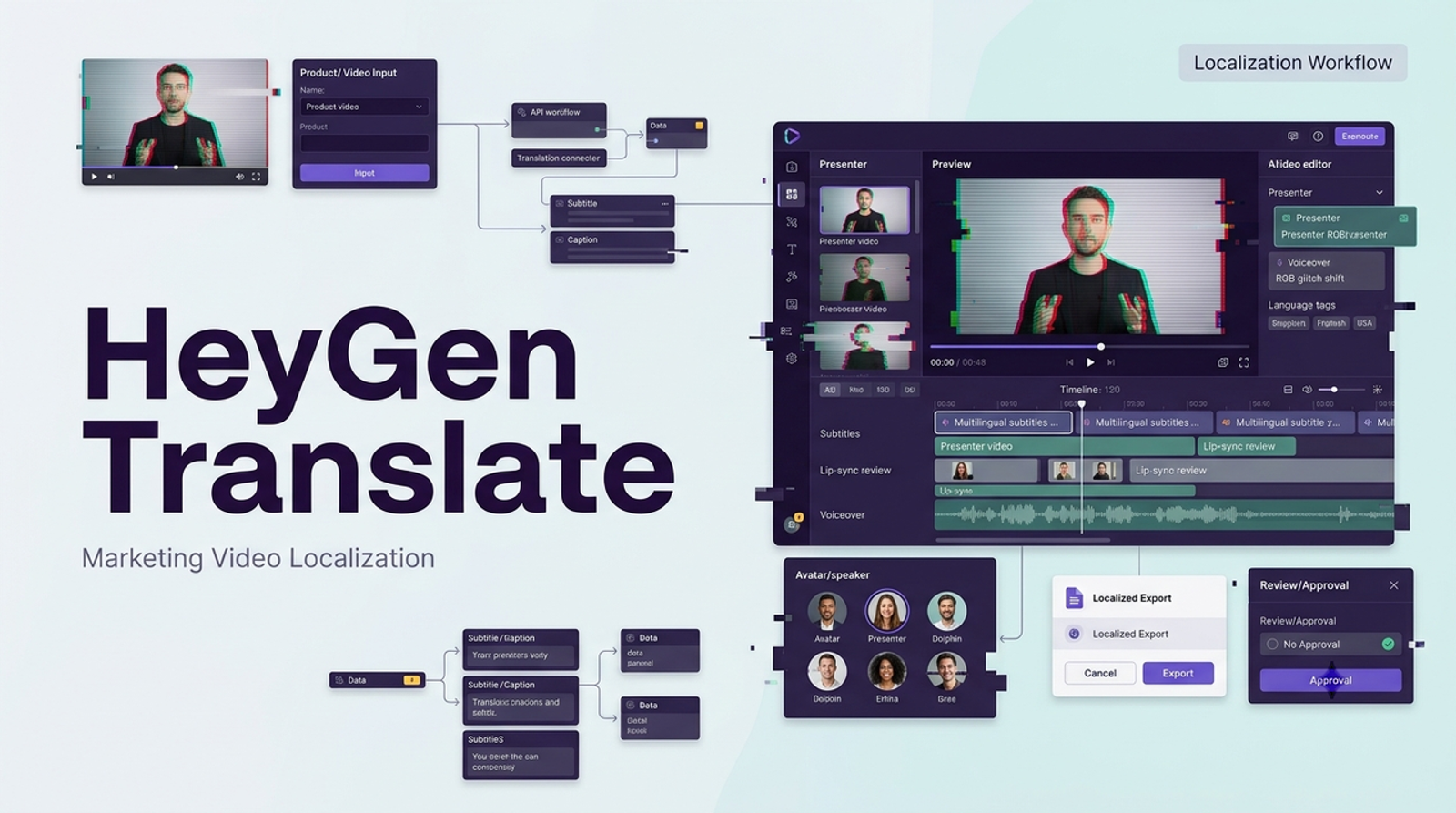
Vela coming~ I would not judge heygen video translation by the nicest demo on the page. I would judge it by a more ordinary marketing task: can one approved source video become a translated version that a regional team can review, correct, caption, and safely use?
I checked HeyGen’s official product, help, pricing, terms, privacy, and API information on August 28, 2026. My read is simple: HeyGen can be useful for marketing, training, and content operations teams that already have source videos worth localizing. But I would not treat AI dubbing, voice cloning, or AI lip sync translation as a “publish immediately” workflow. The review step is not optional.
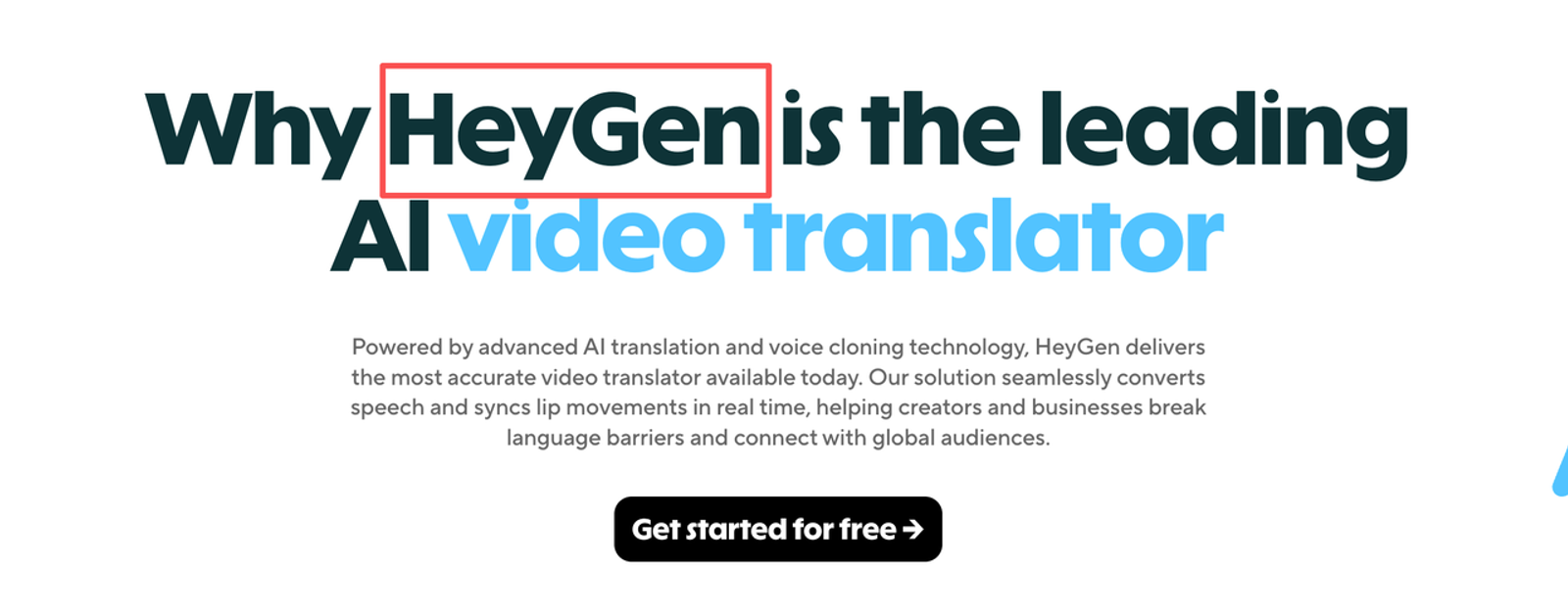
Where HeyGen Video Translation Fits
HeyGen video translation fits best when the source video is already doing a job: explaining a product, training a team, introducing a feature, or adapting a campaign message for another market. It is less useful when the original video is messy, legally unclear, full of tiny on-screen text, or built around humor that only works in one language.
The strongest use case is not “translate everything.” It is controlled reuse. A global marketing team can take one approved founder update, customer education clip, webinar excerpt, sales enablement video, or campaign asset and create localized versions without booking new voice talent for every market.
That said, I would keep the goal modest. The first translated version should be treated as a reviewable localization draft. Good enough to inspect, not good enough to skip human review.
Prepare the Source Video
This is where I would slow down. A weak source video usually becomes a weaker translated video.
Before importing anything, I would check four things. First, the speaker’s face should be visible enough for lip sync to make sense. Second, the audio should be clean, with limited background noise and no overlapping speakers unless the tool mode is meant to handle that. Third, the script should be simple enough to translate without losing the message. Fourth, any baked-in captions, product labels, charts, or lower-thirds should be treated separately, because video translation does not automatically rebuild every visual element.
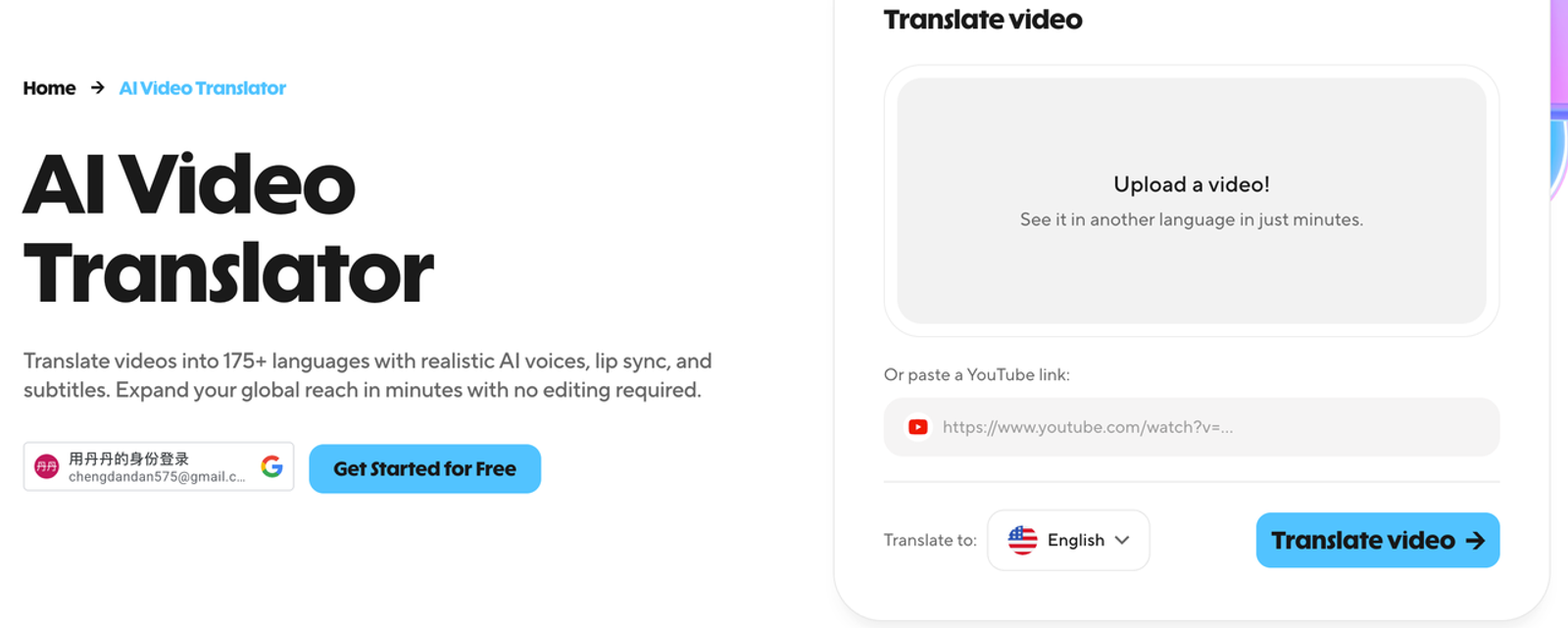
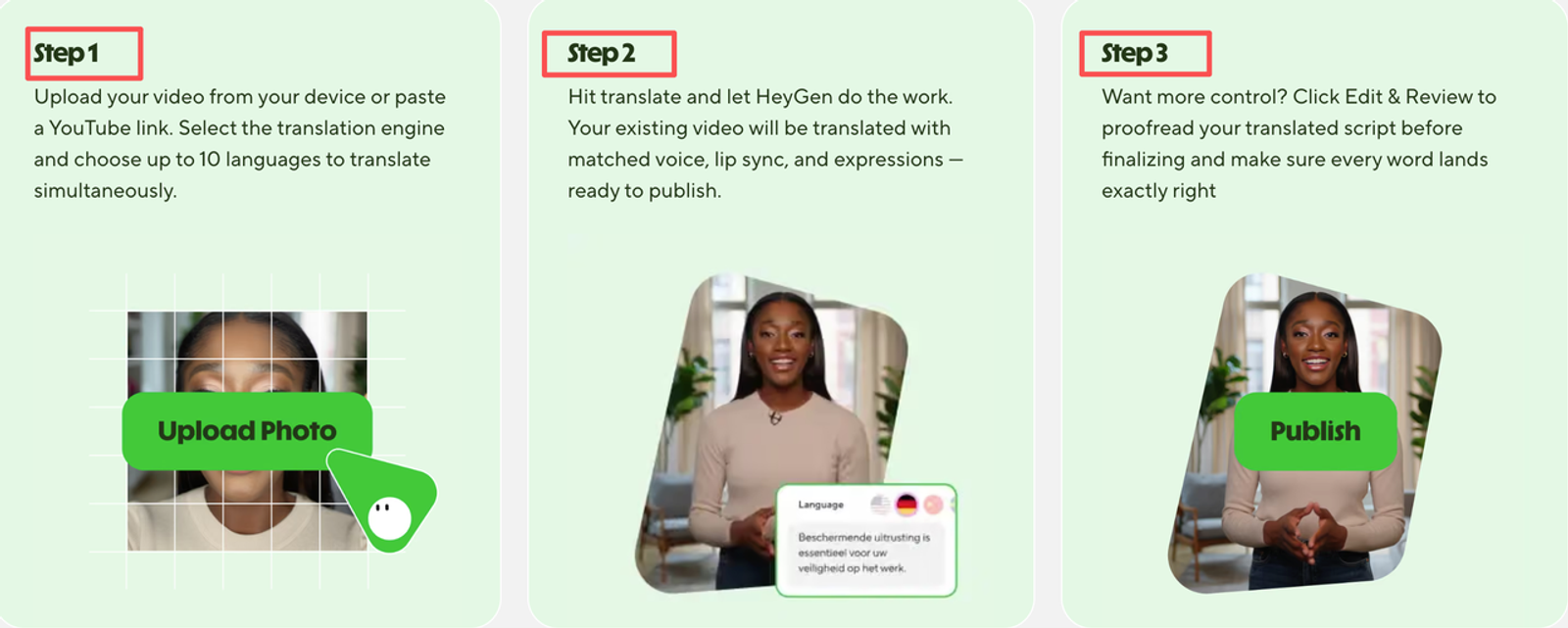
HeyGen’s own Video Translation Help Center says source files can be imported from local upload, an existing project, YouTube, or Google Drive, with MP4, MOV, and WEBM listed as supported file types and up to 5GB file size. I would still test with a short 30–60 second clip before uploading a long training module or campaign master.
A Controlled Translation Workflow
Import and Configure the Project
After importing the video, the first real decision is not the target language. It is quality mode. HeyGen describes Audio Only, Speed, and Precision-style translation choices, with lip sync controlled by the engine choice rather than a separate toggle. That matters because a front-facing one-speaker explainer is not the same job as a multi-person panel with side angles and microphones blocking mouths.For a simple product update, Speed may be enough.
For executive messaging, training, or paid campaign footage, I would test Precision first, especially if the face angle changes or the mouth is partly blocked.
Review the Transcript and Glossary
The transcript is where marketing teams protect meaning. Brand names, product names, feature labels, customer segments, acronyms, and legal phrases should not be left to a generic translation pass.
HeyGen supports glossary-style controls and proofreading features on higher plans, but I would still keep a separate localization glossary outside the tool. That glossary should include “do not translate” terms, preferred regional phrasing, prohibited claims, and approved translations for product lines. Small thing, but it matters. One wrong product term can make a polished video feel unapproved.
HeyGen also publishes supported translation languages, including language and regional variants. I would use that list as a starting point, not as proof that every region is production-ready for every brand voice.
Generate and Inspect the Translation
Once the translation is generated, I would review it in three passes. The first pass is meaning: does the translated message still say the same thing? The second is performance: does the voice sound natural enough for the audience? The third is visual fit: does the mouth movement support the message, or does it pull attention away?
This is usually where the difference between “AI dubbing works” and “this video is ready” becomes clear. If viewers stare at the mouth, the localization has already lost some of its value.
Review Voice, Timing, and Lip Sync
Voice is not only about sounding pleasant. For marketing teams, it has to match the role of the video. A training clip can tolerate a more neutral voice. A founder message needs more care. A paid social ad needs rhythm, energy, and timing that fit the platform.
Timing is just as important. Some languages need more words to express the same idea. If the translated speech feels rushed, I would shorten the script instead of forcing the voice to chase the original pacing. HeyGen offers duration adjustment options, but I would not rely on automatic timing alone for anything customer-facing.
For AI lip sync translation, I would check mouth movement at normal speed and then once more around cuts, laughter, pauses, side turns, and hand gestures. Not glamorous. Very necessary.
Review Captions and On-Screen Text
Captions are not just accessibility decoration. They are part of the localization layer. If a translated video includes captions, I would check line breaks, reading speed, punctuation, and whether the caption file can be reused in the team’s normal publishing workflow.
HeyGen’s help content says translated captions can be enabled and exported as SRT. That is useful, but SRT does not solve styling, burned-in graphic captions, animated text, or platform-specific subtitle design. If the original video has on-screen text, charts, UI labels, or hard-coded captions, I would plan a separate edit in a video editor.
This is also where marketing claims need review. The FTC advertising basics remain boring for a reason: claims should be truthful, not misleading, and supported. Translation does not make a claim safer. It can make a bad claim to travel faster.
Compare Plans and Alternative Workflows
As of my check on August 28, 2026, HeyGen’s public pricing and help materials describe Free, Creator, Pro, Business, and Enterprise-style paths, with credit-based usage. Public help content lists Creator from $29/month, Pro from $49/month, and Business from $149/month, while Enterprise is custom. Since AI video pricing changes often, I would re-check the pricing page before planning a quarterly localization budget.
For API users, the HeyGen Video Translation API supports programmatic translation into one or more target languages, with voice cloning and lip sync. That matters for teams localizing many videos every month. One manual upload is fine. Fifty recurring product videos need a repeatable process.
The alternative is not always another AI tool. Sometimes the better workflow is subtitles only. Sometimes it is human translation plus human voiceover. Sometimes it is a local creator remake, especially for ads where culture, humor, and compliance matter more than speed.
Limitations and Best-Fit Scenarios
The main limitation is control. HeyGen can reduce localization friction, but it does not remove translation review, rights review, brand review, or ad platform review.
I would be careful with videos that include real people, sensitive claims, regulated products, children, medical or financial promises, political material, or customer testimonials. HeyGen’s Terms and Conditions give Creator, Pro, and Business users rights in user outputs for their own purposes, including commercial purposes, but that does not mean every uploaded face, voice, product claim, or ad use is automatically cleared.
Best-fit scenarios are cleaner: product explainers, training modules, internal communications, software walkthroughs, onboarding clips, sales enablement videos, and controlled campaign variants where a human reviewer can approve each market version before release.
A Practical Trial Checklist
For a serious trial, I would not start with the best-looking branded film. I would choose one source video that represents a normal workflow: 30–90 seconds, one speaker, clean audio, visible face, limited on-screen text, and one target market that the team understands well.
The review should answer a few practical questions. Did the translation preserve the message? Did the glossary protect product terms? Did the voice sound acceptable? Did lip sync stay quiet enough? Did captions export cleanly? Did credits match expectations? Did the team need a separate editor anyway?If the answer is “yes, with review,” that is still useful.
If the answer is “only after heavy manual repair,” then the team should compare against subtitles, voiceover, or local remake workflows before scaling.
Conclusion
HeyGen video translation is most useful when a team already has strong source videos and needs faster multilingual versions. It can help with AI video dubbing, translated captions, voice recreation, and lip sync, but it should sit inside a controlled localization workflow.
The practical question is not whether the tool can translate a video. It can. The better question is whether the translated version keeps the message clear, the voice believable, the mouth movement quiet, the captions usable, and the rights review clean enough for real marketing work.