The short answer
Alibaba Cloud Model Studio bills Wan 3.0 video by the second, with the rate set by model tier, resolution, and region. For a product clip, budget each successful output by its duration; video-to-video work can also bill the input video's seconds. A failed request is not charged, but a completed render your team rejects still counts. Third-party platforms may charge credits under separate rules.
The examples use Singapore International list prices checked October 23, 2026. They are documentation-based estimates, not an invoice or a measured retry rate. Check the price shown in your own Model Studio workspace before committing spend.
How Is Wan 3.0 Video Charged?
For text-to-video or image-to-video, a useful starting estimate is successful output seconds × the per-second rate. In video-to-video workflows, Alibaba's pricing rule counts both input-video and successfully generated output-video duration. A still image is not an input video, so it adds no input-video seconds.
The Model Studio pricing table says failed requests are not billed and do not consume free quota. That rule covers failed requests, not successful clips that miss a creative brief. For an ad test, record whether each call failed technically or produced a draft that did not pass review; Only the former is exempt under the published rule.
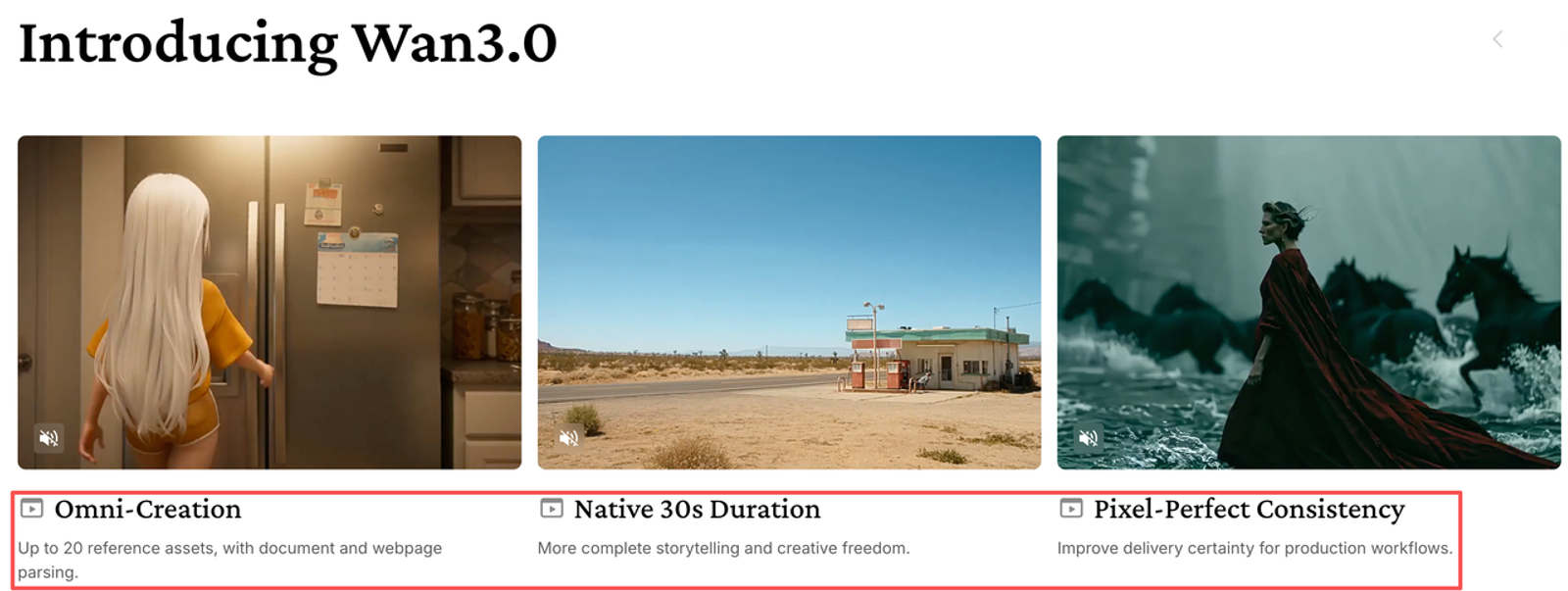
Wan 3.0 can generate audio with video, and the Wan 3.0 generation guide says audio is enabled by default. The pricing table has no separate audio rate. Use the listed rate as a planning estimate, then confirm the exact audio-on route in your account before a larger run.
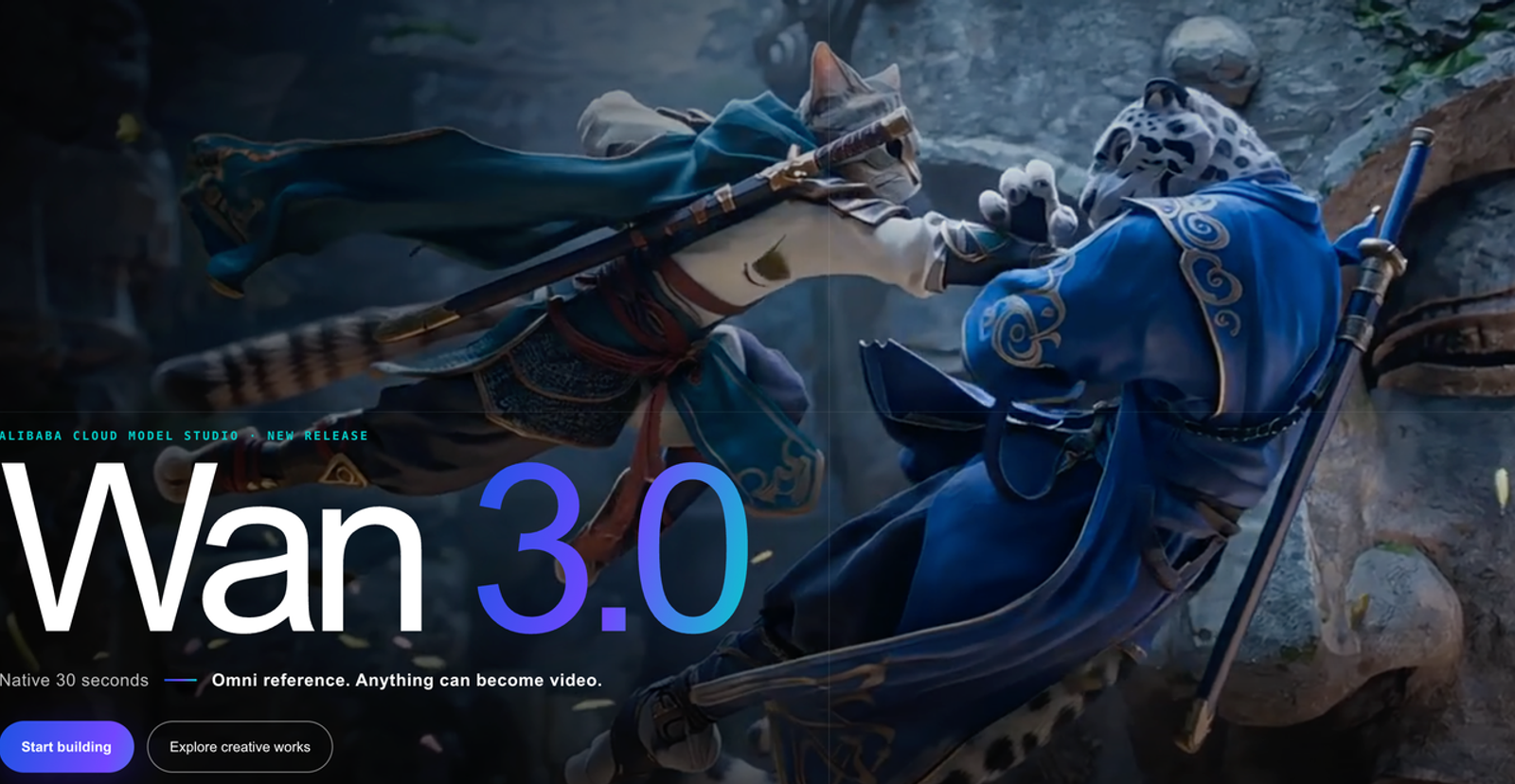
Compare Standard and Prime Cost Units
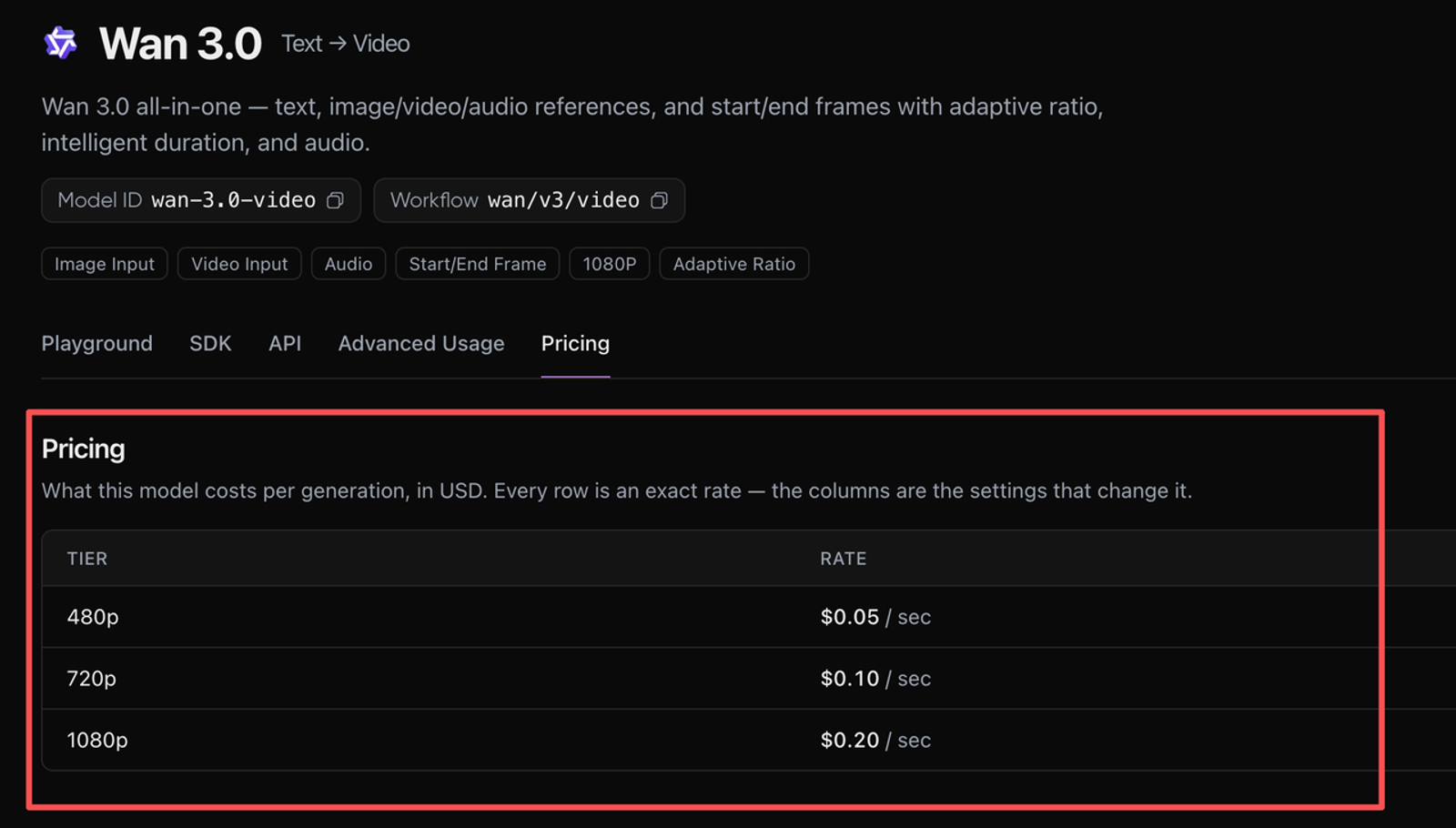
These are Singapore International rates, shown as list prices on the pricing page checked October 23, 2026. Standard is labeled with a limited-time 30% discount, but the live offer is not clear from the price table. Alibaba’s Wan 3.0 release information directs users to the console for current offers, so the estimates below use the listed rates before discounts.
| Output resolution | Standard list rate | Prime rate | 10-second Standard clip | 10-second Prime clip |
| 480p | $0.05/sec | $0.068/sec | $0.50 | $0.68 |
| 720p | $0.10/sec | $0.14/sec | $1.00 | $1.40 |
| 1080p | $0.20/sec | $0.28/sec | $2.00 | $2.80 |
At these rates, Prime costs about 36% more at 480p and 40% more at 720p or 1080p. That is a price difference, not evidence that Prime will preserve a package label better or produce more approvable ads. The right comparison is the cost of an acceptable clip at the resolution you need.
Rates vary by region and deployment scope. The Singapore figures do not stand in for Beijing, Tokyo, Frankfurt, Virginia, or Hong Kong. Check which region and model ID your workspace actually calls.
Budget Clip Length, Resolution, and Retries
A 15-second, 1080p draft costs 15 × $0.20 = $3 on Standard or 15 × $0.28 = $4.20 on Prime, before any eligible free quota. Five successful drafts would therefore cost $15 or $21. A technical failure adds no charge under the published rule; a completed draft that fails a label or motion check does.
For a practical estimate, use:
Expected generation spend = successful renders × output seconds × unit rate + billable input-video seconds × unit rate.
Then divide generation spend by the number of clips that pass internal review. For example, if four successful 10-second, 720p drafts produce one approved clip, the estimate is 4 × 10 × $0.10 = $4 on Standard, or 4 × 10 × $0.14 = $5.60 on Prime. Any failed request adds zero; Reviewer time, editing, and storage are separate costs. This is a budget example, not a prediction of how many attempts your product will need.
Keep a simple record of model ID, region, resolution, requested length, successful or failed status, billed seconds, and review outcome. The FinOps Foundation’s unit-economics guidance is useful here: track spend against a business output. For this test, that output is one clip approved for its intended placement, not one generation. The next retry is part of the budget.
Estimate Cost per Approved Product Clip
Set a retry allowance from the workflow you plan to run. If the team expects three drafts and one final revision, budget four successful outputs per approved clip. If you need both silent and audio versions, count each successful render unless your account's current billing details say otherwise.
Model cost is only one part of the estimate. Include creative review, editing, and any platform-specific charges separately. A credit balance on another service is not directly comparable to Alibaba Cloud seconds: subscriptions, credit conversion, included usage, markups, and failed-render policies can differ. Compare the actual debit for the same model, length, resolution, audio setting, and number of revisions. That gives you a useful cost per approved deliverable.
What Should You Verify Before Paying?
Before a test, confirm the region and deployment scope, exact model ID (wan3.0-video or wan3.0-video-prime), resolution, requested duration, and whether the input is a video. The guide documents generation durations from 2 to 30 seconds; for smart duration, use the returned duration when reconciling cost. Check the account-specific quote and current promotion in the console rather than carrying a temporary offer into a forecast.
Model Studio’s Budget Management documentation describes monthly budgets and alerts at account, workspace, or API-key level, with optional pay-as-you-go service stopping. The stop setting has a delay and is unavailable in the US (Virginia) region, so alerts are a warning mechanism rather than a precise campaign cap.
Conclusion
For Wan 3.0 pricing, start with the region, tier, resolution, and clip duration, then budget successful renders against the number of clips that pass review. Keep failed requests separate from completed drafts your team rejects, and treat credits on other services as their own billing system. If you are comparing API use with a separate Wizstar workflow, check the current model list and displayed credits; do not transfer Alibaba's per-second rate to another service. A short pilot with a recorded retry count gives the team a more defensible estimate for its next product-ad test.
FAQ
- Does Wan 3.0 include any trial quota?
- The Singapore pricing table lists 30 seconds each for Standard and Prime, with a 90-day validity period under its stated eligibility conditions. For Wan 3.0, the quota counts input and output video duration together. Other regions do not list free quotas; check the console for your model's remaining balance.
- Can a team set Wan 3.0 spending alerts in Model Studio?
- Yes. Monthly alerts can be set at account, workspace, or API-key level. Optional service stopping can interrupt calls, and charges may continue briefly while the stop takes effect.
- Is audio included in the video price?
- The price table lists no separate audio surcharge. Audio is on by default in the generation guide, so verify the price and billing record for the route you use.
- Is Wan 3.0 available in every Model Studio region?
- No. Availability and deployment scope vary. Confirm the exact model and endpoint in the target region before estimating spend.
- Are prices identical on third-party platforms?
- No. Each provider sets its own credit conversion and retry rules. Check that provider’s current price and the amount deducted by a comparable test.