The short answer
An AI YouTube Shorts generator shortlist should begin with the asset your brand can supply: Wizstar offers a product-image route, InVideo a script-led route, Revid an idea- or link-led route, and OpusClip a long-video clipping route. This article compares documented workflows checked in November 2026. It cannot identify a winner or support a purchase decision without matched outputs, actual charges, and approval results.
Which Starting Asset Should Drive Your Short?
A Product Image, a Prompt, or Existing Footage
The starting asset determines what a tool can plausibly preserve. I would evaluate all four against one proposed brief: a 25-second vertical Short for a refillable travel bottle. The brand has an approved front image, a close-up showing how the cap closes, a one-line product claim approved by its legal reviewer, and a three-minute founder demonstration. The Short should open with the benefit, show the real cap before the midpoint, and end with a restrained invitation to view the product page. This is an evaluation design, not a claim that I generated four videos.
How Were These Shorts Tools Compared?
Vertical Output, Story Control, Brand Review, and Editing
This shortlist compares documented workflows, not measured winners. I would check whether each route can make a usable 9:16 composition, keep the claim attached to the correct product shot, let a reviewer replace one weak scene or line, and return a file the brand can inspect before uploading.
For a fair trial, give each route the same approved copy and its appropriate source asset. Request a 25-second draft and one revision that changes the opening without changing the cap demonstration.
For each attempt, log export settings, rejected drafts, product and claim review, music rights, and whether the final 9:16 file passes a phone preview. Divide the total charges and editing time by approved Shorts; a cheap render is not a cheap approved asset.
Wizstar for Product-Led Shorts
From Approved Product Assets to a Short Draft
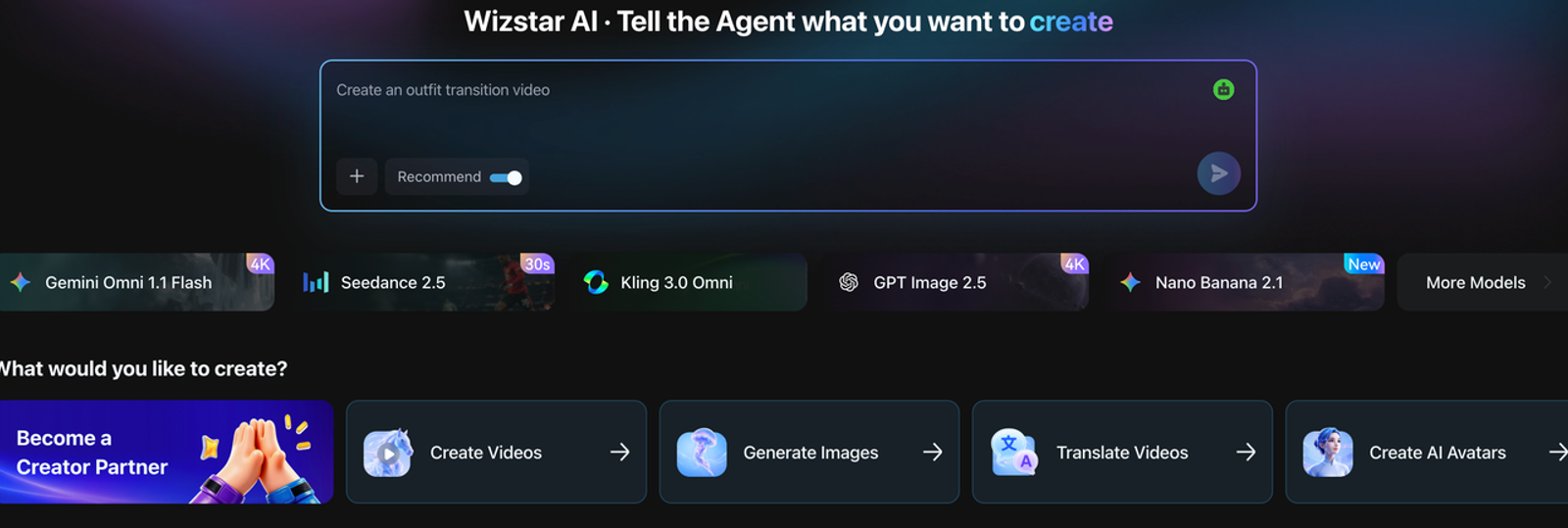
Wizstar’s current AI Product Video entry point is relevant when the team begins with product imagery rather than a finished long video. Its feature navigation describes product video creation from images and ecommerce inputs. For the bottle brief, the approved front photo and cap close-up would be the visual anchors; the script should describe only what those assets can substantiate. If the mechanism is central to the claim, the real demonstration should remain available as footage rather than being replaced by an imagined action.
Limits to Verify Before Publishing
The public product entry point does not establish every detail of a Shorts publishing workflow. Verify the current account’s vertical settings, export resolution, editable layers, caption controls, music rights, credits, and commercial terms before committing a series. If product-image-led drafting fits your asset library, the Wizstar product-video workspace is the appropriate place to run one controlled draft with approved images; That is a trial invitation, not a promise of a finished Short.
InVideo for Script-Led Shorts
Building a Short From a Brief
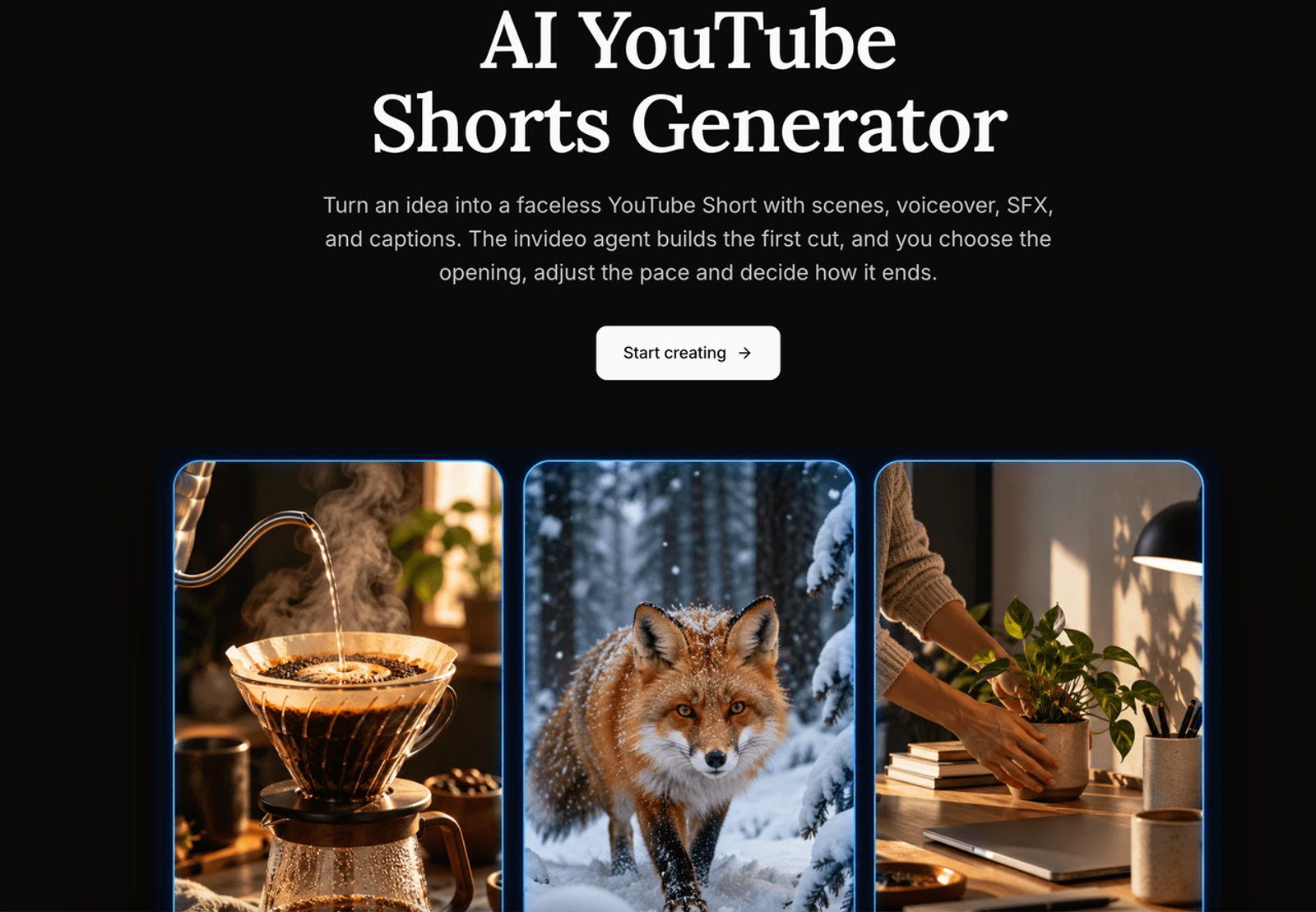
InVideo’s YouTube Shorts generator page describes turning prompts into a script with media, voiceover, subtitles, music, and effects, ending in a downloadable video. For the bottle, the brief could allocate the first seconds to the problem, the middle to the approved cap close-up, and the ending to the qualified claim and product-page cue.
If the voice says “closes securely” while the selected shot shows a different bottle, the timeline communicates the wrong product, even if every sentence was approved. Test whether a reviewer can swap that scene, correct the subtitle, and retain the parts that already work.
Where Stock-Led Visuals May Miss the Product
Stock footage can supply context, but a generic travel bottle is not proof of this bottle’s cap or finish. Use approved product media for the mechanism and brand-specific moments; reserve stock for settings that a viewer would not reasonably read as a demonstration of the sold item. The tool’s music and stock access also require a rights check for the intended channel and commercial use.
Revid for Short-Form Story Drafts
Idea and Link Inputs
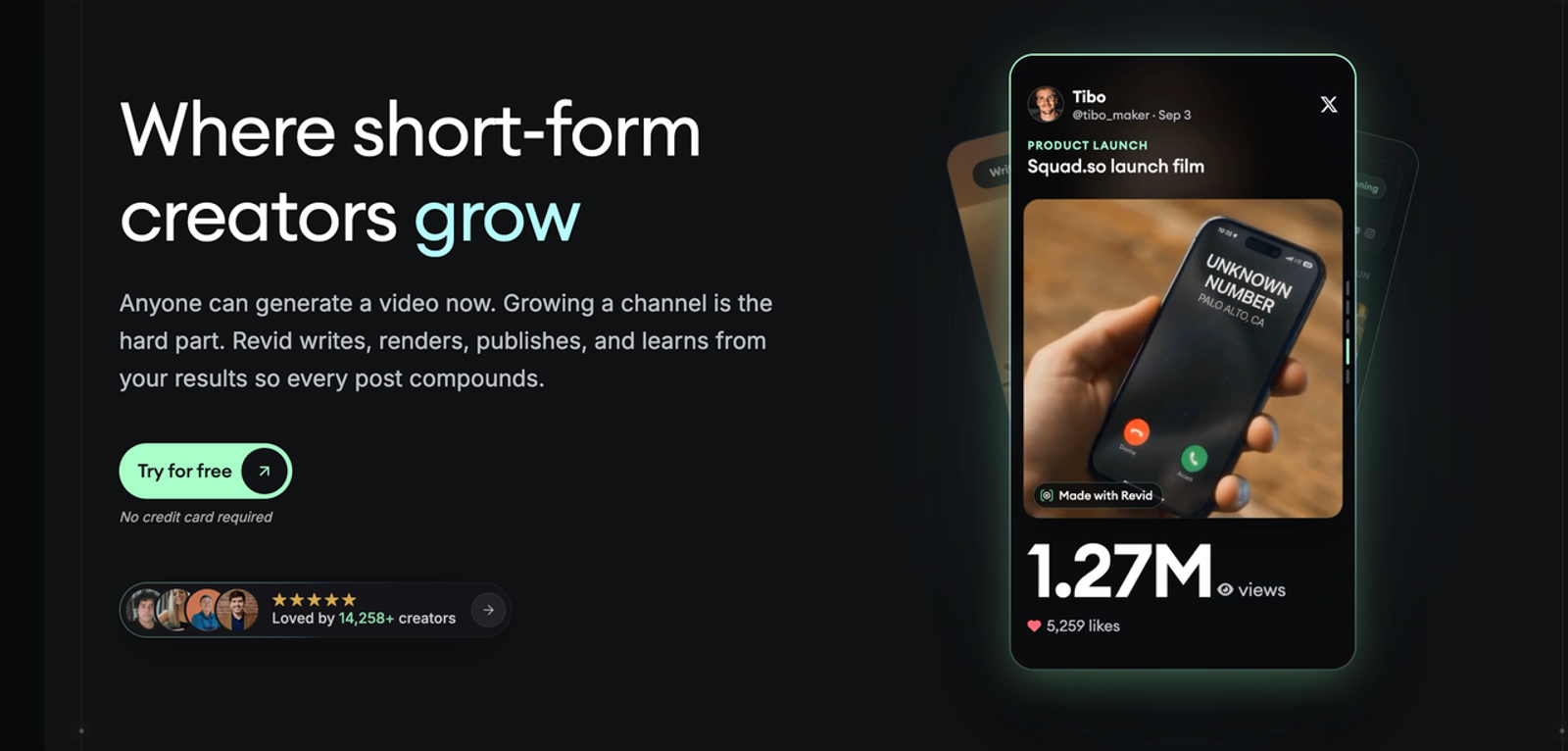
Revid’s current product overview says a user can start from an idea or link, then edit a generated script, scenes, captions, and voiceover. Its documented workflow includes direct publishing and scheduling to YouTube, though a brand should verify the account connection and approval process in its own workspace. Revid is worth a trial when the team needs several ways to frame the same product story, starting from a product page or an approved concept.
For the bottle brief, a link can provide useful product context but should not become an unchecked source of claims. Freeze the exact product details and claim before generation.
Brand Review Before Export
A generated scene should be treated as a proposed illustration until the product owner confirms it. Review the bottle shape, logo, cap action, voice pronunciation, and any on-screen price. Then ask whether one scene can be replaced without disturbing the accepted opening.
OpusClip for Repurposing Existing Video
Turning Long Footage Into Short Clips
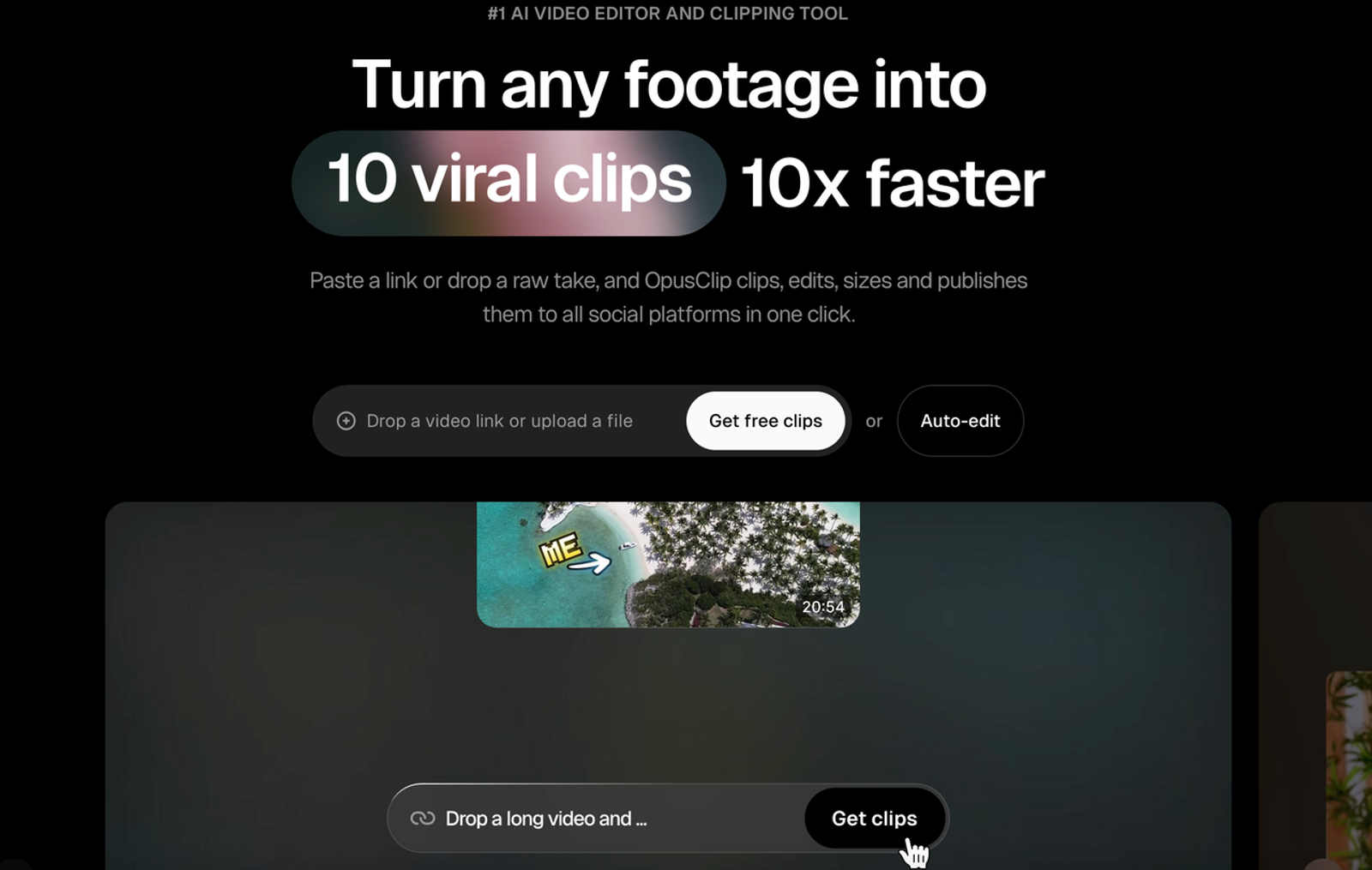
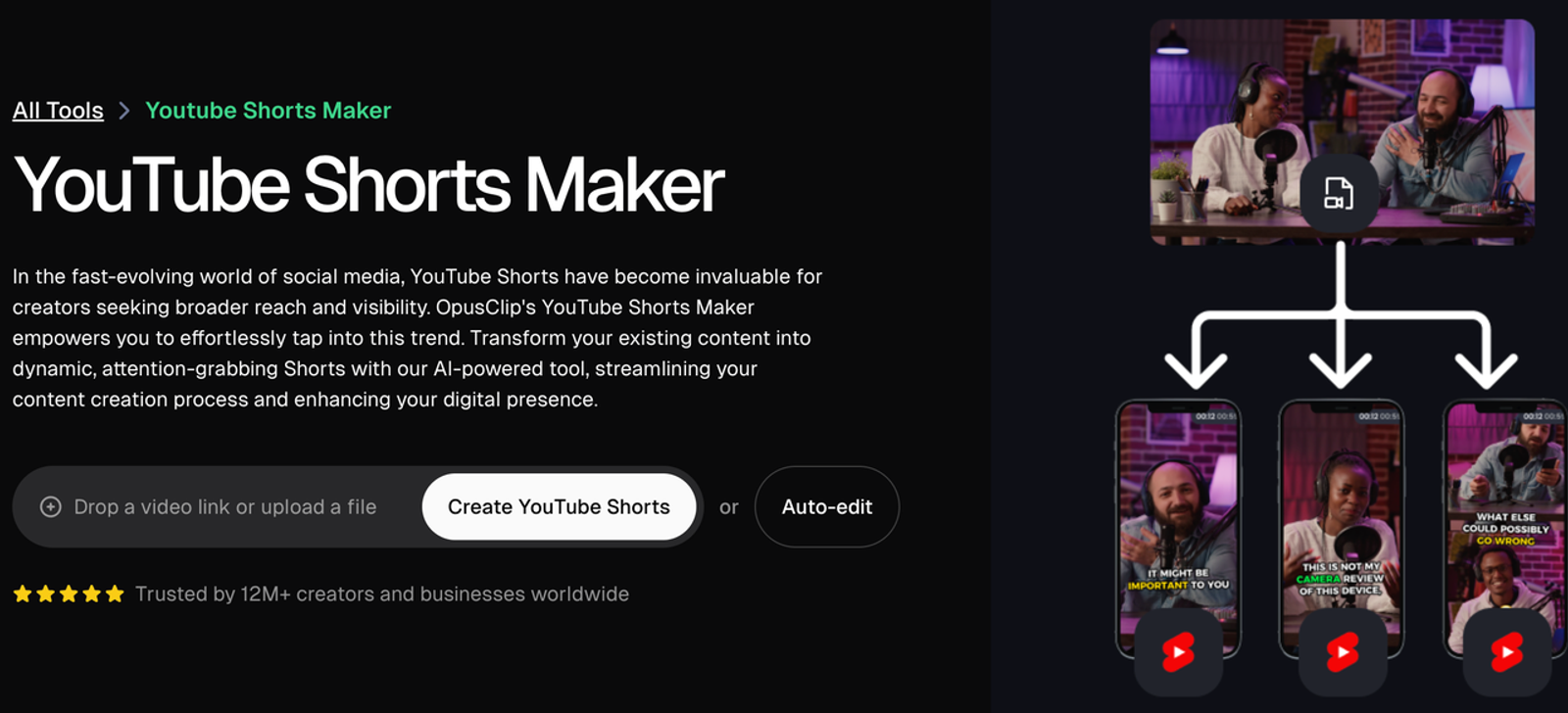
OpusClip’s product page describes selecting highlights from longer videos, rearranging them into shorter clips, and adding captions and reframing. The strongest sound bite is not automatically the strongest product Short. A clip can start after the founder names the bottle, omit the condition attached to a claim, or end before the cap is shown. I would compare the proposed cut with the source transcript, restore missing context, and inspect whether the automatic vertical crop keeps both the speaker and the product visible.
Why Repurposing Is Not New Scene Generation
OpusClip cannot recover a product demonstration that was never recorded. Its value depends on the source video containing a usable story; trimming and reframing do not create new evidence. If the founder video never shows the cap closing, return to approved product footage or shoot that action rather than asking a clipper to imply it.
How Should a Brand Team Choose?
Match Creation or Repurposing to the Asset Library
Choose which trial to run from the asset you trust most: product photos for Wizstar, a locked script for InVideo, an approved concept or maintained link for Revid, and a recorded demonstration for OpusClip. This ordering follows each tool’s stated input, not a measured quality or cost advantage. A brand making new product Shorts should test a creation route; a team cutting its own demonstration should test repurposing. Compare plans and actual approval results before adopting either workflow.
Review the Hook, Product Detail, and Ending
Watch each draft without sound first: does the opening identify a real benefit, and can a viewer see the sold product? Then listen for claim drift and inspect the ending for a clear, proportionate next step. Check subtitles, crop, and brand marks on a phone, followed by the source files and music rights. A draft earns a review, not a green light.
Conclusion
An AI Shorts generator is most useful when it starts from the brand’s strongest approved asset and leaves a clear path for correction. For a new product story, test image-, script-, or idea-led creation; for an existing demonstration, test repurposing. Decide after reviewing the same brief in 9:16, the actual product details, the second edit, rights, and the upload workflow. Documentation can narrow the shortlist; the approved Short determines whether a route belongs in regular production.
FAQ
- What is YouTube’s current disclosure rule for realistic AI Shorts?
- YouTube requires creators to disclose realistic content that was generated or meaningfully altered with AI, including a realistic scene that did not occur or a real person made to appear to say something they did not say. Its GenAI disclosure guidance says creators can use the “AI use” setting during upload; minor edits and AI help with scripts or captions do not automatically require disclosure. Review the current upload prompt for the particular Short, and do not treat disclosure as permission to use an unauthorized likeness or unsupported claim.
- Can an AI-generated Short qualify for YouTube monetization?
- Yes, AI use by itself does not rule out monetization, but eligibility depends on the channel and the content meeting YouTube’s policies. YouTube’s channel monetization guidance says original, authentic content is required and identifies mass-produced or repetitive material as ineligible. A brand should not assume that changing a template’s visuals across dozens of Shorts creates meaningful originality; assess the finished channel as well as the individual video.
- Can a brand reuse licensed music when publishing a generated Short?
- Only if the license covers that exact track and the brand’s intended use on YouTube. A license bundled with a generator, a song cleared for another platform, and music available inside YouTube’s own tools can carry different terms.
- Can generated Shorts be scheduled from a brand’s YouTube account?
- Yes, YouTube Studio supports scheduling an uploaded video to become public later, subject to the account’s access and policy status. Some generators also advertise direct scheduling, but the brand should test the connection, permissions, final preview, and approval handoff before relying on it. Scheduling is a publishing operation; it does not substitute for checking the disclosure setting, title, audience designation, and final file.
- How should a team handle captions for multilingual Shorts?
- Create and review captions for each language rather than assuming a translated transcript fits the original cut. YouTube Studio supports adding language-specific subtitle tracks, while burned-in captions remain part of the video image. Check product names, claim qualifications, timing, and text placement on a phone. The translated line still has to fit the shot; a correct sentence can become misleading when its qualifying phrase appears after the product claim has disappeared.