The short answer
An AI prompt for creating viral videos on YouTube cannot promise virality; it can produce a testable product-Short opening. Specify one viewer question, a verified claim, a first-frame action, and the next shot's proof. The three prompts below hold the product and claim constant.
What Makes a YouTube Video Prompt Worth Testing?
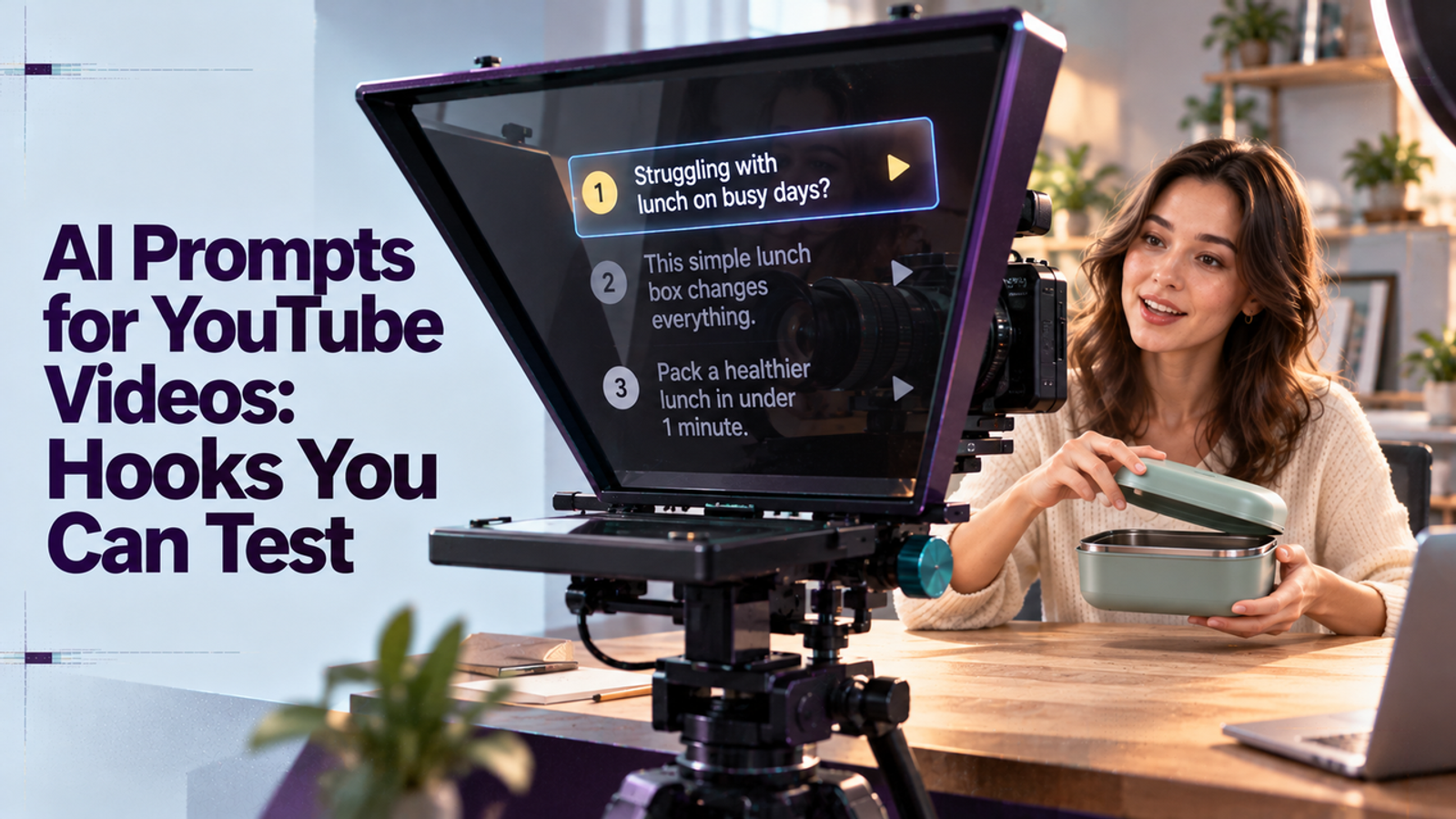
A useful hook makes a promise the video can fulfill on screen. A mysterious line that never shows the product is weak; so is a product shot without a viewer question. YouTube's Shorts storytelling discussion emphasizes the opening moment and a compact story, without promising reach. I would write the first visible action before the voiceover: what works with the sound off?
Here, “viral” is an ambition, not a model instruction. Ask for a problem, motion, or answer that earns the next second, then require the following shot to pay it off. “Make it shocking” invites exaggeration.
Build a Brief for One Viewer and One Product
Use an illustrative fold-flat phone stand. Its only allowed claim is “folds flat for storage,” subject to verification against the real SKU and authorized imagery. The viewer needs to put a stand away after a desk call. Show it opening and folding flat; do not add posture, compatibility, durability, or stability claims without evidence.
Define the Claim, Proof, and Next Action
Prove folding with a clear shot of the actual hinge and the stand lying flat. The next action is to watch that change, rather than accept narration. Record the product name, color, logo, and hinge design in the asset note. If a founder speaks, use approved words and permission; an AI character must not impersonate them. The FTC's consumer-testimonial guidance also warns against invented customer experience.
Write Three Hook Prompts for a YouTube Short
These YouTube Shorts AI prompts plan openings. Attach the same authorized assets and verified specification to each request. Keep the proof shot constant; change the opening. Example lines still need approval.
A Problem-First Hook
Name the storage problem, then show the solution without assuming every viewer shares it.
Write the first 3 seconds of a YouTube Short for our authorized fold-flat phone stand. Viewer: someone clearing a desk after a call. Verified claim: "folds flat for storage," per the attached SKU specification. Open with a storage problem, then reveal the stand. Return one line under 10 words, a silent-first visual, and a hinge shot proving the claim. Invent no quote or extra feature. If assets cannot show the hinge accurately, say "film the hinge."
Possible line: “Where does the stand go after the call?” The next shot must show folding.
A Product-Demo Hook
Here the movement is the hook, provided a clean, authorized close-up exists.
Plan the first 3 seconds of a YouTube Short for the same authorized stand and claim, "folds flat for storage." Start with the open stand; show one clear folding motion with the hinge visible and shape unchanged. Return one on-screen line limited to what this proves, then a shot of the folded stand. Invent no ports, parts, logos, or dimensions. Flag motion requiring real footage.
Possible text: “Open. Fold. Put away.” Reject a render that invents another hinge.
A Founder-Answer Hook
Start with a question an authorized founder can answer, without posing as a customer.
Draft the first 3 seconds of a YouTube Short for the same stand. An authorized founder answers: "Why does this stand fold flat?" Use only their approved statement and the verified folding claim. Return one spoken opening, a founder shot or approved text card, then the real folding demonstration. Invent no backstory, identity, or customer experience. Without founder recording and consent, use the card and request an approved answer.
Someone must verify the answer against the founder's actual words.
Turn the Hook into a Reviewable Shot List
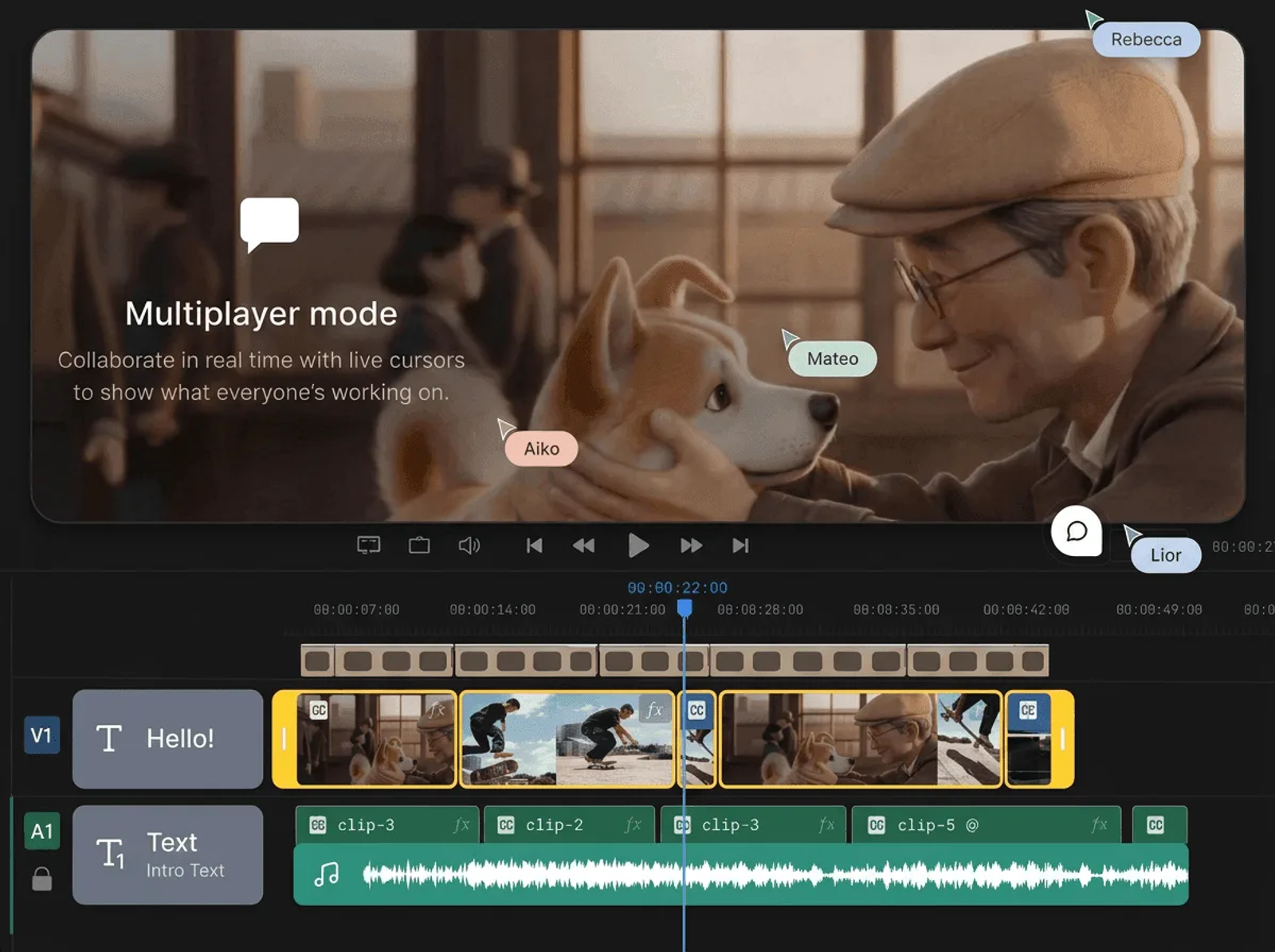
Turn each line into four beats: opening action, product identification, folding proof, and closing product view. For an illustrative 18-second cut, assign 0–3 seconds to the variable hook, 3–6 to naming the stand, 6–13 to a clear hinge demonstration, and 13–18 to the folded profile. Keep the last three beats fixed across versions. Note each asset source, spoken line, on-screen text, and rejection condition. Use a real clip if generated motion changes the hinge. A draft earns a review, not a green light.
I want to see what survives a second look: pause on the first frame, inspect the hinge, and read labels at phone size. Replace altered product shots; voiceover cannot repair false physical detail.
Compare Hooks Without Claiming Virality
Compare approved Shorts of the same format over similar observation windows. Keep product, proof shot, length, captions, and title approach consistent. Organic uploads do not reach identical audiences, so differences are clues, not causal proof. YouTube's Shorts analytics guidance defines “shown in feed” and “how many chose to view,” more useful for opening analysis than views alone.
| Version | Opening changed | Shown in feed | Chose to view | Engaged views / average duration | Review note |
| A | Problem-first | Record | Record | Record | Did the problem lead to the folding proof? |
| B | Demo-first | Record | Record | Record | Was the hinge legible immediately? |
| C | Founder-answer | Record | Record | Record | Did the answer stay factual and authorized? |
Leave fields blank until publication. Read comments for feature confusion as well as interest.
Where AI-Generated Shots Need Human Review
Review hands, hinge, color, logo, captions, music rights, and people. A prompt does not prove product fidelity. YouTube's GenAI disclosure guidance distinguishes script assistance from realistic synthetic or meaningfully altered content requiring disclosure. Check the finished export; disclosure does not clear likeness or music rights.
Conclusion
A worthwhile YouTube hook prompt makes one promise that the next shot can verify. Keep the product and claim fixed, vary the opening, and log what viewers chose to watch alongside what reviewers could approve. Rights and policy information here is general, not legal advice; recheck current YouTube rules and asset permissions before publication.
FAQ
- Can a brand use the same AI clip in a YouTube Short and a paid ad?
- Possibly, if the brand has rights for both uses and the file meets the ad requirements. Organic upload permission does not automatically clear music, faces, or stock assets for paid use. Google's Shorts ad asset guidance sets format and upload requirements; ad approval remains a separate check.
- Does YouTube require disclosure for a realistic synthetic presenter?
- Yes, when the presenter or scene meets YouTube's current realistic GenAI disclosure criteria. A script drafted with AI alone is a different case. Assess the finished video in YouTube Studio, especially if it makes a real person appear to say something they did not say.
- Can a viewer comment become the starting point for a brand video?
- Yes, a question can inspire a factual answer. YouTube also permits Shorts replies to comments on a channel, but turning a named comment into promotional copy or an endorsement raises separate permission and context issues. Paraphrase the question or obtain permission before featuring the person's words or identity.
- May an AI-generated thumbnail use a customer's face?
- Only with appropriate permission for that likeness and the intended use. Possessing the customer's photo or receiving permission to post a review does not automatically authorize a synthetic thumbnail. Keep the consent record, avoid making them appear to endorse words they never said, and check YouTube's current privacy rules.
- How should prompts change when a product has regulated claims?
- Replace open-ended benefit language with approved wording and a source for every claim. Ask the model to flag, rather than improvise, health, financial, safety, or performance statements and before-and-after scenes. A qualified reviewer should approve the script and visuals before production.