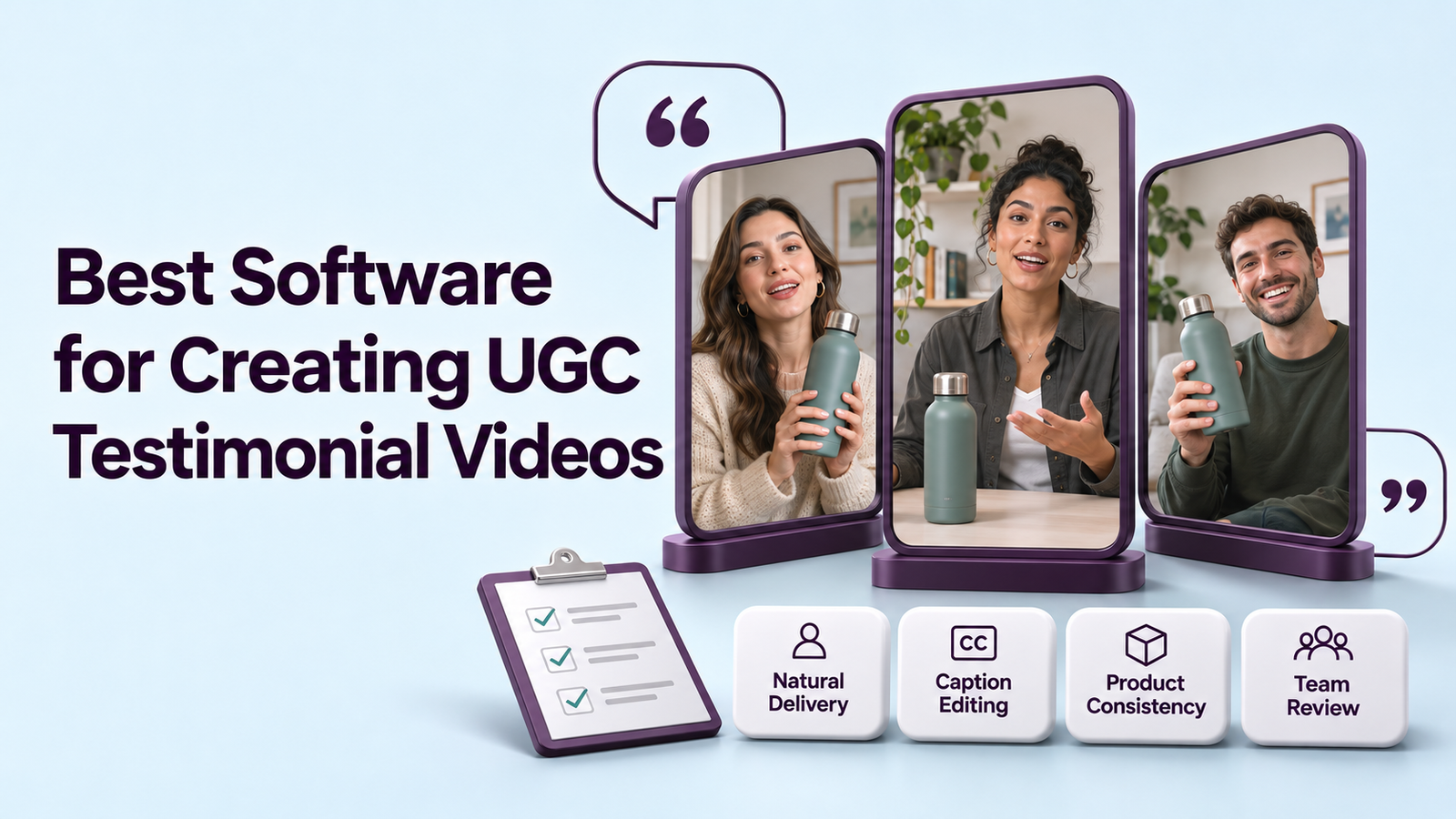
The best software for creating UGC testimonial videos depends on what you need to produce: a customer recording, a video made by a paid creator, or a presenter reading an approved customer quote. Those jobs require different tools—and different checks before publication.
I’m Vela, and I would start with the material you already have. If customers have agreed to record, make that easy for them. If you have recordings waiting for an editor, another collection form will not solve the delay. If you need a presenter, keep their role separate from the customer whose experience supports the message.
The shortlist draws on official product and plan pages checked on November 10, 2026. It compares how tools collect, edit, and deliver videos, plus their limits and rights. These are documented features, not results from hands-on tests. Ask vendors about any storage or contract terms they do not publish.
Define What Counts as a Testimonial Video
A testimonial video shares someone’s view or experience of a product, service, or business. The brand needs to check what happened and whether the final edit tells that story truthfully.

Separate Real Customer Capture From Synthetic UGC Style
A customer can record on their own or be paid. A hired creator can also describe real use. Viewers need to know about relevant payments or gifts, but payment does not make the story false.
AI can trim a real recording or add captions. Creating a person who appears to have used the product is a different job. The FTC’s reviews and testimonials guidance explains that actors can still mislead viewers, even when the source quote is real. A customer’s approval alone does not resolve that risk.
Match the Evidence Model to the Campaign Risk
Every campaign needs truthful claims. Claims about health, money, safety, or performance may need stronger proof and expert review. A sincere customer story does not prove that other buyers will get the same result.
In a case study, keep the customer’s account and the limits they describe. If a presenter reads their quote, name its source and make the presenter’s role clear. Do not give the presenter a personal experience they never had.
Compare the Main Software Categories
Customer Capture Platforms
These tools collect recordings from people you invite. The main differences appear after submission: how much editing happens, what can be published, and what can leave the platform.
Vocal Video: Collection Through Branded Production
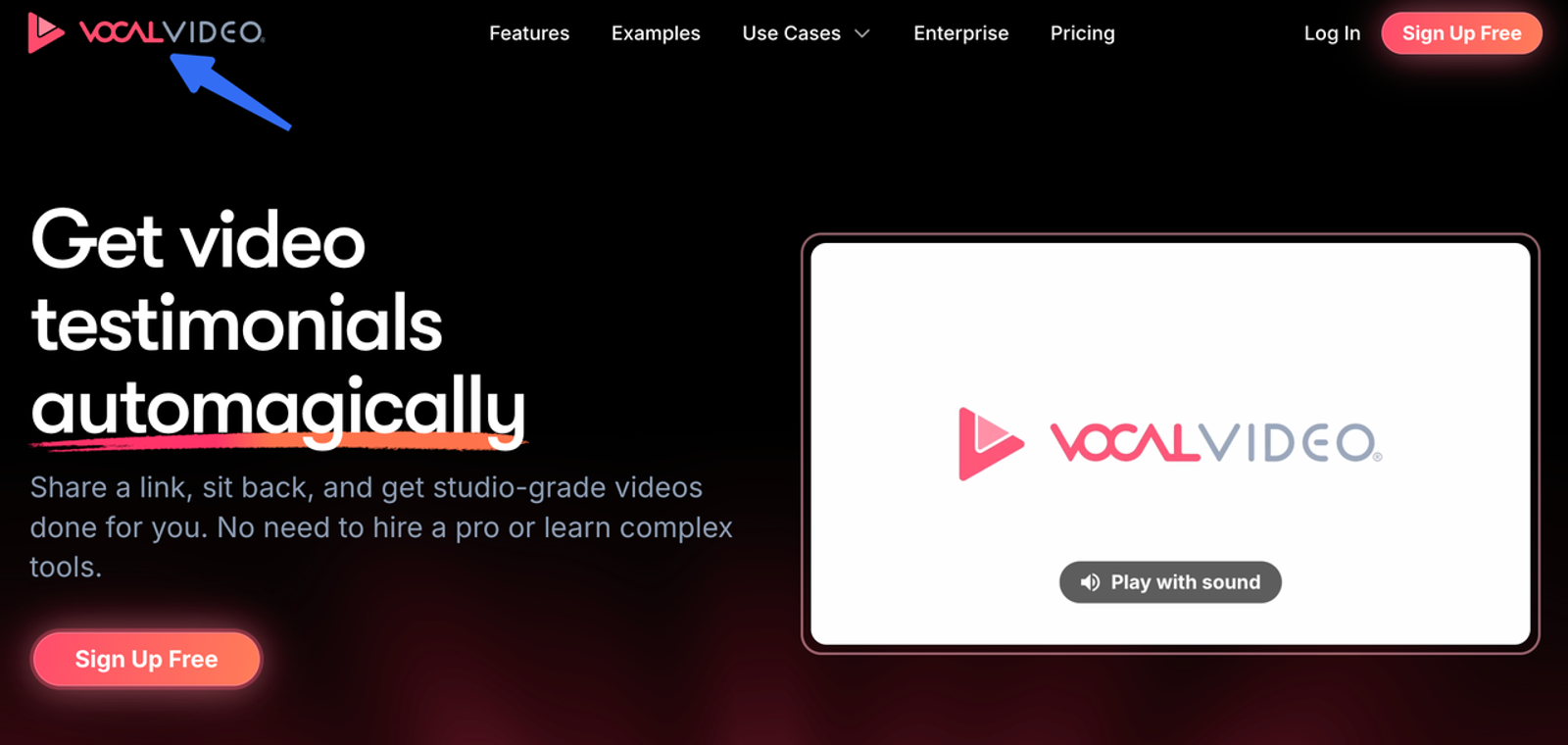
Vocal Video fits teams that want customer submissions turned into branded videos. Its published plans combine collection, automated production, hosting, and galleries. That makes it relevant when the bottleneck is processing recordings rather than finding participants.
The free plan shows why delivery matters: it allows five published videos, but they are watermarked, 720p, and cannot be downloaded. Paid-plan downloads, processing allowances, and custom release features need separate checks in the Vocal Video plan comparison.
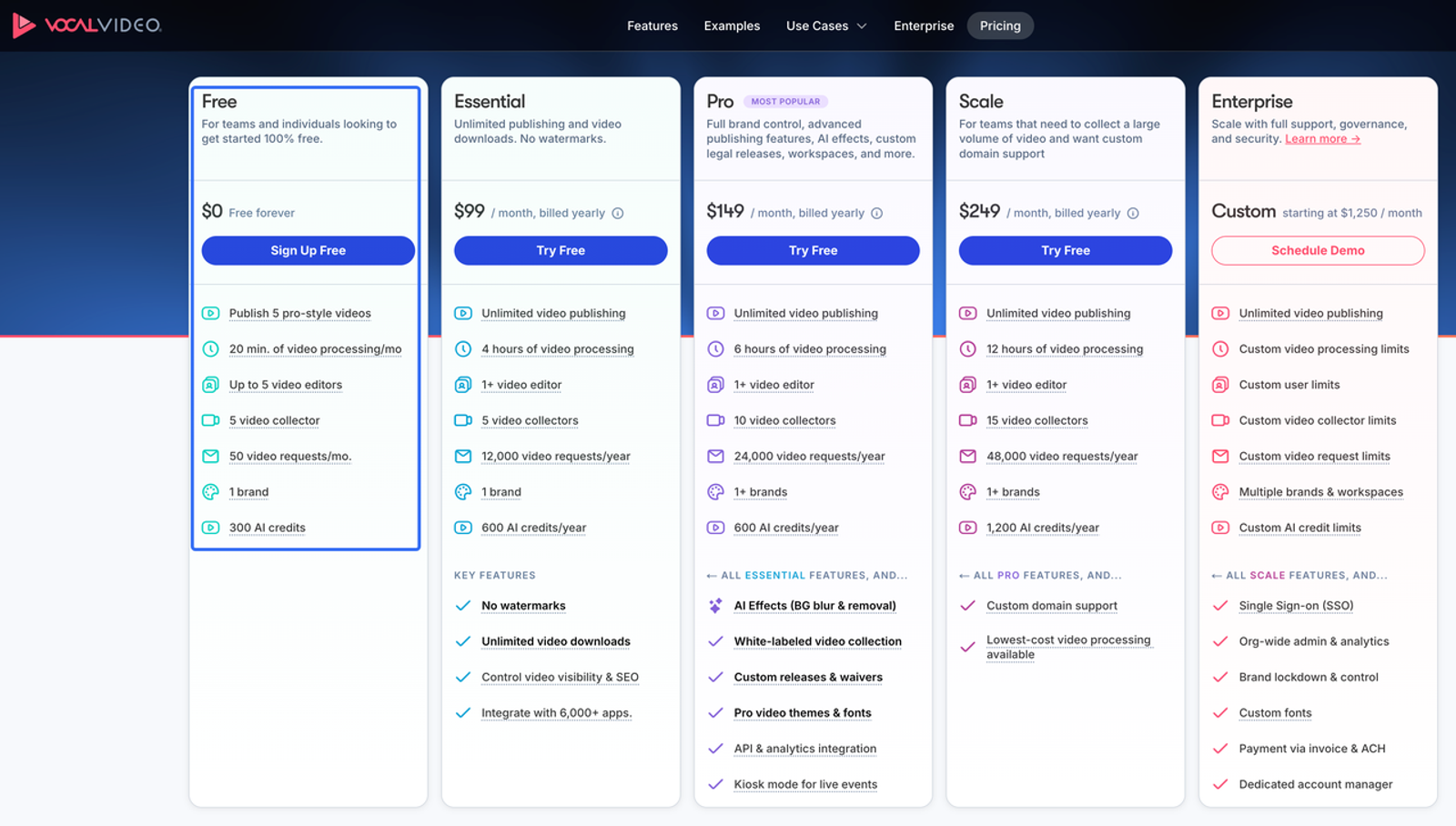
I would consider it for a regular customer-story program. For a paid-ad handoff, confirm the download entitlement before treating a free-plan video as a usable deliverable.
VideoAsk: Conversational Collection and Follow-Up
VideoAsk is worth considering when one response should lead to another question. Its video forms and messaging support a conversational collection route, rather than only a single upload request.
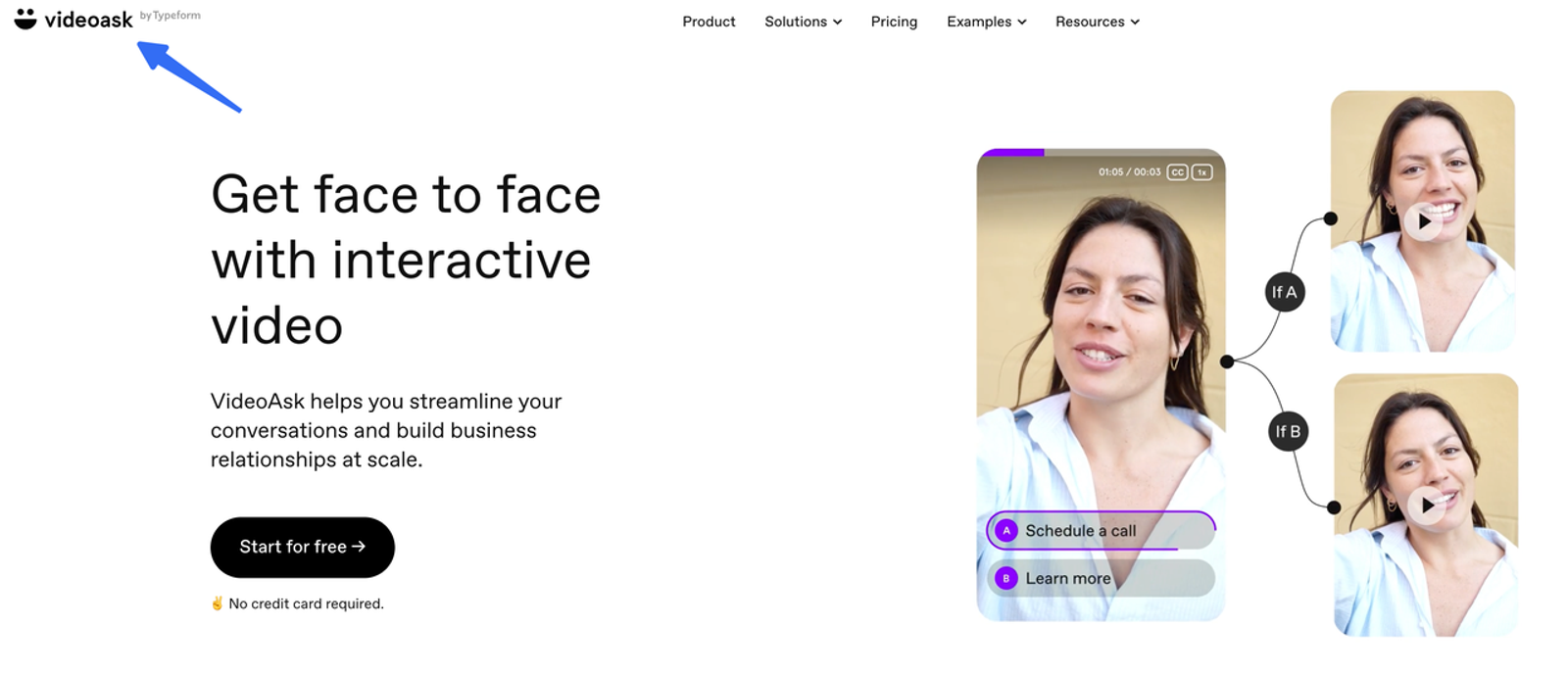
Its processing rules count video and audio created by both your team and respondents. Questions, answers, and follow-up exchanges can consume the allowance; unlimited playback is a different entitlement.
That distinction matters if you expect detailed interviews. Budget the whole conversation, then confirm how responses become a finished testimonial. I would favor this route for follow-up depth, not assume it replaces a dedicated editing workflow.
Boast: Structured Requests and Response Management
Boast is a candidate when collecting consistently is the main problem. It documents video, photo, and text forms, guided prompts, request reminders, captions, and website widgets.
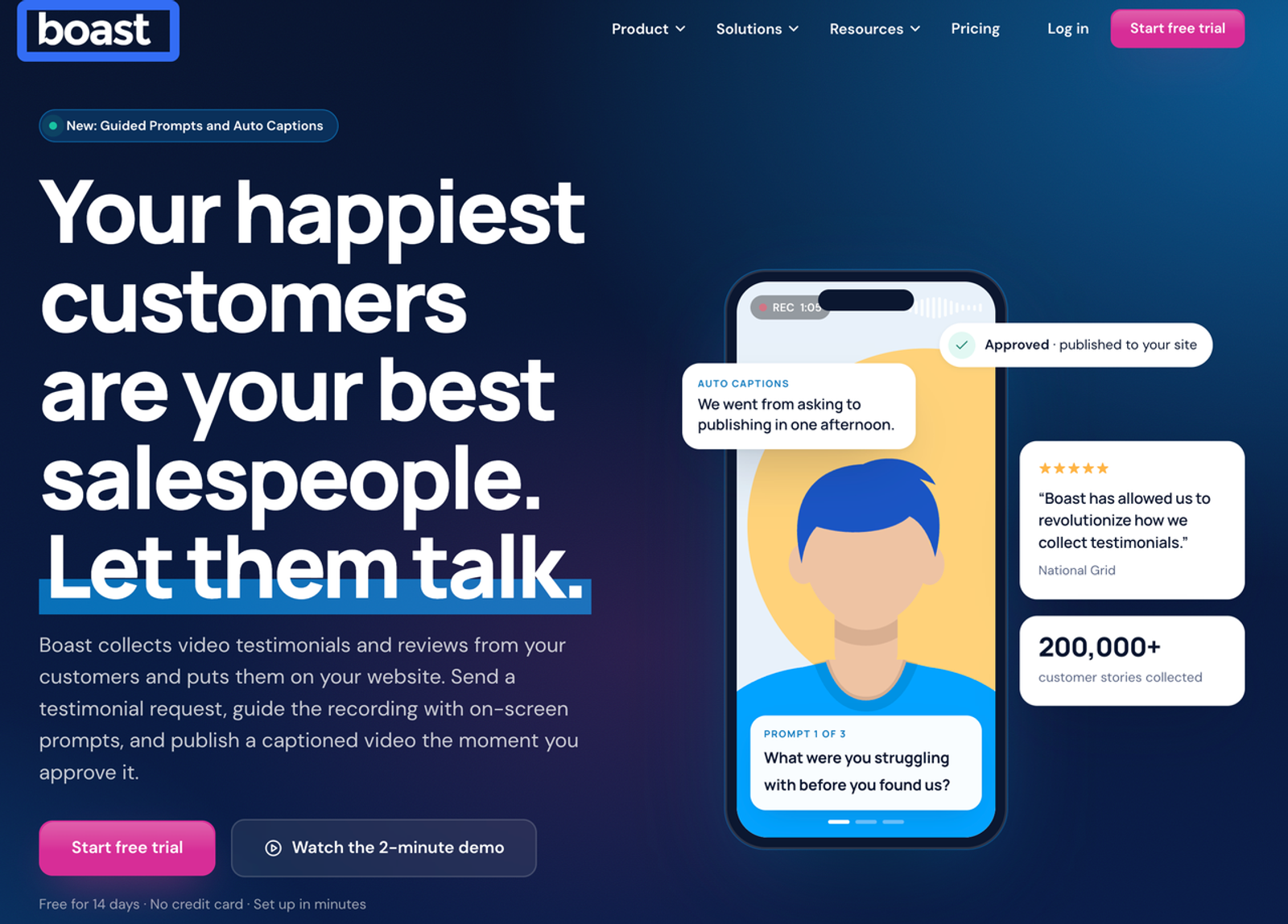
Its published plans use response allowances. The Basic offer shown at $50 per month is billed annually and includes 600 responses per year. Compare that annual allowance with your collection schedule rather than assuming a flat monthly capacity.
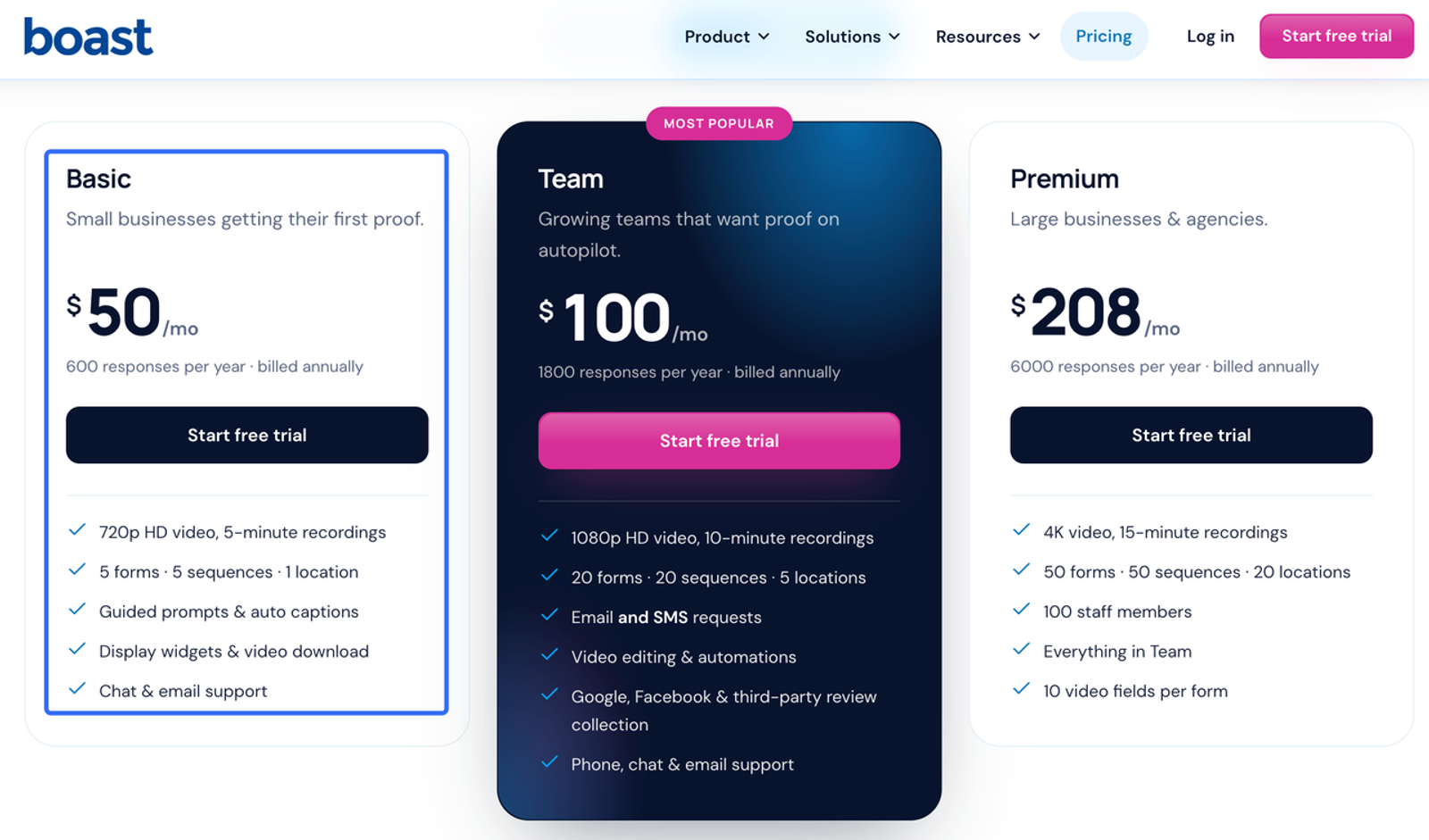
For a team repeatedly chasing submissions, reminders and organized responses may matter more than elaborate video effects. Check required review roles, release wording, and downloads against the selected plan before expanding the program.
Creator Marketplace Platforms
Marketplaces commission new content. They are relevant when you need someone to demonstrate a product, but hiring a creator does not establish that they are an existing customer.
Billo: Commissioned Creator Content
Billo connects brands with creators producing agreed deliverables. Its brand terms describe a marketplace relationship, so the order and applicable terms matter alongside the brief.
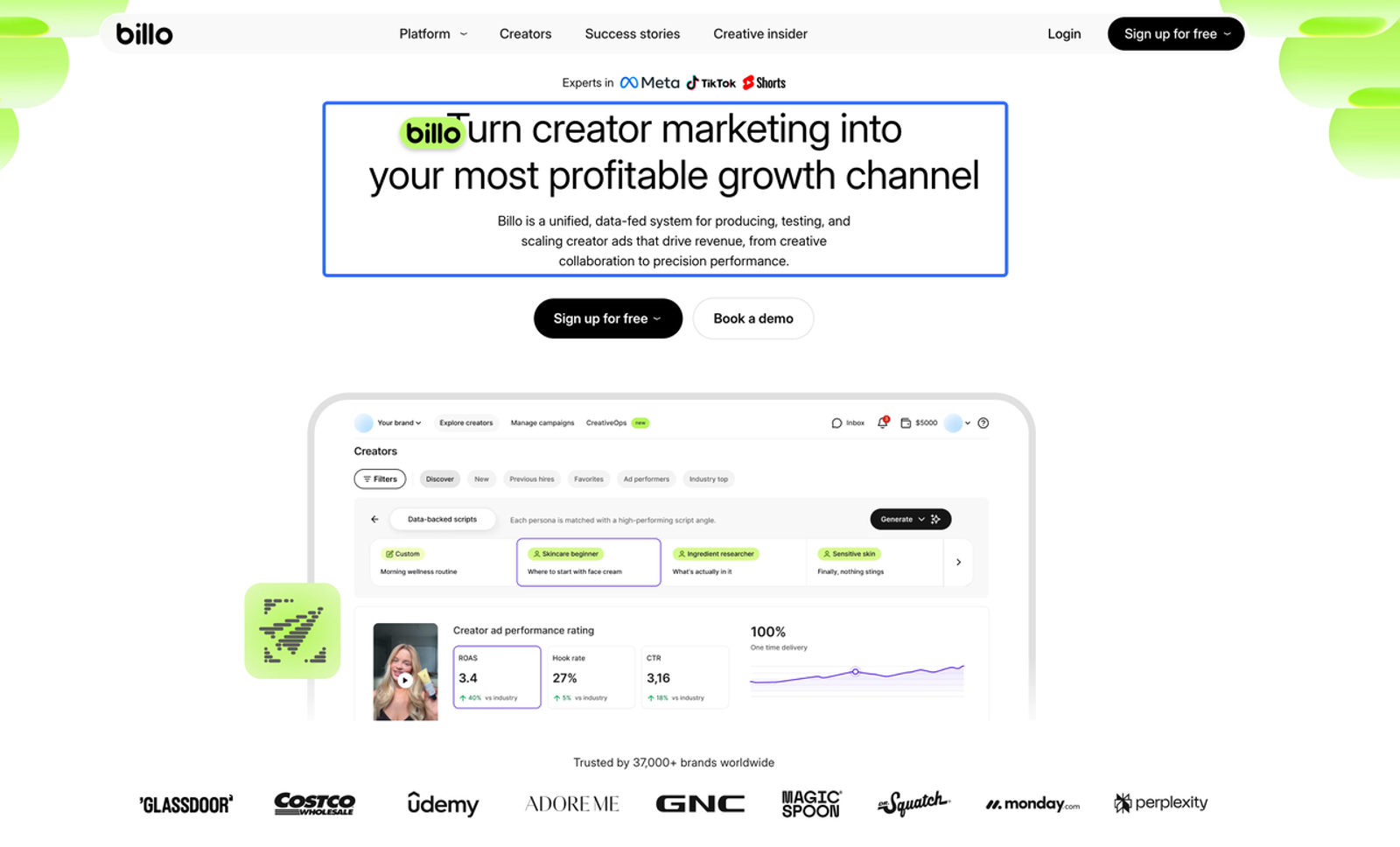
Define whether the creator is demonstrating features or describing genuine experience. A script should not instruct someone to invent ownership, use, or results. Commercial relationships also need appropriate disclosure.
Raw footage deserves an explicit check. Billo’s task guidelines describe final-video delivery and prohibit raw-clip requests in that workflow. Confirm the current service scope rather than assuming you can request every source file afterward. Billo fits commissioned production better than collecting stories from your own customer list.
AI-Generated Testimonial Workflows
AI can assist real footage or generate a presenter. These uses should remain distinct in the brief, approval record, and finished video.
HeyGen: Presenter-Led Versions of Approved Material
HeyGen provides avatar, voice, and localization capabilities. It is relevant when a brand presenter needs to explain a documented case or introduce an attributed customer quote. It does not supply the customer’s experience.
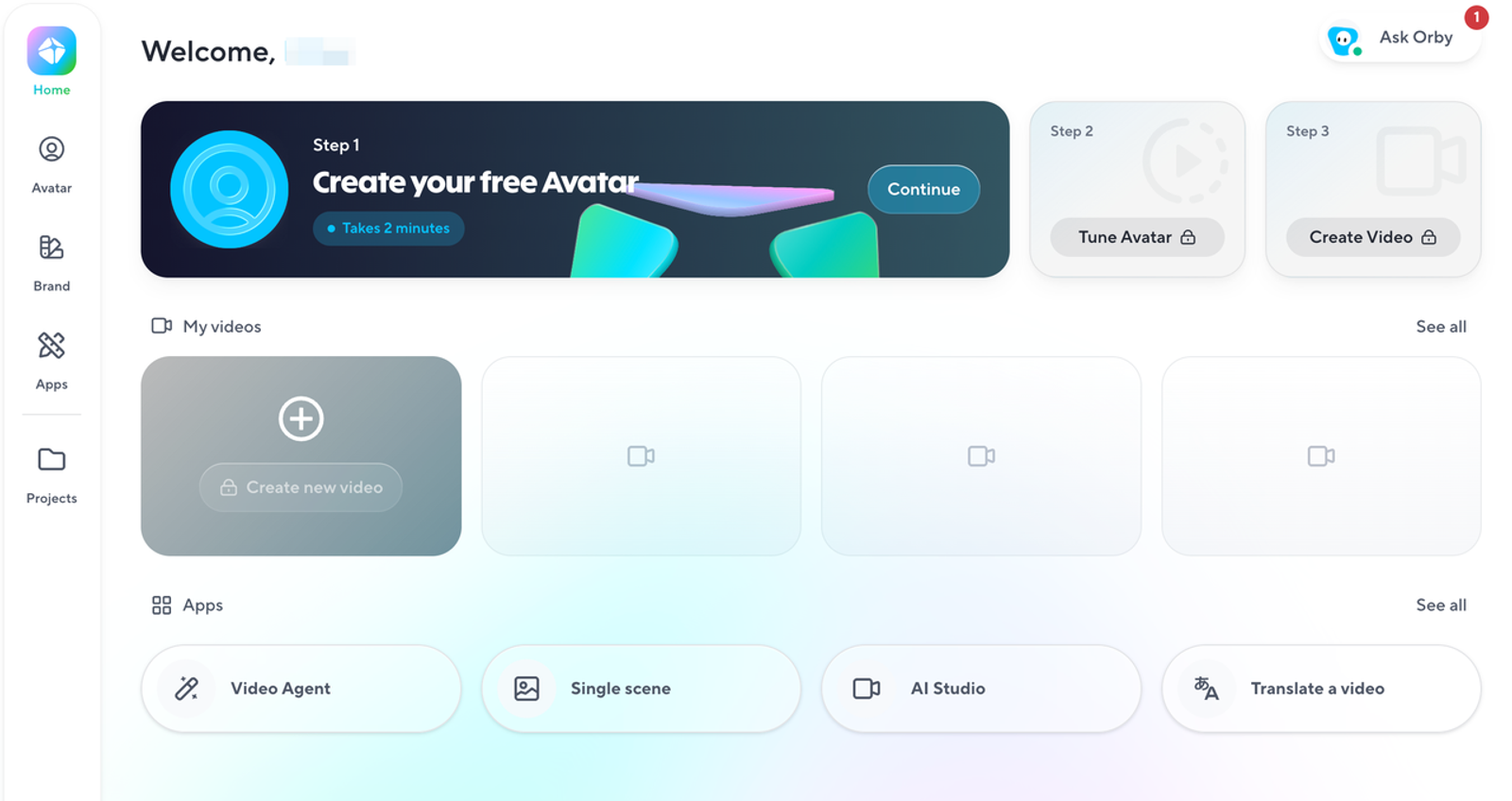
Its pricing page separates generation allowances and export features by plan. The Free Plan terms also restrict output to personal, non-commercial, and internal evaluation uses, excluding advertising and client work.
I would use the trial to assess delivery and pronunciation. For publication, verify the applicable rights and review the whole scene: an accurate quote can still become misleading if the avatar appears to be its original speaker.
Shortlist Tools by Team and Campaign Need
Small Teams Building Social Proof Libraries
Start with customer collection and your publishing destination. Vocal Video is relevant when finished videos are needed; Boast when requests and response management dominate; VideoAsk when follow-up questions matter. Test the submission experience with the people who will receive it.
E-Commerce Teams Producing Paid Creative
Consider Billo when you need commissioned product footage. Keep authentic customer material separately identifiable. An AI presenter can explain product facts, but cannot fill a missing customer-evidence file. Budget creator deliverables and software separately.
Enterprise Teams Managing Rights at Scale
Require a traceable approval process before expanding volume. For each asset, retain the release version, permitted uses, source recording, edited versions, and decision owner. Confirm vendor retention, deletion, access, and export terms in writing rather than inferring them from an enterprise badge.
Use a Decision Matrix Before Buying
| Your main need | Starting point | Deciding check |
| Customer recordings turned into finished videos | Vocal Video | Processing, download, and release entitlements |
| Interview-style responses and follow-up | VideoAsk | Total conversation minutes and editing handoff |
| Repeatable requests and organized submissions | Boast | Response allowance and required review controls |
| Commissioned product footage | Billo | Ordered deliverables, creator experience, usage scope |
| Presenter-led versions of approved facts | HeyGen | Plan rights, attribution, and identity presentation |
For a practical comparison, follow one asset from collection to publication. A hypothetical record might link recording T01 to its release, edited clip, translated script, final export, and approved channels. Check which links the software maintains and which require your own register.
Compare the cost of completing that workflow, including outside editing and rights—not just the subscription headline.
FAQ
- How often should customer consent be renewed for reuse?
- There is no universal renewal interval. Check license expiry and whether new channels, markets, edits, or processing purposes exceed the existing permission. A scheduled permissions review is an internal control, not automatic renewal or a substitute for fresh permission when needed.
- Can negative testimonials strengthen a credible content library?
- Mixed feedback can explain limitations buyers need to understand; it does not guarantee greater trust. Preserve its meaning. Also distinguish curated marketing stories from a review area that appears to represent submitted feedback generally.
- What extra safeguards apply when a participant is underage?
- Check age, jurisdiction, privacy, contractual capacity, guardian authority, and advertising restrictions. COPPA concerns covered online services and children’s data, not every minor appearing on camera. Use the FTC’s COPPA guidance to assess applicability, with qualified advice where needed.
- Who approves translated testimonials before another market publishes?
- A bilingual reviewer should check the source meaning; the market owner checks context and required disclosures. Obtain further contributor approval when the agreement or material changes require it. Escalate sensitive claims to the appropriate reviewer.
- How long should raw customer recordings be retained?
- Set a documented period based on purpose, permissions, legal obligations, and necessity. Address vendors, backups, and downstream copies. Remove material when no valid reason for retention remains, subject to applicable preservation duties.