The short answer
Test Seedance when the shot depends on several approved references or later changes to a specific moment; test Veo when you need a short, clearly bounded product shot within a Google Cloud workflow. Choose between their outputs only after checking the same product image, sound requirement, and editing handoff.
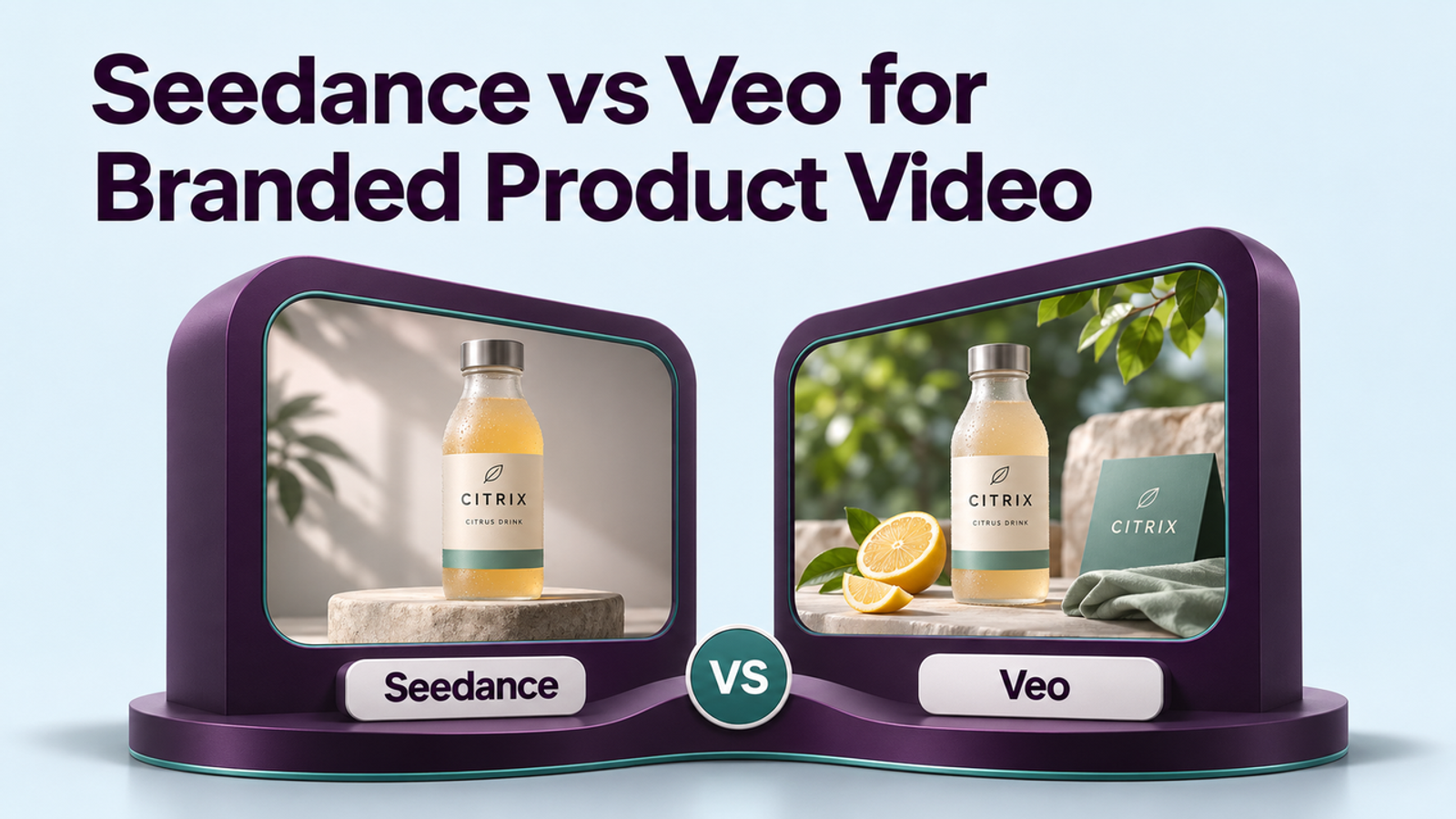
This article compares Seedance 2.5 with Google Cloud’s generally available Veo 3.1 veo-3.1-generate-001, using official documentation checked on November 6, 2026.
What Product Video Decision Does This Comparison Answer?
The Same Brand Brief and Approved Assets
The brief is an eight-second vertical opening shot for a bottled drink. The brand has approved a front-facing product photograph, its label artwork, and a neutral background. The bottle stays still while the camera slowly pushes in. An editor will add the headline later, so the upper part of the frame must remain clear. The brief calls for no dialogue and makes no product-performance claim.
That modest shot is enough to expose the production decision. The team needs a bottle that remains the same SKU throughout the move, a sound track it can approve or remove, and footage that fits a final ad without rebuilding the product. A spectacular transition is irrelevant if the label changes or the editor cannot place the approved headline.
Use the product photograph as the initial image in both routes. Give each the same motion instruction and an equal, limited number of attempts. Record any setting that cannot be matched rather than hiding the difference. Test extra references in a second round, after the one-image comparison has shown whether they are needed.
How Does Each Model Use Product References?
Image Inputs and Prompt Boundaries
Both models can animate a starting image; Seedance 2.5 documents a wider range of reference and editing inputs. ByteDance’s Seedance 2.5 launch notes describe image, video, and audio references as well as targeted editing. Google Cloud documents an initial image, an optional final frame, and asset-image references for the selected Veo 3.1 model. These are available ways to direct generation, not measures of how faithfully either model will reproduce a bottle.
For the first attempt, keep the prompt narrow: one continuous camera push, a stationary bottle, no rotation or hands, and clear space for the headline. The approved photograph already describes the bottle’s appearance. A long list of lighting adjectives adds little if the central question is whether the product stays intact.
Give an additional reference a specific purpose. An approved side photograph could help if the camera must reveal that side; a final frame could define where the move should land. Neither should be introduced merely because the interface accepts it. Once extra assets enter the test, note what each supplied and which earlier defect it was meant to address.
The source crop matters as well. BytePlus’s Seedance 2.5 ModelArk guide says first-frame generation follows the aspect ratio of that frame. Prepare the bottle photograph in the intended portrait composition before sending it. Veo supports 9:16 output on the selected Cloud route, but that setting does not guarantee the bottle and headline will fit together.
Product Identity Across a Short Scene
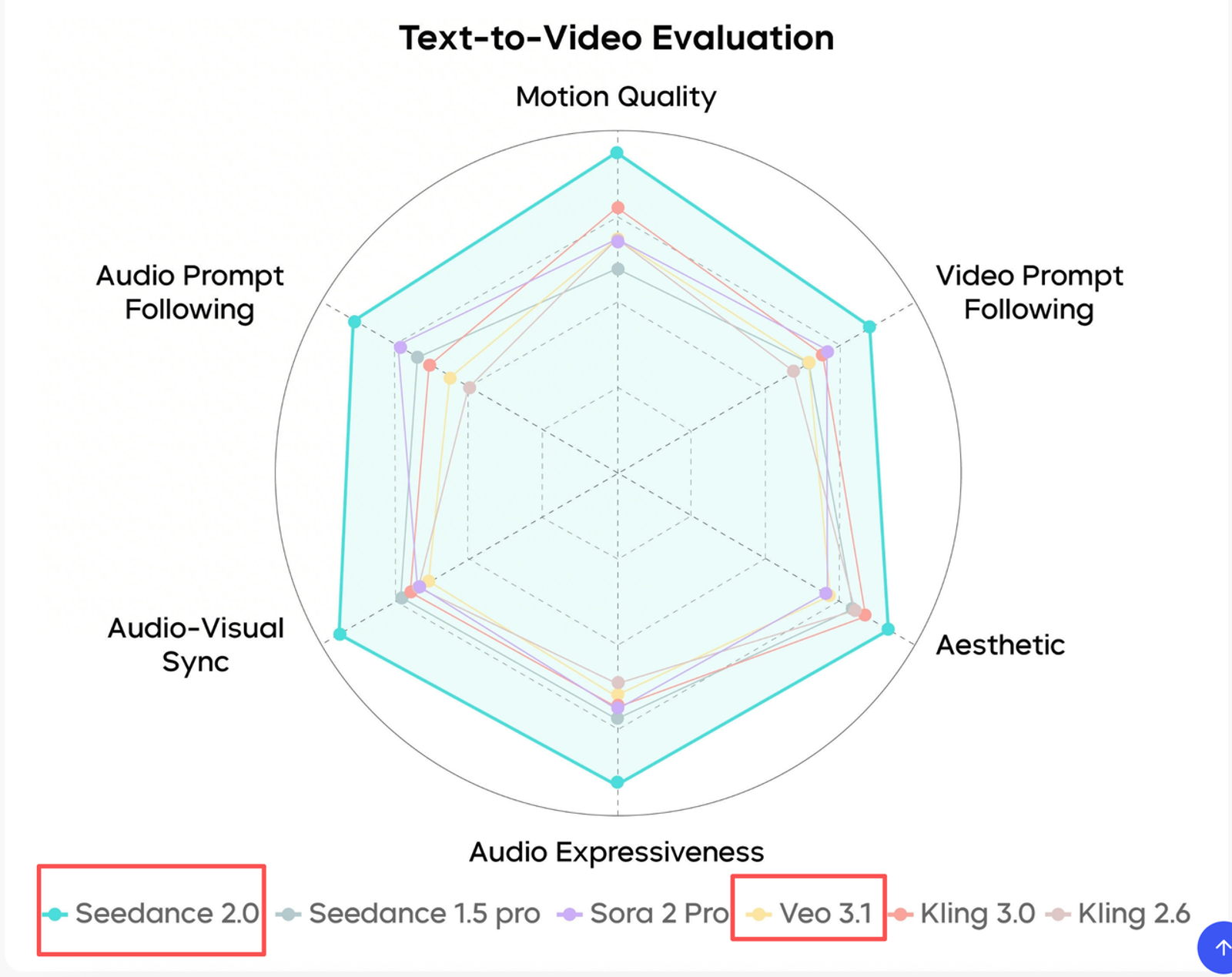
Judge product identity across the whole clip, not from its opening thumbnail. Compare the generated bottle with the approved photograph at the start, at the closest point of the push, and at the end. Scrub the frames between those points for a cap that narrows, a color band that shifts, or letters that change while the camera moves.
I would check the label before the lighting. A grade can be adjusted in the edit; invented packaging can turn an attractive shot into the wrong product. Decide before generating which details must pass exactly and which background imperfections an editor can repair. If small text does not need to be readable, compose the shot so it does not appear to make a claim, then add approved copy later.
Extra references earn their place only if they solve a recorded problem. “The cap changed during the push; an approved three-quarter image helped define its shape” would be useful evidence from a future test. Without that test, the responsible conclusion is simply that both routes offer controls worth trying.
When Does Audio Change the Choice?
Voice, Sound, and Silent-Ad Requirements
Audio becomes decisive when the sound itself must survive brand approval. Seedance 2.5 is described as a joint audio-video model with audio-reference capabilities. Google Cloud lists sound generation for Veo 3.1. Either could be relevant to a shot where an opening cap, a pour, or a spoken line needs to align with the picture. For this bottle brief, sound is secondary: the campaign may run silent, and no voice or effect has been approved.
Review the first visual takes muted. Otherwise, a pleasing soundtrack can make an inaccurate bottle feel more convincing. Then check the sound separately. Does the chosen route let the team generate a silent file, or will the editor remove an audio track? Does any generated effect improve the cut enough to justify its review and clearance? Record that work alongside the visual result.
A model’s ability to create sound is not a reason to keep it. A licensed effect added in editing may be easier to revise when the campaign changes. Generated audio deserves a place in the final cut only when it fits the brief and the team can clear its use.
Reviewing Sound Against Visual Claims
Sound needs claim review when it changes what the viewer understands about the product. A pouring effect under a sealed bottle can suggest a use that the picture does not show. A generated voice may introduce an ingredient, price, or benefit absent from the approved script. Listen to the track without watching the clip, then play the two together; each pass can reveal a different mismatch.
For a concept that requires synchronized sound, write the cue into the acceptance rule before generating. For this silent-first brief, keep the selected visual as a clean plate and add approved sound in the edit. That makes a later music or language change less likely to send the entire product shot back through generation.
How Much Work Remains After Generation?
Continuity, Editing, and Approval
A passing generation still needs to become an ad. The editor must select the usable seconds, place the headline, settle the sound, check the phone-size crop, and export for the intended placement. Look for a stable opening and ending that make those edits possible. A camera move that never leaves room for copy can cost more to finish than a quieter shot.
Keep the selected clip with its source image, prompt, model ID, settings, and reviewer notes. Notes should name the event—“logo changes at 00:05” or “bottle covers headline area”—rather than rate the clip as vaguely “good” or “bad.” The same record tells the editor whether a requested change is a trim, a sound replacement, or a full rerun.
Compare the cost of approved footage, including rejected attempts and hands-on repair. Published prices use different routes and billing units, so a headline price alone will not settle the choice for a particular account. The next edit is part of the cost. If a client asks for a slower landing, the team should know whether it can adjust the selected take or must repeat generation and review.
| Same acceptance standard | Seedance 2.5 | Veo 3.1 on Google Cloud | Decision |
| Starting image | Use the approved bottle as the first frame | Use it as the initial image | Does the shot begin with the right SKU? |
| Additional guidance | Test relevant image, video, or audio references separately | Test supported asset images or a final frame separately | Did the added input fix a named defect? |
| Product identity | Inspect packaging throughout the clip | Apply the same inspection | Reject altered marks or claims. |
| Sound | Check the chosen route’s audio setting and file | Check the chosen route’s audio setting and file | Can the team deliver its approved sound-on or silent cut? |
| Handoff | Count revisions and editing work | Count the same work | Which passing take reaches review with less repair? |
Which Model Fits the Brief?
Choose by Reference Need and Final Deliverable
Start with Seedance 2.5 if approved references or targeted changes are central to the scene; start with Veo 3.1 if a bounded eight-second shot fits the team’s Google Cloud production route. Those are testing priorities based on documented workflows, not predictions of visual quality.
For the simple bottle push, run the one-image test first. If both routes pass the product check, choose by the usable frame range, sound work, and editing handoff. If the label fails in both, change the shot design: keep the package smaller, use approved artwork as a controlled layer, or film the bottle. Repeating the same failed instruction does not give reviewers a better asset.
A second product can reveal whether the chosen workflow travels well. Success with one opaque bottle says little about a reflective jar or flexible pouch. One good output would make me curious, not certain.
When Neither Model Solves Full Ad Assembly
Neither model should be responsible for every exact element in a finished product ad. Fine print, an unseen package surface, or a physical demonstration that must be accurate may need photography, 3D work, or compositing. Generated movement can still provide a background or transition while the product remains under direct control.
Keep offers, prices, languages, and calls to action in the edit. Those elements change often; separating them from the generated shot makes the next campaign revision easier to trace and approve.
Conclusion
Seedance 2.5 is a useful first test when several references or targeted edits define the scene. Google Cloud’s Veo 3.1 is a useful first test for a short, bounded shot in that production environment. The final choice belongs to the take that preserves the approved product, meets the sound brief, and reaches an editable cut with less repair. Keep those checks identical, and let the footage—not an older model comparison—make the decision.
FAQ
- Which current Seedance and Veo versions are available to business users?
- This comparison covers Seedance 2.5 and Google Cloud’s GA Veo 3.1
veo-3.1-generate-001. Availability still depends on the service, region, and account. Record the exact model ID shown in the production route; a Veo Fast run or an older Seedance result answers a different question. - Can both models produce vertical video from an approved product image?
- Yes, through their documented image-based workflows, with different crop controls. Supply Seedance’s first frame in the intended portrait ratio and select a supported 9:16 output for Veo. Inspect the resulting crop with the planned headline in place before calling either file ready for a vertical ad.
- What commercial rights apply to their generated soundtracks?
- The applicable service agreement governs use of the generated soundtrack. Google Cloud’s service-specific terms address generated output; BytePlus has separate terms for its route. The team must also clear any supplied voice or audio reference and check the generated track for recognizable third-party material. Please refer to the latest official documentation before paid use.
- Can a team access both models through an API?
- Both have documented business API routes, subject to account access. Verify the enabled model ID, region, quota, and supported settings for each service before building a shared pipeline. Access to a model in a web interface does not establish that the same account can call it through an API.
- How is uploaded customer product data handled by each provider?
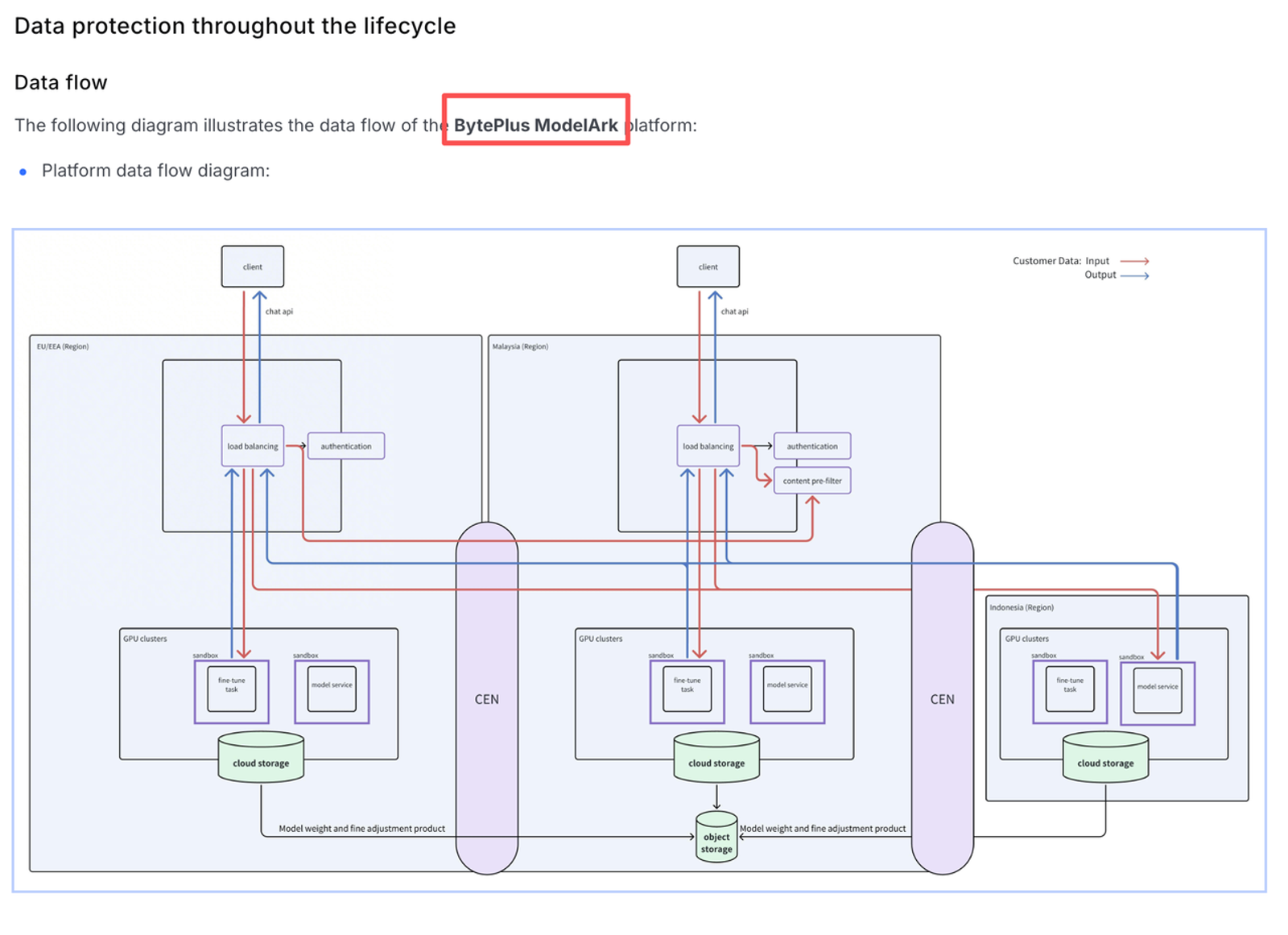
- Data handling depends on the service contract and account controls. BytePlus’s ModelArk data-processing documentation describes its treatment of customer data; Google Cloud’s terms address prompts and generated output. For unreleased packaging, confirm retention, training-use permissions, access, and processing region in the agreement that applies to your account. Please refer to the latest official documentation.