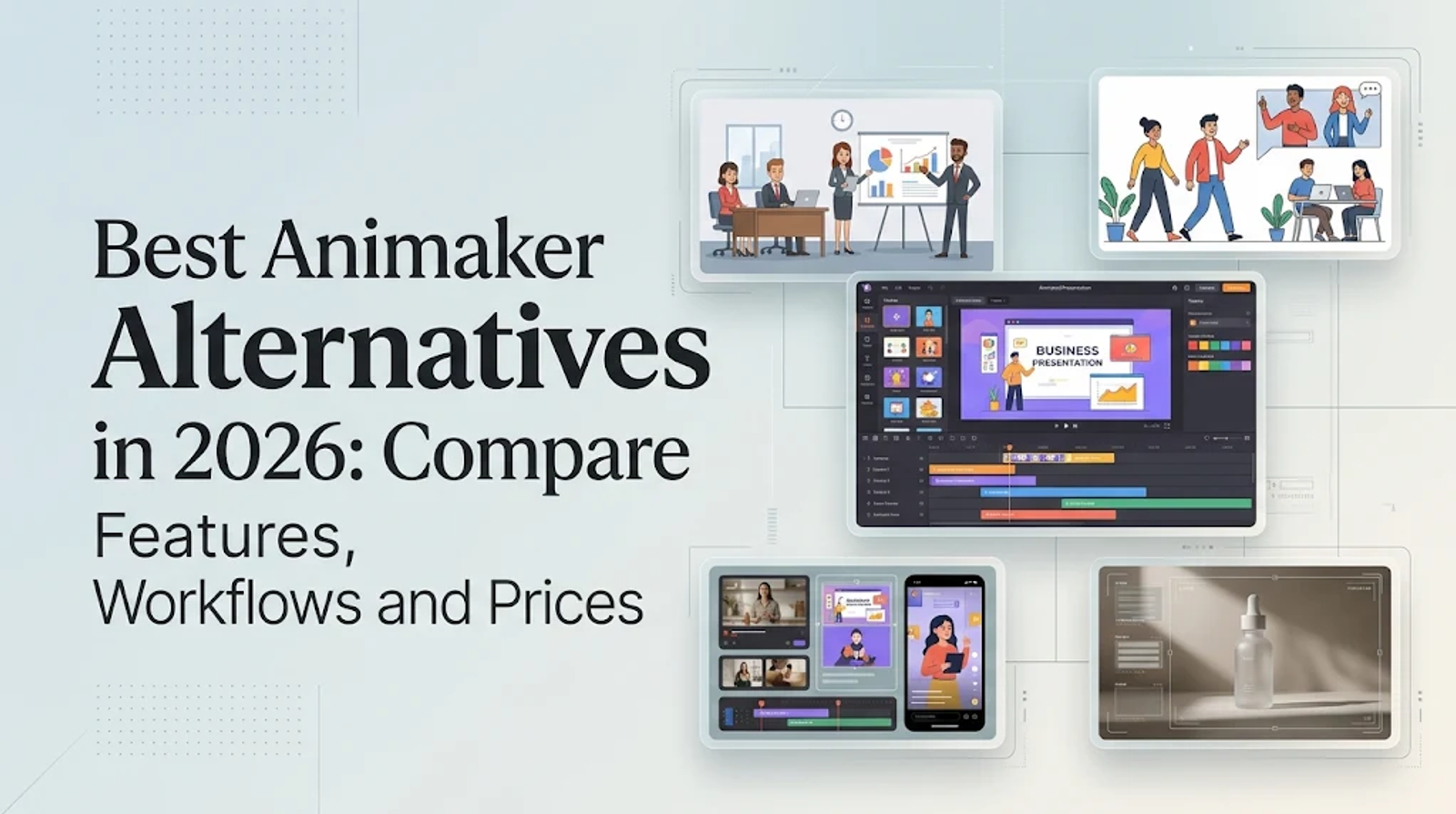
Vyond and Powtoon are the closest Animaker alternatives if your team relies on editable characters, prebuilt templates, and training explainers. Wizstar is the stronger fit when a text prompt, script, product link, or product image needs to become a generated marketing video, while Canva handles the editing and social adaptation layer.
Ultimately, the right choice comes down to how much manual control you need. Editor-based tools let teams revise individual characters and scenes frame by frame, whereas generative tools turn rough ideas or product assets into complete video structures and quick variations. Both approaches are useful, but they solve very different production jobs.
What Animaker sets as the functional baseline
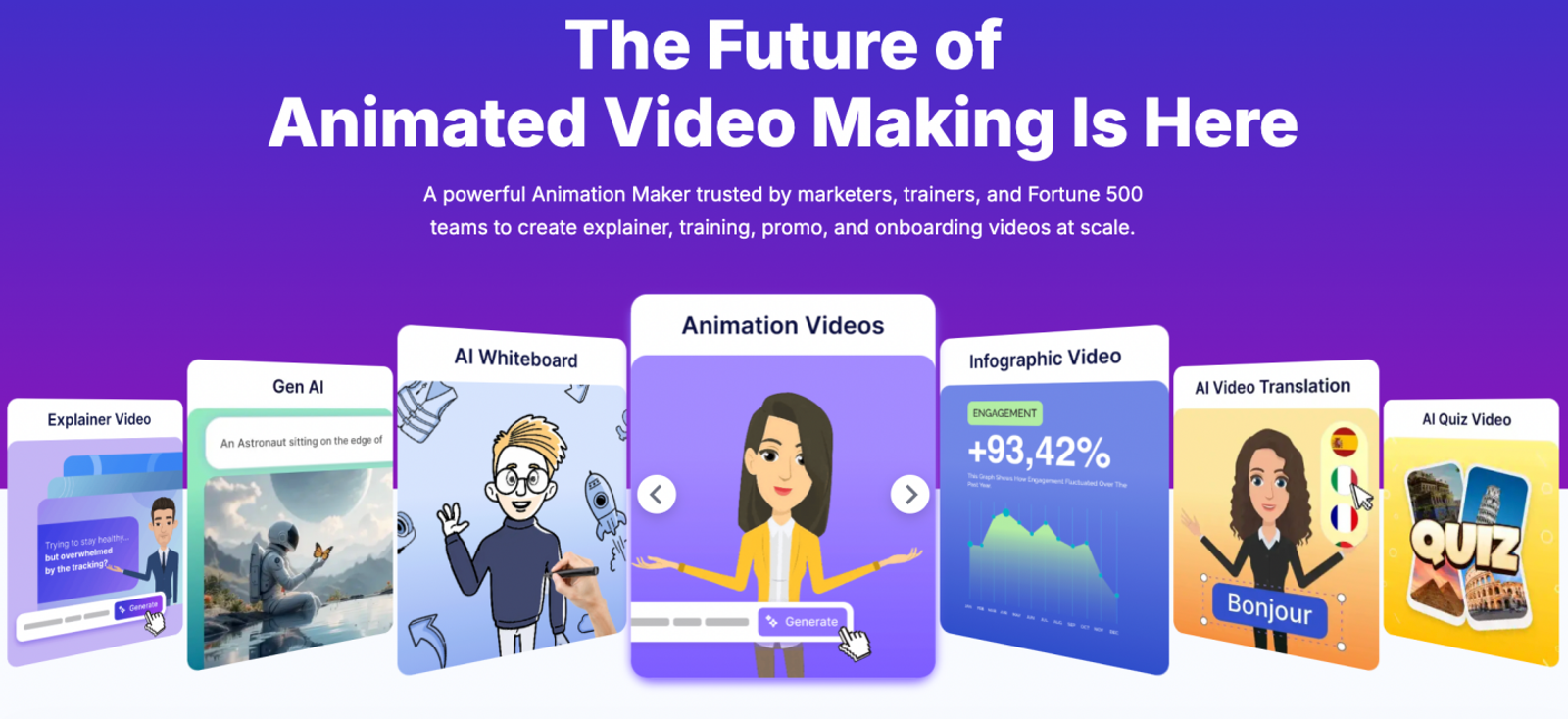
Animaker positions itself for marketers, corporate trainers, and Fortune 500 teams, listing explainer, training, promo, and onboarding videos as its core use cases.
Its workflow combines a custom character builder, video templates, AI subtitles and voiceovers, translation, and scene-by-scene editing. That setup lets teams build a repeatable visual system and update the same project whenever messaging changes.
Because of this, Animaker serves as the baseline for projects built around recurring characters, whiteboard explainers, and granular scene revisions. Any real alternative should be judged by which part of that production job it preserves—or improves upon.
Functional comparison: which platform fits which job?
The table below separates the core production task from the platform name. Direct alternatives preserve an editable animation workflow; editing alternatives focus on adapting existing assets across channels; and generative alternatives start from a brief or product asset to build the video automatically.
| Platform | Core workflow | Strongest use case | Main control model | Practical boundary | Functional verdict |
| Animaker | Character and template animation | Explainers, training, promo, onboarding | Character builder, templates, scene editing | Reference point for editable animation | Best when its workflow already fits |
| Vyond | Business animation and branded video | Enterprise training, HR, sales, internal communication | Templates, AI avatars, brand control | Built for governed business production | Closest enterprise replacement |
| Powtoon | Animated presentations and explainers | Training, presentations, collaborative content | Templates, character builder, AI document/text-to-video | Strongest for presentation-led work | Closest presentation replacement |
| Canva | General video editing and adaptation | Social variants, captions, resizing, existing assets | Multitrack editor, Magic Video, templates | Best used as an editing layer | Best for asset-based adaptation |
| Wizstar | Generative animation and product video | Product campaigns, social ads, brief-to-video work | Creative Agent, E-commerce Agent, prompt and asset inputs | Built around generated storylines and media | Best generative workflow choice |
In practice, choose Vyond or Powtoon when characters and scenes must remain manually editable. Choose Canva when your team already has raw assets and needs fast versions for social channels. Choose Wizstar when your starting input is a creative brief or product asset and you want a generated marketing video.
Vyond: the enterprise animation choice
Vyond emphasizes enterprise security and brand control, templates, and AI avatars tailored for L&D, HR, marketing, and sales—creating a direct overlap with Animaker’s corporate training and explainer audience.
Vyond is the clearest pick when multiple departments need a single, governed animation workflow where brand guardrails and repeatable business scenes matter far more than a quick one-off social edit. However, Powtoon becomes the better comparison when slide presentations and team collaboration drive the brief.
Powtoon: the presentation and training choice
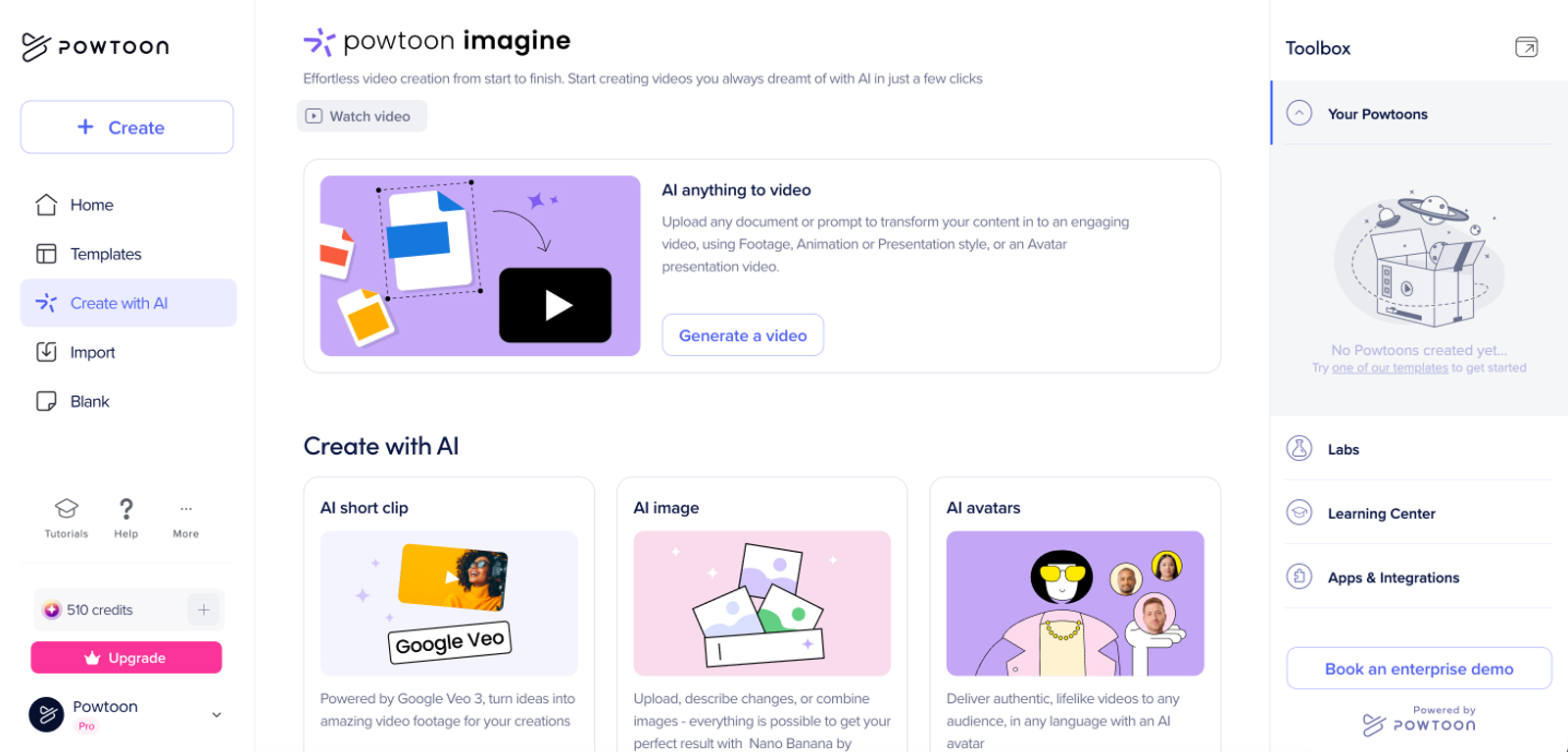
Powtoon offers a unified AI video platform featuring AI document-to-video and text-to-video tools, templates, a character builder, brand controls, and team collaboration. These capabilities support animated scenes that start from an existing deck or document while staying editable throughout production.
Powtoon works best when the same team produces internal training, explainers, and presentation-style videos, bringing character- and template-based production into a familiar presentation-led workflow.
Canva: the editing and social adaptation choice
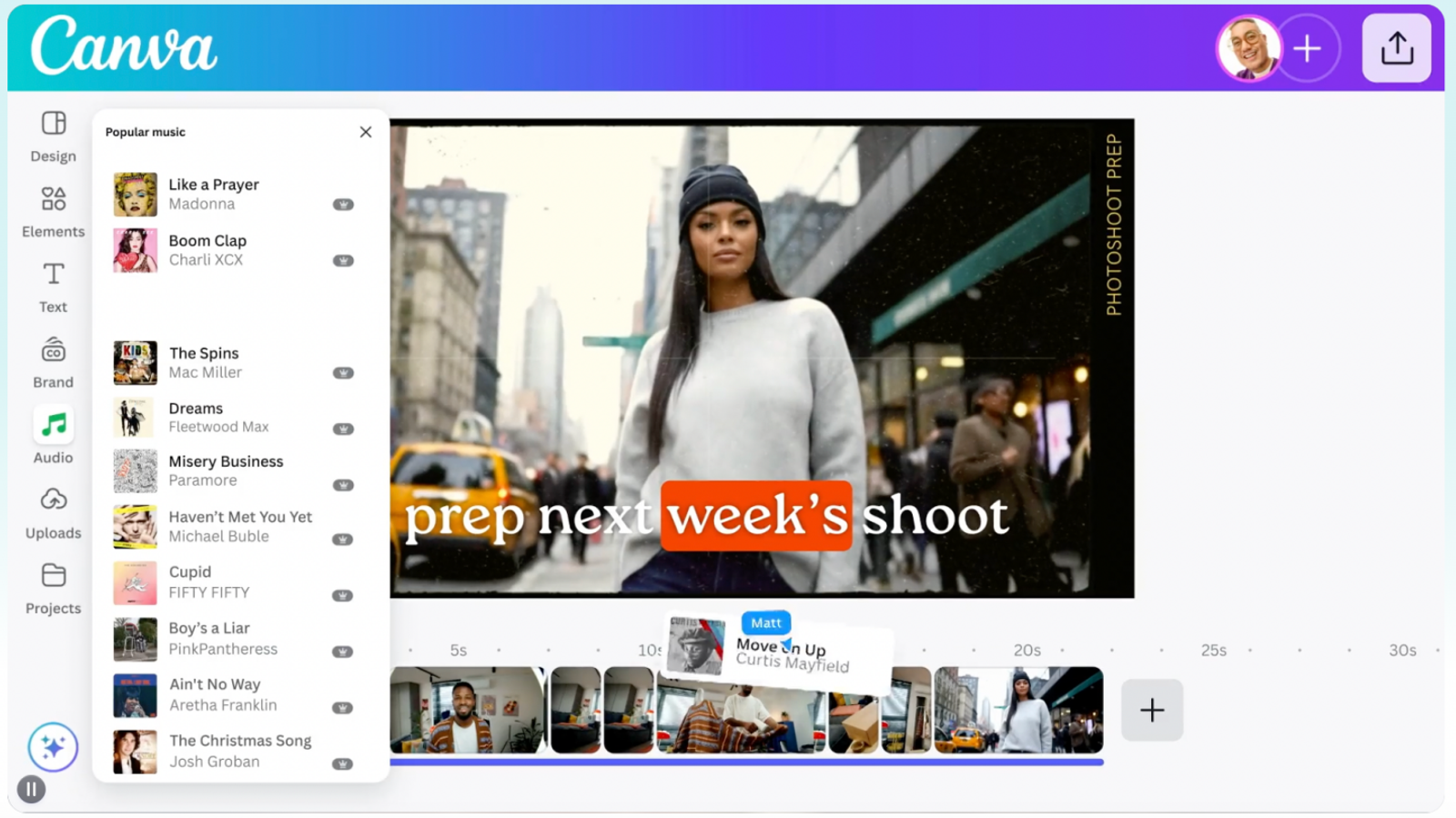
Canva brings together multitrack drag-and-drop editing, Magic Video, auto-captions, background removal, instant resizing, and image-to-video tools. These features let teams turn existing footage and graphics into multiple channel versions without rebuilding a campaign from scratch.
Canva works best as the post-production and adaptation layer on an Animaker alternatives shortlist—use it for social cutdowns, captions, aspect-ratio resizing, and design-led tweaks. When a project depends on a recurring character universe or custom-rigged animation scenes, Animaker, Vyond, or Powtoon remains the better fit.
Wizstar: the generative animation choice
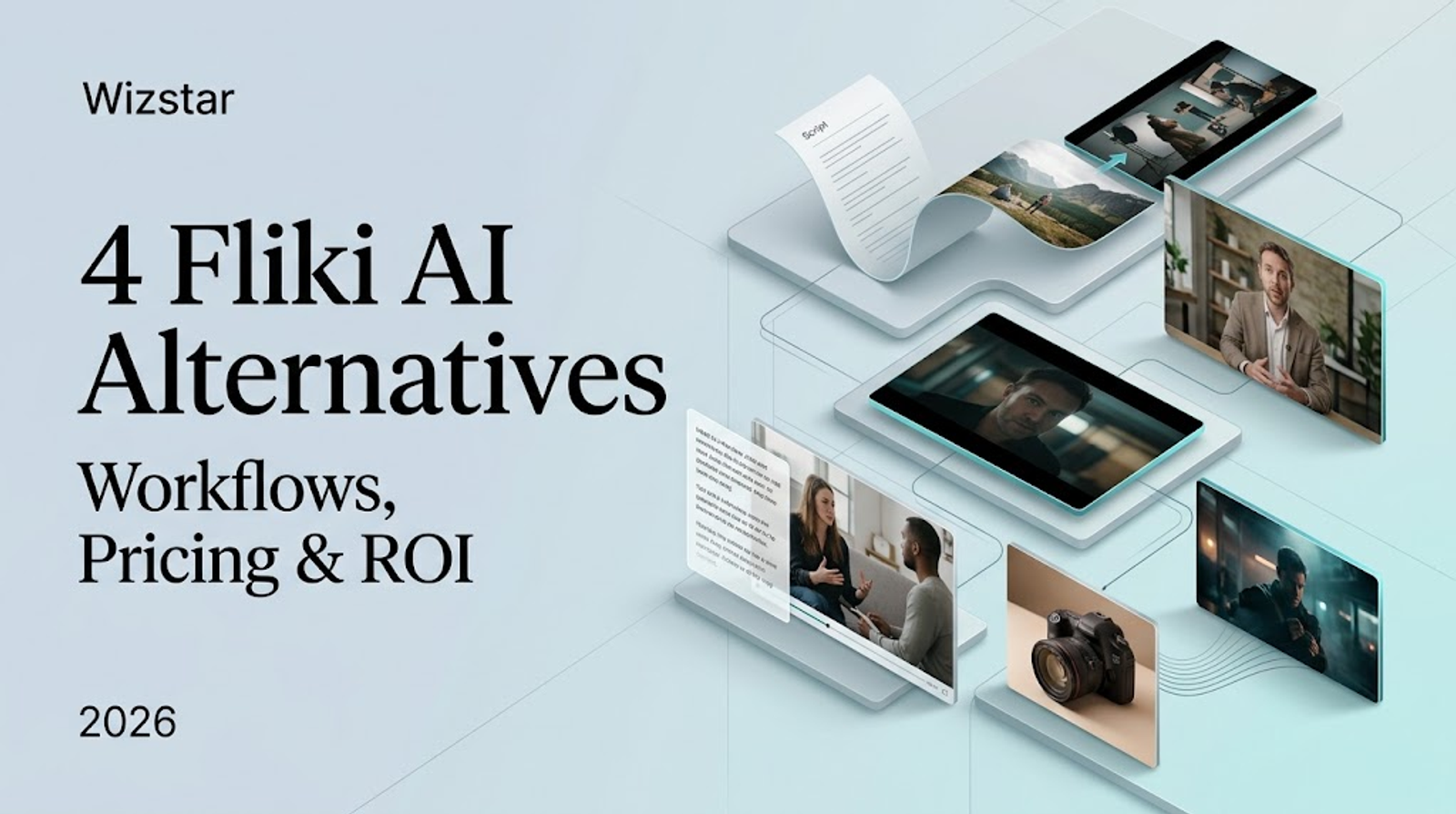
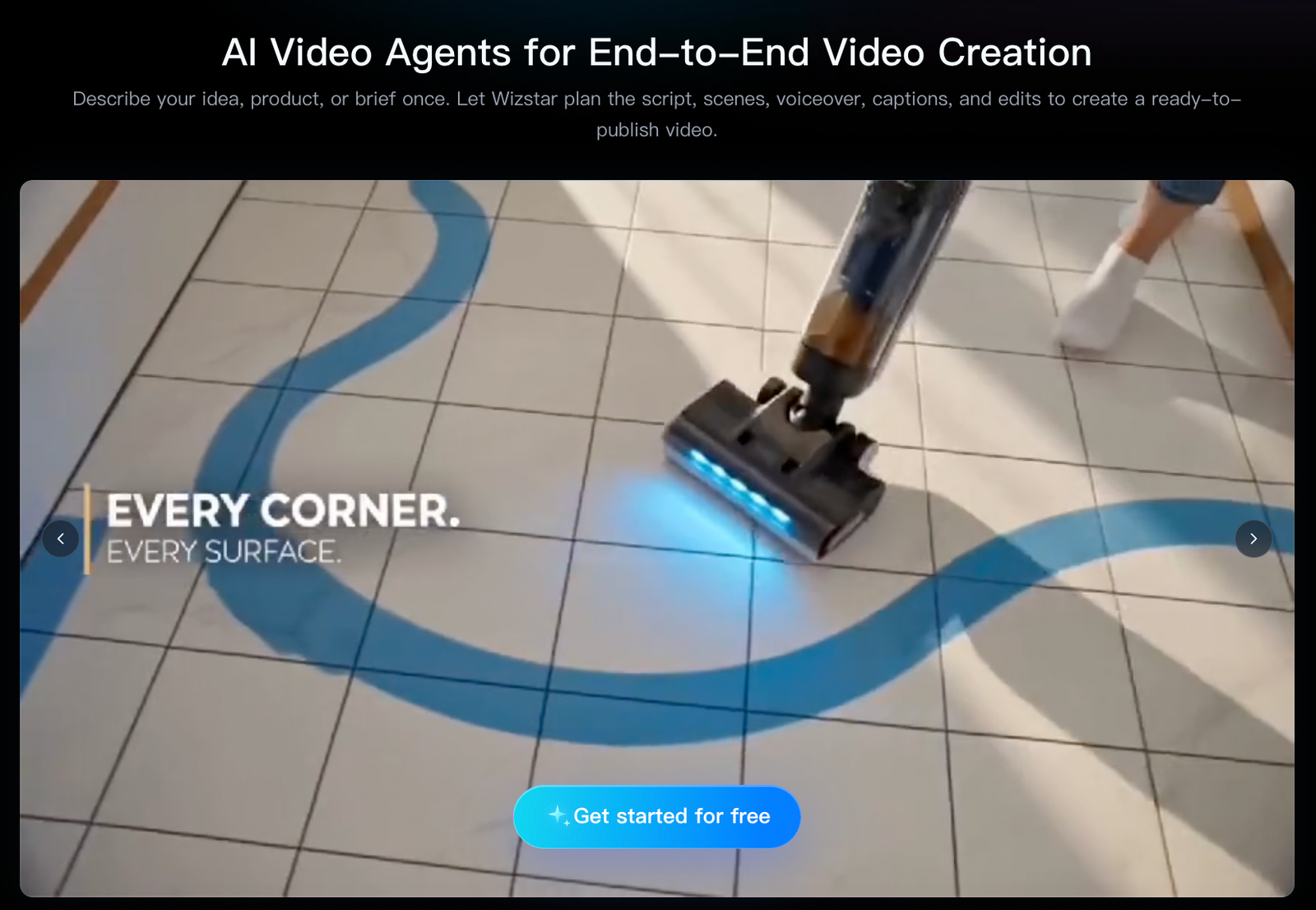
Wizstar earns its spot in this comparison because its workflow handles real animation and marketing video production from start to finish. Its Creative Agent turns a prompt or brief into a structured storyline, maintains character consistency across scenes, and synchronizes visuals with audio. Meanwhile, its E-commerce Agent takes a product link or photo and generates a script, scenes, captions, voiceover, and product video.
Wizstar fits product launches, paid social ads, and marketing explainers that begin with a text brief or raw product asset rather than a blank animation timeline.
Here, the decision comes down to production method: choose Wizstar when your team wants to move quickly from a brief or product asset to a finished marketing video, and stick with Animaker, Vyond, or Powtoon when you need granular manual control over characters and scenes throughout the edit.
Price comparison: what do the published plans provide?
Because these platforms bill using different production units, the table below preserves each service's native measurement. The selected tiers represent practical starting points for the workflows above: a core production tier for Animaker, an enterprise animation entry tier for Vyond, an AI presentation entry tier for Powtoon, and a generative production plan for Wizstar.
| Platform | Representative plan | Published price and billing | Published unit or allowance | Best value signal |
| Animaker | Pro | 79/month or516/year | AI video credits, generative video seconds, downloads, and plan-specific limits | Strong fit for recurring editable animation |
| Vyond | Starter | 58/month, billed annually at699 | Plan credits, downloads, AI features, and team limits | Strong fit for governed business production |
| Powtoon | Lite | $15/month, billed yearly | 300 AI credits per year | Lowest published entry point in this comparison |
| Wizstar | Plus | 33/month, billed annually at396 | 3,960 credits/year; the page estimates up to 67 videos or 896 images under its stated settings | Strong fit for repeated prompt or product asset generation |
Your budget should follow your workflow: Animaker makes sense when your team repeatedly edits characters, templates, and scenes; Vyond justifies its higher annual commitment when brand governance and multi-team scale are mandatory; Powtoon provides the lowest published entry price for presentation and training videos; and Wizstar offers the clearest cost structure for teams generating high volumes of prompt- or product-led video variations.
How to choose a plan without mixing cost and capability
Lock in your workflow first, then pick the plan whose billing unit actually matches how you produce. A low monthly price only saves money if the plan meters the exact output your team needs.
For editor-based animation, estimate your monthly count of scenes, characters, revisions, and exports. For generative AI video, define your target model, clip duration, resolution, and variation count before calculating credit burn. For social editing, count your required channel aspect ratios and existing source clips.
Pay for editing control when iterative revision is the core job; pay for generation credits when high-volume creation is the job. Before committing to an annual subscription at checkout, double-check local taxes, promotional discounts, renewal terms, export permissions, and watermark rules.
A focused trial that produces a useful decision
Run every finalist through the exact same test: give each tool an identical short brief, source asset, target channel, duration, aspect ratio, caption style, and voiceover requirement. This creates a fair side-by-side workflow benchmark without claiming to measure subjective creative quality.
For Vyond, Powtoon, and Animaker, test how easily your team can swap a character or revise a scene without rebuilding the entire timeline. For Canva, test how fast your existing source assets can be adapted into ready-to-publish social variants.For Wizstar, test how well a prompt, script, product link, or photo translates into a usable marketing video structure.
Keep the pilot narrow—answering one real workflow bottleneck is usually enough to know which platform fits your team.
FAQ
- Is Animaker free to use?
- Yes. Animaker offers a free tier with watermarked exports, while paid subscriptions remove the watermark. A free account is useful for exploring the interface and testing basic templates, though you should match a paid plan to your required export formats, asset library access, and commercial usage rights before publishing finished training or promotional videos.
- Which plan removes the Animaker watermark from my exports?
- Any of Animaker’s paid plans removes the watermark from exported videos. Its current English pricing page lists Starter, Pro, and Max tiers—choose the plan displayed for your account needs and confirm your target export resolution and format at checkout before moving from free tests to published internal or promotional videos.
- Can I try Wizstar's AI video generator for free?
- Yes, Wizstar provides new users with free credits for eligible creation tools , though advanced features such as AI avatars and voice synthesis may require a paid subscription. Use those free credits to test your input format, storyline structure, and export settings on a real campaign sample before committing to a paid tier.
- What inputs can I use to create AI videos with Wizstar?
- Wizstar accepts text prompts, images, product photos or URLs, scripts, audio files, and reference videos as starting inputs. Product links and photos work best with its E-commerce Agent workflow, while a text brief or script fits idea-led video generation. Match your starting input to the right Agent, target audience, and output format before generating.
- How are Wizstar credits used up?
- Wizstar calculates credit consumption based on the selected AI model, video duration, number of generated outputs, and output resolution/quality, displaying an estimate on the pricing and generation interface beforehand. Treat your credit pool like a production budget—lock in your settings first, and leave enough buffer for creative revisions, rejected drafts, and final exports.
- Do unused Wizstar subscription credits carry over?
- Credit expiration and rollover policies depend on the specific account and plan terms shown at checkout. Before purchasing an annual plan, review the expiration window and rollover rules—especially if your team's production volume fluctuates from month to month—and track your remaining balance ahead of renewal.