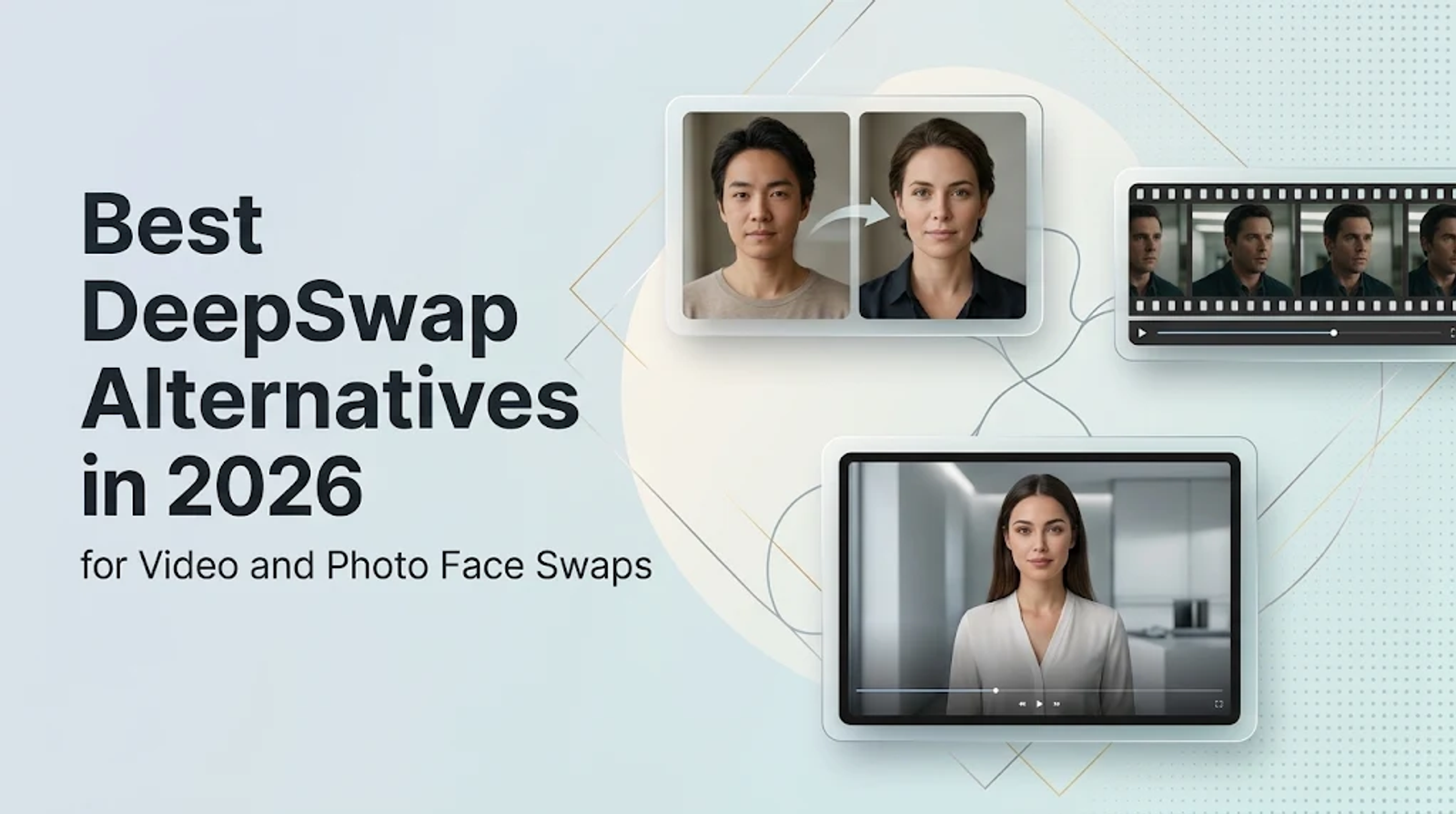
Among DeepSwap alternatives, AKOOL handles direct browser-based video face swapping, FaceFusion fits workflows that require local machine control, and Vidnoz suits broader projects combining face swaps with AI avatars. For photo face swaps, Wizstar covers the task directly using uploaded images or ready-made templates.
Before choosing a tool, start with the exact asset you need to change: an existing video clip, a still image, or a new speaking character.
What DeepSwap does well—and where an alternative must match it
DeepSwap handles online face swapping for video, GIF, and photo inputs through a straightforward upload, face-selection, and reface workflow. That matters when you need to swap an identity across an existing clip while keeping the original scene intact.
A useful replacement has to match the media you already have. Can it process an entire video clip, and will the export format work for your distribution channel? An AI talking portrait might look convincing on its own, yet it leaves your original moving scene completely unused.
Before comparing tools, separate photo face swap, video face swap, and avatar creation into distinct workflows. A photo tool alters a single still image. A video replacement tracks and swaps a face across an existing clip, whereas an avatar tool generates a speaking character from visual and voice inputs. I would skip any shortlist that treats those outputs as interchangeable.
DeepSwap alternatives at a glance: video, local, and photo options
These options differ in media support, processing environment, and how directly they mirror DeepSwap's core face-swap workflow.
| Tool | Direct face swap | Media scope | Deployment | Avatar/lip-sync scope | Replacement category |
| DeepSwap | Yes | Video, GIF, photo | Online | Not the focus | Baseline |
| AKOOL | Yes | Video and image inputs | Browser | Related video tools | Direct cloud replacement |
| FaceFusion | Yes | Photo and video | Local machine | Lip Syncer; expression tools | Local/open-source replacement |
| Vidnoz | Yes | Photo and video | Browser suite | Avatar production | Suite-based alternative |
| Wizstar | Yes, for photos | Uploaded photos or templates; one main face | Browser | Separate talking-avatar and lip-sync tools | Direct photo replacement; partial overall |
AKOOL: direct browser replacement
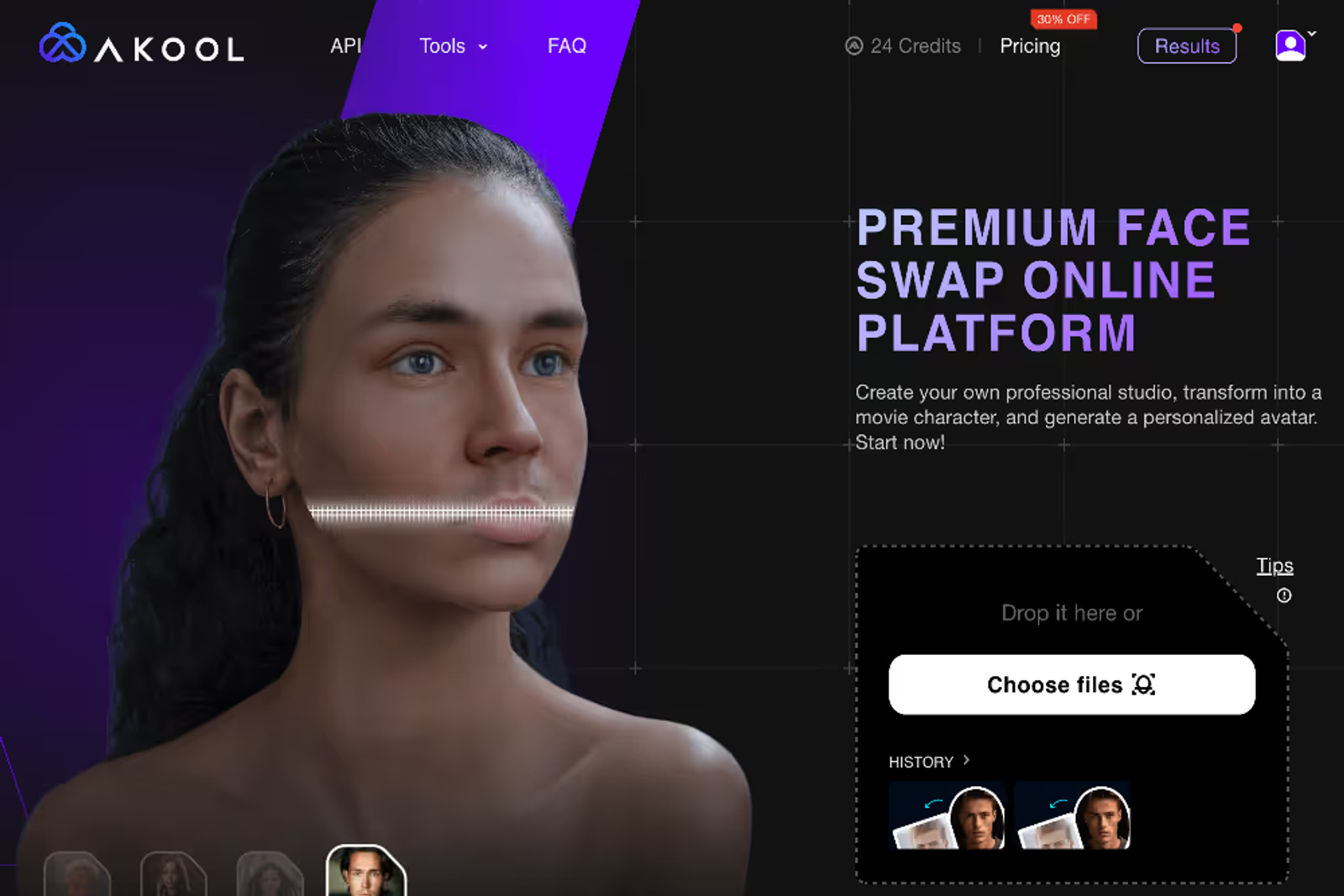
AKOOL takes a source face and a target image or video, applying frame-by-frame face replacement across video clips. That provides the exact workflow overlap a team needs when moving away from DeepSwap without installing local software. For a brief centered on existing footage, I would prioritize this familiar upload-and-process flow.
FaceFusion: local/open-source replacement
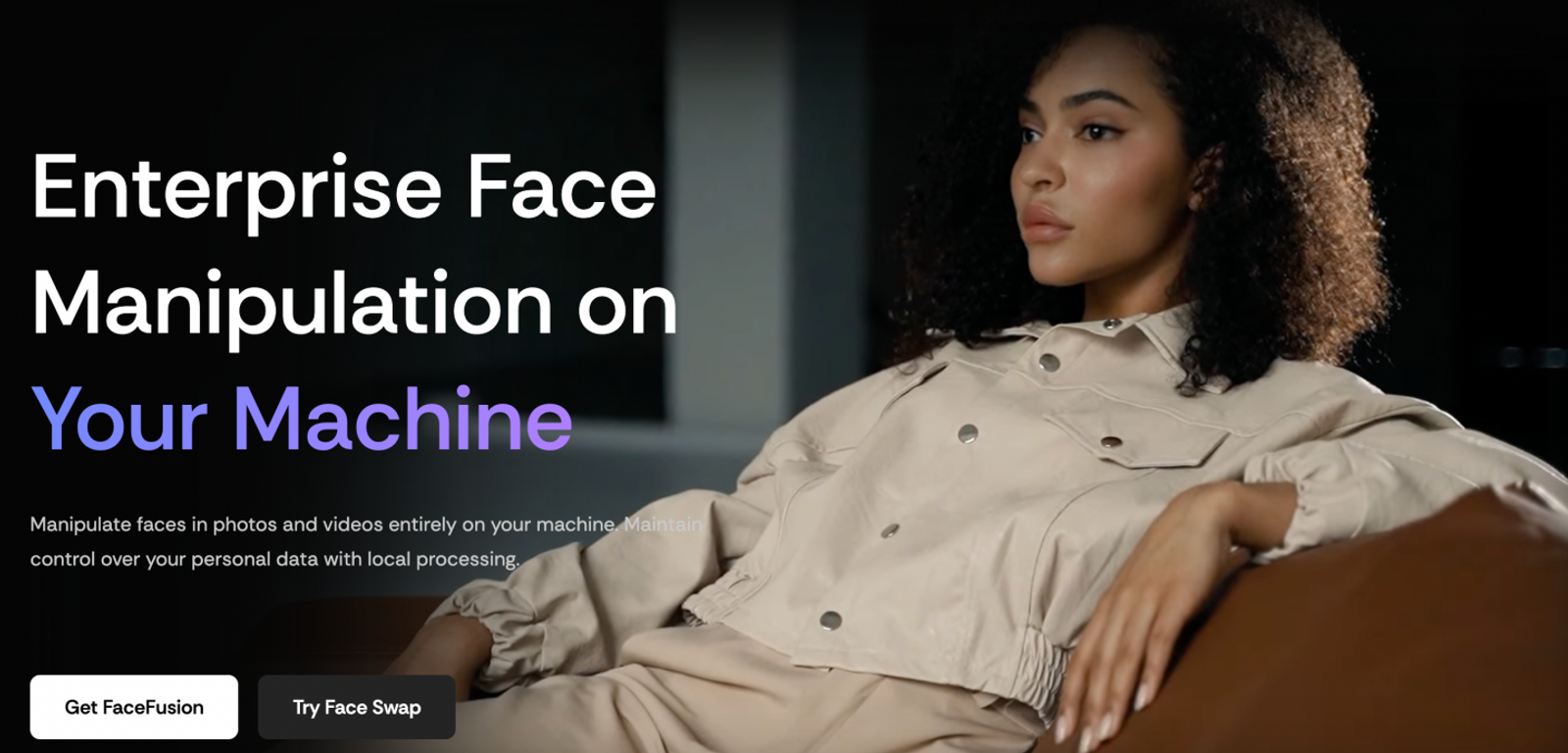
FaceFusion trades initial setup work for complete local control. Its built-in Face Editor, Lip Syncer, and Expression Restorer extend your editing toolkit well beyond basic face replacement. Just be sure to budget setup time alongside editing time, as keeping processing on your own hardware still requires local installation.
Vidnoz: all-in-one suite for face swaps and AI avatars
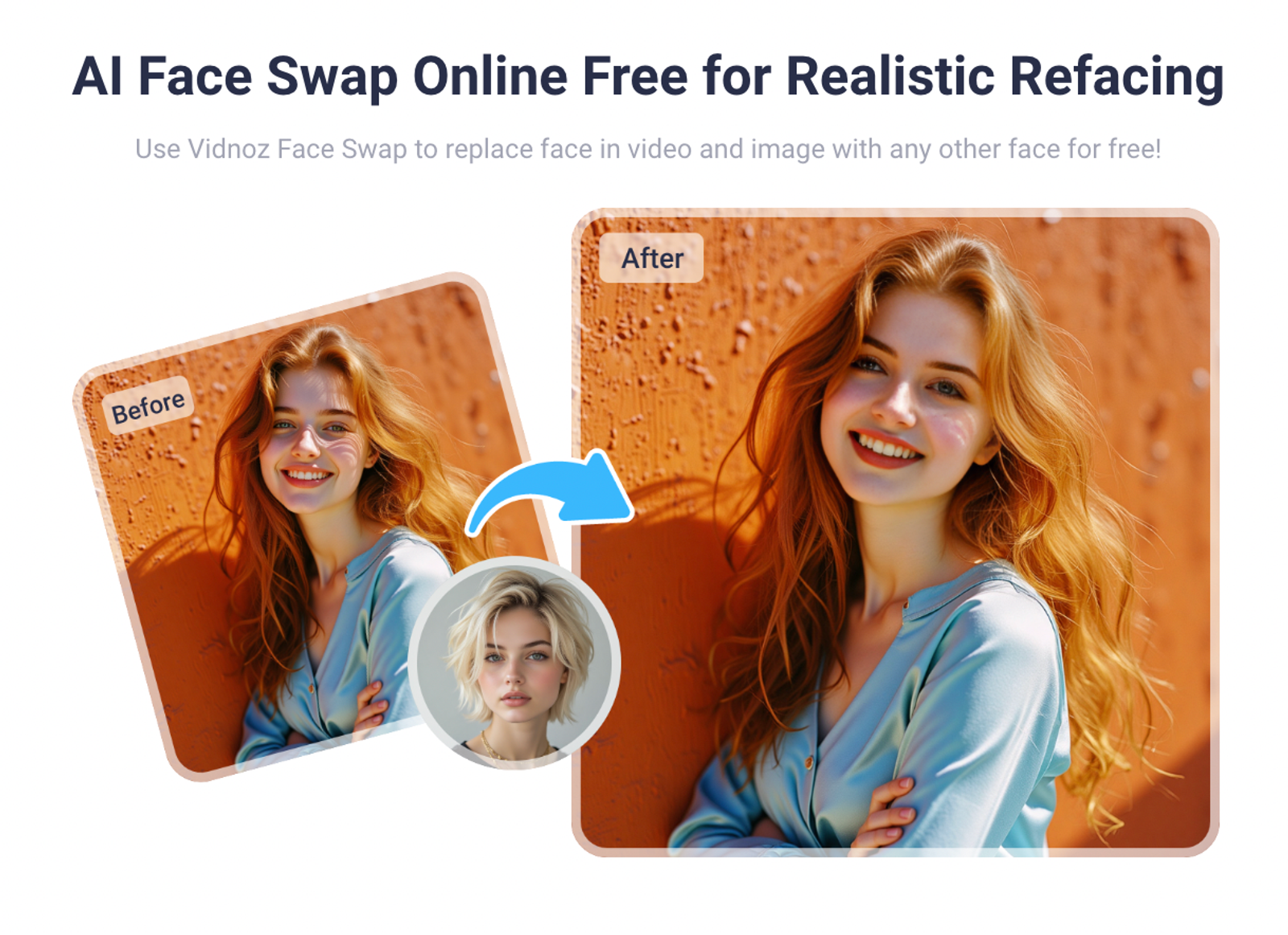
Vidnoz pairs a broad AI avatar and video suite with a face-swap flow that supports both photo and video inputs, including single-face and multi-face options. It earns a spot on a direct-replacement shortlist even if you do not need avatar generation right away.
The main reason to choose a wider suite is a production queue that also includes AI presenters and other video assets. For standalone face replacement, AKOOL remains the cleaner default browser pick regardless of Vidnoz's extra features.
I would lean toward Vidnoz when consolidating tools reduces handoffs between production steps. A team creating swapped photos, video clips, and presenter videos has a clear reason to use that broader platform, whereas replacing a single face is a much narrower job.
Wizstar: a direct alternative for photo face swapping
Wizstar directly replaces DeepSwap's photo face-swap workflow. Its browser-based Face Swap tool takes a target photo and a face reference, then swaps the main person's face. It is built to keep the original composition, pose, clothing, hairstyle, background, and other people intact while matching the new face to the scene's lighting and angle.
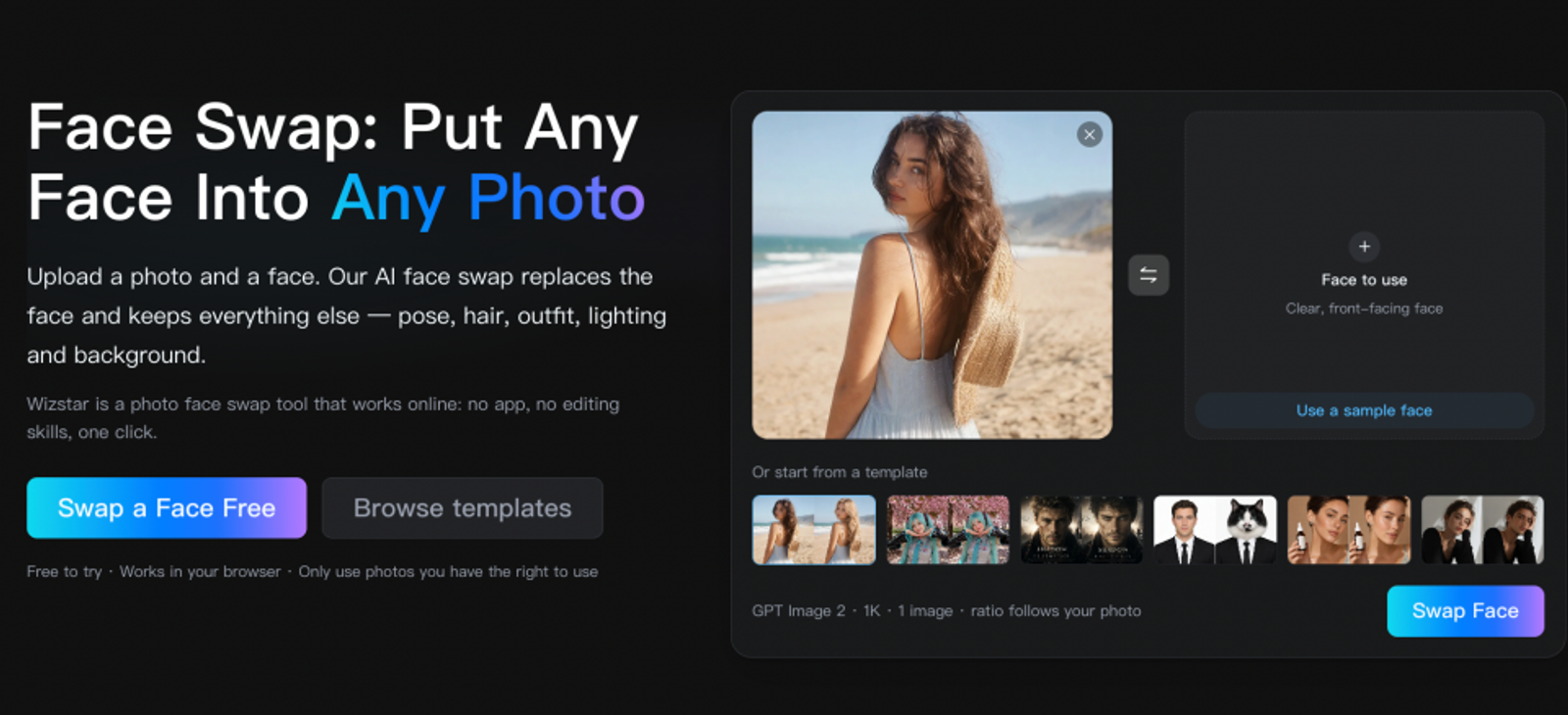
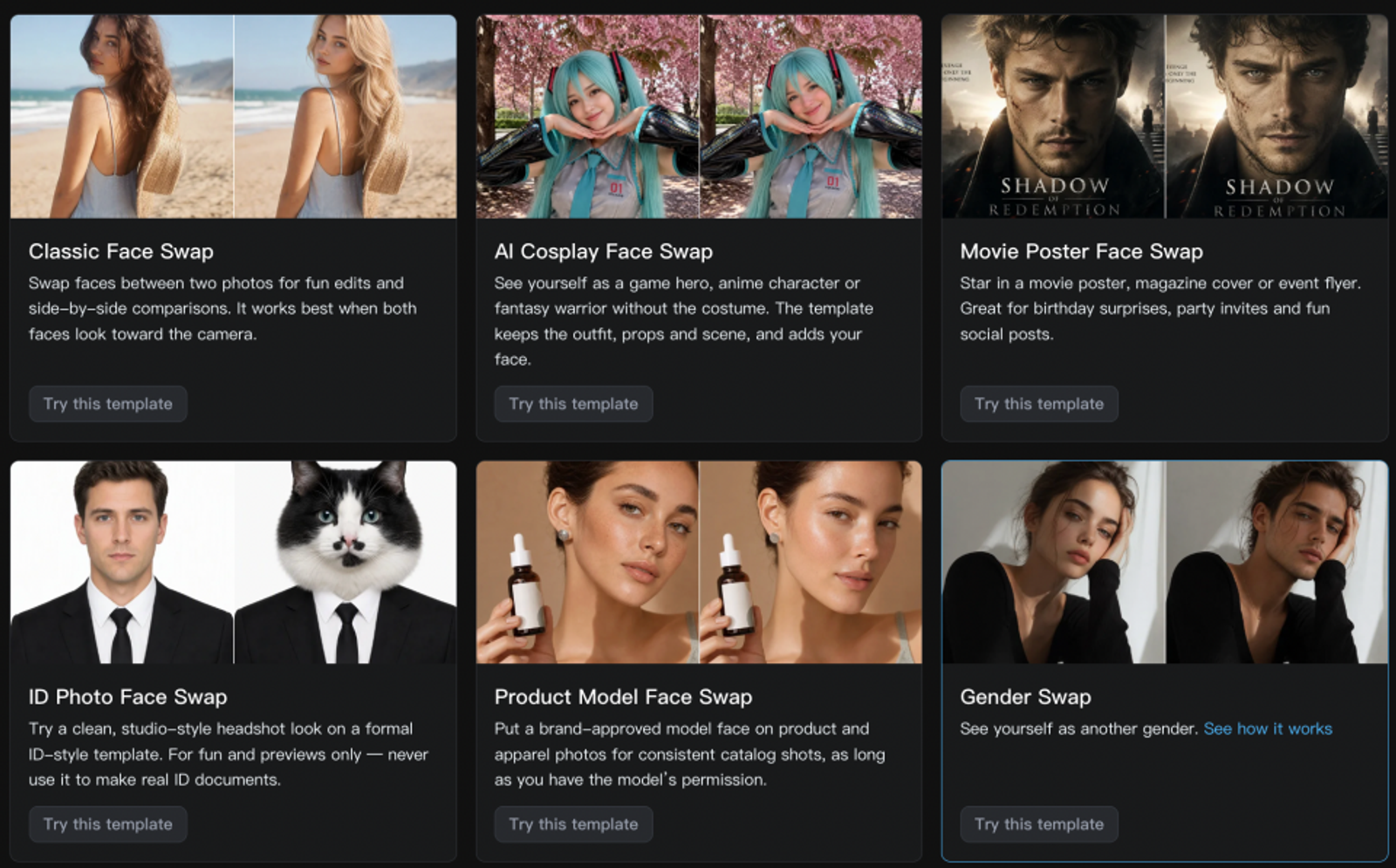
I would use Wizstar for a thumbnail, personalized poster, cosplay preview, or authorized product-model shot that needs a different face in the same setting. Compared with DeepSwap's combined video, GIF, and photo interface, Wizstar's photo-focused page includes ready-made templates for these creative tasks—letting you start from a template rather than supplying your own target scene.
To run a swap, upload a JPG, PNG, or WebP target image along with a clear, well-lit face reference (matching face angles works best). Each swap outputs one 1K image in the original aspect ratio, and the exact credit cost is displayed before generation. Note that the tool targets the main subject rather than every face in a group shot.
For campaigns that also require motion, Wizstar connects photo outputs to its AI Video Generator. Its separate AI Avatar tool takes a photo or video plus a script or uploaded audio to drive lip sync, facial expressions, and voice timing. I would use that route when creating a new speaking character, though existing-video and GIF face replacement remain separate workflows.
How DeepSwap alternative pricing models compare
The table below compares entry-level pricing and allowances alongside their key usage limits.
| Product | Billing unit | Free entry | Representative entry price | Comparability limit |
| DeepSwap | Credits; one-time access | Paid access | One month: $19.99; first order $9.99 | 20 credits; media-specific rates |
| AKOOL | Subscription credits | Free to try | Starter: $12/seat/month; 200 credits | Personal use; Business $249/seat/month |
| Vidnoz Face Swap | Daily-limited usage | Daily free entry | Free entry | Separate from avatar subscriptions |
| Wizstar | Shared subscription credits | 20 free credits | Starter: $18.05/month; first month $10.99 | 1,310 credits/month; swap charge shown before generation |
Because each entry tier buys different allowances and commercial rights, the lowest monthly price alone will not tell you which plan is cheapest for actual production.
For instance, AKOOL's $12 tier cannot legally cover an agency ad campaign. Meanwhile, Vidnoz's separate avatar suite starts at $26.99/month for 450 credits—an allowance meant for avatar generation rather than a dedicated face-swap quota. Always keep avatar subscriptions separate from the cost of swapping an existing clip.
DeepSwap deducts one credit per 15 seconds of face-swap video, 0.1 credit per photo, and one credit per GIF. Its 20-credit bundle covers 200 photo swaps or five minutes of video (300 seconds broken into 15-second blocks). At the standard $19.99 rate, that works out to roughly $0.10 per photo or $4 per video minute—assuming you spend every credit on a single format with zero retries.
The most accurate way to compare costs is by pricing out one complete deliverable, including revisions. For a still-image brief, compare DeepSwap's per-photo rate directly against Wizstar's displayed swap charge. Wizstar's subscription also covers other image and video tools, which helps if a campaign requires more than swapped stills. Since shared credits do not follow a universal video conversion rate, be sure to factor rejected generations into your final asset cost.
FaceFusion's source code is free to check out, while optional one-click installers cost $20 for Windows and $30 for macOS. Because local processing relies on your own GPU hardware and setup time, a free open-source download answers a very different budget question than a monthly cloud credit allowance.
Which alternative fits your workflow?
Start with AKOOL for browser-based face swaps on existing video, or move to FaceFusion when local data control outweighs setup time. Vidnoz makes sense for a production queue that blends direct swaps with presenter avatar work. Wizstar directly serves photo face swaps—especially posters, thumbnails, cosplay, and product imagery—while offering separate video and avatar tools for follow-up assets.
Define your source asset before committing to a subscription: if you need the exact same clip with a different face, stick with a dedicated video face-swap tool. If you need a swapped still photo or a brand-new speaking character, Wizstar fits the brief. For multi-format campaigns, assign the right tool to each asset rather than forcing one subscription to handle every job.
FAQ
- What is the best DeepSwap alternative for video face swapping?
- Choose a dedicated video face-swap tool whenever you are working with an existing clip. Clarify whether you need single-face or multi-face tracking, whether the original background must remain unchanged, and whether processing has to stay on your local machine. Those constraints will narrow down your DeepSwap replacement far better than a generic "best" label. Generating a new video from a swapped photo serves a completely different creative brief.
- Is there a free DeepSwap alternative?
- Yes, though free trials, daily free quotas, and local open-source tools all come with different boundaries. Wizstar gives new accounts free credits to test photo face swapping in the browser, with each swap deducting credits shown upfront before generation. A free trial does not mean unlimited production, so check the displayed credit cost against your remaining balance before planning batch runs.
- Can Wizstar replace DeepSwap for face swapping?
- Yes, specifically for photo face swapping: Wizstar replaces the main person's face using a target photo and a face reference, letting you upload your own scene or start from a template. Each swap generates one 1K image at the original aspect ratio. However, if you need continuous face replacement across an existing video or GIF, you will still need a tool built for motion media.
- Which DeepSwap alternative is best for lip sync and talking avatars?
- Wizstar fits a talking-avatar brief built from a photo or video paired with a script or uploaded audio. Nail down the spoken script first, then select the visual input to match it. When a character needs to deliver a new message, prioritize lip sync and voice timing; when you need to preserve an actor's existing performance with a new face, use video face replacement instead.
- How do DeepSwap alternative pricing models compare?
- Compare the total cost of producing one approved deliverable, including retries. DeepSwap bills via credits tied to media type and video duration, while Wizstar uses shared credits across image and video tools. One credit in one platform does not equal one credit in another, so separate renewal rates, introductory discounts, annual commitments, and included quotas before calculating your per-asset cost.
- Are DeepSwap alternatives safe for private face videos?
- Review each platform's storage and data-processing policies before uploading sensitive footage. According to DeepSwap's FAQ, uploaded files remain stored for 30 days by default (and running another swap resets that timer), while generated outputs stay for one week—so download your exports promptly. Wizstar's privacy policy permits content to be sent to model providers and retained as necessary. Decide whether those terms align with your footage requirements before using either cloud service.