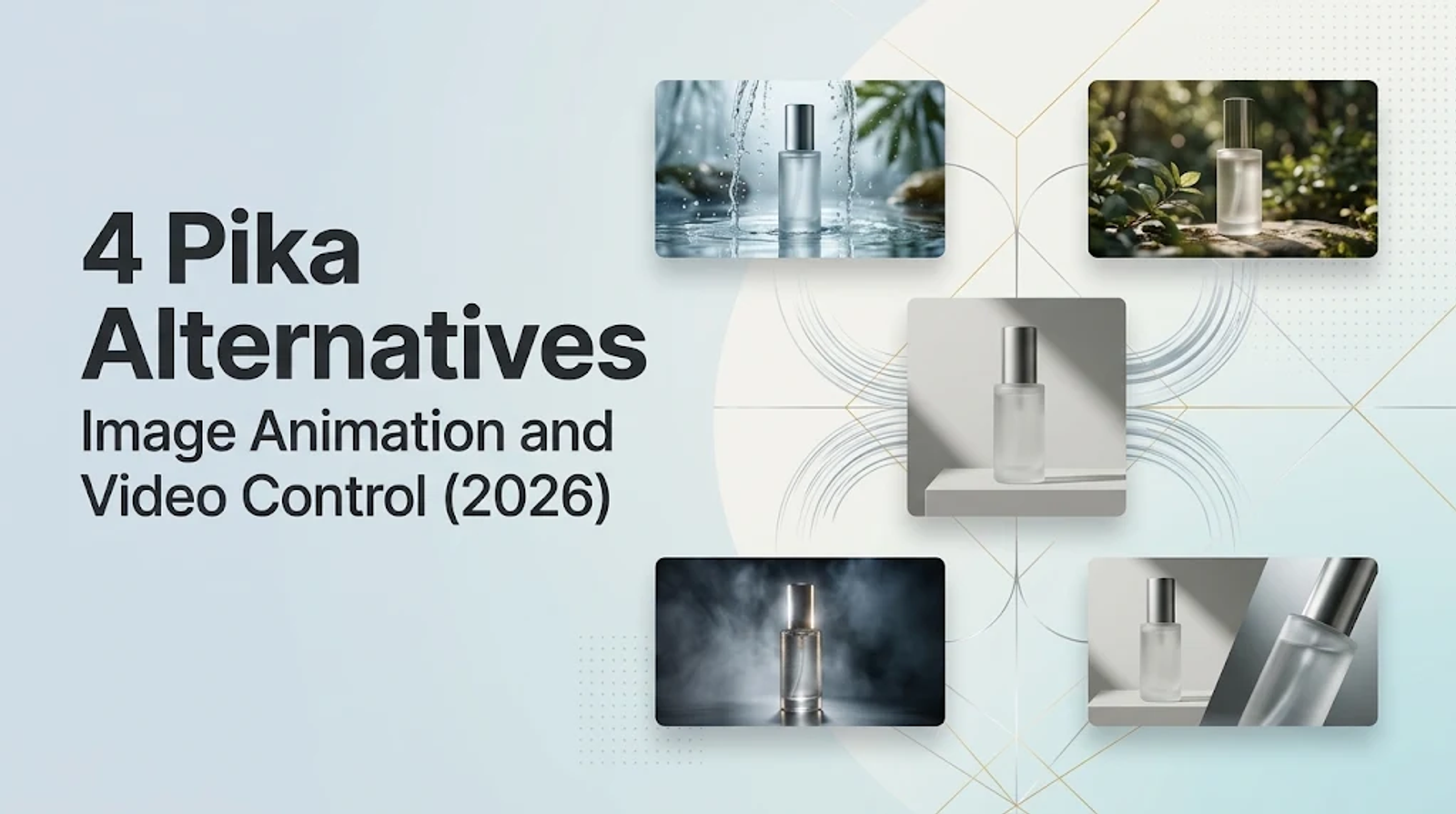
When evaluating Pika alternatives, PixVerse is my top starting pick for template-based image motion. Runway takes the lead for footage editing and clean Adobe workflows. Wizstar is the most compelling choice when you need connected brief-to-video planning, while Kling belongs on any shortlist requiring precise reference-guided shots. Pika already handles product ads and multi-shot generation well, so switching makes sense only when a specific part of your workflow hits a wall.
I recommend replacing only the step where you feel genuinely constrained, rather than chasing a tool just for its feature count. If a product reveal ends on the wrong final composition, having more buttons won't save the brief.
Which Pika task are you replacing?
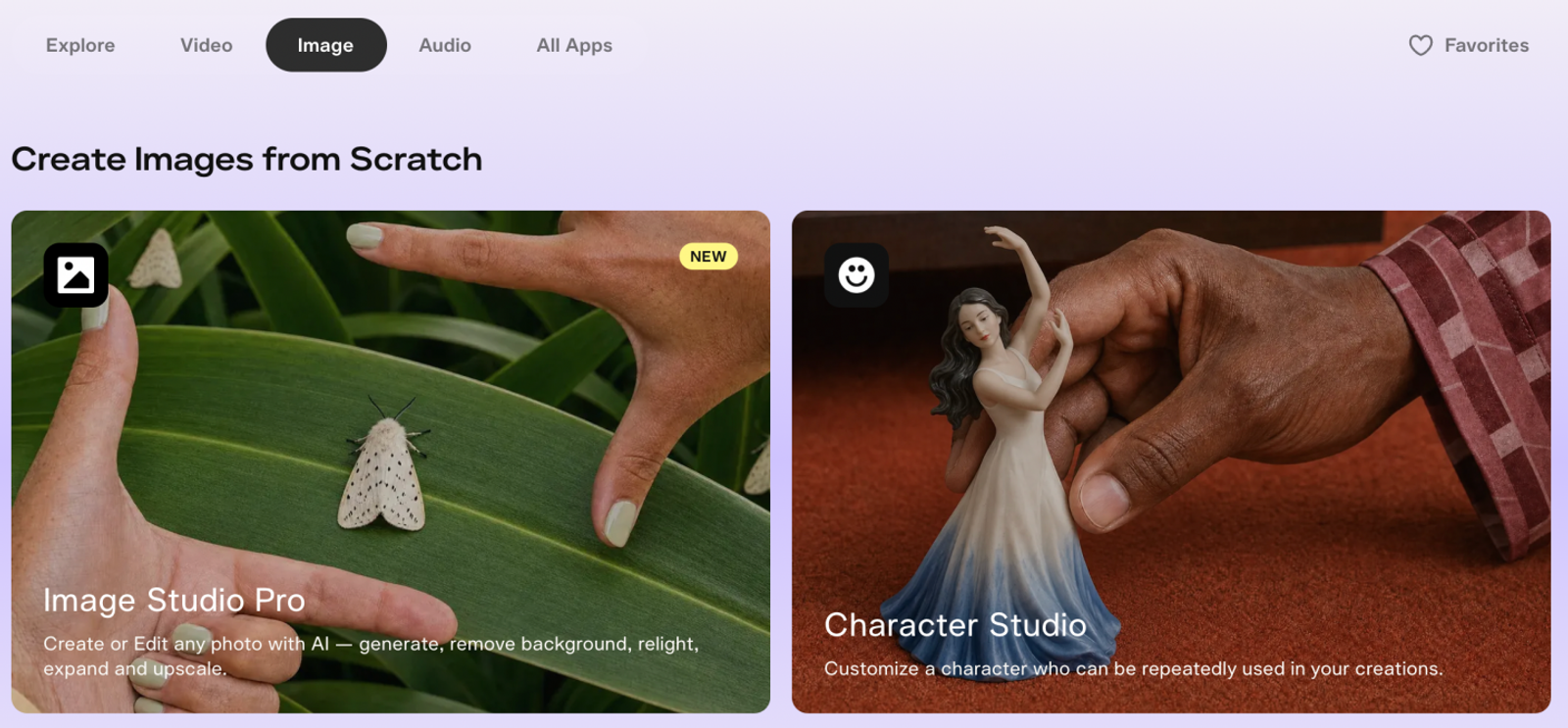
Pika goes beyond basic photo effects. Its current apps include Video Studio, Pikaffects, Pikaframes, Product Ad, and Short Film. Video Studio accepts text prompts and reference assets; Pikaffects applies stylized effects to still photos; Pikaframes interpolates movement across up to five stills using Pika 2.5; Product Ad builds commercials from an image and brief; and Short Film handles multi-shot sequences.
An alternative is only worth your time if you can cleanly transfer a real task. Inputs, camera control, and your downstream finishing workflow matter far more than how sleek a landing page looks.
Here is how these four options map against specific Pika workflows:
| Alternative | Overlapping Pika task | Documented control/workflow | Switch when | Replacement boundary |
| PixVerse | Image animation, creative starts | Prompts and templates | Template-led motion is central | Exact effects and migration unconfirmed |
| Kling | Directed image/reference shots | Frame and reference controls | Shot direction is central | Settings and plan determine access |
| Runway | Generation and footage editing | Footage transformation; Adobe plugins | Adobe finishing matters | Partial workflow replacement |
| Wizstar | Image motion; brief-led video | Camera prompts; frames; Agent planning | Motion and connected planning fit | No named-effect or five-frame equivalence |
Take a close look at the exact step each platform changes before transferring an active project away from Pika.
PixVerse: an alternative for templates and image animation
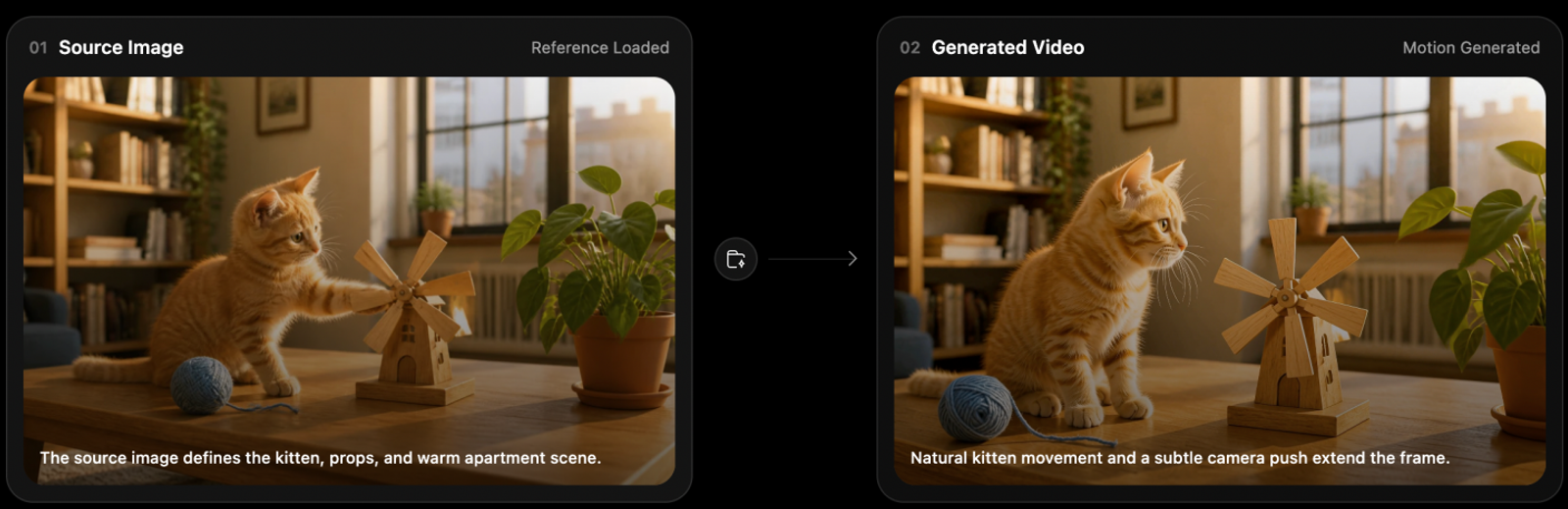
PixVerse directly tackles photo-to-video tasks through text and image inputs combined with ready-made motion templates. Its image-to-video workspace covers product, portrait, and concept animation, featuring push-ins, reveals, and seamless looping actions.
I turn to PixVerse when a brief calls for a fast, template-guided creative starting point or a single animated still. For instance, you can turn a flat product photo into an engaging reveal with a defined push-in move. Keep in mind: treat camera instructions as prompts for the model, not a frame-accurate guarantee.
The primary limitation involves commercial reuse. PixVerse's terms restrict commercial output rights to generations from its proprietary models. Platform Creative Materials carry separate in-platform and noncommercial restrictions, which means the availability of a template inside the app does not automatically give you clearance for paid advertising campaigns.
Furthermore, if you need an exact named Pikaffect, stick with Pika unless you verify that identical visual behavior exists on the alternative. Seamless project migration also remains unsupported between platforms. Shared creative intent gets a tool onto your shortlist; it does not promise matching visual results.
Kling AI: an alternative for reference-led shot control
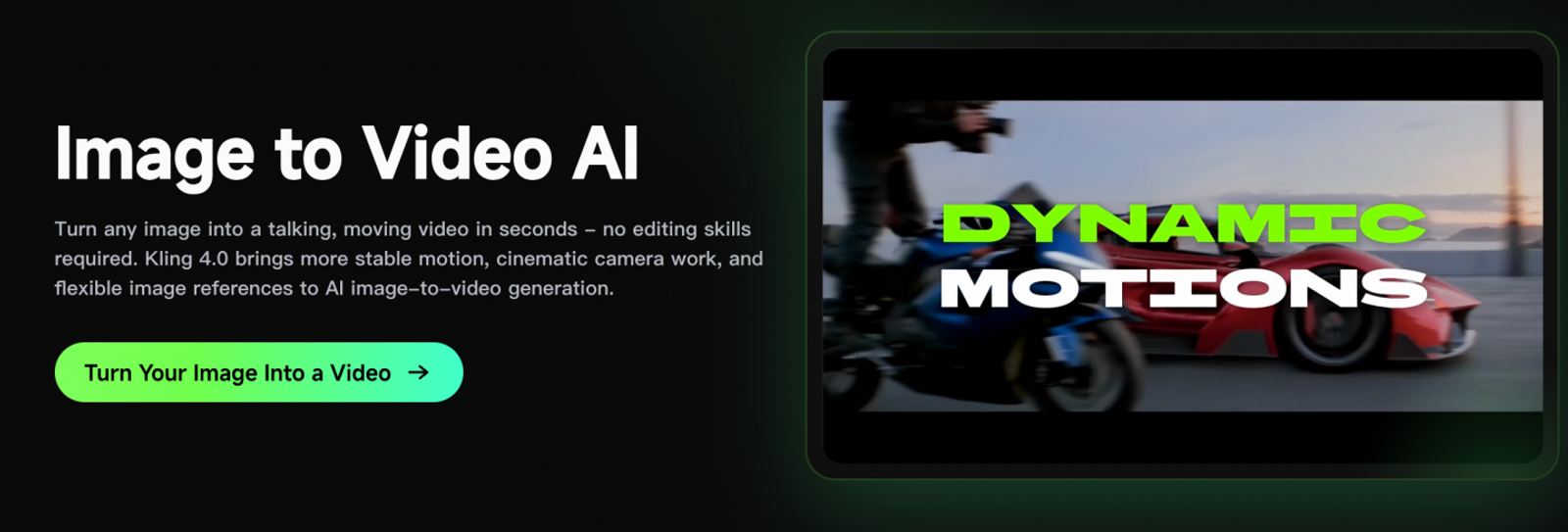
Kling's core strength in image-to-video lies in its frame and reference controls. Its documentation details subject control, camera direction, start and end frame targeting, and multi-reference combinations. The web app also provides Creative Effects. These granular inputs make Kling especially useful when your shot requires an exact visual destination rather than freeform motion.
I suggest testing Kling whenever your brief relies heavily on reference imagery. Check the exact controls unlocked on your account tier first. A planned visual reveal often requires a precise final composition, or a visual reference to lock in key subject details. These represent clear directional controls, not proof that Kling automatically produces better photorealism, making account-level feature access the first priority.
Note that certain advanced controls require Kling 4.0 settings, and your subscription must grant access to them. The entry Standard tier detailed below does not guarantee access to every flagship configuration.
Keep your testing criteria tight: pin down the specific frame or reference control you need. A generic effects tab does not guarantee parity with Pika's signature effects, meaning a migration might simply trade one constraint for another.
Runway: an alternative for footage editing and production handoff
Runway is the standard recommendation here for transforming existing footage and handing assets directly off to Adobe production suites. According to Runway's product documentation, you can edit a single frame and propagate that visual adjustment across the full clip—including lighting passes, overall restyling, or adding and removing scene elements. It also accepts standard text and image prompts for greenfield generation.
Its production integration is well-defined: Runway provides documented plugins to generate, adjust, and extend video directly within Adobe Premiere Pro and After Effects. Prioritize Runway when Adobe suites serve as your final editorial pipeline, as this integration offers a tangible workflow advantage over standalone AI web interfaces.
Modifying the lighting of an existing clip before editorial assembly is an entirely different job from animating a static hero shot. Evaluate Runway based on your source footage and required structural changes, rather than comparing its raw text-to-video output against other tools.
Pika already includes built-in editing and production capabilities. Runway's advantage comes down to video-to-video transformations and seamless Adobe round-tripping, not an absence of production tools on Pika. If you do not rely on an Adobe-centric workflow, the incentive to switch decreases significantly, and plugin availability still requires verification on your active tier.
Wizstar: an alternative for image motion and connected video planning
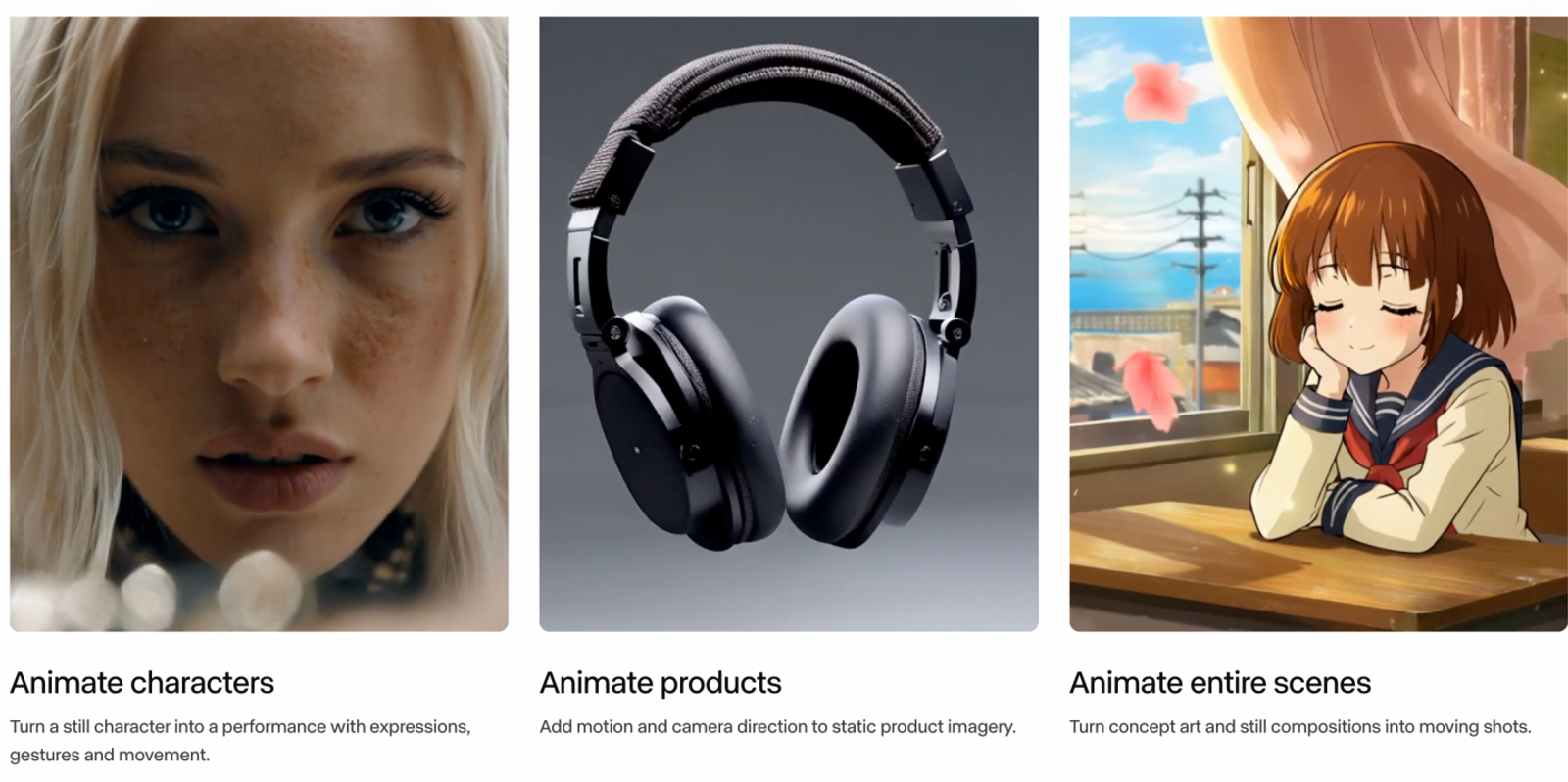
Wizstar matches Pika's image animation capabilities through Natural Image Animation and Cinematic Camera Moves. Users can direct pans, zooms, tracking shots, and orbits via text prompts. For product photography, character portraits, and concept illustrations, this provides an intuitive way to map out how existing assets should move.
Consider Wizstar when explicit, cinematic camera paths represent your primary recurring need. For example, a product hero shot often demands a steady orbital sweep that maintains crisp focus on the object. The value lies in clear camera direction; this does not mean it replicates Pika's proprietary named visual effects.
Wizstar also supports Start & End Frames on compatible models, enabling smooth interpolation between a designated opening frame and a final composition. This works well when two-frame guidance fits your needs, though it does not replace the five-still interpolation pipeline documented in Pika's Pikaframes.

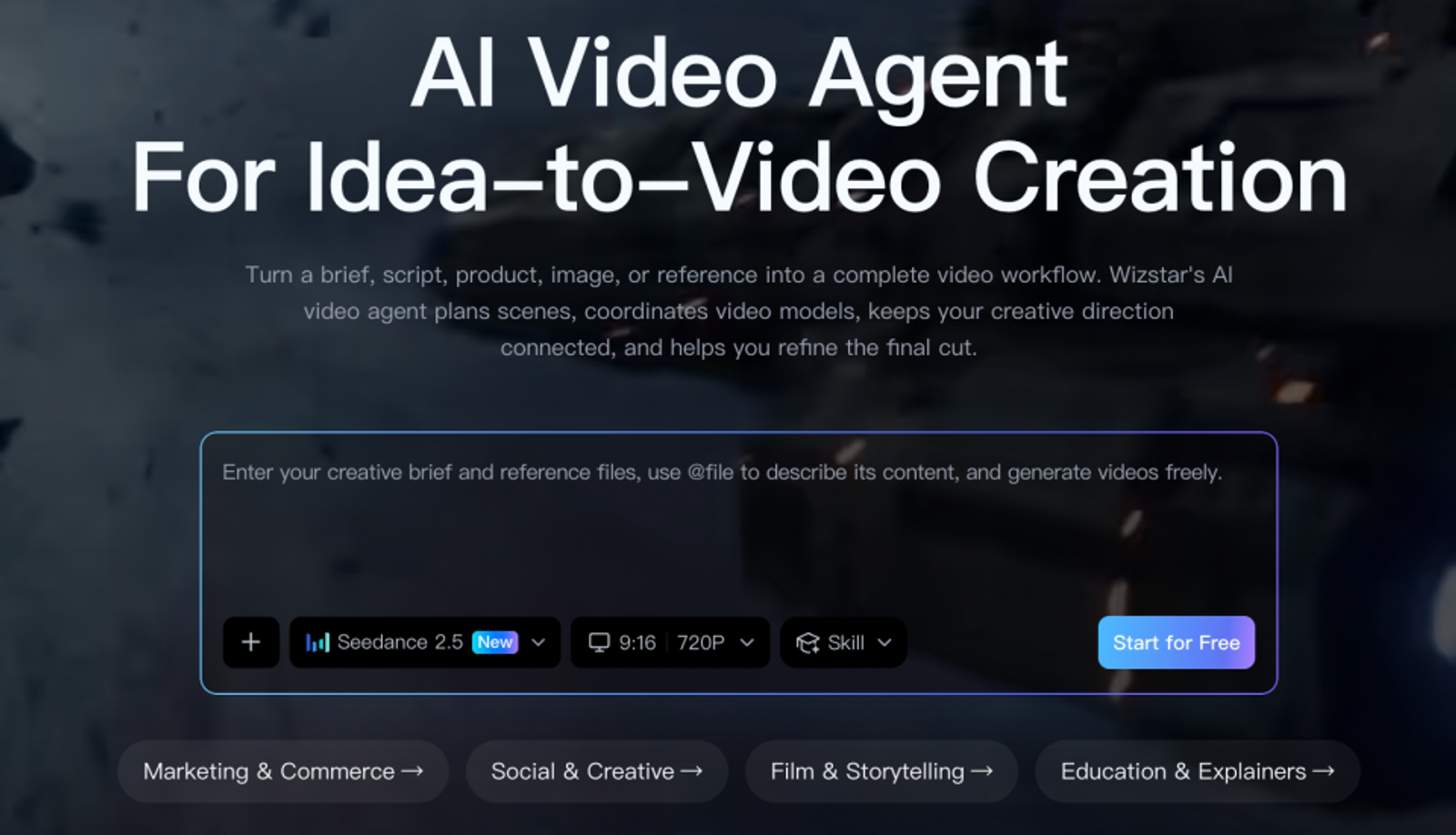
The broader distinction is Wizstar's AI Video Agent. The Agent takes a brief, script, product asset, or visual reference, then maps out scenes, coordinates underlying generation models, and assists with rough-to-final assembly. Its planning scope covers story progression, visual style, voiceover, pacing, and aspect ratios, keeping creative decisions tied to a single brief.
When producing recurring marketing or product videos, the real test is whether this guided planning workflow fits your production rhythm. Pika's Product Ad and Short Film tools already target commercial spots and multi-shot workflows. Wizstar's strength lies in its unified planning environment paired with flexible image motion. If your project specifically demands a native Pikaffect or a five-frame sequence, keep that work on Pika.
What do the monthly plans actually cover?
| Vendor/plan | Recurring monthly USD | Included vendor credits | Relevant condition/price limit |
| Pika Starter | $10/month | 600/month | Model/settings change usage |
| PixVerse Standard | $8/month | 1,200/30 days; separate 60/day | Daily credits reset daily |
| Kling Standard | $8.80/month | 660/month | $6.99 first month; advanced access depends on plan |
| Runway Standard | $15/month | 625/month | Selected model determines usage |
| Wizstar Starter | $18.05/month | 1,310/month | $10.99 first month |
Always check the recurring renewal rate first; carrying a higher total credit count does not guarantee the lowest net cost per usable clip.
For ad-hoc tasks, focus on direct task alignment and real-time generation costs. For ongoing commercial output, budget around renewal pricing and realistic revision buffers. Local taxes and checkout terms can also influence final invoice amounts.
When to keep Pika and when to switch
Stick with Pika if its built-in effects, multi-frame keying, or existing toolsets already satisfy your project requirements. Moving an active production pipeline requires a tangible operational gain.
My starting recommendation: choose PixVerse for template motion, Kling for precise reference guidance, and Runway for Adobe-integrated post-production. Look closer at Wizstar when cohesive brief planning and camera controls address your core bottleneck.
To evaluate asset fidelity, pick the alternative that best fits your immediate workflow and run a direct, same-asset comparison against Pika. Keep the prompt, reference image, and core settings aligned, make one revision request, and log the consumed credits. Check whether product geometry and key character features remain consistent. An alternative proves its worth only when it resolves a genuine operational hurdle, not just because it produces a different clip.
FAQ
- Can I use Pika videos commercially?
- Yes, Pika permits commercial use across its paid Starter, Creator, and Fancy plans, while excluding the Free tier. Pika's FAQ also places full responsibility for uploaded inputs and third-party model compliance on the user. Verify the specific licensing terms tied to your active plan, particularly on legacy accounts. Paid status alone does not guarantee copyright protection or blanket coverage across every commercial use case.
- Are my Pika creations private?
- You should not assume Pika provides end-to-end privacy for uploaded assets or completed generations. According to its FAQ, submitted content may be used to operate and refine platform services and training pipelines, and underlying model providers may apply separate data retention rules. Review current privacy documentation before uploading proprietary brand assets, as holding a paid plan does not automatically ensure enterprise privacy. Avoid uploading sensitive or restricted files without authorization.
- What should I do if a Pika generation fails and uses credits?
- Submit a support request to Pika with the job ID, generation parameters, and details of the error or missing file. Its FAQ specifies that incidents are investigated manually rather than refunded automatically. Retain your generation timestamps and error logs to help support track the task. Never plan budgets assuming automatic credit adjustments or guaranteed response turnarounds.
- Can I get a refund from Pika?
- Pika treats subscription renewals and add-on credit purchases as non-refundable. Its FAQ draws a clear line between subscription cancellation and refunds: canceling prevents upcoming billing cycles while preserving access through the active billing window. If you believe a charge was processed in error, contact support for review rather than expecting an automatic refund. Schedule tool transitions around your existing billing cycle and renewal dates.
- Can I try Wizstar's image to video AI for free?
- Yes, new Wizstar accounts receive 20 complimentary credits upon registration. This introductory allowance does not equate to a fixed number of exported videos. Credit consumption depends on your chosen model, clip duration, and resolution, so review generation estimates in the interface before rendering. Certain advanced tools require an active paid subscription; the starting credits do not grant universal feature access.
- Which image formats and sizes can I upload to Wizstar?
- Wizstar accepts JPG and PNG files up to 10 MB. Platform workspace requirements also specify a minimum dimension of 300 pixels in both width and height. Individual models may apply additional sizing parameters, so use clear, well-lit source imagery with distinct details and check selected model guidelines prior to upload. These specifications apply strictly to source image inputs, not exported video files.