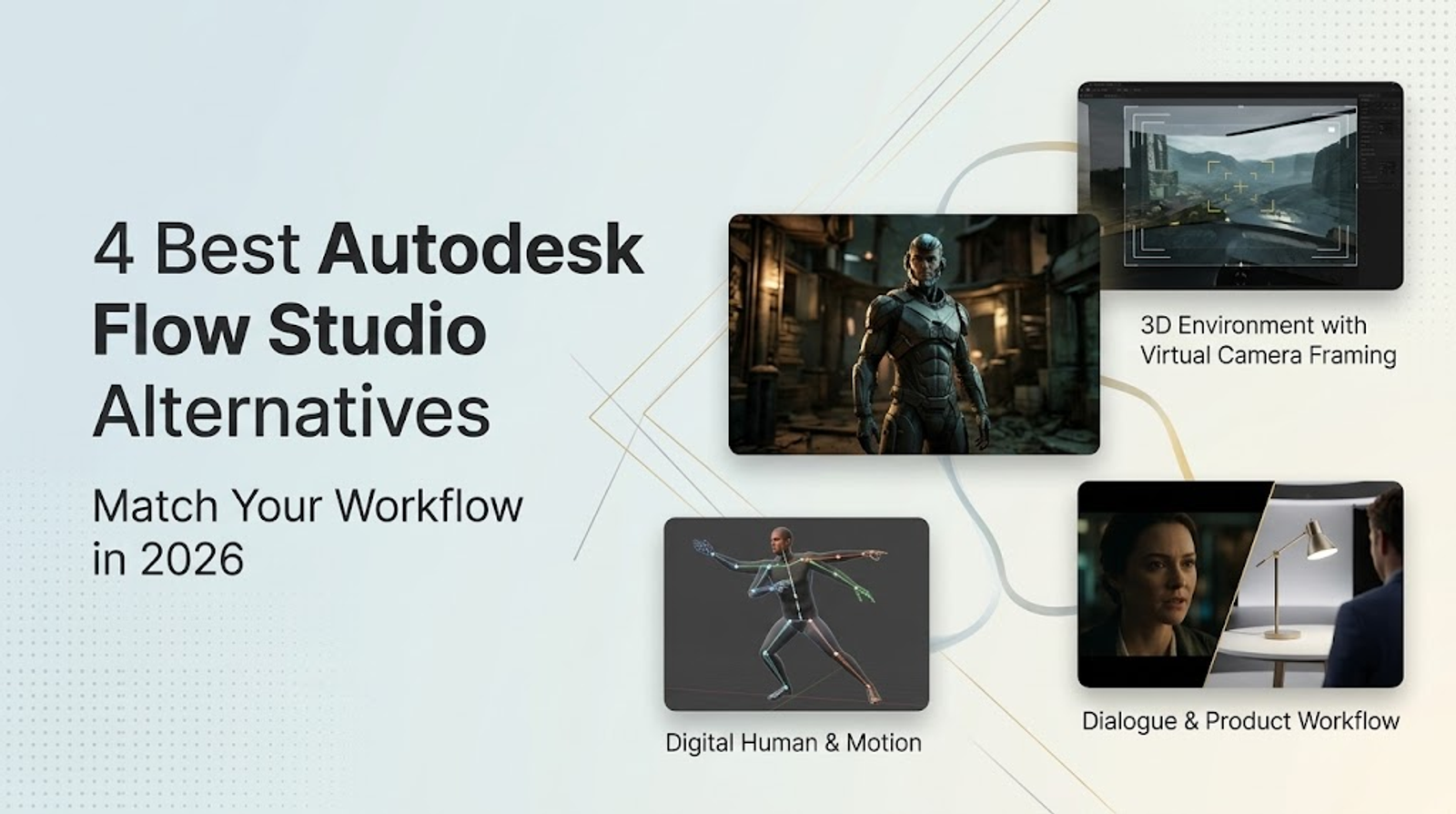
If you are exploring alternatives to Autodesk Flow Studio, your best option depends entirely on where you need control in your pipeline. I recommend Intangible for spatial scene and camera direction, DeepMotion Animate 3D for editable character animation, and Runway for direct, performance-driven character footage. When your goal is a polished product video with a script, voiceover, captions, and an assembled sequence, Wizstar is the practical choice. Keep Flow Studio whenever editable 3D scenes, tracking data, skeletal motion, and CG handoffs must stay connected in a single pipeline.
The core distinction comes down to what you need to edit after generation. A rendered video clip, a raw 3D animation file, and a finished product story serve completely different production steps. Each tool addresses a specific stage of this process, meaning none of them serves as a direct, one-to-one replacement for Flow Studio’s entire toolset.
What Autodesk Flow Studio Covers Today
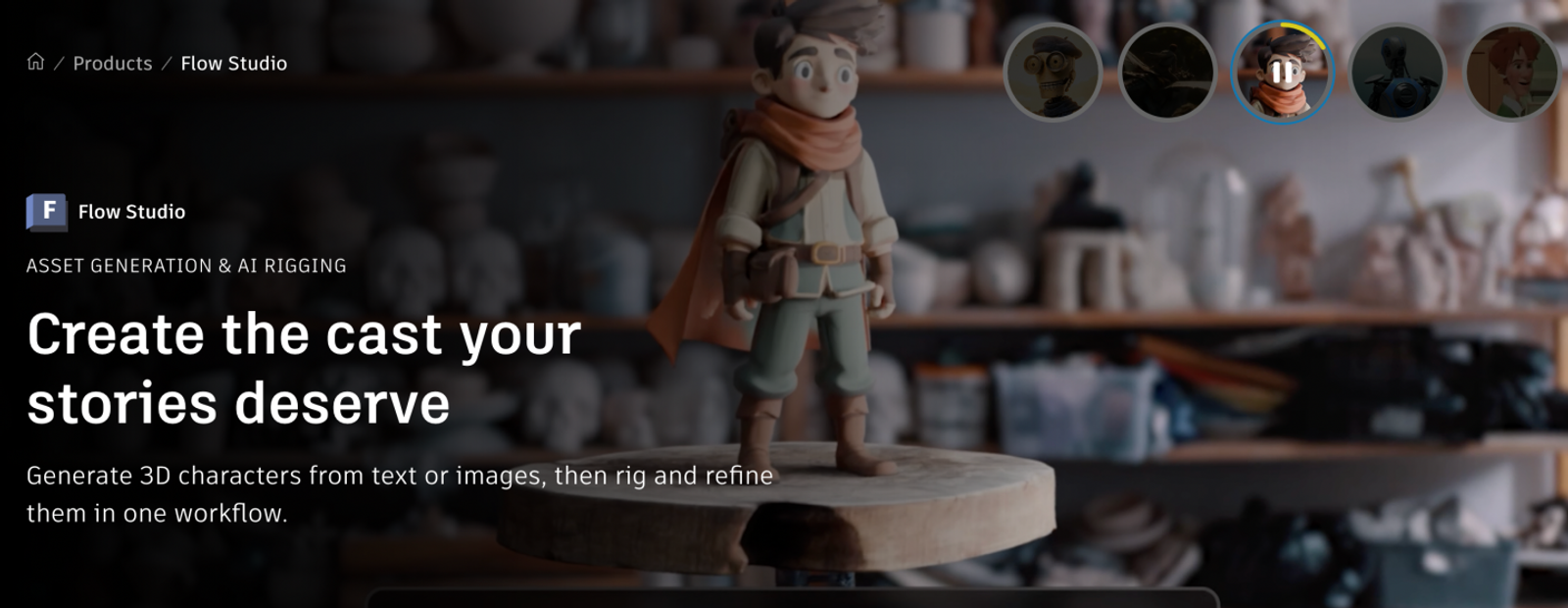
Autodesk Flow Studio combines an interactive 3D workspace with character, environment, animation, and camera controls. Its 3D Editor runs alongside Canvas tools designed for image, video, and audio tasks. Viewing it simply as an AI character replacement tool overlooks its broader scene-building and production capabilities.
Its core CG workflow brings together video motion capture, camera tracking, clean plates, alpha masks, and USD exports for downstream production software. These elements are designed to work together: a clean plate removes the actor, while tracking and skeletal data let another artist continue lighting and refining the shot. A flattened video file cannot support that handoff.
The table below outlines documented inputs, core controls, and production outputs across each tool.
| Tool | Primary Job / Input | Useful Control / Output | Substitution Boundary |
| Flow Studio | Scene creation & filmed performance | Editable scenes, motion, camera, USD/CG handoff | Full pipeline baseline |
| Intangible | Scene & camera composition | Keyframes, image/video, GLB/USDZ scenes | Scene direction; partial overall |
| DeepMotion Animate 3D | Video-to-character motion | Retargeting, pose editor, animation files | Motion data; partial overall |
| Runway | Character asset + driving video | Generated character video | Final footage substitute |
| Wizstar | Creative brief or product media | Script, scenes, voiceover, captions, edits | Marketing & publishing substitute |
Your first choice should always be based on the exact file format your next collaborator requires.
Stick with Flow Studio when your scene layout, camera path, actor performance, and CG handoff need to stay unified. Replacing one individual step is straightforward, but doing so will not replace the complete studio pipeline.
Intangible for Scene and Camera Direction
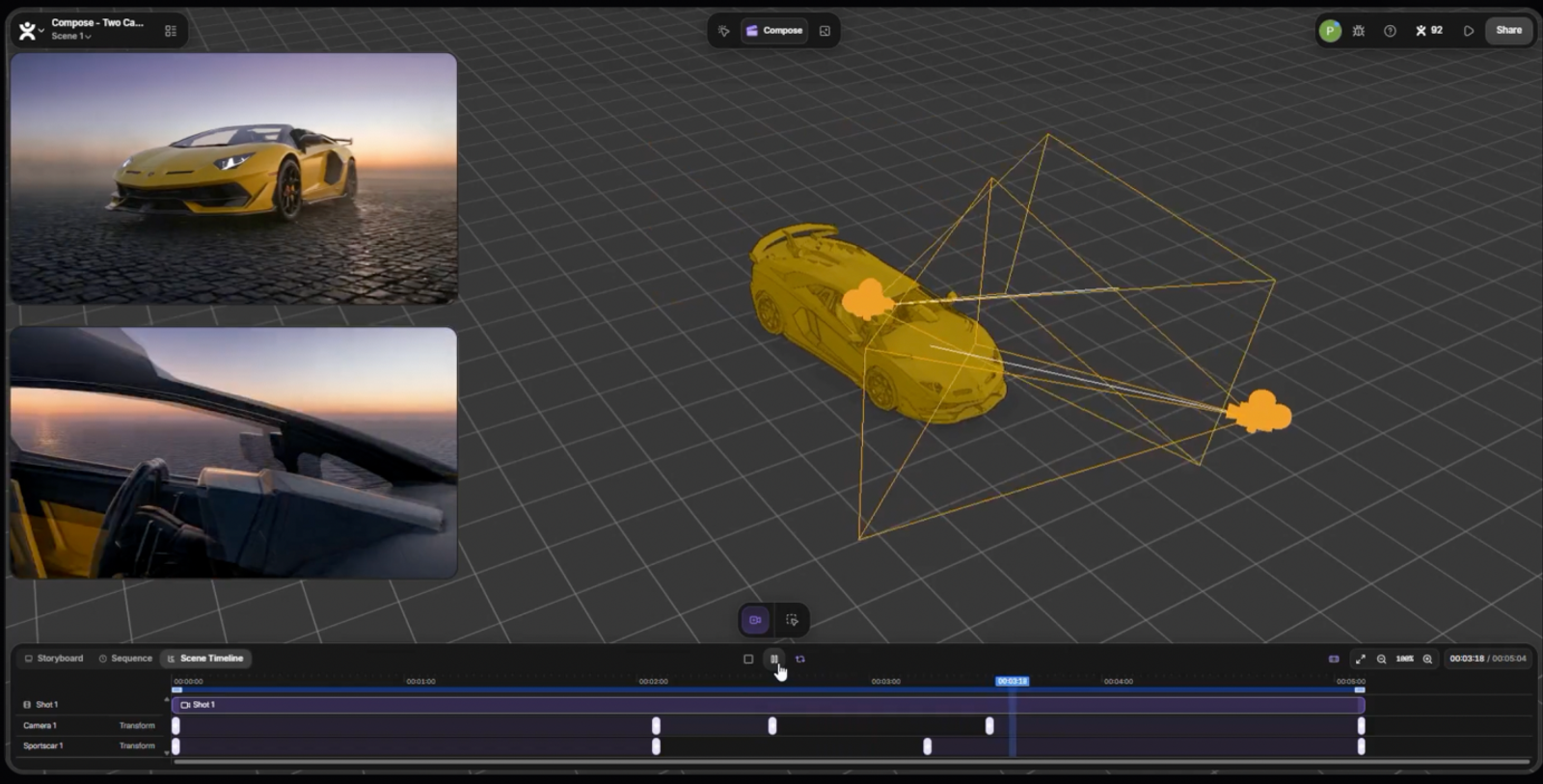
Intangible Compose is the right alternative when 3D spatial layout and camera staging drive your creative project. It lets you place virtual cameras, design cinematic moves, and fine-tune trajectory, timing, and framing with keyframes. This allows you to block out the scene before generating any visual textures.
Imagine a product reveal that requires a slow orbit around a hero object followed by an intentional push-in. The critical control here is the exact camera path and focal pacing relative to your model. Intangible handles this composition-first approach much better than relying on text prompts to describe camera moves.
The platform allows you to import custom 3D assets or CAD models, generate environments, and export still frames or video clips. Its documented outputs also include GLB and USDZ scene packages, meaning the interactive scene itself can serve as your team's deliverable.
Be clear about your pipeline requirements. USDZ is built primarily for Apple ecosystem delivery and is not directly swappable with a full USD production pipeline. Furthermore, exporting a scene layout does not give you an isolated character pass or live-action clean plate. Verify what formats your receiving software accepts before building your workflow around it.
DeepMotion Animate 3D for Editable Character Motion
DeepMotion Animate 3D is the dedicated choice when your primary deliverable is raw, editable character animation. It extracts 3D motion from standard video recordings and supports retargeting directly onto custom FBX, GLB, and VRM character rigs. The output flows straight into conventional DCC software like Blender, Maya, or Unreal Engine.
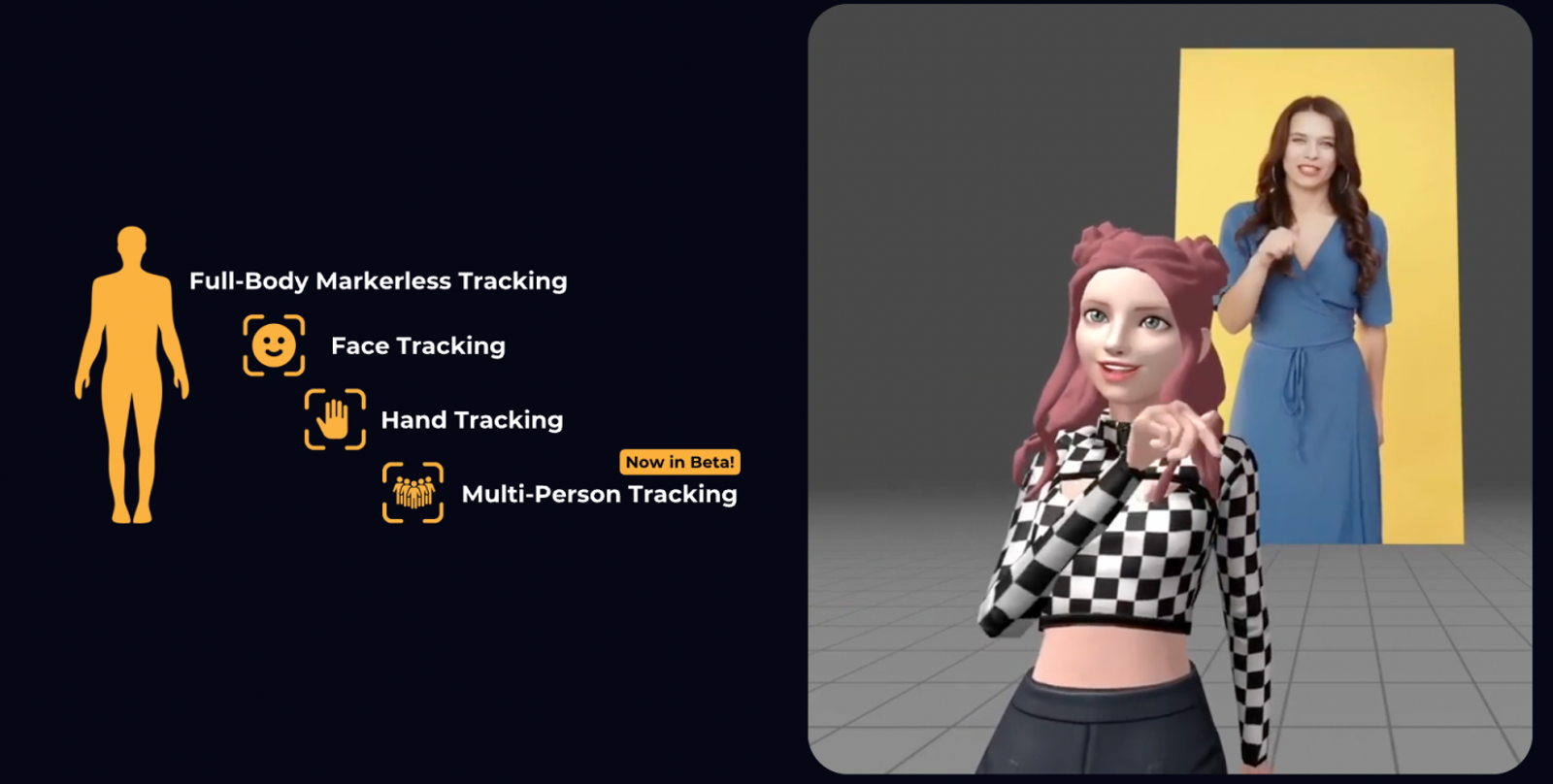
Its feature set includes full-body, facial, and hand tracking, physics smoothing, foot-locking algorithms, and a web-based Rotoscope Pose Editor. These controls give you direct access to cleaning up glitches and timing issues. When building 3D character animation, having full control over skeletal bone joints is far more valuable than receiving a flat video clip you cannot tweak.
DeepMotion exports animation data in FBX, BVH, GLB, and MP4 formats. Always confirm which animation skeleton your rigger or animator uses before processing files. An MP4 reference video is helpful for review, but only skeletal files allow an artist to refine the motion.
Keep in mind that DeepMotion focuses purely on motion data; it does not light your scene, render beauty passes, or composite characters into live plates. If you need finished video footage right out of the box, DeepMotion is not designed for that step.
Runway for Performance-Driven Character Video
Runway Add Performance targets a completely different goal: generating expressive character video directly from an actor's reference take. It pairs a character image or video asset with a driving performance clip lasting between 1 and 30 seconds. The model captures vocal rhythm, head movement, and facial expressions to output a newly rendered video.
This makes Runway ideal when you need an avatar or character to deliver dialogue for a commercial, short film, or social video. It fits projects where the director simply needs finished video footage for an edit and does not require an underlying 3D skeleton.
The underlying performance model is Act-Two. When evaluating Runway, look strictly at the visual fidelity and expressive nuance of the rendered clip. The tool does not generate 3D assets, camera track coordinates, or skeletal data.
If you are producing a dialogue scene, review whether the facial performance conveys the right emotion, then drop the rendered clip into your editing timeline. If your project demands rigging adjustments, lighting changes in 3D space, or camera repositioning, you will need a true 3D animation tool instead.

Wizstar for Product and Publishing Workflows
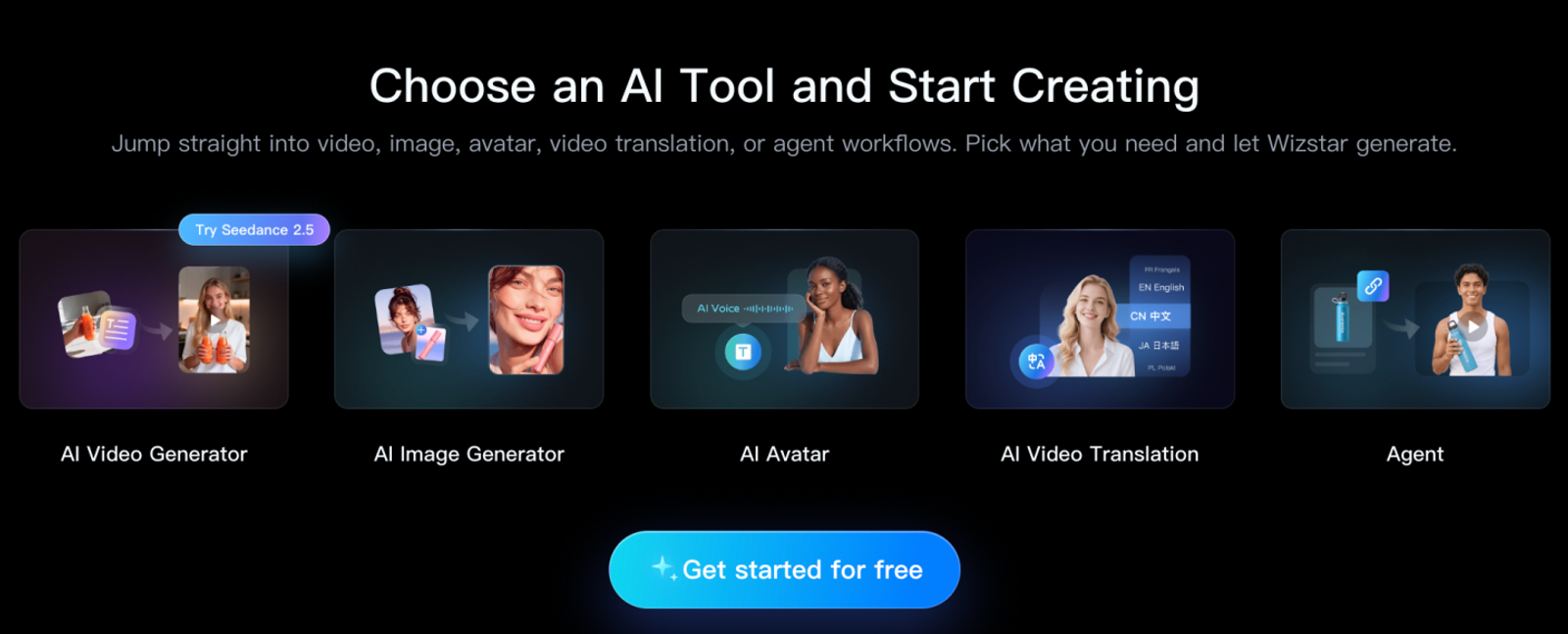
Wizstar is the logical pick when your project starts with a commercial message or physical product rather than a CG film shot. Its Agent feature takes a written brief to organize scripts, scene breakdowns, AI voiceovers, captions, and timeline edits. Its dedicated Ecommerce Agent accepts product links or still photos, translating catalog assets into structured marketing videos.
Consider a 30-second desk lamp demonstration that needs to walk through brightness controls, highlight product details, and present a clear call to action. Wizstar is built specifically for this workflow, outputting a finished piece ready for social media, Amazon listings, or ad campaigns. The goal here is clarity, narrative pacing, and product accuracy.
Alongside video and image creation, Wizstar provides AI avatars, automated lip-syncing, and video translation tools. These features are built to scale marketing content across different languages. They do not replace 3D tracking, camera passes, or VFX compositing.
I always recommend keeping a human reviewer in the loop to check product branding, factual claims, and audio tone before scheduling content. In commercial publishing, every scene must support the key marketing message clearly and accurately.
Monthly Pricing Breakdown
| Tool / Plan | USD / Month | Included Monthly Units | Ideal Use Case & Key Boundary |
| Flow Studio Standard | $45 | 6,000 credits | Advanced live-action tracking & USD; character-pass export requires Pro ($95) |
| Intangible Explorer | $35 | 500 credits | Commercial license; GLB/USDZ interactive scene exports |
| DeepMotion Innovator | $48 | 480 credits | Commercial license; supports continuous 30-second video clips |
| Runway Standard | $15 | 625 credits | Commercial access; generates Act-Two performance-driven video clips |
| Wizstar Plus | $36.27 | 2,690 credits | Commercial license; full model library access; custom avatars cost extra |
Because these tools produce completely different deliverables, credit totals cannot be compared head-to-head.
- Flow Studio Standard’s 6,000 credits provide roughly 300 seconds of advanced live-action tracking (at 20 credits per second) or 600 seconds of standard motion capture (at 10 credits per second). If you need isolated character-pass exports, you will need to budget for the Pro plan at $95 per month.
- Intangible Explorer ($35/month) works well when you need to iterate on camera angles and maintain a reusable 3D scene file for commercial use. Exact render times vary depending on the chosen resolution and generation parameters.
- DeepMotion Innovator ($48/month) handles continuous clips up to 30 seconds. The Starter tier ($15/month for 180 credits) limits jobs to 20 seconds. On Innovator, your 480 credits yield 480 seconds of body-only tracking (1 credit/sec), or 240 seconds of combined body, face, and hand tracking (2 credits/sec total).
- Runway Standard ($15/month) provides 625 credits. With Act-Two costing 25 credits per 5-second generation, a full monthly balance yields up to 25 test clips. Commercial use is governed by Runway's Terms of Use (updated October 23, 2026).
- Wizstar Plus renews at an introductory $36.27 per month, covering commercial use under platform terms. Using MiniMax H3 at 720p (6 credits per second), the 2,690 credit pool equals around 448 seconds of video generation, minus any runs spent on script adjustments, avatars, or translation tasks.
Choose by the Deliverable You Need to Keep
Before switching tools, pinpoint the exact type of revision your team will need to make later:
- Will an animator need to adjust bone rotations or timing? Choose a skeletal tracking pipeline like DeepMotion.
- Will a director need to tweak the lens focal length or camera trajectory? Choose a spatial composition platform like Intangible.
- Do you need an expressive actor performance delivered directly as footage? Use Runway’s Act-Two.
- Do you need a completed product video ready for social or ad channels? Use Wizstar.
Always define clear handoff criteria upfront. For 3D workflows, agree on target file formats (FBX, USD, GLB) and rig compatibility with your downstream artists. For marketing and ecommerce deliverables, establish your required specs for product fidelity, voiceover tone, subtitles, and branding before generating scenes.
If your upcoming project is an ecommerce product explainer, upload your photos or listing URL into Wizstar's Agent and Ecommerce Agent workflows. Start with a clear marketing goal, review the generated script and scene order, and verify product details and captions before pushing to publish.
FAQ
- Is Autodesk Flow Studio free?
- Yes. Autodesk Flow Studio includes a free tier providing 300 credits each month. This covers roughly 15 seconds of live-action tracking or 30 seconds of mocap processing, outputting watermarked 720p video. Text-to-3D, image-to-3D, and auto-rigging features can be previewed inside the browser without export capabilities.
- Can I use Autodesk Flow Studio on a phone or tablet?
- Autodesk Flow Studio runs in modern web browsers, officially supporting desktop versions of Google Chrome and Apple Safari. While it is not strictly blocked on mobile browsers, Autodesk states the interface is not currently optimized for touch screens or phones. For dependable performance, use a desktop or laptop computer.
- Can I use Flow Studio without motion capture equipment?
- Yes. Flow Studio extracts body, facial, and hand motion directly from standard single-camera video files. You do not need specialized suits, optical markers, or multi-cam studio setups. For clean results, ensure your actor is well-lit and their limbs remain clearly visible throughout the recorded performance.
- Do I need to sign up to try Wizstar for free?
- Yes. You must create an account to claim Wizstar's trial credits, though browsing the site and reading documentation requires no login. The pricing page grants 20 free credits for eligible creation tools. Custom avatar creation and voice cloning features are reserved for paid tiers.
- Can Wizstar translate a video's audio without changing lip movements?
- Yes. Wizstar provides an Audio Translation Only tool alongside its Lip Sync + Audio Translation option. The audio-only workflow replaces the voice track while leaving original mouth movements untouched. Its language engine supports 99 input languages (plus Auto-detect) and translates into over 70 target languages.
- Does Wizstar share uploaded content with third-party AI providers?
- Yes. According to Wizstar's Privacy Policy, user prompts and uploaded assets are processed by underlying foundation model partners and moderation systems. Its Terms of Service outline standard operational licenses for platform maintenance and model refinement. Always review your client confidentiality agreements before uploading proprietary or sensitive media to any cloud AI platform.