The short answer
The best HeyGen alternative depends on the job a team cannot finish comfortably in its current workflow. Shortlist Wizstar for product-led visuals, Synthesia for structured training, Arcads for actor-led UGC ad variants, or Creatify for ads that begin with a product URL. Keep HeyGen when its presenter, translation, and team controls already meet the brief. These are documentation-based trial routes, not quality winners: this comparison uses official material checked October 29, 2026, without hands-on renders or evidence that another platform imports HeyGen projects.
What Job Are You Replacing HeyGen For?
“We need another avatar tool” is too broad. A paid ad needs product identity and approved claims. Training needs a maintainable sequence. Localization needs reviewed translation and voice permission. These are different replacement jobs even when all contain a presenter.
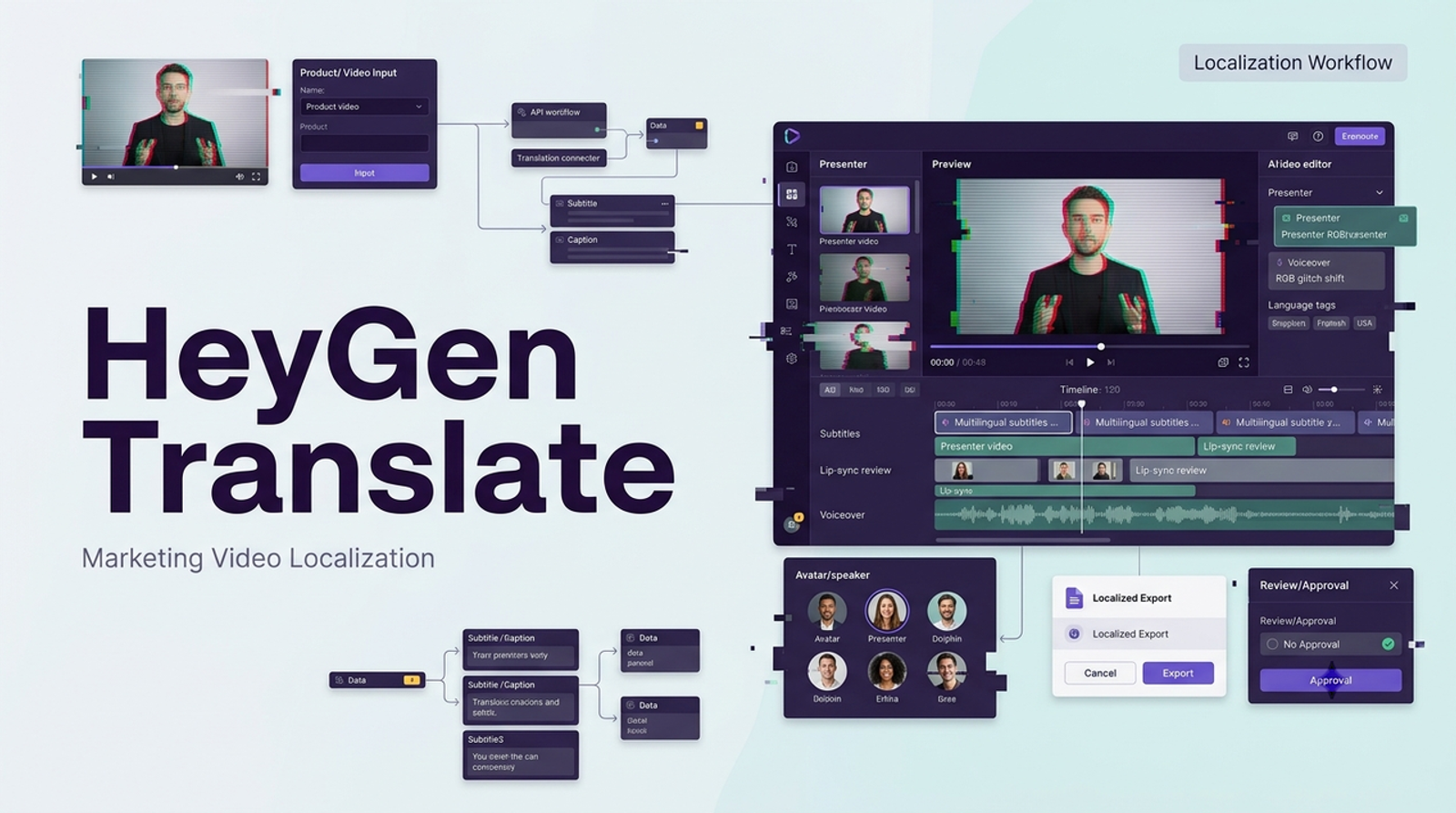
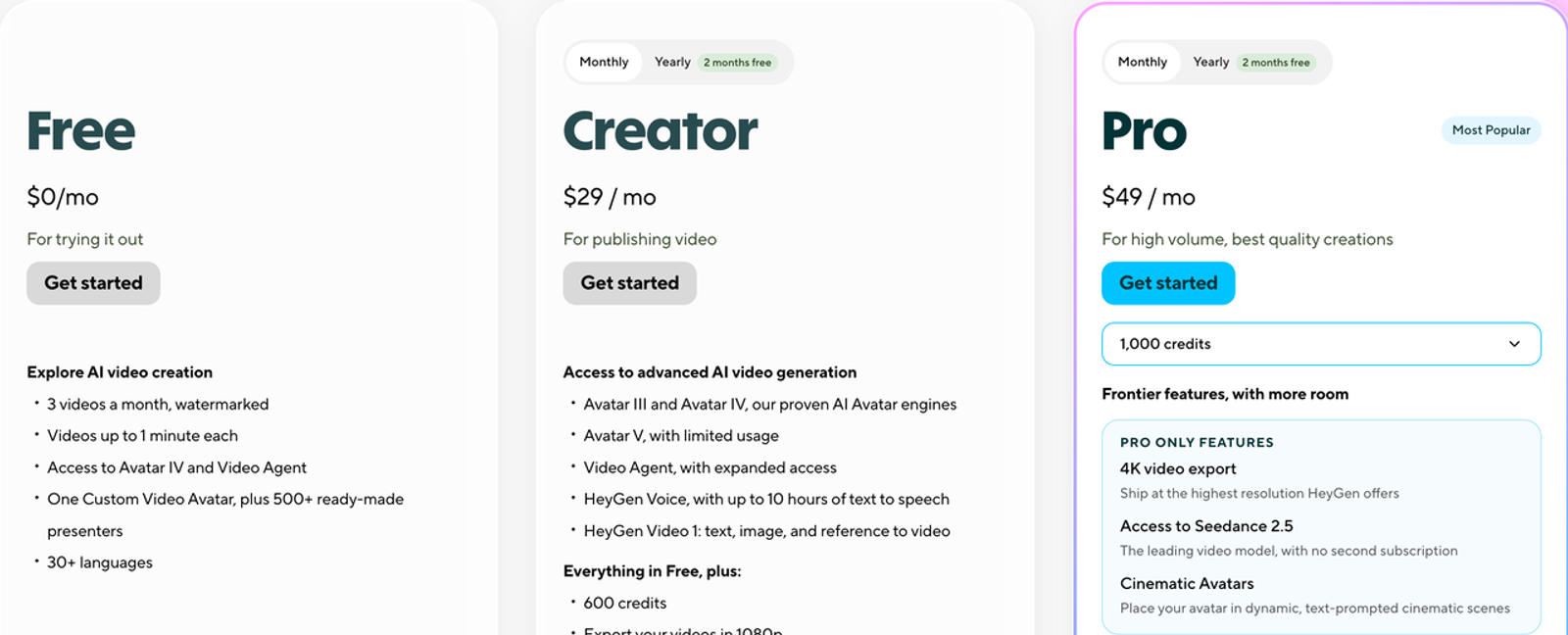
HeyGen itself spans more than talking heads: its current plan comparison lists custom avatars, generation, translation, product placement, and business workspaces. Name the missing step rather than assume another service is universally broader. Which asset, revision, or approval made the last video difficult?
How Should You Compare an Alternative on Your Own Brief?
Use one realistic but non-confidential pilot brief: a 25-second video for a fictional rechargeable desk lamp. Supply an authorized product packshot, a filmed view of its two visible controls, a short approved script, and one target placement. The only proposed factual line is “Two controls adjust the light”; a product owner must verify that wording against the actual SKU before a real pilot. Do not turn generated glow or hand movement into proof of battery life or safety.
Ask each platform for its relevant deliverable, not an identical avatar clip. Record accepted sources, credits, resolution, captions, final format, and revision path. Review product identity, speech, permissions, and change effort. The next edit is part of the cost. No render was run for this article.
Separate Presenter, Product Ad, and Training Needs
For presenters, judge pronunciation, likeness permission, and corrections. For ads, check the lamp’s controls, label, and editable offer. For training, test how a later update changes scenes and translations. An MP4 is a finished clip, not an editable source project.
Wizstar — Product-Led Video Workflows
Wizstar is a first trial when the lamp, rather than a presenter, must carry the ad. Its official feature catalog describes product-video, text- or image-to-video, product-image, avatar, and translation routes. For the shared brief, the proposed deliverable is a short product-focused clip built from approved lamp imagery, with the controls visible before a separate editor adds verified copy. A second pilot could test a translated explainer, but that is a distinct approval task.
Best Fit and Key Trade-Offs
The fit is a team that needs product shots alongside other business-video formats and wants to compare model routes in one place. The trade-off is that breadth does not establish parity with HeyGen’s custom-avatar behavior or team governance. Wizstar’s public pricing describes plan credits and model-specific consumption, with paid custom avatar or voice services separate; the chosen model, resolution, duration, and checkout terms determine the actual pilot cost. Public feature descriptions do not prove label fidelity or the export package for a particular model. That is a claim I would test with my own asset: compare the lamp’s controls and wordmark on first, middle, and last frames, then inspect the downloaded file and license terms.
Synthesia — Structured Training Videos
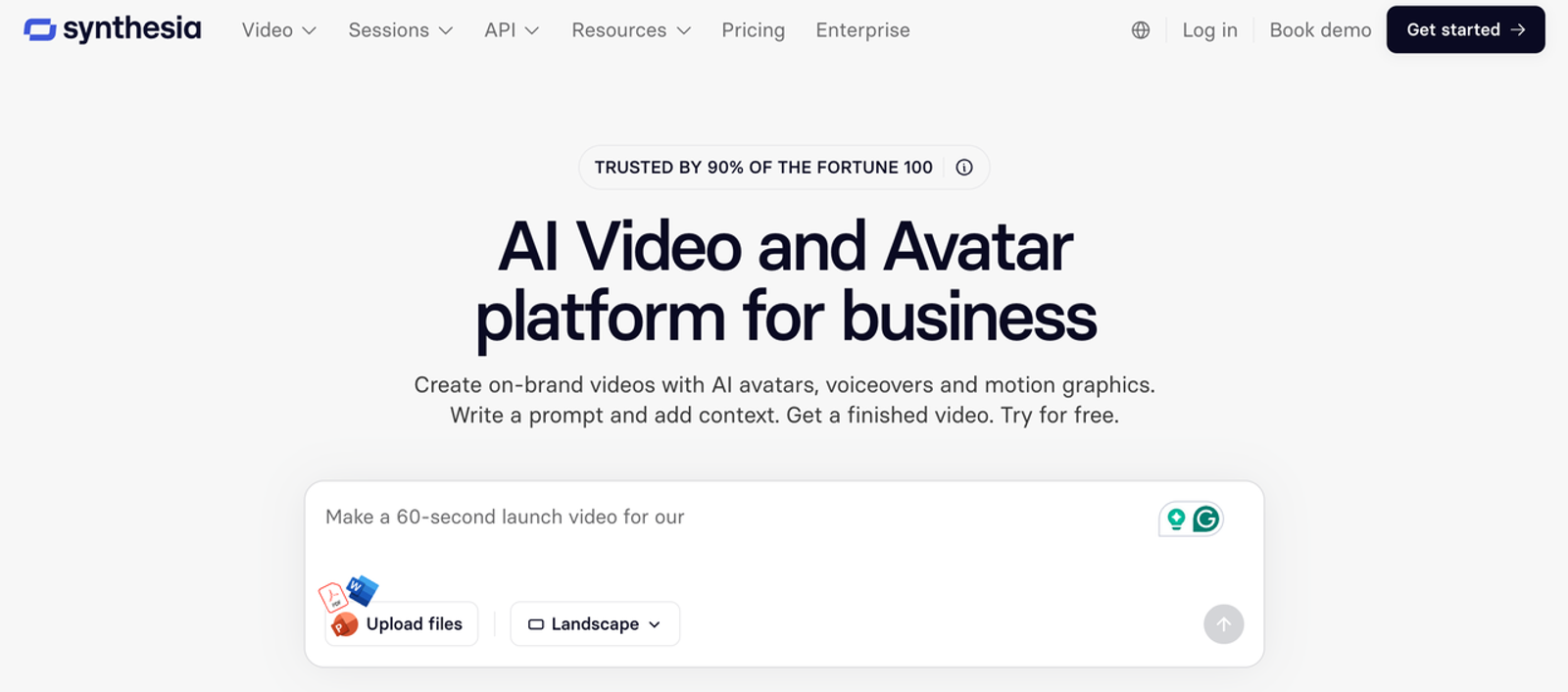
Synthesia makes more sense when the missing deliverable is a maintained training module. Its editor, translation options, workspaces, and learning-oriented exports suit a process that changes after a product release. For the lamp brief, I would replace the ad hook with a short internal lesson: show the current controls, explain their names, then let a product owner approve the sequence before localization. Its documented download routes include MP4 for conventional videos and SCORM options for compatible learning workflows; interactive elements can limit MP4 download, so test the exact format before committing an LMS rollout.
Best Fit and Key Trade-Offs
The key trade-off is licensing for paid promotion. Synthesia’s July 2026 video licensing guide says stock and synthetic avatars may be used for website training or product videos but not paid ads; custom-avatar use depends on the agreement with the person whose likeness is used. A team buying primarily for paid social should resolve that before comparing visual style. The current public plan page lists a free Basic tier, paid Starter and Pro plans, and custom Enterprise pricing; credits, video minutes, and export needs still require a quote for the planned volume. A structured training fit does not make Synthesia a direct substitute for every HeyGen ad.
Arcads — Actor-Led UGC Ad Variants
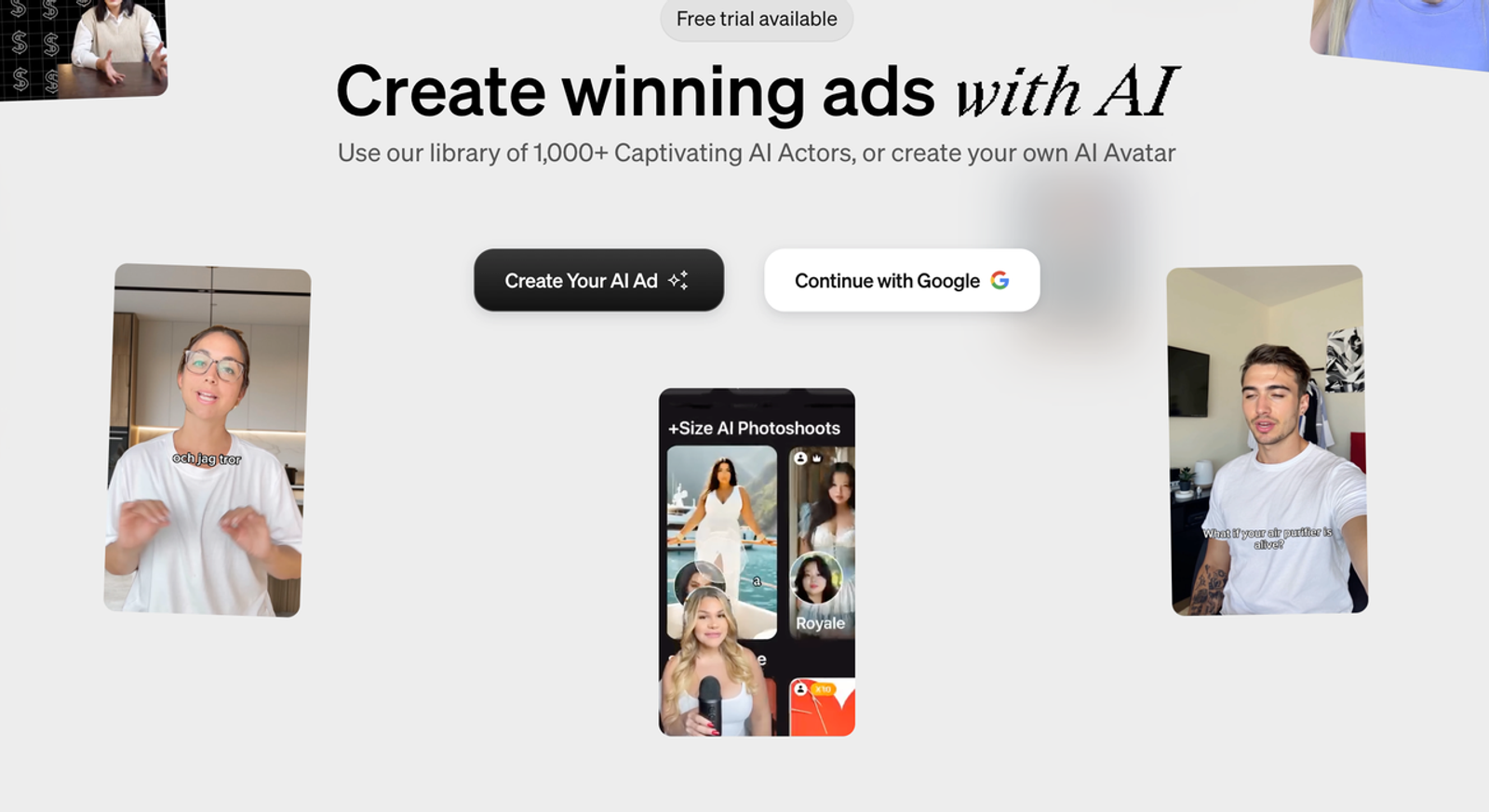
Arcads is the focused trial when the lamp campaign needs several actor-led openings rather than one corporate presenter. Its official UGC-ad workflow starts with a script and actor, can place a product in an actor image, and offers caption and variation steps. The proposed output for the shared brief is a set of short direct-to-camera hooks pointing to real lamp footage. The actor should not say “I use this every night” unless a real, authorized person’s experience supports that statement. UGC style is a visual convention, not a customer testimonial.
Best Fit and Key Trade-Offs
The fit is testing delivery or hook variants while keeping the product claim fixed. The trade-off is product handling: a generated actor holding the lamp might change its shape or controls, so real footage should carry any functional proof. Arcads publishes credit rules for actor videos and related tools, but says prices can vary by account and the generation screen shows the charge. Its terms also warrant review for agency-client use and post-export edits. Compare the cost of an approved variant, including rejected attempts and review time, rather than translating credits into a false cross-vendor price ranking.
Creatify — Product-Link Ad Production
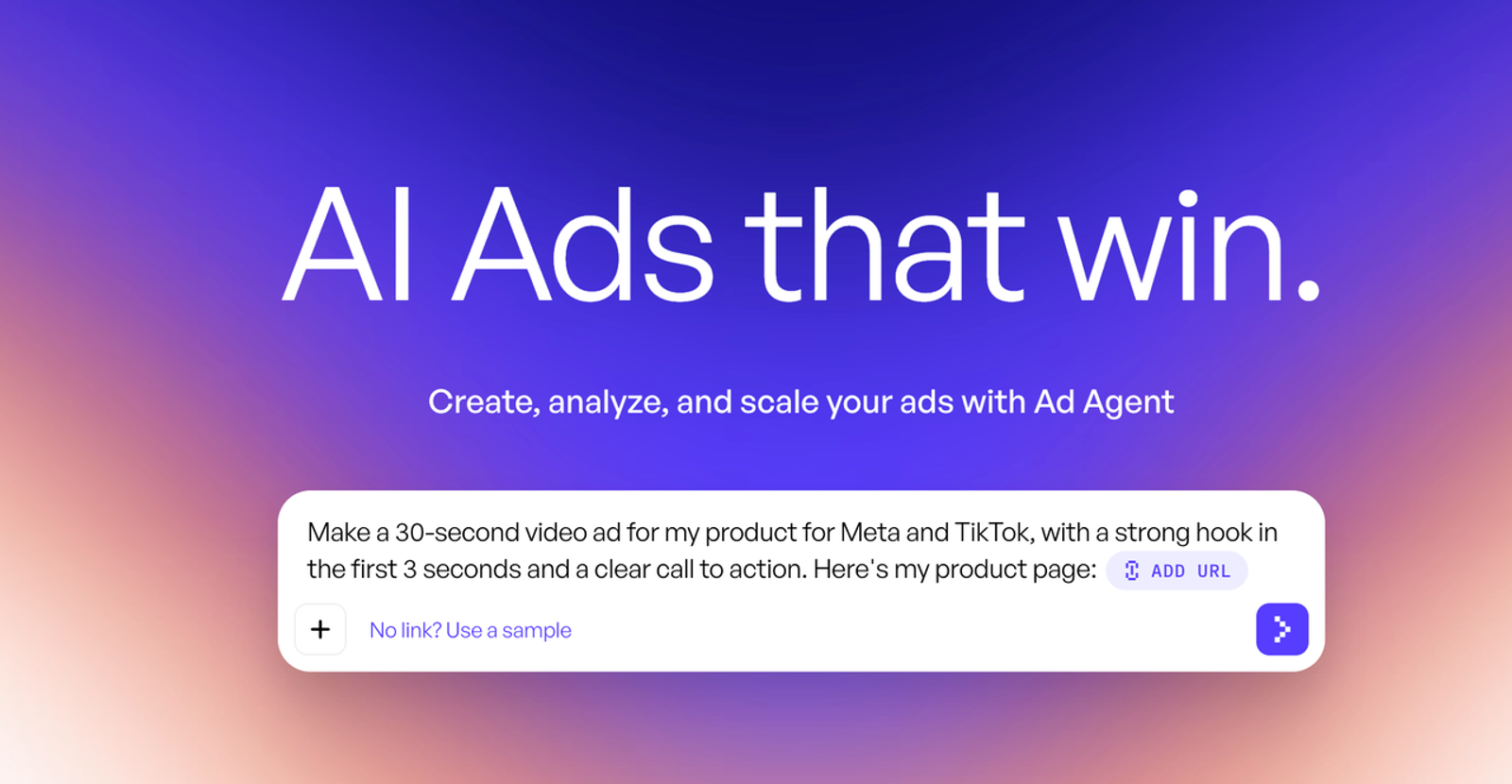
Creatify fits a team whose first input is a current product listing. Its URL-to-Video documentation says the tool can analyze a product URL to draft ad creatives and can also start from manually supplied assets. For the lamp brief, the deliverable to request is an ad draft that pulls the right product identity and makes the two-control explanation easy to inspect. The team should compare every extracted line with the approved product sheet; a listing may contain outdated price, review language, or unapproved claims.
Best Fit and Key Trade-Offs
The fit is repeated product-link ad production with a human checking scripts, images, and offers. The trade-off is that faster ingestion moves the review burden upstream: a wrong page fact can spread through several variants. Creatify’s current pricing page lists credit-based self-serve tiers, and its help center separates generation from revision costs; verify the account’s actual plan, export resolution, watermark, and commercial-use terms at checkout. A product-link draft should be treated as a candidate edit, not as proof that the original listing or a generated demonstration is accurate.

Which Alternative Fits the Missing Workflow?
Use the same lamp brief to route a first trial. For HeyGen, the task is a routine revision to the existing workflow; for each alternative, test the missing deliverable:
| First consider | Task to validate | Deliverable from the lamp brief | Verify before deciding |
| HeyGen | Current presenter and translation process may already suffice | Revise one approved presenter video | Workspace access, handoff files, and revision cost |
| Wizstar | Product visuals carry the ad | Make a lamp shot from approved assets | Control and label accuracy; actual export and credits |
| Synthesia | Training needs updates and localization | Create and revise a short internal lesson | Required export format and avatar license for intended use |
| Arcads | Ads need actor-led opening variants | Keep product facts fixed; vary the opening | Product depiction, usage rights, cost per approved variant |
| Creatify | Ad production starts from a listing | Draft an ad from the current lamp page | Extracted price, description, and claims |
This routes a first trial; it does not rank output quality, which this article did not test. Reject a changed product, a license that excludes the placement, or a handoff that cannot support the next revision. Include one correction request and a client handoff in the pilot.
When Should a Team Keep HeyGen?
Keep HeyGen when the current presenter is approved, the translation workflow is understood, and team controls or stored source projects already support review. Switching for a novel visual style can create a new likeness approval, voice license, migration, and training burden without solving the business task. Its current export help documents finished video, audio, and SRT downloads for eligible users; those files are useful handoff assets, but they do not establish editable-project portability. Before leaving, inventory approved renders, scripts, captions, original uploads, avatar permissions, and workspace roles. I care about the second pass: the platform that handles a routine correction cleanly may be more valuable than the one with the best first demo.
Conclusion
Choose among alternatives to HeyGen by the deliverable that is missing, not by avatar count or a vendor’s headline price. Wizstar, Synthesia, Arcads, and Creatify solve different first jobs; HeyGen may remain the strongest fit for an existing presenter and translation process. A fair decision needs an approved brief, one realistic correction, a rights check, and the actual files the next editor or client will receive.
FAQ
- Who retains access to approved client videos after an agency changes platforms?
- The contract and account roles decide access. Before switching, list which organization owns the workspace, who can download final videos, and where the agency must deliver source files and permissions. Export and archive approved assets while authorized access remains active; do not assume a client can inherit an agency account or its licenses.
- What happens to a custom avatar if a team closes its HeyGen account?
- Do not assume it transfers. HeyGen’s enterprise settings describe avatar access controls and warn that deleting a workspace permanently removes its projects and assets. Confirm the avatar’s account-specific status with HeyGen before cancellation, preserve approved rendered clips, and arrange new consent if another service needs a fresh avatar.
- Can a licensed voice be reused in a replacement video service?
- Only if the voice agreement explicitly covers that service, synthetic processing, intended speakers, territory, and use. A license to publish an existing recording is not automatically permission to upload it for cloning. Ask the rights holder and vendor for the applicable terms before testing.
- Do alternatives import editable HeyGen projects or only finished clips?
- Do not plan on native project import without an explicit, current importer for the exact project format. A finished MP4 can serve as footage, but it does not carry scene structure, avatar settings, or editable captions. Rebuild from approved scripts, assets, and SRT files, then check the resulting video against the original approval.
- Can procurement test alternatives without uploading client-confidential assets?
- Yes. Use a fictional product brief and licensed sample media to test interface, timing, export, collaboration, and credit behavior. That pilot cannot establish fidelity on the client’s real SKU; arrange a separate authorized test under the correct data and retention terms before production.