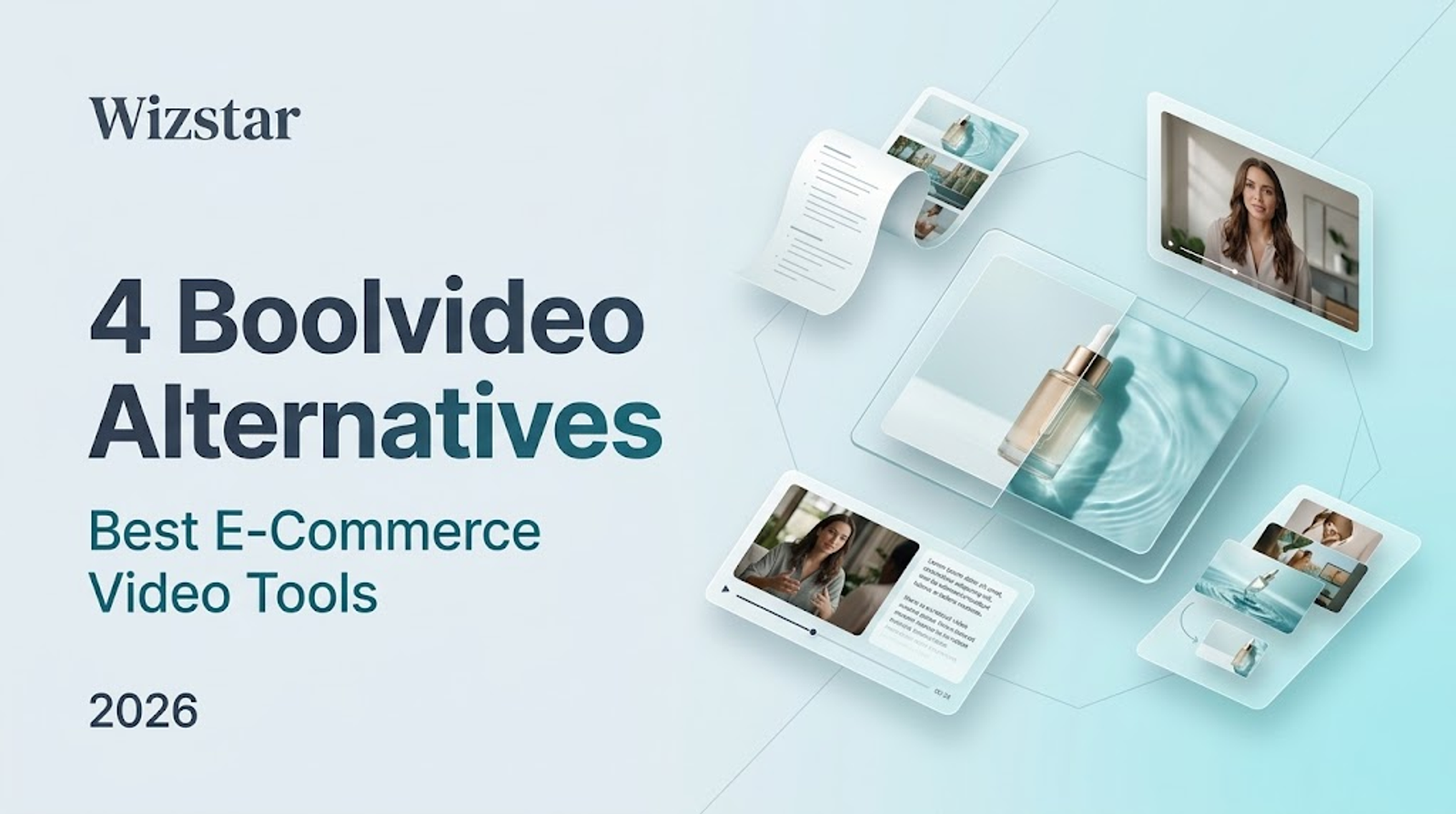
Boolvideo automates product video generation directly from store URLs or raw images. However, when an initial draft falls short—whether it lacks a high-retention hook, an AI presenter, tight narrative pacing, or a dedicated product close-up—switching tools should be driven by the specific editorial bottleneck, not merely finding another app that takes the same URL.
To break past an unfinished draft, match your current assets directly to the editing workflow required:
- Product page content needing scene rearrangement calls for targeted script and asset swaps.
- Cold traffic ads requiring humanized explanations call for scripted AI avatars.
- Multiple approved B-roll clips require a draggable timeline for clip editing.
- A missing visual angle or product close-up requires generative image-to-video synthesis.
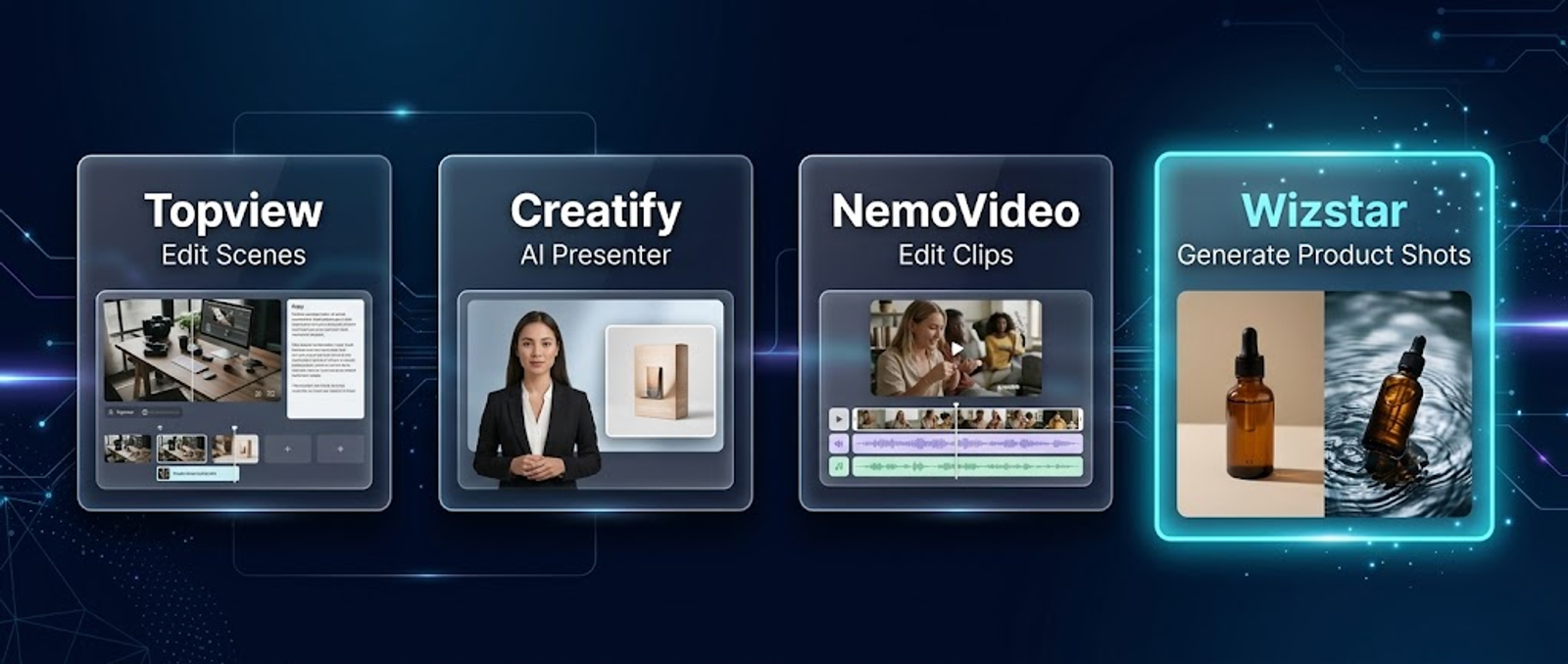
Quick Comparison: Match Your Task to the Tool
| Tool | Primary Input Asset | Core Documented Workflow | Best Suited For |
|---|---|---|---|
| Boolvideo | Product URL or image pack | Automated end-to-end video generation | Baseline automated drafts |
| Topview | Product URL | In-canvas text editing, scene reordering, visual swaps | Polishing and restructuring URL drafts |
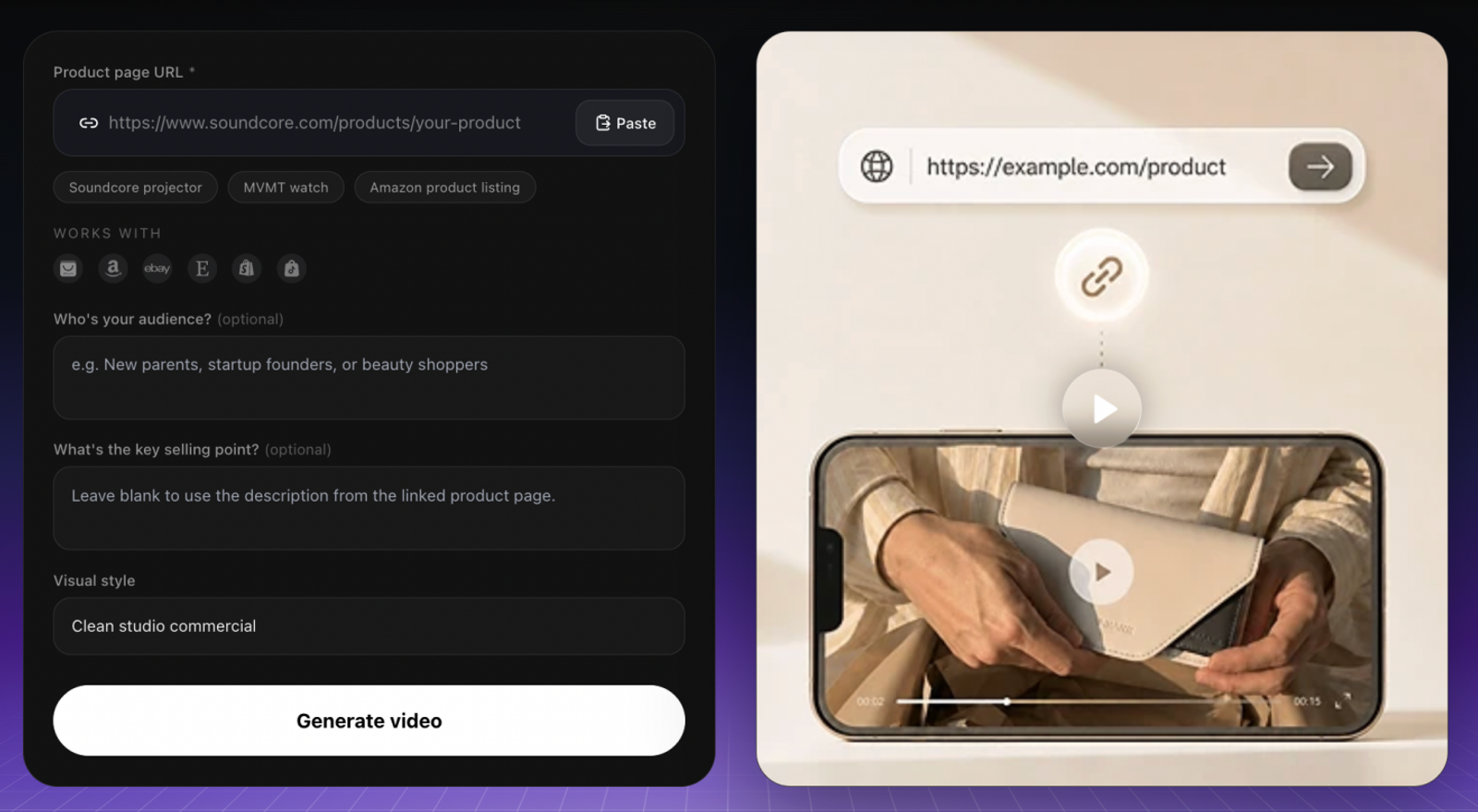
| Creatify | Product URL | Upfront avatar selection, automated script generation, scene tuning | Front-loading an AI spokesperson hook |
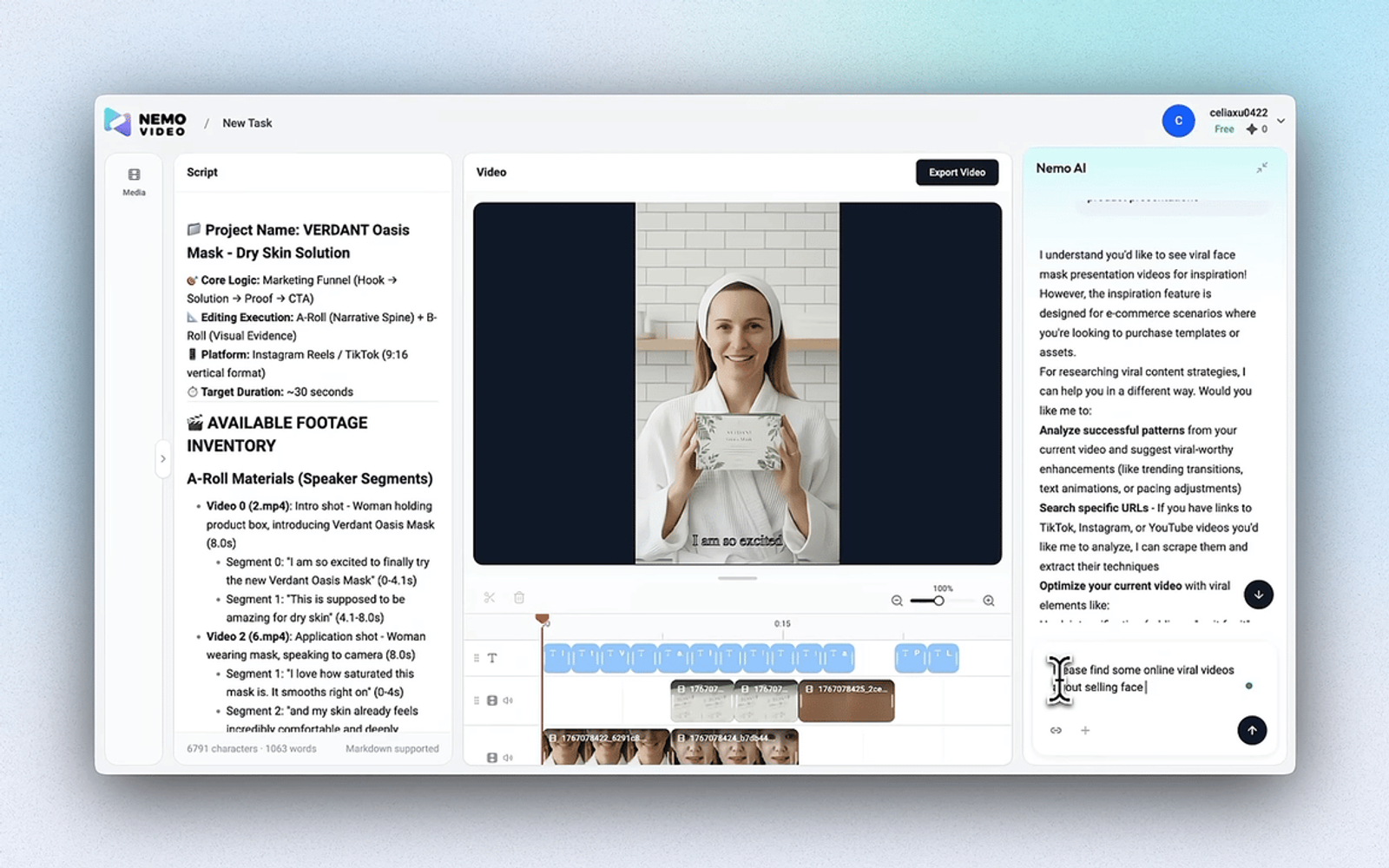
| NemoVideo | Product link or uploaded clips | Editable script and timeline clip editing | Arranging and trimming raw footage |
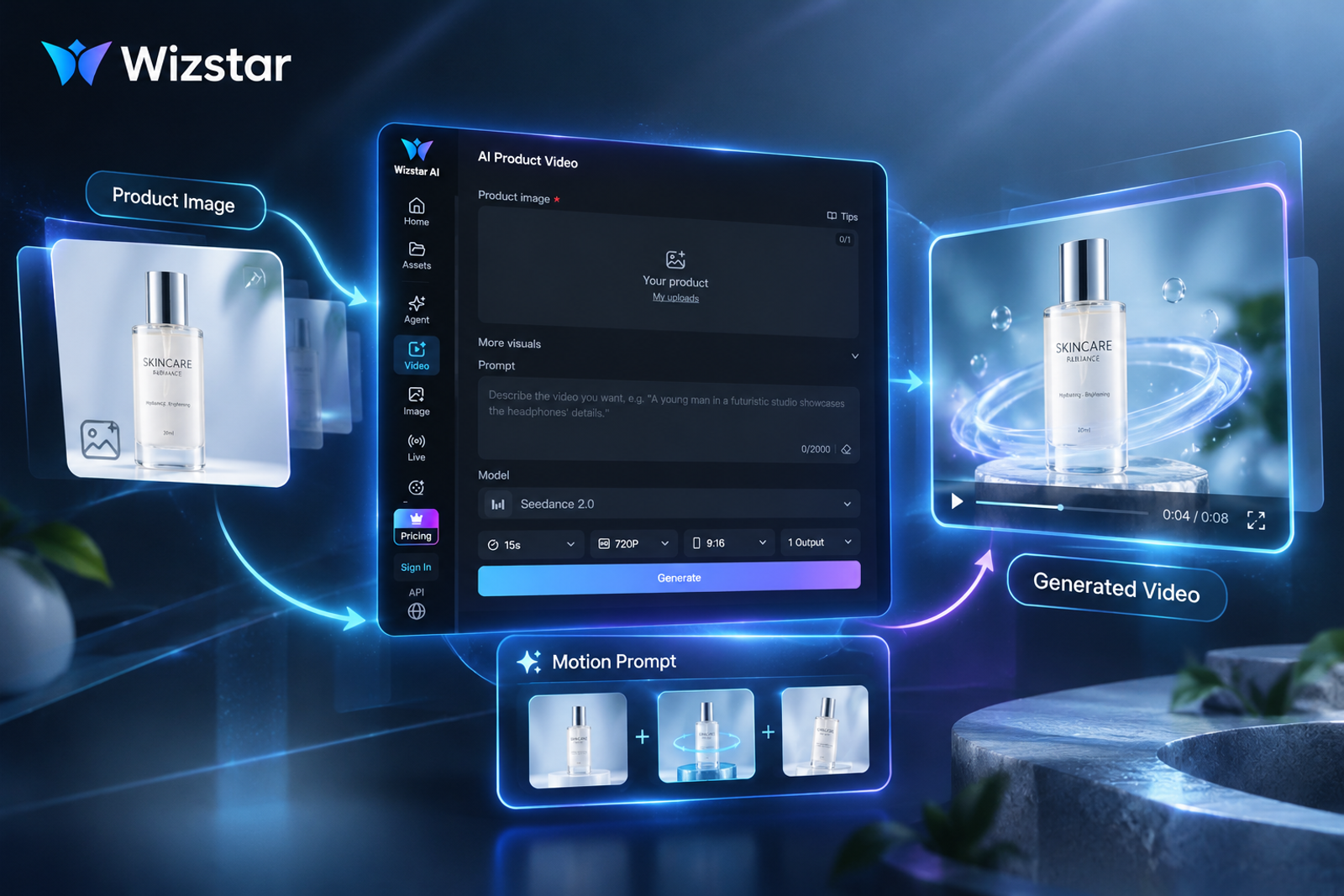
| Wizstar | Product image + motion prompt | Model and video settings | Synthesizing a specific missing product shot |
Topview: Restructure and Polish a Near-Finished Draft
Choose Topview when your product-link draft has the right foundational premise but needs targeted scene adjustments. Its Canvas editor allows local copy revisions, visual replacements, and scene reordering without rebuilding the entire project.
- Scenario: A desk organizer ad mistakenly opens with generic shipping packaging instead of the product itself.
- Execution: Move the organizer close-up to the first 3 seconds, update the voiceover headline to lead with the core value proposition, and check the approved product claims (e.g., specific dimensions or compartment counts) after any re-generation.
Creatify: Anchor the Hook with an AI Spokesperson
Choose Creatify when direct-to-camera address improves retention or explains a complex value proposition. Unlike tools that bolt on presenters as an afterthought, Creatify’s URL-to-video setup places avatar selection before generation and customization.
- Scenario: A multifunctional desk lamp requires an intuitive explanation of its touch-dimming settings before showcasing ambient room views.
- Execution: Assign the presenter a defined functional role—such as delivering the opening hook or demonstrating the control interface—rather than letting an avatar deliver generic praise. Ensure the script focuses on factual utility rather than fabricated personal testimonials.
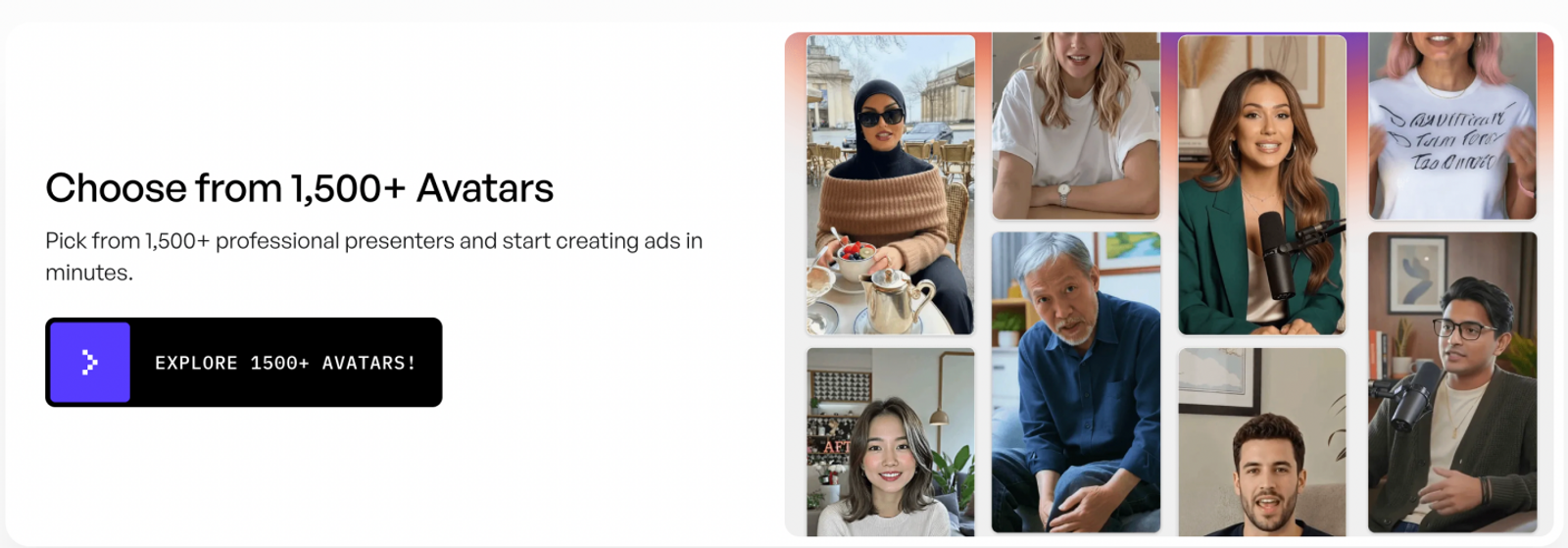
NemoVideo: Sequence Multi-Clip Raw Footage
Choose NemoVideo when you already have approved live-action B-roll that needs timeline-level pacing. Its NemoAgent interface provides an editable script and a draggable timeline for clip trimming and extension.
- Scenario: Pacing a travel-mug sequence involving three distinct clips: closing the lid, slipping the mug into a backpack, and an end-frame product shot.
- Execution: Sync visual actions to exact voiceover beats (e.g., hold the lid-lock visual until the seal audio cue finishes). Lock your sequence order before applying transitions or graphic overlays, keeping raw local clips archived as fallback backups.
Wizstar: Synthesize a Missing Product Angle
Choose Wizstar AI Product Video when an existing edit is missing a crucial hero shot that can be generated from an approved still photo. The workflow focuses on single-shot asset synthesis using reference images, motion prompts, and video settings.
- Scenario: A skincare ad needs a smooth orbiting view of a serum bottle resting on a clean pedestal, but only a flat studio still is available.
- Execution: Input the approved packshot, set camera motion to gentle rotation, and write a concise motion prompt specifying lighting and background simplicity. Verify that the output maintains label legibility and container proportions before inserting it into your final cut.
Pricing and estimated image-to-video capacity
Prices checked October 19, 2026, in USD. The table separates published plan capacity from estimates.
| Tool and plan | Monthly price | Credits | Image-to-video reference |
|---|---|---|---|
| Boolvideo Free / Standard / Pro | $0 / $19 / $69 | 250 / 1,400 / 5,000 points | About 1–3 / 20 / 80 exports |
| Topview Basic / Plus | $8 / $24 | 50 / 100 credits | About 12 / 25 four-second clips* |
| Creatify Standard / Pro / Max | $15 / $55 / $95 | 55 / 280 / 730 credits | No fixed paid-plan count published |
| NemoVideo Starter / Pro | From $17.99 / $34.99 when billed annually | 1,100 / 2,300 credits | No reliable count published |
| Wizstar Starter / Plus / Pro | $10.99 first month, then $18.05 / $36.25 / $166.32 | 1,310 / 2,690 / 13,040 credits | Up to 32 / 67 / 326 videos on plan cards** |
Pre-Launch Asset Verification Checklist
Before deploying generated or revised clips into paid ad campaigns, run this 4-step QA verification:
- Brand Claim Consistency: Confirm that automated script revisions have not altered substantiated performance claims, warranty lengths, or material specifications.
- Visual Fidelity Under Motion: Inspect the product frame-by-frame during camera movement. Watch for warping along rigid edges, cap distortions, or blurred typography on packaging labels.
- Auditory and Subtitle Sync: Verify that on-screen captions match the voiceover cadence verbatim, particularly across the first 3-second hook.
- Resolution and Platform Safe Zones: Use a supported resolution such as 1080p and a suitable ad aspect ratio such as 9:16 or 16:9, when available, ensuring captions and key visuals sit inside platform UI boundaries (avoiding TikTok/Reels native button overlays).
From Broken Drafts to High-Converting Creatives
Fixing an e-commerce video ad rarely requires regenerating the entire project. Instead of running another link-to-video prompt, match your editorial bottleneck to the right workflow:
- Pacing & copy revisions: Polish scenes in Topview.
- Direct-response hooks: Front-load an AI spokesperson in Creatify.
- Multi-clip sequencing: Trim live B-roll on NemoVideo's timeline.
- Missing product hero shots: Generate the specific angle from a still packshot in Wizstar.
If your edit is solid except for that single missing angle, keep the footage that works. Generate the missing product motion directly from an approved packshot in Wizstar, and drop the completed shot straight into your final cut.
FAQ
- Can I export watermark-free videos on Boolvideo's Free plan?
- Boolvideo’s Free tier provides an initial credit allocation (e.g., 250 monthly credits, yielding roughly 1–3 exports), but the checked official pages do not confirm watermark-free downloads, and the homepage says resolution depends on the plan without confirming that 1080p is paid-only. Check the current download options before committing to production timelines.
- What is the core distinction between Boolvideo and Wizstar?
- Boolvideo focuses on turning store links or media sets into product videos. Wizstar AI Product Video is tailored for asset-level generation, producing specific motion shots from single reference images and camera prompts.
- Why does URL ingestion occasionally fail on e-commerce links?
- A failed URL alone does not show the cause. Check whether the product page opens without a login. If importing still fails, use the media-upload option for your authorized product assets.
- Can AI-generated ad videos be used commercially in paid ad campaigns?
- Commercial usage rights are governed by each platform's paid subscription terms. Some platforms include commercial use on paid tiers, subject to their terms. You remain legally responsible for source asset ownership, brand trademark adherence, applicable AI disclosure rules, and ad network compliance.
- How do I prevent product labels and logos from warping during AI motion generation?
- Use high-contrast, uncluttered reference stills with the label facing flat to camera. Keep prompt descriptions focused on simple, linear camera paths (e.g., slow pan or subtle push-in) rather than rapid rotations, then inspect the result for changes to fine typography.