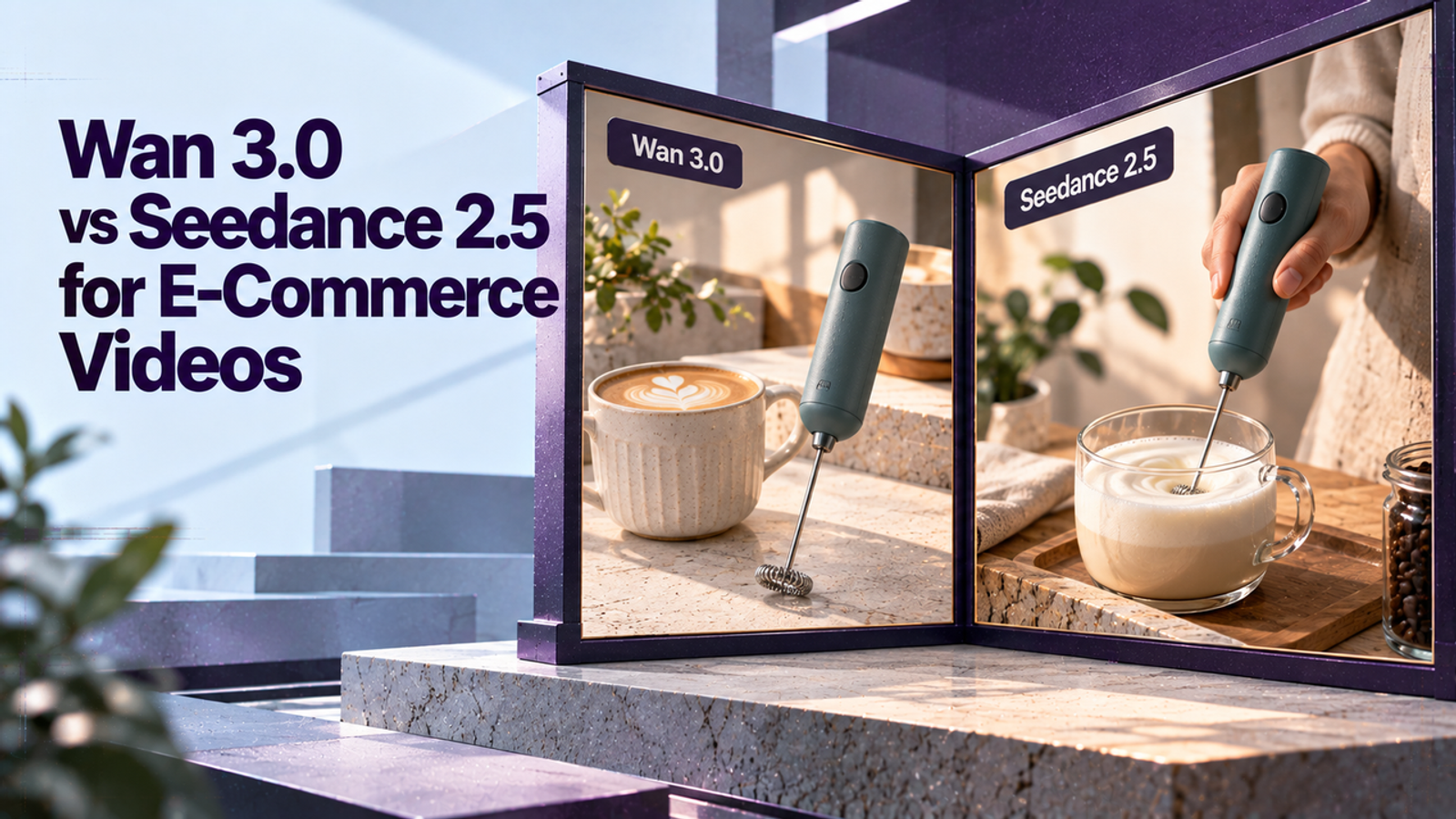
The short answer
For one e-commerce packshot, neither model has a documented product-fidelity advantage that can settle the choice in advance. Compare the same authorized image and motion brief, then choose by input fit, visible product accuracy, and cost per approved clip. This is a documentation-based comparison, not a matched model test.
Which Model Fits a Single E-Commerce Product Shot?
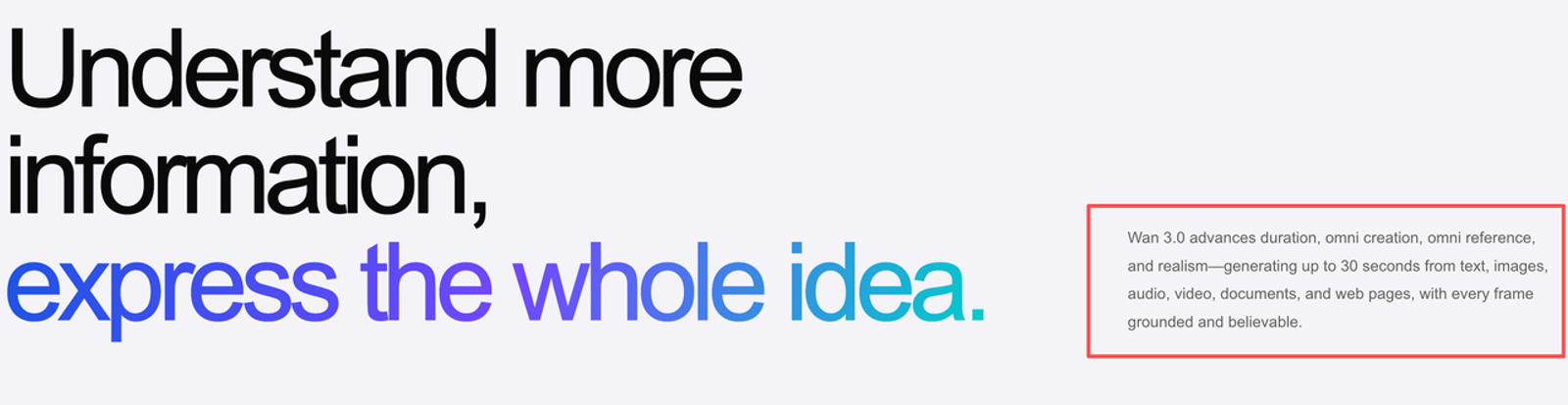
Both Wan 3.0 and Seedance 2.5 support image-to-video. Alibaba’s Wan 3.0 Model Studio page lists Standard and Prime routes. ByteDance’s Seedance 2.5 model page describes audio-video generation, flexible references, and editing. Those product descriptions explain what each provider offers; They do not show which one keeps your package more accurate.
For a single product shot, a slow camera push is a useful first brief: it tests motion and product stability without asking the model to invent a new angle or scene. Keep the decision practical: which route can make an approvable clip from this still, and what work does approval require?
Use the Same Packshot and Motion Brief
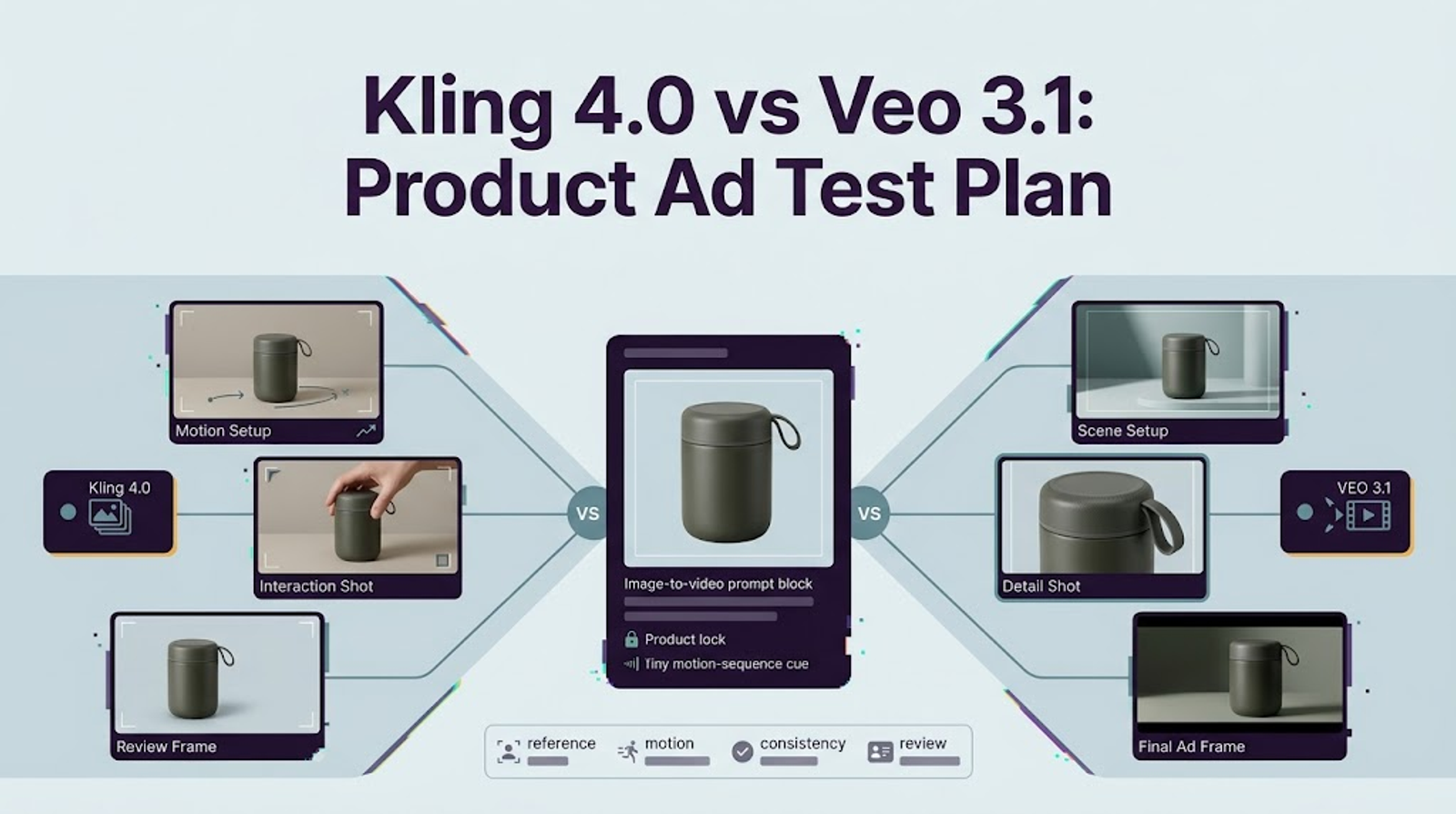
Choose one licensed packshot with the whole product visible, its key label facing camera, and enough margin for the intended placement. Use the same file in both routes. Keep the prompt, duration, resolution, and audio setting the same where possible; log any setting one interface does not expose.
A shared prompt could read: “Create one continuous shot from this first frame. Make a slow, short camera push toward the product. Keep the package silhouette, cap, colors, logo position, and visible label consistent with the source. Do not rotate the item, add copy, props, or extra products. No cuts.” This is a test brief, not a promise of fidelity.
A single generation can reveal an obvious mismatch, but cannot establish repeatability. Run several attempts per model for a meaningful pilot, preserve the prompts and settings, and have reviewers score anonymized exports if practical. That keeps a strong one-off result from being mistaken for a reliable workflow.
Compare Input Control and Product Fidelity
For this one-packshot task, the input-control difference is smaller than each model’s broader feature list suggests: both accept a first frame. In the BytePlus API, Seedance first-frame generation requires adaptive ratio and follows the source image’s aspect ratio. Wan also recommends adaptive for first-frame work. Prepare the still in the target orientation rather than expecting a mismatched output crop to preserve the composition. The Seedance 2.5 API guide documents the task-specific input rules; Its extra reference and editing modes matter only if your brief needs them.
Judge product shot quality with a compact checklist: silhouette, color, cap or components, logo placement, and label legibility. Review the opening, middle, and final frames, then watch at normal speed for wobble, flicker, or a product that drifts out of view. A crisp first frame is not enough if the brand mark changes later. Small print that is already indistinct in the still is not a reliable target for generated motion.
Public feature descriptions do not establish which model will score better on a particular SKU. Reference controls and claims about visual quality do not certify logo or text preservation. That is a claim I would test with my own asset. If the product must remain exact, generate motion around it and composite an approved product layer in editing, then check the edges and lighting.
Compare Revision Cost for an Approved Clip
Wan’s Model Studio pricing is based on generated video seconds, with rates varying by resolution and region. BytePlus reports Seedance usage in tokens, with consumption affected by output settings. These units are not directly comparable, so estimate both using the actual provider route and current account pricing.
BytePlus also documents a 480p Draft mode for Seedance 2.5. Its guide says Draft consumes tokens at the same rate as regular 480p output, so the mode is not automatically a cheaper preview. Treat it as a workflow option, then check the current usage estimate before budgeting.
For each route, record successful generations, reruns, editing or replacement work, and reviewer time until a clip passes the same bar. Calculate: cost per approved clip = generation spend plus attributable editing and review labor, divided by approved clips. Include a static product composite or label correction if the team needs one. The next edit is part of the cost.
When Should a Team Pick Either Workflow?
Consider Wan 3.0 when its first-frame or endpoint controls fit a straightforward shot and the team can use Model Studio in its region. Consider Seedance 2.5 when its references or editing features solve a specific need in the available BytePlus or ByteDance route. For a single push-in, more control alone is not a reason to choose it.
If the label, shape, or product claim cannot tolerate generated variation, use live footage or a carefully composited still for that part of the ad. Let generated motion add atmosphere; do not use it as evidence of an unseen feature.
Conclusion
The useful Wan 3.0 vs Seedance 2.5 video decision comes from the same packshot, the same motion brief, and the effort required to approve a clip. Compare product details across the whole shot, price revisions in the route you will use, and treat rights and regional access as provider-specific checks. One clean frame cannot sign off the full clip.
FAQ
- Can both models generate a clip with spoken audio?
- Yes. Both providers describe audio-video generation, including generated dialogue. Controls for dialogue, music, and silence depend on the mode and interface. Wan’s first-frame API mode does not accept a separate driving-audio input in the same request, so distinguish generated sound from audio used to drive the generation.
- Which provider supports each model in your region?
- Wan 3.0 is available through Alibaba Cloud Model Studio. Seedance 2.5 is available through BytePlus ModelArk and selected ByteDance services, subject to regional and account availability. Check the live model list and model ID in your workspace before comparing settings or prices.
- Can teams use a real-person reference in both tools?
- Not through identical routes. Alibaba Cloud’s current Model Studio terms make users responsible for obtaining necessary permissions and consents for uploaded material. BytePlus documentation says direct uploads of reference images or videos containing real human faces are not supported in its Seedance 2.5 workflow; authorized portrait workflows have separate requirements. Check the exact route before uploading a model or customer image.
- Do both routes allow paid-ad usage?
- Potentially, if the account terms and asset rights permit it; the model name alone does not grant blanket ad rights. Use the terms for the provider and account you actually use. BytePlus’s service-specific terms make use subject to the governing agreement and applicable law. Rights to the packshot, third-party marks, likenesses, and product claims still need review.
- Can both export a vertical video file?
- Yes, both document 9:16 output. In first-frame workflows, the output follows the source image’s aspect ratio, so start with a portrait-composed packshot and verify the downloaded dimensions and crop. Export format can vary by interface.