Fliki Alternatives at a Glance
The best alternative to Fliki depends on the raw assets you start with and where your current production process hits a wall:
| Platform | Best Fit |
| Fliki | Remains a strong choice when your project requires structured, multi-scene timeline assembly from text. |
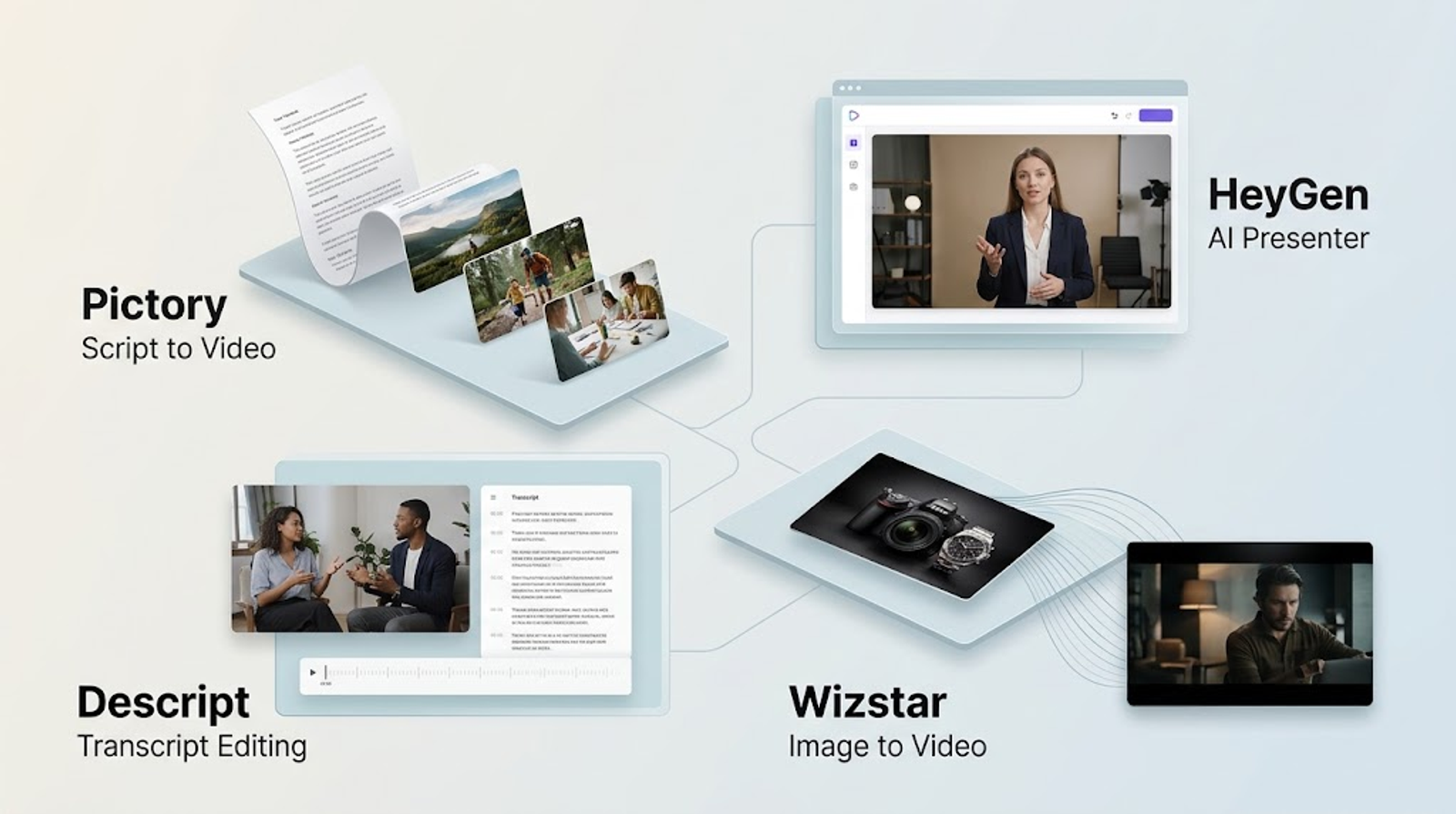
| Pictory | Turns written scripts and published articles into narrated storyboards. |
| HeyGen | Anchors videos around photorealistic on-camera presenters and AI avatars. |
| Descript | Edits recorded footage, podcasts, and interviews through its text transcript. |
| Wizstar | Generates dynamic video from static product images, voice tracks, and visual references. |
Evaluating a video platform requires looking past one-off generation quality. Consider three operational factors: the type of starting asset required, the level of granular control available during revision passes, and how much compute credit is burned on re-renders. Converting a long-form article requires a completely different toolset than animating an e-commerce product catalog.
This guide benchmarks four Fliki alternatives against real-world production bottlenecks, helping you select the platform that fits your production pipeline.
Note:
All pricing, model allowances, and platform features were verified against official vendor documentation as of October 22, 2026.
What Is Fliki AI Best At?
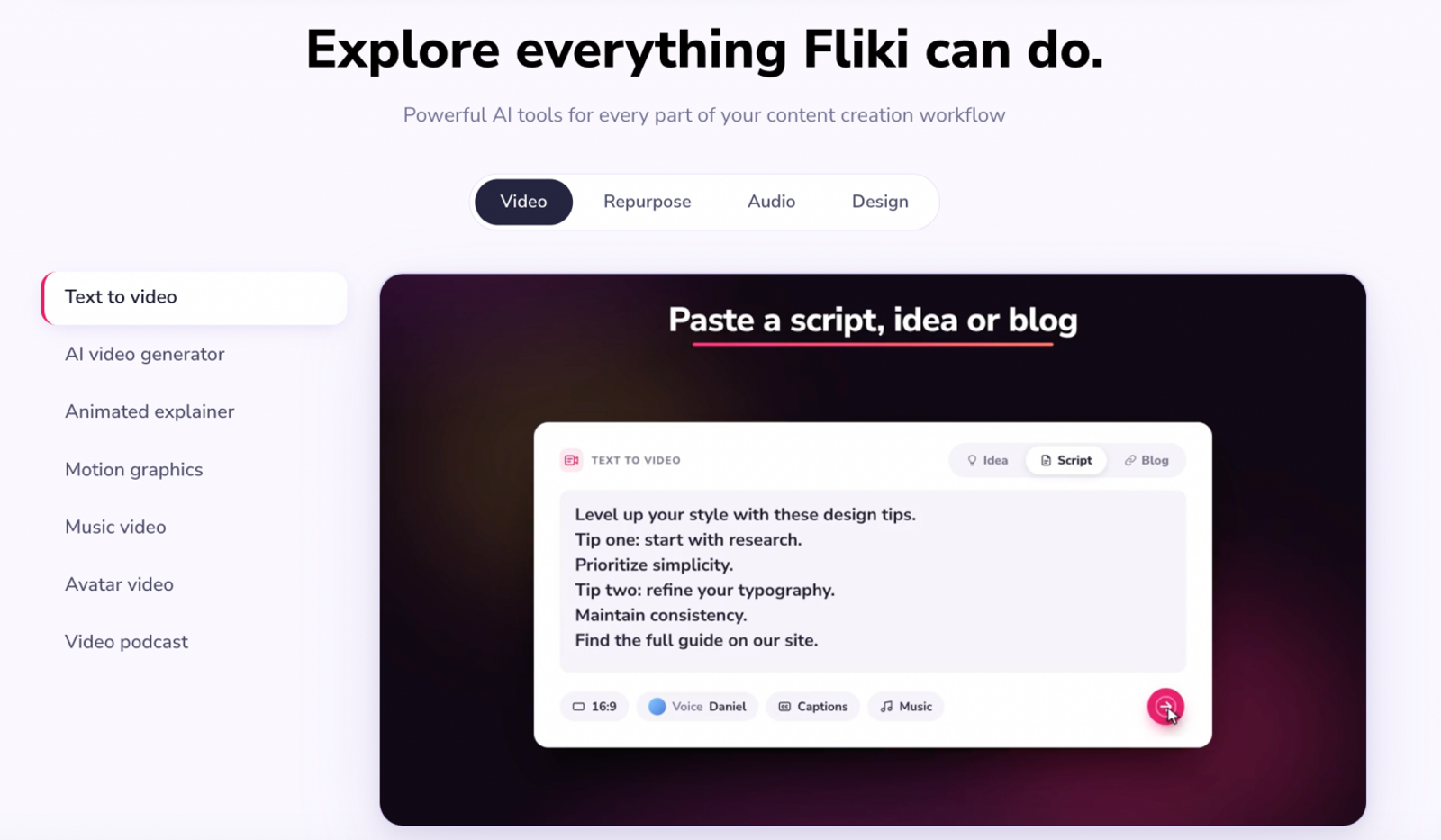
Fliki is a web-based content-creation platform operated by Nine Thirty Five LLC. Its text-to-video workflow converts scripts, ideas, blog URLs, and presentations into structured videos complete with scenes, AI narration, stock visuals, captions, and background music.
Fliki also supports multitrack timeline editing, screen recording, reference images in Copilot, and AI-assisted revisions. For script-heavy projects, these granular editing controls matter most. Generating an initial draft is only half the battle; production teams also need the flexibility to tweak a line, swap a visual, or retime a scene without rebuilding the entire project from scratch.
Best Fliki Alternatives by Video Workflow
| Tool | Core Functions | Recommended Use Case |
| Pictory | Script or article URL to editable storyboard, with visuals, narration, captions, music, and MP4 export. | Marketers and educators repurposing written content into narrated videos. |
| HeyGen | Avatar videos, script-driven creation, AI Studio editing, and video translation. | Teams producing recurring presenter videos, training lessons, and localized outreach. |
| Descript | Transcript-based video editing, captions, filler-word removal, audio cleanup, and clip creation. | Creators editing interviews, podcasts, or recorded webinars into shorter video assets. |
| Wizstar | Multi-modal video generation from images, visual references, voice tracks, and AI video translation. | E-commerce brands, performance marketers, and teams animating static catalogs and localizing footage. |
Note:
While the table offers a high-level shortlist, the right choice hinges on the exact bottleneck in your pipeline.
Pictory: Best for Converting Long-Form Articles into Narrated Storyboards
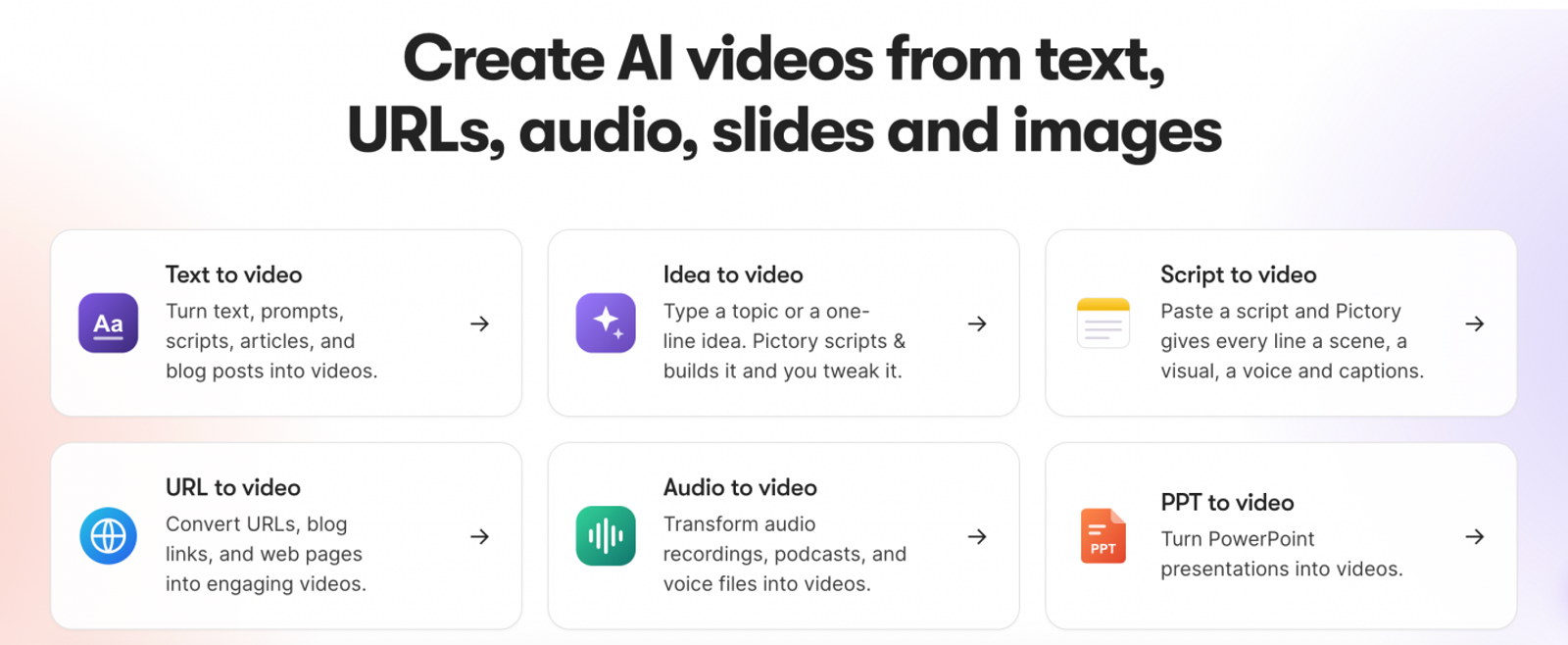
Pictory is the most direct alternative when the primary source is a script or an article URL. Its storyboard approach gives marketers and educators an intuitive workspace to review visuals, narration, captions, and music before exporting. That workflow aligns closely with Fliki's written-content focus, unlike presenter-led or recording-focused editors. Testing both platforms with the same benchmark script quickly reveals how much manual scene-level revision your team will need.
HeyGen: Best for Photorealistic Presenters and Avatar-Led Videos
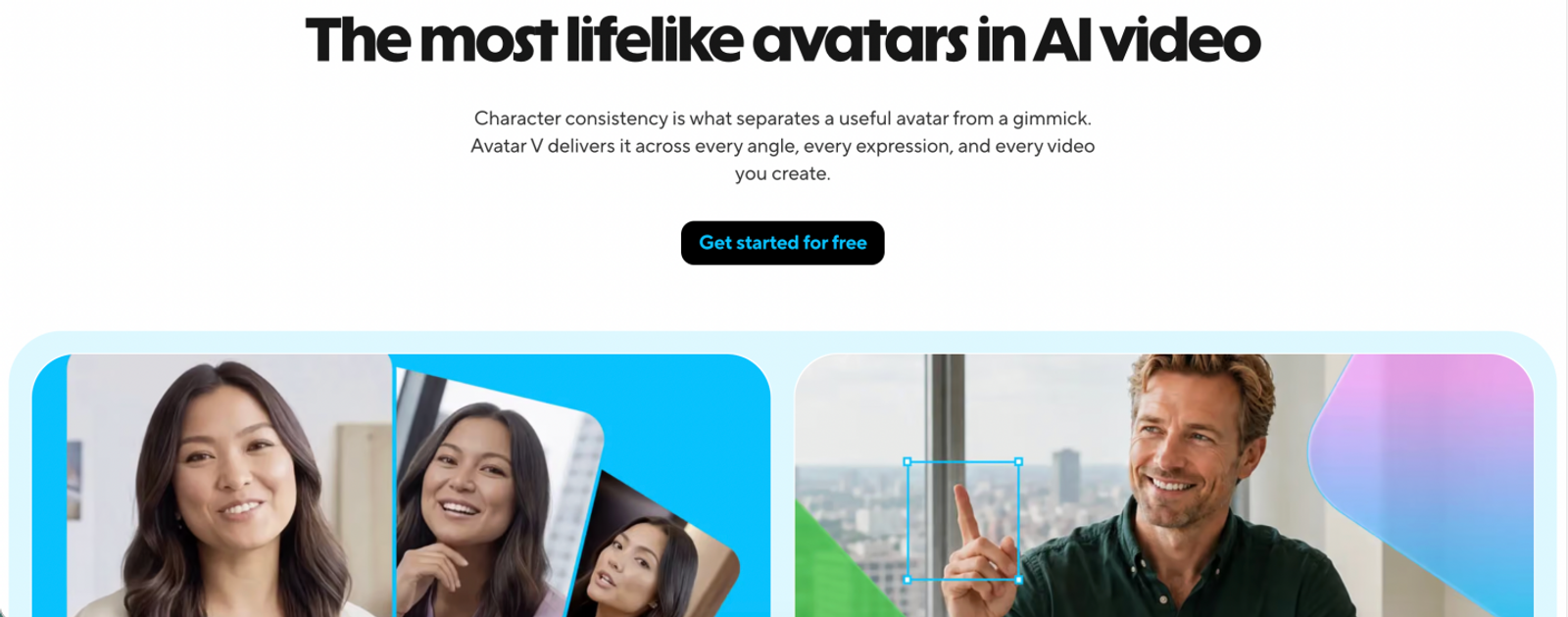
HeyGen is a strong candidate when an on-camera speaker is the focal point of the video. Its core platform combines script-driven creation, photorealistic avatars, AI Studio editing, captions, B-roll insertion, and multi-language translation. While Fliki also offers avatars, HeyGen provides dedicated presenter tools, including fine-grained motion and gesture controls (with access varying by subscription plan).
Descript: Best for Transcript-Based Editing of Raw Footage and Podcasts
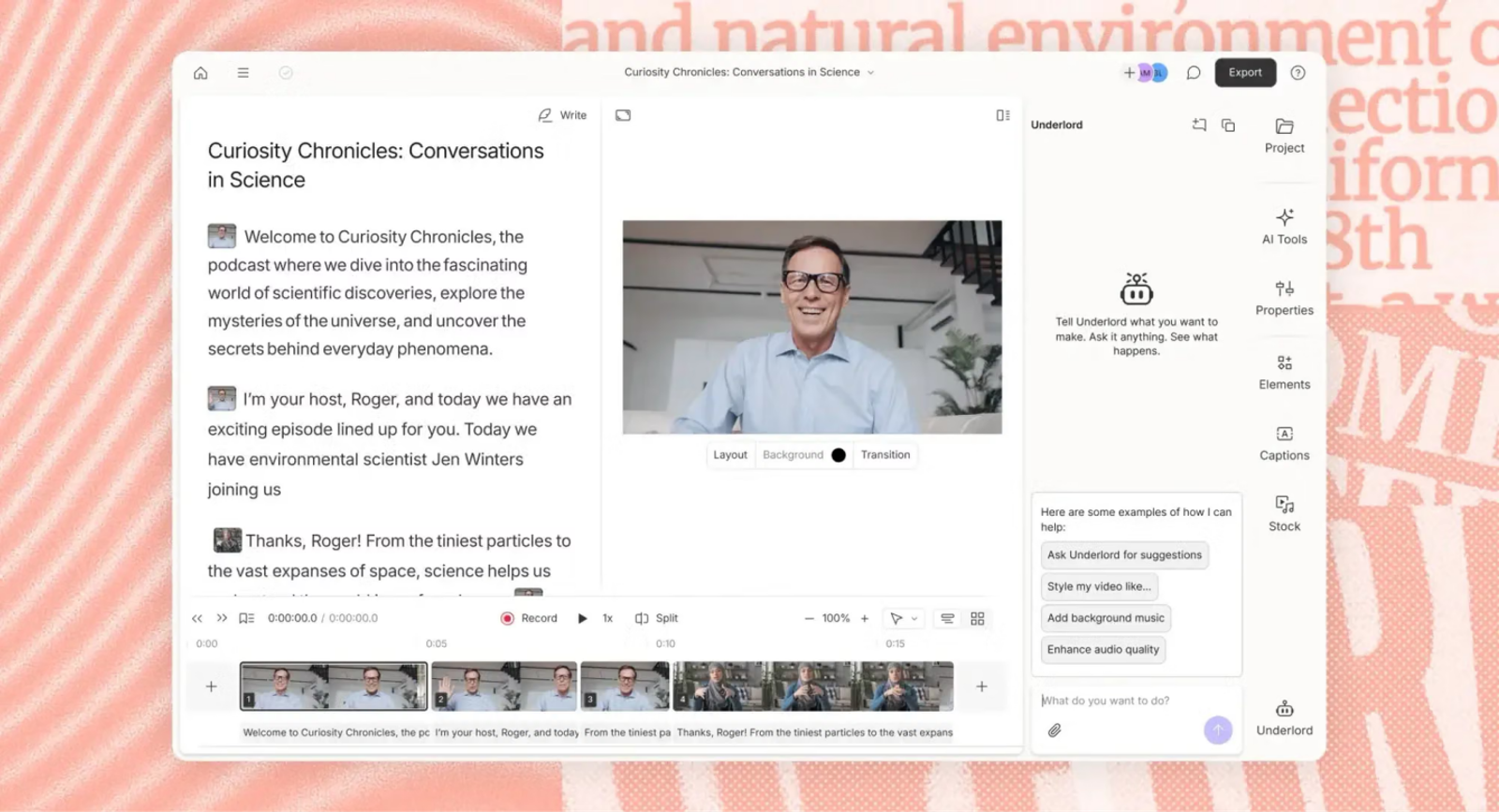
Descript reverses the process: it starts with raw recorded media and lets you edit the video directly through its auto-generated text transcript. Features like filler-word removal, Studio Sound audio cleanup, automated captions, and social clip creation make it ideal for podcasts, executive interviews, and recorded tutorials. It serves an adjacent need compared to Fliki's prompt-first engine, excelling whenever the core value already lives inside existing footage.
Wizstar: Best for Dynamic Video from Static Images, Audio, and Video Translation
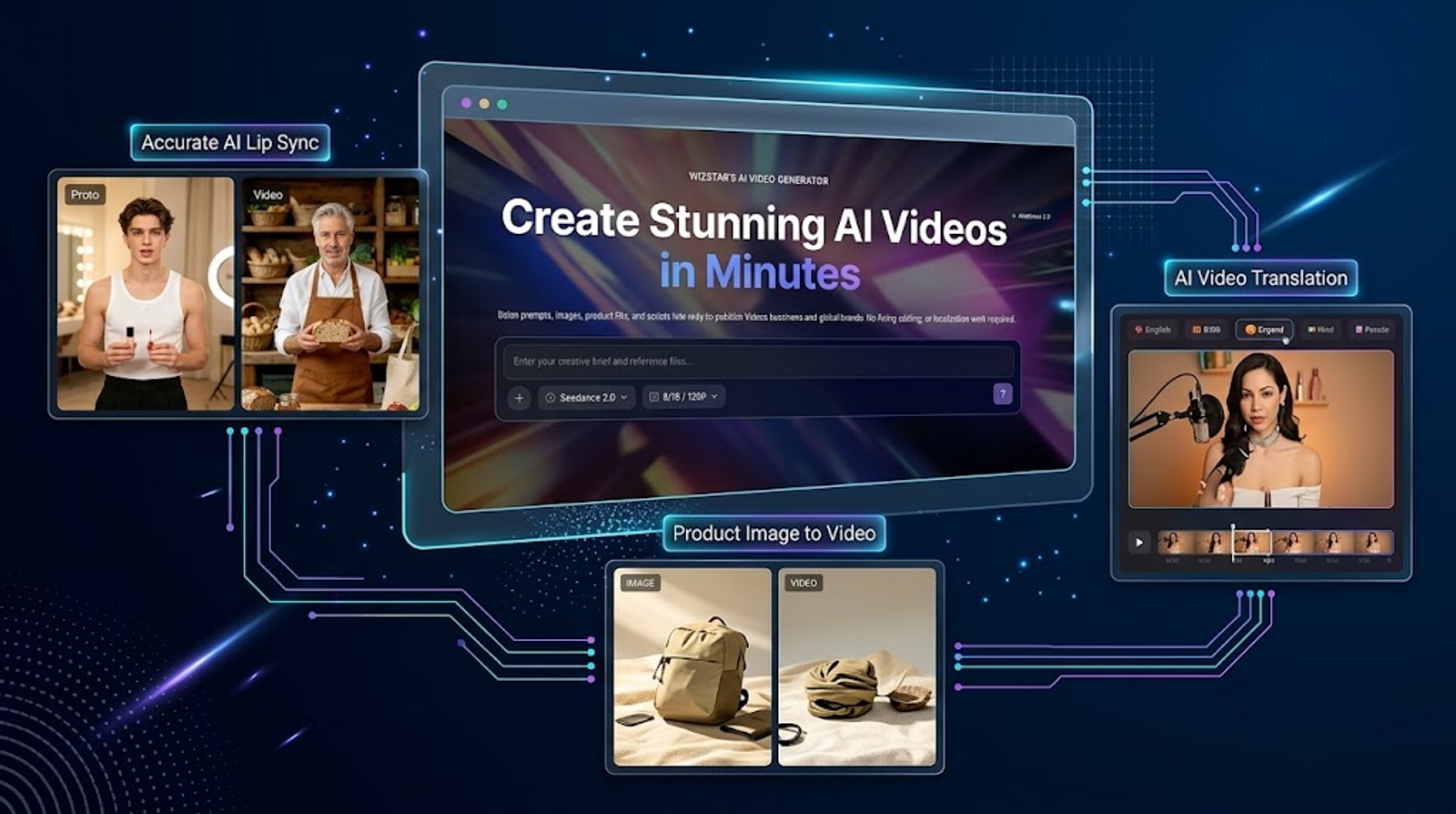
Wizstar approaches production from the asset level rather than just text assembly. Instead of generating purely from text prompts, it provides direct routes starting from static product photography, visual references, approved voice tracks, and finished video files:
Starting with Product Stills: When an approved, on-brand product image is available, building from that asset anchors the shot around existing product geometry. Creators select the camera motion, aspect ratio, and AI model, keeping the focus on brand consistency rather than prompt engineering.
Starting with Approved Audio: When a voiceover is already signed off for pacing and tone, Wizstar syncs a talking avatar directly to the uploaded recording, allowing review passes to focus on lip-sync accuracy without touching the approved audio.
Starting with Finished Footage: Wizstar supports both audio-only dubbing (ideal for product explainers and B-roll) and full AI lip-sync across 70+ languages, providing flexible localization paths depending on whether human faces are on camera.
How Much Do Fliki AI Alternatives Cost?
These plans, credit allowances, and vendor output estimates were verified against official pricing pages as of October 22, 2026. Monthly billing is reflected where available. Because vendors use different tracking metrics (credits, duration minutes, and media hours), outputs are listed according to each platform's published guidance rather than an arbitrary cost-per-minute formula.
| Tool / Plan | Official Monthly Price | Included Usage Allowance | Official Output Equivalent |
| Fliki Standard | $28 per user/month | 180 credits/month; free tier offers 3 credits/month with 720p watermarked exports | Estimated at roughly 60 one-minute, 12 five-minute, or 6 ten-minute videos per month; no image equivalent published |
| Wizstar Starter | $10.99 first month; renews at $18.05/month | 1,310 credits/month; free tier includes 20 credits | Up to 32 videos or 436 images per month on the Starter tier |
| Pictory Starter | $29/month (single user) | 100 generative AI credits/month plus 200 video minutes/month; 14-day free trial | Up to 166 images or 1 minute of generative video from AI credits, alongside 200 standard video minutes |
| HeyGen Creator | $29/month | 600 credits/month; free tier includes 3 watermarked videos/month (up to 1 min each) | Output depends on the AI model, video duration, and generation complexity |
| Descript Hobbyist | $24 per person/month | 10 media hours/month and 400 AI credits/month; free tier includes 60 min/month and 100 one-time AI credits | Media hours track uploaded and recorded media; AI credits cover features such as Studio Sound, Eye Contact, and AI-generated media and avatars |
Cost considerations: Wizstar's introductory Starter tier ($10.99 for month one, renewing at $18.05/month)provides an accessible entry point below Fliki Standard's $28/month rate. Wizstar also outlines concrete output ranges (up to 32 videos or 436 images per month).
Note that usage models differ fundamentally across platforms: Fliki charges for narration, video, generated media, and Copilot work; Wizstar usage depends on the selected model, resolution, duration, and asset count. Custom avatar and voice features can also require separate add-ons or plan tiers across these vendors.
How to Evaluate the ROI of a Fliki Alternative
A lower subscription price does not always translate to lower production costs. Before switching platforms, benchmark the same project across tools by evaluating three critical metrics:
Usable Output Rate: What percentage of generated clips meet publishing standards without significant manual editing?
Revision Overhead: How much time and how many additional credits are consumed by retries, corrections, and re-renders?
Cost per Approved Video: What is the true, all-in cost for each video that actually passes review and gets published
To ensure accurate results, keep your source assets and review criteria identical across all tests. A high generation volume means little if the drafts require extensive fixing.
If your production pipeline includes animating product images, generating avatar videos from audio tracks, or localizing existing footage, run a live benchmark with Wizstar’s AI Video Generator to evaluate its output fidelity and turnaround speed.
Ultimately, the best investment is the platform that delivers publishable assets with the least revision friction—not necessarily the one with the lowest upfront fee or the highest advertised output limits.
FAQ
- Is Fliki free, and can I remove its watermark without paying?
- Fliki offers a free plan with three credits per month and 720p exports carrying a Fliki watermark. Removing watermarks and accessing higher export resolutions requires upgrading to a paid tier (such as Standard or Premium). The free plan is primarily designed to evaluate timeline workflows and voice options before committing budget.
- Do script or voice revisions use more Fliki credits?
- Yes. Modifying text, swapping voice models, or adjusting sentence pauses prompts Fliki to regenerate audio segments, which consumes additional monthly credits. Similarly, re-running AI Copilot suggestions or generating new media assets burns usage. Finalizing script wording, voice tone, and phonetic pronunciations before running generations helps minimize credit waste.
- Can I try Wizstar's AI avatar generator for free?
- Yes. Wizstar's avatar page offers a free starting option without requiring a credit card, and the free tier includes 20 initial credits. Access varies by specific tool and tier; advanced avatar generation and voice synthesis require a paid subscription, while custom avatar and voice cloning services are paid add-ons.
- Can I upload my own audio to create a Wizstar talking avatar?
- Yes. Wizstar's AI Avatar feature accepts pre-recorded audio tracks alongside an image or video file, automatically generating synchronized lip movements and facial gestures to match the speech. While Wizstar handles standard audio uploads, verify supported file formats and size limits directly in the workspace before queuing bulk generations.
- Can Wizstar replace Fliki for every script-to-video project?
- Not entirely. Wizstar is optimized for image-to-video generation, voice-synced avatars, and video translation. For projects that require parsing long-form editorial text into a multi-scene storyboard with stock asset matching and synchronized background music, Fliki’s dedicated text-to-video timeline remains purpose-built for that specific workflow.
- Are Wizstar uploads processed only inside Wizstar?
- When integrated AI features are used, uploaded assets are shared with corresponding third-party model providers to execute generation and rendering tasks. Wizstar stores information on US-based servers, and its standard privacy terms outline data handling policies for technology improvement. When handling unreleased product assets, proprietary brand imagery, or identifiable individuals, teams should review vendor privacy commitments and organizational data agreements accordingly.