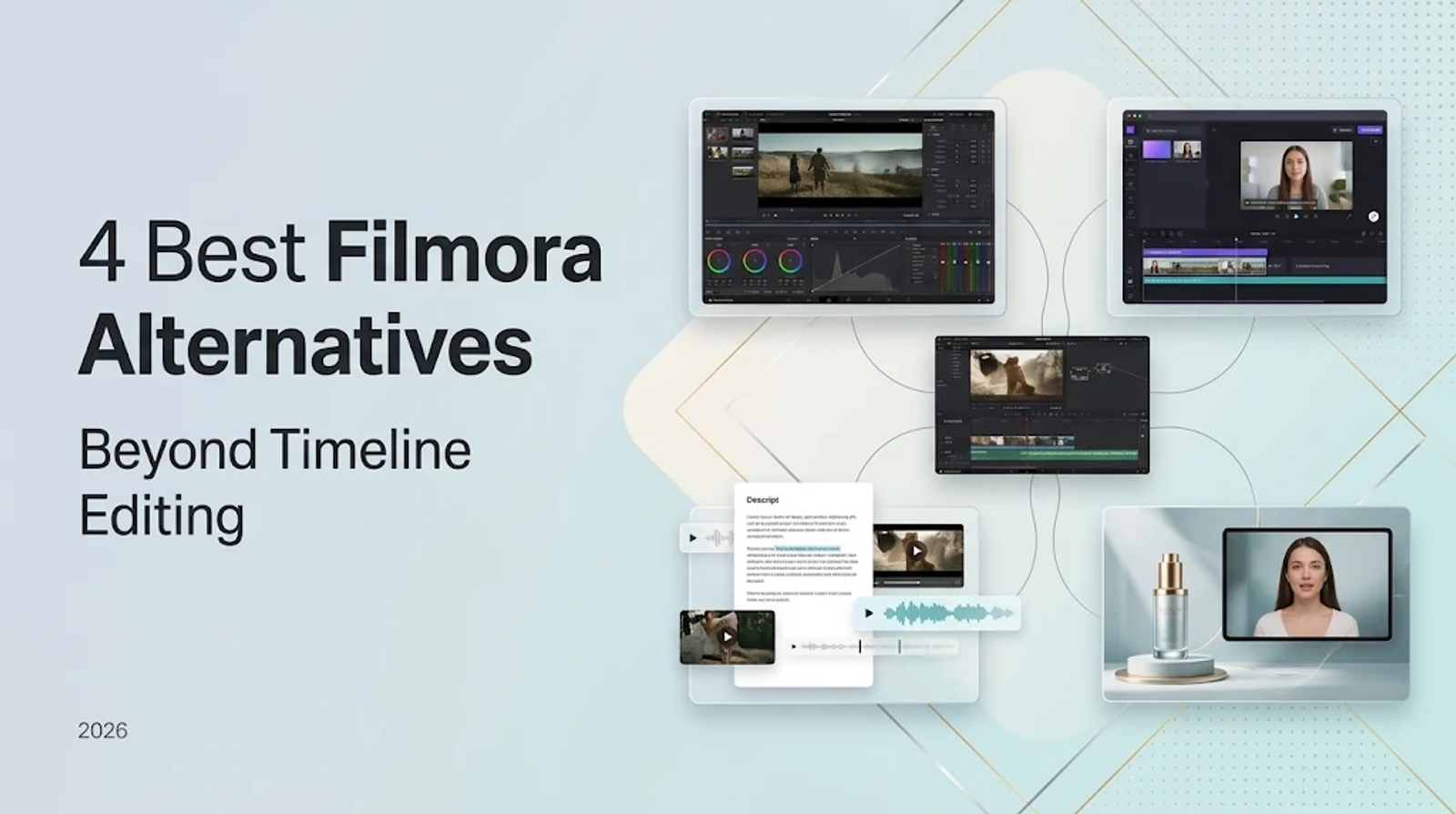
The most suitable Filmora alternative depends entirely on the production bottleneck you need to clear. DaVinci Resolve 21 is the direct desktop workstation for granular color grading, motion graphics, and audio mastering. Clipchamp provides frictionless browser-based trimming, recordings, and captions. Descript reorients the editing process around spoken transcripts, while Wizstar solves a distinct production gap: generating custom product scenes and speaking avatars when you lack raw camera footage.
Filmora 16 sets the benchmark for an accessible Windows timeline editor bundled with built-in AI enhancements. This guide separates workflow requirements from plan pricing so you can determine whether you need a more advanced desktop suite, a lighter browser tool, or a generative engine operating alongside your editor.
What should replace Filmora?
| Tool | Replacement role | Best-matched job | Main boundary |
| DaVinci Resolve 21 | Direct desktop replacement | Editing, color, VFX, motion graphics, and audio | Steeper learning curve and technical overhead |
| Clipchamp | Direct/partial replacement | Browser editing, captions, recording, and basic effects | Premium 4K exports and stock assets require specific plan access |
| Descript | Partial replacement | Transcript-led interviews, courses, podcasts, and captions | Not built for multi-layer visual timeline composition |
| Wizstar | Scenario-specific replacement | Product and reference-led synthetic video generation | Not designed for detailed trimming of existing raw footage |
Filmora alternatives generally divide into four functional roles across a video pipeline. DaVinci Resolve handles high-end post-production. Clipchamp simplifies straightforward web edits and screen recording. Descript replaces timeline scrubbing for projects driven by spoken dialogue. Wizstar generates prompt-to-video scenes or digital presenters from static assets, though it does not function as a frame-by-frame timeline cutter.
Filmora 16: the baseline Windows workflow
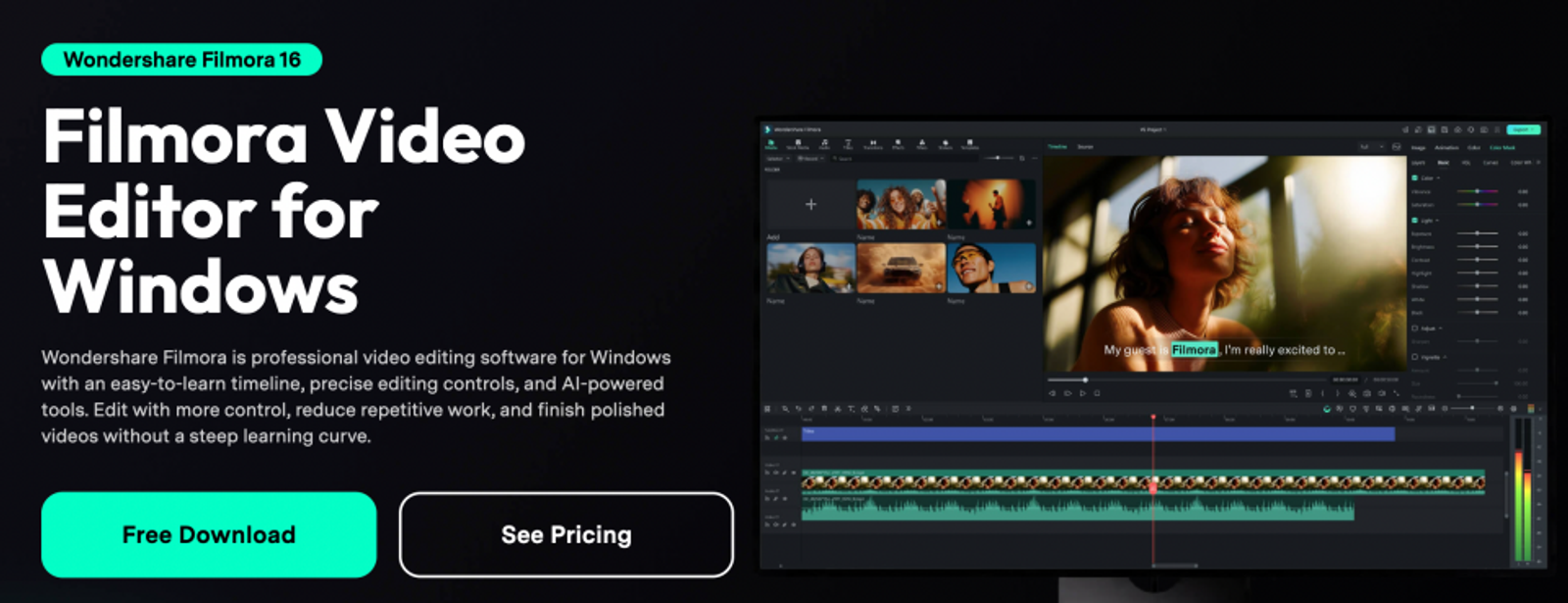
Filmora 16 combines a multi-track desktop timeline with keyframing, motion tracking, masking, speed ramping, color correction, and audio ducking, alongside AI smart cutout and caption generators. It targets creators and small marketing teams who want an integrated, all-in-one editing suite on Windows without a complex post-production learning curve.
This positions Filmora as the reference point for this evaluation. Rather than matching features point-for-point, identify which parts of Filmora's workflow you rely on daily—and where its native toolset falls short of your delivery standards.
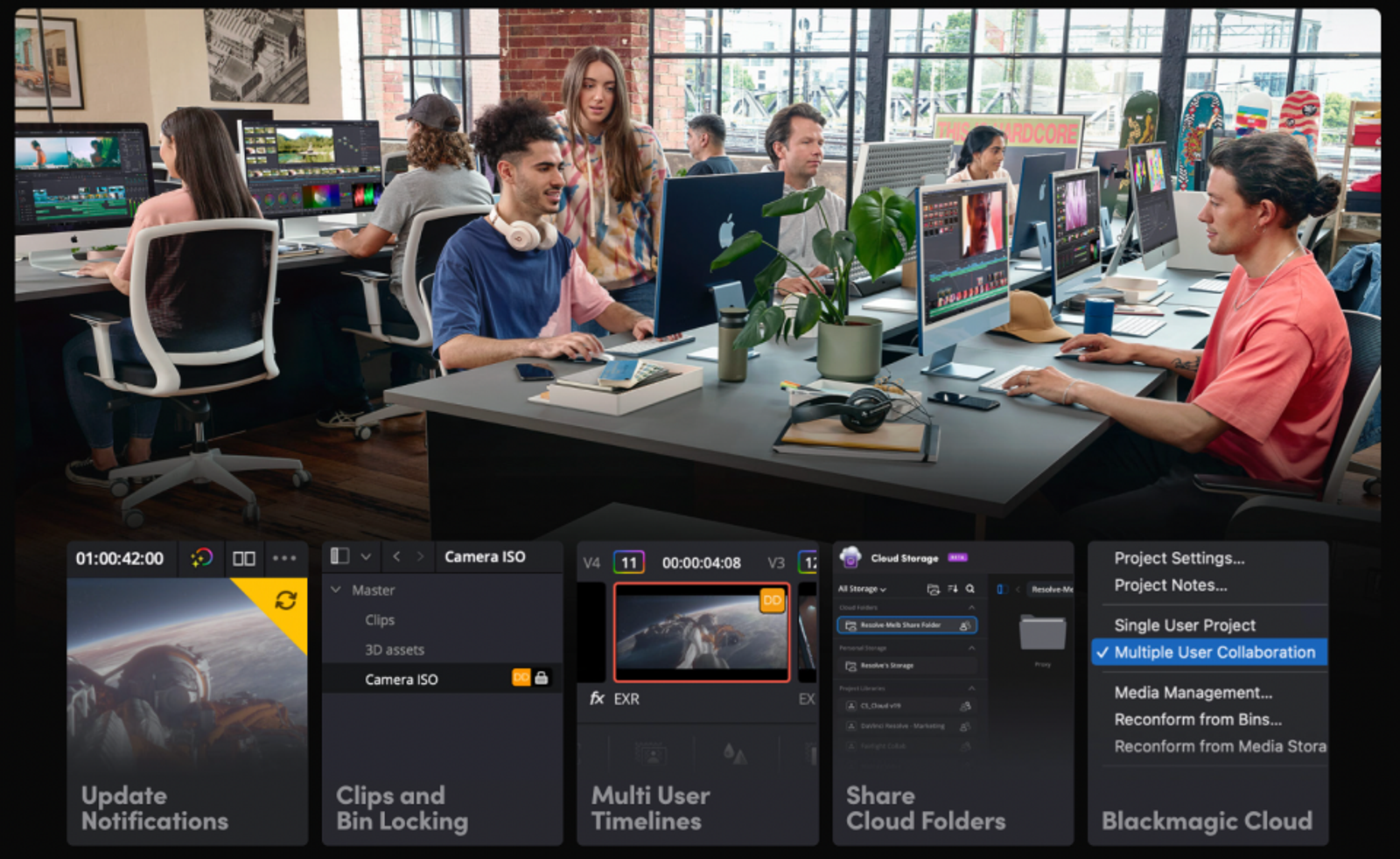
DaVinci Resolve 21: the control-first desktop option
DaVinci Resolve 21 integrates non-linear editing, industry-standard color grading, Fusion visual effects, and Fairlight digital audio workstations into a single desktop application. Its free tier supports virtually all standard 8-bit video codecs up to 60 frames per second at Ultra HD (3840×2160). Dedicated Edit, Cut, Color, Fusion, and Fairlight pages provide a professional pipeline from rough cut to final master.
Resolve is the benchmark alternative when your primary bottleneck is creative precision across post-production. However, for quick social cutdowns or lightweight talking-head clips, its multi-room workspace introduces unnecessary complexity. Choose Resolve for deep color grading, dynamic audio mixing, and visual continuity; stay with Filmora if a unified, beginner-friendly desktop interface keeps your team moving faster.
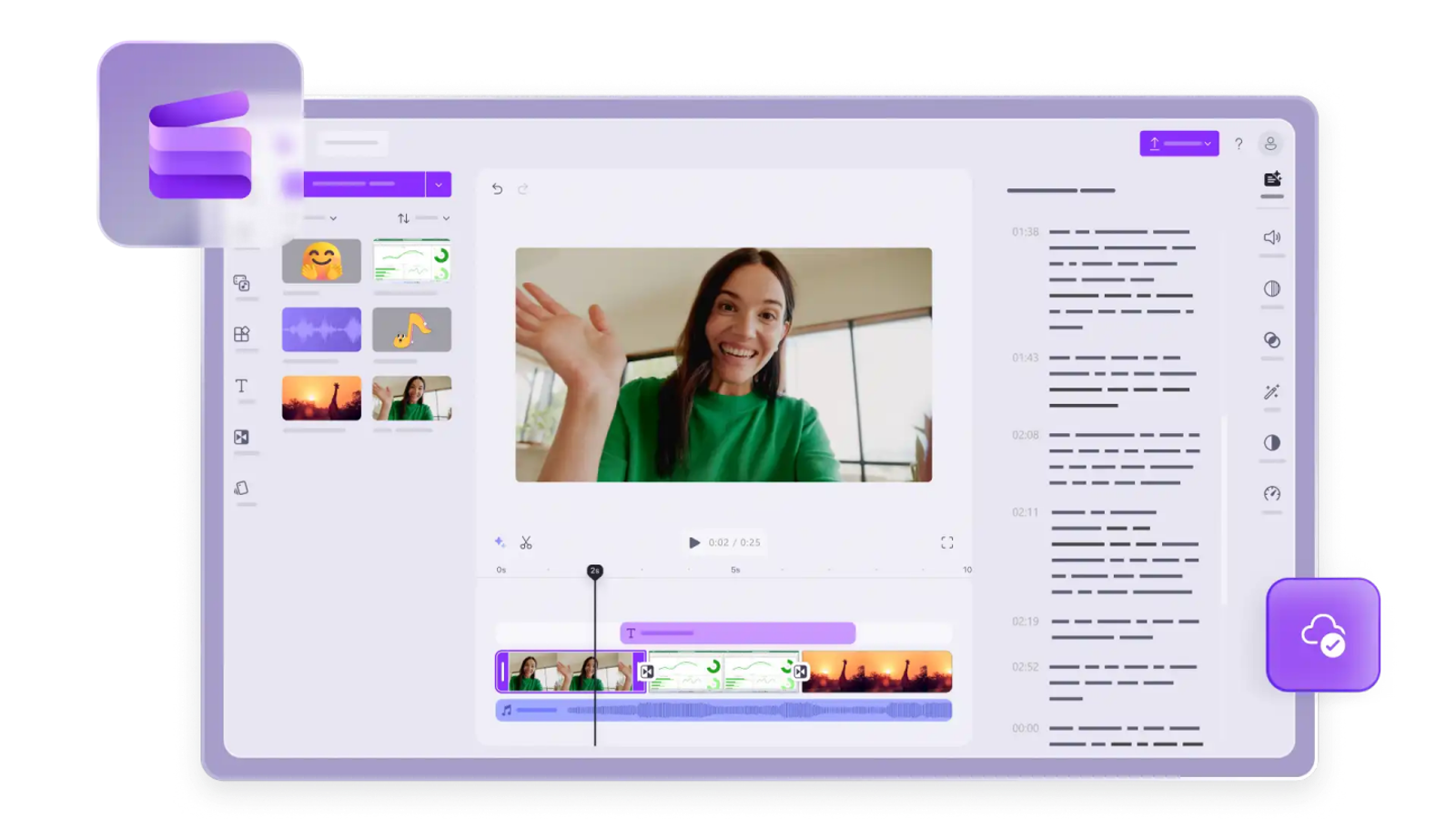
Clipchamp: the low-friction browser option
Clipchamp Free delivers straightforward browser-based trimming, webcam and screen recording, automated subtitles, animated typography, and basic transitions. It supports watermark-free exports at up to 1080p and functions through a standard personal Microsoft account without requiring local software installation.
Clipchamp is a practical substitute for everyday social media cutdowns, software walkthroughs, and internal business presentations that do not require multi-layer color grading. Its main constraints stem from browser processing limits and the separation between free tools and premium stock assets. Clipchamp serves as the default choice when zero friction and fast turnaround outweigh complex timeline features.
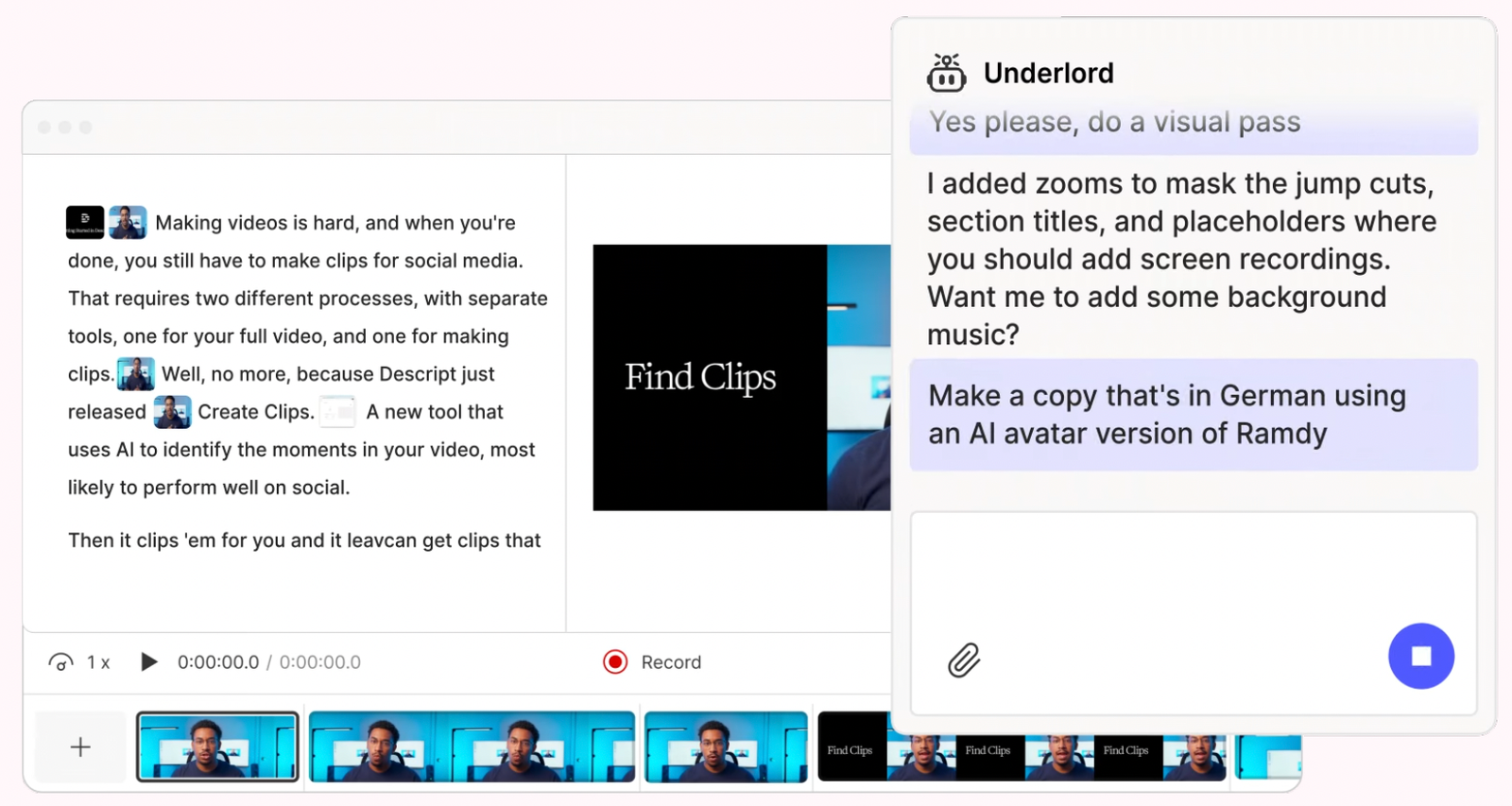
Descript: the transcript-first option
Descript flips traditional timeline editing by placing an automated text transcript at the center of the workspace. Its documented feature set covers text-based dialogue trimming, dynamic subtitle generation, screen capture, automatic filler word removal, voice synthesis, and studio-grade audio enhancement. This setup is purpose-built for interviews, webinars, video podcasts, and training modules where spoken dialogue dictates pacing.
Descript acts as a specialized partial alternative to Filmora because its competitive edge lies in spoken-word manipulation rather than visual compositing. When an edit demands complex multi-camera switching, fine color grading, or complex motion graphics, a conventional timeline editor remains essential. Opt for Descript when refining the spoken dialogue represents the bulk of your editing time.
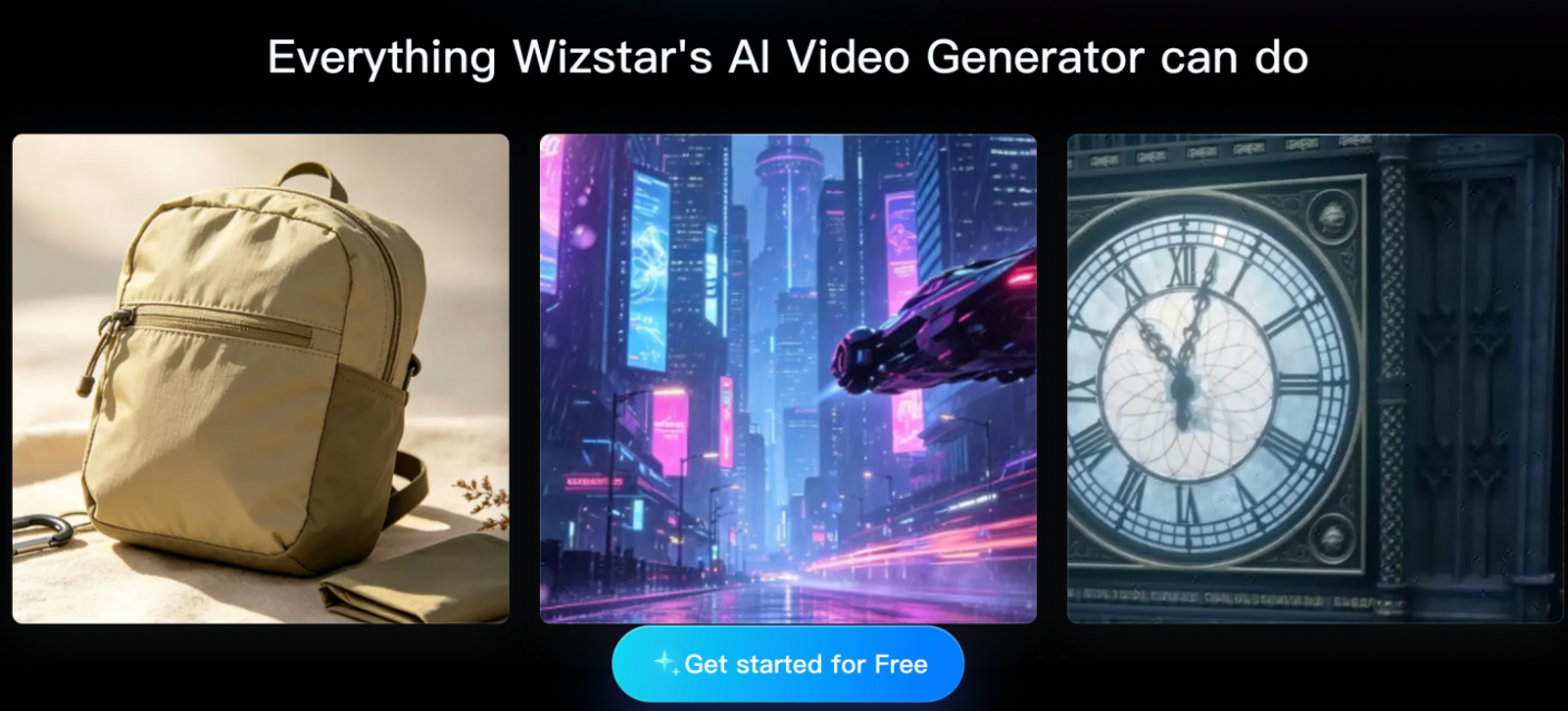
Wizstar: the generation-first option
Wizstar addresses video production from a generative standpoint. Rather than slicing pre-existing camera footage on a timeline, its platform integrates AI Video Generator and AI Video Agent workflows alongside e-commerce product video, image-to-video rendering, and multi-language video translation. Creators can start with a prompt, product URL, script, or reference still to build finished video assets.
This role is fundamentally distinct from Filmora. Wizstar is built to produce original visual scenes and digital avatar presenters from text or static inputs; it is not a frame-accurate NLE for trimming raw footage. Choose Wizstar when you lack physical video footage and need synthetic scenes, then import the rendered clips into a timeline editor if complex multi-scene assembly is required.
Price comparison: cost and output value
As of November 2026, the plans below measure value through distinct operational units. The breakdown below clarifies the differences between annual editor licenses, imported media hours, and generative compute credits.
| Tool / plan | Displayed USD price and billing basis | Official allowance or output | What the unit measures | Practical price conclusion |
| Filmora Advanced | US$53.99/year | 1,000 AI credits/month; 4K export | Editor access plus feature credits | Strong value for recurring Windows desktop editing and built-in AI tools |
| DaVinci Resolve Free / Studio | $0 / $236 listed | Free scope: 8-bit up to 60fps and UHD | Codec support, resolution caps, and neural tools | Free edition offers unmatched finishing power; Studio is a one-time perpetual license |
| Clipchamp Free | Free | Watermark-free export up to 1080p | Account tier and export resolution | High utility when 1080p exports satisfy delivery needs |
| Descript Hobbyist | $16/person/month (annual display) | 10 media hours; 400 AI credits; 1080p | Uploaded/recorded media time plus AI features | Cost-effective for ongoing transcript-led dialogue rough cuts |
| Wizstar Starter | $16/month equivalent ($192/year billed) | 1,920 credits/year; up to 32 videos or 436 images | Generation compute across model, length, and quality | Cost-efficient when generating net-new footage replaces physical shoots |
Match your software spend to the operational metric you consume most. Filmora Advanced provides a familiar timeline with steady AI support. DaVinci Resolve Free provides complete post-production finishing without subscription overhead. Clipchamp Free eliminates software costs entirely for basic 1080p deliverables. Descript makes financial sense when your work revolves around hours of dialogue, while Wizstar pays for itself when generating synthetic visual assets saves the expense of live production.
Which Filmora alternative fits the workflow?
Match your workflow to these clear criteria:
- Need professional color grading, audio mastering, and deep visual control? Choose DaVinci Resolve 21 Free.
- Need quick, watermark-free 1080p edits, recordings, and captions in a browser? Choose Clipchamp Free.
- Need to rough-cut interviews, podcasts, or lectures directly from text transcripts? Choose Descript.
- Need to turn prompts, product listings, or scripts into finished video assets? Choose Wizstar.
Stick with Filmora if its balanced Windows timeline and built-in AI utilities already meet your publishing schedule. Switch only when another platform removes a specific bottleneck: advanced post-production control, lightweight web editing, speech-first trimming, or synthetic asset generation.
Before switching tools, map your starting assets—whether raw video, an audio recording, a transcript, an e-commerce URL, or a creative brief. Then align your choice with the delivery resolution, timeline control, and monthly budget required for the project.
FAQ
- Is there a free Filmora alternative that exports without a watermark?
- Yes. Clipchamp Free exports watermark-free video at up to 1080p resolution and includes core trimming tools, screen capture, dynamic text, and auto-captions. DaVinci Resolve 21 also offers a robust free tier supporting virtually all 8-bit formats up to 60fps at Ultra HD (3840×2160). Clipchamp operates entirely in a browser, while Resolve functions as a professional desktop suite.
- Can I use Wizstar instead of Filmora for editing videos I already recorded?
- Wizstar is designed for generative video workflows rather than serving as a direct NLE replacement. Its toolset centers on AI Video Generator and Agent workflows, e-commerce product videos, image-to-video rendering, and video translation. For frame-by-frame trimming, multi-track audio layering, or color grading of existing footage, Filmora, DaVinci Resolve, or Clipchamp remains the proper tool.
- Do Filmora AI credits and Wizstar credits measure the same thing?
- No. Filmora Advanced provides 1,000 AI credits per month to power built-in desktop utilities like smart cutout and motion tracking. Wizstar credits fund cloud-based generative AI models for video and image synthesis, where consumption fluctuates based on model architecture, resolution, and clip duration. For example, rendering Seedance 2.0 uses 18 credits per second at 720p and 39 credits per second at 1080p, meaning credit balances do not translate to a static video count.
- Does Filmora require a subscription, or is there a perpetual option?
- Filmora's published US pricing offers both models. Annual plans include Basic at US$49.99/year and Advanced at US$53.99/year (with 1,000 monthly AI credits), while a Perpetual license is listed at a one-time payment of US$79.99. The Perpetual license covers updates within the Filmora 16 major version. Both Basic and Advanced annual plans include watermark-free 4K exports.