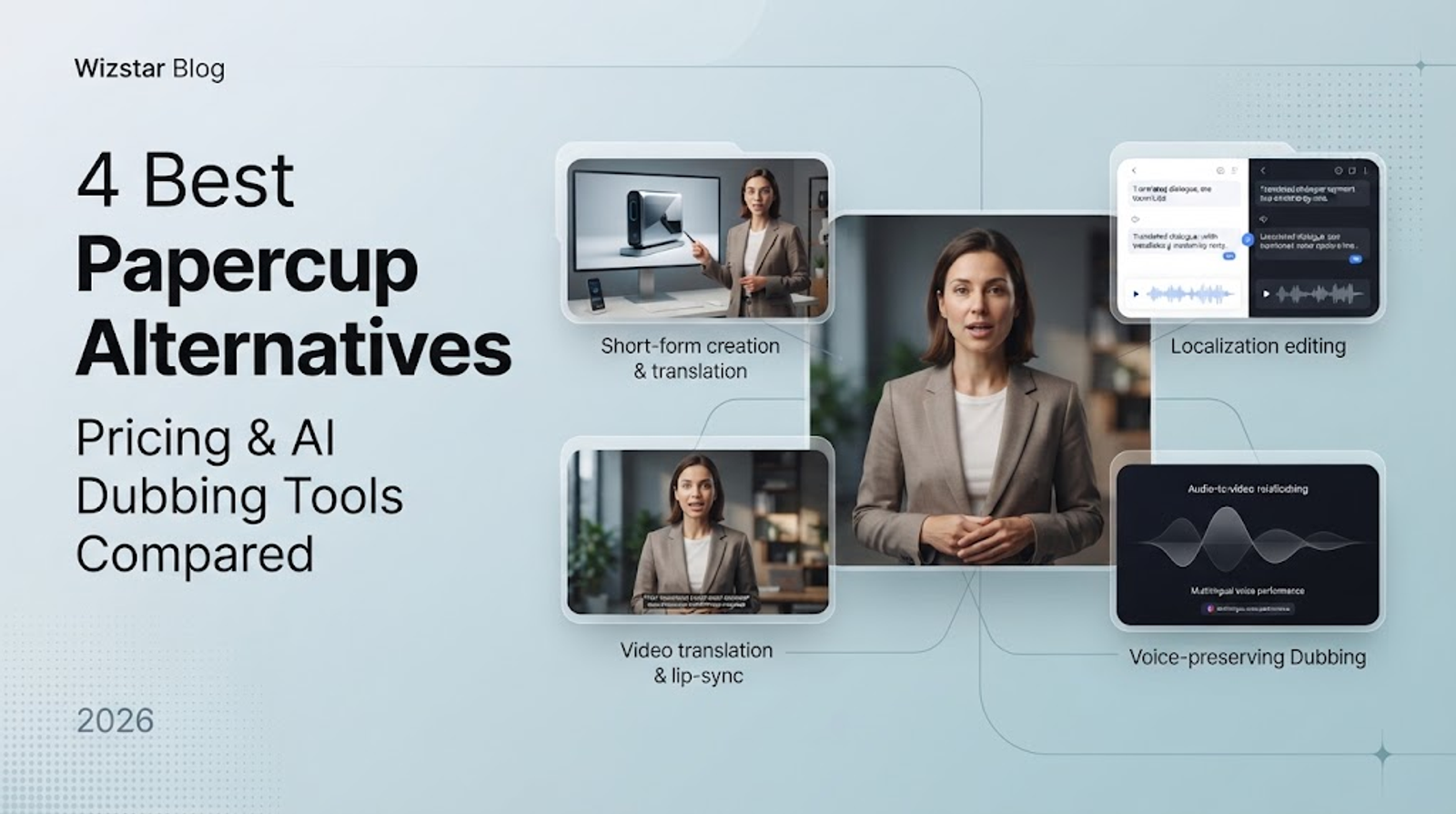
These four Papercup alternatives replace different parts of a dubbing workflow: Wizstar combines short-form creation and translation, while HeyGen offers selectable video-translation modes. Rask AI emphasizes localization editing, and ElevenLabs offers performance-conditioned dubbing alongside a separate managed production service. I would choose based on the work your team needs to control, especially what happens when a translated line needs changing.
A fluent voice can still say the wrong product name. The useful comparison connects translation, correction, synchronization, and delivery.
Note:
Product details below reflect official information checked as of October 29, 2026; please verify current details closer to your actual use.
Papercup now sits within RWS's managed dubbing service
Papercup is now described as RWS's AI dubbing orchestration layer. Following its June 2025 acquisition of Papercup's intellectual property, RWS describes an end-to-end managed service covering transcription, mixing, and export.
Replacing that service means deciding who handles the finished deliverable. A self-service tool can automate translation and speech generation while leaving your team responsible for language review and release. I would keep managed production in consideration when no one internally can own those tasks. ElevenLabs also documents a separate managed route, so the distinction applies to services, not entire vendors.
Four alternatives at a glance
The functional differences below identify which part of the existing workflow each option can replace.
| Product | Replacement fit | Documented functions | Workflow boundary |
| Wizstar | Short-form creation plus translation | Product videos, avatars, audio-only translation, lip sync | Source clips limited to five minutes |
| HeyGen | Self-service video translation | Audio-only, Speed and Precision lip-sync modes | Script proofreading requires Pro |
| Rask AI | Dedicated localization editing | Line-by-line editor; higher-plan terminology and team tools | Editing access varies by plan |
| ElevenLabs | Performance-conditioned dubbing; separate managed production | Original-speaker cloning, audio timing alignment, 90+ languages | Audio timing does not establish visual lip sync |
Start with the production task: creating source material, revising translated dialogue, or assigning responsibility for finishing.
Wizstar connects short-form creation and translation
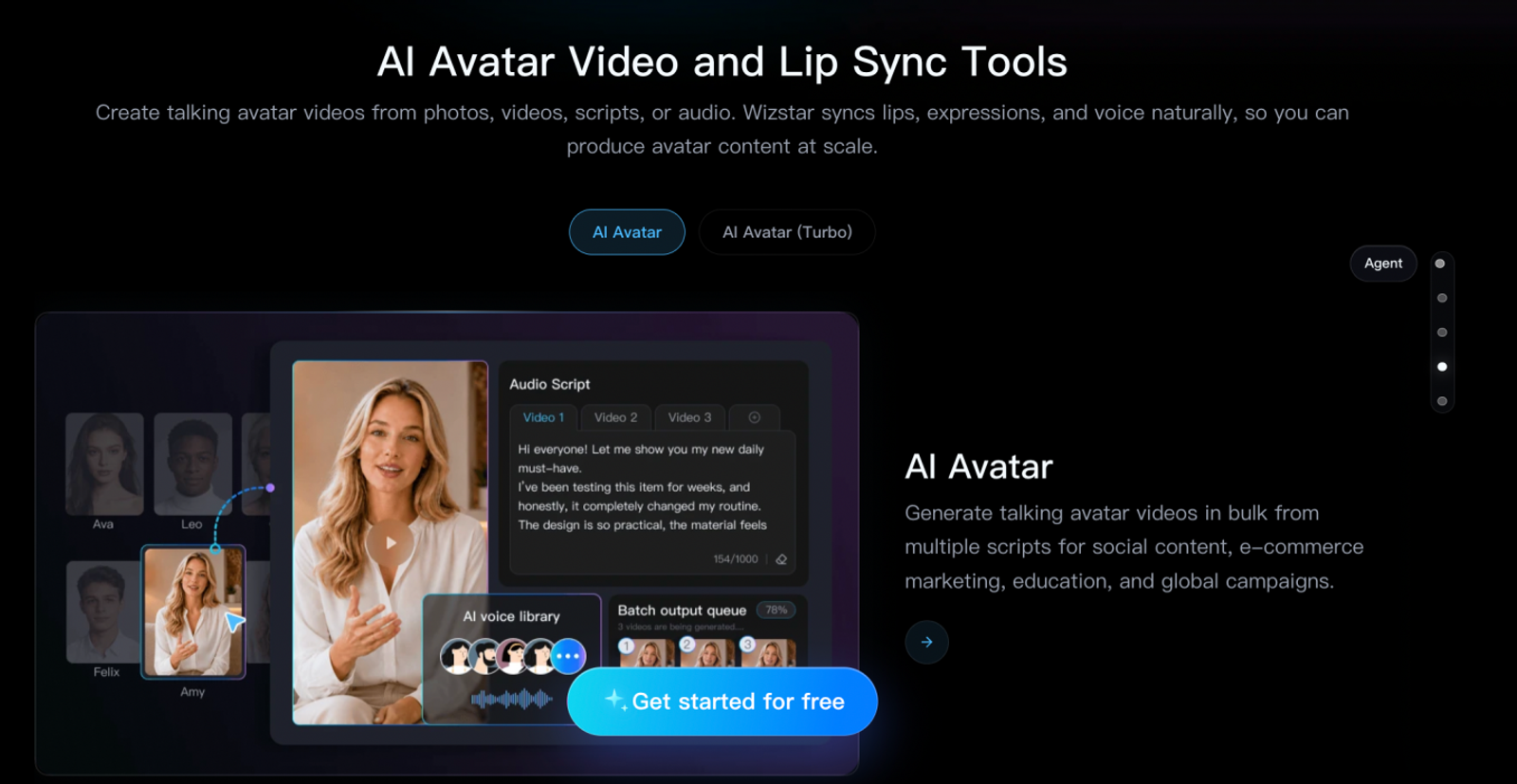
Wizstar brings product-video, avatar, generation, and translation tools into one platform. That combination fits a team producing short product creatives and adapting them for other markets. It extends the task upstream of dubbing: the same platform offers tools for making the source creative as well as translating it.
The translation interface separates “Lip Sync + Audio Translation” from “Audio Translation Only.” For a presenter-led clip, mouth movement may matter to the deliverable. For narration over product footage, I'd consider audio-only translation first. The interface lists 99 source-language options and more than 70 target languages; those are different selection sets.
The input guide accepts MP4 and MOV at 480P–1080P, with limits of five minutes and 200Mb. These limits describe uploads and do not specify export resolution. An extended interview therefore falls outside this documented input scope. The combined toolset is useful for short-form production, but it does not establish automatic asset transfer between tools or managed linguistic finishing.
HeyGen separates translation modes and editing access
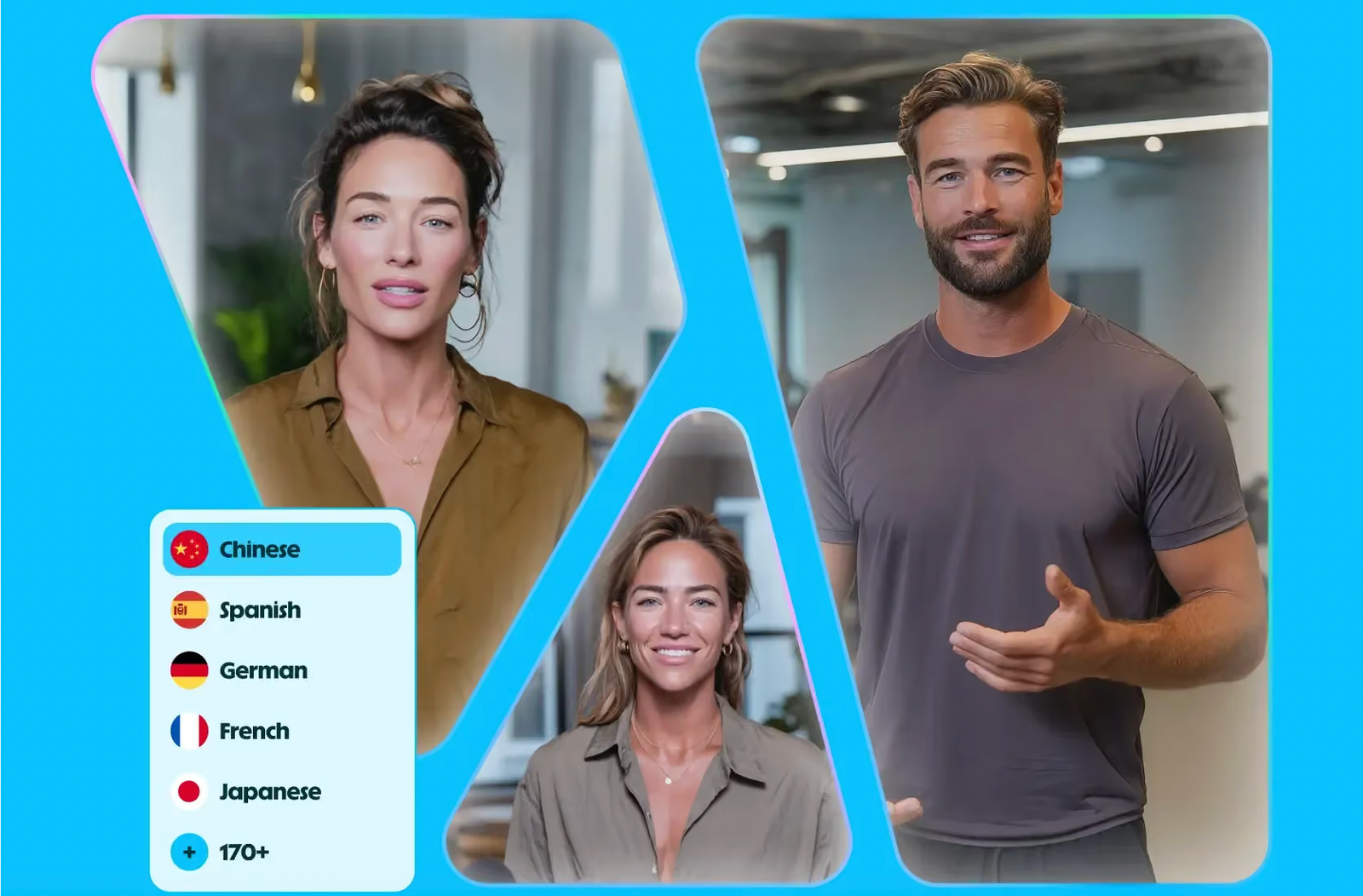
HeyGen supports translation without lip sync and two lip-sync modes, Speed and Precision. This gives teams a choice between changing the spoken language alone and also addressing visible speech. The mode names do not establish a measured quality difference for your particular speaker or language.
The plan comparison adds a consequential editing distinction: Creator lacks translation-script proofreading, while Pro includes it. I would prioritize that access when a reviewer needs to correct product terminology before delivery. A polished voice is less useful if the team cannot make its required text correction within the selected workflow.
Creator exports up to 1080P; Pro supports up to 4K. Both list a 30-minute translation limit per video, giving longer source material a documented path beyond short clips. These controls replace parts of video localization, but the self-service team still owns the language decision and final approval. Check current account access because plan conditions can vary by date or region.
Rask AI puts localization editing first
Rask AI's line-by-line editor makes individual translated passages a central part of the workflow. That is a concrete substitution for a managed service when your team already has someone who can review and revise the target language. The editor provides a place to make those changes; it does not supply the reviewer's judgment.
Its feature comparison also describes terminology and team workflows on higher plans. Those functions matter when several videos repeat the same product names or multiple people contribute to localization. I'd give them more weight than a broad promise of automation when consistency across a campaign is the main problem.
Rask also offers enhanced lip sync. Separate the need to correct translated wording from the need to align visible speech: they solve different production problems. For narration over screen recordings, line-level revision can remain useful even when mouth movement is irrelevant. For a presenter-led campaign, both functions may belong in the specification.
ElevenLabs distinguishes automated dubbing from managed production
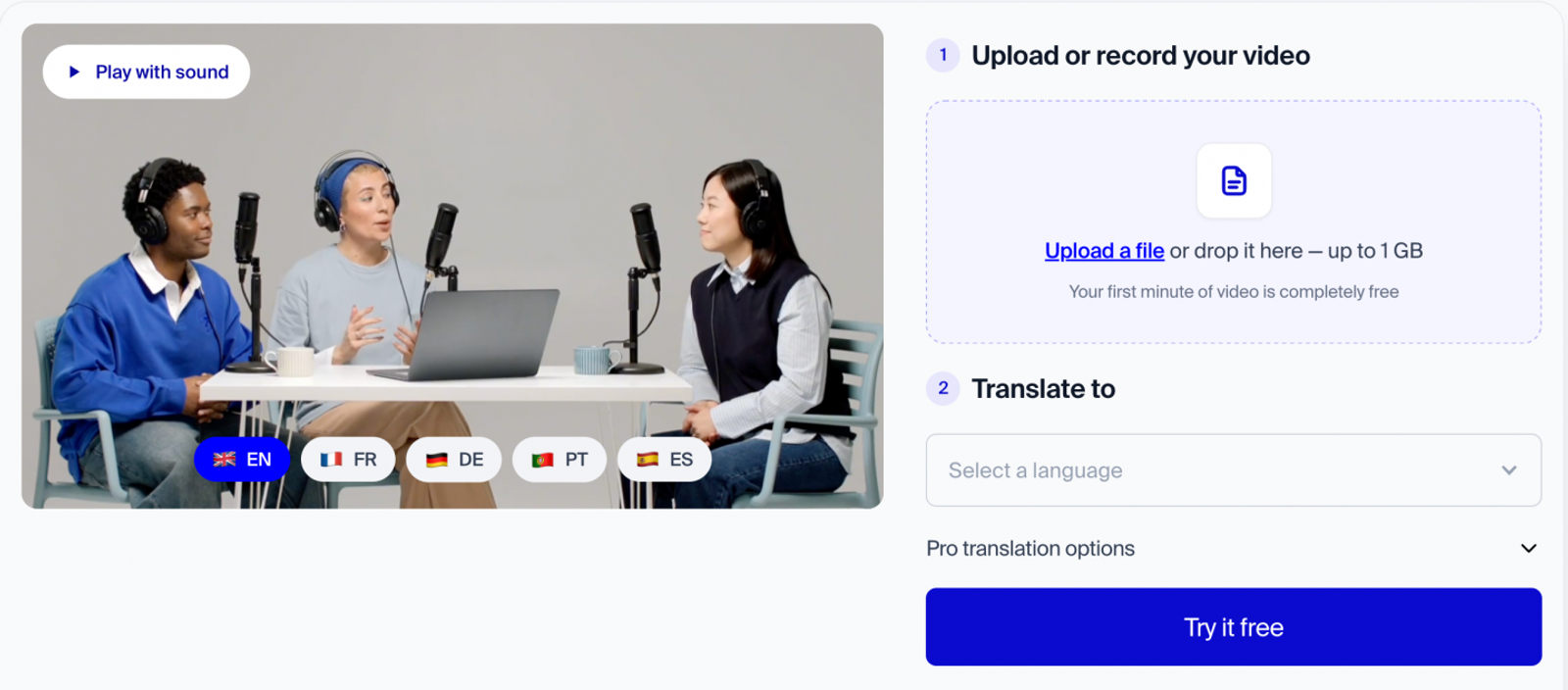
ElevenLabs describes Dubbing v2 as working from the original audio performance rather than a transcript, with support for more than 90 languages. It advertises automatic cloning of the original speaker's voice and synchronization of audio starts and stops. These are relevant functions for retaining a speaker's delivery across languages, although they do not prove indistinguishable reproduction.
The documented pipeline supports source audio, source text, and target text. ElevenCreative provides the self-service route: upload content and select languages. API access is available to both self-serve and enterprise customers, offering an integration route without establishing a particular editor or feature parity.
ElevenProductions is a separate service for studios and broadcasters, combining human translators, voice casting, and professional mixing with Dubbing v2 audio. I would compare that route with managed dubbing when those human responsibilities belong in the assignment. Compare ElevenCreative when the team will handle review itself.
Audio timing alignment is not the same claim as editing visible mouth movements. The current page confirms the former; it does not settle the latter. Likewise, current v2 features should not be assumed to describe every legacy Dubbing Studio workflow.
How should you compare dubbing plans and output costs?
Compare the plan's editing access and monthly allowance before estimating output. The selected plans below illustrate different workflows; they are not equivalent dubbing packages. Prices are monthly USD, based on October 29, 2026 information. Use renewal or regular prices for ongoing budgets, not first-month promotions.
| Product and selected plan | Monthly price | Published monthly allocation | Relevant workflow |
| Wizstar Starter | $10.99 first month; $18.05 renewal | 1,310 credits | Combined creation and translation tools |
| HeyGen Creator | $29 | 600 credits | Selectable translation and lip-sync modes |
| Rask AI Creator Pro | $99 | 100 allowance minutes | Dedicated localization editing |
| ElevenLabs Creator | $22 regular; $11 eligible first month | 121,000 shared credits; nine published v2 minutes | Automatic Dubbing v2 |
Comparing dubbing solutions requires looking beyond raw sticker prices and published quotas. Platforms use proprietary, non-interchangeable credit systems, and hidden workflow restrictions—such as editing permissions, multi-feature shared pools, and lip-sync multipliers—often dictate the true entry tier. All ongoing budget forecasts should use renewal or regular prices rather than introductory first-month promotions.
The selected plans below illustrate different workflows, cost structures, and practical purchasing considerations:
Wizstar Starter ($10.99 first month; $18.05 renewal; 1,310 credits): This tier offers an economical entry point for combined creation and translation workflows. Long-term budget models must lock in the $18.05 renewal price. Because it provides a balanced set of tools for lightweight users, lower tiers require no deeper analysis unless scaling into high-concurrency enterprise pipelines.
HeyGen Creator ($29/month; 600 credits): HeyGen operates on a tiered mode-based credit system (e.g., audio-only, speed, and precision modes). While the 600-credit allocation technically covers moderate monthly outputs, plan selection is gated by editing permissions: if your workflow requires script proofreading, the system forces an upgrade to the $49 Pro tier (1,000 credits) regardless of remaining credit balance. Operational advice: evaluate collaborative editing needs before buying.
Rask AI Creator Pro ($99/month; 100 allowance minutes): Rask's pricing is highly sensitive to visual fidelity requirements. While standard translation consumes one minute of allowance per output minute, enabling beta enhanced lip-sync multiplies consumption to four minutes per output minute. This expansion can quickly exhaust lower tiers like the $39 Creator plan (25 minutes) and push projects into the $249 Business plan (250 minutes). Operational advice: clarify visible-speech requirements upfront; sync features drastically alter actual purchasing tiers.
ElevenLabs Creator ($22 regular / $11 first month; 121,000 shared credits / ~9 v2 dubbing minutes): ElevenLabs relies on a shared credit pool where automatic dubbing competes with text-to-speech, voice cloning, and other tools. Paper minute allocations can be rapidly depleted by auxiliary tasks, making the Pro tier ($99, 600,000 credits, ~44 minutes) a safer benchmark for mixed production environments. Operational advice: always budget using the $22 regular price and account for cross-feature resource drain.
Never calculate output costs based solely on raw unit division. Platform tier thresholds are determined by feature gates (editing access, sync multipliers, and shared pools) rather than just credit volume. Final production budgets must factor in these operational bottlenecks alongside post-generation review and finishing labor.
Conclusion: How to Choose the Right Video Translation Tool
Selecting the optimal video translation solution ultimately depends on where your team's production bottlenecks lie. If your workflow requires flexible mode selection and scalable translation limits, HeyGen provides a structured self-service route, provided you secure the necessary editing permissions. When campaign consistency across repeating product names is paramount, Rask AI delivers dedicated line-by-line localization controls, though visual fidelity features like enhanced lip sync can drastically multiply minute consumption. For teams prioritizing original voice cloning and performance-conditioned audio alignment within a shared resource pool, ElevenLabs serves a distinct purpose, while studios requiring human oversight can look to managed routes.
Conversely, if your operations span the entire pipeline—combining upstream short-form creation, avatar generation, and streamlined translation under a unified subscription—exploring Wizstar's translation tools offers a practical starting point. Always align subscription tiers with your verified monthly output volume and feature gates before committing to long-term deployment.
FAQ
- Can I try Wizstar before subscribing?
- Yes, new users receive free credits for Wizstar's AI video generator and eligible creation tools. The homepage describes signup credits, while some advanced features require a subscription. This is a limited opportunity to explore eligible tools, not a promise of unlimited access. Check your account before planning a translation trial: the published offer does not confirm that free credits cover video translation or every lip-sync mode.
- Can Wizstar use uploaded content to train AI models?
- Yes, Wizstar's published terms grant permission to use User Content to train, fine-tune, and improve its AI models and algorithms. That license is permission, not proof that every uploaded file is used for training. Separately, its privacy policy says uploaded content is provided to corresponding third-party AI model providers for generation. Check client permissions and current contractual terms before uploading sensitive material; do not assume a training exclusion.
- Do I need permission to clone someone's voice in Wizstar?
- Yes, Wizstar requires prior, express, written consent from identifiable people whose voice or likeness is used. Its terms extend that requirement to commercial use, distribution, and modification. The help center permits lawful commercial creation with lawfully self-created avatar and voice clones. That does not automatically clear third-party copyright or publicity rights. A subscription is not a substitute for the speaker's authorization or the permissions needed for other assets.
- How can I keep my Wizstar work before deleting my account?
- Manually export important creations and drafts before deleting your Wizstar account. The help center directs users to back up their work and says the portfolio is cleared after deletion. Account data becomes unrecoverable through the account, so finish that backup before using Delete Account in Account Management. Do not assume exported files preserve editable projects in another tool; the guidance does not establish automatic migration or a specific translation export format.
- What should I prepare before requesting a Papercup dubbing quote?
- Prepare a representative source video, target-language list, deadline, and delivery requirements. Contact the current RWS service with that project outline. I would include a pronunciation or brand glossary and an approved transcript, if available. Specify whether you need separate audio tracks, subtitles, or a finished video, then ask which deliverables the proposal includes. These are preparation suggestions, not confirmed submission requirements or promises that every requested format is available.
- Can I reuse my Papercup voices and project files in another tool?
- Do not assume your existing voices or editable projects transfer automatically. Before switching, ask your current provider which scripts, approved translations, separated audio, and final media you can export and reuse under your contract. Confirm that the destination accepts those formats and that voice permissions cover reuse. A finished video export is different from an editable project. Export options and licensing need confirmation for your specific materials.