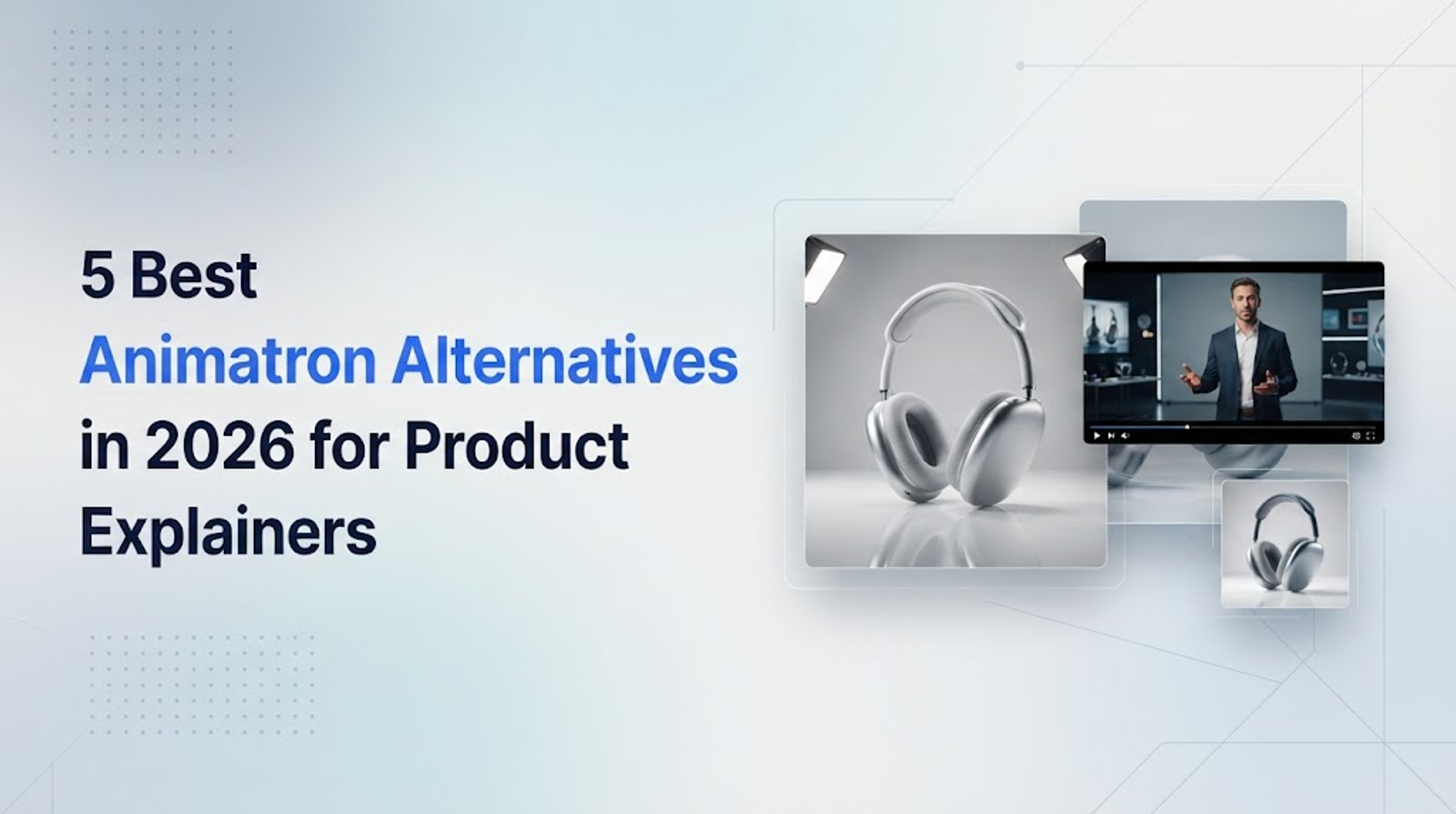
For small marketing teams tasked with producing a 60-second product explainer and shorter social clips, the most useful Animatron alternatives solve very different production problems.
Vyond and Animaker suit structured animated explainers; Canva fits content built around existing campaign assets. InVideo AI combines video generation with timeline editing, while Wizstar connects a product brief, scene planning, models, and revisions through an AI Video Agent.
The comparison below examines workflows first, then subscription commitments and output costs, before weighing the trade-offs. My standard is whether a tool helps communicate the product accurately and supports the changes an approver will inevitably request.
What are you replacing in your Animatron workflow?
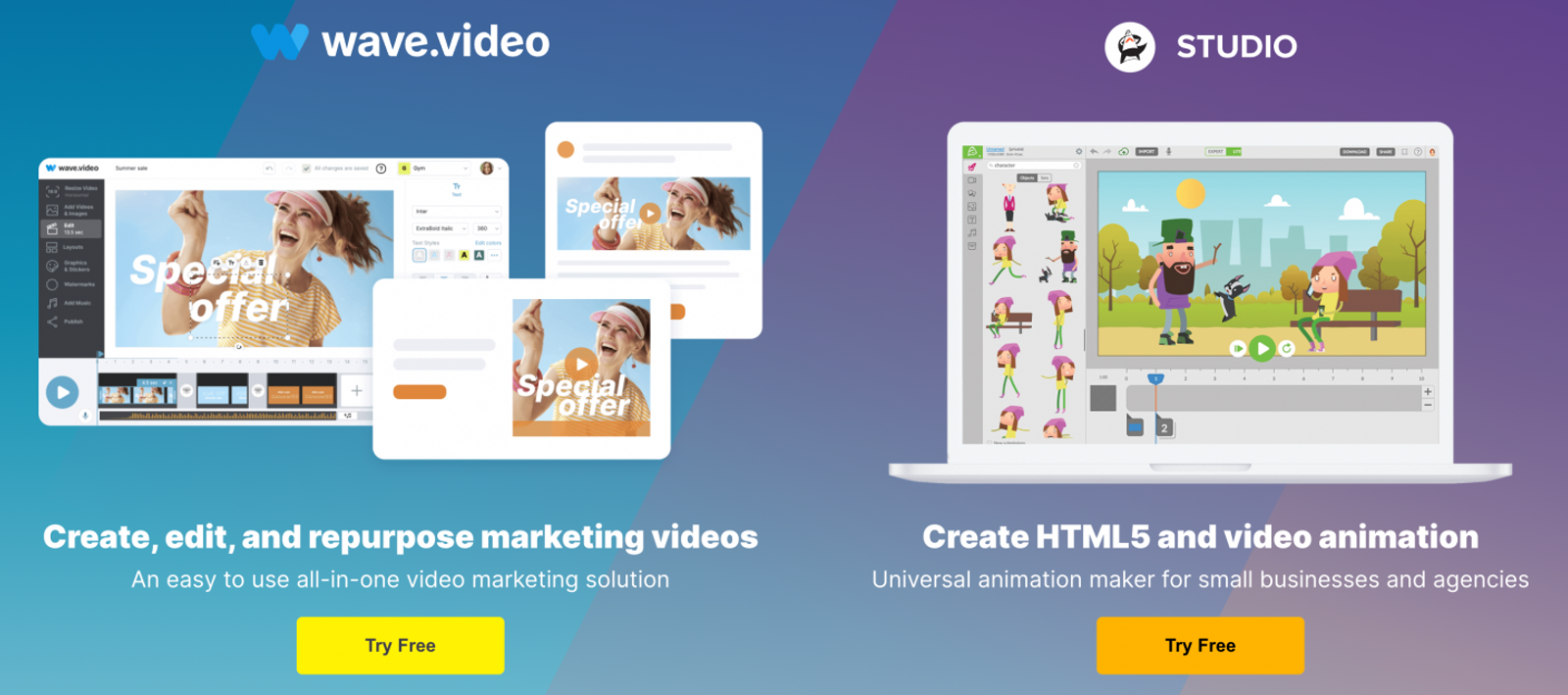
Animatron separates its Studio animation tool from Wave.video. This article focuses on Animatron Studio: working directly with animation assets on a timeline.
The first decision is whether you still need that traditional production method. A character explaining a service may benefit from controlled scenes and reusable animation. A product launch may instead require generated visuals, reference images, and several creative directions. A weekly social calendar, on the other hand, usually relies on templates and existing footage.
Those requirements lead to distinct shortlists. A generative clip is not automatically an editable animation project, and an attractive clip is not automatically an accurate product demonstration. Establish what must stay exact—such as product appearance, claims, or on-screen instructions—before choosing a tool.
When is Vyond a good fit for repeatable business explainers?
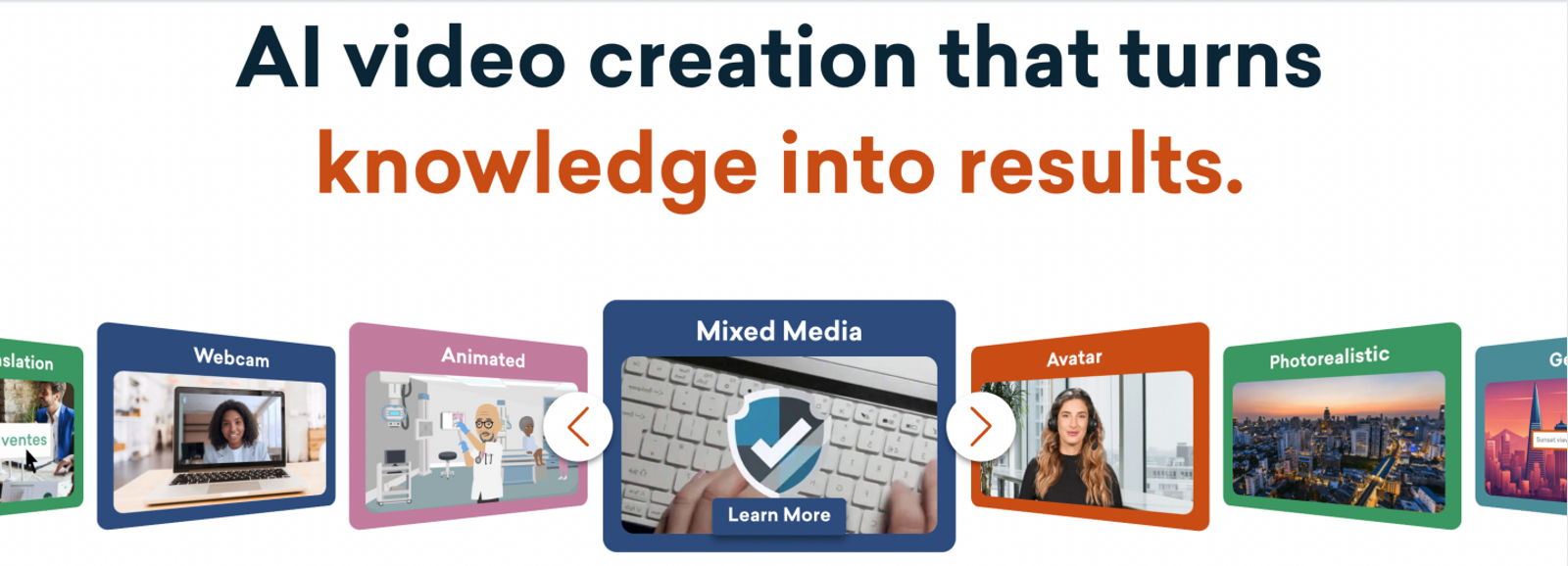
Vyond is a strong shortlist option when a marketing team regularly explains a service, onboarding process, or business concept. Its official product information lists animated styles, AI avatars, screen recording, and text, document, script, or URL-to-video creation through Vyond Go.
For our 60-second video assignment, these options support a clear, step-by-step structure: introduce a problem, show the process, and close with the next action. I favor this approach when a viewer needs to understand a sequence, rather than simply notice an eye-catching scene.
The practical fit depends on the visual language. A recurring character or presenter can organize an abstract service explanation; an exact interface demonstration may call for recorded material. Assess whether the chosen presentation makes the product clearer, and check how readily the scenes accommodate revised wording or instructions.
Is Animaker a practical option for 2D and whiteboard videos?
Animaker is a reasonable starting point for a solo marketer who specifically wants 2D characters or whiteboard animation. Its official information lists these animation options alongside text-to-speech.
For a service explainer, a character can establish the customer's situation while a whiteboard sequence introduces the steps. That is useful when the message depends on explaining a concept rather than reproducing a physical product in microscopic detail.
I would begin with the storyboard: what must the viewer understand in each scene? If characters, labels, and narration communicate that clearly, this style is worth considering. If the brief requires realistic product movement or strict visual fidelity to supplied photography, assess those requirements separately; a strong match for 2D explanation does not establish a match for every product demonstration.
When does Canva fit an ongoing social video calendar?
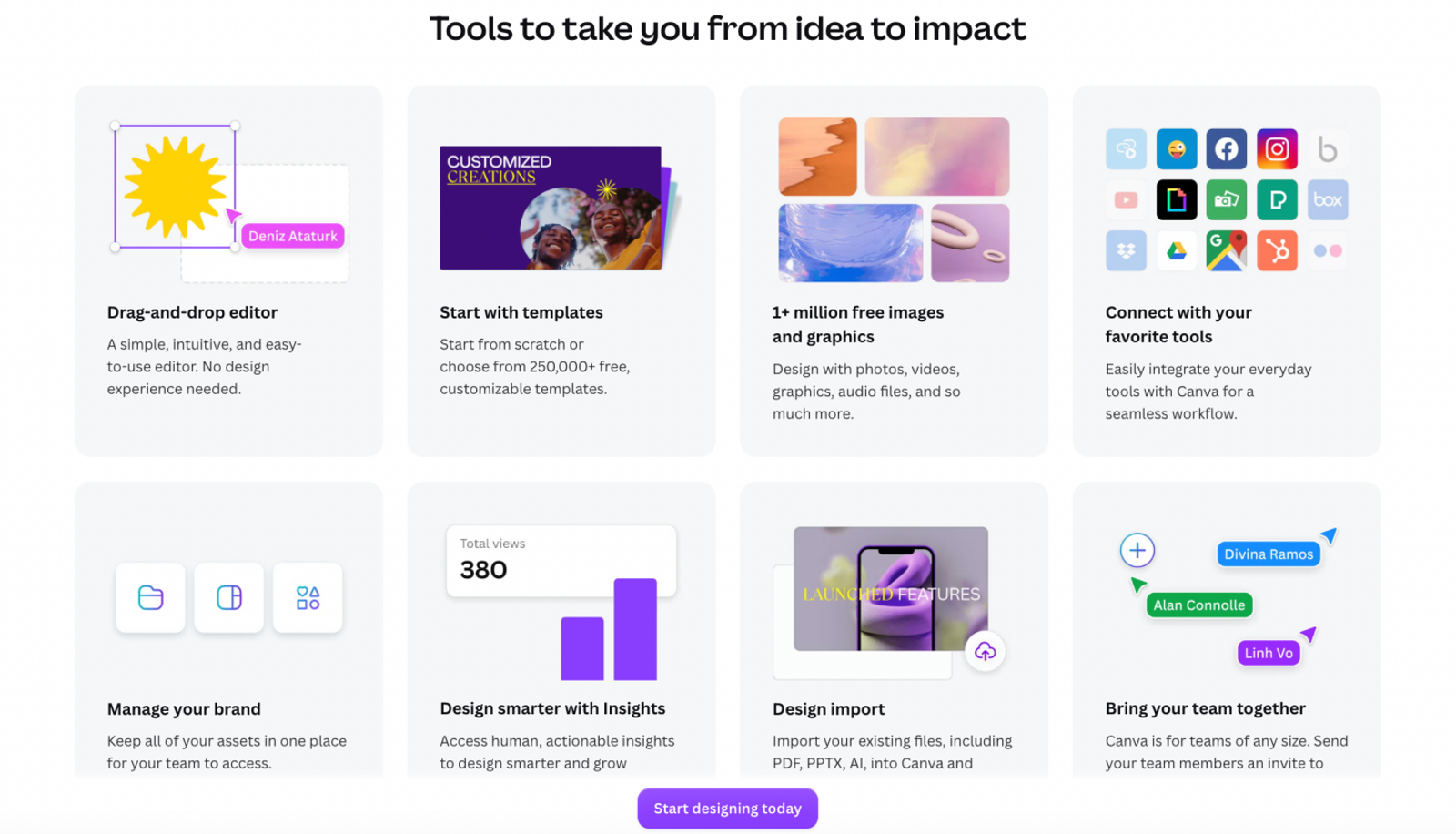
Canva deserves a place on the shortlist when a product video sits inside a broader marketing campaign. Its official product information describes resizing tools, design assets, brand kits, and social scheduling.
Consider a team that already has approved product photos, footage, and copy. The remaining work is arranging those materials into short promotional videos alongside campaign graphics. Canva's appeal is the seamless connection between those design tasks.
I favor this workflow when repeatable layouts and recognizable branding matter more than detailed character animation. For the shorter social versions, review whether the opening message and product remain clear after adapting the layout. Resizing is useful, but a smaller frame still needs deliberate composition and readable text.
When does InVideo AI make sense for product video production?
InVideo AI is worth considering when generated footage and hands-on timeline editing both matter. Its official information describes a timeline editor and tools for color, audio, and 3D, alongside AI models and agents.
For a launch campaign, that combination offers a direct route from generated material to an assembled sequence. The relevant question is how much direct control the creator wants over pacing, scene order, and sound after generation.
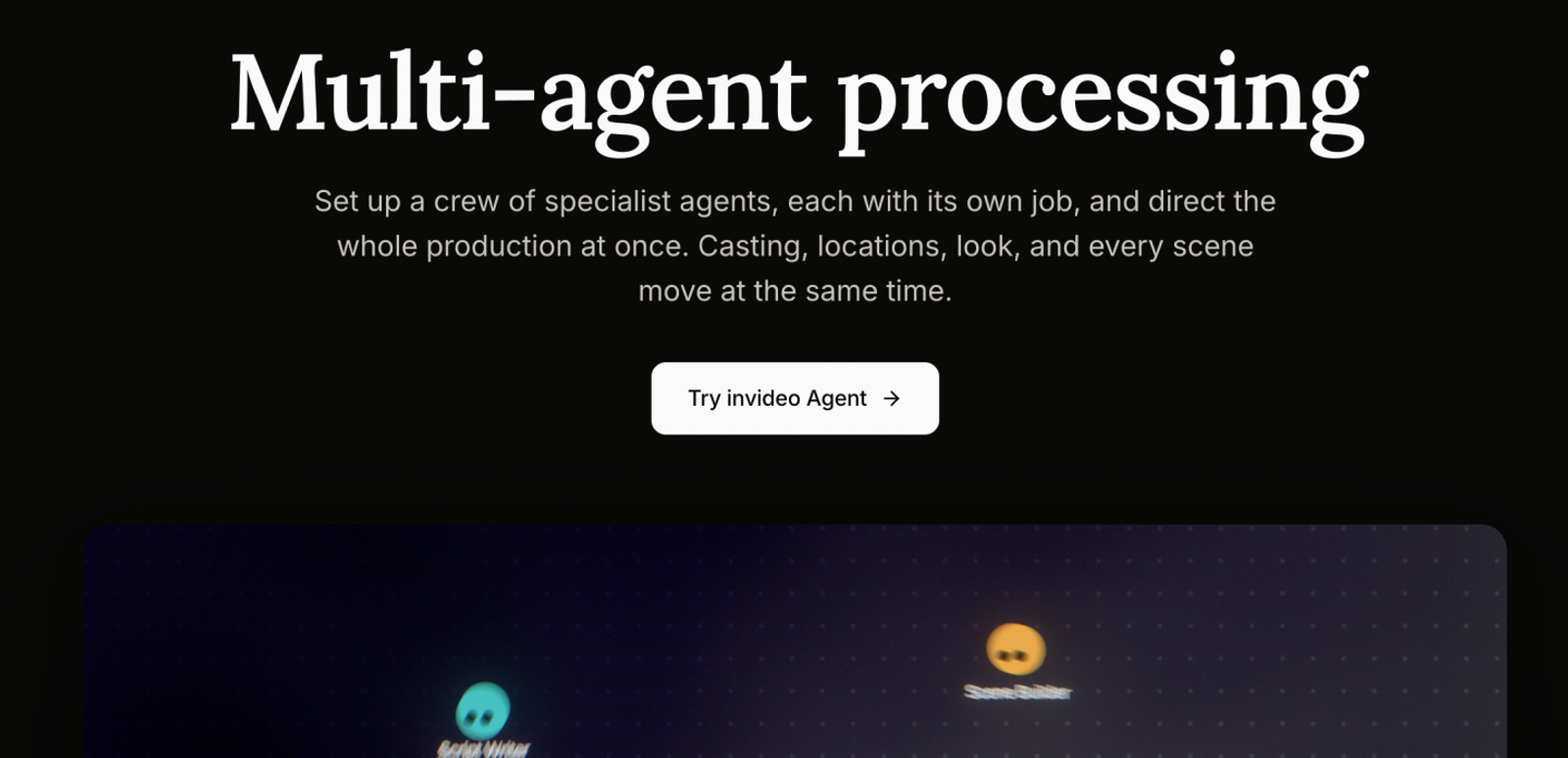
That also makes InVideo a useful comparison with Wizstar, since both rely on agent-driven workflows. But having an agent doesn't automatically make the choice for you. Instead, look closely at how smoothly each tool bridges the gap from an initial brief to editable material, and whether a late change will wreck the rest of your sequence. Public feature lists won't tell you which tool generates cleaner footage or requires fewer frustrating fixes.
How can Wizstar connect a product brief to a finished sequence?
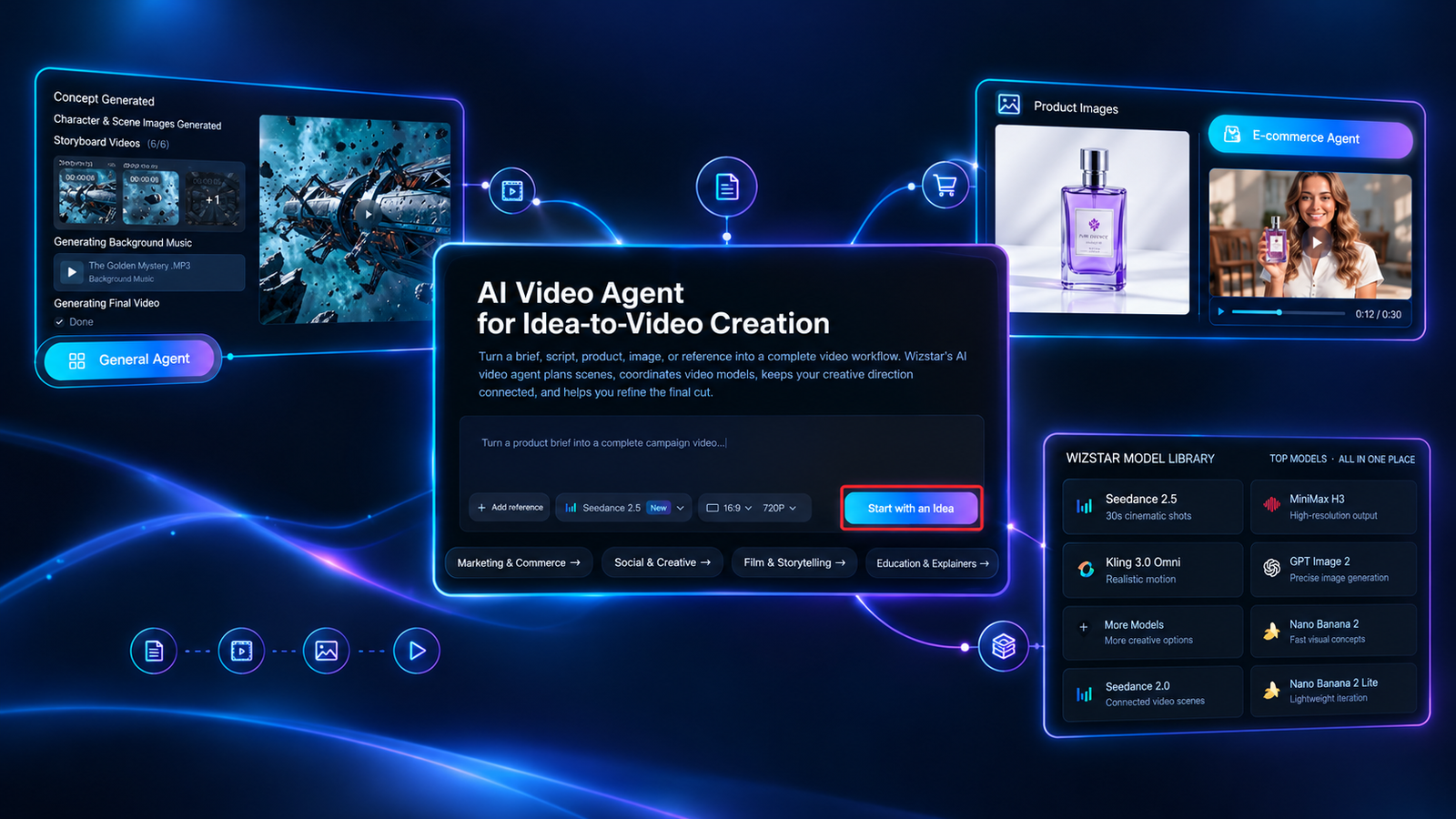
Wizstar is particularly relevant when the bottleneck is organizing the video itself. Its AI Video Agent accepts a brief, script, product, image, or reference and connects planning, scene creation, model selection, editing, and revisions.
For our product explainer, a useful brief might specify the customer problem, the product's main benefit, the visual references, and the closing action. The Agent workflow can then help organize those inputs into scenes instead of leaving the creator to manage every generation separately.
Wizstar also describes using multiple models in one workflow and refining selected shots or details without regenerating the entire video. That is a meaningful reason to consider it for campaigns with several related scenes and repeated creative changes.
I shortlist Wizstar when that coordination is the main problem to solve. Its advantage is less compelling when the job is already a finished storyboard requiring precise manual animation. Product appearance, readable text, and factual claims still need human review; an agent's planning capability does not guarantee every generated frame is correct.
How much should you budget for these Animatron alternatives?
Use the same brief for every option: one editor creating a 60-second product explainer and two 15-second cutdowns for the company's own marketing, with watermark-free output at 720p or higher. The cutdowns reuse the main video's footage.
The comparison below combines subscription prices, included allowances, and practical output calculations. If all 60 seconds require new generated footage, the working assumption is twelve usable five-second clips. Prices were checked on October 28, 2026.
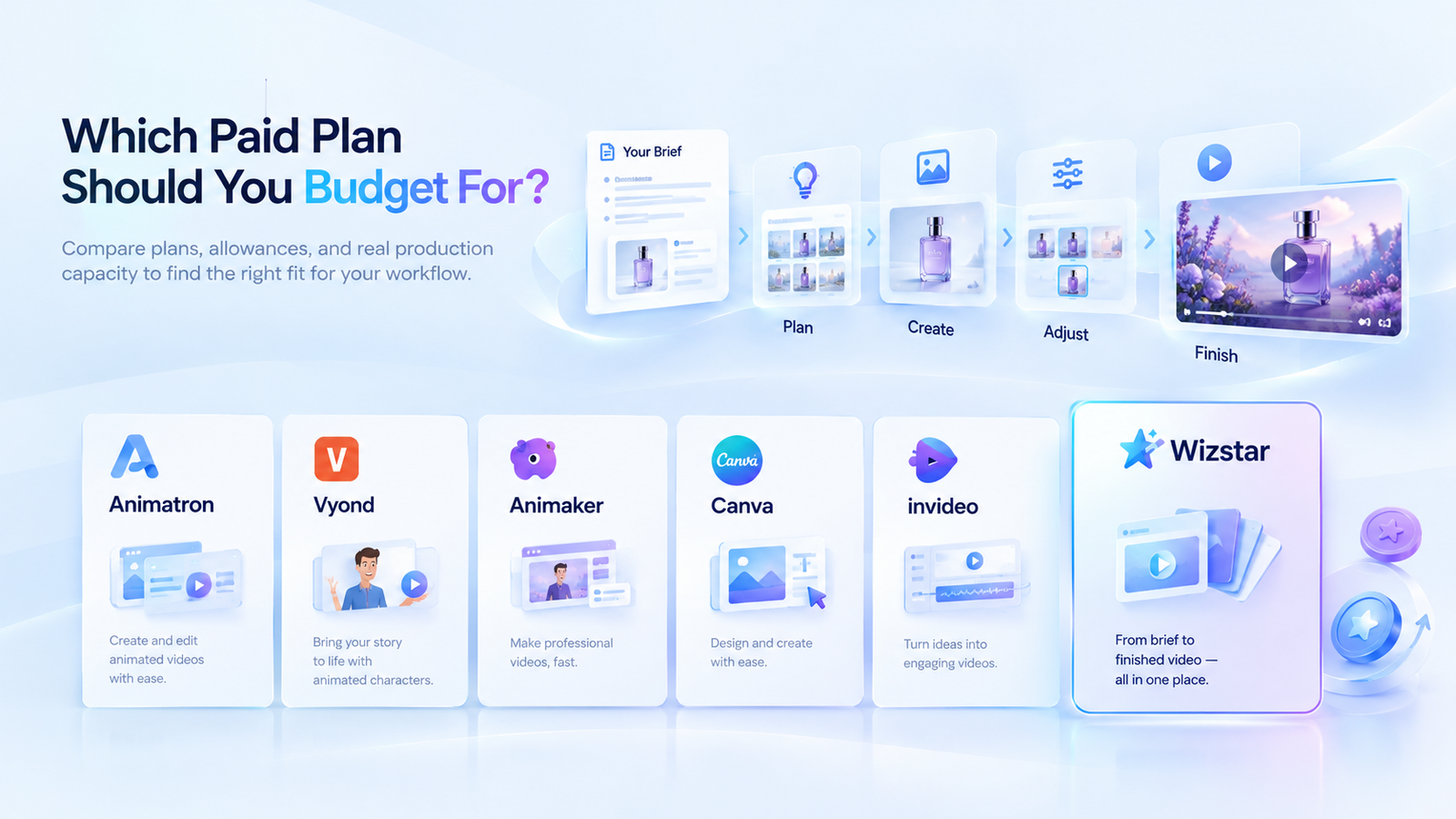
Which paid plan should you budget for?
| Tool and selected plan | Annual payment and monthly equivalent | Included allowance and output calculation | Budget implication for this brief |
| Animatron Studio Pro | $180/year; $15/month equivalent | Unlimited projects; 720p exports up to 10 minutes; commercial rights for your own business | Provides a subscription baseline for the three deliverables. Project access cannot be converted into a quota of newly generated footage. |
| Vyond Starter | $699/year; $58.25/month equivalent | 100 downloads and 10,000 credits per month. At 800 credits per Vyond Go generation, the pool supports 12 whole generations if used exclusively for that purpose. | Three exports fit the download allowance. Go generations are a different billing unit from five-second clips, so they do not establish an equivalent footage budget. |
| Animaker Pro | $516/year; $43/month equivalent | 30 premium downloads per month; commercial rights explicitly listed | Selected because it is the lowest tier on the checked page explicitly listing commercial rights. With only three exports in a month, the subscription allocation is approximately $14.33 per export. |
| Canva Pro | $144/year; $12/month equivalent | One-person subscription with a shared AI allowance; no reliable fixed conversion into generated video seconds | Use the subscription price as the starting budget when supplied assets cover the brief. Do not assume it includes enough AI usage to generate all 60 seconds. |
| InVideo Starter | $120/seat/year; $10/month equivalent | 400 credits per month. Seedance 2.0 Fast at 720p costs approximately 30 credits per five seconds: 13 whole attempts per month. | Twelve attempts consume approximately 360 credits, leaving about 40 for further usage. Downloads do not consume credits. Seedance 2.5 requires a different plan. |
| Wizstar Starter | $192/year; $16/month equivalent | 1,920 credits per year. Standard MiniMax H3 at 720p costs 30 credits per five seconds: 64 whole attempts across the annual pool. | Twelve attempts consume 360 credits, leaving 1,560 before other usage. A separately listed $10 top-up provides 690 credits, enough for 23 additional attempts at the same settings, subject to purchase and access terms. |
For the production workflow described above, my recommendation is to start with Wizstar Starter, provided the planned generation volume fits its allowance. Set the initial subscription budget at $192 for the year, then estimate credits from the actual shot list. If approved product visuals already cover part of the explainer, budget only the additional generated footage required.
This recommendation suits occasional campaigns more comfortably than a commitment to generate an entirely new 60-second video every month. At the MiniMax H3 rate used here, the annual pool covers five complete batches of twelve attempts, with 120 credits remaining before other usage. More frequent production requires an additional credit budget.
Note1:
InVideo has a lower entry cost, so choose Wizstar if its agent workflow fits your process and its annual fee fits your budget. The real decision is whether the Starter plan plus top-ups covers your workload, rather than defaulting to a higher tier.
Note2:
Calculations assume usable first attempts with no extra charges. Different models yield different quality. Always verify model access, credit rules, and in-app estimates before buying—60 generated seconds does not guarantee a finished explainer.
Note3:
Annual subscriptions are billed upfront and exclude taxes, labor, or extra fees. Free-plan suitability and asset licenses require separate verification.
How should a small team weigh workflow fit against cost?
Start with the production requirement that cannot be compromised. If the explainer depends on consistent characters and a controlled teaching sequence, evaluate the animation-focused options first. The export allowance and licensing must then support the number and type of deliveries. A low entry price is not sufficient if the required versions exceed the allowance or the intended use needs another license.
If approved visuals already exist, adapting them in a campaign design workflow may be more sensible than generating replacements. Canva is relevant to that situation, while its shared AI allowance should not be the basis for forecasting a large generation workload.
When new footage is essential, the stronger comparison is between the editing process and the budget for revisions. InVideo merits attention when direct timeline work is central. Wizstar merits attention when organizing the brief, scenes, model choices, and targeted changes is the main difficulty.
My decision rule is to compare the cost of an approved deliverable after the workflow passes the brief. Record generation spending, unusable attempts, and editing time separately. Only then can a team judge whether a cheaper attempt or a more coordinated process actually improves its production economics.
Moving From a Shortlist to a Workable Product Brief
Before moving a full campaign, define one deliverable: the audience, product benefit, required visuals, and the changes an approver is likely to request. Set a spending limit and decide what makes the result acceptable. This gives you a concrete basis for comparing editing effort and generation cost.
If your current difficulty is coordinating scenes and revisions, explore the Wizstar AI Video Agent workflow with that brief in mind. Review how its planning and model choices fit the job, then check the credit estimate for your selected settings. The next step is a manageable production decision, not a commitment to replace every tool at once.
FAQ
- Can I try Wizstar before buying a subscription?
- Yes. Wizstar's pricing page currently advertises a free version with 20 credits. Its AI Video Agent FAQ says access and usage depend on the account and plan. Sign in to check your available tools and the estimated cost before generating. The free allowance does not establish unlimited access, access to every model, or a guaranteed number of completed videos.
- Can I use Animatron or Wizstar videos in paid client projects?
- Commercial and client-transfer rights depend on the plan and its terms. Animatron lists Pro rights as “For your business only” and Business rights as “3rd-party transfer rights”; Free lists none. Wizstar's paid plans list commercial use subject to terms. For a client commission, check the relevant license and your rights to uploaded images, music, logos, and likenesses before delivery.
- Do unused Wizstar subscription credits carry over?
- Wizstar directs users to their account and checkout terms for current credit expiry and carry-over rules. Its public pricing FAQ does not promise a universal rollover policy. Check the renewal date and expiry attached to your specific allowance before planning a campaign across billing periods. Top-up credits have their own purchase terms, so do not assume every credit balance expires together.
- What should I check before uploading confidential product references to Wizstar?
- Confirm that the current data-handling terms meet your confidentiality requirements before uploading. Wizstar's Agent FAQ says reference files guide the workflow and directs users to its privacy policy and terms. For an unreleased product, check retention, deletion, access, and any applicable processing provisions with the service. Use public or approved sample assets until those conditions are clear; a feature description is not a confidentiality guarantee.
- Can Wizstar create both vertical and widescreen videos?
- Yes. Wizstar's AI Video Agent page lists 9:16 and 16:9 aspect ratios, with 720p among the described output options. Availability depends on the selected model and workflow. Choose the intended composition before generation, then check product placement, text, and framing in the result. An aspect ratio describes the frame's shape; it does not establish a downloadable file format or guarantee an automatic crop will work.
- Does canceling Wizstar automatically refund my annual subscription?
- Cancellation and refunds are separate matters under Wizstar's published guidance. Its pricing FAQ says cancellation is available in account settings, while refunds follow the terms shown at purchase. Do not read “cancel anytime” as a promise of a prorated annual refund. Check the access end date, renewal status, and purchase-specific refund conditions before committing to an annual plan.