Executive Takeaway
If you are looking for the best Pebblely alternatives, the right choice depends on the specific production workflow you need to scale:
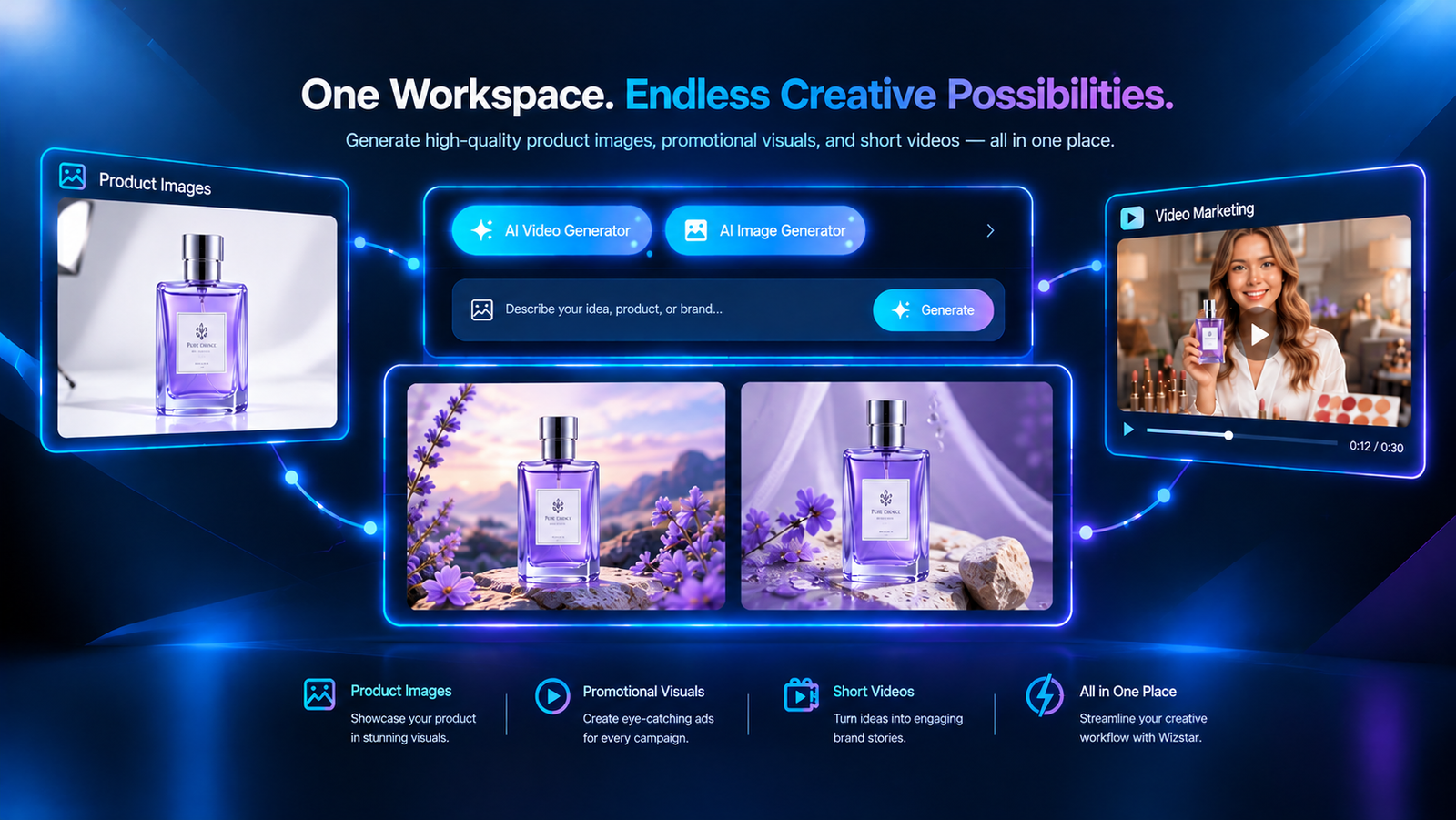
Wizstar (Top Direct Alternative): Elevates beyond static packshots by transforming single product photos into multi-format lifestyle imagery, ad banners, and short-form marketing videos under a single credit pool.
Photoroom: Best for high-volume catalog cleanup and native Shopify publishing on supported plans.
Claid.ai: Best for automated programmatic REST API pipelines and dynamic enhancement.
Flair.ai: Best for precision 3D staging, manual prop placement, and negative-space copy control.
Mokker: Best for fast, zero-prompt template scene generation.
Prerequisites for Switching
Before migrating away from Pebblely, confirm that your current production encounters at least one of these three operational bottlenecks:
Unacceptable Geometric or Label Distortion: Your current setup hallucinates packaging text, warps critical product edges, or alters physical brand colors, requiring excessive manual retouching.
Systemic Operational Bottlenecks: You need automated multi-SKU background removal pushed directly to Shopify, or headless REST API endpoints integrated into private enterprise workflows.
Multi-Modal Campaign Expansion: Your creative briefs have expanded beyond static catalog packshots into interactive 3D prop staging or synchronized e-commerce video variants that Pebblely cannot produce.
Which Pebblely Alternative Fits Your Workflow?
| Tool | Core Production Focus | Primary Operational Trade-off |
| Pebblely | Prompt-driven product imagery; bulk web generation | Focused on static imagery, without native video rendering. |
| Wizstar | Multi-format product photos, marketing assets, and product video | Shared credit model; requires configuring model and resolution settings per run. |
| Photoroom | High-volume catalog cleanup and native Shopify publishing on supported plans | Mobile/web focus; AI generations and file exports have separate limits. |
| Claid.ai | Automated image enhancement and programmatic REST API pipelines | Separate credit pools for web app and API integrations. |
| Flair.ai | Drag-and-drop scene staging and 3D prop arrangement | Manual scene staging requires setup; bulk generation is also available. |
| Mokker | Pre-configured environment templates and lifestyle mockups | Template-led workflow with custom prompts, props, and composition adjustments. |
Each alternative changes a different part of production. Use these distinctions to decide which tool deserves a trial.
Photoroom: Catalog Editing and Shopify Publishing
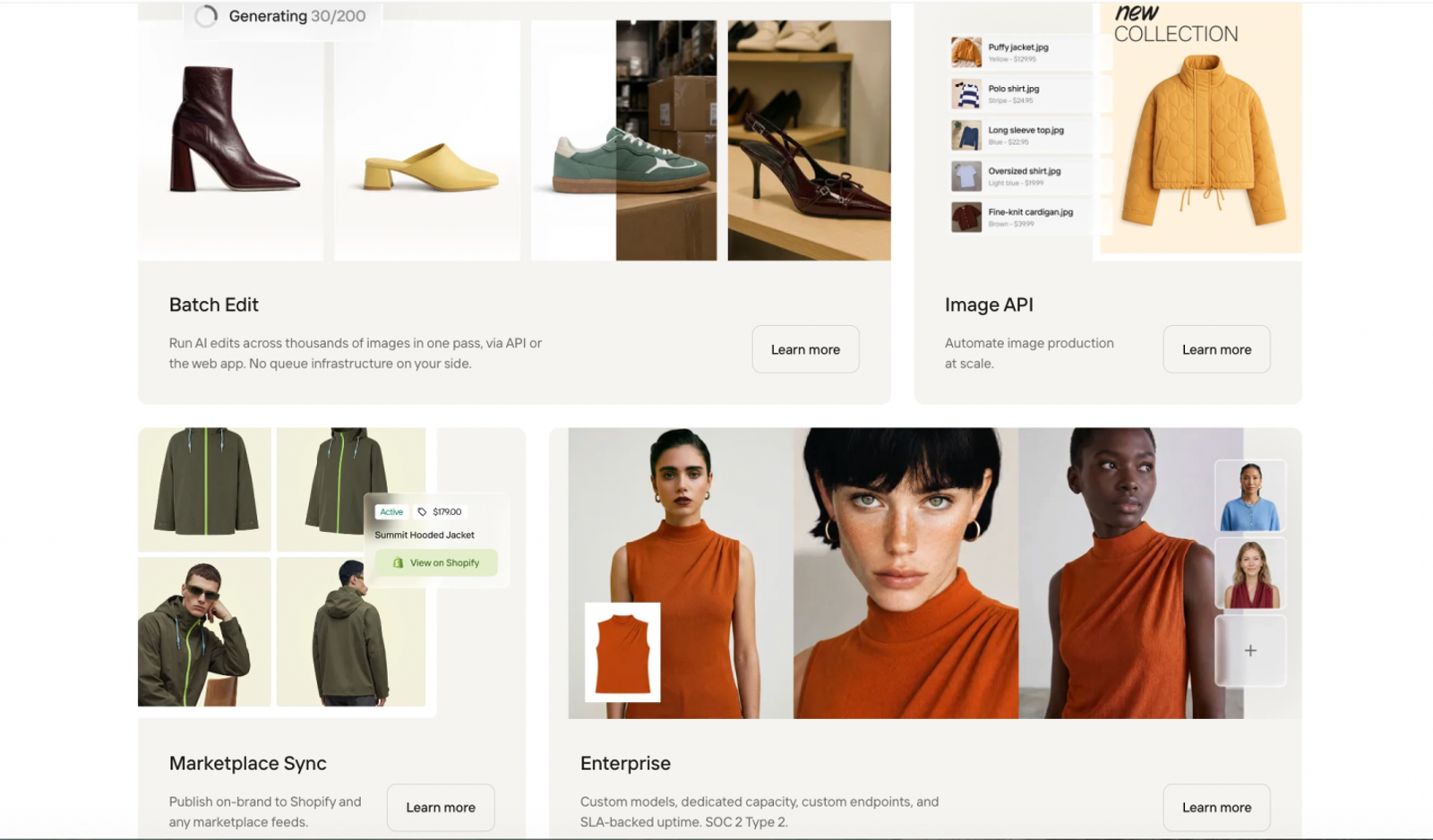
Photoroom combines batch editing with a Shopify integration for importing product images, editing them, and publishing updates. Background removal and AI backgrounds support both clean listing images and lifestyle visuals.
Consider it when preparing recurring catalog updates takes more time than generating individual scenes. Check integration access under your selected plan, and budget separately for AI generations and file exports. Batch processing still requires inspection of cutout edges and labels.
Claid.ai: Image Processing Through an API
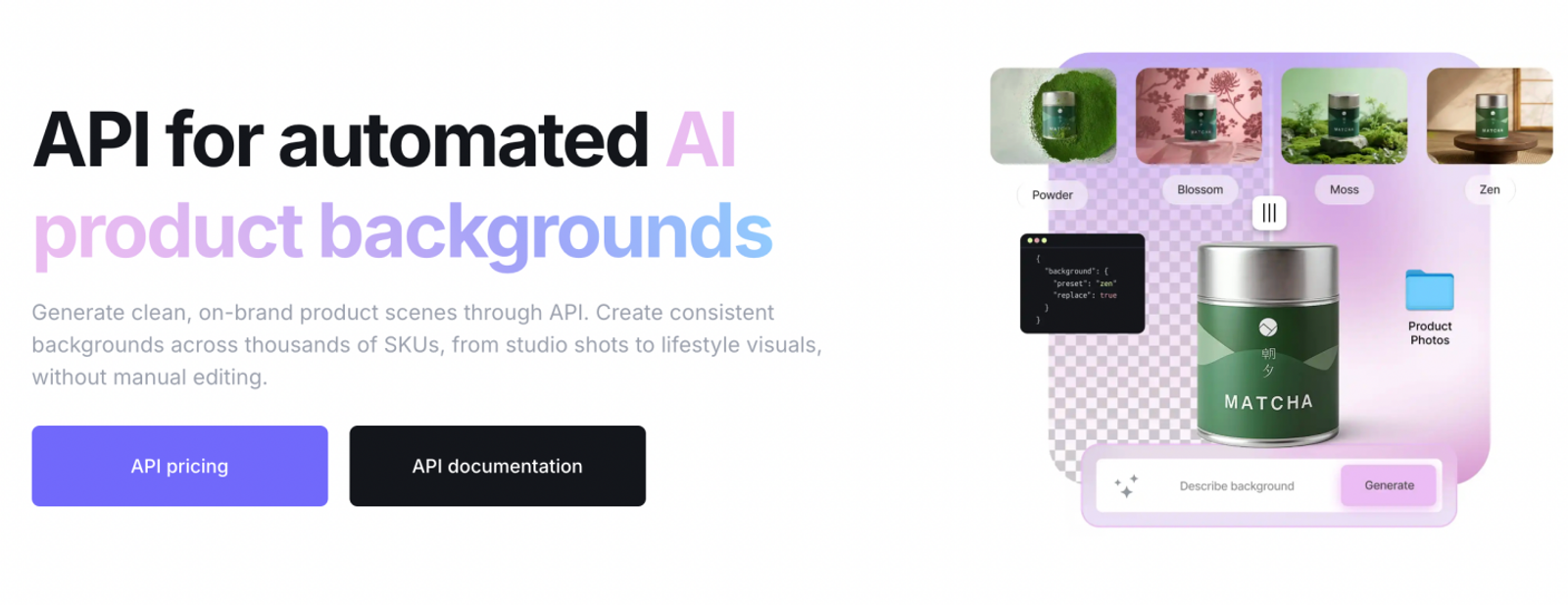
Claid’s API operations include background removal, light and color enhancement, upscaling, shadow generation, and AI backgrounds. Developers can combine supported editing operations and connect image processing to existing catalog software.
Consider it when supplier images need repeatable cleanup before publication. The benefit is automation within your own systems; the trade-off is development, error handling, and output review. API credits are separate from web subscriptions, so calculate costs from the operations each image requires.
Flair.ai: Scene Staging and Targeted Editing
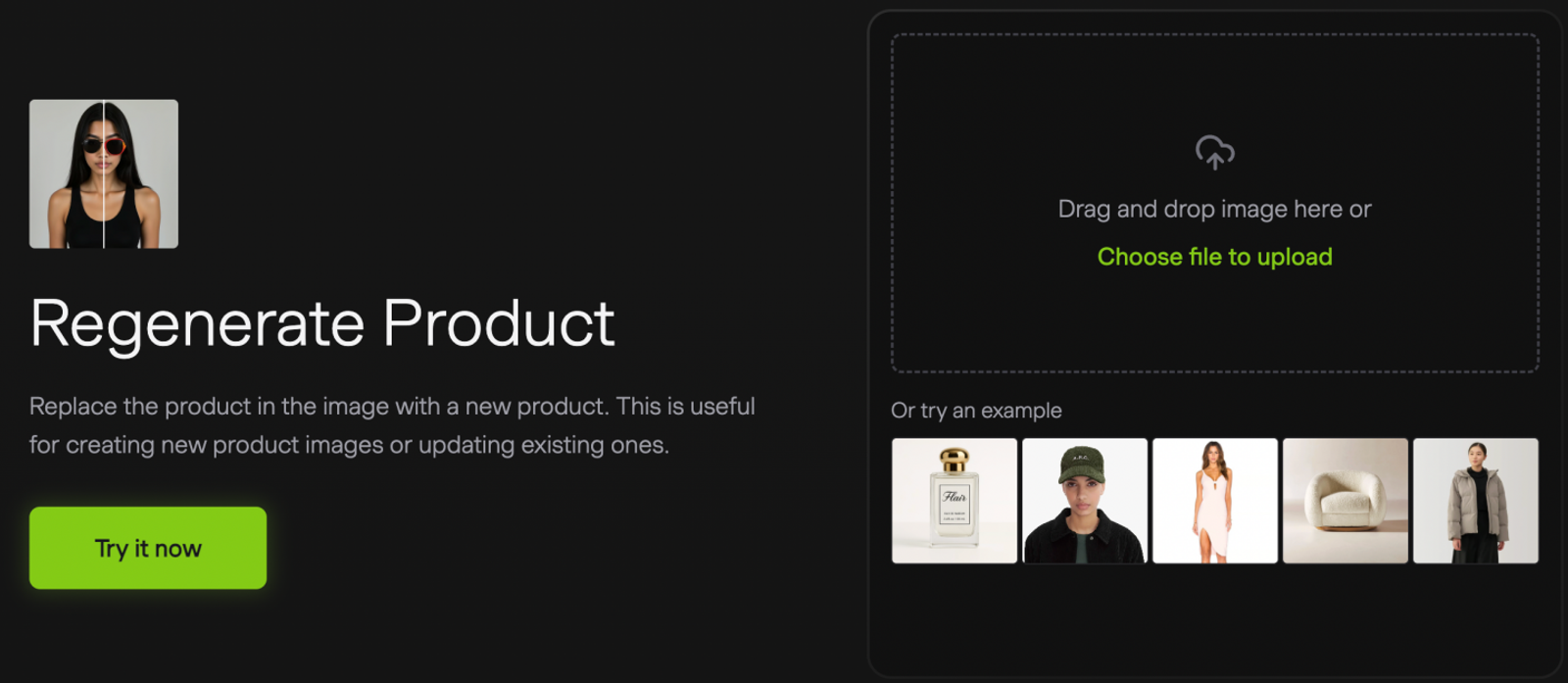
Flair’s Drag & Drop tool and image editor support arranging products and props before generation, then refining results with tools such as Magic Erase, image extension, and product regeneration. This suits campaign briefs that specify composition or space for promotional copy.
Canvas placement guides the input without guaranteeing exact output geometry. Flair also supports bulk content generation, so assess the complete workflow rather than treating it as a manual-only tool. Allow time for scene setup and product-detail checks.
Mokker: Templates with Room for Customization
Mokker’s product-photo workflow starts with an upload, background removal, and template selection. Photo props, custom prompts, reference-based Moodboards, and color controls provide ways to adjust the initial scene. Product Replace and resizing offer further options for adapting imagery.
Consider it when a small team needs a visual starting point for seasonal product scenes. Templates can reduce setup work, but unusual packaging, reflections, and fine print still need review. Test whether its adjustments provide enough control for your brand’s framing requirements.
Head-to-Head: Wizstar vs. Pebblely
While platforms like Photoroom or Claid address operational needs such as catalog cutouts or headless APIs, Wizstar stands out as the primary end-to-end upgrade for merchants who have outgrown Pebblely’s static-only framework.
1. Static Backdrops vs. Multi-Modal Campaign Assets
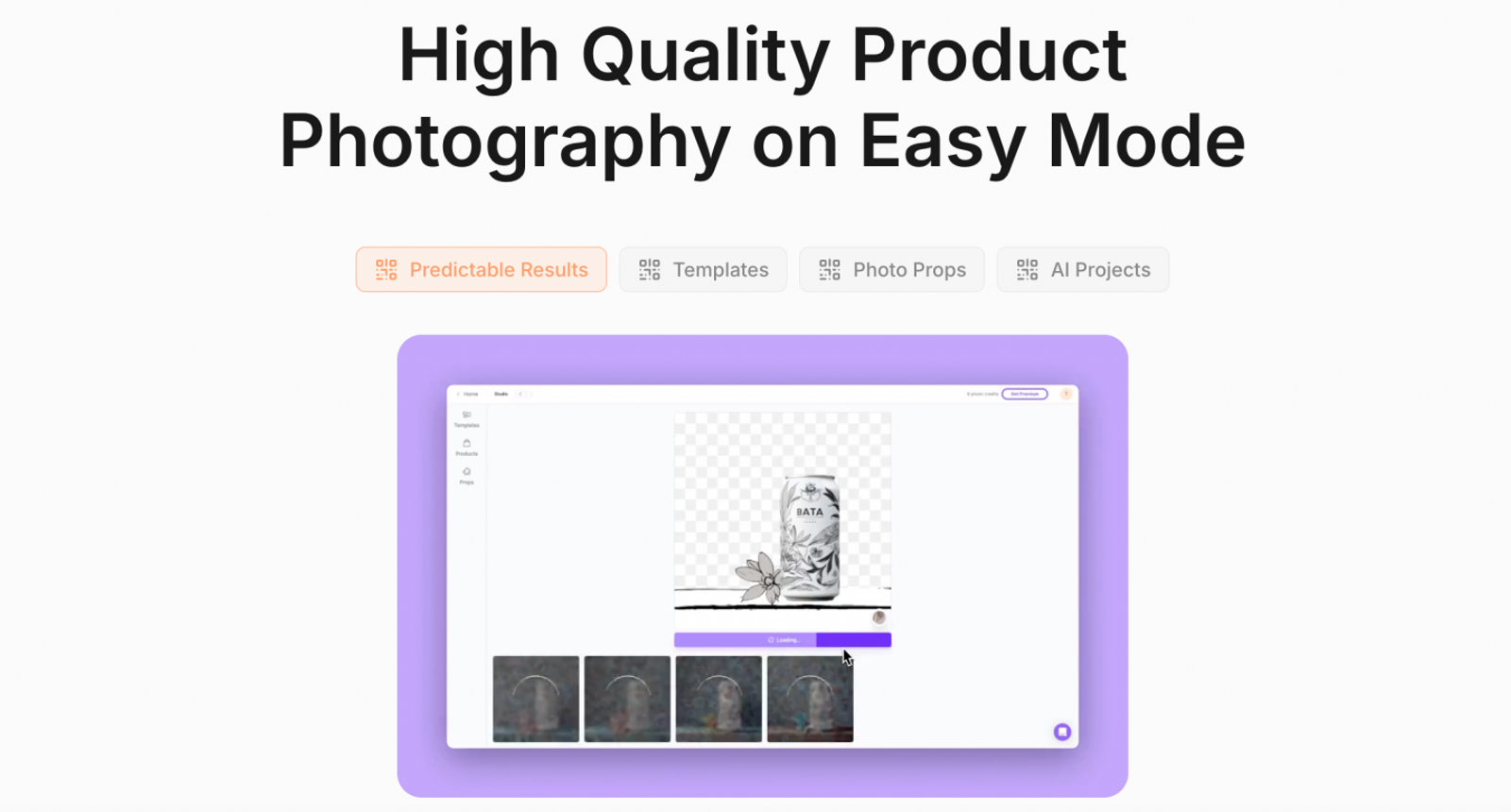
Pebblely: Purpose-built for generating static e-commerce imagery. Its workflow includes social and website banner sizes, image editing, and bulk generation. Creating motion clips requires exporting to third-party tools, while Pebblely’s official guide documents its native image formats and editing features.
Wizstar: Built around an "Asset-Driven Multi-Format" pipeline. Starting from a single approved studio photo, Wizstar not only creates lifestyle listing images, but also generates promotional marketing graphics and short-form video in the same workspace.
2. Native Video Generation Capabilities
Pebblely: Does not offer native product video creation. Brands must rely on external AI video platforms to animate their assets.
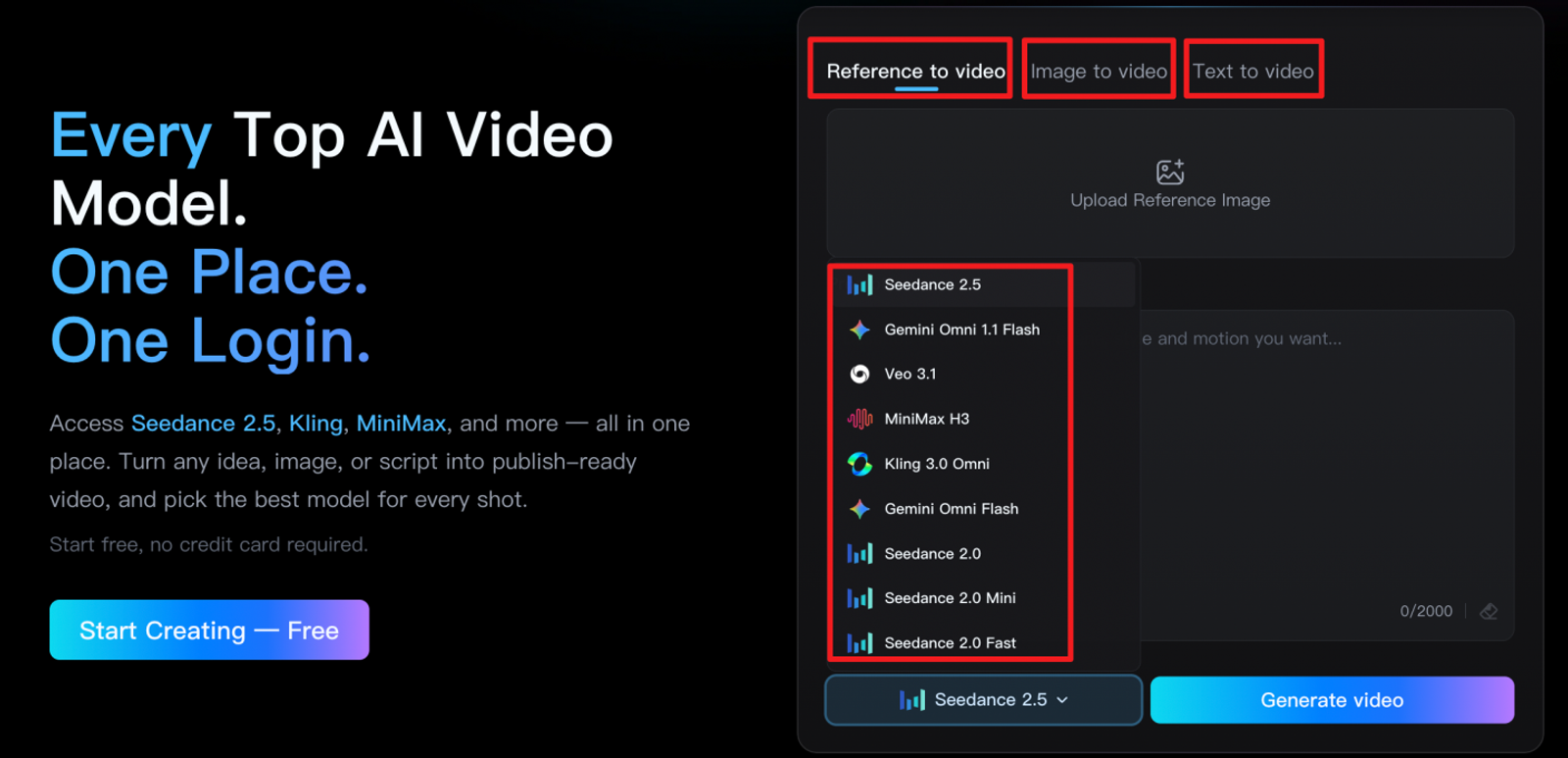
Wizstar: Features integrated video tools with dedicated text-to-video, image-to-video, and reference-to-video capabilities powered by foundational models like Seedance and MiniMax. Merchants can animate packshots into 5-second lifestyle reveals or request 360-degree turntable-style clips.
3. E-Commerce Content & Growth Utilities
Pebblely: Keeps its scope focused on static product imagery, with prompts, templates, text extraction, and editing tools.
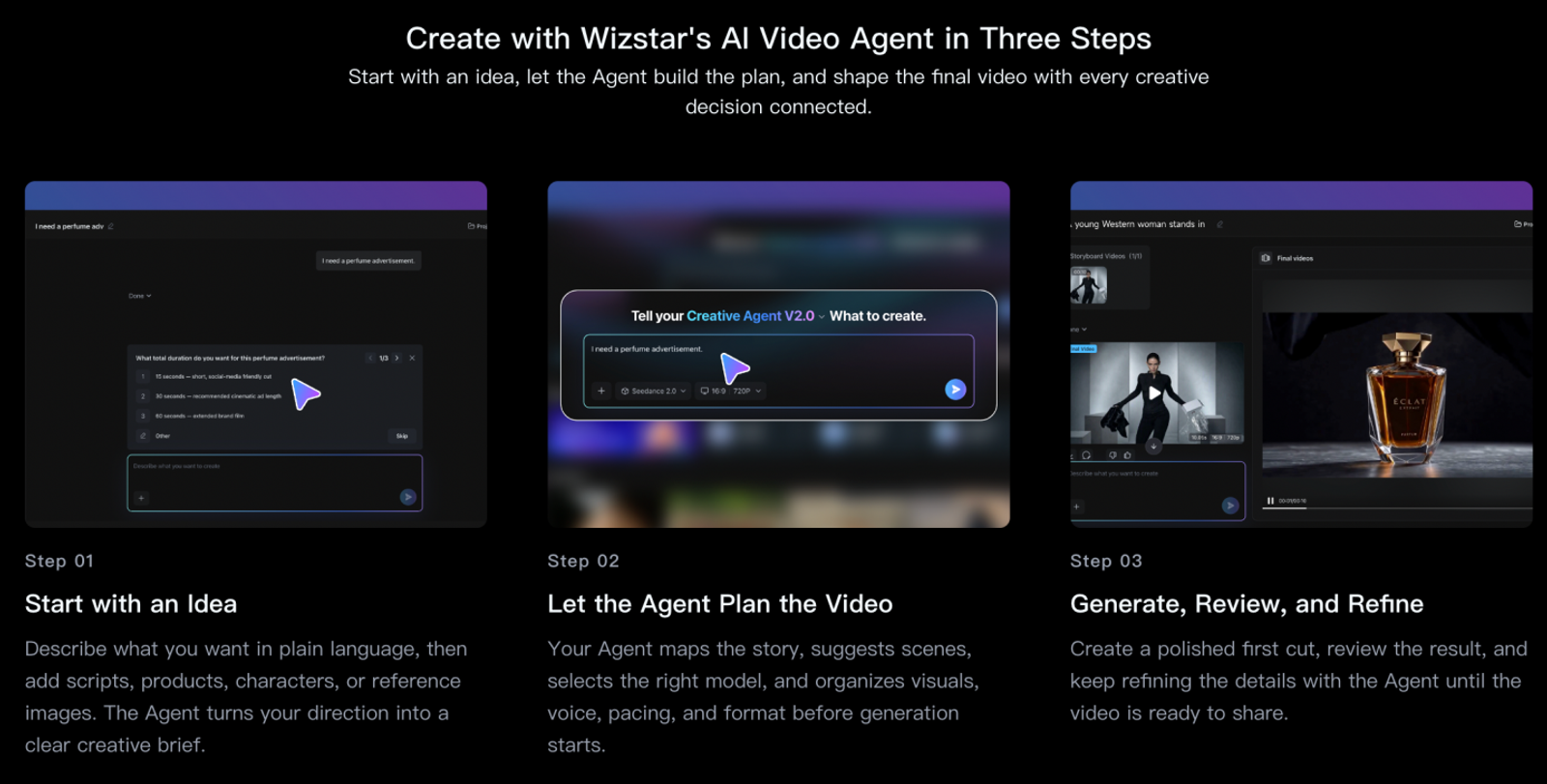
Wizstar: Includes a dedicated E-Commerce Agent that assists teams with generating product-focused video scripts, subtitles, and voiceovers alongside image and video generation—providing a complete multi-channel growth suite.
4. Workflow & Resource Allocation
Pebblely: Operates on a monthly image allowance (e.g., 200 standard images/month), where standard images cost 1 credit and high-resolution images cost 2 credits. Unused allowances expire at the end of the billing cycle.
Wizstar: Uses a flexible, unified credit pool. Teams can allocate compute dynamically—channeling credits toward standard product stills during quiet catalog updates, and shifting resources toward high-impact video generation during launch campaigns.
Budgeting for Product Imagery and Video Pipelines
Note:
Base your budget on usable assets, not advertised limits.
Benchmark Monthly Need: 30 approved stills + two 5s product clips.
(Assuming a 35% scrap rate for budgeting purposes, 30 approved images require ~46 generation attempts.)
Pricing & Allowance Quick Look
| Platform & Plan | Entry Price | Included Allowance | Usage Rules |
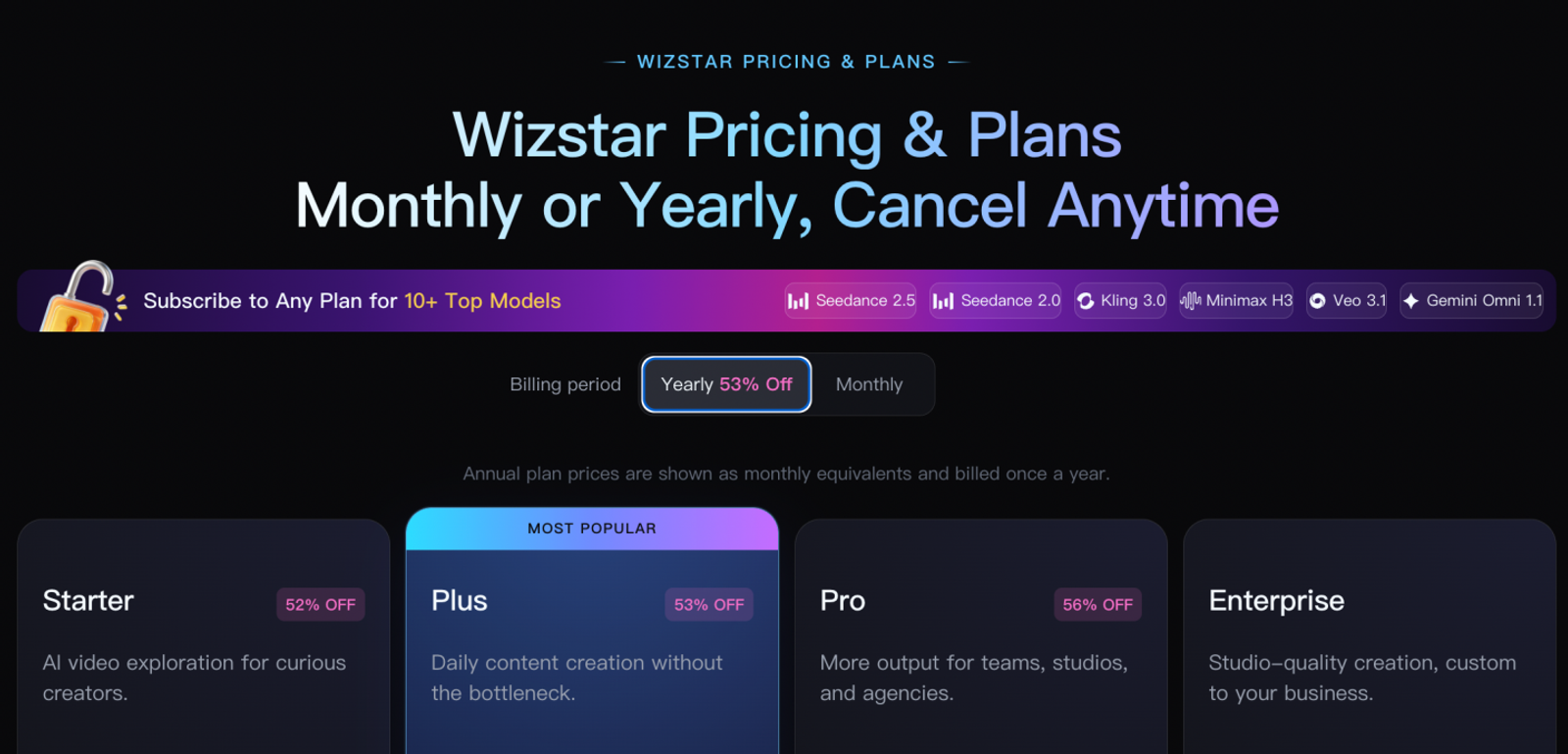
| Wizstar Starter | $10.99 first month ($18.05/mo renewal); new-user offer | 1,310 shared credits/mo | Shared across image and video; highest flexibility. |
| Pebblely Basic | $19.00/mo | 200 credits/mo | Standard = 1 credit; HD = 2 credits. No rollover. |
| Photoroom Pro | $12.99/mo | 1,000 exports/mo + AI credits | AI background tools and file exports track separately. |
| Claid.ai Essentials | $15.00/mo; confirm current price | 500 web credits/mo | Web only; Standard = 4 credits, Studio = 10 credits. |
| Claid.ai REST API | $59.00 pack; confirm current price and size | 1,000 API credits per pack | Remove BG (2) + Light/color enhancement (1) + AI scene (3). |
| Flair.ai Pro+ | $35.00/mo | 80 units/mo | Standard = 1 unit; Instant/Ad mode = 4 units. |
| Mokker Starter | $19.99/mo | 500 photos/mo | Deducts credits on every run, including discards. |
Real Output Comparison (30 Stills + Two 5s Videos)
Wizstar estimates use Nano Banana 2 Lite or Nano Banana 2 at 1080p and MiniMax H3 at 720p. Video retries are excluded.
Wizstar: 46 stills (184–276 credits) + 2 videos (60 credits) = 244–336 credits total. Uses approximately 19–26% of the 1,310 allowance, leaving over 900 credits for extra campaigns.
Pebblely: 46 stills take 46–92 of 200 credits. Leaves plenty of image quota, but supports no video.
Claid.ai (Web): 46 stills (184–460 credits) + 2 videos (120 credits) = 304–580 credits. Exceeds its 500-credit cap if using Studio mode.
Flair.ai: 46 standard stills take 46 of 80 units. Caution: Ad/Instant mode needs 184 units—exceeding the base limit by 130%.
Photoroom: Uses 30 of 1,000 export slots. Best flat-fee choice for bulk catalog prep; video generation is not included in Pro but is available on Max and Ultra.
3-Step Selection SOP
Test 3 Tough SKUs: Run samples with reflective surfaces, dense text/labels, and fine fabric textures. Measure the Retry Ratio (attempts needed per usable image) rather than cherry-picked results.
Buffer for 35% Discards: Account for revision waste so you don't run out of credits mid-cycle.
Verify Data & Licensing: Ensure permanent commercial usage rights post-cancellation and confirm product shots are excluded from public model training.
FAQ
- re there free Pebblely alternatives for AI product photos?
- Yes. Wizstar offers 20 free trial credits upon account creation, allowing teams to test eligible image and video generations within the available allowance without an upfront commitment. Similarly, platforms like Photoroom and Mokker offer limited free-tier testing or free trials with usage restrictions.
- Can product photos be edited across both mobile and desktop?
- Yes. Photoroom provides native mobile apps (iOS and Android) alongside its web browser dashboard, with Pro access across platforms when using the same account. Most other generative platforms, including Wizstar, Claid, and Flair, operate primarily through desktop-optimized web applications.
- Are uploaded product photos processed by third-party model providers?
- This depends on the platform and selected model. Cloud hosting, third-party model processing, and use of uploads for training are separate issues. If you handle confidential, unreleased, or patented product designs, review the vendor’s data privacy terms and enterprise compliance standards before uploading raw assets.
- Do unused product image generation credits roll over?
- Pebblely’s monthly image credits and Flair’s image and model credits do not roll over. Claid credit validity should be checked against the current plan or purchase terms. For sporadic campaign schedules, consider platforms with on-demand top-up packs, and verify their expiration rules before purchasing.
- Can an AI product photo tool generate marketing video directly from a photo?
- Yes. Wizstar provides dedicated image-to-video tools designed to animate static product photos using selectable video models, while platforms like Claid and Flair offer dedicated short-form video generation modules within their extended feature sets.