The four Canva Video alternatives worth shortlisting are Adobe Express for branded marketing assets, Clipchamp for editing raw footage, and Runway or Wizstar for AI-powered video generation. Runway leans heavily into raw model capabilities, while Wizstar focuses on connecting scene planning with targeted revisions. Because Canva already provides a solid multilayer timeline and native AI features, switching to another platform only makes sense if it solves a specific roadblock in your current production process.
Before moving a project to a new workspace, figure out whether you are missing editing controls or missing actual footage. A polished layout cannot fix the wrong shot, and generating an entirely new clip adds little value when the real task is simply trimming and organizing media you already recorded.
Which Canva Video alternative fits your workflow?
Your starting media determines the right tool: Adobe Express handles cohesive brand layouts, Clipchamp works best for existing recordings, and Runway and Wizstar focus on building original scenes from scratch. While these platforms have overlapping features, each serves a distinct editing task. A recorded software walkthrough needs precise trimming and timeline control; a conceptual script brief needs custom visuals generated from the ground up.
The following comparison is based on verified platform specifications and published documentation. Instead of tallying up feature checklists, start by identifying the exact stage of your workflow that feels constrained.
Here is how Canva and the four alternatives compare on key production capabilities:
| Tool | Main production job | Relevant controls | Technical or task boundary |
| Canva | Branded video and graphic design | Multilayer timeline, auto-captions, templates, built-in AI | Broad feature lists do not guarantee specific rendering quality |
| Adobe Express | Branded marketing and social assets | Templates, brand kits, quick Resize, real-time co-editing | Design layout tools do not replace dedicated video generation |
| Clipchamp | Editing recorded footage | Trim, crop, resize, screen and webcam recording | Personal Microsoft account required |
| Runway | Original audiovisual generation | Video/image AI models, voice/audio generation, 4K upscaling | Upscaled output does not mean native 4K rendering |
| Wizstar | Connected multi-scene AI video production | Brief inputs, script-to-scene planning, targeted revisions | Reference asset consistency depends on prompt and source assets |
The core distinction comes down to whether your project calls for a marketing layout, a traditional timeline edit, or newly generated shots.
The Canva video editor includes trim, split, splice, and layer controls directly within its multilayer timeline. Ruling Canva out based on the idea that it lacks a timeline is inaccurate. Pinpoint the specific setting, export limit, or generation bottleneck holding your project back before changing platforms.
Adobe Express for branded videos and marketing assets
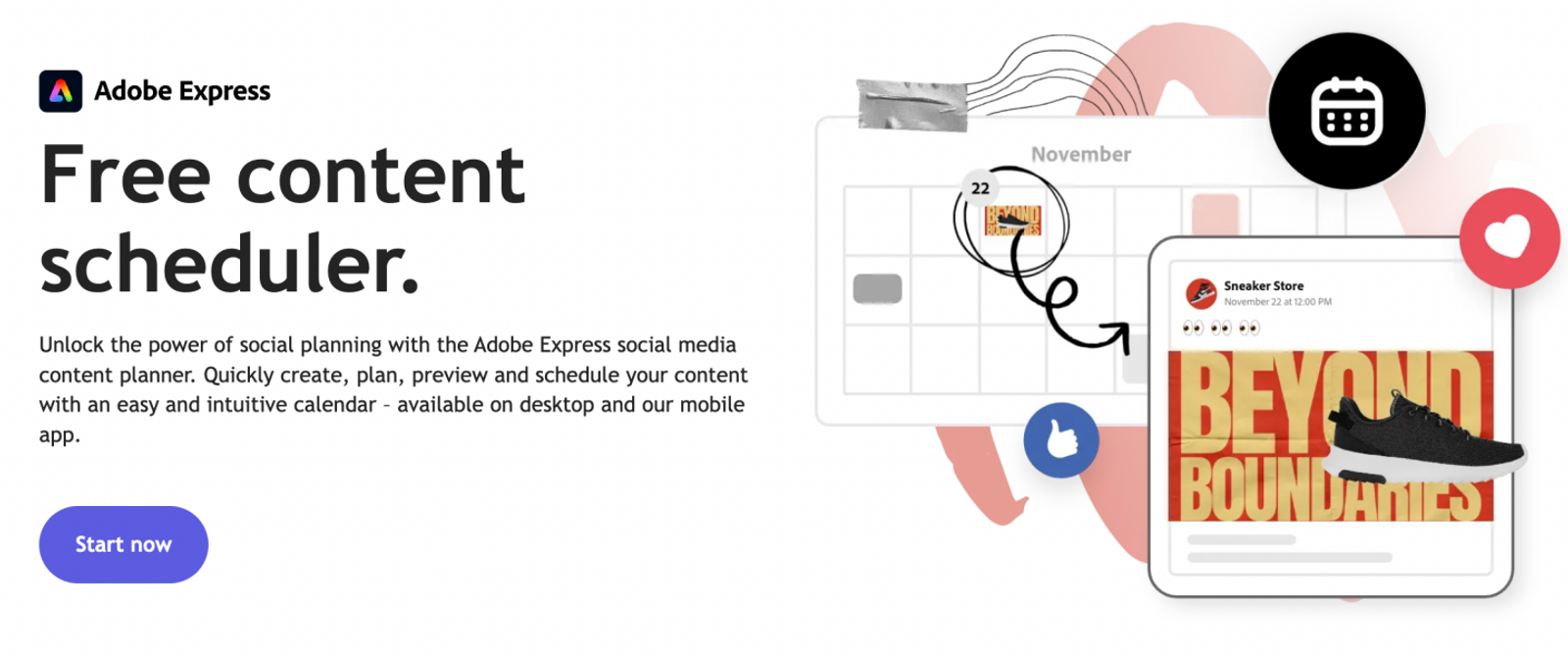
Adobe Express handles the complete design ecosystem around a video, rather than treating the clip as a standalone file. Its documented design functions bring together video and graphic templates, brand kits, one-click Resize, and automatic video background removal. Real-time co-editing and integrated social media scheduling further streamline handoffs and publishing.
This unified approach is especially useful when a campaign requires a video ad, matching social stills, and display banners across several aspect ratios. Moving only your video editing elsewhere can leave the rest of your campaign assets scattered across different tools. Keeping companion assets aligned within one design system often matters just as much as exporting the video itself.
Express serves as a practical alternative for mixed design workflows because its toolset covers this surrounding material. Ask yourself whether your team needs to update an entire branded asset package or just generate a new scene. If you only need new b-roll footage, moving your entire graphics workflow over will not solve that specific need.
This is a layout and branding recommendation. It does not mean Express will generate better raw AI video clips than dedicated generator platforms.
Clipchamp for editing footage you already have
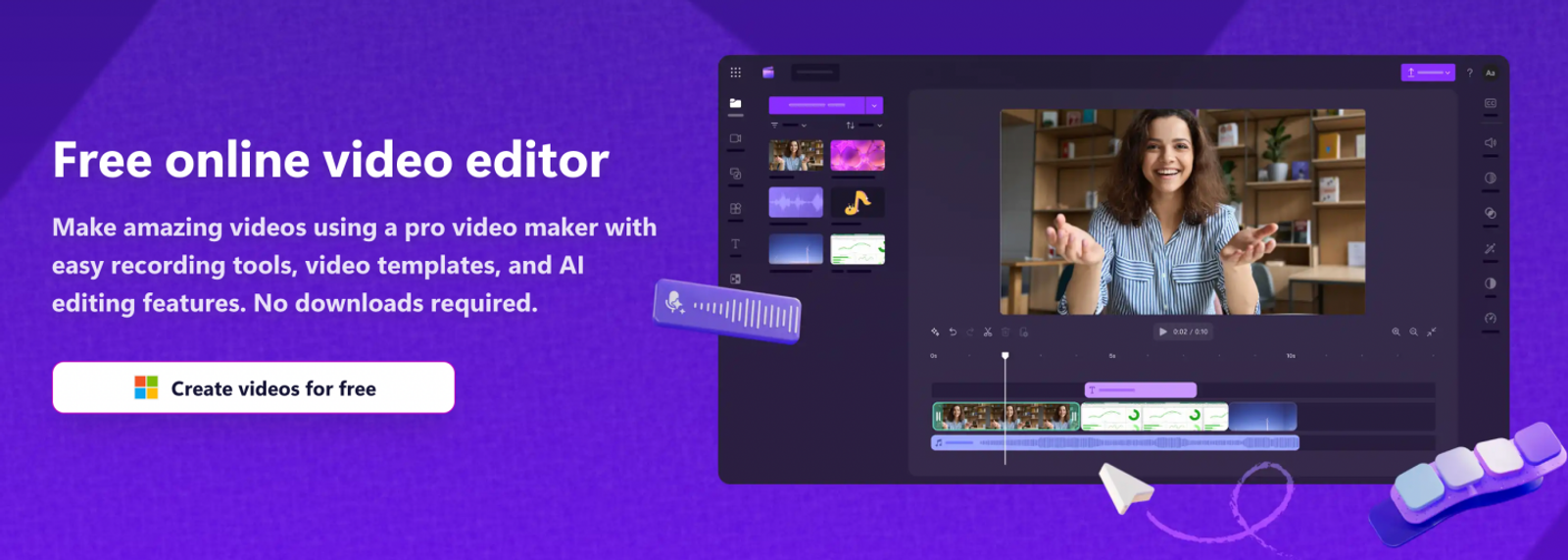
Clipchamp focuses on post-production tasks once your raw clips are already recorded. Its built-in editing tools feature timeline trimming, cropping, aspect ratio adjustments, and native screen, webcam, and voiceover recording. These tools are built for practical projects like product demonstrations and software walkthroughs where the core substance already exists in your recordings.
Your main job here is pacing—finding the best segments and sequencing them cleanly. Keeping that process inside a dedicated timeline editor makes far more sense than trying to use AI generators to solve an arrangement issue. A newly prompted clip cannot decide which take from your screen recording belongs in the final cut.
Recording and assembly work hand-in-hand here. Screen captures, webcam talking heads, and voice tracks provide the raw pieces you need to organize on the timeline. Evaluate Clipchamp on how smoothly it handles this capture-to-edit sequence, rather than expecting it to generate original visuals from text prompts.
Keep in mind that Clipchamp requires a personal Microsoft account. That eliminates guest or no-login workflows, though it does not change the core editing features. Choose Clipchamp when your primary task is shaping media you have already captured.
Runway for original audiovisual generation
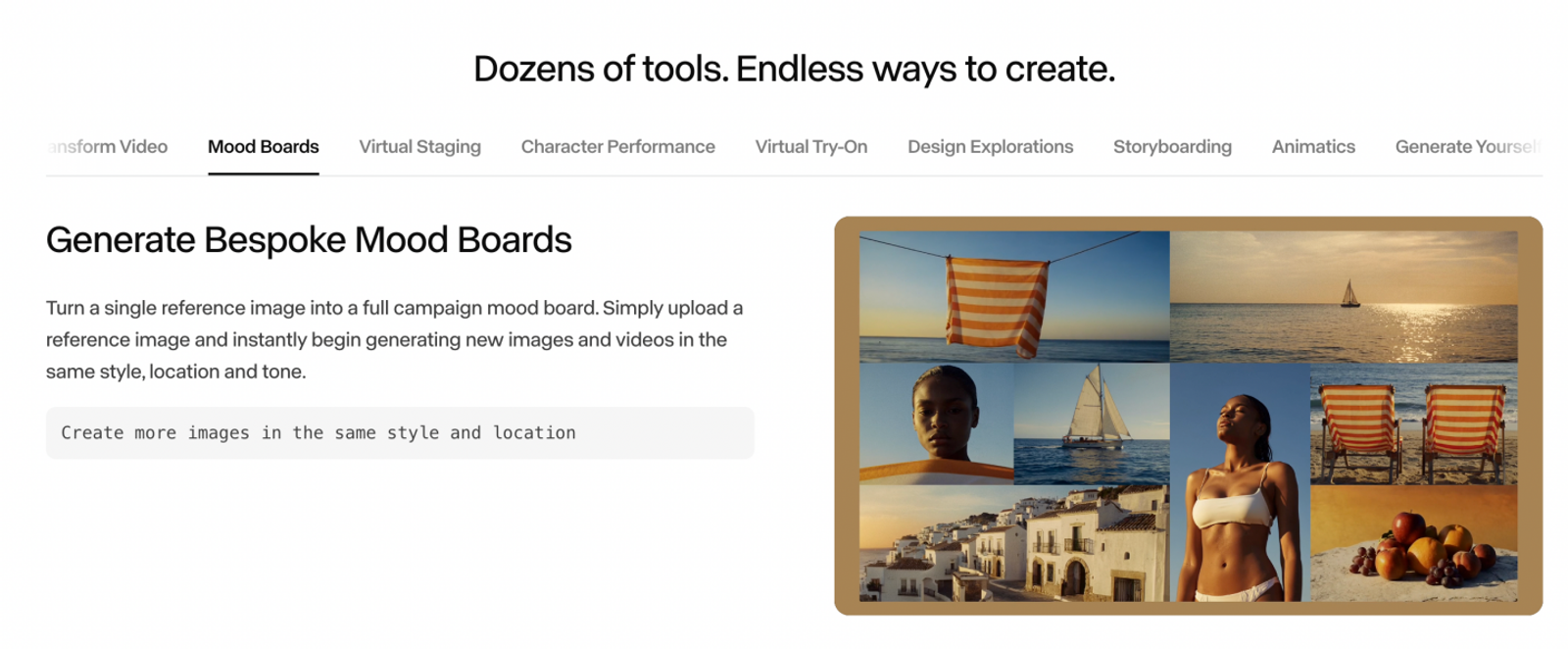
Runway is designed for projects where you need to create visuals and audio that do not exist yet, keeping generative models at the center of the workspace. Its official tool suite includes text-to-video, image-to-video, an agentic creative collaborator, and AI audio tools for voiceovers, sound effects, and music. The creative scope goes well beyond simply splicing clips on a timeline.
When you need an original shot, your workflow starts by selecting the appropriate model, framing, and generation settings. Treat that generation phase as separate from final timeline assembly. A generated visual is raw production material; it is rarely a finished, client-ready deliverable on the first pass.
Runway also supports 4K upscaling, which belongs under export enhancement rather than native creation. Upscaling enhances a lower-resolution render after the fact, but it is not the same as rendering native 4K detail. Keeping that distinction clear helps prevent unrealistic expectations regarding fine textures and visual fidelity.
Runway stands out when you need broad, model-driven creative control across video, images, and audio. However, expanded generation options do not guarantee that every output will be usable right out of the box, nor does it replace the need for final timeline editing.
Wizstar for connected AI video planning and revisions
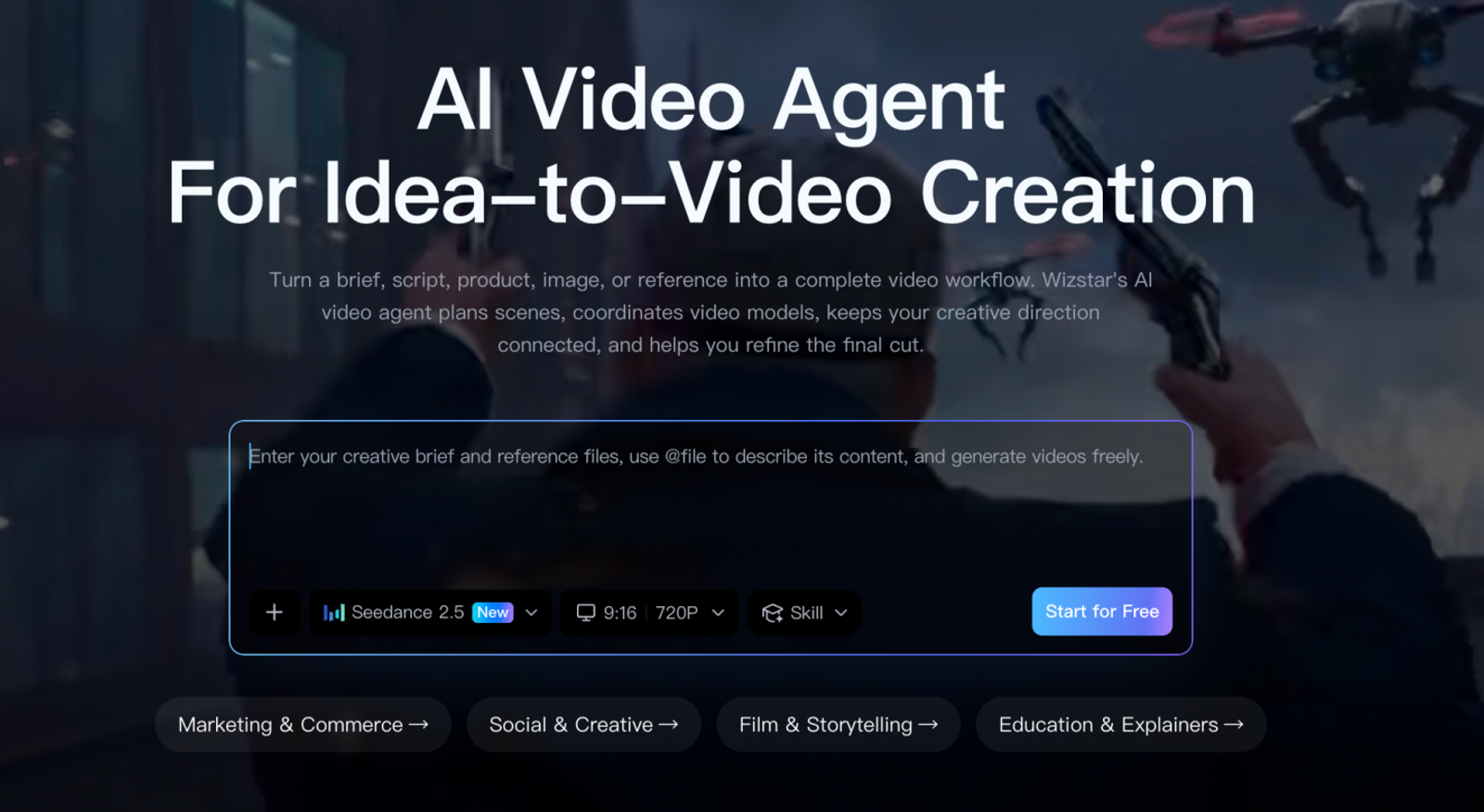
Wizstar’s AI Video Agent bridges the gap between creative briefs, multi-scene planning, visual generation, and targeted edits. Its system accepts scripts, product details, reference images, and brand inputs. It coordinates multiple specialized AI models and enables targeted adjustments to specific shots or details without forcing you to re-render the entire video.
This workflow is especially helpful when producing multi-scene marketing content where only one section needs an update. For example, if you are building an ecommerce product video with an introduction, a central feature demonstration, and a call-to-action, revising the middle shot should not require rebuilding the opening and closing scenes.
Wizstar fits projects with this coordination challenge, particularly when you want an agent-guided workflow from script to storyboard. The key consideration is how cleanly the stages connect: how your brief translates into individual shots, and whether you can iterate on specific scenes without breaking narrative continuity. That is a fundamentally different workflow from prompting isolated video clips.
Note that an automated revision workflow does not automatically guarantee perfect fidelity for complex physical products across every iteration. Connected planning improves production efficiency, but you should always review final scenes against your source references.
What do representative paid plans actually buy?
Evaluating subscription tiers comes down to which tools you rely on every week, rather than calculating an arbitrary cost per finished video.
The monthly pricing figures below reflect documented USD rates as of November 2026, checked on November 4, based on monthly billing without annual commitments.
This comparison focuses on entry-level paid plans suitable for an independent creator managing branded graphics or foundational AI production. Clipchamp’s paid features are delivered through a qualifying Microsoft subscription. Wizstar’s plan terms do not state a specific seat limit.
| Plan | USD monthly price/basis | Usage or export allowance | Key inclusion or limit |
| Canva Pro | $18; single user | Shared, variable monthly AI allowance | Five Brand Kits; social scheduling |
| Adobe Express Premium | $9.99; per user; month-to-month | 250 generative credits/month | Credits apply to generative actions, not finished exports |
| Microsoft 365 Personal | $9.99; single user | Clipchamp premium exports up to 4K UHD | Bundled with full Microsoft productivity suite |
| Runway Standard | $15; individual | 625 credits/month | Model choice and generation settings determine credit burn |
| Wizstar Starter | $18.05 renewal; seat count unstated | 1,310 credits/month | $10.99 promotional first month; renewal rate subject to active offers |
Always examine what each allowance unit covers before deciding which plan offers better value.
For teams producing regular social graphics and branded video clips, Adobe Express’s lower monthly fee offers an economical alternative to Canva Pro, provided migrating your existing asset library makes sense. Keep in mind that Express credits apply to Express features rather than standalone Firefly Pro plans.
If you only need to edit raw footage occasionally, start with Clipchamp Free. It includes watermark-free exports up to 1080p HD using your own media or free stock assets. Upgrading to Microsoft 365 Personal or Family unlocks 4K UHD exports, premium stock assets, and a single brand kit. Check if your organization already holds an eligible Microsoft 365 subscription before buying an additional license. Note that this plan is designed for individual use rather than collaborative commercial teams.
Runway’s published benchmarks indicate that its 625 Standard monthly credits yield approximately 52 seconds of Gen-4.5 video using standard generation settings. Rendering resolutions, retries, and audio generation all draw from that same pool. View this credit allowance as creative capacity rather than a guaranteed volume of accepted clips.
For structured, multi-scene video briefs, Wizstar’s script-to-scene planning and targeted shot editing provide clear workflow advantages alongside raw credit volume. Starter functions as an entry-level plan for testing and short-form creation rather than high-volume agency output. It provides access to core generation models and watermark-free exports; confirm specific model access and Video Agent availability before subscribing.
Keep introductory pricing separate from ongoing renewals when budgeting. Canva lists prices exclusive of applicable sales tax, whereas Wizstar calculates taxes during checkout. Furthermore, Canva’s shared AI allowance adjusts dynamically. Because these platforms calculate usage differently, no single cost-per-video metric applies across all workflows.
Decide whether to replace or complement Canva
Canva can easily remain your primary home for brand templates, marketing collateral, and social scheduling, even if you turn to a specialized platform for individual video scenes. Needing an AI-generated b-roll clip does not mean you have to abandon your entire design setup. The practical question is whether your current bottleneck justifies replacing the whole workspace.
Keep Canva if your established brand templates, fonts, and shared assets remain central to your everyday marketing production. Bringing in a dedicated AI generator to supply specific video clips allows you to resolve visual gaps without disrupting your existing design library.
A complete platform migration only makes sense when your requirements outgrow Canva on a broader level. If you need tightly integrated graphic and video templates across multiple channels, Adobe Express is the most natural alternative. If you have recorded product walkthroughs or talking-head clips that need disciplined timeline trimming, Clipchamp is the straightforward choice.
When looking at AI-first video production, choose between two distinct workflows: Runway centers on individual model capabilities and experimental visual control, while Wizstar specializes in connected scene planning, structured briefs, and isolated scene revisions. Neither option requires throwing away your existing graphic assets. If your Canva workflow still works for design, solve the specific video bottleneck—and migrate the entire stack only when the surrounding process needs an overhaul too.
FAQ
- If I add a team member, will they be able to see all my designs?
- Adding a team member to Canva does not automatically expose your entire library. According to Canva’s official documentation, designs remain private to the creator unless you explicitly share them or publish them as team templates. Note that enterprise workspace administrators may have broader administrative visibility under organizational policies.
- Do unused Wizstar subscription credits carry over?
- Unused subscription credits do not automatically roll over to the next billing cycle. Wizstar’s pricing terms state that credit expiration and rollover rules depend on the specific terms presented in your user account dashboard or during checkout. Review those conditions before budgeting unused credits for future projects.
- What is Wizstar’s refund policy?
- Refund eligibility depends on the terms accepted at the time of purchase. According to Wizstar’s published policy, users should refer to their purchase agreement and reach out to customer support for transaction-specific inquiries. The platform does not offer an unconditional automatic refund upon cancellation.
- How do I cancel my Wizstar subscription?
- You can cancel your subscription directly within your account settings. Wizstar’s documentation notes that account access remains active through the end of your current paid billing period based on plan terms. Review your billing dashboard for the exact expiration date, and note that cancellation does not trigger an automatic refund.