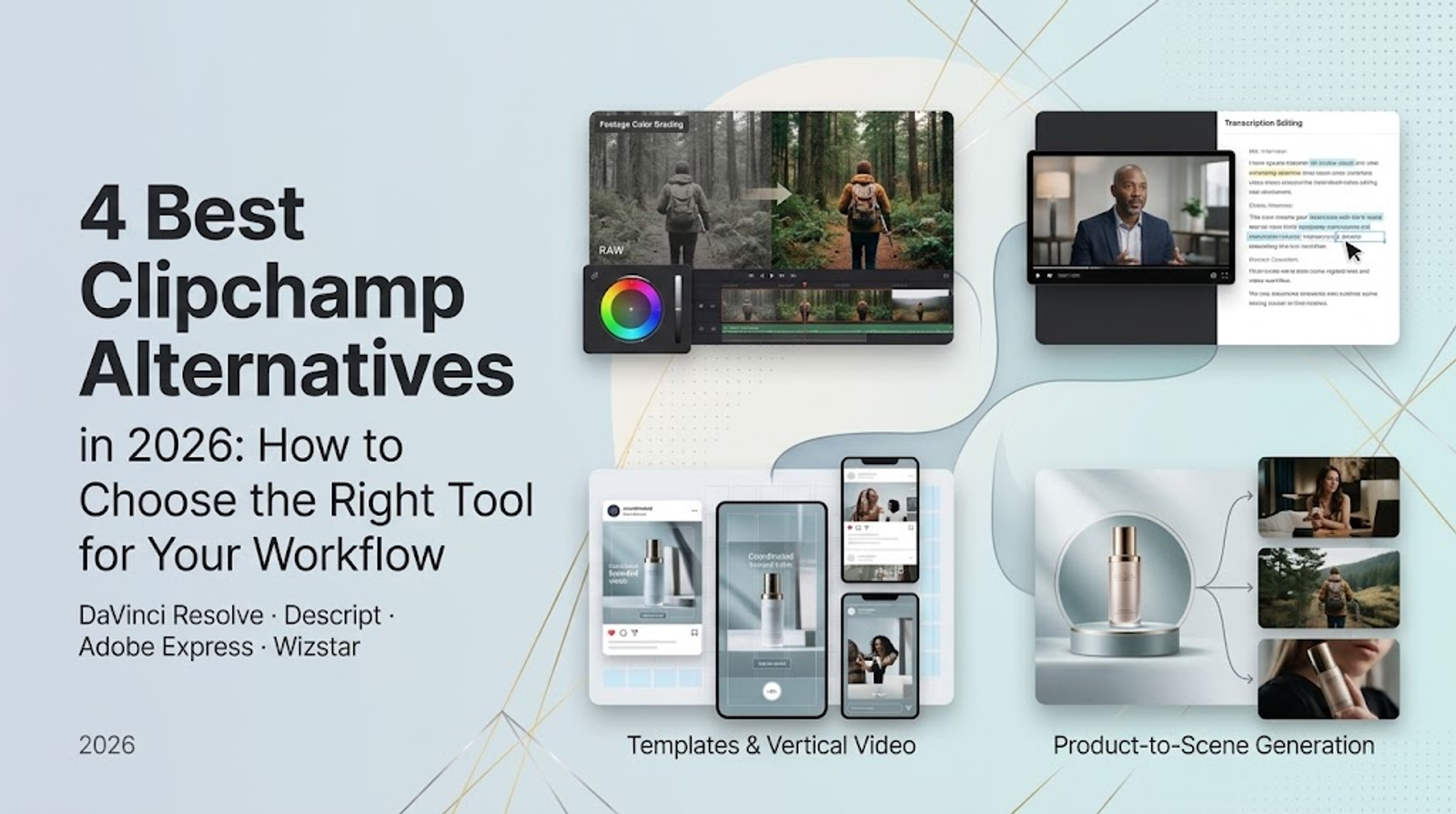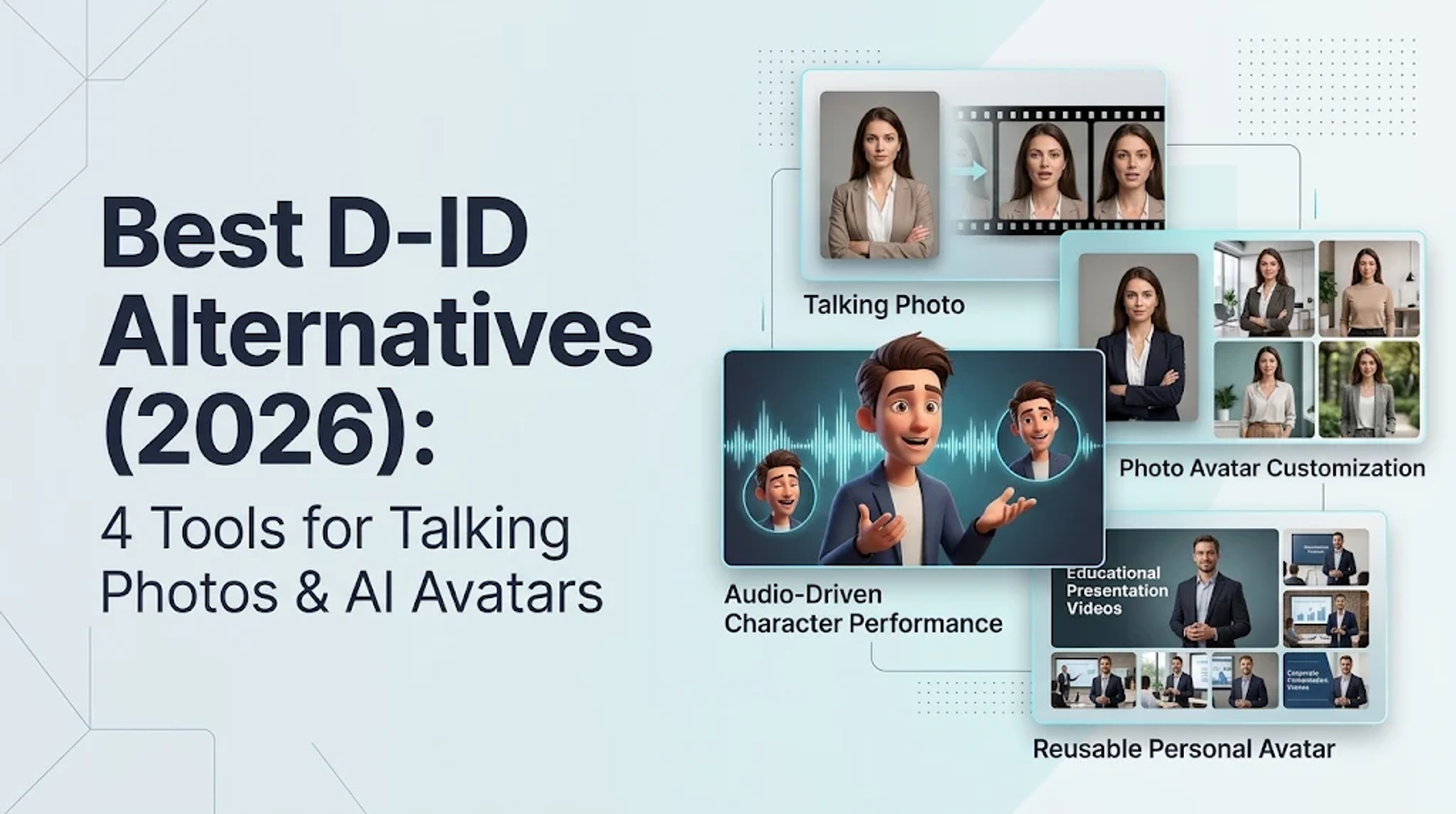
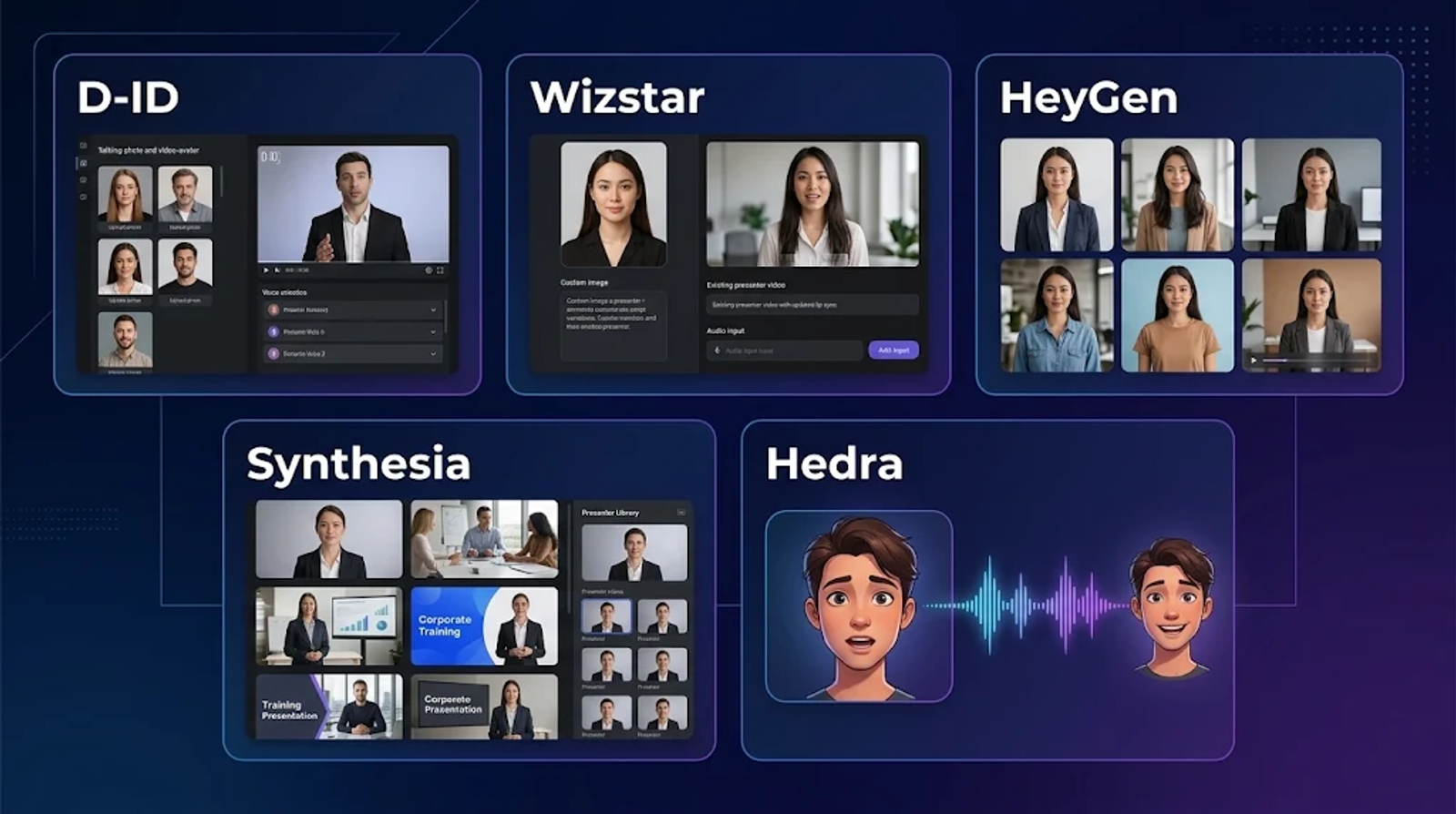
Among D-ID alternatives, I start with Wizstar when the job is turning an existing portrait or presenter clip into new speech. Choose HeyGen when you need to vary a photo avatar’s visual styling, Synthesia for a reusable training presenter across an ongoing series, or Hedra for audio-led character performances. This comparison focuses on prerecorded talking photos and avatar videos, where the right pick comes down to your starting asset, what needs to change in each video, and how frequently you generate or revise clips.
Four D-ID alternatives at a glance
D-ID supports both Photo and Video Avatars driven by written scripts or uploaded audio. The four alternatives below differ in the source assets they start from, the visual controls they offer, and how easily you can reuse a presenter over time.
| Platform | Starting asset or workflow | Distinct capability | Appropriate use case |
| Wizstar | Portrait, presenter video, or scripts | Talking Photo, Lip Sync Video, script batches | Reworking existing presenter assets |
| HeyGen | One photo avatar | Prompt-generated Looks | Campaigns with different visual settings |
| Synthesia | Personal photo or video and consent | Reusable Personal Avatar | Maintained instructional series |
| Hedra | Character image and audio | Directed character performance | Audio-led character scenes |
The fundamental divide is between adapting an existing asset as-is and building a presenter whose appearance or acting needs broader creative direction. Start with the asset you already have, then decide how much of the visual presentation actually needs to change.
Wizstar: Talking Photos, Lip Sync Video, and Script Batches
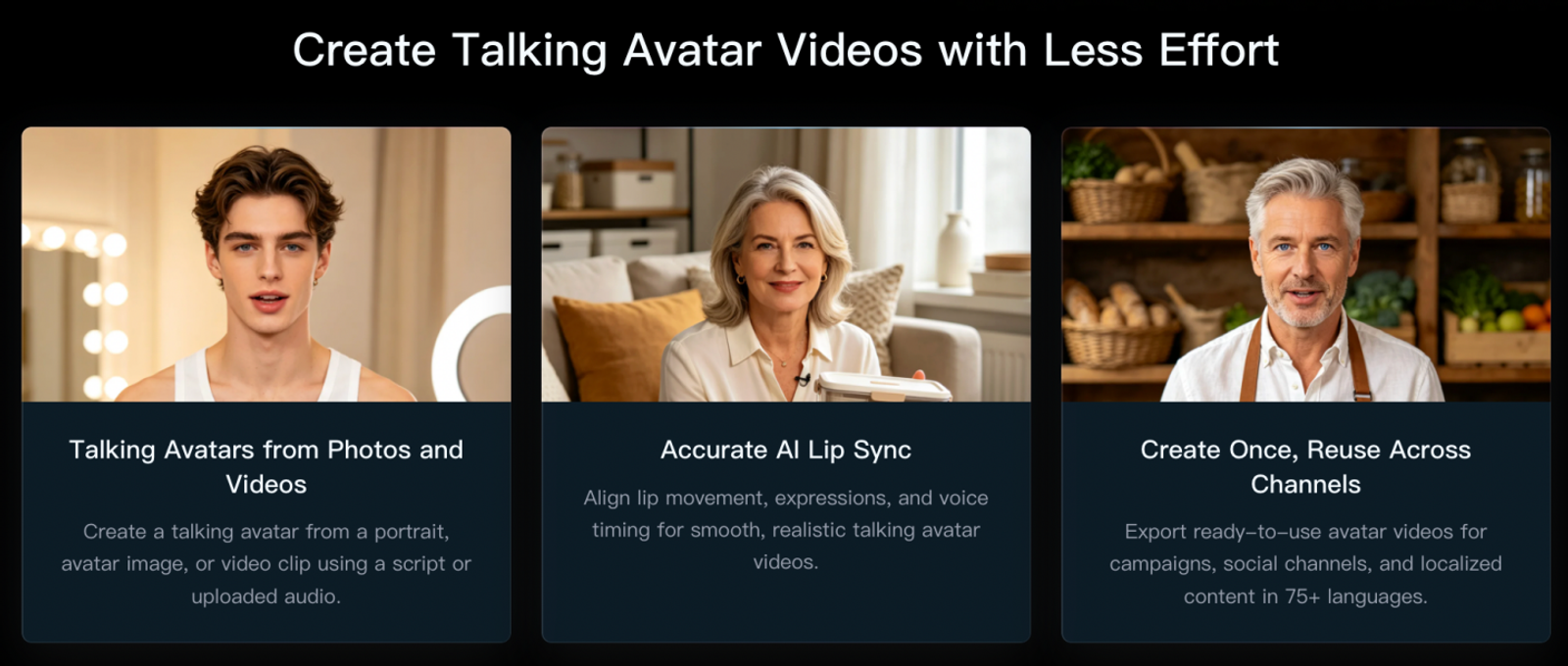
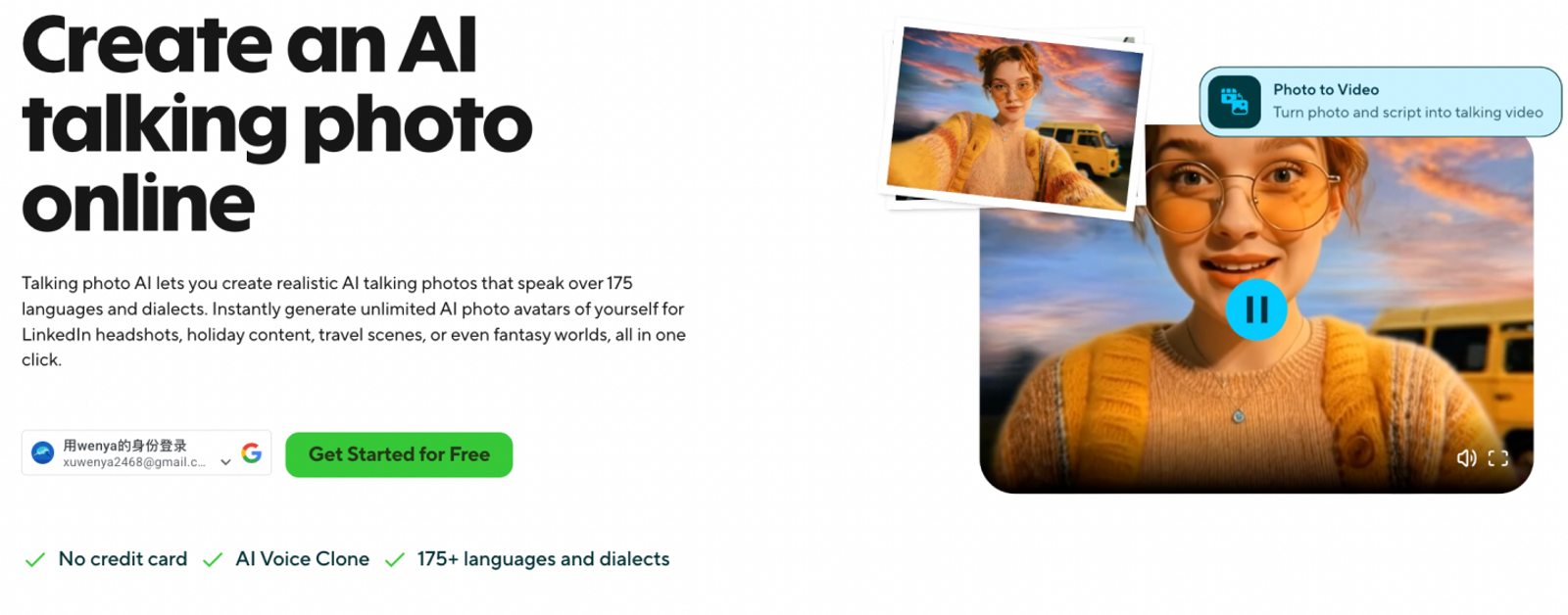
Wizstar separates still-portrait animation from replacing speech in an existing person video. Inside AI Avatar Turbo, Talking Photo starts from a still portrait, whereas Lip Sync Video updates facial lip movement in existing presenter footage. Both accept text-to-speech or uploaded audio, paired with descriptive prompts for emotions, gestures, and camera movement. A separate AI Avatar tool also supports running up to ten scripts in a single batch. Wizstar’s tools guide outlines each of these input paths.
Consider a creator preparing a product launch announcement alongside several short follow-up clips. A clean headshot works well with Talking Photo when no presenter footage exists. If you already have an intro clip, Lip Sync Video lets you deliver a new message using that real footage. Once you settle on a recurring presenter, the batch workflow speeds up producing multiple script variations—three distinct production paths, even though every finished video features a speaking presenter.
I would choose Wizstar when your presenter asset is already locked in and the main task is changing or scaling up the spoken script.
HeyGen: Different Looks From One Photo Avatar
HeyGen stands out when visual presentation needs to shift from one video to the next. Its photo-avatar workflow turns a single image into an Avatar 6 video, using prompt-generated Looks to change outfits, backgrounds, poses, or facial expressions. That lets you build distinct visual setups around the exact same photo avatar. HeyGen’s photo-avatar page walks through those customization controls.
Suppose a campaign requires both a polished product announcement and a relaxed social update. Updating the script alone leaves that visual tone unchanged, whereas Looks lets you adapt the setting without shooting a separate source photo for every version. I reach for that flexibility whenever the visual environment helps reinforce the message or fit a specific channel.
The trade-off is having more visual variables to manage. Clothing, pose, and background still need to feel cohesive across a campaign, and generating more variants will not automatically keep a presenter looking consistent. Decide which visual traits must stay recognizable before changing the surroundings—HeyGen fits when outfit and scene changes are part of the deliverable, while simple speech replacement requires far less visual direction.
Synthesia: A Presenter You Can Reuse for Training
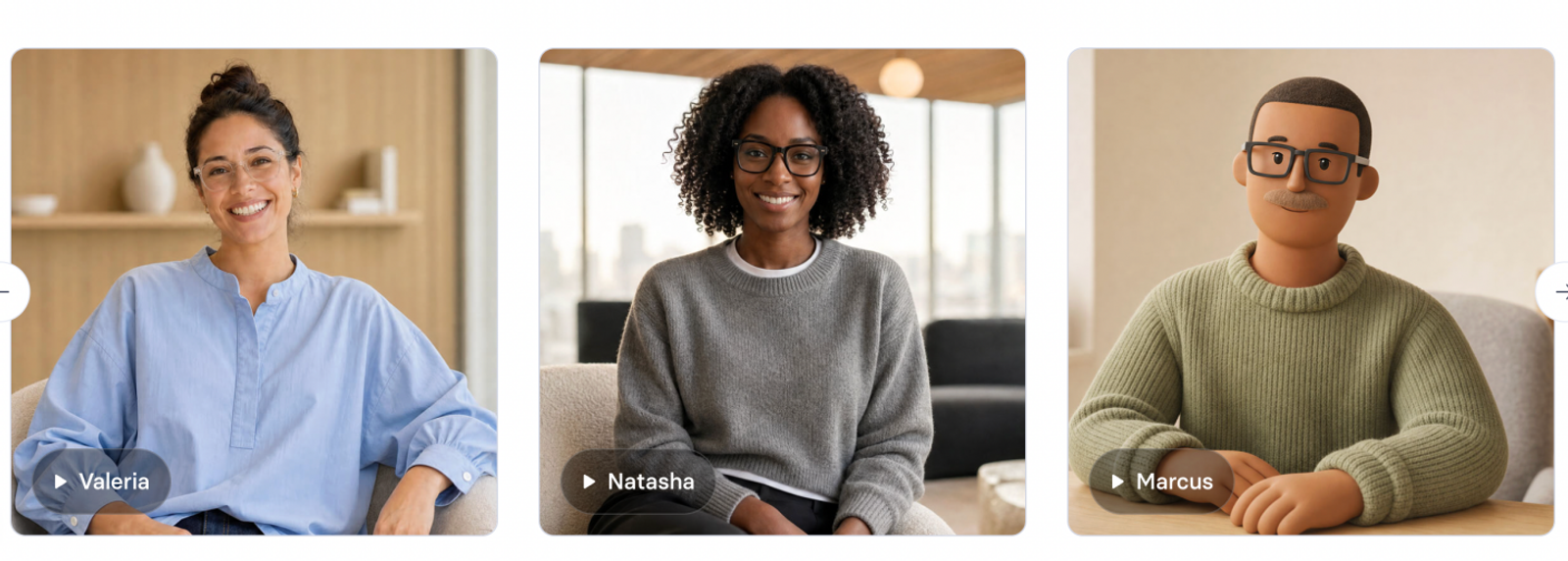
Synthesia’s Personal Avatar is built for a presenter who returns across a multi-part series. Setup starts with a photo or short video paired with either a stock voice or an optional voice clone, and requires recording a live consent video during onboarding. Once created, that avatar can narrate new scripts on demand. Synthesia’s avatar documentation details this reusable presenter setup.
For employee onboarding or product tutorials, the real test is how smoothly a presenter holds up through later updates. Interface screens often change while most of the spoken lesson stays valid. Reusing a Personal Avatar gives every revision a consistent human anchor instead of turning each update into a standalone portrait-animation task. I favor this route whenever the same instructor or spokesperson represents a course or internal comms channel over time.
Because creating a Personal Avatar requires live video consent from the person depicted, an arbitrary headshot and an offline permission form will not work. Plan around that person’s availability before mapping out your series—Synthesia makes far more sense for maintaining an ongoing presenter than for animating a one-off portrait whose subject cannot participate in setup.
Hedra: Character Performance Driven by Image and Audio
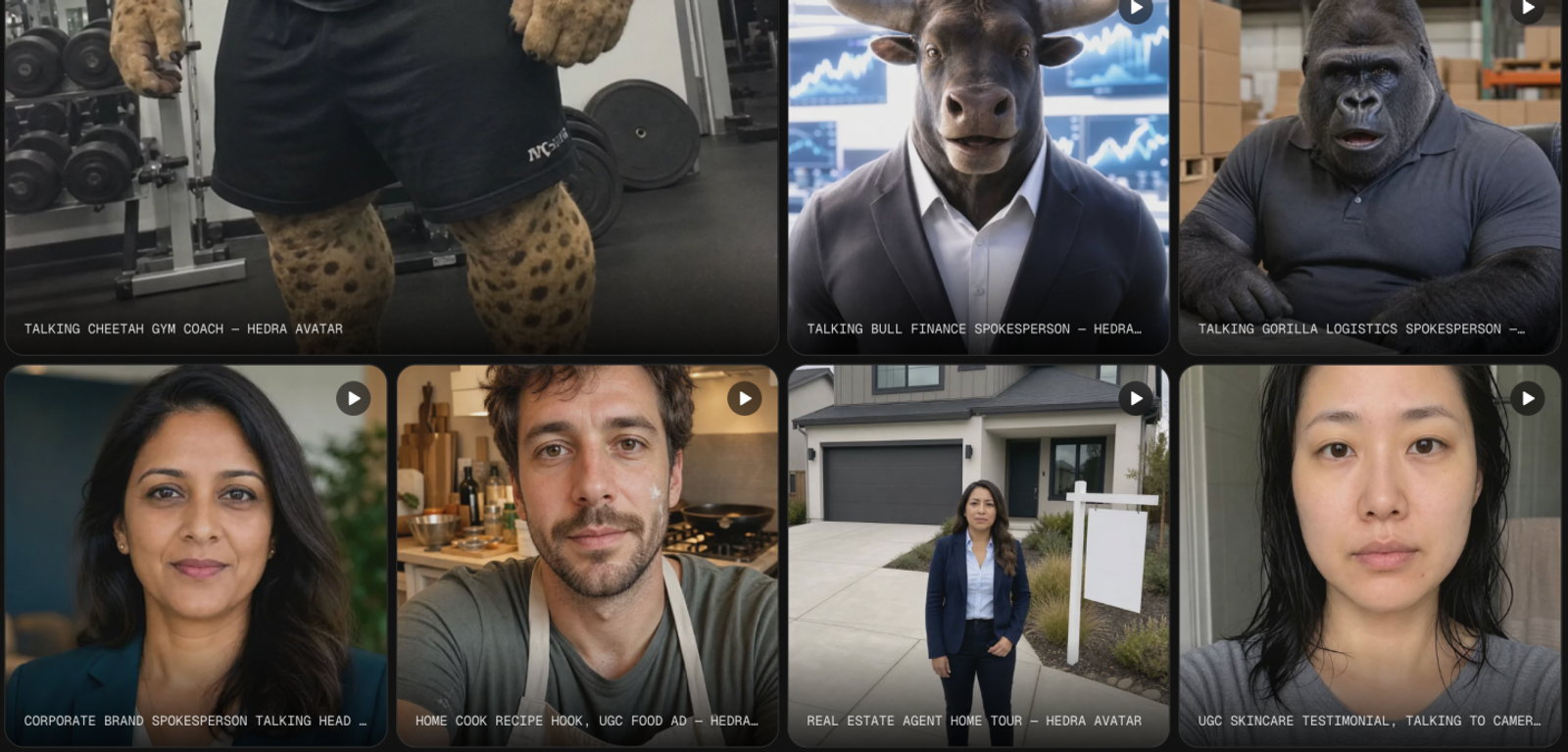
Hedra centers avatar generation on a character image, an audio track, and explicit performance direction. You can combine these inputs through its Creative Agent or the manual Video → Avatar workflow, directing framing, tone, body movement, and background constraints while the chosen model determines available controls. Hedra’s avatar guide covers how those settings interact.
Imagine a stylized character delivering a short, pre-recorded monologue. The voice track already carries natural pauses and shifts in delivery, so your job is directing how the character moves and reacts inside the scene—a very different task from feeding a fresh script to a standard corporate presenter. I start from the recorded audio whenever vocal timing and acting drive the final piece.
The trade-off is that image, audio, and direction must work together as one unified scene. A tight close-up with subtle facial movement calls for very different model settings than a wider, expressive character shot—including matching the model to your target clip length. Hedra belongs on your shortlist when expressive performance direction matters more than keeping a uniform presenter layout across dozens of informational videos.
Pricing: Monthly Plans and Speaking-Video Outpu
| Platform and plan | Recurring monthly price | First month | Included allowance and relevant conditions |
| D-ID Pro | $29 | $29 | 60 credits / 15 shared minutes; 3 Personal Avatars, 1 voice clone |
| Wizstar Starter | $18.05 | $10.99 | 1,310 shared creation credits; custom avatar/voice add-on |
| HeyGen Creator | $29 | $29 | 600 credits; Avatar 6 Turbo, up to 1080p; one editor |
| Synthesia Starter | $29 | $14 | 1,250 credits; up to approximately 12 Studio minutes beyond the free allowance; 3 Personal Avatars |
| Hedra Play Basic | $20 | $20 | 2,000 credits; commercial use; slower generation queue |
Match the allowance to your workload
- Frequent short clips: D-ID rounds every generated video up to the next 15 seconds, meaning forty 10-second clips consume ten full minutes of its shared allowance. Wizstar bills successful clips at their exact total runtime of 400 seconds, with credit cost determined by the selected model, duration, and resolution quote. Wizstar Starter’s $18.05 renewal rate fits lighter or mixed production workloads, with upfront generation quotes guiding your budget. See the D-ID billing rules and Wizstar billing FAQ.
- Around 20 generated minutes monthly: HeyGen Creator’s 600 monthly credits cover 30 minutes at the published standard Avatar 6 Turbo rate of 20 credits per minute (for 720p or 1080p). A 20-minute monthly workload uses 400 credits before any extra spending, giving you more breathing room than D-ID Pro’s 15 shared minutes. See HeyGen’s credit guide.
- Regular training-video updates: Synthesia charges only for newly generated avatar footage—including just the modified segment when you selectively regenerate part of a slide. Typical finished video uses roughly 100 credits per minute, though continuous on-screen avatar presence can consume more. Its roughly 12 Studio minutes serve as an estimate, while selective regeneration delivers the biggest savings for maintained training courses. See Synthesia’s pricing FAQ.
- Occasional character videos: Hedra Play Basic provides 2,000 credits at $20/month with a slower generation queue. Check the per-second credit rate of your chosen model against your target clip duration, since its 2,000-credit pool does not map to a single fixed minute count. See Hedra Play pricing.
Two practical requirements can quickly tip the decision. First, for custom presenters, Wizstar prices voice cloning at 80 credits per instance and custom avatar training at 1,100 credits per 60 seconds of source footage, whereas uploading a portrait to Talking Photo is a separate operation—weigh those add-on costs against plans that bundle custom avatars and voice clones into the base subscription. Second, if clean branding matters, note that D-ID Pro retains a visible bottom-left AI label, whereas Wizstar Starter includes watermark-free exports and commercial rights.
The Practical Choice
Before committing to a subscription, run a single test clip using your target language, final audio track, and trickiest sentence. Check lip-sync accuracy, natural facial motion, and export clarity, and note the exact credits spent on both the first render and any retakes—that single benchmark will let you project a full month’s budget accurately. If your workflow starts with a still portrait or existing presenter footage, review Wizstar’s Talking Photo and Lip Sync Video guide to pick the right input path for that test, and scale up once the output meets your delivery bar.
FAQ
- Is D-ID free?
- D-ID offers a 14-day free trial rather than an unlimited permanent free tier. The trial includes three shared minutes across Video, Agents, Translate, and API usage, is restricted to personal use, and places a full-screen watermark on exports. It is helpful for testing the interface before subscribing, though the watermark and personal-use terms prevent distributing trial clips as finished commercial assets. Full trial terms are listed on D-ID’s pricing page.
- Can I use D-ID videos commercially?
- Yes, D-ID allows commercial use on its Pro, Advanced, and Enterprise plans, while Trial and Lite are limited to personal use. Match your tier to how the finished video will be distributed. Keep in mind that a platform’s commercial license covers software output rights, not likeness or voice permissions—always secure separate consent when another person’s face or voice appears in your video. Details are available on D-ID’s pricing page.
- Do unused minutes carry over to the next month?
- No. Unused D-ID minutes expire when your monthly allowance renews and do not roll over into the next billing cycle, meaning a low-volume month will not build up extra capacity for a future launch. Choose your plan based on typical monthly output rather than sizing up for a single peak month. See D-ID’s pricing FAQ for full rollover rules.
- What happens to my data if I cancel my subscription?
- When you cancel D-ID, your paid plan remains active until the end of the current billing period before downgrading, and canceling does not immediately erase your account data. However, D-ID states that data belonging to free accounts inactive for six months is deleted after advance email notice. Treat billing expiration and long-term data retention as two separate timelines, as outlined in D-ID’s pricing FAQ.
- What audio files can I upload to Wizstar AI Avatar Turbo?
- Wizstar AI Avatar Turbo supports MP3 and WAV audio files with a sample rate of at least 16 kHz and a maximum duration of five minutes. If you prefer generating speech from text, text input is supported up to 1,000 characters. Upload your own audio when vocal pacing and emphasis are already finalized, or use text input when you still need synthetic voice generation. Full specifications are listed in Wizstar’s tools guide.