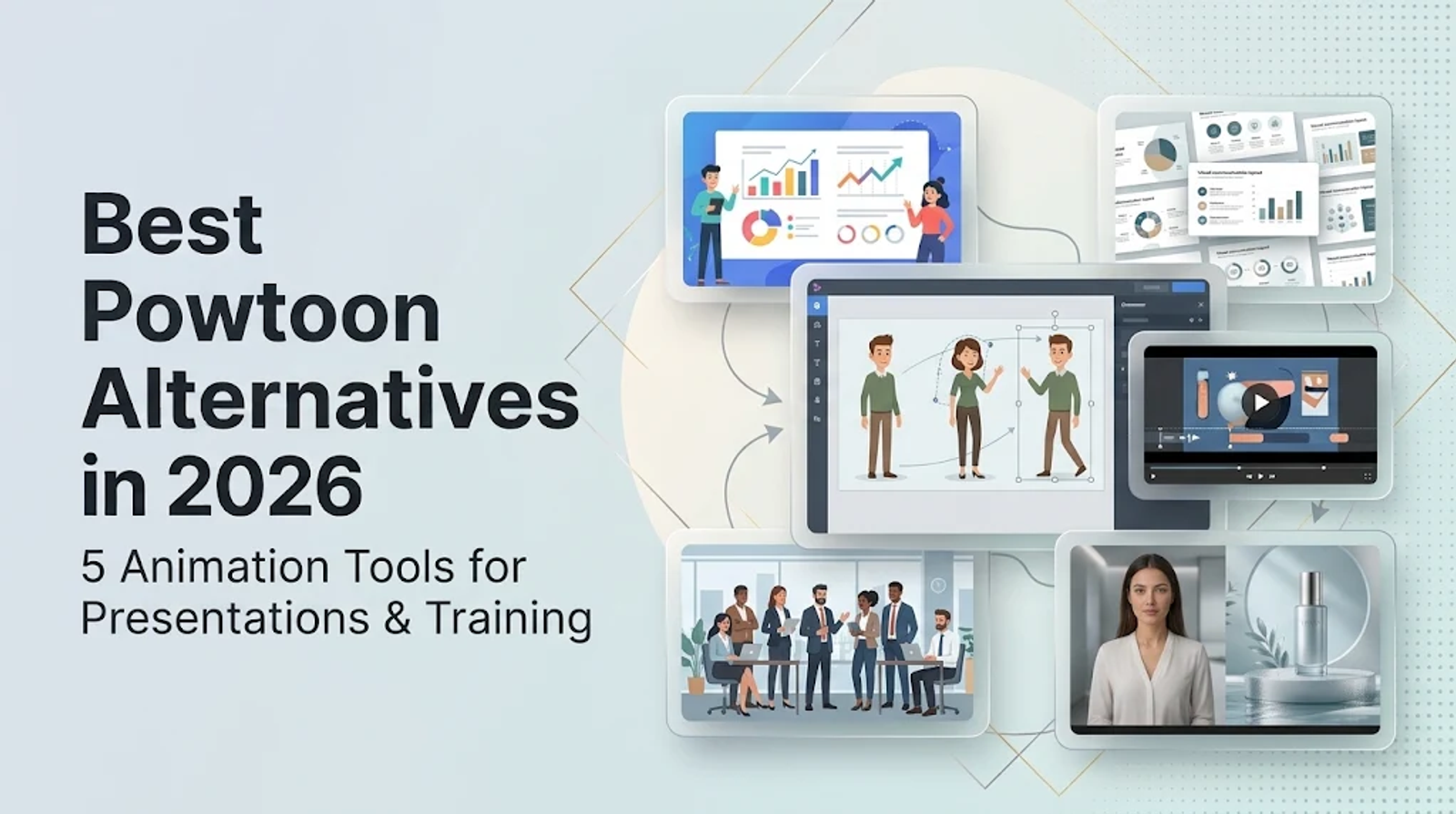
If you are looking for the best Powtoon alternatives in 2026, the right choice depends heavily on what you actually need to build. Animaker is the most direct replacement for 2D animated presentations and explainers. Vyond steps in as the stronger business and training choice when team collaboration and extensive 95-language translation are core requirements. Meanwhile, Canva, Renderforest, and Wizstar handle more specific workflows, covering presentation design, repeatable templates, and AI-first video generation.
The most effective way to compare these platforms is to start with the actual production job. Powtoon sets a broad baseline that spans animated presentations, whiteboard explainers, infographics, screen recordings, and AI video tools. To find the right alternative, you need to define your final deliverable first, then choose the workflow that gets you there efficiently.
Function comparison: platform workflow support
| Platform | Core job | Workflow fit |
| Powtoon | Animated presentations, explainers, infographics | Broad presentation and explainer baseline |
| Animaker | 2D animated presentations and explainers | Character, scene, and presentation-style editing |
| Vyond | Training and collaborative business video | Team production and localization |
| Canva | Presentations and branded design assets | Slide-led communication and design handoffs |
| Renderforest | Template promos, explainers, and short clips | Repeatable template and short-clip production |
| Wizstar | AI product, avatar, translated, and agent-led video | Product, avatar, translation, and agent workflows |
Think of this table as a routing step: it tells you where the work begins. Use the core job as your first filter before looking at pricing. A presentation editor requires granular scene control. A template workflow relies on speed and repeatability. An AI-first workflow needs clear starting inputs (like a product link or prompt). Because these are fundamentally different operating models, the platform that fits your initial input might still be wrong for final delivery if you do not define your boundaries early.
Animaker — 2D presentation and explainer editing
Animaker centers around character customization, scene building, and presentation-style editing for 2D work. Its workflow is highly effective for explainers, whiteboard videos, and training modules built from reusable, customized scenes. This setup keeps the entire custom storyboarding process inside a single editor.
In practice, Animaker is the closest match for teams that need highly animated presentations rather than standard slide decks. It also provides a clear upgrade path for longer training projects that require higher resolution and broader commercial delivery rights. Choose Animaker when your creative brief depends heavily on custom characters, staged scenes, and presentation pacing.
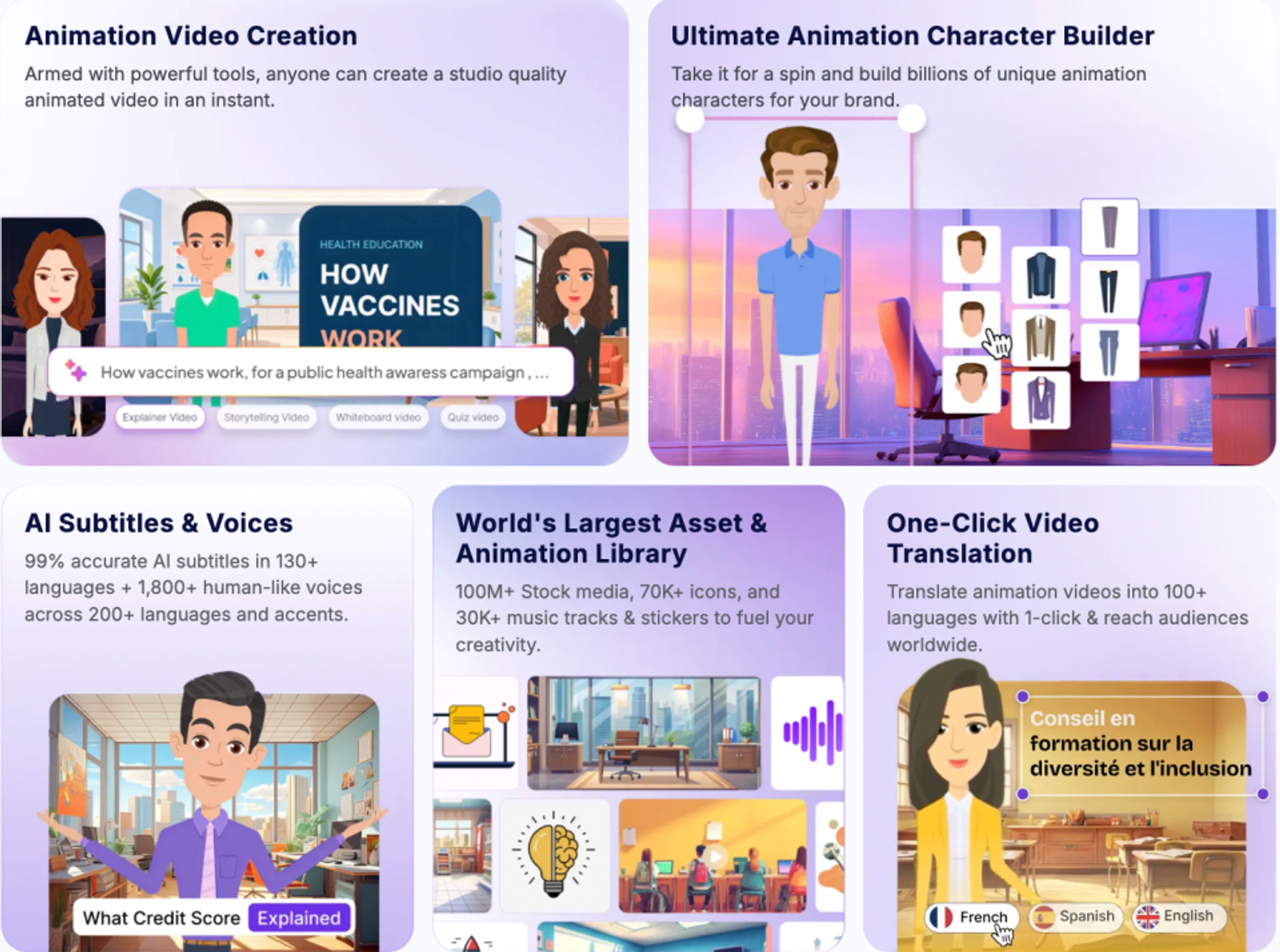
Vyond — collaborative business training
Vyond focuses on collaborative business video, offering enterprise-oriented controls, a massive Shutterstock asset library, and built-in translation for 95 languages. Its workflow is tailored for distributed learning and development (L&D) teams that need to create, review, and localize corporate training repeatedly.
Those governance controls matter immensely when multiple stakeholders own different parts of the production cycle. They reduce the friction of handing off recurring training videos and keep the entire localization process inside one workspace. Vyond is the premium choice when team coordination and global language coverage are non-negotiable requirements.
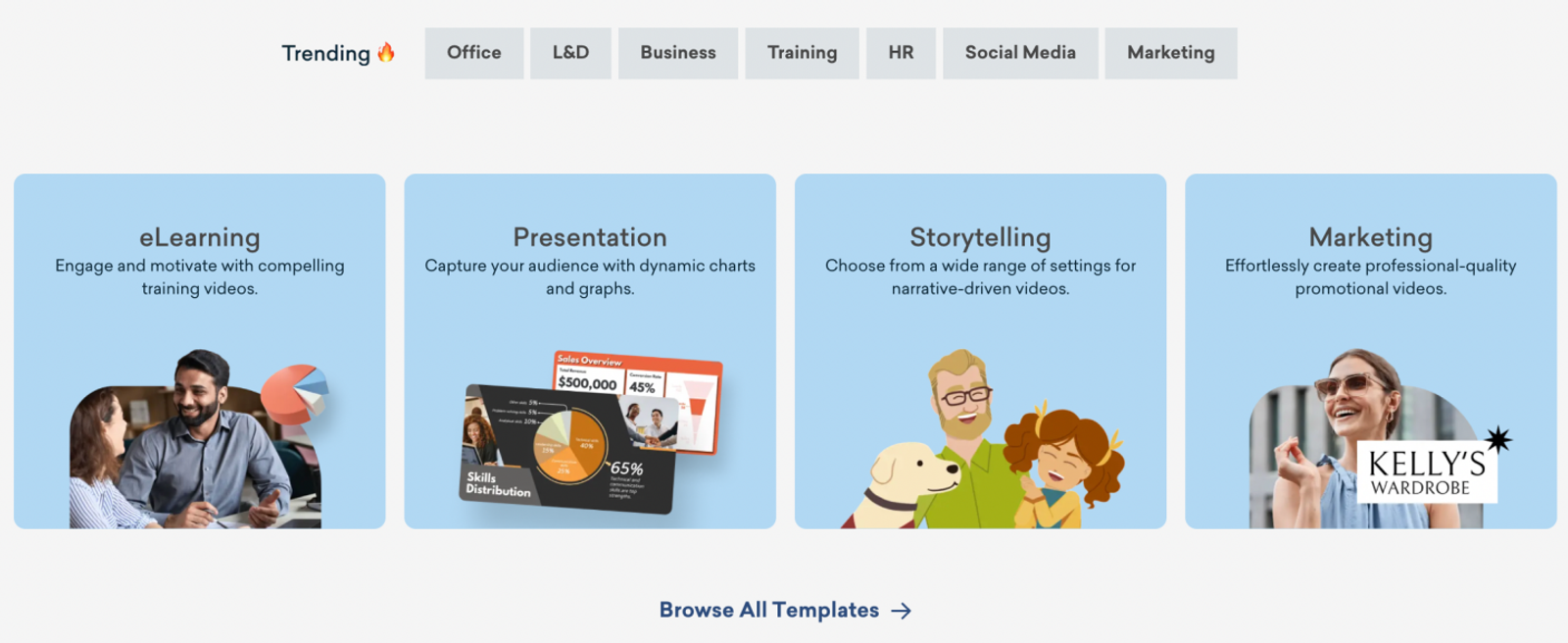
Canva — slide-led presentation design
Canva centers around multiple presentation modes, easy social sharing, and flexible PDF, JPG, and PNG exports. Its workflow is ideal for deck-led communication, branded graphics, and projects where the final asset is ultimately a slide or static design file rather than a fully animated video.
This approach keeps presentation production close to the brand design system that many marketing teams already use daily. However, it does not solve briefs built around custom-rigged animation scenes or character-level editing. Opt for Canva when your audience needs clean slides and branded assets more than a complex animation timeline.
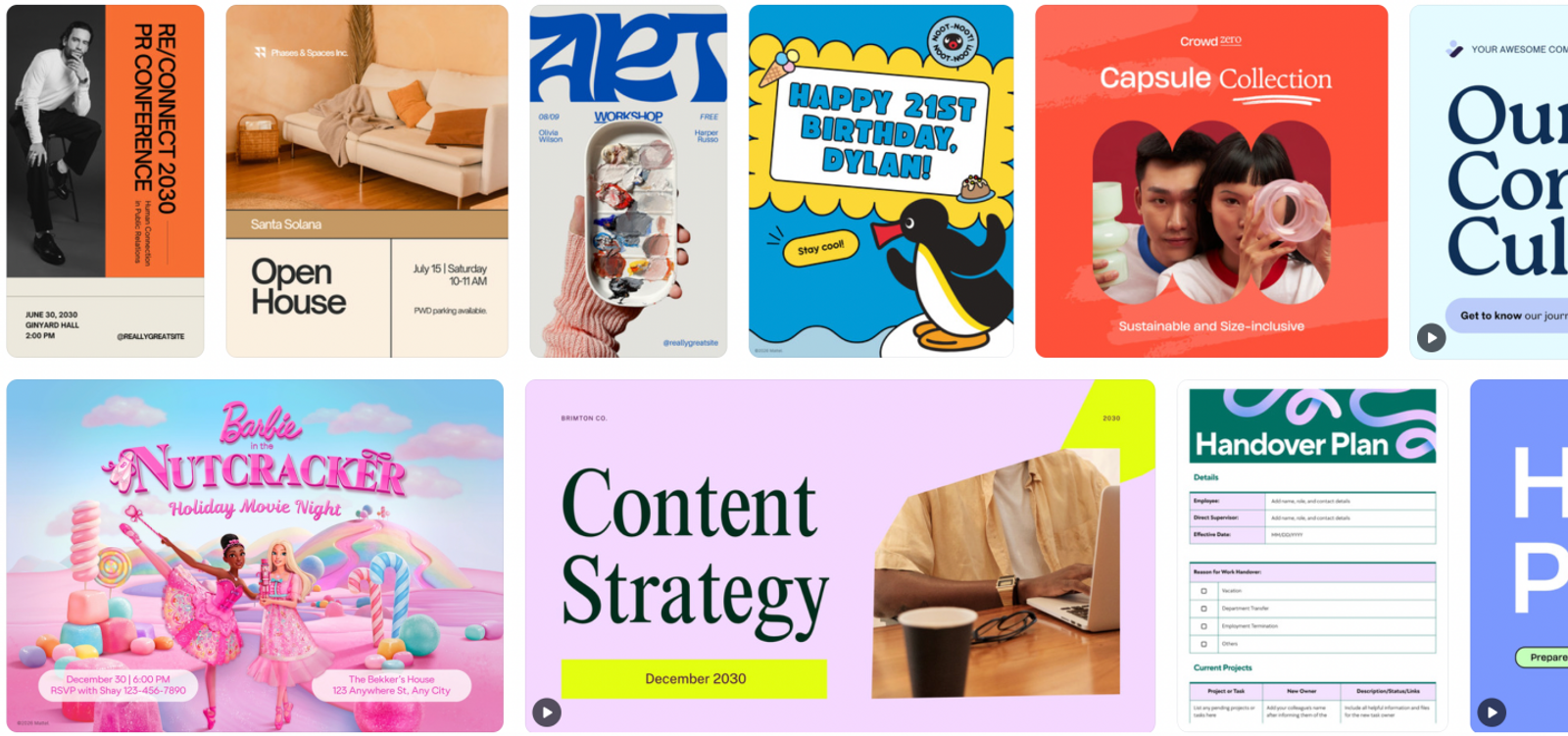
Renderforest — template-led promos and explainers
Renderforest specializes in template-led promos, video intros, explainers, and short AI clips. Its workflow is perfect for repeatable formats where a team simply needs to select a high-quality template, drop in their specific message, and export a finished version quickly.
The practical advantage here is speed through asset reuse. The natural tradeoff is having much less control over bespoke presentation scenes or individual character movements. Use Renderforest when the template itself is your repeatable unit; move to a dedicated scene editor if your training project requires custom staging.
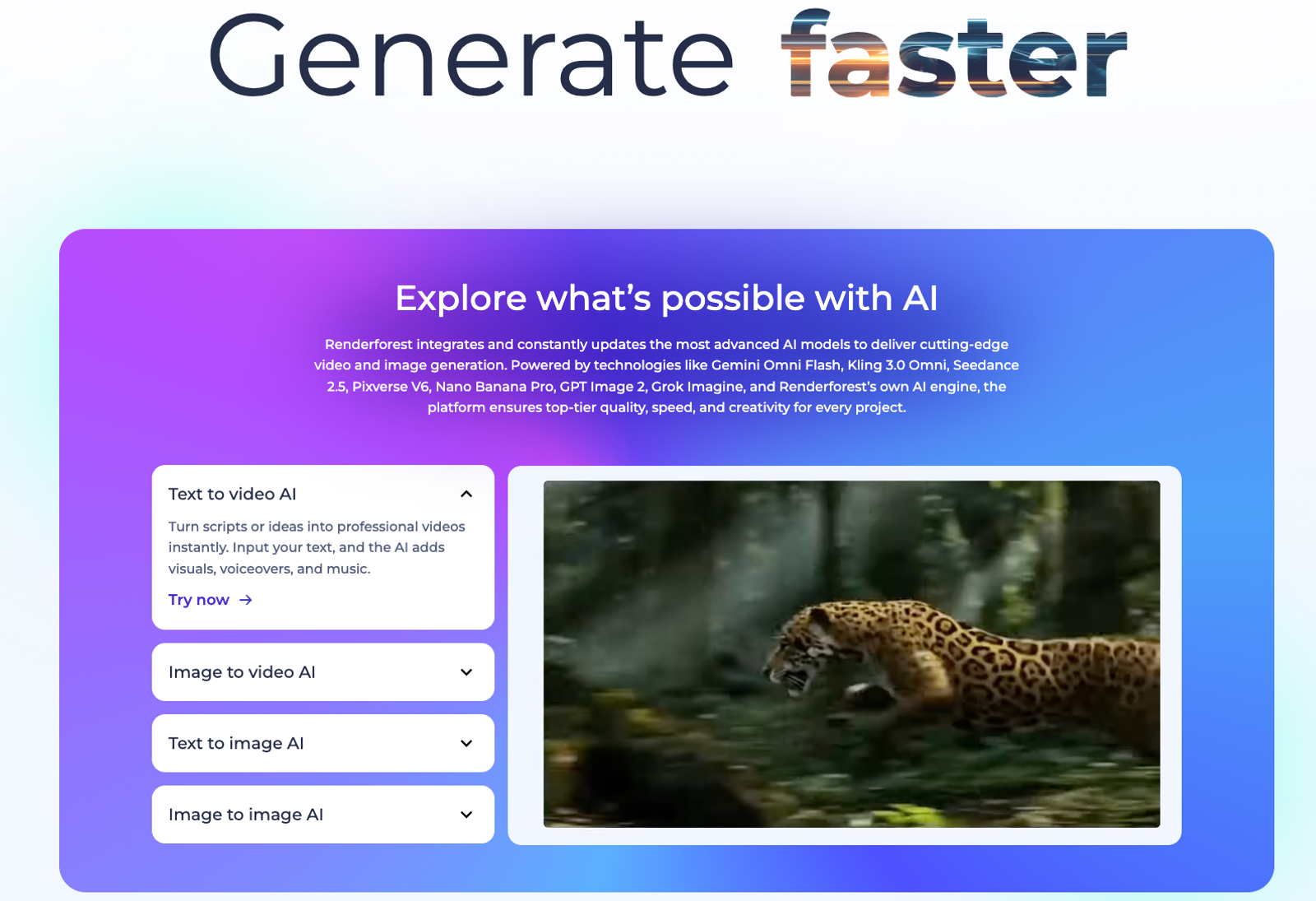
Wizstar — AI-first product and avatar workflows
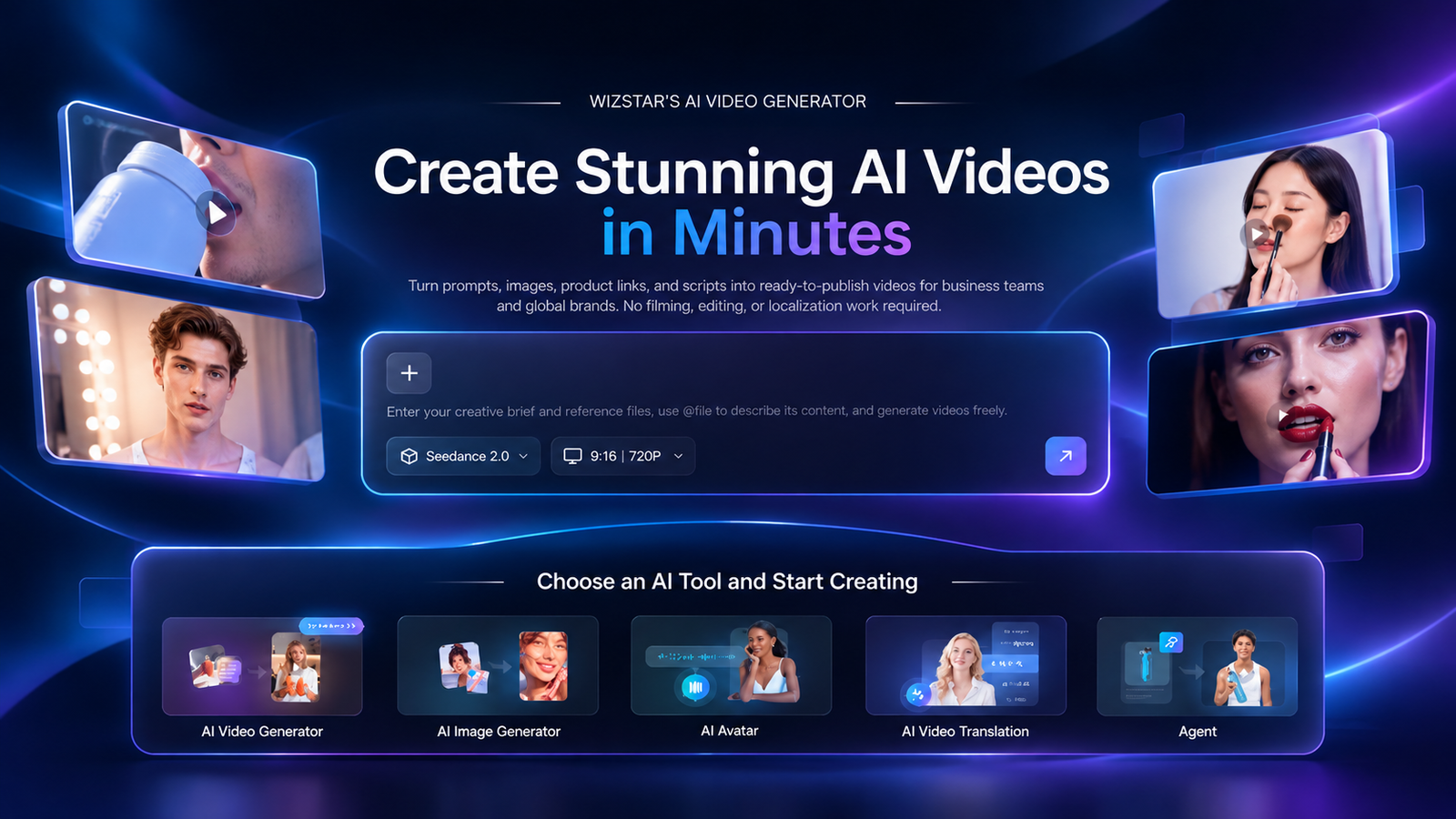
Wizstar centers on its Creative and E-commerce Agents, enabling product videos, avatar videos, video translation, and automated training workflows. It is designed for specific inputs—such as dropping in a product link or photo, requesting an avatar-led message, uploading a video for translation, or letting an AI agent generate a creative brief.
This input-led process completely changes how teams hand off work: you supply a core product or message, and then review the generated output. Choose Wizstar when your actual job is moving quickly from a raw asset (like a product link) to an AI-generated product, avatar, or translated video.
Price comparison: what do the plans buy?
To keep things comparable, we use US annual billing as our baseline. A free plan is included only to show the entry point, followed by an entry-level paid plan for basic delivery, and higher tiers only when collaboration, resolution, export rights, or localization capabilities change materially. Because credits, export counts, duration, and watermarks are entirely different units, they cannot be forced into a single ranking.
| Tool | Representative annual USD plans | Credits or exports | Actual video duration or image/video quantity | Resolution, watermark, or rights | Cost meaning |
| Powtoon | Free $0; Lite $180 ($15/mo billed yearly) | Lite: five watermark-free exports/month; 300 AI credits/year | Free: up to 3 minutes; Lite: up to 10 minutes | Free: 720p and watermark; Lite: MP4 HD 1080p | Free tests the baseline; Lite supports regular watermark-free delivery |
| Animaker | Starter $300 ($25/mo equivalent); Pro $516 ($43/mo equivalent) | Starter: 3,000 AI credits/month, 10 advanced downloads/month, 90 seconds generated video/month; Pro: 30 advanced downloads/month | Starter: 15-minute length; Pro: 30-minute videos | Starter: Full HD; Pro: 2K, commercial rights, multiple formats | Pro fits longer, higher-resolution training output and broader delivery rights |
| Vyond | Starter $699 ($58/mo billed annually); Professional $1,199 ($100/mo billed annually) | Professional: 20,000 credits/user/month | — | Professional adds collaboration, 4M+ Shutterstock assets, and translation into 95 languages | The premium buys team production and localization capacity |
| Canva | Free $0; Pro $144/person; Business $250/person | Presentation modes and social sharing | — | PDF, JPG, and PNG exports | The spend supports slide and branded-asset production |
| Renderforest | Lite $108 ($9/mo); Pro $228 ($19/mo); Business $468 ($39/mo) | Lite: five 720p template exports/month; Pro: unlimited 1080p template exports | — | Lite exports without a watermark; Business adds 4K and a reseller licence | The plan level tracks template volume, resolution, and resale needs |
| Wizstar | Starter $192 ($16/mo billed annually) | 1,920 credits/year | Up to 32 videos or 436 images | Paid plans list no watermark, image rendering up to 4K, translation into any language, and commercial use subject to terms | Match yearly media quantities to the AI workflow |
This table shows exactly why a headline price alone cannot answer your buying question. For occasional concepts, a free baseline is often enough.
- For recurring 2D explainers, start with Animaker’s entry plan and upgrade only when you routinely need 30-minute videos, 2K output, or expanded commercial rights.
- Choose Vyond’s higher tier when team collaboration and 95-language localization are daily requirements.
- Opt for Renderforest’s higher tiers when 4K output or agency resale licenses matter.
- Choose Wizstar when your planned yearly credits align perfectly with a high-volume, AI-first workflow.
Privacy, language, device and export checks
Platform plan descriptions provide incredibly useful security signals. Powtoon includes explicit privacy and enterprise ISO/GDPR wording. Animaker documents SSL, ISO/GDPR, and enterprise 2FA/SSO capabilities. VyondWizstar heavily documents enterprise security and translation into 95 languages. RenderforestWizstar highlights voice support for over 50 languages and mobile accessibility, while Wizstar lists enterprise security, compliance, and translation into any language.
While these signals help narrow your shortlist, a corporate rollout still requires a proper contract check. Before committing to a business plan, ask the vendor for their privacy retention terms, data-training policies, device support, commercial rights, and language limits. Document these answers alongside your budget so you don't encounter unexpected blockers after production begins.
Verdict by reader need
Animaker remains the default choice for animated presentations, whiteboard explainers, and character-led training modules. Vyond is the clear enterprise choice when collaboration, security controls, and extensive translation are essential. Canva is the perfect fit for slide-led communication and graphic design. Renderforest excels at repeatable template production. Wizstar is the ideal tool for fast, AI-generated product videos, avatar clips, and agent-led generation.
Always match the tool to the specific deliverable named in your creative brief. If the goal is a custom animated presentation, start with Animaker or Vyond. If it is a slide deck, a reusable promo template, or an AI-first product video, adopt the matching workflow and confirm your export rights before you start producing.
FAQ
- Is Powtoon free to use for animated presentations?
- Yes. Powtoon Free costs $0 and includes 720p resolution, videos up to three minutes, basic templates, characters, and a watermark. Paid plans remove the watermark and add more exports and editing controls. Use the free tier to confirm that the interface fits your workflow, then check the current pricing page before you budget for longer, watermark-free videos.
- Can I use Powtoon videos for business or commercial projects?
- Yes, provided you are on a paid plan. Paid Powtoon subscriptions include commercial usage rights for business work. Always confirm your selected plan and its current terms before publishing client or company content. Check the output resolution, export allowance, and watermark policy simultaneously, as those limits dictate whether the finished asset is truly ready for its intended channel.
- Can new users try Wizstar's AI video generator for free?
- Yes. New Wizstar users receive a set of free credits to try the service. Advanced features, such as specific avatar generation and voice synthesis, typically require a paid subscription. Use your free allowance to verify that an AI-first workflow actually matches your brief, then review the checkout terms before locking in a recurring production volume.
- Do unused Wizstar subscription credits carry over?
- You must check the specific account or checkout terms for your chosen Wizstar plan before committing your budget. Carry-over and expiry rules are detailed there, so do not assume a single policy applies to every tier. Always record the credit validity period beside your annual budget, especially if your required video output fluctuates from month to month.
- Can Wizstar translate videos into any language?
- Yes. Wizstar’s plan cards state that it supports video translation into any language. However, you should always confirm the exact file format, voice behavior, and plan-specific limits before building this claim into a tight production schedule. Broad translation coverage is excellent for localized product workflows, but your final launch still requires a confirmed export format, accurate voice sync, and proper usage rights.