When looking for an Evoto AI alternative, the right choice depends on whether you need a full gallery pipeline or control over a single step. Aftershoot is ideal for consistent gallery-wide portrait edits, while Imagen suits photographers who want an AI model trained on their personal editing style. Retouch4me provides precision by outputting corrections directly onto separate Photoshop layers, and PortraitPro 27 offers granular facial contouring with automated queue batching in Studio Max. When assignments expand beyond captured RAW photos into AI-generated campaign visuals, video, or talking avatars, Wizstar is the practical addition.
Comparing their toolsets, host integrations, and monthly costs helps clarify which platform fits your specific deliverables—and whether you need to replace your entire workflow or just one stage of it.
Which Evoto Alternative Fits Your Workflow?
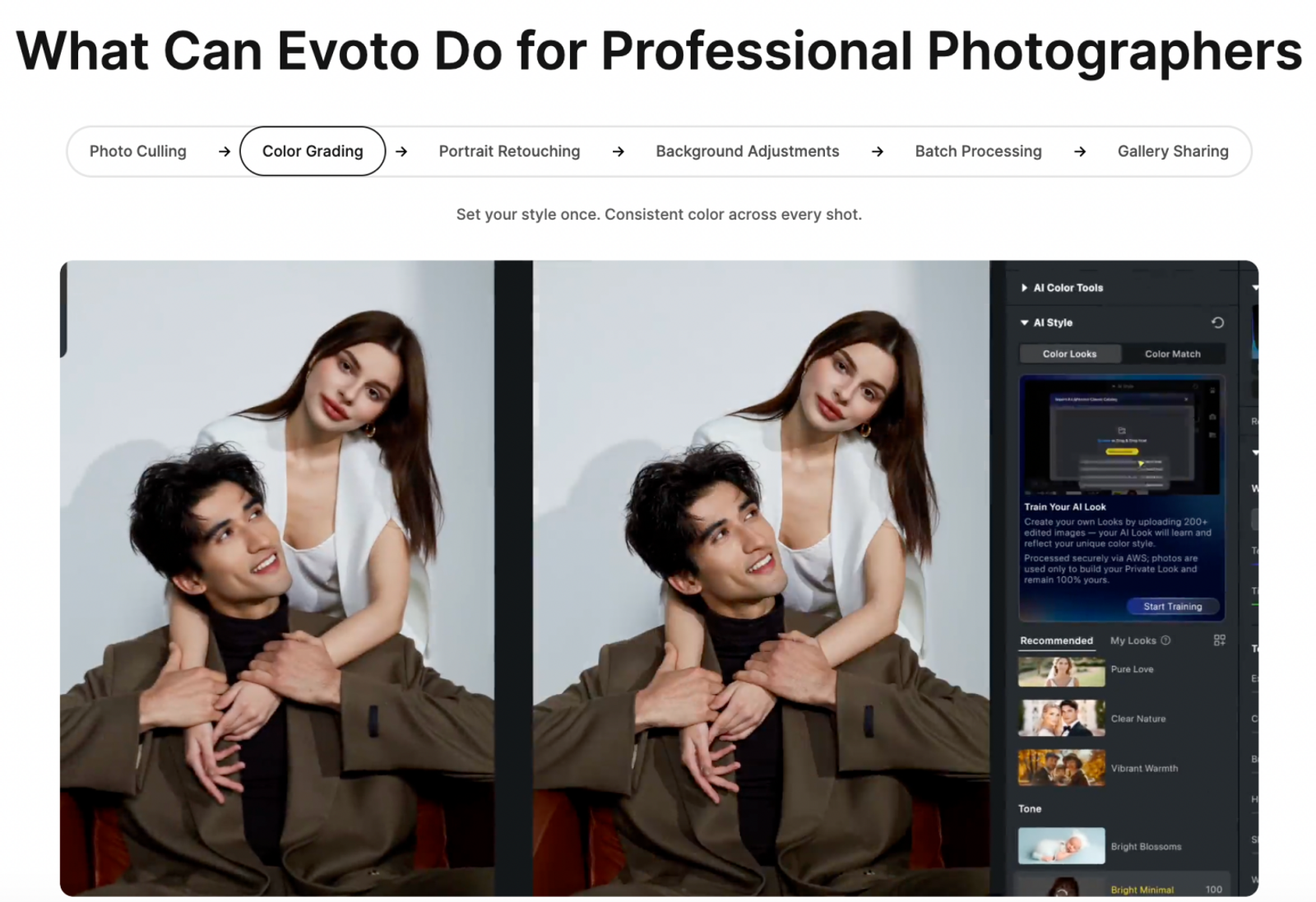
Evoto covers the full photography pipeline: tethering, culling, raw color grading, skin retouching, background cleanup, batch syncing, and client gallery delivery. Its per-face recognition and synchronized settings are built for projects containing close-ups, wide group shots, and shifting ambient light. Replacing that setup requires accounting for every step, even if skin smoothing was what prompted your search.
Its companion app, Evoto Video, provides post-capture video enhancement through AI Color Match and AI Video Retouch. However, when a creative brief calls for a brand-new video built from a still image rather than touching up existing footage, generative production is the appropriate task.
The alternatives below address three distinct scopes: end-to-end gallery finishing, targeted correction plugins, and generative campaign workflows.
| Product | Replacement Scope | Key Controls & Handoff |
| Evoto | Full capture-to-delivery baseline | Per-face edits, batch sync, client galleries |
| Aftershoot | Direct portrait-gallery alternative | Presets, group/image controls, Lightroom round-trip |
| Imagen | Style-driven gallery workflow | Personalized AI profiles, reviewable masks, beta face/hair tools |
| Retouch4me | Specialized correction stage | Targeted retouching, opacity blending, separate Photoshop layers |
| PortraitPro 27 | Portrait & batch cleanup stage | Directed facial features, 3D relighting, automatic Studio Max batching |
| Wizstar | Generative campaign alternative | Image prompts, reference assets, AI video, presenter avatars |
Choosing a plugin-level correction tool keeps culling, RAW development, and gallery delivery inside your existing editing software.
For high-volume wedding or event work, repeatable skin correction across hundreds of people is paramount. For commercial advertising, generating a brand-new background or extending a still photo into motion may be the actual deliverable.
Aftershoot: Keep a Portrait Gallery Consistent
Aftershoot Retouching is the strongest choice for applying fast, uniform portrait corrections across complete client galleries. It targets skin blemishes, oily shine, and eyeglass glare, while handling stray flyaways and wrinkled clothing. Because these issues require different visual treatments, treating them as distinct corrections keeps results looking natural rather than over-smoothed.
Presets and Batch Sync provide a cohesive baseline for the whole shoot, while individual slider overrides accommodate close-up beauty frames. While adjustments apply to specific images rather than tracking a single subject across different angles throughout an entire album, the interface makes manual touch-ups quick.
Aftershoot works seamlessly with RAW, JPEG, and 8-bit TIFF files. Its Lightroom Classic integration relies on the familiar "Edit In" command, creating a working duplicate with your Lightroom adjustments intact. Once you finish retouching, the file exports directly back to your catalog.
With its Advanced Tuning features to protect critical details like tattoos or birthmarks, Aftershoot delivers clean batch consistency without sacrificing manual control on individual portraits.
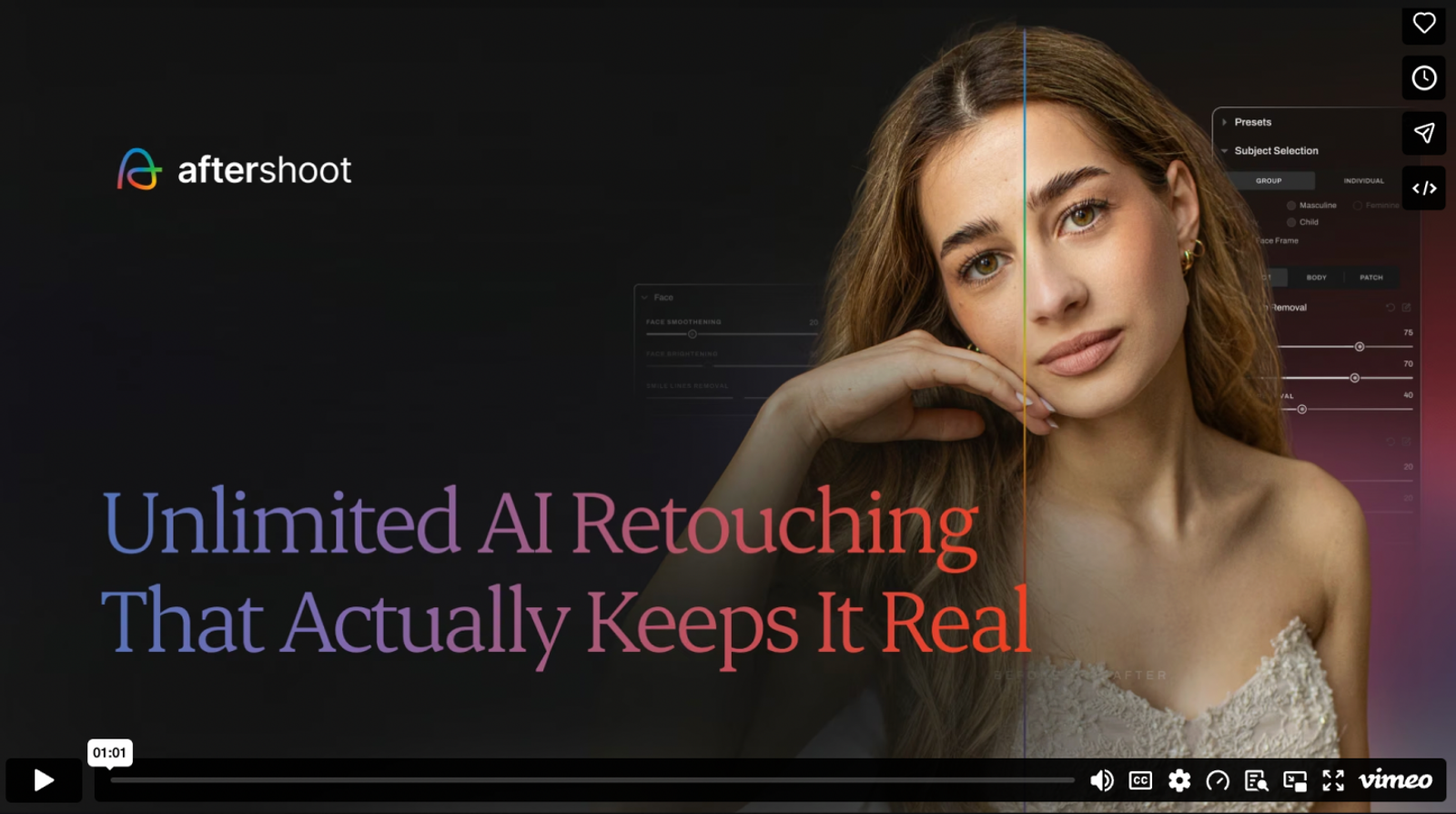
Imagen: Carry Your Personal Style Across Projects
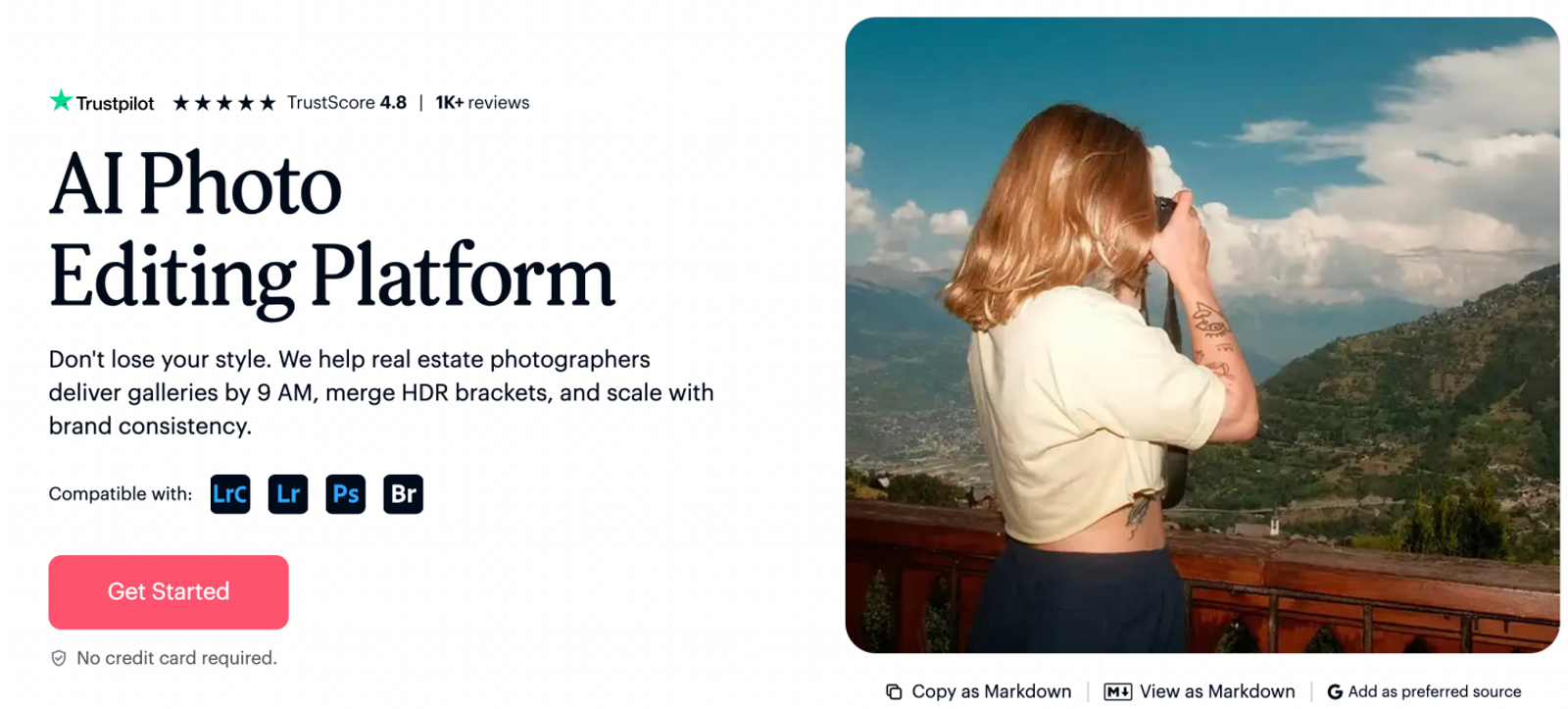
Imagen applies learned editing profiles across entire catalogs, making it a natural fit for photographers with an established color and tonal signature. Color grading and skin adjustments exist within a broader ecosystem that supports culling and direct client exports.
Its portrait toolkit goes beyond standard global sliders. Smooth Skin isolates subject faces to even out texture. Face Retouch addresses blemishes, dark under-eye circles, and uneven complexions, while stray-hair removal cleans up flyaways. Added controls for teeth whitening and portrait cropping round out the finishing process. This automated approach is especially valuable when you want an entire catalog to mirror your signature portfolio look automatically.
Keep in mind that Face Retouch and Hair Removal are currently beta features, while Smooth Skin serves as the dedicated core tool for masking and softening skin tone.
Because Imagen generates selective masks that can be inspected and tweaked inside Lightroom Classic, you retain full oversight over localized adjustments. It remains the top option when consistent aesthetic grading is your primary objective.
Retouch4me: Keep Photoshop Corrections Fully Non-Destructive
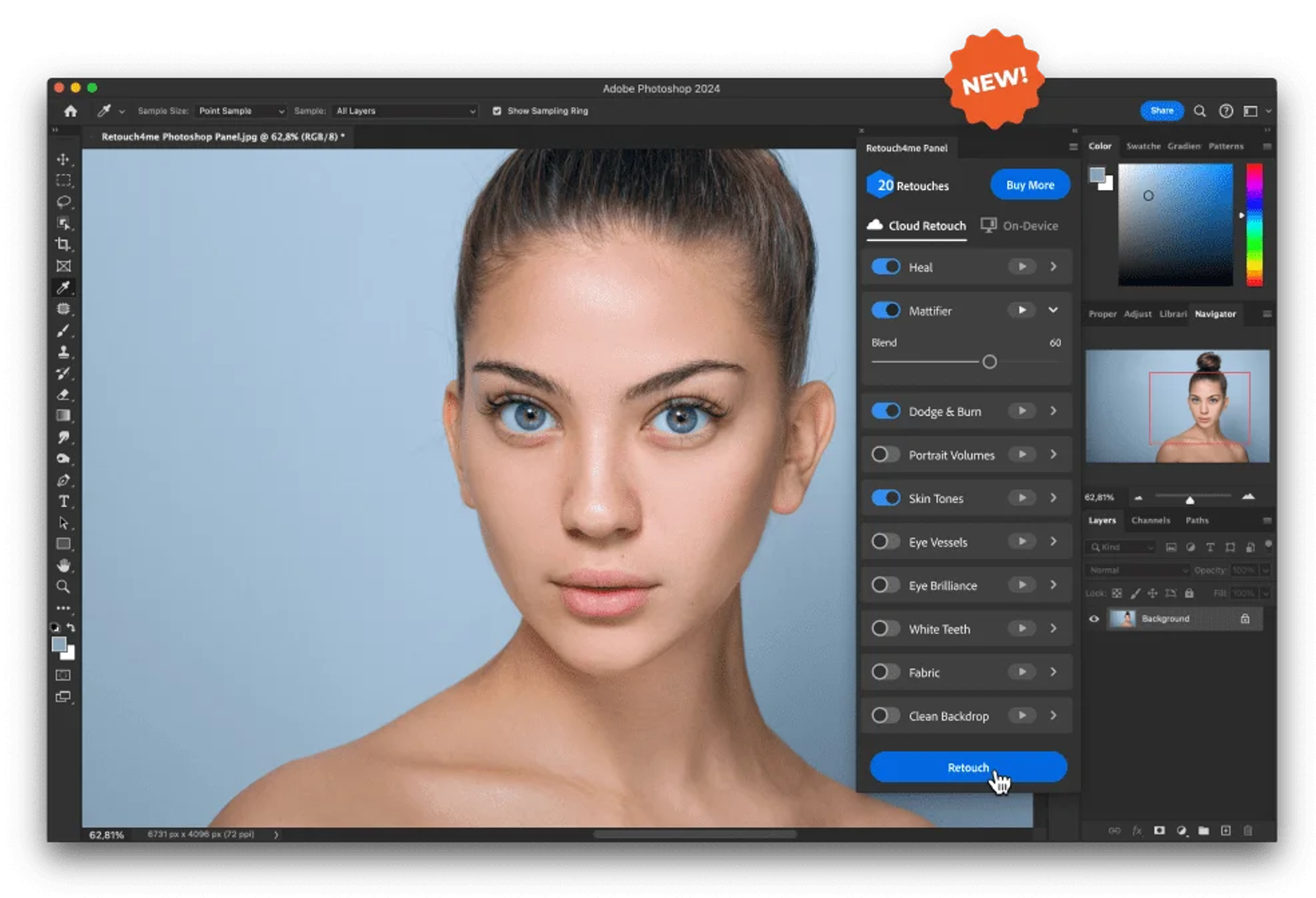
Retouch4me is built for retouchers and portrait artists who prefer working directly inside Adobe Photoshop. Rather than forcing a single automated pass, it divides tasks into dedicated tools: Heal removes surface blemishes, Dodge & Burn sculpts highlight and shadow transitions, and Skin Tone balances blotchy discoloration.
The Retouch4me panel allows you to adjust blending opacities and output each correction onto its own dedicated Photoshop layer. Working across separate layers is a massive advantage for commercial client revisions: you can dial back skin frequency or dodge-and-burn strength without disturbing your underlying blemish cleanup.
Photographers processing sensitive files locally can run desktop neural plugins offline, while a cloud-based option handles batch requests through their servers.
For studio portraitists who need non-destructive layers that stay completely revisable after export, Retouch4me is the premier plugin solution.
PortraitPro 27: Direct Individual Features and Automate Queues
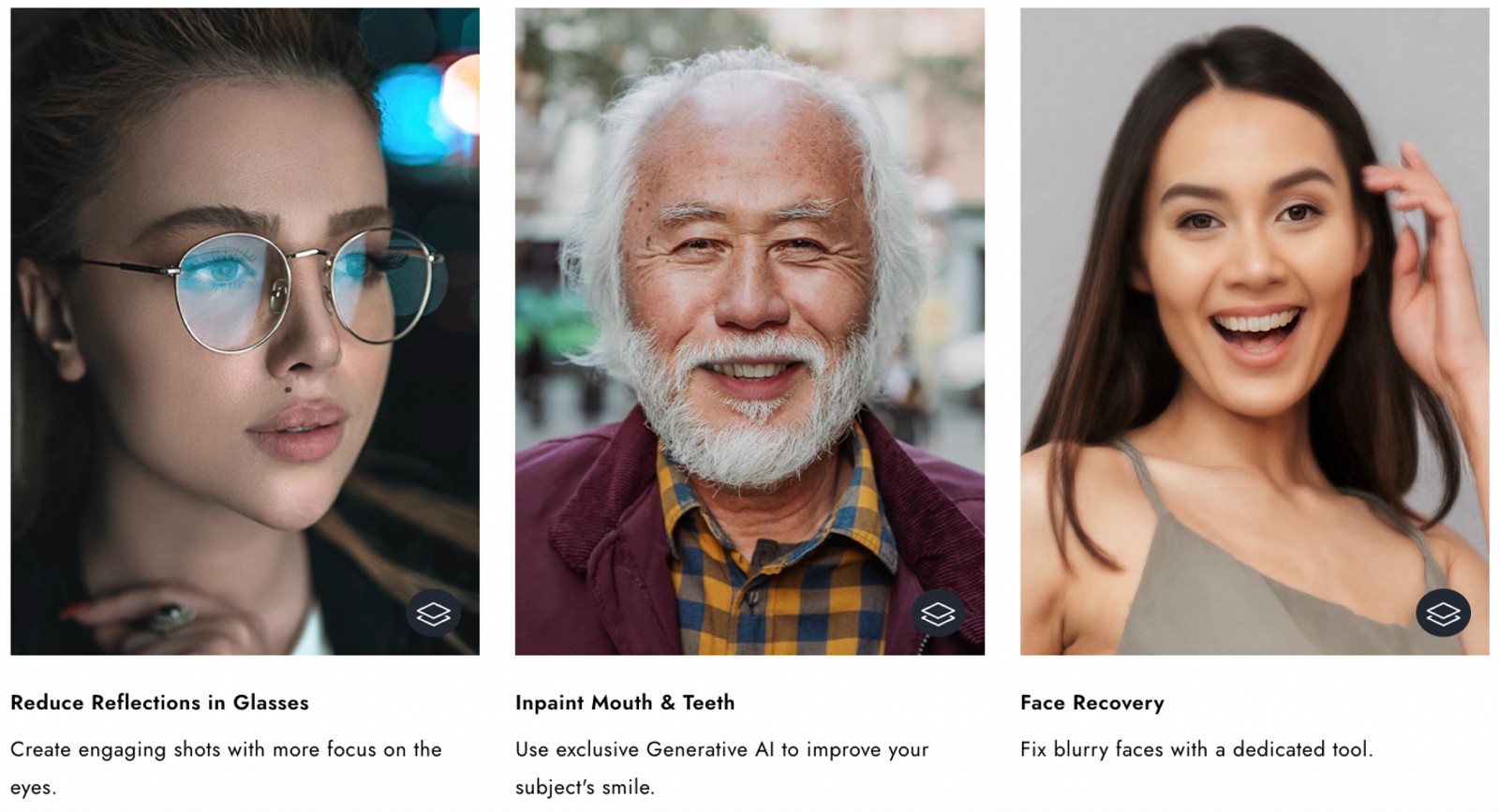
PortraitPro 27 pairs portrait retouching with realistic digital makeup and simulated 3D relighting. Dedicated parameter sets for skin, facial anatomy, hair, eyes, and lips give you complete creative direction over how a subject is presented. In multi-person shots, an intuitive face-strip selector lets you switch between subjects instantly to apply tailored adjustments.
This makes PortraitPro especially useful when your brief calls for beauty styling alongside technical cleanup. Adjusting the virtual key light on a flatly lit headshot serves a very different goal than removing minor skin spots, and PortraitPro handles both smoothly.
The software editions determine how it fits into your workflow:
- Standard Edition: Provides all essential facial and makeup tools for standalone JPEG/TIFF editing.
- Studio Edition: Adds RAW/DNG file support and direct plugin integration for Adobe Photoshop and Lightroom.
- Studio Max Edition: Unlocks fully automated batch processing, auto-detecting facial landmarks and applying pre-configured presets across entire folders without manual prompts.
For individual portrait refinement, Studio provides everything you need. For high-volume production studios handling volume headshots, Studio Max delivers genuine hands-free batch processing.
Wizstar: Create Campaign Imagery and Expand Into Motion
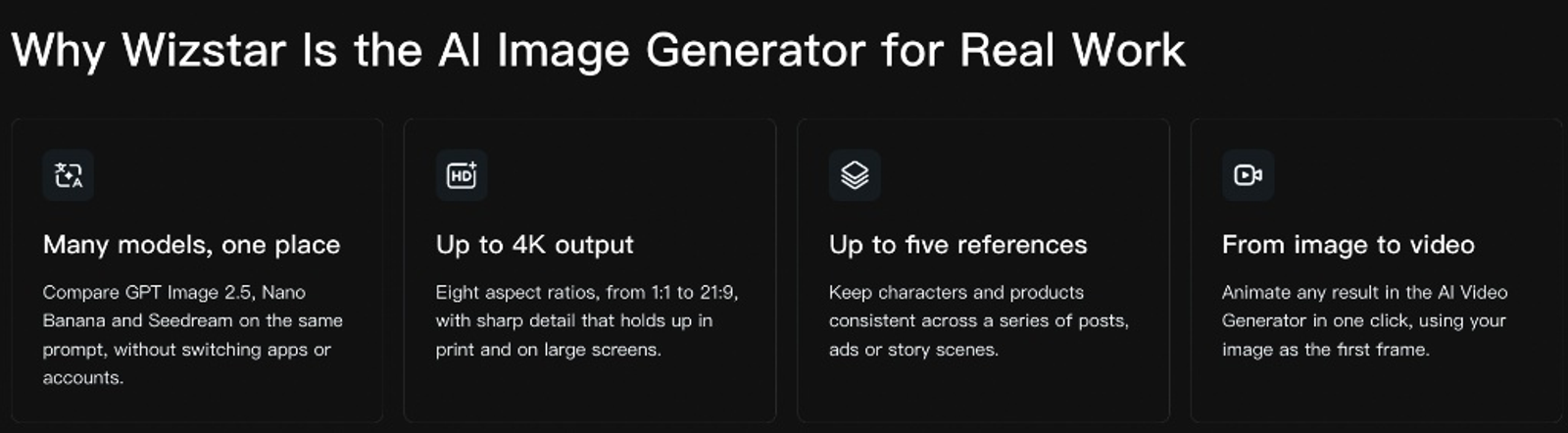
Wizstar's AI Image Generator comes into play when a creative project extends beyond captured camera files into generated commercial assets. Using text prompts or up to five reference images, you can produce fresh campaign concepts at custom aspect ratios and resolutions up to 4K.
For example, a marketing team can upload an authentic studio product shot as a reference to generate seasonal promotional imagery across various themed environments. Starting with text instructions for framing and lighting, you can quickly iterate on creative directions without scheduling an additional on-location shoot.
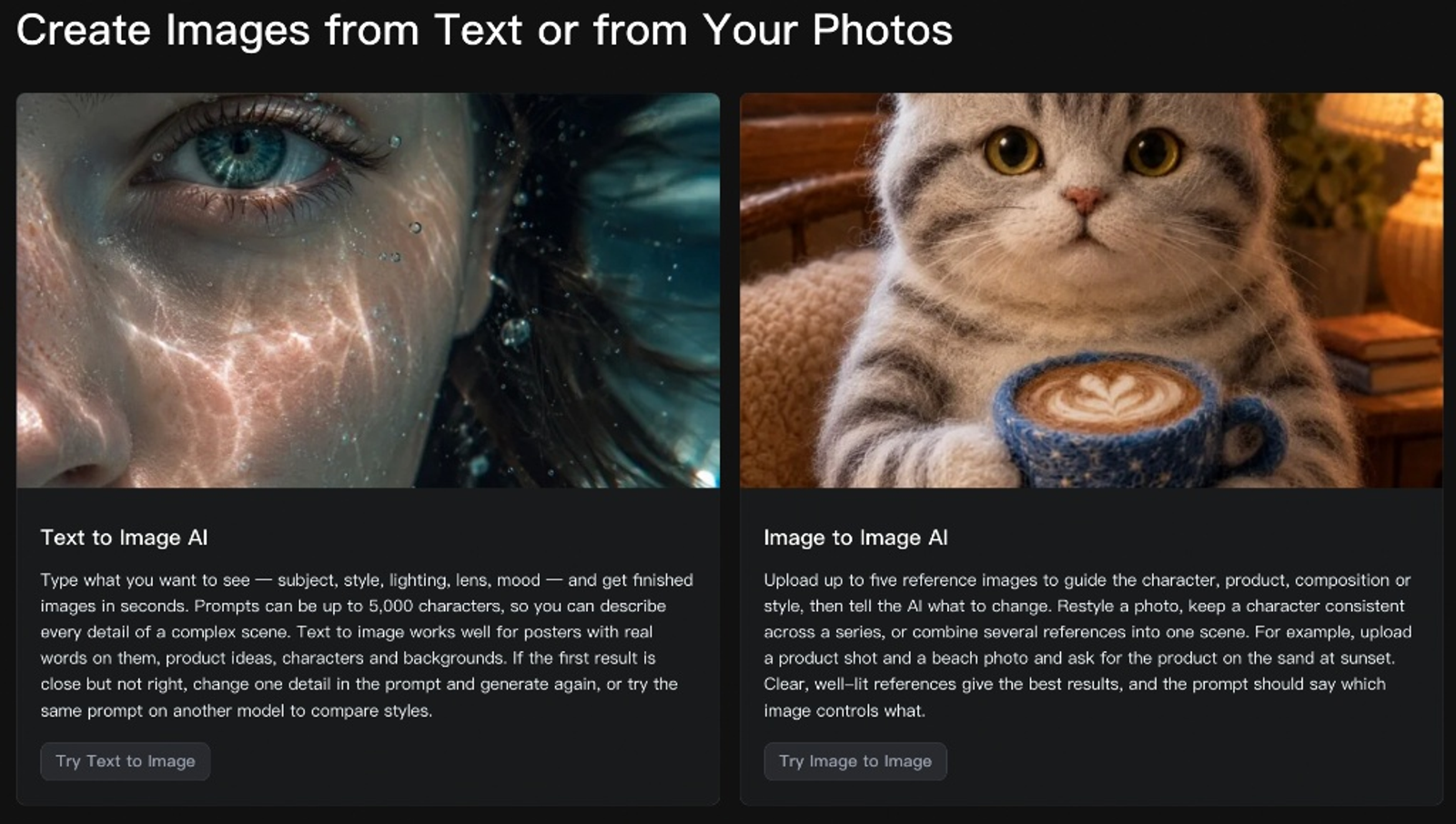
Once a still image is approved, it can be imported directly into Wizstar's AI Video Generator as an initial frame, transforming static concepts into animated video ads suitable for social channels.
Additionally, Wizstar's AI Avatar tool creates digital presenter videos from a single portrait and audio script. While client event retouching belongs in dedicated photo software, Wizstar provides the generative engine needed for commercial digital production.
Monthly Pricing Breakdown
The table below compares estimated monthly commitments for processing approximately 300 portraits per month, assuming a standard single-export or cloud-retouch run per photo.
| Representative Plan | Monthly Commitment (USD) | What the Subscription Buys |
| Evoto Basic Plus Monthly-300 | $45.99/month | 300 export credits; standard portrait exports use 1 credit each |
| Aftershoot Retouch | $25/month | Unlimited portrait retouching, preset creation, and Batch Sync |
| Imagen PAYG | From $0.06/photo | Color grading + Smooth Skin ($7/month minimum balance) |
| Retouch4me Pro | $35/month | 500 cloud retouching operations, billed per image |
| PortraitPro 27 Studio Max | $239.95 one-time | Perpetual license for purchased version with automatic batching |
| Wizstar Starter | $10.99 first month; $18.05/mo renewal | 1,310 monthly credits for generative images, video, and avatars |
At 300 images per month, running correction software costs $45.99 on Evoto, $25 on Aftershoot Retouch, or $35 on Retouch4me Pro. Retouch4me’s plan is easily justified whenever clients demand layered Photoshop files for quality inspection.
For studios processing high volumes of portrait work, Aftershoot’s flat $25 monthly rate offers outstanding value, eliminating per-image anxiety.
With Imagen's Pay-As-You-Go plan, base color grading starts at $0.05 per photo, while Smooth Skin adds $0.01. Processing 300 images totals $18, comfortably surpassing the $7 monthly minimum. During their beta period, Face Retouch and Hair Removal are included without extra fees.
If you want an end-to-end suite combining culling, color, and retouching, the Aftershoot Complete plan provides Select, Edit, and Retouch for $55/month.
PortraitPro Studio Max requires a one-time purchase rather than a recurring subscription. For school, sports, or commercial volume photographers, the upfront investment pays for itself through unattended folder processing.
For small teams creating mixed campaign images, videos, and presenter content, Wizstar Starter offers a flexible entry point: 1,310 shared credits cost $10.99 in the first month and renew at $18.05 per month, while paid plans provide watermark-free exports. Because usage varies by model, video duration, and output quality, check the on-screen cost before each generation and budget custom avatar or voice add-ons separately.
Choosing the Right Tool for Your Next Shoot
Before changing your software stack, identify the exact bottleneck in your current workflow:
- If your culling and color grading are running smoothly in Lightroom, integrate Aftershoot for fast, high-volume batch skin retouching, or Retouch4me for non-destructive Photoshop layers.
- If you need a fully automated pipeline that mimics your personal editing aesthetic from RAW capture to final export, deploy Imagen.
- If you shoot high-volume corporate or school portraits that require automated relighting and feature enhancement, run PortraitPro 27 Studio Max.
- If your project transitions from photo finishing into creative commercial advertising, use Wizstar's AI Image Generator to turn product references into complete campaign stills and motion video.
FAQ
- Is Evoto free to use?
- Evoto offers a limited 7-day free trial that includes 50 export credits per account. Basic functions like cropping, exposure, tethering, and manual brush adjustments can be used credit-free. However, exporting completed portraits with automated AI retouching applied consumes credits from your balance.
- Does Evoto use customer images for AI training?
- No. Evoto explicitly states that it does not use customer images or project files to train its machine learning models. According to its Privacy Center, facial geometry is analyzed strictly in real time to apply requested cosmetic edits, without compiling biometric facial profiles for personal identification.
- Where is uploaded cloud data stored?
- Evoto hosts its cloud infrastructure on Amazon Web Services (AWS) in the United States. For local desktop projects, cache thumbnails are purged after processing, with temporary render files retained up to eight days. Optional cloud catalog projects can be deleted manually at any time; all data associated with expired accounts is purged 30 days after subscription cancellation.
- Can I use images created in Wizstar commercially?
- Yes. Wizstar grants commercial usage rights for generated media under its standard subscription terms. Paid tiers remove the watermark found on free-trial generations. When uploading proprietary product references or client headshots as prompts, ensure you hold the intellectual property rights to those source files.
- What happens if I run out of Wizstar credits?
- If your allowance runs out, you can purchase on-demand credit top-ups or upgrade to a higher monthly tier without losing saved projects. Subscription credits are consumed before top-up balances, and all active assets remain accessible in your workspace library.
- Can I run Evoto on multiple computers?
- Yes. Evoto permits multi-device access depending on your tier, supporting between two and six machines (the Basic Plus tier supports up to four devices). The software operates on macOS, Windows, and iPadOS, allowing you to move between studio workstations and mobile laptops seamlessly.