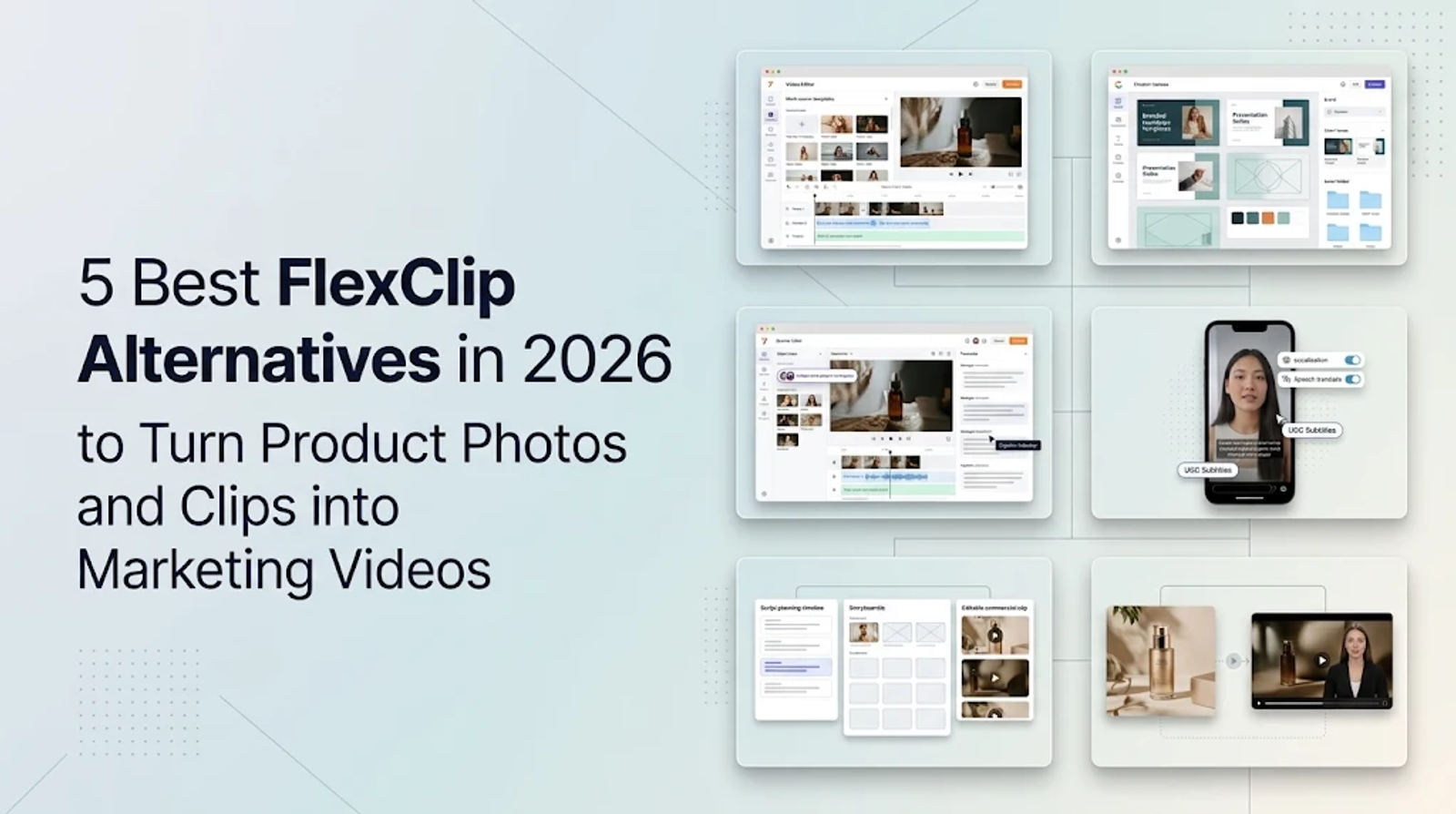
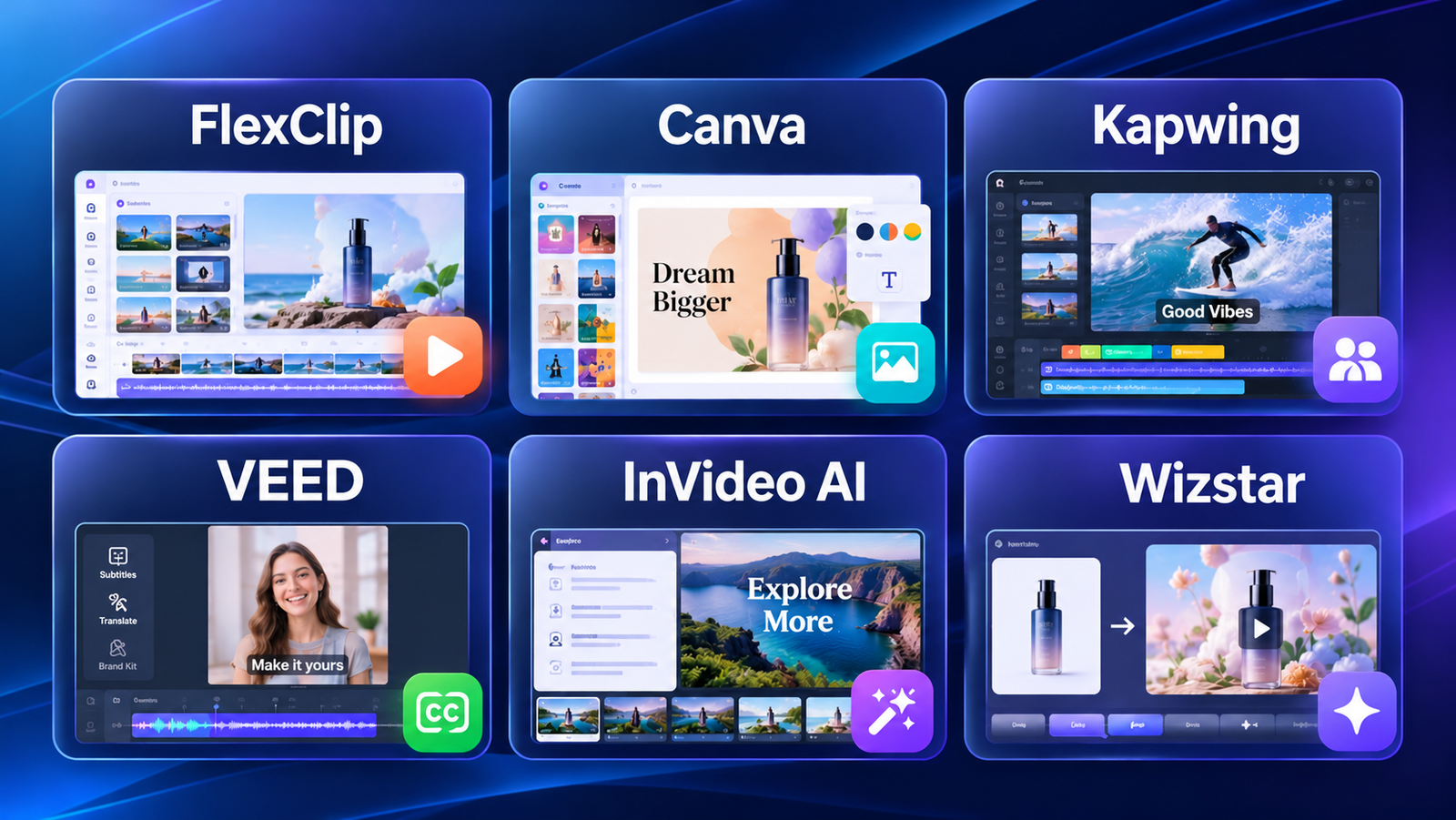
If you are looking for FlexClip alternatives, the right choice depends heavily on how you actually plan to build your next video. Canva is the default for template-led, cross-channel campaigns. Kapwing and VEED cover collaborative browser editing and heavy social media production. Meanwhile, InVideo and Wizstar offer agent-led creation, with Wizstar standing out for workflows built directly around product-reference images and links. I always recommend choosing your tool based on what the next revision will require: tweaking a text caption and completely reimagining a generated product scene are two very different jobs.
A standard product launch video makes this distinction concrete. You might be dealing with a batch of approved clips that just need a consistent visual layout, or you might be starting with a single product photo that needs an entire AI-generated story. A polished opening scene loses all its value if the package changes shape halfway through production. You should judge a platform's workflow by how easily it lets you correct those inevitable problems.
FlexClip Alternatives at a Glance
FlexClip already combines a solid mix of templates, stock media, manual timeline editing, and AI tools—including generation from prompts, articles, and URLs. Moving away from it usually requires a specific reason, such as needing deeper collaborative editing controls or a fully product-led creative workflow.
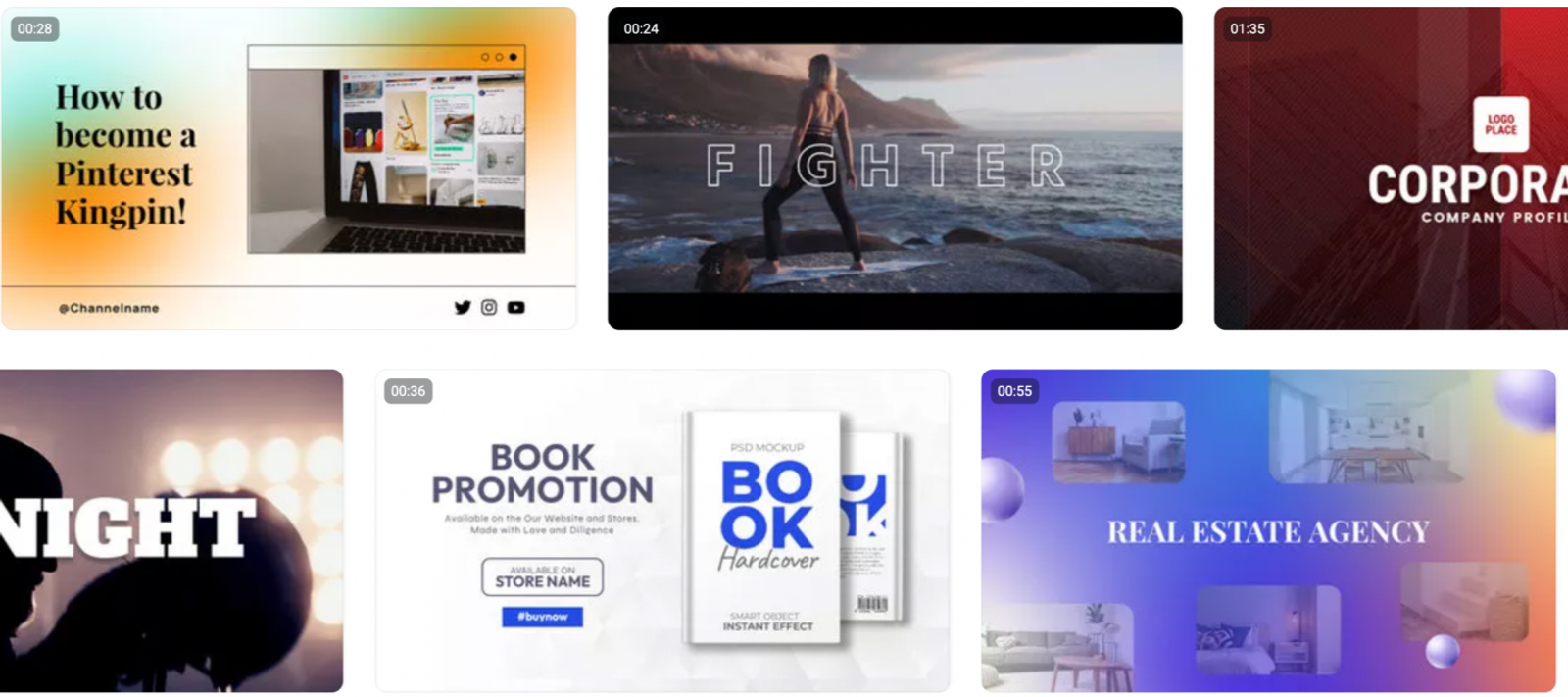
Looking at the same launch-video job reveals how these alternatives organize the work differently.
| Platform | Starting material | Creation and editing approach | Main decision point |
| FlexClip | Clips, templates, prompts, URLs | Browser assembly plus AI tools | Keep a mixed editing workflow |
| Canva | Templates, clips, prompts | Layered timeline and campaign resizing | Coordinate layouts across channels |
| Kapwing | Clips, transcripts, brand assets | Shared editing, captions, repurposing | Organize collaborative browser work |
| VEED | Clips, prompts, social content | Captions, generation, brand tools | Produce caption-led social videos |
| InVideo AI | Ideas, scripts, existing media | Agent planning with manual timeline control | Direct edits conversationally |
| Wizstar | Briefs, product photos, links | Agent-planned scenes and targeted revisions | Develop product-reference video concepts |
The most useful difference here is how each platform bridges the gap between your starting raw material and a fully editable video.
Canva: Template-Based Marketing Videos
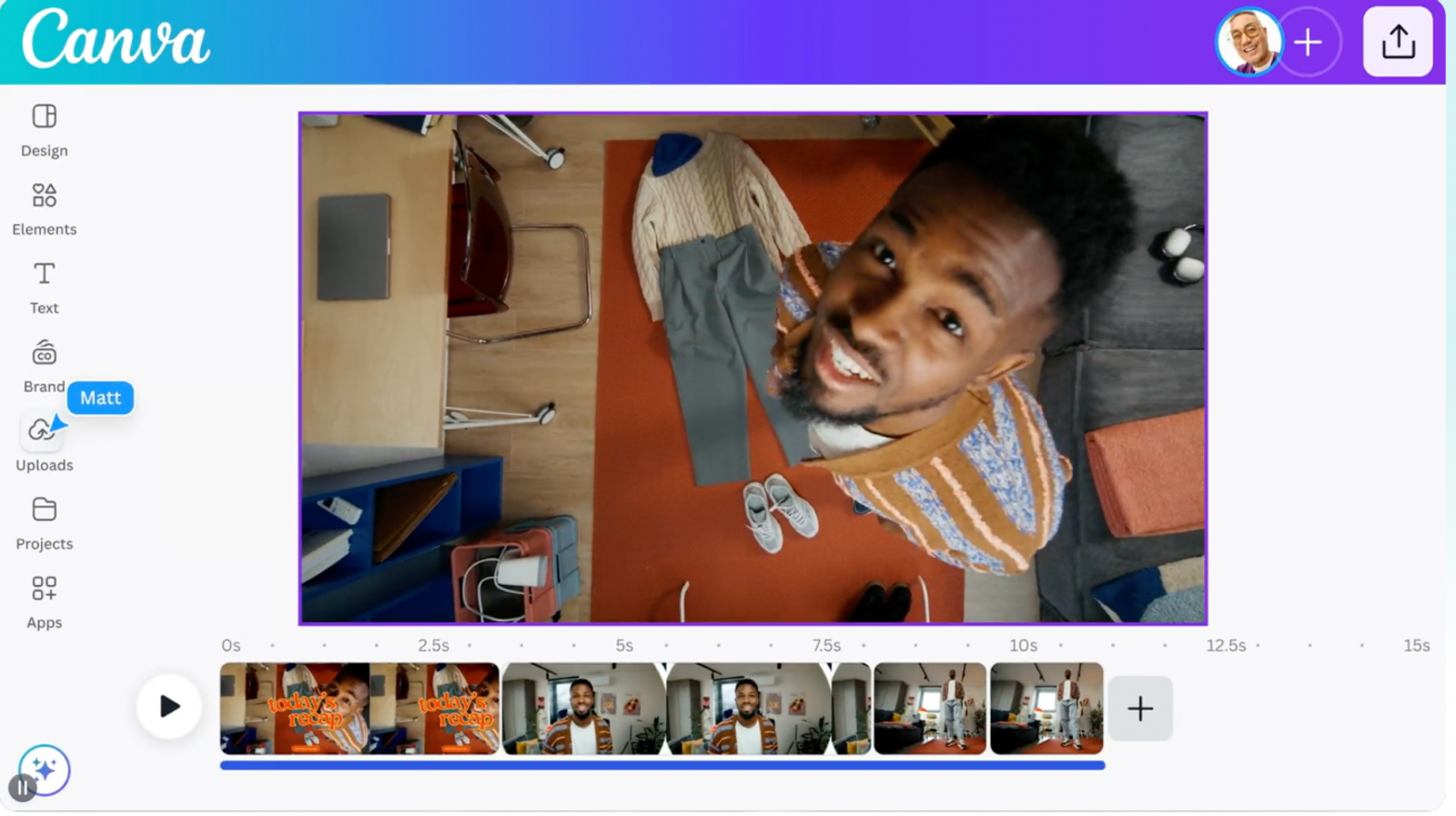
Canva is the clearest replacement when brand layouts and campaign consistency drive the project. Its video editor includes a multilayer timeline, trimming, splitting, layering, generated captions, and easy aspect-ratio resizing. Its template library deeply covers business presentations, social hooks, Reels, and Shorts.
For a product launch where you already have approved footage, I favor Canva when the primary task is adapting one cohesive visual system across multiple channels. Compared to FlexClip’s template-and-stock workflow, Canva’s biggest draw is the seamless connection between the video layout and the rest of your campaign variations. Often, the exact placement of a promotional offer matters far more than just generating another random AI scene.
Canva also includes Magic Video and clip generation to help arrange material. However, your final choice should still hinge on the structural layout controls you need for the finished campaign, rather than just the presence of AI features.
Kapwing: Collaborative Video Editing
Kapwing shines in shared browser-editing environments where automatic captions, transcripts, and reusable brand materials dictate production. Its Pro plan bundles brand kits, text-based editing, automatic resizing, social repurposing, and AI generation into a highly collaborative workspace, supporting 4K exports up to two hours long.
If you have several stakeholders revising a launch video, I give Kapwing priority when the transcript drives the changes. When removing spoken filler and slicing out shorter social versions become your central editing tasks, Kapwing excels. While FlexClip also offers sharing capabilities, teamwork alone shouldn't settle the comparison—ask yourself what exactly your collaborators need to change.
Keep in mind that Kapwing’s AI allowance draws from the same pool for subtitles, dubbing, and generation. Allocating your full credit pool to one heavy generation task leaves less for essential subtitling, so you must budget the work together.
VEED: Captioned Social Videos
VEED is hyper-focused on social video creation, tightly integrating captions, timeline editing, generation, brand tools, and a massive media catalog. Its Creator plan includes unlimited automatic subtitles, watermark-free output, and access to its Gen-AI Studio.
For talking-head clips and caption-heavy marketing shorts, I prioritize VEED’s subtitle accuracy and social editing tools. When comparing it to FlexClip, it represents a change in emphasis rather than a totally new feature set: FlexClip already supplies captions and AI tools, so looking at feature names alone isn't enough.
The Creator tier is the most relevant starting point here. Upgrading to Pro adds a larger credit allowance, multiple Brand Kits, and translation into more than 50 languages—but don't pay for that expensive upgrade if your only goal is to caption a single-language launch video.
InVideo AI: Prompt-Based Video Creation
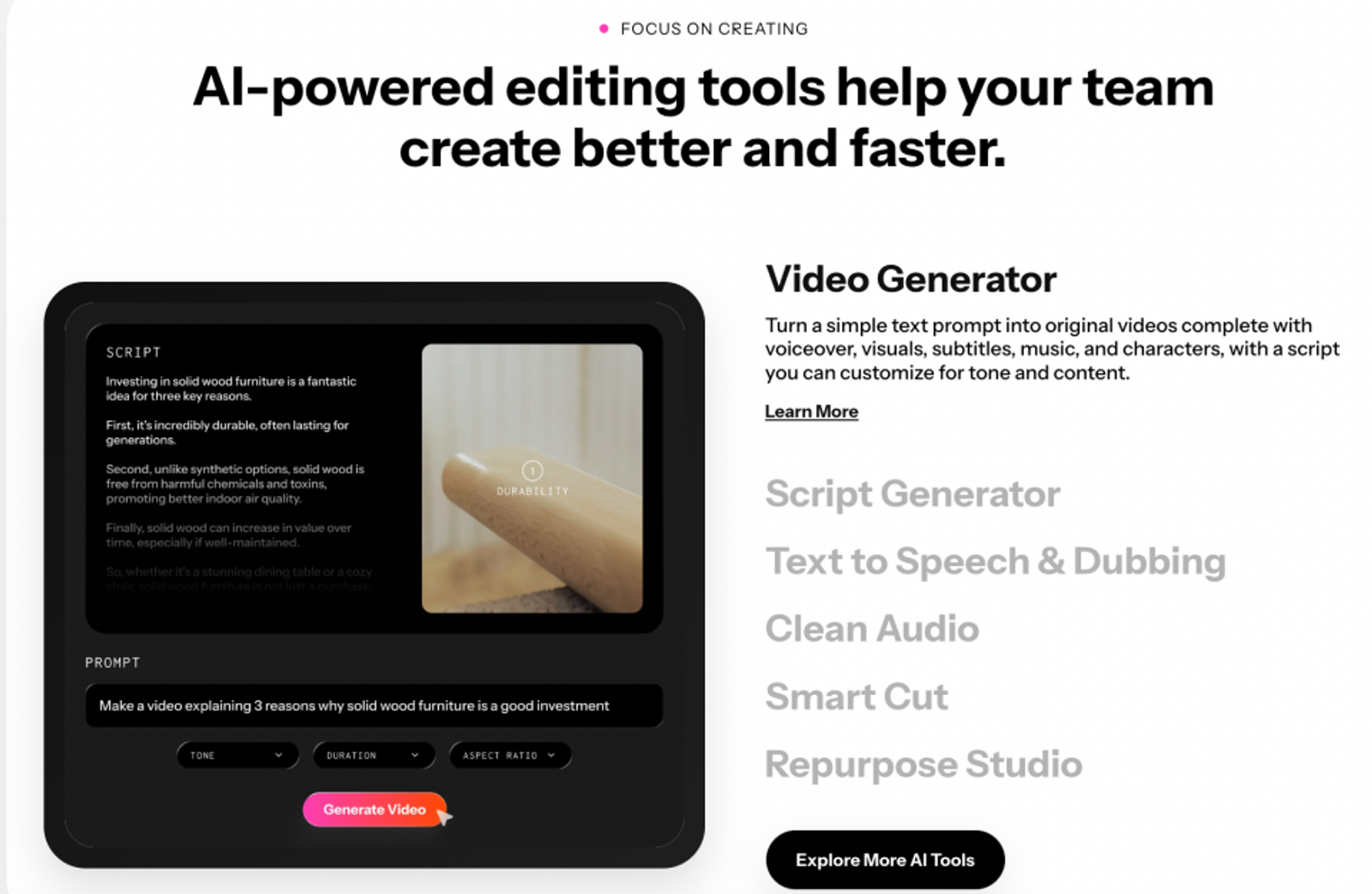
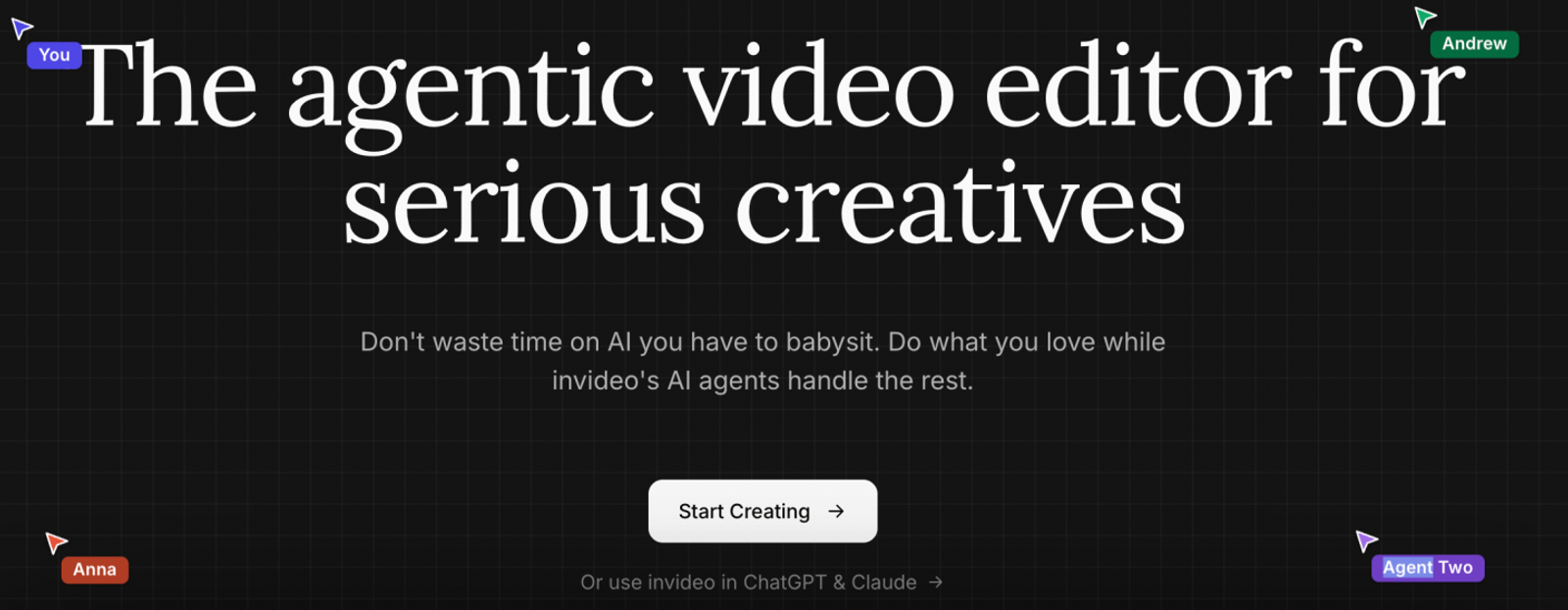
InVideo AI provides an agentic video editor designed to plan out entire shot lists from a rough idea or script. It allows you to use natural-language instructions to revise a real multitrack timeline, while still offering manual takeover and live-cursor collaboration for shared editing.
This fundamentally changes the comparison against FlexClip’s standard browser assembly. With InVideo, a prompt directs the structure and subsequent edits of the entire video, rather than simply requesting a single piece of new B-roll footage. I favor InVideo when conversational direction and manual timeline control both matter. A conversational request to "shorten the introduction" remains dynamically connected to the broader edit.
The main trade-off is the per-seat cost of the selected Plus plan: the agent access, full timeline, and collaboration features need to genuinely earn their place in your workload. Do not treat a per-seat allowance as free extra accounts for the team.
Wizstar: AI Product Video Creation
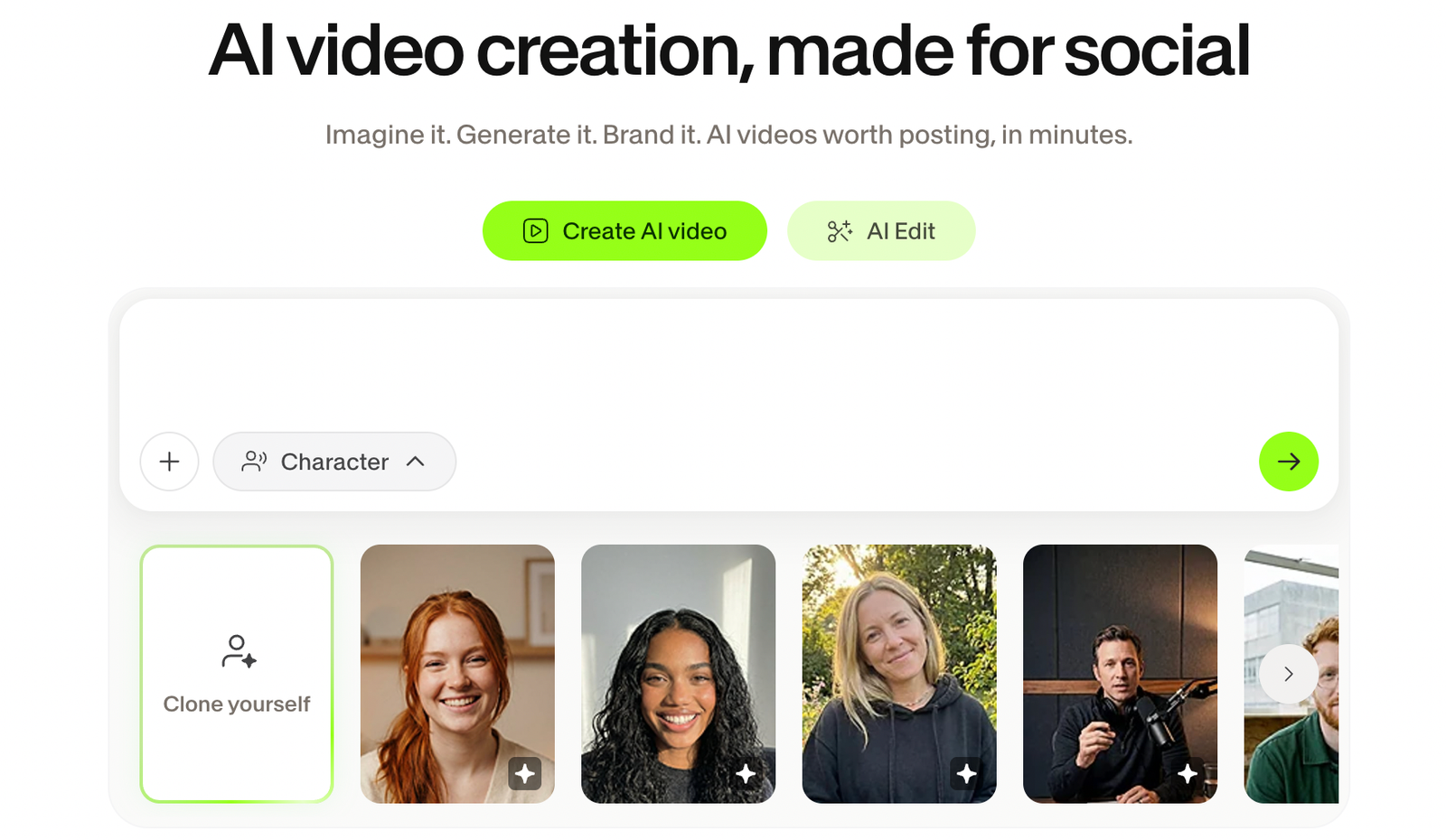
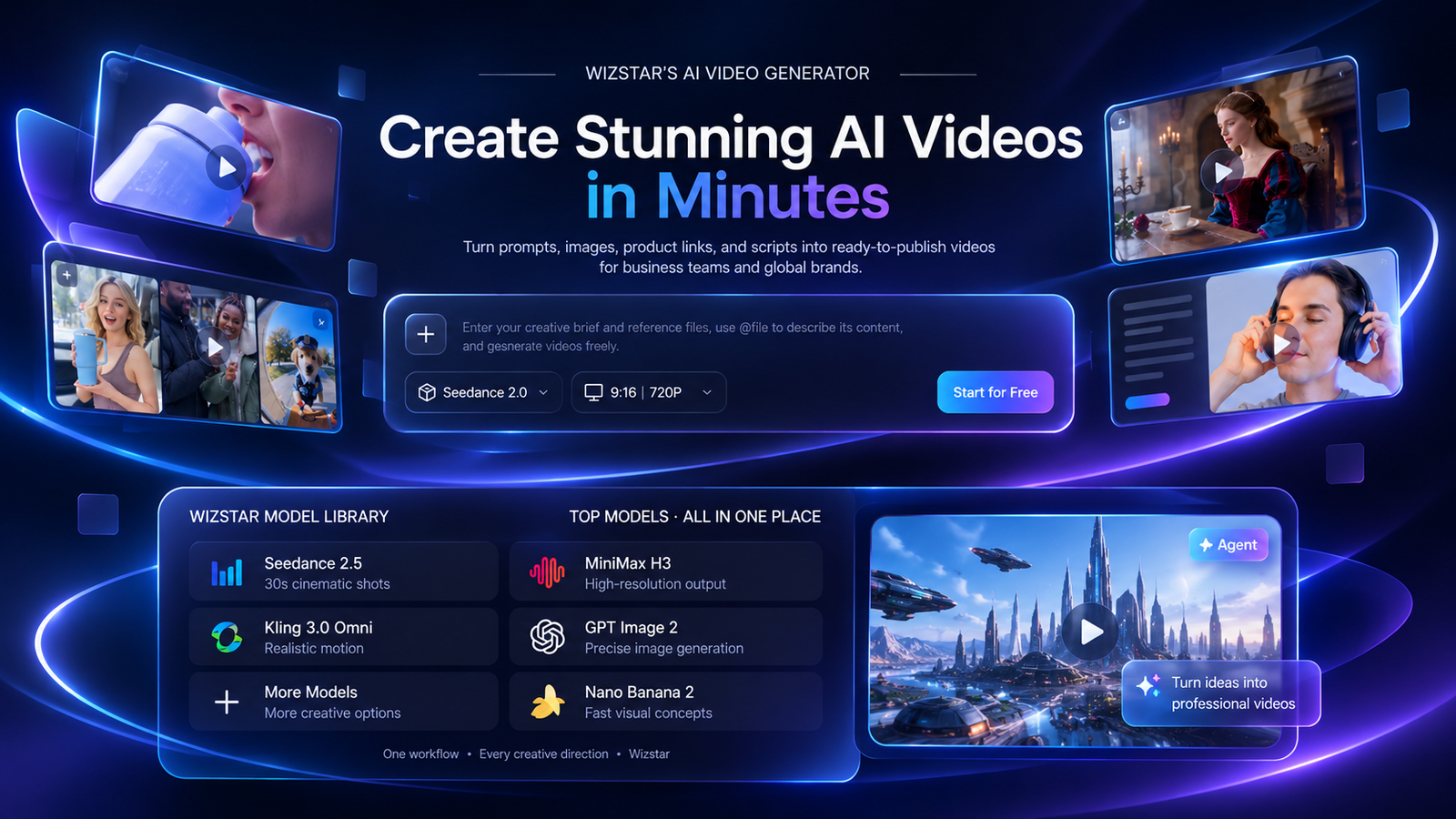
Wizstar is built specifically to support product-marketing workflows through its Creative Agent and E-commerce Agent. The Creative Agent expands basic ideas into structured storylines, scenes, visuals, and audio. The E-commerce Agent takes direct inputs like product links or photos and automatically generates scripts, captions, voiceovers, and formatted layouts for storefronts or social ads.
If a launch campaign is starting with nothing but product images, I strongly favor this route over blindly searching a template library before the core concept even exists. FlexClip can also generate assets from prompts and URLs, so the overlap is real. Wizstar’s specific attraction is its ability to develop entire scenes specifically around product references, and then directing subsequent revisions through an intelligent agent.
Its AI video agent plans scenes, coordinates AI models, and supports targeted changes to a specific shot, character, camera motion, spoken line, or visual detail. The ability to revise those individual elements without regenerating the entire video gives you a concrete path from "show the product slightly differently" to an updated scene.
The AI Product Video tool accepts a product image, prompt, and model settings. You should always review how the AI handles the product’s physical shape, label text, and promotional offer before approving the output. If your work is still dominated by precise, rigid template layouts, a traditional template-editor route will remain more directly aligned with your daily tasks.
Pricing and Output Compared
| Platform and plan | Monthly price | AI allowance | Relevant included output or tools |
| FlexClip Plus | $19.99 | 300 bonus credits | 1080p; unlimited exports; five stock videos and five stock audio tracks/project |
| Canva Pro | $18 | Shared monthly allowance | Five Brand Kits; premium media; social scheduling |
| Kapwing Pro | $24 | 1,000 credits | 4K exports; shared workspace; Brand Kit |
| VEED Creator | $20/user | 500 credits | Unlimited auto subtitles; full media catalog |
| InVideo Plus | $60/seat | 2,000 credits/seat | Full timeline; AI agent; premium stock allocation |
| Wizstar Starter | $18.05 renewal; $10.99 first month | 1,310 credits | Watermark-free exports; commercial use subject to terms |
An inexpensive plan does not automatically guarantee a low cost per usable ad. Reusing approved footage and exporting multiple variations places more value on unlimited export allowances and manual editing controls. Conversely, generating brand-new scenes chews through model-dependent credits, rejected attempts, and heavy revision work. FlexClip’s "unlimited exports" do not mean unlimited AI generation. Canva shares its AI allowance across all its design tools, while InVideo’s unused credits do not roll over to the next month. Wizstar adds applicable local taxes at checkout.
I always recommend calculating the cost of one defined generation before estimating your total campaign capacity. For example, Wizstar lists the MiniMax H3 model at 720P for six credits per second, including usage through its AI Video Agent. Generating a ten-second clip therefore costs 60 credits. Allocating the entire 1,310 Starter credit allowance strictly to that task covers 21 generations, leaving 50 credits leftover.
Choosing a FlexClip Alternative
The strongest reason to switch platforms is when a recurring task in your current process becomes painfully awkward. Keep an approved launch brief in view: one product, one promotional offer, one specific audience, and a required set of output formats. Decide right now whether your actual bottleneck is the visual layout, shared team editing, accurate captions, or generating net-new scenes.
Canva leads on template-driven campaigns. Kapwing and VEED address different, highly specific editing priorities. InVideo merges agent direction with manual timeline control. Wizstar directly connects product references with scene planning and targeted revisions across a heavy product-video workflow. Move toward the tool that handles the work you need to repeat the most, and make sure to price the cost of inevitable corrections alongside that first output.
FAQ
- Can I use FlexClip videos for commercial marketing?
- Yes, eligible paid FlexClip editor plans permit commercial use of covered stock and generated content. Its commercial-use rules distinguish full editor subscriptions from AI-credit-only purchases (which cover generated content but not stock media). Free users lack these commercial permissions entirely. Rights for content created during an eligible paid period continue after expiration. However, any uploaded third-party assets still require you to secure permission, and FlexClip's commercial permission does not grant you exclusive copyright over stock elements.
- Why does my FlexClip export have a watermark?
- A FlexClip watermark can appear when your project uses premium resources or features that extend beyond your current plan. The pricing page sets strict stock allowances per project: one for Free, five for Plus, and unlimited for Business. Audio has a separate allowance too, so you must check both stock video and stock audio usage before attempting to export. Even on a paid subscription, your plan needs to cover the specific quantity of resources included in that particular project.
- Can I use FlexClip on my mobile phone?
- You can sign in and use some of FlexClip’s AI tools on a smartphone, but you cannot actively create or edit video projects there. FlexClip’s mobile guidance directs full project editing and subscription management to a PC or Mac, leaving the heavy project work strictly on the desktop. Supported desktop browsers include Chrome, Firefox, and Safari, with Chrome strongly recommended for the best performance.
- What happens to the reference files I upload to Wizstar?
- Wizstar collects your uploaded content and sends those AI inputs to corresponding model providers for generation. Its privacy policy also notes that content may be processed by moderation services and lists improving or training technologies among its usage purposes. Data is stored on US servers, with possible remote access by its Singapore entity. You should review these terms carefully before uploading highly confidential, unreleased product references.
- Can I delete my Wizstar account and data?
- Yes, Wizstar provides irreversible account deletion through its settings, in-product functions, or via support. Its privacy policy describes deleting or anonymizing data subject to statutory retention laws and other stated exceptions. Those retention rules mean some administrative records may be kept even after account deletion. Always save and export any final content you still need before proceeding with account deletion.
- Can I cancel my FlexClip subscription anytime?
- Yes, you can cancel your FlexClip subscription anytime. Your paid benefits will continue through the end of the current billing cycle. Afterward, the account automatically returns to the Free tier, as outlined under the subscription terms on its pricing page. Cancellation stops the next renewal but does not automatically issue a refund, although the very first subscription payment comes with a seven-day money-back guarantee. If you are seeking a refund rather than just stopping the next commitment, you must specifically invoke that separate guarantee.