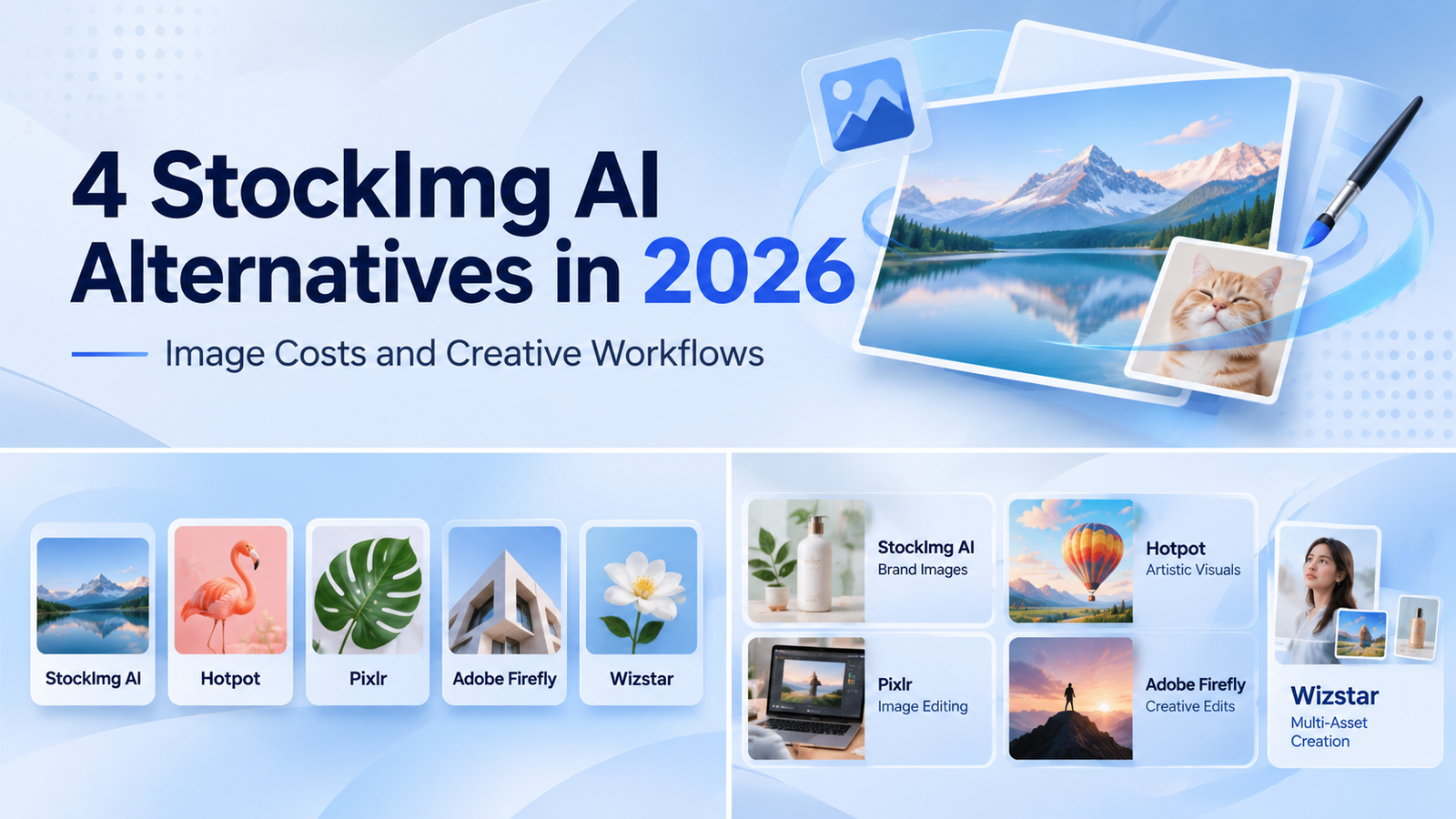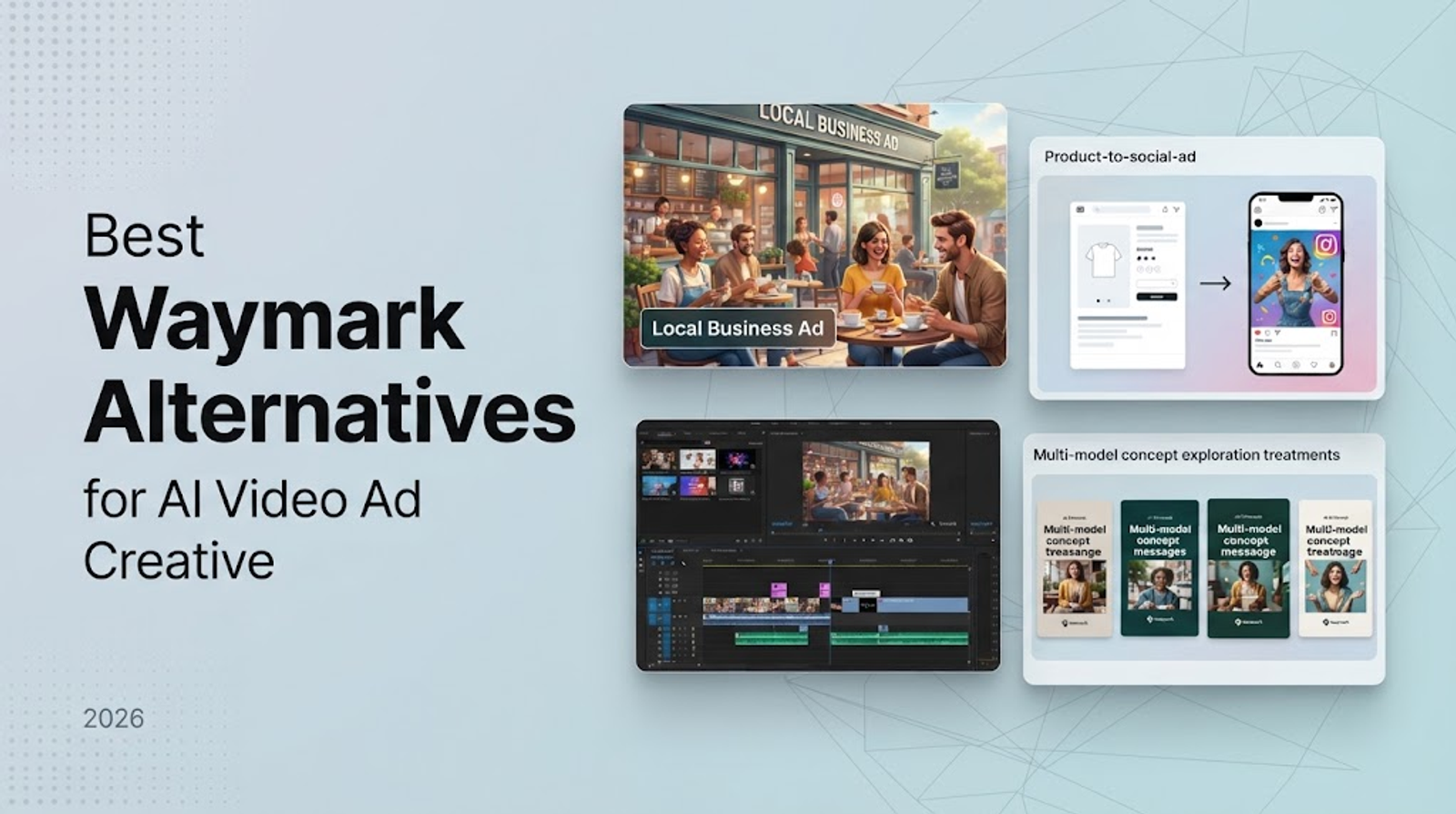
Choose your Kittl alternative by the final deliverable. Canva and Adobe Express handle everyday templates, while Mockey and Placeit focus on mockups. Wizstar covers AI-generated product images and short marketing videos. Kittl remains the strongest default for typography, vector editing, and print-ready layouts. Always start with the file format you need to ship, because a focused specialist is often better than an all-in-one editor.
The real challenge is identifying which step of your workflow cannot afford compromise. High-converting product visuals, batch mockups, and editable vector prints demand completely different tools. Pinpoint that core requirement first, then compare pricing.
What Kittl is built for
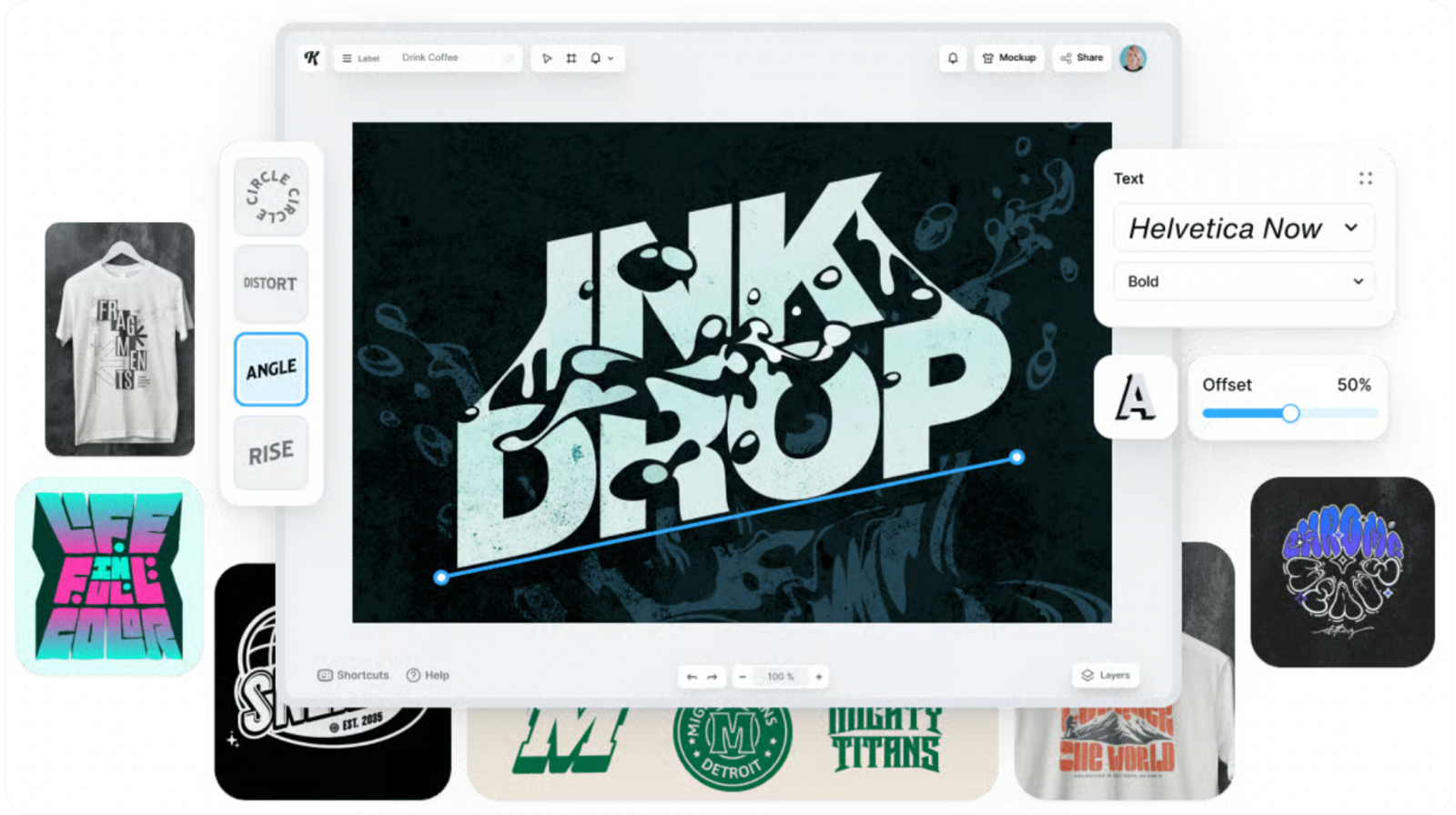
Kittl positions itself as an AI-powered design platform for modern brands and creators. Its core toolset pairs advanced typography and vintage text effects with pre-made templates, mockups, AI image generation, and product styling. That blend makes Kittl a design-first editor, even when your project incorporates AI assets.
Its typography features explain this positioning. Kittl lists more than 1,400 fonts, custom font uploads, eight text transformation modes, editable shadows, and decorative banners. Its documentation confirms clean exports in PNG, JPG, SVG, and vector PDF formats with live effects preserved. For print-on-demand (POD) layouts, retro posters, and brand graphics where letterforms need precise manual tweaks, Kittl remains tough to beat.
Many platforms can generate a decent product image, but that doesn't replace a true vector workflow. If your asset requires a curved headline, an editable vector icon, or print bleeds that survive factory revisions, Kittl’s graphic control is an asset. A pure mockup generator or video tool simply cannot handle that job.
What should replace Kittl for your actual deliverable?
The best Kittl alternative is the one built for your next file, product listing, or ad campaign. This breakdown separates broad design suites, mockup generators, and product-marketing tools.
| Tool | Main job | What it helps you make | Keep in mind |
| Kittl | Typography, vector, print-led design | Text effects, templates, mockups, product visuals | Keep type and shape editable when they drive the design |
| Canva | General templates and social content | Templates, social posts, brand and team content, AI-assisted work | Use it for broad shared production; keep Kittl for specialized type effects |
| Adobe Express | General templates and social content | Social posts, images, videos, flyers, resized and synced campaign assets | Brand kits and collaboration support routine formats; keep Kittl for type-led control |
| Mockey | Mockup-led listing production | Mockups, product-ad templates, and bulk product scenes | Its Shopify, Figma, and Etsy integrations suit repeatable listing work |
| Placeit | Mockup and asset library work | Mockups, designs, logos, and video templates | Use it for broad asset coverage; keep a design tool for custom typography |
| Wizstar | Product images, ads, short product videos | Product media from prompts, images, links, scripts, and audio | Use it for product media; retain Kittl for typography and vector work |
Stick with Kittl for deep design control. Choose Canva or Adobe Express for team-wide brand collateral, turn to Mockey or Placeit for listing mockups, and use Wizstar when your primary goal is turning raw product inputs into commercial marketing media.
Design and mockup alternatives
Canva and Adobe Express for broad template design
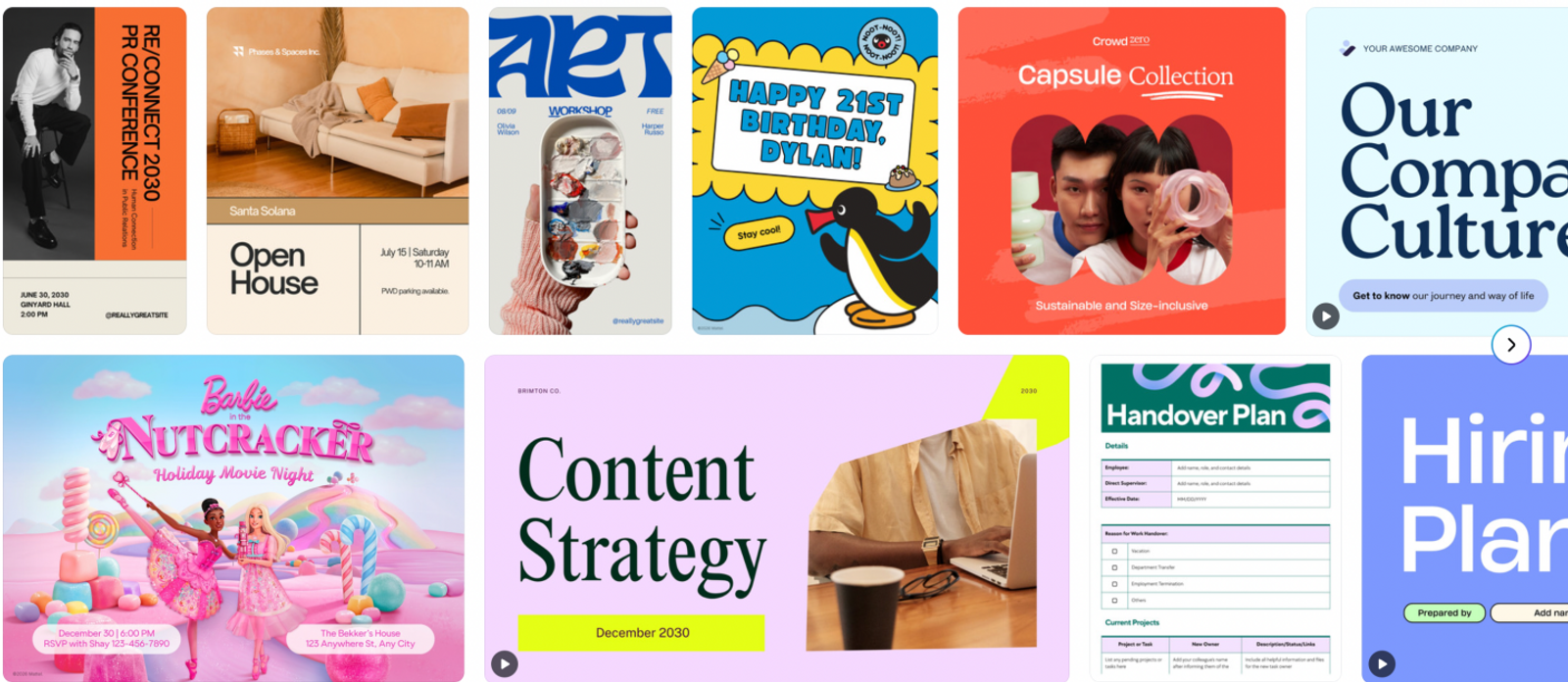
Canva represents the general-purpose design route. It brings together general templates, direct social publishing, team brand kits, and built-in AI tools. It is ideal for scheduled social feeds or multi-member marketing teams that need consistent templates across various formats.
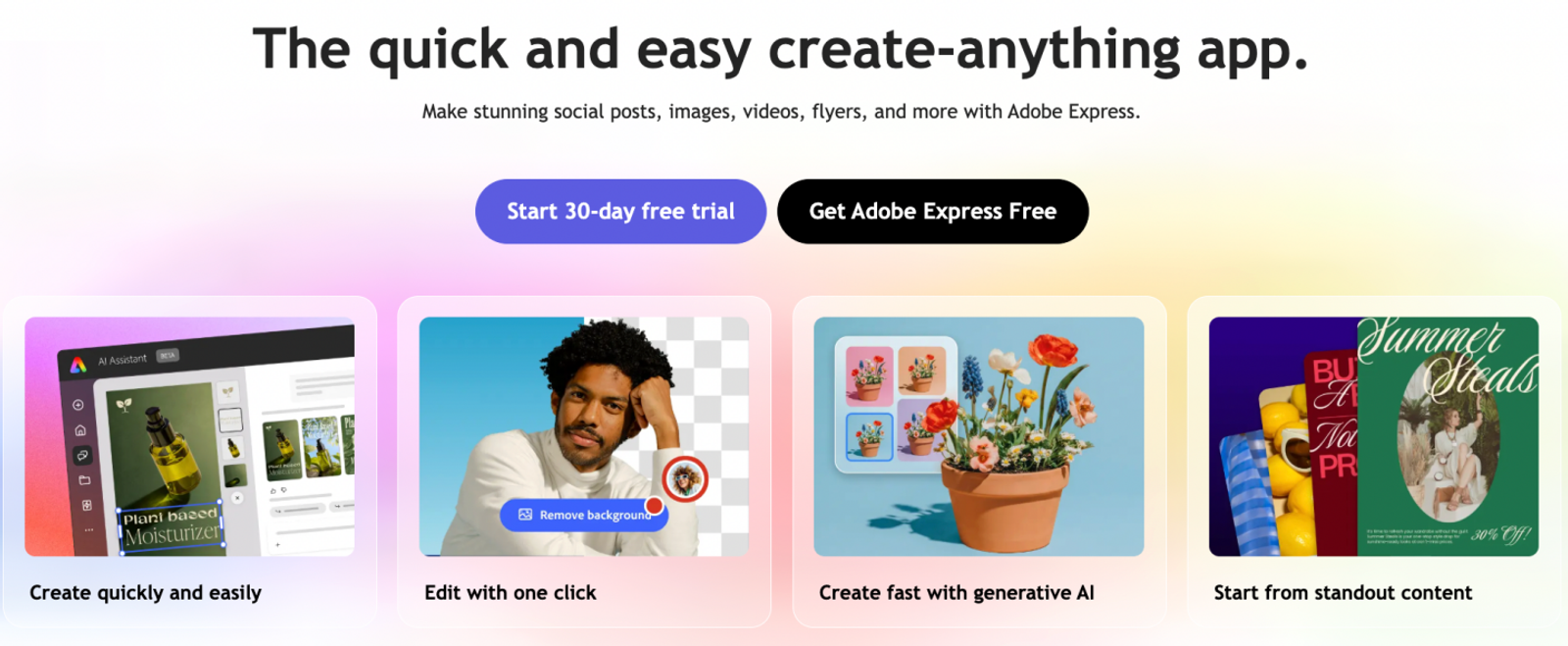
Adobe Express serves as a fast-turnaround creative engine for social posts, graphics, simple videos, and promotional flyers. Key features include one-click resizing, shared brand kits, cloud collaboration, and seamless desktop-to-mobile sync. If your team manages multiple standard marketing formats each week, Express keeps campaigns uniform. However, for specialized text warps, adjustable drop shadows, and delicate path edits, Kittl offers significantly more creative control.
Decide between Canva and Adobe Express based on your existing software stack. Teams needing broad marketing collateral should look here rather than forcing a mockup tool into a role it wasn't built for. Keep Kittl as your primary engine whenever stylized typography and intricate vector art take center stage.
Mockey and Placeit for mockup-led workflows
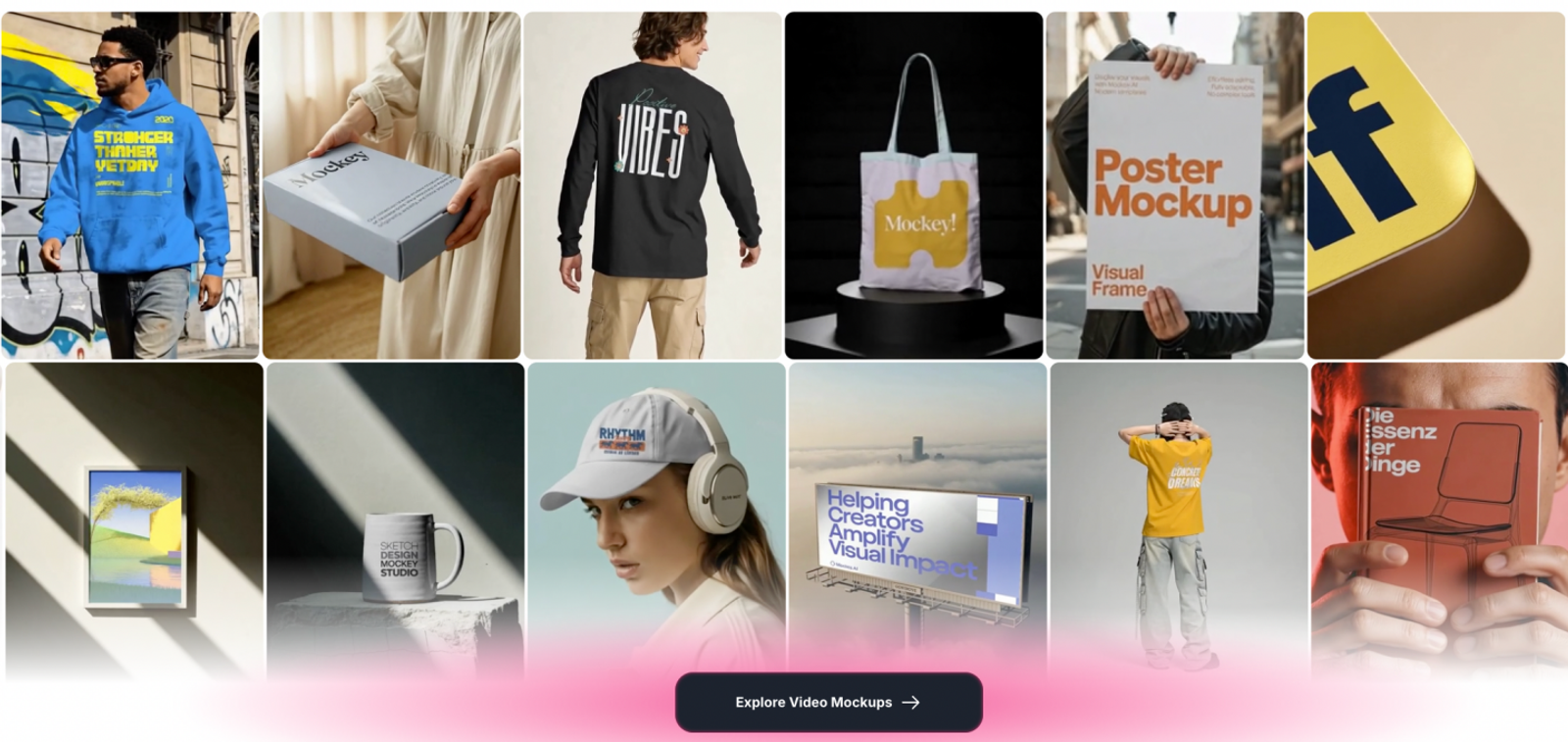
Mockey provides the most direct workflow for mockup-heavy eCommerce catalogs. It lists more than 30,000 mockup templates, bulk generator tools, eCommerce ad presets, and dedicated integrations for Shopify, Figma, and Etsy. Mockey stands out when your primary task is dropping flat graphics into realistic, repeatable product photos.
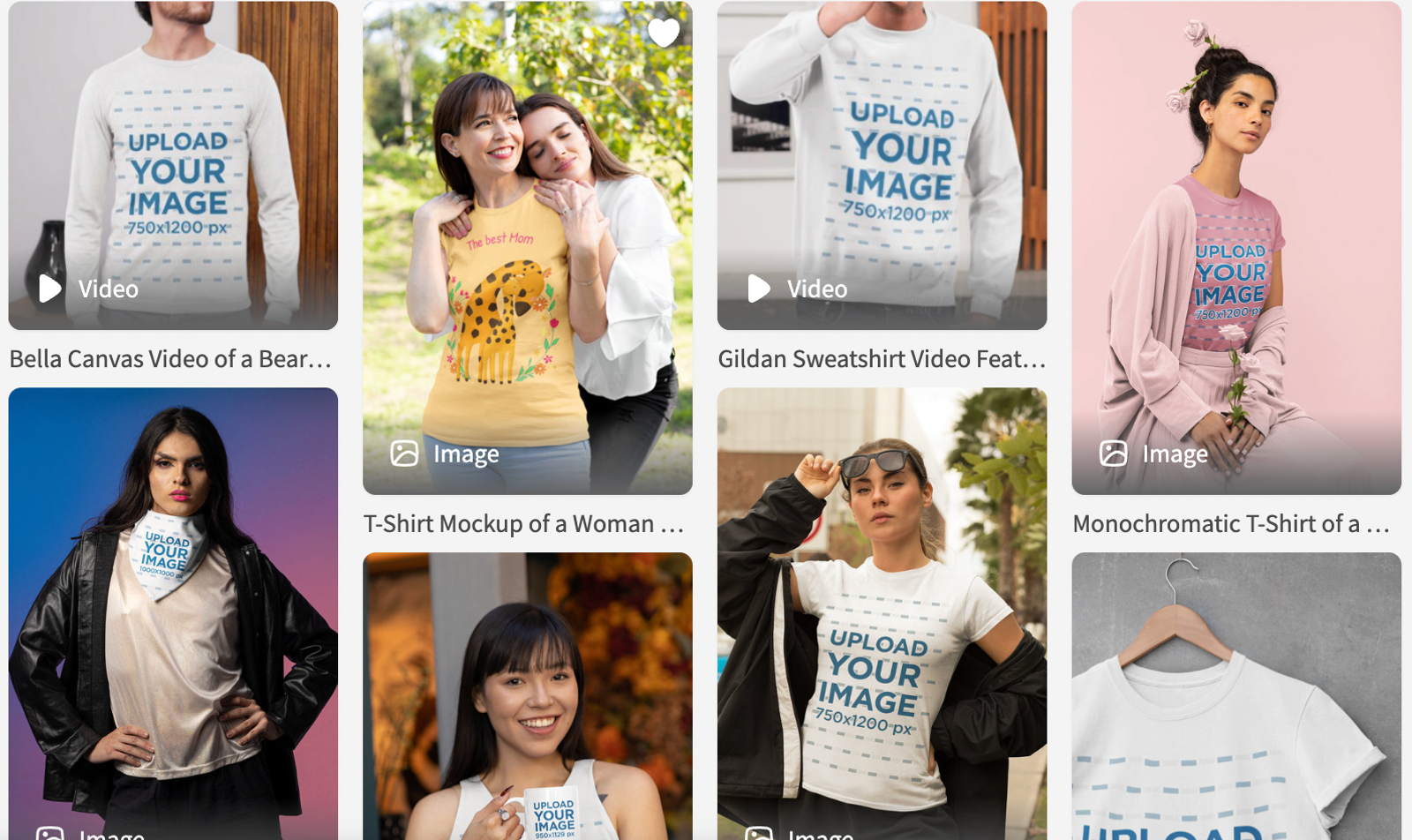
Placeit provides a broader creative library. Its catalog includes mockups, graphic designs, logos, and animated video templates, backed by more than 100,000 assets. Its annual subscription includes unlimited downloads, full commercial licensing, and high-resolution exports. This makes Placeit cost-effective for brands that need high volumes of ready-to-use creative assets, though you will still want a dedicated editor for custom typography.
Mockey is the practical choice for automated listing mockups and shop integrations. Placeit is better when you need an extensive asset library spanning logos, apparel, and video clips. Kittl remains superior for original typographic design.
Wizstar for product images and marketing videos
Wizstar serves as an alternative when your focus shifts from graphic layout to AI-driven product marketing. The platform processes text prompts, product photography, live storefront URLs, voice tracks, and scripts. It delivers studio-grade product photos, animated product clips, social video ads, digital avatars, and automated multilingual dubbing.
Understanding this division of labor is important. Wizstar converts raw product inputs into polished visual ads and social video assets. However, it is not built to replace Kittl’s vector styling, curved typography, or print layout tools. In a professional workflow, creators often combine them: generate the product imagery in Wizstar, then import it into a design suite for typography and branding.
Wizstar’s plans include export without watermarks, up to 4K resolution rendering, automated multi-language video localization, and commercial rights under its service terms. Use Wizstar to generate your core commercial media, then rely on Kittl for text-heavy packaging and typography-led deliverables.

Compare representative plans in USD
The plans below match the needs of solo creators and growing brands balancing vector editing, routine social content, mockups, or AI product generation. We compare entry-level commercial tiers rather than enterprise plans. All prices are in USD; annual options reflect monthly equivalents, while Adobe Express reflects monthly billing alongside its 12-month calculated total.
| Representative plan | USD cost and billing | Relevant capacity and value |
| Kittl Pro | $12/month equivalent; $144/year | 2,000 AI tokens/month; advertised up to 400 images or 20 videos, depending on model. High-resolution exports and commercial licensing support design and mockup work. |
| Canva Pro | $12/month equivalent; $144/year | Five Brand Kits, premium templates and assets, and a shared monthly AI allowance. AI consumption varies by tool and model; there is no single image-equivalent quota. |
| Adobe Express Premium | $9.99/month, billed monthly; $119.88 for 12 months | 250 generative credits/month, premium templates, 30,000+ fonts, resizing, and scheduling to three accounts per social network. Credits are distinct from template exports. |
| Mockey Starter | $49/year; about $4.08/month | Unlimited mockup downloads, bulk downloads, PNG and PSD options, commercial use, and 600 AI credits/year. Unlimited downloads do not mean unlimited AI operations. |
| Placeit Unlimited | From $7.47/month equivalent, billed yearly | Unlimited downloads across mockups, designs, logos, and video templates, with commercial usage. This buys library access rather than a generative-credit allowance. |
| Wizstar Starter | $16/month equivalent; $192/year | 1,310 credits/year shared by images and videos. Illustrative capacity: 218 Nano Banana 2 1080p images at six credits each, or 21 ten-second MiniMax H3 720p clips at six credits/second. |
If your team produces continuous social content and resized collateral, Canva and Adobe Express offer well-rounded utility across templates, editing, and scheduling. Express saves $24.12 over 12 months compared to a standard $144 annual plan while keeping flexible month-to-month billing. Kittl justifies its pricing whenever advanced typography and path manipulation take priority; raw AI generation counts alone do not capture its design utility.
For online store owners producing repetitive product views, Mockey’s $49 annual plan delivers remarkable value if its apparel and package library matches your catalog. Placeit fits creators who also rely on recurring logo templates and quick video intro clips. While both provide high-volume downloads, their static libraries serve a different purpose than custom generative AI tools.
Wizstar’s $192 annual budget fits campaigns requiring generated product images and short videos. For example, 100 images and ten ten-second clips at the rates above consume 1,200 credits, leaving 110 for further work. Choose it for that media-production stage; retain a design editor when typography or vector revisions drive the deliverable. Its higher subscription price is worthwhile when both media formats are recurring needs.
How to build your production stack
Rather than hunting for a single tool that handles every phase of content creation, experienced production teams divide their stack by output type:
- For POD apparel, posters, and vector branding: Retain Kittl as your primary typography engine to ensure text paths, editable shadows, and SVG/PDF vectors stay production-ready for factory printing.
- For recurring multi-channel social posting: Use Canva or Adobe Express to streamline rapid template resizing and collaborative scheduling across team members.
- For bulk eCommerce catalog mockups: Integrate Mockey or Placeit to place existing artwork onto apparel and merchandise scenes with low overhead.
- For AI commercial photography and video ad reels: When the immediate roadblock is turning raw product links or photos into dynamic ad visuals, build that media layer in Wizstar. You can generate high-resolution studio stills or video clips, then bring them into Kittl or Express for typographic overlays and brand locks.
Audit the asset that consumes most of your team's weekly hours. If your bottlenecks lie in product media rather than vector lettering, test Wizstar's product video and image workflows to streamline campaign creative from the start.
FAQ
- Is there a free alternative to Kittl?
- Yes, several Kittl alternatives provide free tiers. Your choice should depend on what you need to create: a routine social template, an eCommerce product shot, or a complex vector illustration. Always verify commercial licensing and export resolution on free tiers. When producing client work, physical merchandise, or paid advertising, review the platform's current commercial terms before starting.
- What should I check before using a Kittl alternative for commercial projects?
- Check the plan's commercial licensing scope, output resolution limits, and usage terms for AI-generated assets. Wizstar includes commercial usage rights under its general terms, whereas Kittl uses plan-level commercial licenses. Always confirm the exact licensing tier for your intended output before launching client campaigns, printing apparel, or running paid media.
- Can Wizstar make product mockups or product visuals?
- Yes. Wizstar generates realistic product scenes from clean product photos, store URLs, written prompts, scripts, or audio files. Consider whether you need an isolated product asset or a complete graphic layout. If your asset requires text along a curve, vector branding, or strict typography placement, finalize those elements in a dedicated graphic editor like Kittl.
- Can Wizstar replace Kittl for product marketing?
- Yes, for the product media generation phase. Wizstar is an effective starting point when your immediate deliverable is an eCommerce product photo, video ad, or short social clip built from product assets. You will still want a graphic design tool when your asset requires layered vector graphics, custom fonts, or detailed layout control.
- What export formats does Kittl support?
- Kittl's text effects and vector documentation specify PNG, JPG, SVG, and print-ready vector PDF exports with live effects intact. Pick the format your print partner or development workflow requires, and confirm how revisions will be handled. If evaluating alternative tools, verify export formats on the specific plan tier you are considering.
- How do AI credits affect Kittl and Wizstar output?
- Credits and tokens vary by plan and AI model. Wizstar calculates credit burn per model, video second, or image resolution, whereas Kittl provides a monthly token pool. Because each engine prices compute differently, avoid directly comparing raw token numbers across platforms. Focus instead on how many finished images or video seconds your monthly budget yields.