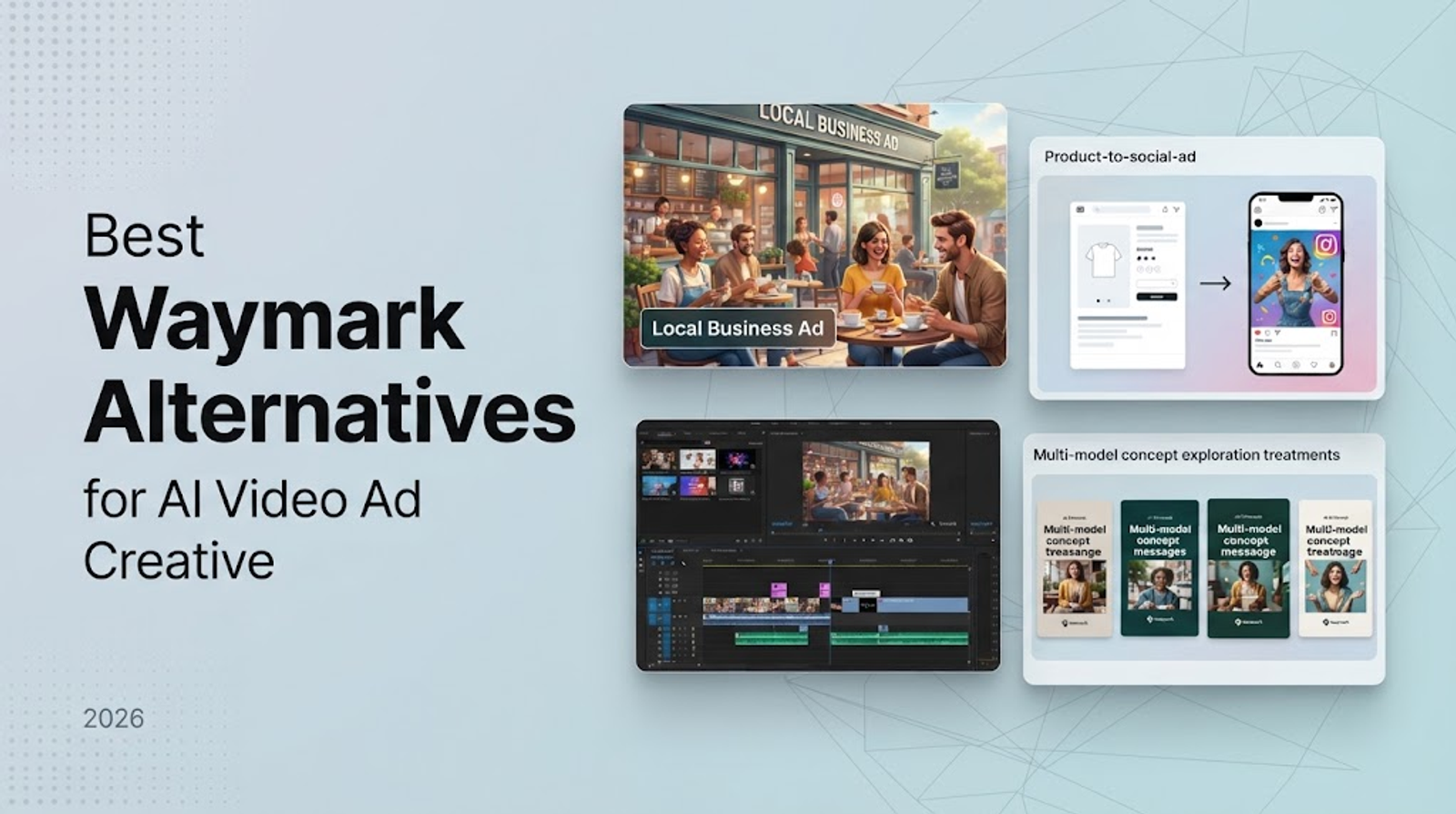
Best Waymark Alternatives for AI Video Ad Creative in 2026
The short answer: choose by the ad-creative workflow
For an AI video ad creative team, the choice comes down to two things: your starting input and your final deliverable.
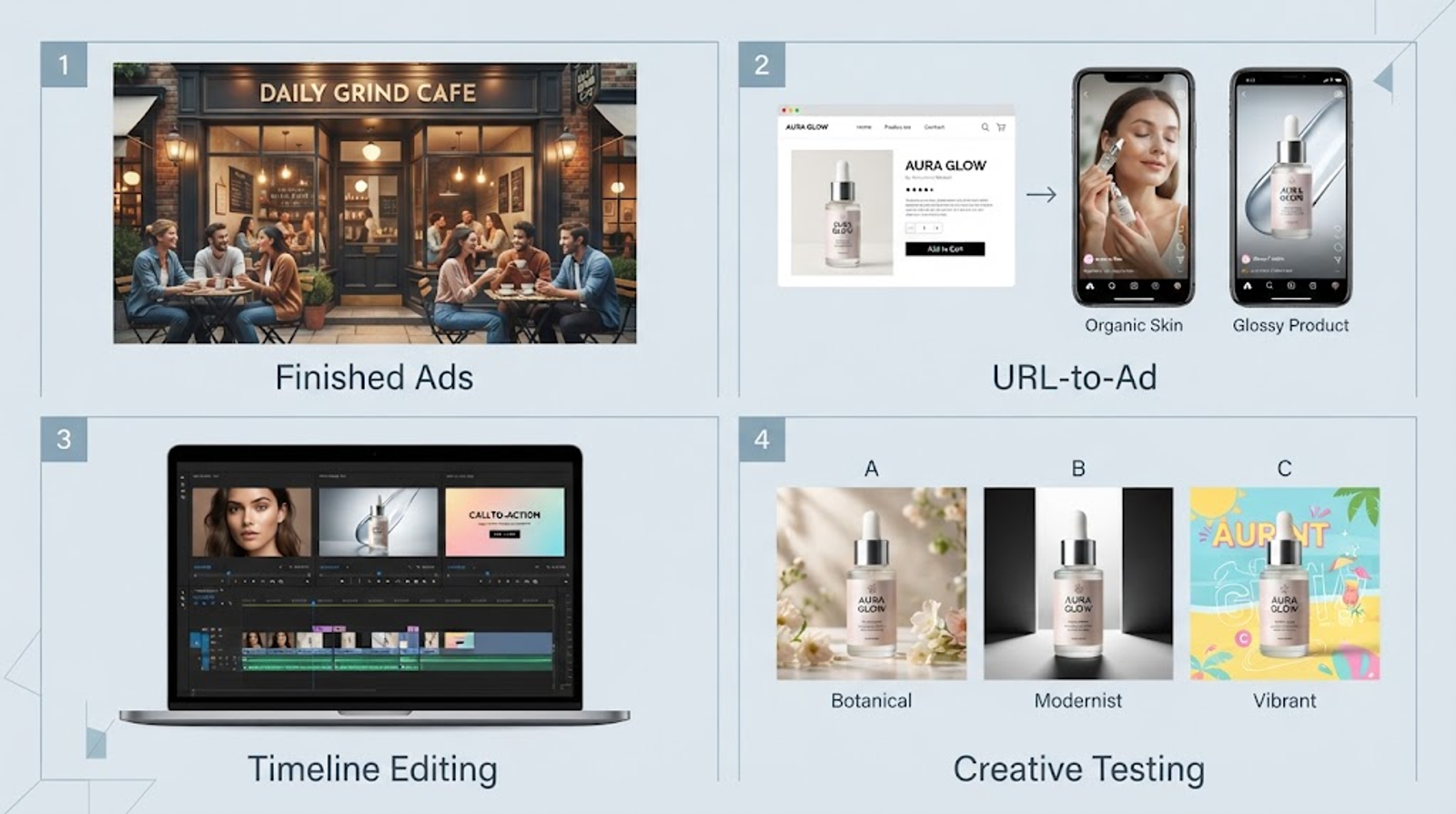
Waymark starts with a business website and is aimed at a finished local or broadcast-style ad.
Creatify starts with a product URL for URL-to-ad and UGC iteration.
InVideo is built around timeline edits and multi-format versions.
Wizstar is better suited to multiple models, mixed image and video assets, and concept or hook testing.
Define the creative scope and evaluation baseline
A useful comparison rule is simple: choose the workflow before you compare the price. AI video ad creative includes the concept, hook, script, visuals, voice, variations, aspect ratios, and final export. A common campaign workflow turns a single product page into several openings, tests multiple calls to action, translates winning variations, and prepares tailored files for different ad placements.
Pricing tells you how a plan is measured, but it does not show which ad will perform better on your specific assets or placement. Because of this, pricing pages alone cannot establish output quality or conversion performance.
Before reading the comparison table, answer two baseline questions:
What starts the job: a business website, a product URL, a creative brief, or an existing sequence?
What must the team deliver: a few finished ads, many creative directions, URL-based variations, or revised versions of an existing story?
These answers point to different tools and show which price unit matters. Download limits matter for finished-spot production. Shared credits matter when exploring many image and video options. Named-model examples matter when output depends on a specific model.
Functional comparison of Waymark alternatives
| Platform | Primary creative job | Input | Variation or testing | Main boundary |
| Waymark | Local and broadcast-style ads | Brand website and brand information | Variations, translations, edits | Less suited to model-led concept exploration |
| Creatify | URL-to-ad, UGC, rapid ad iteration | Product URL | Ad variations and testing workflows | Choose when URL/UGC work dominates |
| InVideo | Timeline-first, multi-format production | Natural-language and media inputs | Multi-shot edits and format versions | Less specialized around Waymark’s local workflow |
| Wizstar | Multi-model generation and ad concept testing | Image and video creative brief | A/B, concept, hook, and CTA testing | Not a like-for-like broadcast ad-sales system |
Evaluating the handoff:
Use this table as a workflow screen rather than a quality ranking. Your final evaluation should focus on the handoff: whether the platform outputs channel-ready downloads, creative variant sets, or editable sequences. If a tool aligns with your initial input and creative iteration style but fails at the handoff stage, it will introduce unnecessary cleanup work for your production team.
Creatify and InVideo: specialist alternatives for ad iteration and editing
Creatify for URL-to-ad, UGC, and rapid creative testing
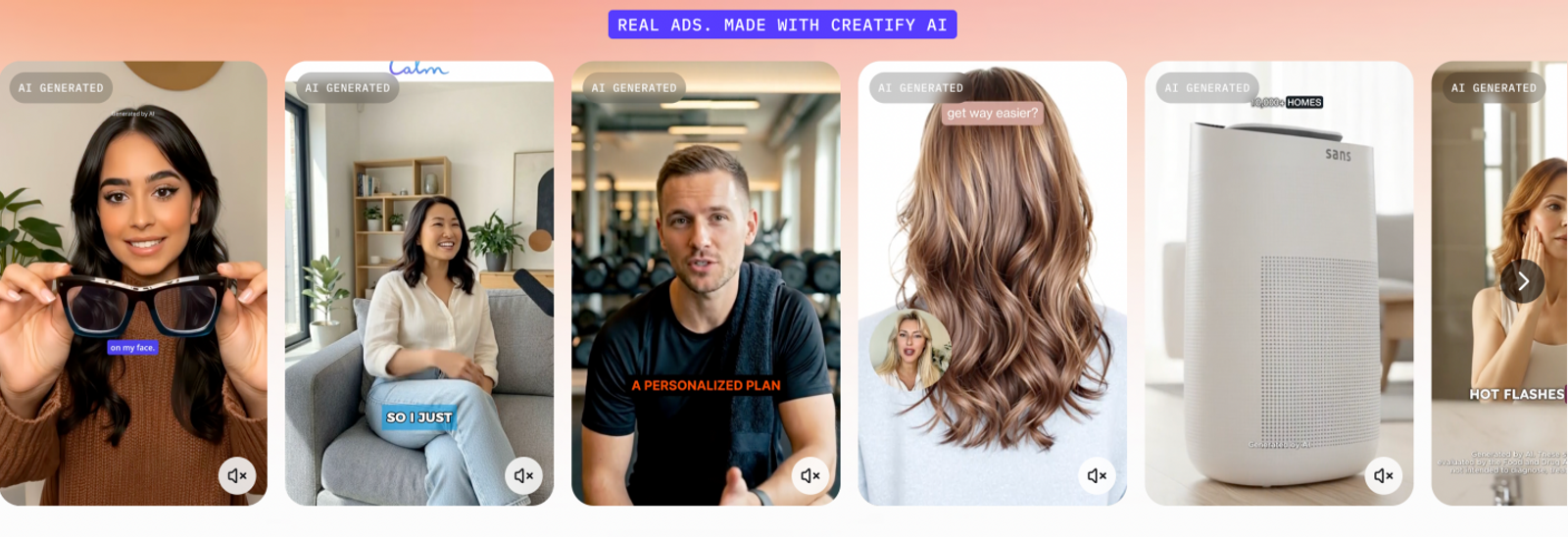
Creatify’s product positioning centers on AI Ad Agent workflows, URL-to-video ads, ad variations, competitor analysis, and UGC use cases. Choose it when a product page or store URL is the starting point and the team wants to iterate social ad concepts quickly, turning product or store URLs into social ad variations for further review.
InVideo for timeline editing, multi-shot revisions, and multi-format ad production
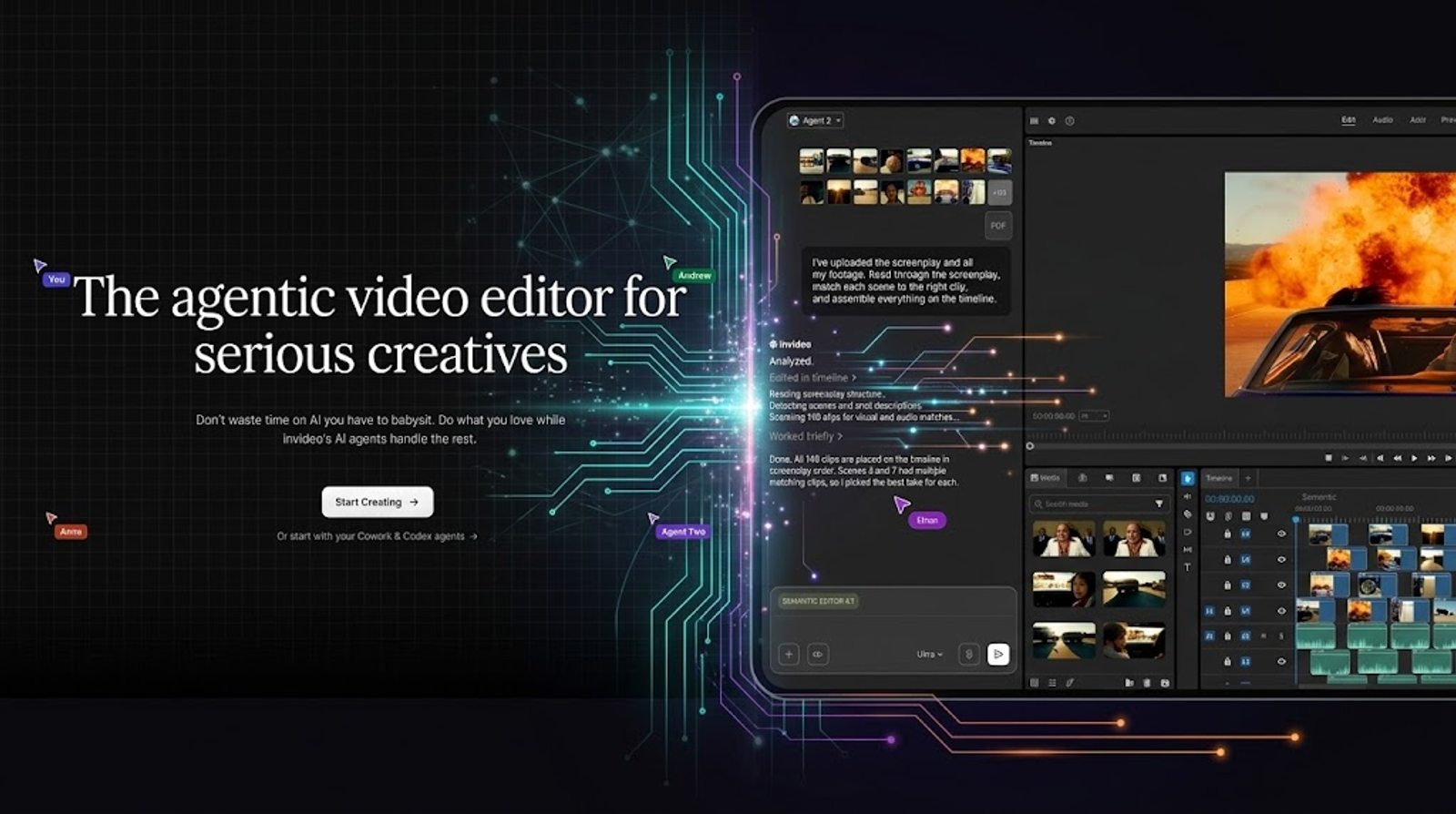
InVideo fits work that depends on editing an existing sequence. InVideo highlights natural-language editing, multi-shot batch edits, scripts, storyboards, and timeline work for ads and social content. Choose it when several scenes need revision and the team needs versions for different ad or social placements.
Wizstar: strongest when model choice and creative variation matter
Specialist tools like Creatify and InVideo excel when your pipeline is locked into a singular, well-defined loop—such as continuous UGC scaling or timeline trimming. However, the moment your brief requires pivoting between raw image generation, multi-model video synthesis, and complex hook testing, single-loop tools hit a ceiling. That is precisely when turning to a flexible platform like Wizstar becomes essential.
Cross-format flexibility
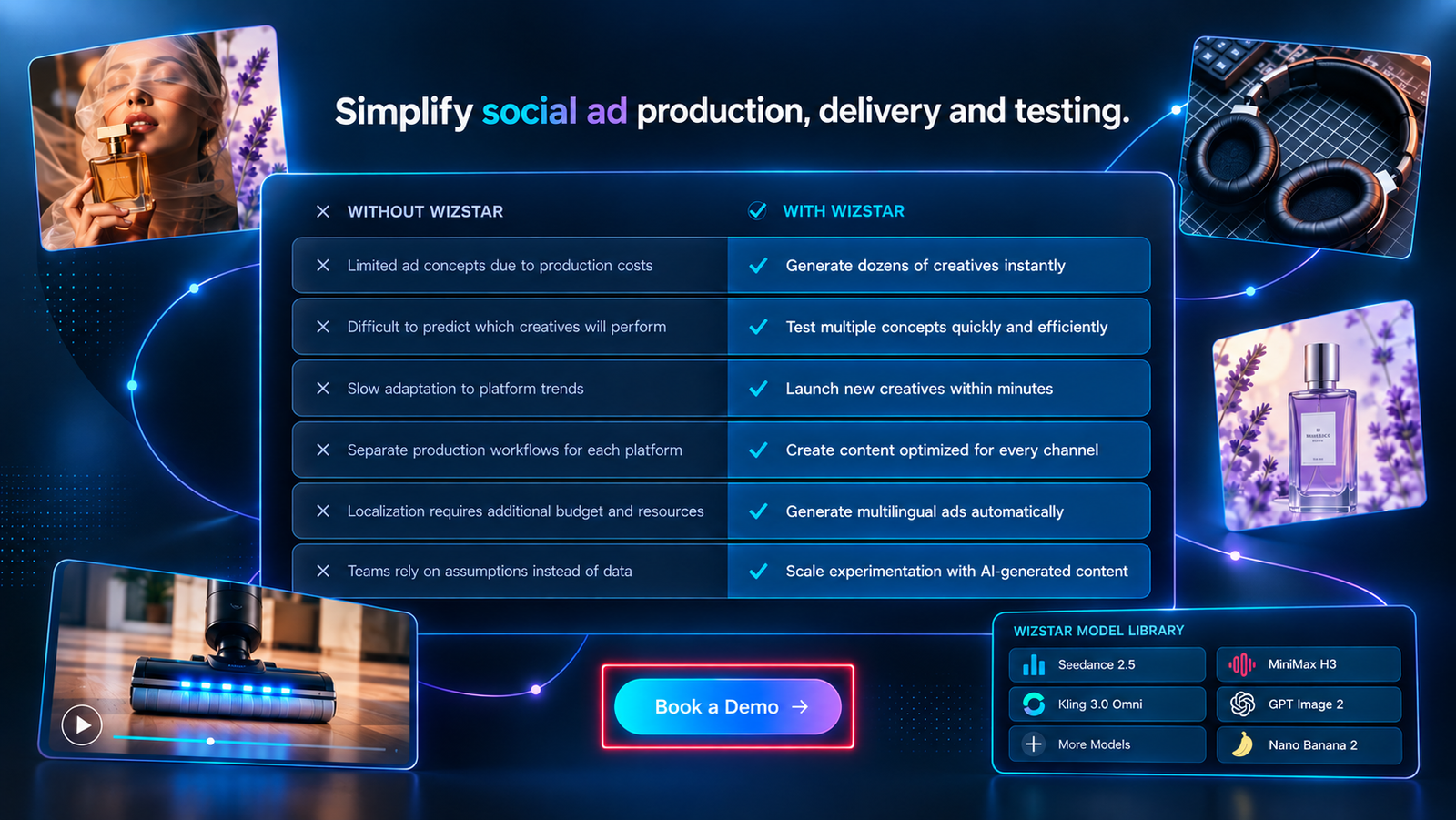
Wizstar’s clearest advantage here is flexibility across image and video creation. One creative workflow can support a product image, a short video variation, and another visual pass.
The platform lists top-model access, watermark-free exports, images up to 4K, and video translation into any language. Enterprise options include custom credits, security, and support.
Handling moving briefs
That flexibility matters when the brief is still moving. Wizstar’s Social Ads offering lists Creative A/B Testing, Video Concept Testing, Hook & CTA Optimization, AI Video Ads, and Localized Ad Campaigns. For teams comparing openings or CTA treatments, Wizstar is the first Waymark alternative to examine.
Understanding structural boundaries
Wizstar has a clear boundary in this comparison. It is a broader generation and testing platform, not an identical replacement for Waymark’s local broadcast ad-sales workflow, which starts with a business website and creates a branded video ad. When the job begins with a local business website and ends with a small number of broadcast-ready downloads, Waymark remains the direct fit. When the job begins with many creative directions, Wizstar is the stronger default.
Cost and Plan Notes for Ad-Creative Teams
| Platform / Plan | Displayed Price | Billing Basis | Included Allowance | Production Capacity & Meaning |
| Waymark Starter | $350/month | Billed annually; 1 seat | 2 final downloads/month | Two completed ad files available to download each month |
| Waymark Team | Starts at $1,125/month | Confirm with provider | Not publicly specified | Team tier; included download volume is not publicly specified |
| Waymark Enterprise | Custom | Custom terms | Custom allowance | Custom enterprise terms and capacity |
| Creatify Standard | $10/month | Billed annually | 55 credits/month | Credit balance; no universal paid conversion rate published |
| Creatify Pro | $38/month | Confirm billing terms | 280 credits/month | Credit balance; no universal paid conversion rate published |
| Creatify Max | $66/month | Confirm billing terms | 730 credits/month | Credit balance; no universal paid conversion rate published |
| InVideo Starter | $10/seat/month | Billed annually | 400 credits/month | E.g., 15 Seedance 2 Fast videos and 160 Nano Banana Pro image generations |
| InVideo Plus | $30/month | Confirm billing terms | 2,000 credits/month | E.g., 52 videos and 800 images in named examples |
| InVideo Max | $75/month | Confirm billing terms | 5,000 credits/month | E.g., 131 videos and 2,000 images in named examples |
| Wizstar Starter | $16/mo eq. ($192/yr) | Annual billing | 1,920 credits/year | Up to 32 videos or 436 images, varying by model |
| Wizstar Plus | $33/mo eq. ($396/yr) | Annual billing | 3,960 credits/year | Up to 67 videos or 896 images, varying by model |
| Wizstar Pro | $160/mo eq. ($1,920/yr) | Annual billing | 19,200 credits/year | Up to 326 videos or 4,346 images, varying by model |
Understanding Unit Variances:
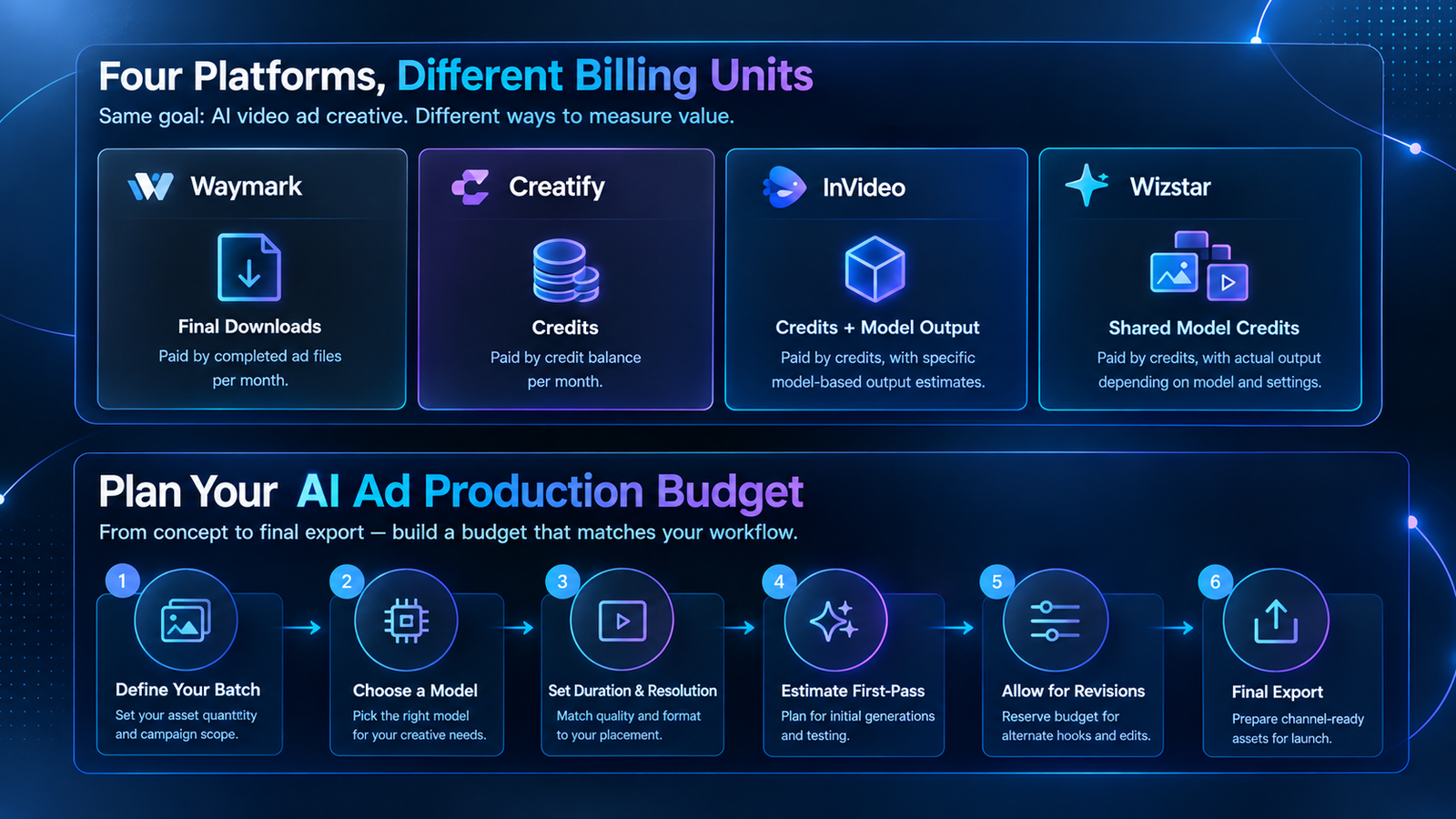
Platform metrics are not interchangeable. Waymark measures strictly by completed ad downloads. Wizstar utilizes shared model credits, such as Seedance 2.0 at 18 credits per second for 720p or 37 credits per second for 1080p, with top-ups available. InVideo ties output estimates to specific named models, while Creatify’s paid tiers do not publish a universal video-to-credit conversion rate beyond its free-tier baseline: 10 credits for up to two video ads or 20 images.
Critical Subscription Checks:
Upfront Commitments: Annual-equivalent monthly figures may be charged upfront; confirm the provider’s current billing terms.
Policy Verification: Always confirm tax application, credit expiration, rollover rules, and top-up costs before committing to a plan. Pricing pages were checked on October 26, 2026.
Translating Pricing Into Practical Creative Planning
When budgeting AI production tools, the key question is not which plan shows the lowest monthly figure. It is whether the billing unit matches the work your team actually repeats.
Waymark is straightforward to budget when your pipeline targets a small number of finished ad files.
Creatify provides a low entry barrier for URL-to-ad and UGC exploration, but its paid credit balances require project-specific forecasting.
InVideo’s output examples are most reliable when its named models directly fit your pipeline.
Wizstar offers greater freedom to iterate between image and video concepts, though your budget must reflect the specific models and resolutions you deploy.
Staging your production budget
A practical budgeting approach is to stage the production budget. Define your asset batch first, then lock down the model, duration, resolution, and output format. Estimate first-pass generations separately from revisions, alternate hooks, and final exports. This prevents exploratory testing from burning through the capacity reserved for client-ready deliverables.
The ultimate decision rule
The resulting decision rule is simple: compare Waymark by finished downloads, Wizstar by credits under your exact generation settings, Creatify by your required volume of URL or UGC testing, and InVideo by the named-model scenarios matching your workflow. This gives your creative team a far more reliable planning basis than a generic lowest-price ranking.
Note:
AI model efficiency and pricing structures change frequently. Always verify current credit consumption rates, rollover rules, and upfront terms directly on the provider’s official pricing page before committing your budget.
Conclusion: choosing the right AI video ad stack
When you map these platforms together, the choice comes down to your production bottleneck and delivery handoff. If your pipeline runs on local brand assets and requires broadcast-ready exports, Waymark remains the most direct fit. If your workflow demands URL-based social ad iteration or timeline editing, Creatify and InVideo handle those jobs efficiently. But for teams navigating fluid briefs, mixed-media assets, and multi-model creative testing, Wizstar’s Social Ads platform provides flexibility for that workflow.
To take the next step, align your budget with your team’s native output units—whether that means final downloads, shared generation credits, or named-model examples. If you are ready to test multi-model concept variations for your next campaign, explore Wizstar’s AI video tools to start building your ad creative today.
FAQ
- Is Wizstar free, and how do I claim free credits instead of using Waymark?
- Yes—Wizstar’s pricing page offers a free tier with 20 starting credits, whereas Waymark’s pricing page lists paid plans with a seven-day trial. To claim Wizstar’s free allocation, open the official pricing page, select the free signup option, and create an account. The page does not list a separate coupon code or manual application process.
- Is Wizstar a good Waymark alternative for local business video ads?
- Yes—Wizstar’s Social Ads platform can be a strong alternative for teams seeking creative control, multi-model flexibility, and mixed image and video assets. Waymark is more focused on creating branded ads from business website information, while Wizstar supports concept testing, hook optimization, and creative variations. Choose Wizstar when the campaign requires multiple directions rather than one finished ad workflow.
- Is Wizstar cheaper than Waymark for AI video ad creative?
- No—Wizstar is not universally cheaper because its shared-credit plans and Waymark’s download quota measure different outputs. Waymark Starter is priced at $350 per month when billed annually and includes two final downloads per month, while Wizstar annual plans use shared credits for image and video generation. Compare expected finished ads, model, duration, and resolution before treating either price as a saving.
- Can Wizstar and Waymark translate ads into multiple languages?
- Yes—both support multilingual video localization, but their documented coverage differs. Waymark’s Multilingual Translations feature lists English, Spanish, French, German, Italian, and Portuguese. Its Variations feature can also create versions in different languages, aspect ratios, and lengths for TV, social, and streaming. Wizstar’s AI Video Translation tool supports 99 source languages and 70+ target languages, with lip-sync plus audio translation or audio-only translation modes. Waymark’s pricing page lists language translations under Team features, so confirm plan access before purchase.
- Why did my AI video ad use more credits or fail to export?
- No single fix applies to every platform. Check the selected model, duration, resolution, output quantity, remaining credits, seat or download limits, and export settings first. Review the current Wizstar pricing information and Waymark plan terms, then save the prompt and source assets if you contact support. Confirm how failed generations are billed because providers may handle them differently.