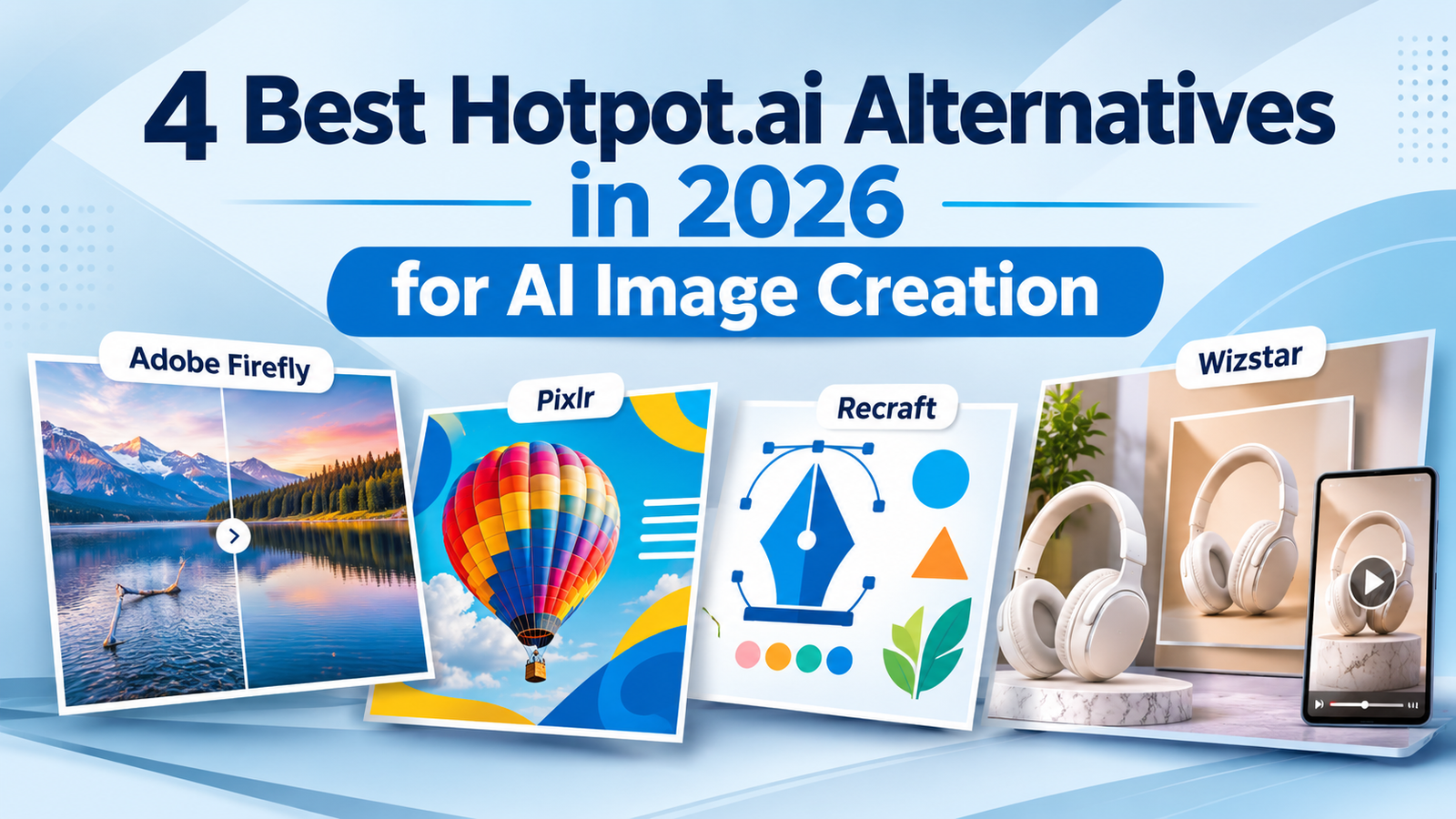
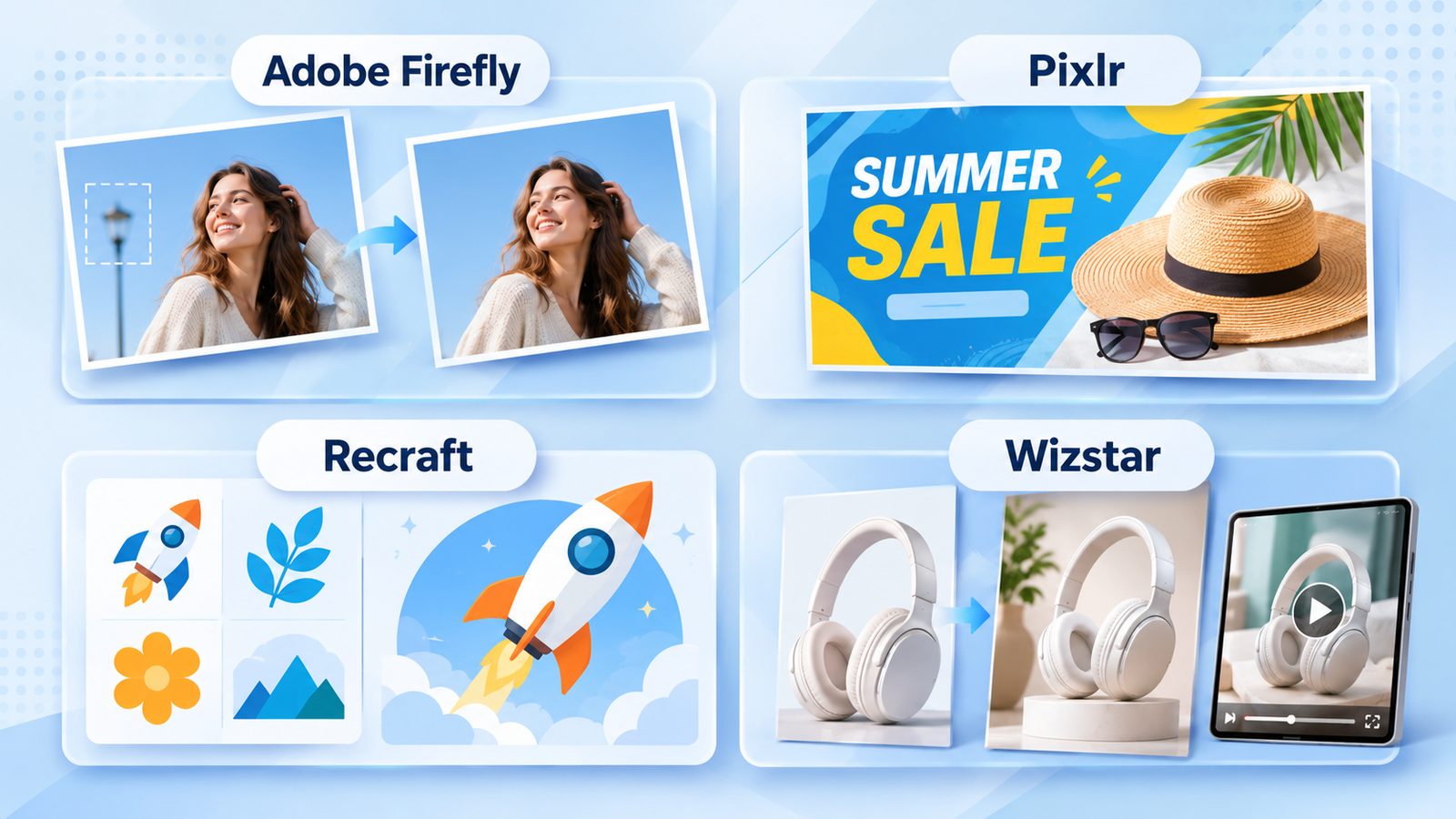
The best Hotpot.ai alternative comes down to the specific asset you need to deliver. Choose Adobe Firefly for precise local image edits, Pixlr for marketing graphics with typography and layout templates, Recraft for scalable vector files, and Wizstar for multi-format product imagery and video. In real-world production, the usability of the final file matters far more than an eye-catching headline credit balance.
A raw AI generation often still needs a clean background, legible promo copy, or an editable illustration format. Each of those needs requires a completely different toolset. The most practical way to compare alternatives is to evaluate how each platform's controls handle that remaining post-generation work, and then see whether their credit tiers fit your monthly output.
Which Hotpot.ai alternative matches your workflow?
Hotpot already covers generation, image editing, graphic design, and video. Replacing it requires a clear, practical reason: a missing precision control, a smoother layout environment, a non-raster export format, or a dedicated ecommerce workflow.
Use the unfinished stage of your current pipeline to narrow down the shortlist.
| Your main need | Alternative | Relevant functions | Why it fits the job |
| Correct part of an image | Adobe Firefly | Generative Fill; standard image generation | Make local changes around an existing composition |
| Finish a promotional graphic | Pixlr | Express editing; templates, fonts, elements | Combine an image with type and graphic structure |
| Build reusable illustrations or icons | Recraft | V3 Vector; Vector Editor; SVG/PDF; saved palettes | Produce scalable assets for repeated design use |
| Develop product content in several formats | Wizstar | Product photos and prompts; listing/poster visuals; eraser, upscaler; image/video options | Address several creative jobs around a product |
This shortlist separates local touch-ups, graphic layout, scalable vector creation, and multi-format product content into distinct jobs.
An approved image that still needs a discount badge is a layout task. A set of brand icons destined for responsive web pages and print decks is an asset-format task. In the first scenario, you want to keep the original visual intact while laying down text; in the second, you need clean vector geometry you can scale infinitely. Applying identical buying criteria to both will steer you toward the wrong platform.
Compare US pricing and output budgets
These monthly subscriptions provide a standard baseline for ongoing financial commitment and expected generation volume.
| Tool / plan | Monthly US price / billing | Included allowance | Example generation budget |
| Hotpot monthly | US$10; two-payment minimum | 1,000 credits | 100 Photo General 1 Standard images |
| Adobe Firefly Standard | US$9.99 monthly | 2,000 credits; standard image features included | 100 Image 4 Ultra images |
| Pixlr Premium | US$9.99 monthly | 1,000 AI credits | 1,000 FLUX.2 Klein 9B images |
| Recraft Basic | US$12 monthly | 1,000 credits | 500 V3 Vector or 1,000 V3 raster images |
| Wizstar Starter | US$10.99 first month; US$18.05 renewal | 1,310 credits | 327 Nano Banana 2 Lite 1080p images |
Because each platform prices its underlying models differently, treat these generation numbers as workload estimates rather than direct indicators of quality.
Adobe Firefly: refine an image without rebuilding the whole composition
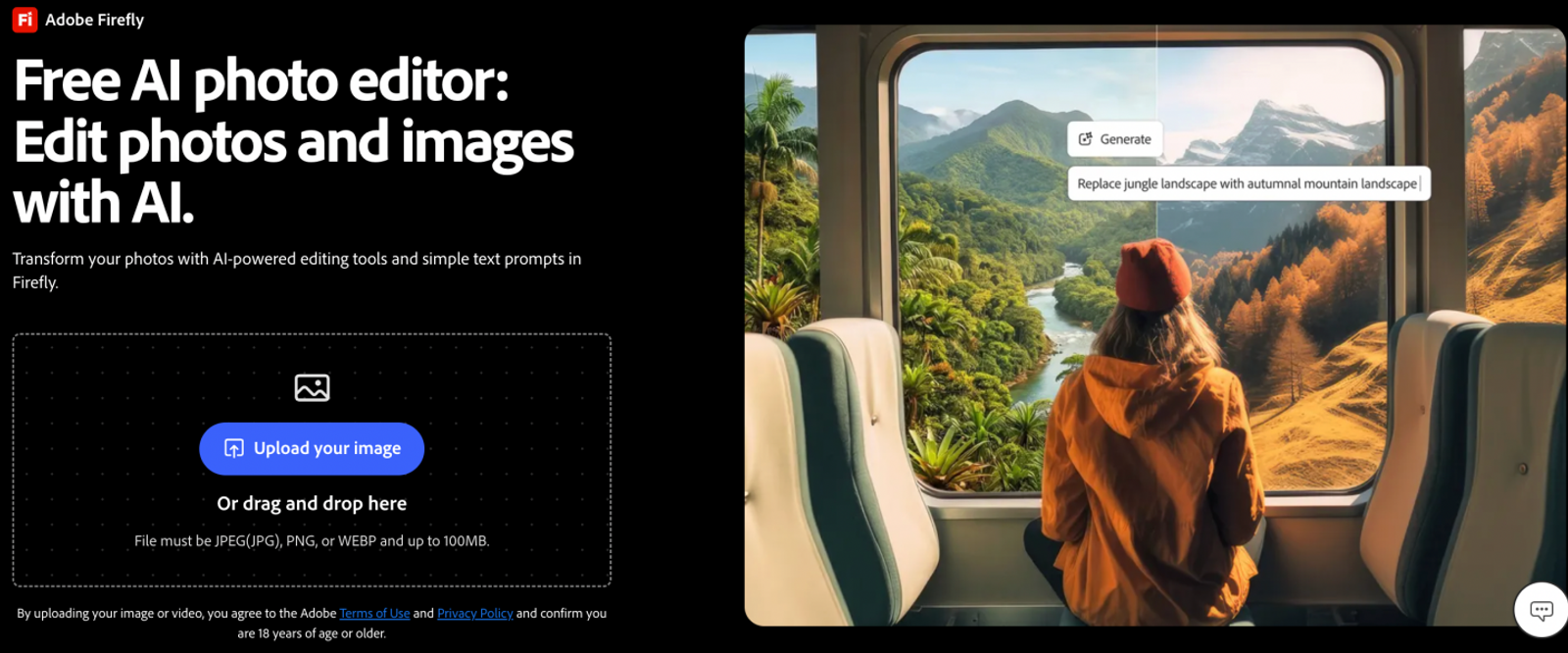
Adobe Firefly excels at localized correction through Generative Fill: it modifies selected pixel regions while preserving the lighting, perspective, and framing of the original image. This makes it an ideal pick when the foundational composition is already approved, but specific elements—like a background element or an unwanted prop—need fixing.
Take a hero campaign banner where the subject's pose is spot-on, but an artifact behind them distracts from the focal point. Brushing over that area lets you address the flaw directly. You evaluate the change against the established composition, avoiding the risk of rerolling a new generation and restarting the creative review process from scratch.
When fine-tuning established visuals is the priority, Firefly is the natural first choice. Look closely at what needs fixing: if a targeted adjustment completes the deliverable, run an inpainting pass. Starting over with a completely new text prompt makes sense only when the core structure or perspective of the original picture fails. Firefly’s primary operational strength is that it builds on decisions you have already finalized.
For steady editing work, the Standard tier runs US$9.99 monthly. Paid plans include unlimited standard image generation, subject to fair-use rate limits. Metered credits apply mainly to premium checkpoints and partner models, while core tools within Graph also draw down the balance. Lean on standard features whenever possible, reserving your 2,000 monthly credits for tasks that genuinely require higher-tier engines.
Pixlr: finish the graphic after generating the image
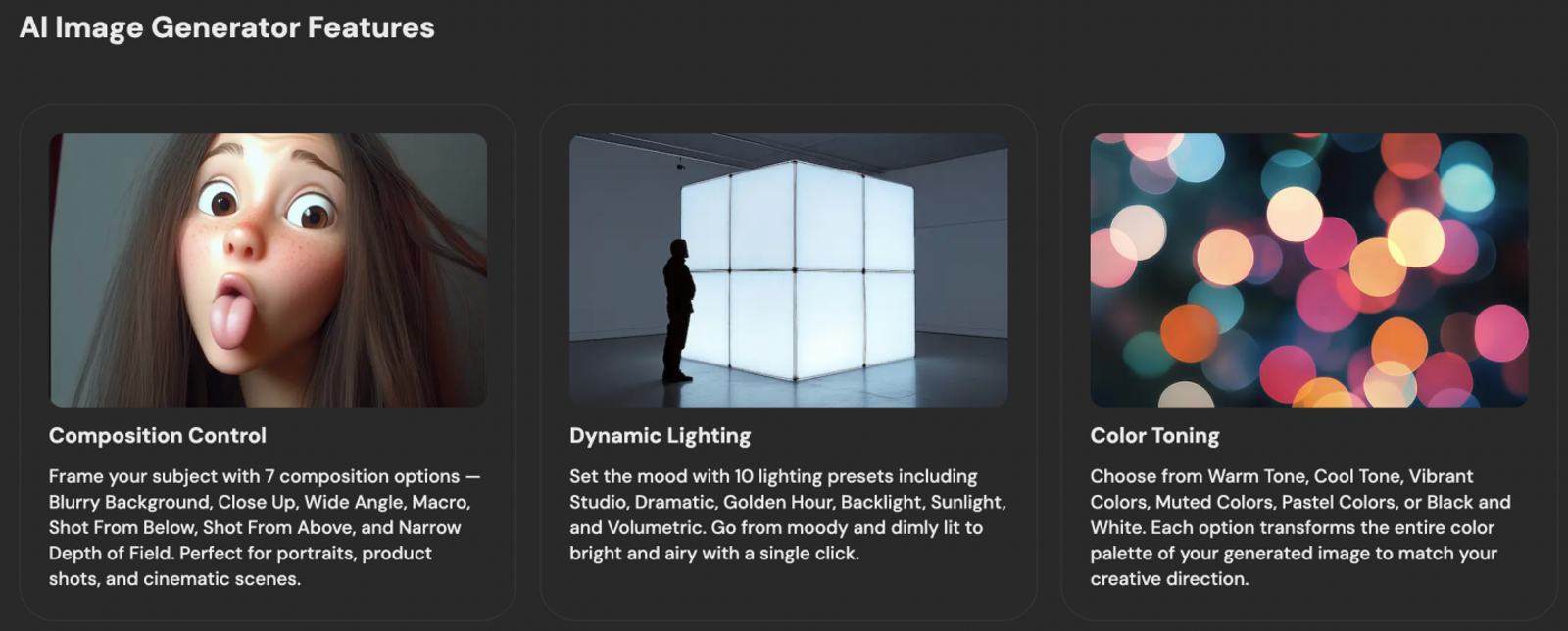
Pixlr bridges the gap between text-to-image synthesis and layout design. Through its AI image generator, users can send new generations directly into Pixlr Express for secondary editing. This means a base visual can immediately become the canvas for promotional banners that require promotional copy, discount badges, and brand framing.
When designing a seasonal promo asset, generate your hero visual first, then use layout guides to separate the headline, secondary details, and call to action. Pre-built templates provide immediate structure, typography tools help establish visual hierarchy, and stock vectors balance out the margins. These integrated tools take over where pure image models stop.
Pixlr is best suited for workflows that end in finalized promotional banners rather than standalone stock photos. Commercial marketing creatives must communicate clear offers, not just display eye-catching scenes. Having prompt generation and canvas typography within one tab cuts out tedious file exports. The real value of Pixlr Premium lies in those secondary design utilities.
[The entry Plus tier is US$2.49 monthly](https://pixlr.com/pricing/) with 80 AI credits, while Premium is US$9.99 for 1,000 credits valid for 30 days. Plus works well for light, ad-hoc touch-ups where full tool access is not required. Premium is worth the step up if you generate regularly or rely heavily on its library of premium fonts, templates, and overlay elements to finalize your graphics.
Recraft: create reusable vector assets and palette-led graphics
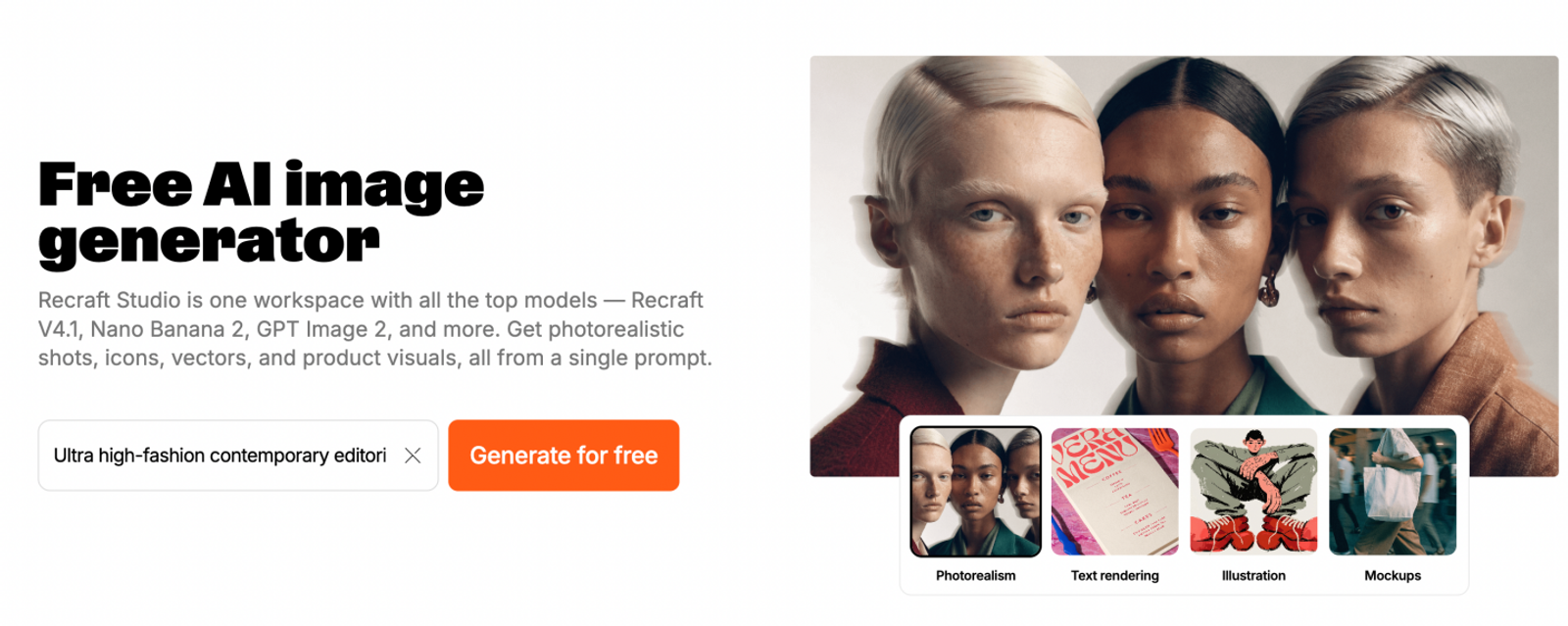
Recraft is engineered specifically for production design workflows that require scalable vector graphics. It integrates both native vector generation and a dedicated Vector Editor across all Studio tiers. With support for clean SVG and PDF exports, the platform makes technical format decisions a central part of the prompt process.
Consider an illustrated character intended to appear on a mobile UI, a pitch presentation, and oversized trade show signage. Generating it as a native vector lets you adjust anchor points, clean up paths directly in the Vector Editor, and export crisp SVGs that never degrade when scaled up. You walk away with an editable design asset, not a flat raster file locked to a fixed pixel grid.
Paid tiers also enable you to create and save custom color palettes for generation. When building icon sets or editorial illustrations, a shared palette enforces visual harmony across the entire collection. While it does not guarantee exact CMYK ink-match tolerances, it ensures reliable thematic consistency. Recraft stands out for uniting vector scalability, node editing, and systematic palette management in one place.
Under the V3 Vector rate, the [US$12 monthly Basic tier](https://www.recraft.ai/pricing) accommodates up to 500 vector requests, while the US$20 Pro plan scales to 1,000. Start on Basic to see how many iterations your style exploration requires, then upgrade to Pro if your monthly pipeline demands it. Since monthly subscription credits do not roll over, pick a tier that matches your active production requirements.
Wizstar: build product visuals with image and video options
Wizstar is tailored for ecommerce and product-marketing pipelines that produce assets across multiple visual media. Its product-image workflow combines clean packshots with concise prompts to generate isolated product photography, commercial posters, and marketplace listing visuals. Built-in image-to-video tools extend these assets into motion, letting you draft social video concepts from the same base imagery.
A multichannel product drop typically calls for a white-background marketplace hero image, an lifestyle poster for social channels, and an eye-catching motion loop for paid ads. You start with a real product photo and define the commercial context through prompt controls. Treating each visual as a separate format deliverable keeps the campaign cohesive, using the physical product as the unifying anchor.
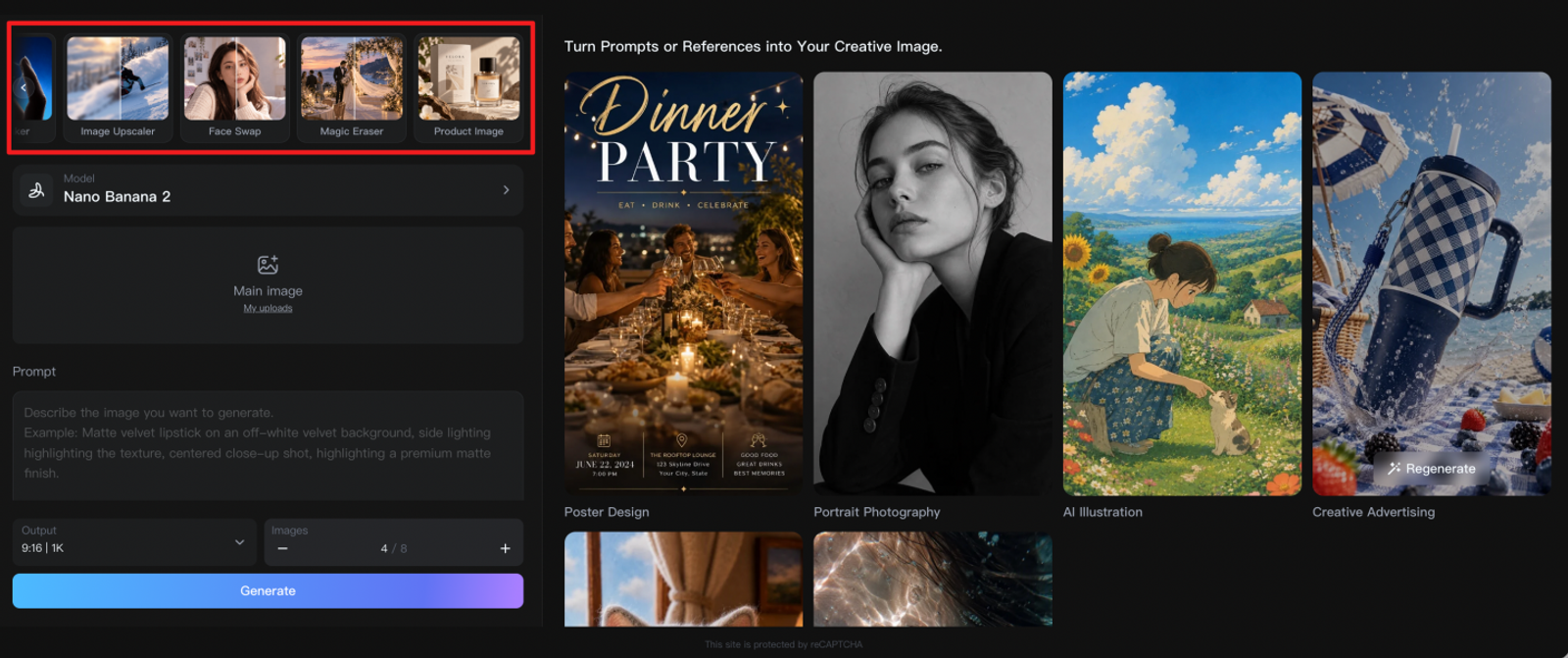
The platform's general image workspace includes a Magic Eraser to remove background distractions and an Image Upscaler to sharpen resolution for high-DPI displays. If a visual contains an unwanted reflection, clean it up; if an asset needs to hit print or desktop banner specs, upscale it. Wizstar fits best when you need to turn raw product photography into varied, channel-ready creative packs. As a best practice, verify how accurately the platform preserves product logos, packaging typography, and silhouettes on a small batch of test assets before committing to a full catalog run.
The Starter tier runs US10.99 for the initial month and renews at US18.05, providing 1,310 shared credits. Calculate your monthly project costs against the renewal rate, factoring in test runs, motion clips, and upscaling passes. The plan makes commercial sense when you actively produce both static and animated product assets and your total monthly volume fits within that credit allocation.
Choose the tool that can finish your next asset
Before committing to a monthly subscription, run a controlled production test. Pin down the exact asset your current project needs, the source files you have the rights to use, the technical file specifications required by your target channel, and the revision buffer you will need. Run that same creative brief through the candidate platform, and evaluate the criteria that actually impact delivery: identity retention, text fidelity, path editability, export dimensions, and whether image and video tasks can share a single credit pool.
For one-off deliverables, evaluate the total out-of-pocket commitment, factoring in minimum billing terms and potential export locks. For ongoing work, evaluate platforms based on their renewal pricing, and always budget a portion of your monthly credits for revisions rather than assuming every first-pass generation will be usable.
If your primary objective is transforming raw product photography into marketplace listings, social posters, and dynamic video teasers, test the Wizstar product-image workflow and its accompanying image workspace using approved source images. Be sure to check the current Wizstar pricing to understand long-term costs once promotional introductory rates expire. Ultimately, the best platform is the one that moves your specific project across the finish line with the fewest external software workarounds.
FAQ
- Is there a free way to test a Hotpot.ai alternative before paying?
- Yes, but free tiers vary widely across platforms and do not provide an identical testing ground. Recraft maintains a Free Studio tier, while Pixlr offers an open AI Image Generator; however, free tiers often enforce stricter export limitations, public generation rules, or restricted engine access compared to paid plans. Hotpot's baseline free allowances are not permanently fixed across its toolset. To evaluate options safely, run non-confidential test prompts, check mandatory account sign-up requirements, and review whether commercial use or high-resolution downloads require a paid upgrade.
- Do I need to register before generating an image?
- Most paid plans require an active account to link credit balances and handle subscription billing. Public interface demos do not guarantee that full-resolution exports can be downloaded anonymously. While Pixlr's generator interface can be viewed prior to logging in, Recraft, Firefly, Hotpot, and Wizstar enforce registration gates at various stages of the creation flow. Inspect the sign-in workflow before uploading proprietary design assets, and do not assume that an open demo canvas allows watermark-free downloads without creating an account.
- How should I compare prices when one credit does not equal one image?
- Evaluate the underlying AI model, export dimensions, credit consumption rate, and required revision cycles together. In the pricing examples analyzed above, a single Pixlr Premium credit yields one standard 1K generation, whereas Recraft V3 Vector consumes two credits per run, and Wizstar Nano Banana 2 Lite 1080p requires four credits per prompt. These numbers represent raw generation attempts, not final client-ready assets. Factor in inpainting passes, prompt rerolls, upscaling passes, and video renders before determining the real cost-efficiency of a plan.
- Are my uploaded images private and safe with these services?
- Data handling policies vary significantly, making it essential to review the specific legal agreements before uploading proprietary files. Hotpot's full terms permit the processing and evaluation of user data and uploaded graphics to train and improve its platform features. Wizstar's privacy policy outlines necessary data routing to third-party model providers, while its service agreement outlines rights to utilize inputs for algorithmic refinement. Strip internal metadata, remove sensitive customer information, or secure legal clearance before uploading source files; paying for a subscription does not automatically guarantee private, isolated data processing.
- Can I use content from these tools for commercial work?
- Commercial usage rights depend entirely on the specific plan and license tier you subscribe to. Hotpot provides commercial rights subject to general AI and third-party IP limitations, while Wizstar includes commercial usage in accordance with its platform terms. Recraft's paid plans include full commercial licensing and private asset generation, whereas its Free Studio tier is limited to public, non-commercial use. Pixlr's image generation FAQ confirms commercial availability under its standard service agreement. Always download and archive current licensing terms when delivering commercial client assets.
- Why can two tools with similar prices produce different results?
- Even at identical monthly price points, AI platforms focus on entirely different creative outputs. Adobe Firefly specializes in targeted inpainting within established visuals, Pixlr provides layout tools for typography and promotional graphics, Recraft focuses on clean, scalable vector assets, and Wizstar optimizes for multi-format ecommerce imagery and video. Match your evaluation against the exact deliverable you need—such as logo clarity, typography layout, node-level editability, or delivery resolution—rather than treating raw credit counts as a universal benchmark of quality.
- Can I use these tools on a phone and desktop, and do they support Chinese prompts?
- All four platforms are designed primarily as web-based browser applications, meaning modern desktop environments provide the most reliable canvas for inspecting complex layer trees, multi-file uploads, and fine export controls. While mobile browsers are handy for quick previews, touch interfaces may limit precision masking or video timeline adjustments. Multilingual prompt fidelity also varies across underlying foundational models; always test your target language using non-critical assets to verify comprehension before building it into a team-wide production pipeline.
- Which export formats should I choose for web graphics, print, or product listings?
- Base your file selection on the technical requirements of your downstream destination. Recraft provides native support for scalable SVG and print-ready PDF formats, alongside standard raster options like PNG, JPG, TIFF, and animated Lottie files. These vector formats are critical for logos, iconography, and multi-scale branding elements. For Firefly, Pixlr, and Wizstar, verify the active workspace's export formats and DPI capabilities before starting production, particularly if your marketplace channel, packaging printer, or display network mandates strict file formats.