When sizing up Luma AI alternatives, Wizstar is my top recommendation for turning a creative brief into a multi-shot video, while Runway leads the pack for repeatable brand production. Kling AI is the natural fit for reference-guided work inside a visual canvas, and Pika works best when you just need to handle a specific clip or focused editing task. Luma already features built-in creative agents, so finding the right alternative comes down to targeting workflow bottlenecks rather than simply shopping for an “AI video generator.”
A worthwhile replacement should solve a tangible production headache—like a cinematic opening shot that looks stunning but completely misses your core message. The real question is: which part of your current pipeline can you swap out without breaking everything else?
What do you need to replace in Luma?
Luma blends high-level project planning with raw shot generation, which means replacing an individual shot is very different from replacing your entire creative workflow. Its creative agents keep project context intact across planning, generation, and revision passes. That full cycle should be your benchmark when deciding what to switch.
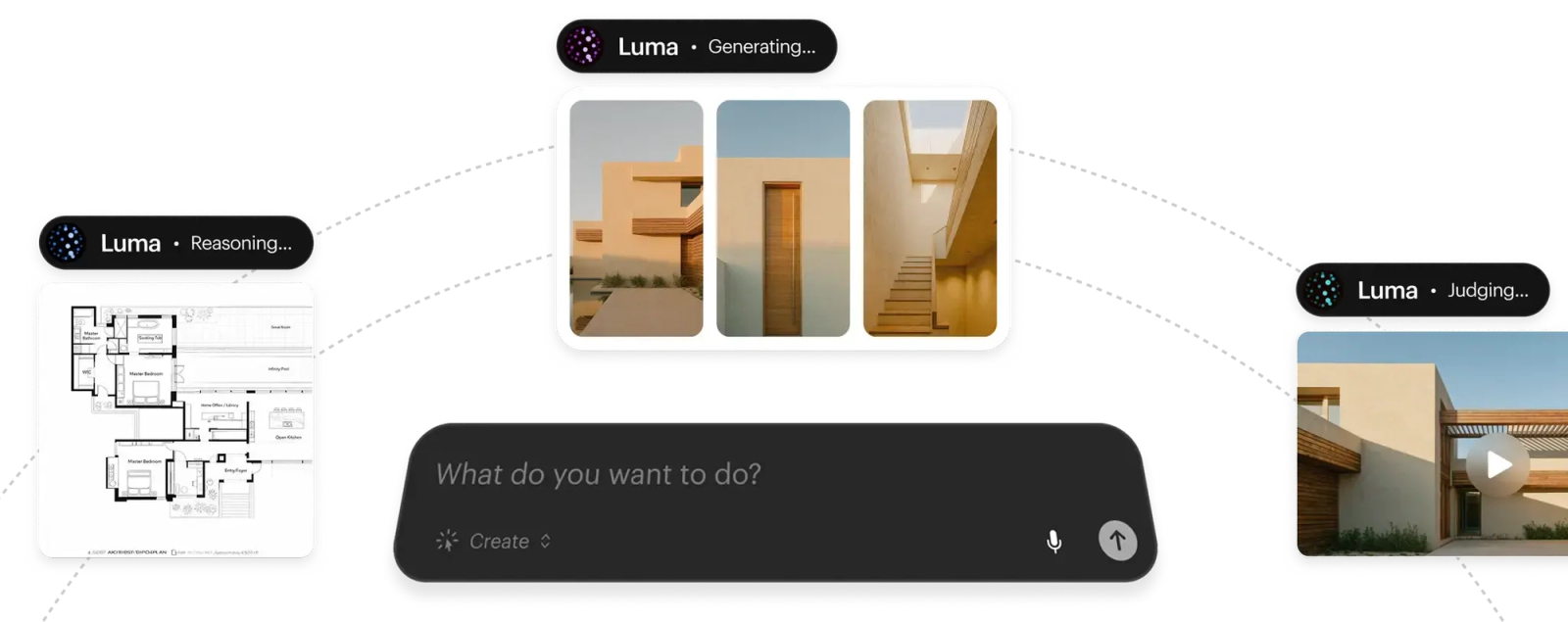
The table below breaks down what each platform can actually take over—and where its practical boundaries lie.
| Tool | Replacement scope | Documented inputs/control | Best-fit job |
| Luma baseline | Project and directed shots | Agents, Modify, multiple keyframes | Ray-based production |
| Wizstar | Brief through multi-shot video | Product inputs, planning, local revisions | Product-led creative |
| Runway | Agent and reusable workflows | Images, footage, Brand Kits | Repeated branded work |
| Kling AI | Native reference-led project | Canvas, nodes, Omni references | Native Kling direction |
| Pika | Video or specific media operation | Separate studios and editing apps | A defined clip task |
Always match replacement scope before looking at features. A longer feature list will not fix a missing production standard.
Luma’s Ray3.2 controls feature up to 16 keyframes and Modify mode for sequences up to 20 seconds at 1080p. Ray also supports HDR and 16-bit EXR frames in ACES2065-1, giving studio pipelines solid reasons to stay put. If those export specs and precision controls are essential to your final color or VFX handoff, keep Luma.
Wizstar: connect the brief, shots, and final edit
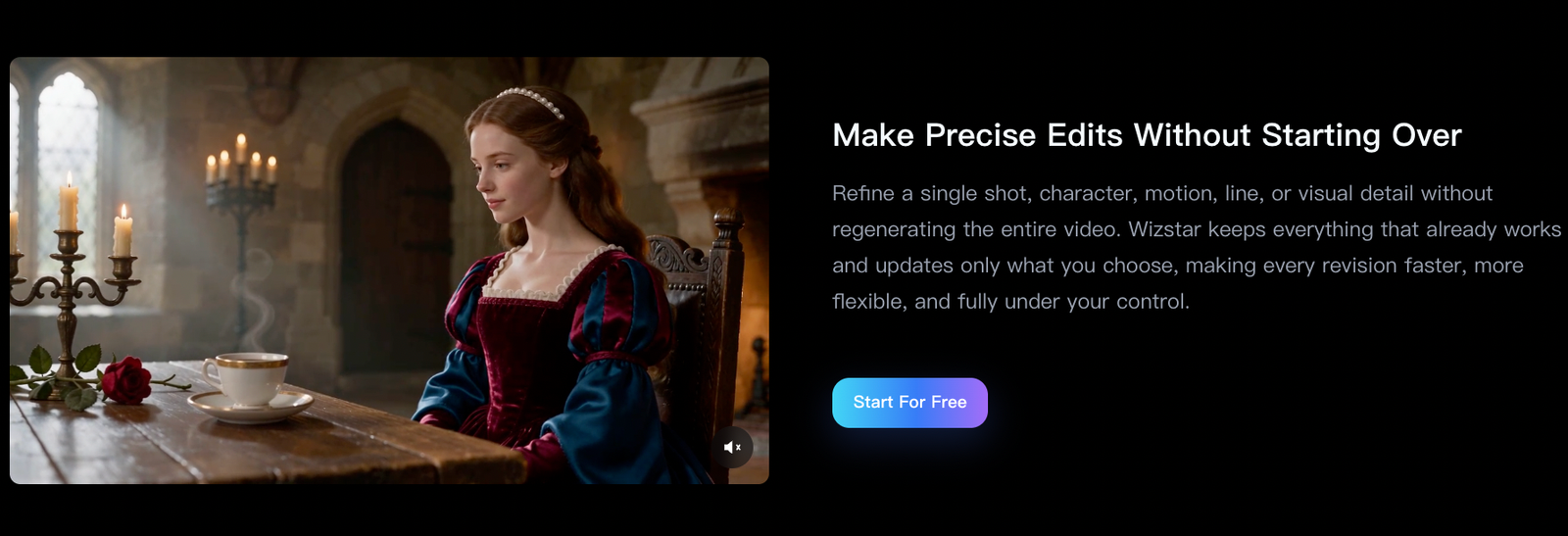
Wizstar focuses on the bridge between an initial creative brief, structured scene planning, and targeted video revisions. Its AI Video Agent accepts scripts, product assets, photos, and visual references. From there, it plans scenes, selects models, and coordinates voiceovers, pacing, and basic editing. Its revision workflow lets you tweak an individual shot, character, camera move, voice line, or visual element without rerolling the entire video from scratch.
This balance of structured planning and surgical revisions is ideal for product videos with distinct narrative beats—such as a hook shot, an on-screen demonstration, and a closing call-to-action. If you only need to adjust the product demo, you should be able to do that without scrambling the rest of the timeline. That makes Wizstar compelling when your creative brief is locked, but the sequence itself still needs shaping.
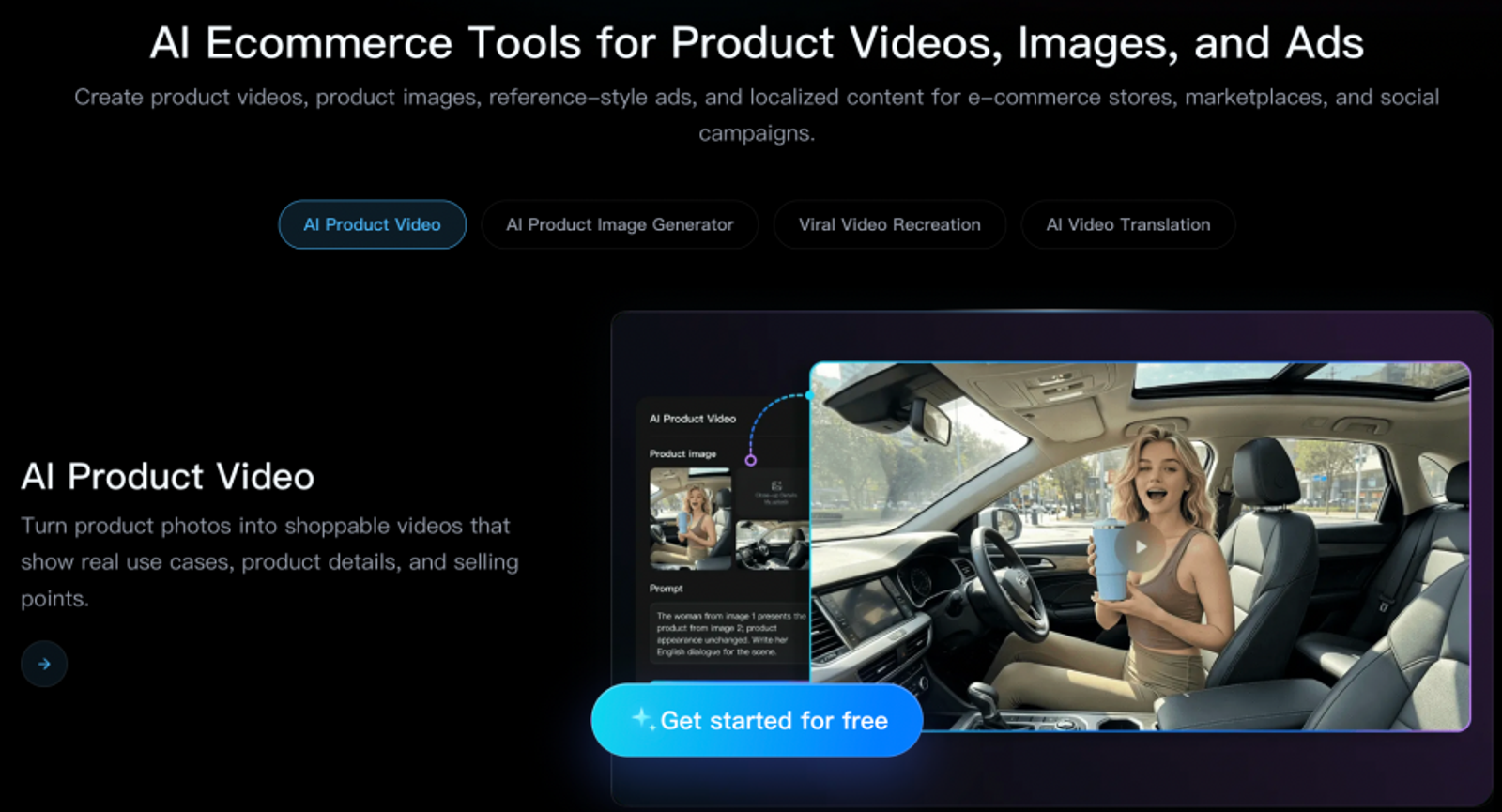
Wizstar's e-commerce workflow can also ingest product links or photos to generate scripts, captions, and synchronized voiceovers. Starting directly from live product links gives marketing teams a clean entry point that links source assets straight into storyboard generation and post-production tweaks. Luma offers its own planning capabilities, so this e-commerce integration must solve a real friction point to justify making the switch.
The key boundary is the technical handoff. Wizstar’s documented pipeline does not offer direct equivalents to Ray’s 16-keyframe orchestration, HDR mastering, or 16-bit EXR output. If your production depends on those high-end deliverable formats, weigh that requirement carefully before moving your creative workflow.
Runway: repeat branded work with Agent and Workflows
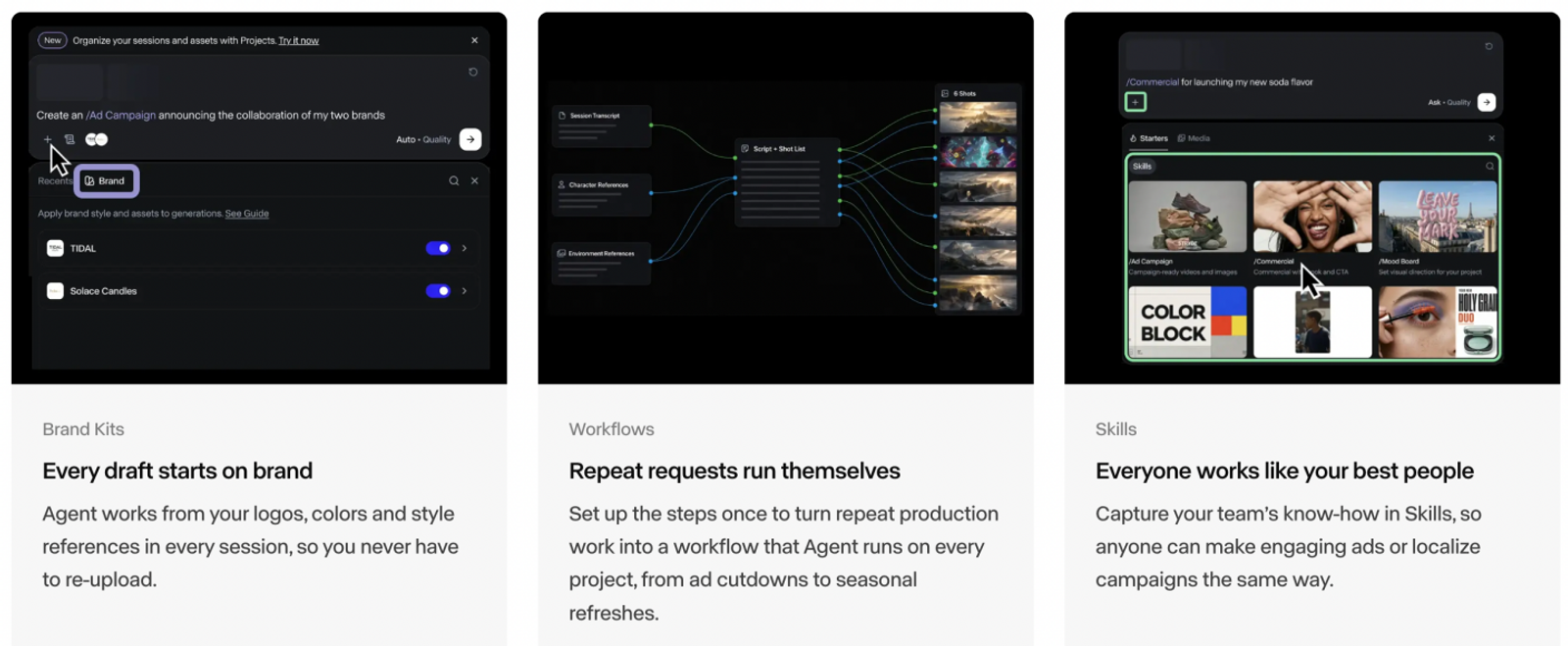
Runway builds its value around persistent, reusable creative context. Its Agent pairs your project prompt with images, reference footage, and campaign guidelines, outputting draft assets and handling iterative revisions via chat. When combined with Brand Kits, Workflows, and custom Skills, your projects retain far more creative consistency than a blank prompt field can provide.
I lean toward Runway when the exact same visual identity must carry across recurring marketing deliverables. If you produce weekly assets with fixed brand colors, locked typography, and strict styling rules, having persistent brand guardrails matters far more than generating an isolated, one-off cinematic clip. For ongoing production, reusable project context often trumps having yet another raw video model.
Runway’s Agent provides structure at the organizational workflow level, while the choice of underlying video generation model remains an independent setting in the app. Migrating solely to access a new generation model is a much narrower decision. If Luma already holds your project context reliably, Runway's reusable brand architecture needs to offer clear efficiency gains to make the move worthwhile.
Kling AI: direct reference-led shots in Canvas
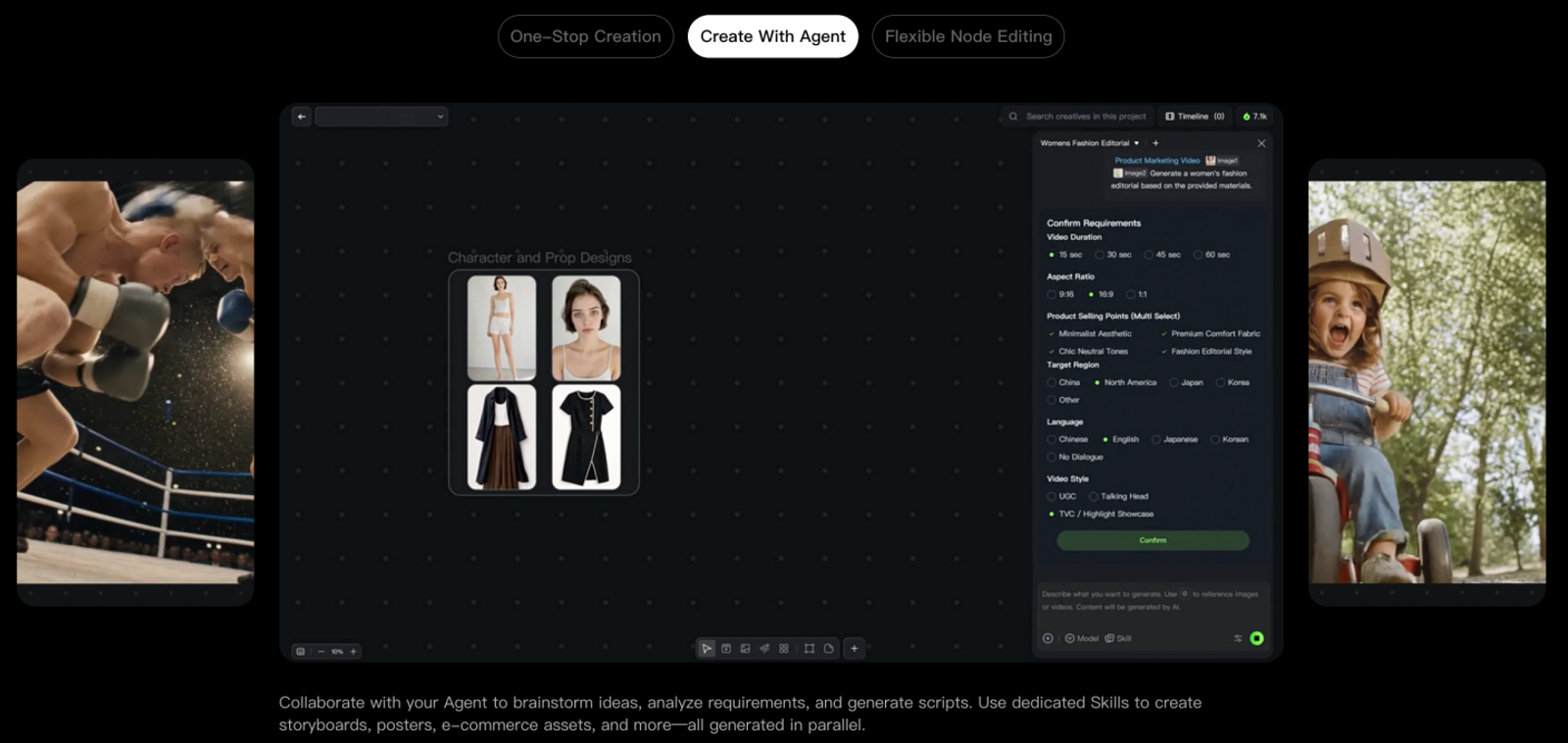
Kling AI’s Canvas workspace delivers a visual, node-based environment built for reference-heavy workflows. It lets creators handle agent brainstorming, scriptwriting, visual storyboarding, and node-level editing all in one place.
The Kling4.0 membership offering features Omni multi-reference support, native 30-second generations, and multi-keyframe shot setups. Keep in mind that exact feature availability depends on your specific generation mode and subscription tier.
I recommend native Kling over a third-party wrapper whenever the infinite Canvas workspace itself is central to how you brainstorm and construct scenes. The spatial layout of Canvas is what gives Kling its edge; that choice is about workflow organization, not an ungrounded claim about who delivers better raw pixels.
Pika: choose the app for the clip or edit
Pika organizes its platform into focused, modular applications, including Video Studio, Character Studio, Color Grade, and Extend Video. This dedicated app layout makes Pika a fast, effective choice when you have a single, well-defined media task—like extending a completed shot or applying a stylized color pass. It solves a specific task without the overhead of planning an entire multi-scene commercial.
I suggest starting with Pika when you have an isolated asset to adjust. Identify the exact task you need to check off, open the corresponding studio tool, and finish the edit. Setting a clear boundary keeps your tools organized and prevents you from redesigning an entire video pipeline just to solve one small clip edit.
However, if your project involves multiple interdependent shots that must share consistent narrative context, Pika requires closer scrutiny. The case for Pika rests on its modular tools and whether you need to execute a clean, self-contained media edit.

What does a monthly creator plan actually include?
The breakdown below pairs recurring billing rates with officially published generation units:
| Selected monthly plan | Monthly / renewal price (USD) | Included monthly credits | Generation billing basis |
| Luma Plus | $30 | 10,000 | Ray3.2 SDR 720p: 100 credits per 5 seconds; generating without keyframes adds 30 credits |
| Wizstar Plus | $36.27 renewal | 2,690 | Kling V3 Omni, non-Agent mode, 720p: 8 credits per second |
| Runway Pro | $35 | 2,250 | Gen-4.5 listed rate: 60 credits per 5 seconds |
| Kling Pro | $32.56 renewal; $25.99 first month | 3,000 | Credit usage depends on the selected model and generation settings |
| Pika Creator | $35 | 2,600 | Pika 2.5, 720p, 5 seconds: 20 credits per generation |
Credit tallies are not standardized across platforms; a larger raw credit balance does not automatically translate into cheaper usable footage.
These figures represent current public observations, including introductory promotions, rather than locked pricing. Always check renewal rates and regional tax calculations before subscribing;
Your choice of underlying model can drastically change the final cost per second.
Focus your budget on the specific production task you run every day, factoring in inevitable discarded generations and revision cycles. Saving a few dollars on a monthly subscription offers little upside if the workflow leaves your primary editing bottleneck unsolved. These credit pools price generation attempts, not finalized commercial deliverables.
Choose by the work you repeat
Your most frequent production bottleneck should drive your choice. I would look at Wizstar first if your workflow starts with product links and briefs that require scene planning and localized shot revisions. Turn to Runway if you need reusable brand kits and campaign consistency, or Kling if you prefer visual, reference-driven shot blocking in Canvas. Pika remains your best bet for quick, modular clip enhancements.
If your delivery pipeline relies on Ray’s 16 keyframes, 1080p Modify workflows, HDR, or EXR color workflows, keep Luma as your primary engine. Match the tool to your exact brief, delivery formats, and revision requirements, protecting the parts of your existing workflow that are already delivering results.
FAQ
- Is Luma AI still free?
- Yes, Luma provides a “Try for free” entry option. However, published materials do not outline a permanent, universal free credit pool. Check your account dashboard directly to confirm your available balance and feature eligibility before starting a project. Free tiers do not guarantee recurring monthly credits, unrestricted rendering, or access to every advanced model. Avoid relying on legacy free allowances found in older guides.
- Do I need an account to use Luma?
- Yes. Luma’s terms of service require users to register an account before accessing its generation tools. While anyone can browse public landing pages, using creative generation requires an active profile. Always provide accurate details and safeguard your login credentials. Registration requirements alone do not indicate which third-party social logins are supported or whether payment details are collected at signup. Follow the current onboarding steps inside the app.
- Can I use Luma-generated videos commercially?
- Under Luma’s terms, commercial licensing requires an eligible, active paid subscription at the time of video generation. Upgrading your account later does not retroactively grant commercial clearance to clips created while on a free plan. You are also responsible for securing appropriate rights to any source media you upload. A paid subscription alone does not guarantee exclusive IP ownership or resolve potential third-party rights in a commercial release.
- Can I upload confidential client assets to Luma or Wizstar?
- Do not assume that subscribing to a paid tier guarantees complete confidentiality on either platform. Luma’s consumer terms state that user-submitted content may be utilized for model training and service improvements. Similarly, Wizstar’s privacy policy indicates that uploaded media may be shared with upstream model providers and review teams. Secure explicit client approval and review contractual data protections before uploading non-public assets. Enterprise agreements provide different confidentiality safeguards than standard consumer subscriptions.
- Do unused Wizstar subscription credits carry over?
- Wizstar’s public pricing FAQ does not state a blanket credit rollover policy for all subscriptions. Rollover and expiration terms vary depending on your specific plan tier and billing frequency, so check your checkout documentation and account settings. Retain your invoice terms for future reference. A recurring monthly allowance does not mean unused credits accumulate indefinitely, and add-on credit packs may have separate expiration rules.
- How do I cancel my Wizstar subscription?
- You can cancel your subscription directly in your account billing settings, as outlined in Wizstar’s pricing FAQ. Your plan’s specific terms determine whether access continues until the end of the current billing cycle. Canceling future renewals does not trigger an automatic refund for the current period, which is handled under separate purchase terms. If you have an active billing dispute, contact customer support directly with your order details.