There is no single drop-in replacement for VEED. Kapwing is the closest match for general browser-based editing. Descript is the stronger fit when text controls the cuts. HeyGen specializes in avatar-led, multilingual content. Clipchamp covers basic timeline trimming with a low barrier to entry. Wizstar is the choice when your production pipeline combines AI video generation, e-commerce assets, Creative Agent automation, digital avatars, and video translation.
Instead of searching for a platform with the longest feature checklist, focus on the specific bottleneck in your current video pipeline. This guide maps each tool to its primary editing job, then breaks down pricing models and unit allowances so you can compare real output rather than mismatched billing metrics.
What should a VEED alternative replace?
VEED brings together timeline editing, auto-subtitling, AI video generation, digital presenters, multi-language dubbing, and automated clip creation. Because that mix covers multiple production stages, alternatives fall into three practical categories:
- Direct substitutes handle browser-based editing, resizing, and caption styling in a single workspace.
- Partial substitutes excel at one specific method, such as transcript-driven dialogue editing.
- Scenario specialists take over when the end deliverable is a virtual spokesperson, localized multi-language audio, or a prompt-to-video ad campaign.
The table below outlines functional roles and trade-offs before introducing subscription prices, because cost only matters once the primary task is clearly defined.
| Platform | Functional role | Best fit | Main trade-off | Bottom-line use |
| VEED | Broad reference platform | Editing, captions, AI tools, avatars, and translation | Broad coverage can mean paying for unused tools | Keep it when the entire all-in-one suite fits |
| Kapwing | Direct browser-editor substitute | Editing, captions, collaboration, and repurposing | Less tailored for transcript-first editing | Start here for an all-around web editor replacement |
| Descript | Partial, text-first substitute | Transcription, dialogue editing, and social clips | Not built for complex visual timeline composition | Choose it when spoken dialogue guides the rough cut |
| HeyGen | Scenario specialist | Avatars, localization, and presenter-led videos | Not designed as a standard multi-track video editor | Choose it when a digital spokesperson is the deliverable |
| Clipchamp | Conditional basic substitute | Simple trimming and Microsoft-integrated setups | Minimal focus on generative video, avatars, or translation | Choose it for straightforward, fast video cuts |
| Wizstar | Conditional generation substitute | Product videos, AI generation, agent workflows, and translation | Not a multi-track timeline video editor | Choose it when the project starts from a brief or assets, not raw footage |
In practice, Kapwing handles all-around browser editing best. Descript excels at spoken-word revisions, HeyGen dominates avatar localization, Clipchamp simplifies standard timeline cuts, and Wizstar leads when creating product videos from raw inputs.
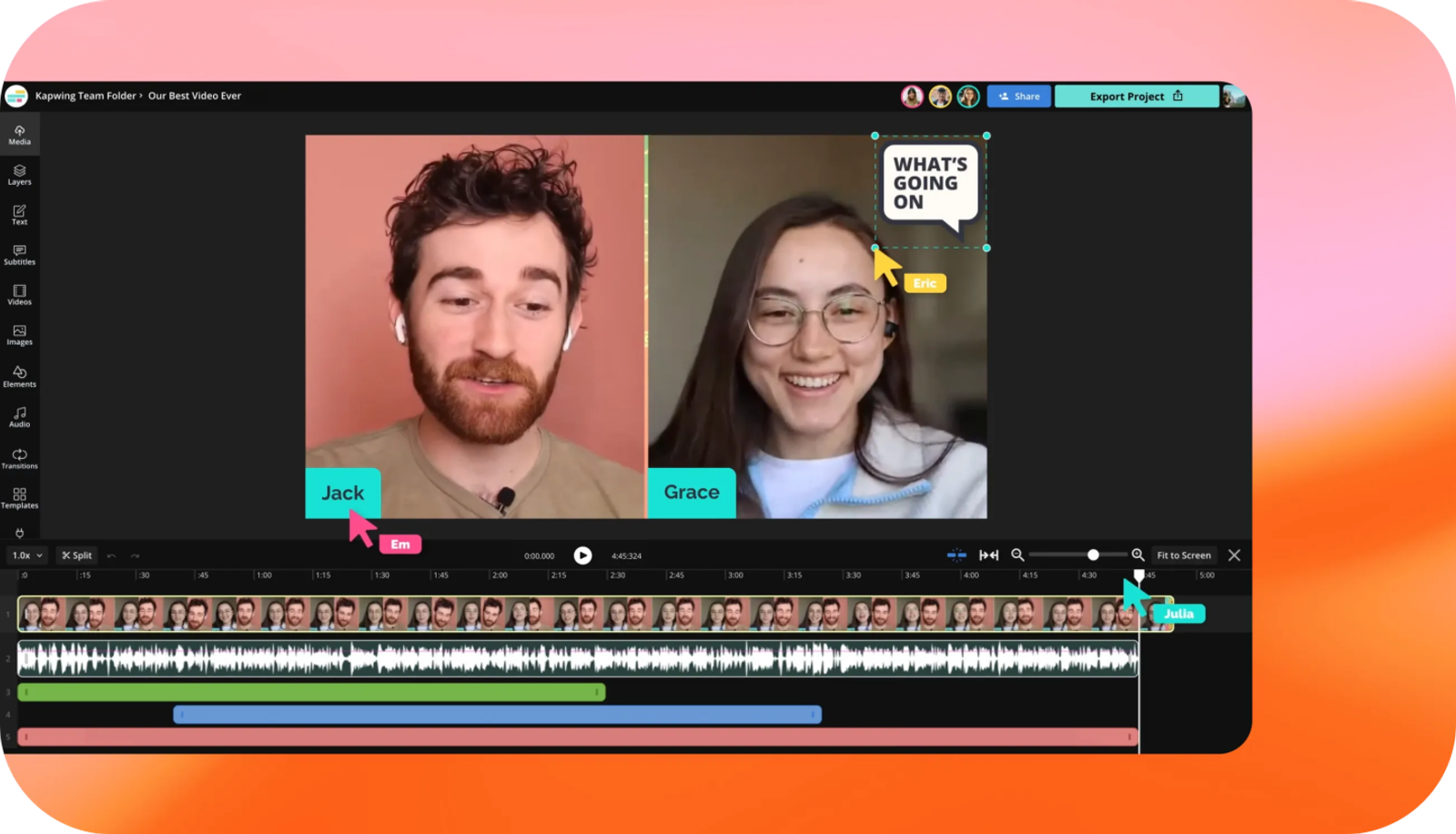
Kapwing: the closest general browser-editor replacement
Kapwing is the most seamless transition for teams looking to leave VEED without overhauling their daily production habits. Its browser-native timeline, auto-subtitling, AI enhancement tools, content repurposing features, and shared team workspace keep primary editing tasks unified in the cloud.
This setup fits social media managers and small marketing departments well. Teams can trim recorded footage, burn in styled subtitles, reformat aspect ratios for multiple channels, and review drafts together. Kapwing serves as a direct substitute for general video editing, even though it lacks Descript's deep transcript-level audio correction.
The decision comes down to the editing surface: pick Kapwing when a visual browser timeline sits at the heart of your workflow. Turn to other platforms only when a distinct task dictates the project, such as heavy interview transcription, synthetic avatars, or generation from an e-commerce brief.
Descript: the better choice when text controls the edit
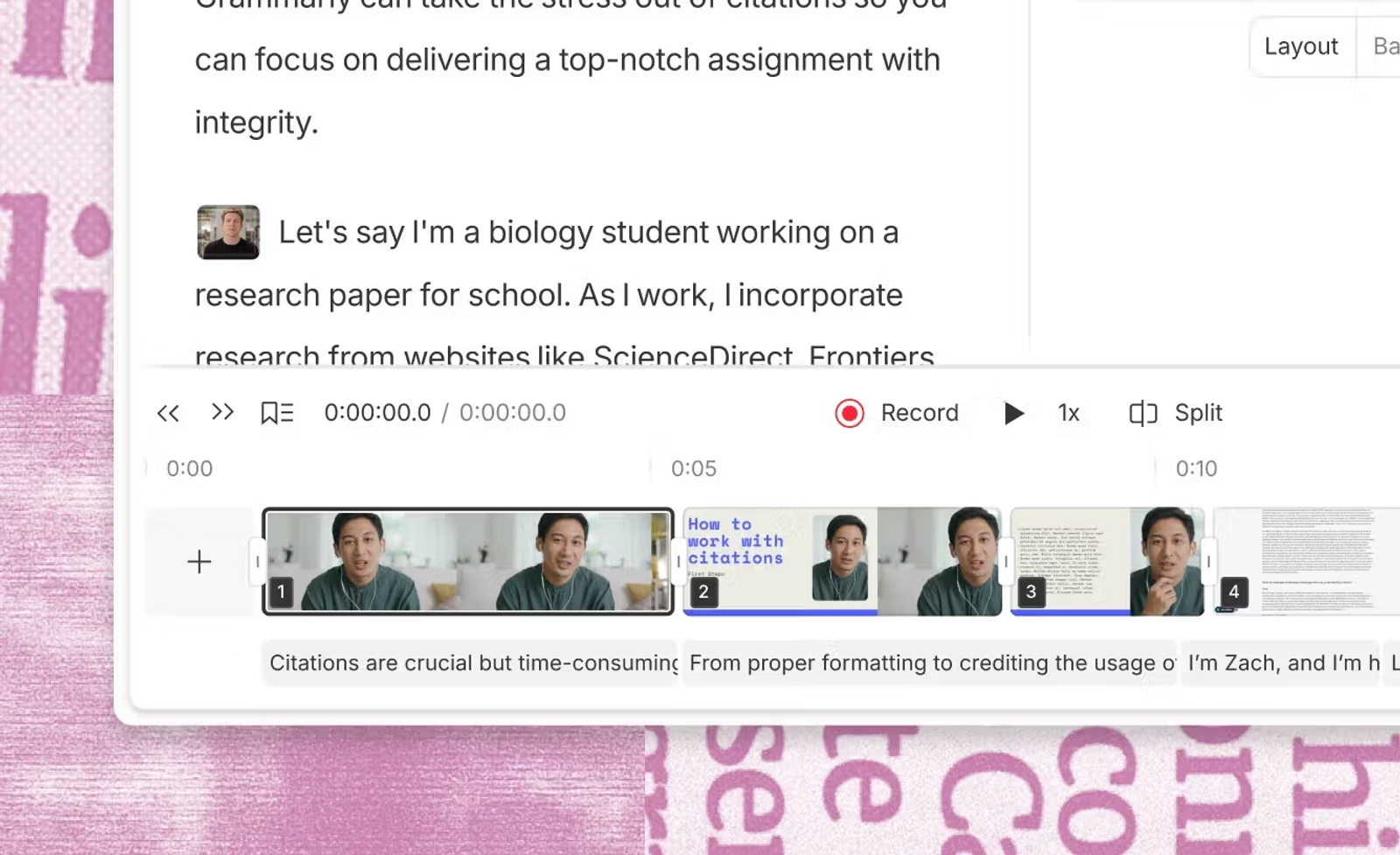
Descript flips the traditional video editing process on its head. Rather than navigating a crowded multi-track timeline, you edit the auto-generated transcript directly to cut, reorder, or polish spoken content. That approach saves substantial time for educators, interviewers, podcasters, and creators whose editing decisions are driven by the spoken word.
While it is a partial substitute for VEED's broader visual suite, the operational payoff is significant. Slicing long-form interviews becomes faster because you read and edit speech directly rather than scrubbing across waveforms. Built-in transcription, dynamic captions, clip extraction, dubbing, and AI co-editor tools reinforce this text-first framework.
Choose Descript when your raw media consists primarily of interviews or talking-head audio. Stick with Kapwing when motion graphics, multi-layer canvas controls, and browser team sharing take priority over text-led cuts.
HeyGen: the specialist for avatars and multilingual delivery
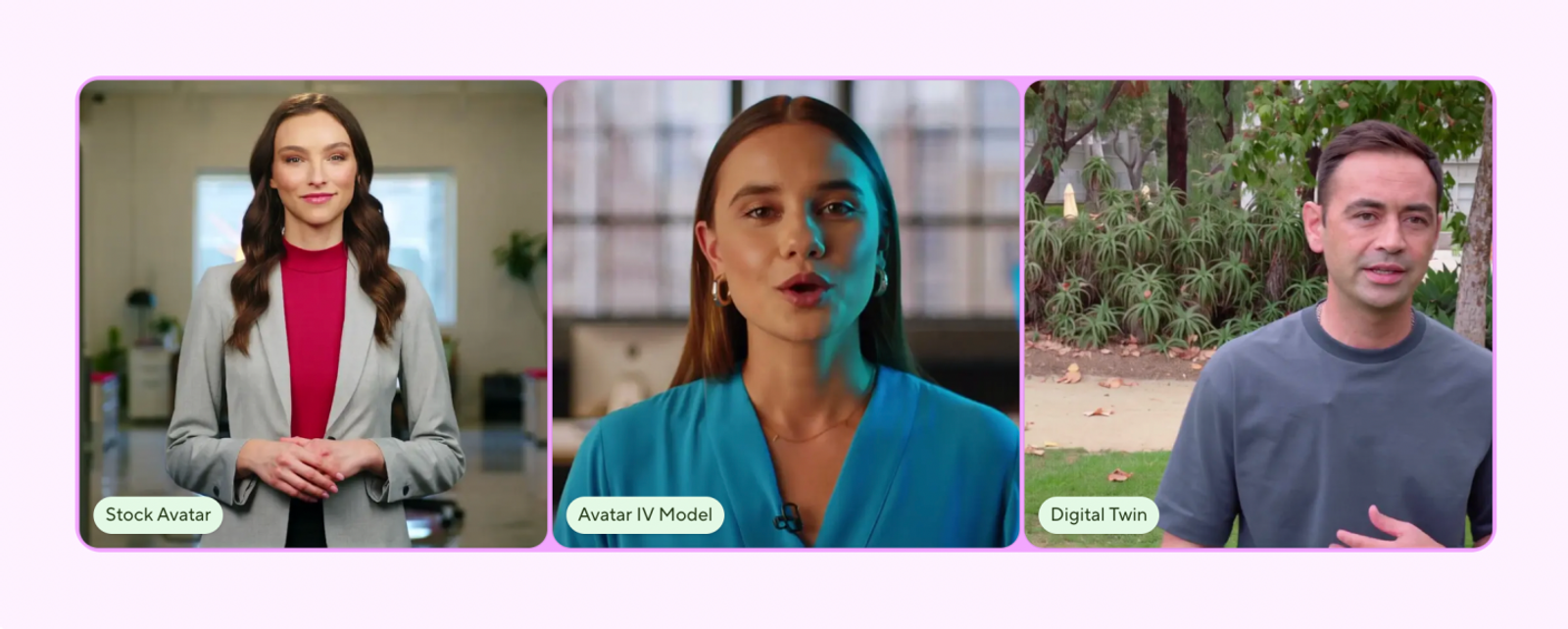
HeyGen focuses specifically on studio-grade virtual presenters, personalized video avatars, and cross-market voice localization. Its platform centers on generating and dubbing talking-head footage, addressing the avatar and translation features of VEED with greater depth.
That specialization also defines its boundaries. HeyGen is not a standard timeline editor for cutting together B-roll and screen recordings. It works best when a virtual or cloned human presenter delivers your core message. If your goal is generating diverse visual scenes for a product campaign, a generation-first tool like Wizstar provides broader creative coverage.
Choose HeyGen when digital human delivery or multi-language voice matching is the final deliverable. Do not pick it merely for its language list if your everyday bottleneck is assembling raw footage or building multi-scene product ads.
Clipchamp: a practical option for straightforward editing
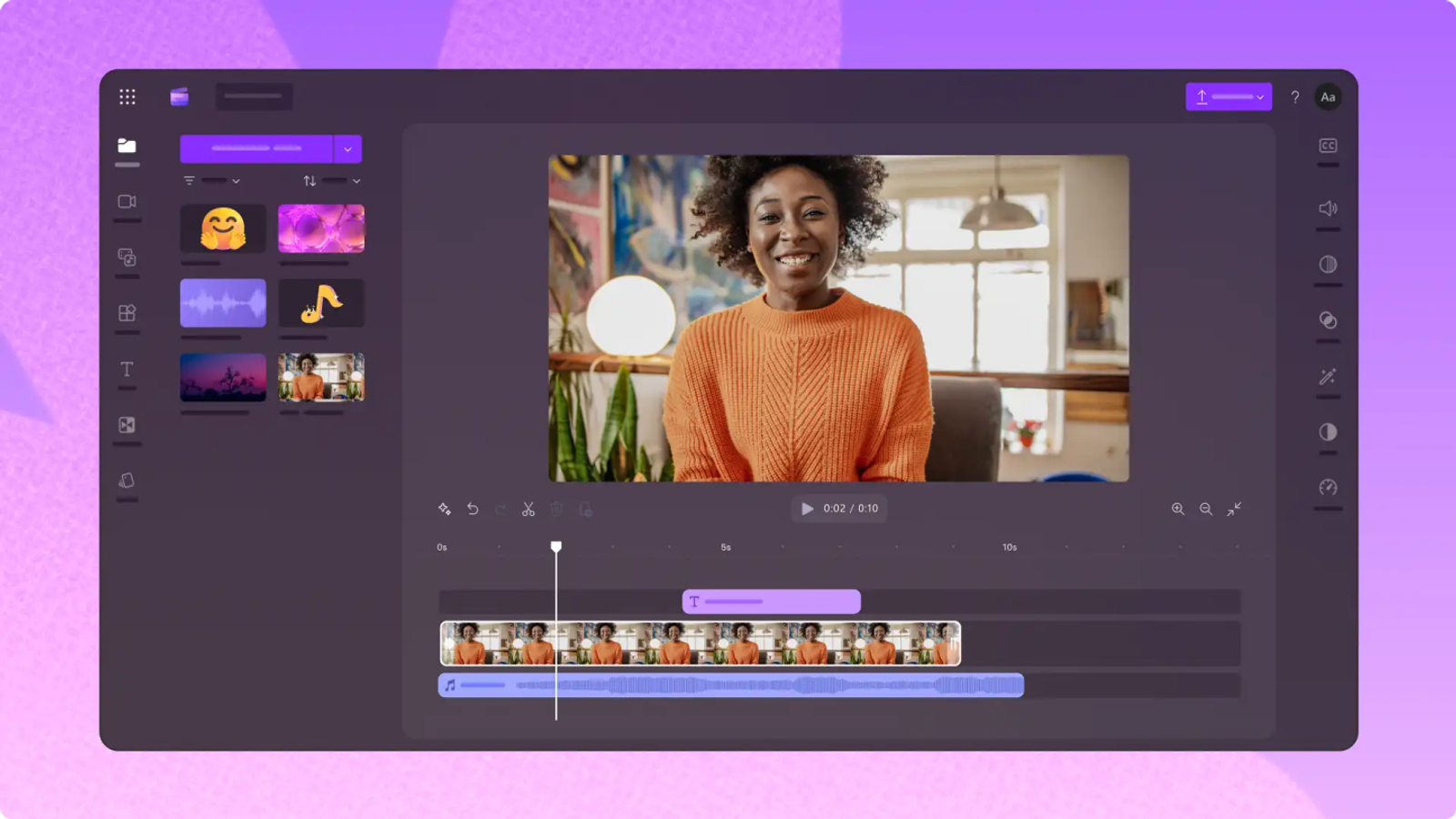
Clipchamp offers an accessible web and desktop editor for fundamental cuts, particularly for teams already using the Microsoft ecosystem. Its free tier provides core timeline trimming, basic audio enhancements, webcam and screen capture, and watermark-free exports up to 1080p. Premium features are bundled through Microsoft 365 Personal or Family subscriptions, adding 4K export support, premium stock media, and brand kits.
Its biggest asset is straightforward usability. A creator who simply needs to clean up raw clips, record a walkthrough, and export clean video rarely needs an expensive AI suite. However, Clipchamp is not designed for heavy automated subtitling, digital avatars, automated translation, or prompt-based generation.
Choose Clipchamp when your editing needs are simple and Microsoft 365 integration streamlines your file management. Turn to Kapwing or VEED when your production requires broader browser-based creative tools.
Wizstar: the generation-first alternative for products and campaigns
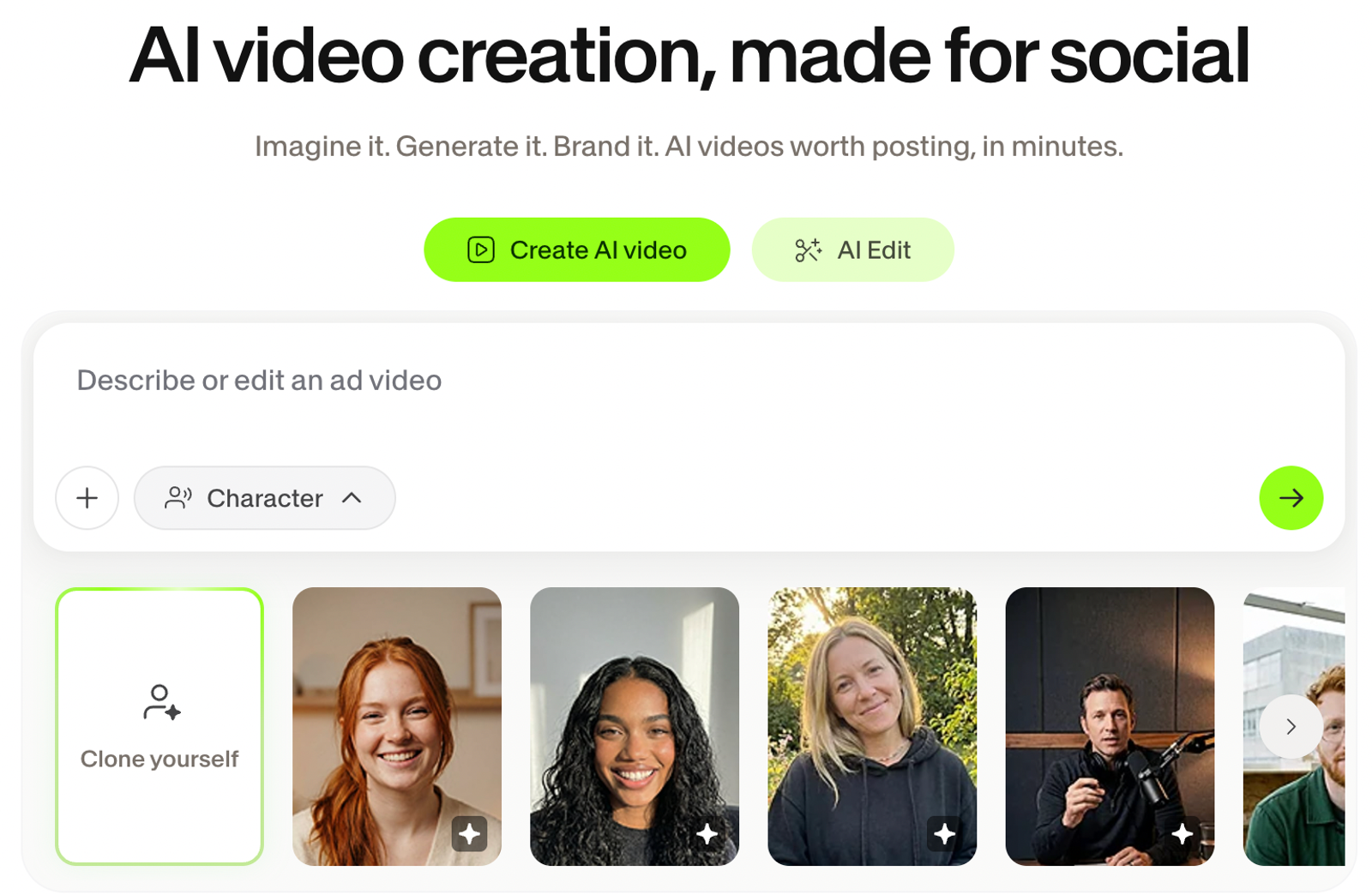
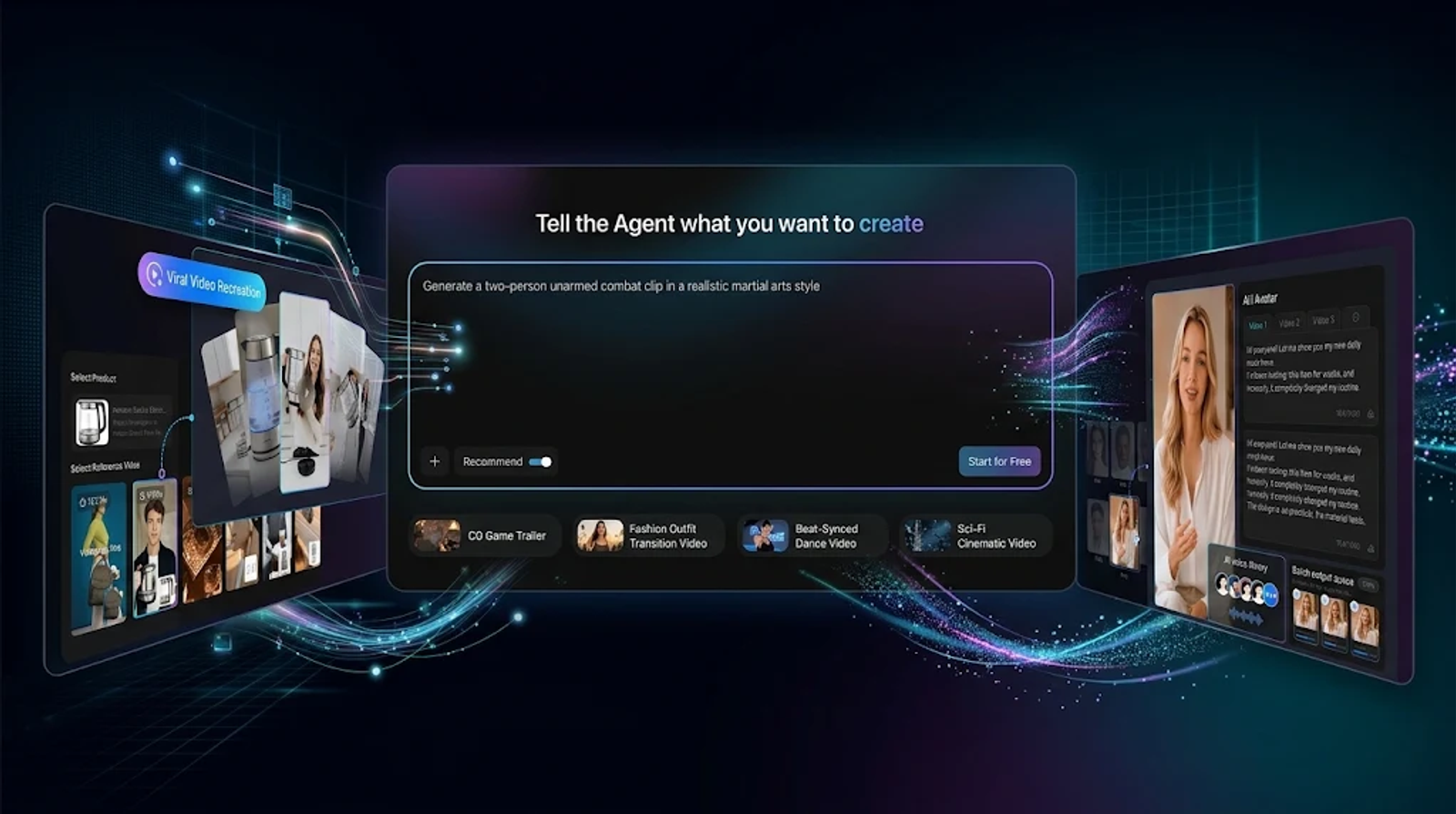
Wizstar approaches video production from a fundamentally different angle. Instead of cutting pre-recorded media on a timeline, projects begin with structured inputs: text prompts, reference images, scripts, audio files, or live product URLs. Its feature set combines AI Avatar generation, AI Video Translation, and dedicated e-commerce asset tools, while Creative Agent and E-commerce Agent workflows automate production from initial brief to finished campaign asset.
This positions Wizstar as a functional alternative to VEED's generative features rather than a direct timeline clone. It delivers the most value when recurring work involves creating e-commerce product videos, marketing variations, digital presenter explainers, or localized video ads from scratch.
Choose Wizstar when asset creation is the main bottleneck. If your project starts with existing recorded footage and requires precise manual cuts across multiple tracks, Kapwing or VEED remains the more direct tool. The deciding factor is your starting point: raw footage on a timeline versus a creative brief paired with product assets.
Price and output value: compare the unit before the dollar
Once the functional requirement is clear, subscription costs can be compared accurately. The plans below reflect the closest published individual or small-team tiers from current documentation. Annualized rates are explicitly noted, and Clipchamp is listed as part of Microsoft 365 because its pricing runs through that subscription bundle.
| Plan | Official USD display | Included unit | Output or limit | What the unit means |
| Kapwing Pro | $16/month annual equivalent | 1,000 credits/month | 4K; subtitling up to 1,000 minutes; dubbing up to 50 minutes | Credits, subtitles, and dubbing track against separate limits |
| Descript Hobbyist | $16/person/month annual equivalent | 10 media hours; 400 AI credits | Media-hour allowance | Editing capacity and AI processing use separate pools |
| HeyGen Creator | $29/month | 600 credits | 1080p; 175+ languages or dialects | Presenter rendering and translation track against credits |
| Clipchamp Premium | Microsoft 365 Personal or Family bundle | Bundle access | Up to 4K | Value depends on existing usage of the Microsoft 365 suite |
| Wizstar Starter | $16/month, billed annually at $192 | 1,920 credits/year | Up to 32 videos or 436 images | A flexible generation budget that varies by model, length, and resolution |
Note:
These tiers do not align into a simple price-to-value ranking. Wizstar’s output metrics serve as generation benchmarks. Descript’s media hours measure raw imported footage, while its AI credits track transcription and assistant tools. Kapwing splits compute credits from subtitling and dubbing minutes. HeyGen pairs monthly credits with video duration and language access. Clipchamp’s real value depends on whether you already pay for Microsoft 365.
Match your budget to the metric you consume most:
- Pick Kapwing when high monthly captioning and browser editing hours are essential.
- Choose Descript when raw footage hours and transcript editing dominate your workflow.
- Choose HeyGen when custom avatars and localized dubbing drive your pipeline.
- Pick Clipchamp when basic cuts suffice and Microsoft 365 is already in your software stack.
- Select Wizstar when recurring video and image generation justifies an ongoing credit allocation.
Free plans and watermark trade-offs
A free plan is only useful if its constraints align with your immediate output requirements:
- Clipchamp Free allows up to 1080p watermark-free exports for basic cutting and screen recording.
- Descript Free is available at $0 and lets you record, edit, and publish within its free-plan limits; its official pricing page says no credit card is required.
- Kapwing Free includes a watermark, caps resolution at 720p, provides 10 credits, and limits auto-subtitling duration.
- HeyGen Free permits up to three videos per month, with a maximum length of one minute each.
- Wizstar Free provides an initial tier of 20 credits, while the paid Starter plan unlocks watermark-free exports.
Use Clipchamp Free for clean, basic edits without watermarks. Use Descript Free when transcript-based editing is the main test. Use Kapwing Free to test browser timeline collaboration on short clips. Use HeyGen Free to sample avatar quality and voice matching. Use Wizstar Free to test AI generation with its initial credits.
Upgrade to a paid plan as soon as consistent production volume, higher resolution, or watermark-free commercial delivery becomes necessary.
Which platform should you choose?
Follow this straightforward decision path:
- Need a versatile browser editor with captions, resizing, and team collaboration? Choose Kapwing.
- Need transcript-driven editing for spoken interviews and podcasts? Choose Descript.
- Need realistic avatar presenters and localized multilingual voice tracks? Choose HeyGen.
- Need basic trimming inside a Microsoft 365 workflow? Choose Clipchamp.
- Need to turn prompts, scripts, product URLs, and assets into finished campaigns? Choose Wizstar.
Caption accuracy should always be tested against your specific audio files. While all these platforms support automated captions, published documentation does not establish a universal accuracy leader. Run a short audio sample through your top two platform candidates to evaluate dialect handling, technical terms, and subtitle styling before migrating your full video workflow.
FAQ
- Is there a free VEED alternative that exports without a watermark?
- Yes. Clipchamp Free supports watermark-free exports at up to 1080p for basic video cuts and recordings. In contrast, Kapwing Free applies a watermark and caps exports at 720p, while HeyGen Free limits output to three one-minute videos per month. Wizstar Starter is a paid tier that includes watermark-free exports. Check resolution, length, and credit caps alongside watermark rules when evaluating free tiers.
- Can Wizstar replace VEED for AI video creation and product ads?
- Wizstar can replace the generative side of VEED when your production begins with prompts, images, scripts, product URLs, or audio clips. It features dedicated e-commerce video workflows alongside Creative Agent and E-commerce Agent automation. However, it is not a traditional multi-track timeline editor. Keep VEED or move to Kapwing if manual timeline splicing remains your primary requirement.
- How do VEED and Wizstar handle AI video translation and multilingual content?
- VEED integrates video translation and dubbing directly within its browser workspace. Wizstar features a dedicated AI Video Translation tool, with the Starter plan covering multi-language video translation. The better option depends on whether translation acts as a finishing step on pre-edited clips (VEED) or as part of an automated, asset-first production pipeline (Wizstar). Always verify credit consumption rates before scaling up high-volume localization.
- Do I need a credit card to try VEED or Wizstar?
- Published terms do not confirm a permanent zero-card requirement across all promotional tiers for either platform. VEED's current onboarding requirements should be verified directly on its signup page. Wizstar Starter is structured as a paid plan billed annually with dedicated credit allotments. Always check current registration conditions before assuming a trial or free tier requires no payment method.
- Which platform is better for automatic captions: VEED or Wizstar?
- Published documentation does not establish a conclusive winner for transcription precision. VEED includes dedicated auto-captioning and visual subtitle styling, while Wizstar focuses on generative video and translation workflows. The practical approach is to test a short sample containing your typical background audio, speaker accents, and industry terms directly on both platforms.
- What should I check before moving an existing VEED workflow to Wizstar?
- First, determine whether your daily projects are timeline-driven or generation-driven. Map each input—whether a prompt, product image, script, store URL, or voiceover—to the corresponding Wizstar workflow. Next, evaluate Starter's 1,920 annual credits, baseline output limits, watermark-free export status, and translation allowances against your monthly campaign goals. If your team still requires fine-grained manual trimming on recorded footage, maintain a standard timeline editor alongside your generation tools.