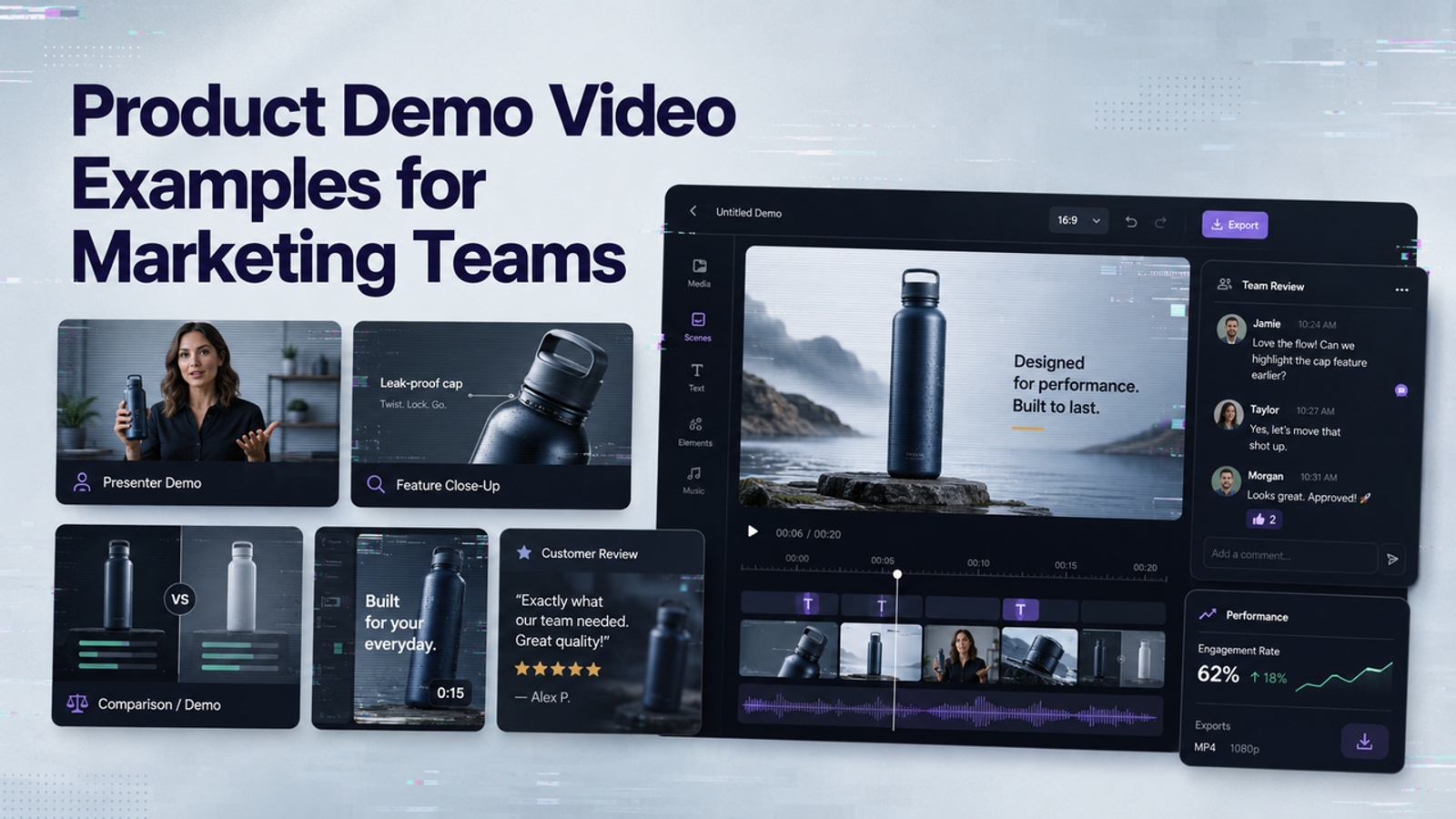
A product demo may need to show something a camera cannot reach: a hidden latch, a background data process, or the link between an action and its result. Product demo video animation uses moving graphics or rendered scenes to explain those details.
I’m Vela, and I would choose animation when the missing view helps answer a buyer’s question. The decision gets harder when a scene must also prove real handling, speed, or performance. This guide explains how to choose the approach, plan the shots, and check what the finished video leads viewers to believe.
When Animation Improves a Product Demo
Make Invisible Features Visible
For software, the important event may happen behind the screen: data moves, a rule runs, or one system updates another. Motion graphics can trace that change while the interface shows its result.
Keep the distinction clear. A diagram can explain where data goes; an actual product screen can show the resulting record. An animated arrow alone does not establish that the integration works.
Apple’s motion guidance recommends purposeful movement that supports understanding without distracting people. It concerns app and game interfaces, but the same design principle is useful when deciding what to animate in a demo.
Replace Impractical or Unavailable Footage
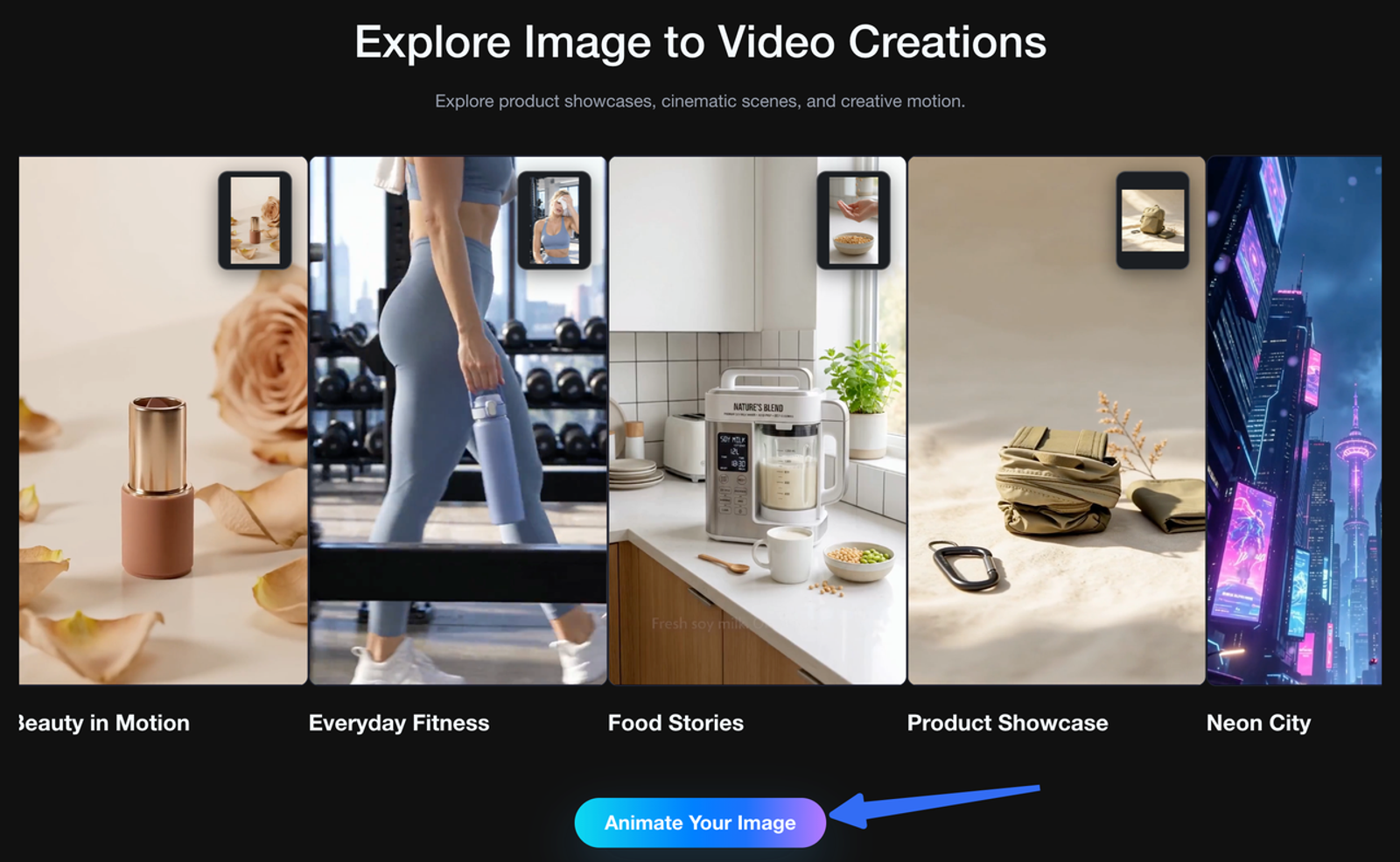
Animation can reveal an internal part without cutting the product open, or show assembly from an otherwise inaccessible angle. It can also illustrate a concept before filming is possible.
Unavailable footage needs care. If the product or color has not been released, identify the scene as a concept where needed to prevent confusion. For an existing product, use approved drawings, specifications, and references. A more dramatic opening angle should not give a hinge extra travel.
Choose the Right Animation Approach
| Approach | Use it to explain | Keep grounded in |
| Motion graphics | UI states, data, service workflows | Actual steps, labels, and system behavior |
| Stylized product motion | Shape, parts, assembly, internal views | Dimensions, materials, and mechanical limits |
| Hybrid footage | Real operation with an explanation layered over it | Recorded conditions and supported visual claims |
Motion Graphics for Interfaces and Data
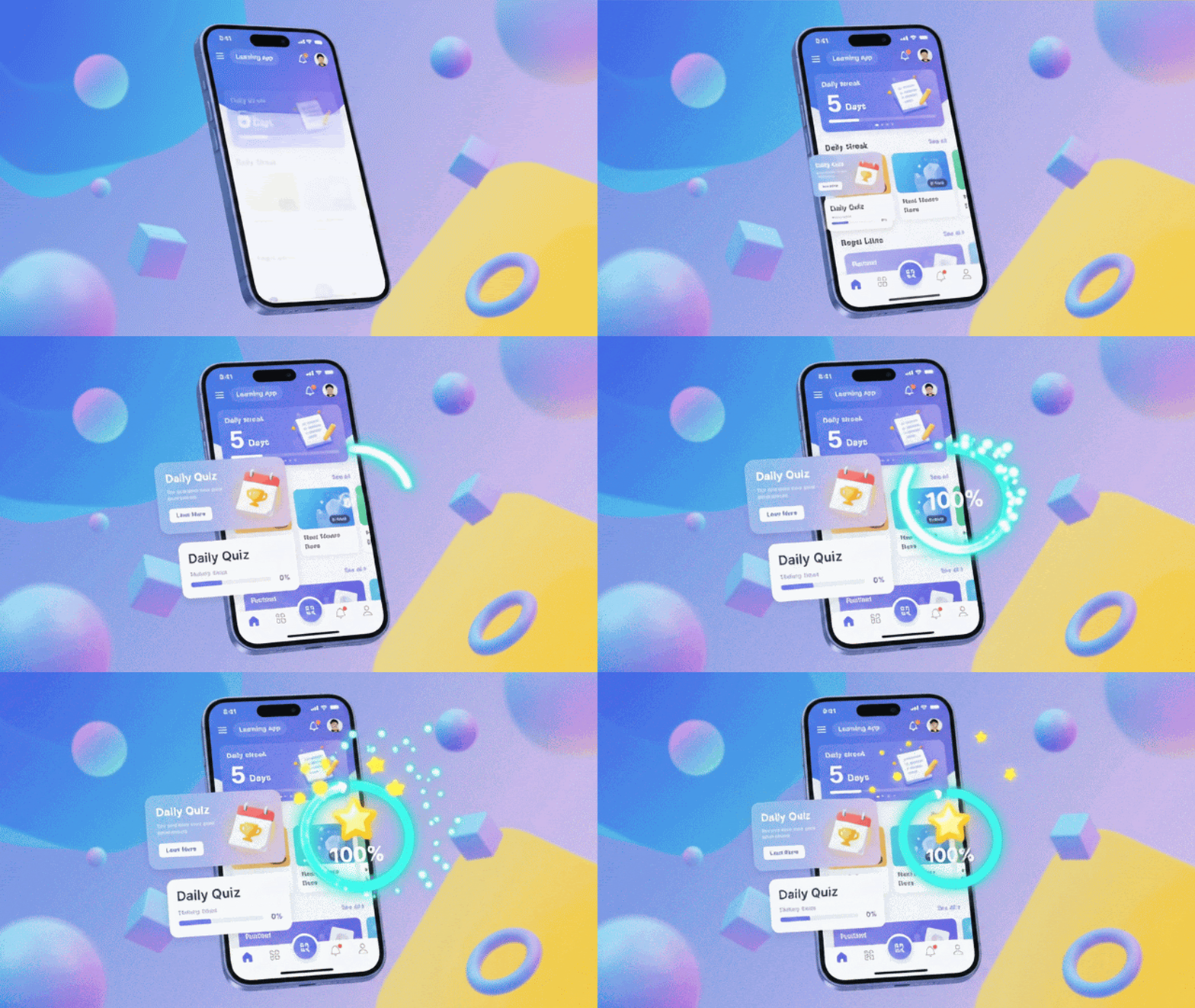
Use real screens or faithful reconstructions, with callouts and highlights to guide attention. Remove unrelated clutter without inventing controls, skipping required steps, or implying instant results.
Keyframes store property values at chosen points in time; interpolation determines the values between them. Blender’s keyframe documentation explains this control. It helps you adjust timing, but you still need to check that the movement matches the product’s behavior.
Stylized Product Motion for Physical Goods
Choose controlled 3D animation when you need precise part movement, repeatable camera views, or a cutaway based on an approved model. A generative clip may suit a visual concept, but it needs separate checks for changing geometry and invented details.
Khronos’s commerce asset guidance supports consistent 3D asset preparation. It does not guarantee that an animated mechanism or a generated video is accurate. Check the final material and shape under the lighting actually used.

Hybrid Footage for Proof and Explanation
Show a real product being handled, then add an overlay to explain a hidden part or process. A simple cutaway may be enough; it does not need a moving camera as well.
Footage still needs review. A cut, speed change, or camera angle can hide a required action. Likewise, airflow graphics can imply measured performance unless clearly presented as an illustration. Keep those visual claims within the evidence you have.
Plan an Animated Demo Before Production
Convert Product Logic Into a Visual Sequence
Write the starting state, user action, product change, and visible result before designing transitions. Then map each step to a shot and its source of truth.
For illustration, consider a hypothetical storage box with a latch. This is a planning example, not a tested product:
| Shot | What the viewer sees | Reference and approval check |
| Closed view | The box and latch at rest | Match the approved product view and proportions |
| Release | A hand presses the latch | Confirm the action and direction against real use |
| Opening | The lid moves on its hinge | Check the pivot and permitted travel against specifications |
| Inside view | The accessible compartment | Check size; label any illustrative cutaway as needed |
Add narration beside these shots only where the image needs help. The product reviewer should approve the sequence before detailed animation begins.
Lock References, Scale, and Camera Behavior
Keep one approved reference pack: product version, drawings or screens, dimensions, finishes, labels, and allowed movement. Specify what the camera can do and which details must remain visible.
Start with still frames, then make a rough timed preview—often called an animatic—with temporary narration. I would fix a confusing sequence here, before polishing its surfaces and lighting. Keep text editable so a later claim correction does not require rebuilding the scene.
Produce Consistent Animated Scenes
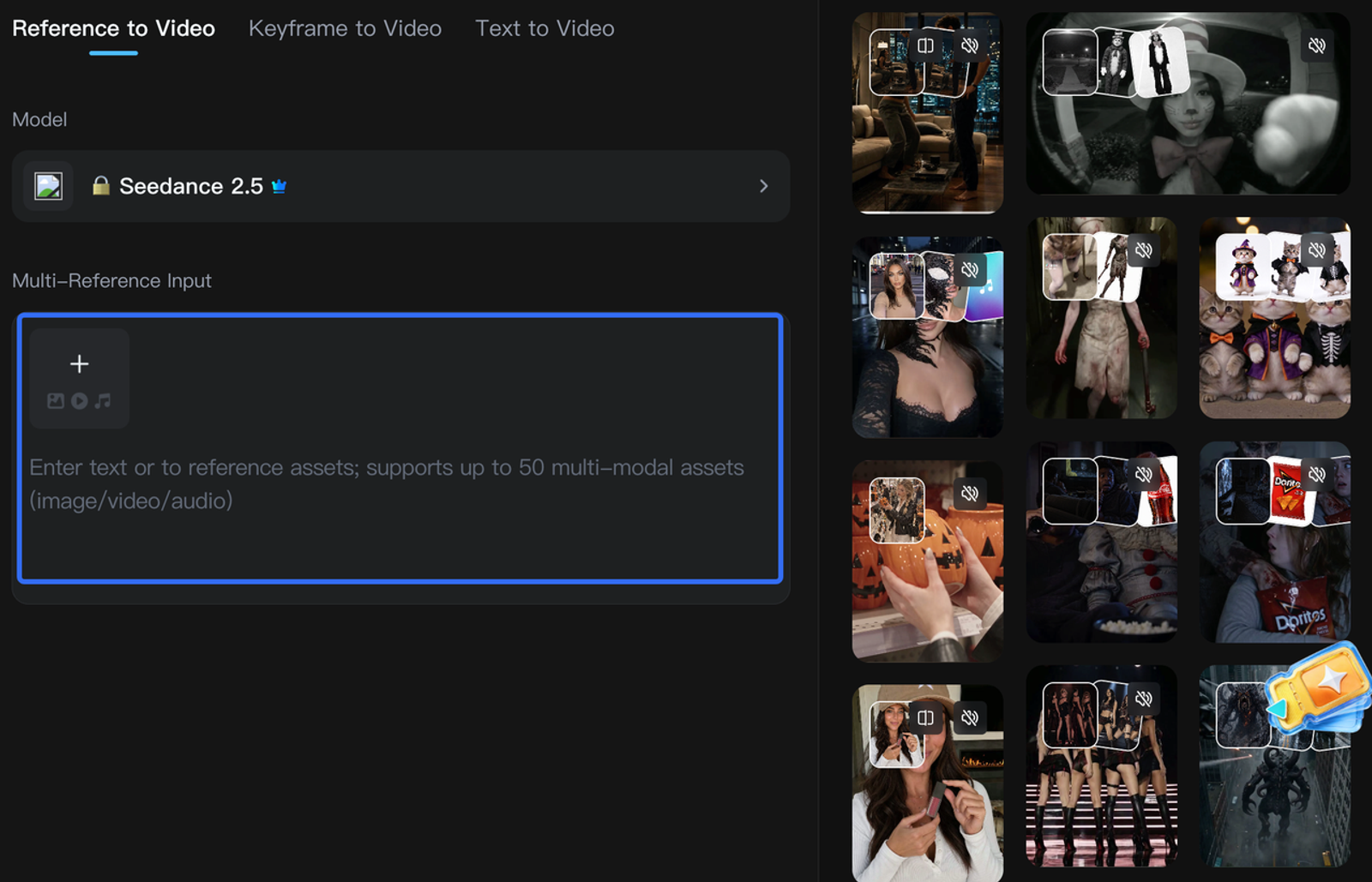
Generate Short Shots Around Clear Actions
One action per shot is a useful starting point for local revisions. It is not a fixed duration rule. If viewers need to see a complete release-and-open movement, keep that action continuous rather than cutting away from the difficult part.
For the box example, compare the closed and open states against the reference. In a generated clip, inspect the movement between them too: matching endpoints can conceal a latch that changes shape halfway through.
When mechanical accuracy is essential, use a method that lets the team set and inspect the motion. A reference image alone does not impose an exact hinge constraint.
Join Scenes With Purposeful Transitions
Keep enough of the object’s position or orientation for viewers to follow the next shot. Before a cutaway, establish which part they are about to see inside.
Add final narration, captions, and sound after the sequence works. Transitions should leave time to read important labels. An attractive camera move is expendable if it hides the action the demo exists to explain.
Review Clarity, Accuracy, and Motion Quality
Review the sequence without sound, pause on important product frames, then watch at normal speed. Each pass catches different problems:
- Meaning: Can the viewer follow the action and result? Does narration add an unsupported promise?
- Product: Are labels, dimensions, UI states, materials, and moving parts correct?
- Motion: Do parts bend, logos drift, or objects change between shots? Does easing carry a part beyond its allowed position?
For the box, a product reviewer should approve the latch, hinge, and opening sequence. If those cannot be shown reliably, replace that shot or use real footage.
Before delivery, check crops and captions in the intended player. Keep the editable project, approved references, script, and final exports together. Where needed, supply separate subtitle files and a master without music or burned-in captions. Record the product version so later changes can be traced to affected shots.
FAQ
- Can animated demos reuse an existing brand motion system?
- Yes, if its easing, type movement, and transitions suit the product action. Keep brand styling on titles and scene changes while allowing mechanical movements to follow the actual product. A springy brand transition should not make a rigid lid appear flexible.
- How should animation accommodate viewers sensitive to motion?
- Reduce large zooms, parallax, oscillation, and flashing; consider a calmer version. Player controls and webpage behavior need separate checks. W3C’s interaction-animation guidance concerns interactive effects; it does not automatically change movement inside a rendered video. Check applicable autoplay controls and flash thresholds separately.
- Who owns custom elements created inside animation software?
- Check source-asset licenses, software terms, and employment or contractor agreements. Commercial permission and copyright ownership are separate questions. The U.S. Copyright Office’s AI report addresses sufficient human creative contribution, not blanket ownership of every generated element. Agree on editable-file delivery and reuse rights before production; obtain legal advice for the specific arrangement if needed.
- Can the same animation support several localized voice tracks?
- Often, if scenes allow retiming and text remains editable. Keep pauses around important actions and labels rather than matching every cut to English narration. Review each language against the picture; a longer line may require a longer hold, not faster speech.
- When should live footage replace an animated product scene?
- Replace a scene when the reviewer cannot verify the depicted action or when the claim requires observed handling or performance. Reshoot the affected step rather than discarding every animated explanation. Keep the conditions visible and avoid edits that conceal the action being demonstrated.