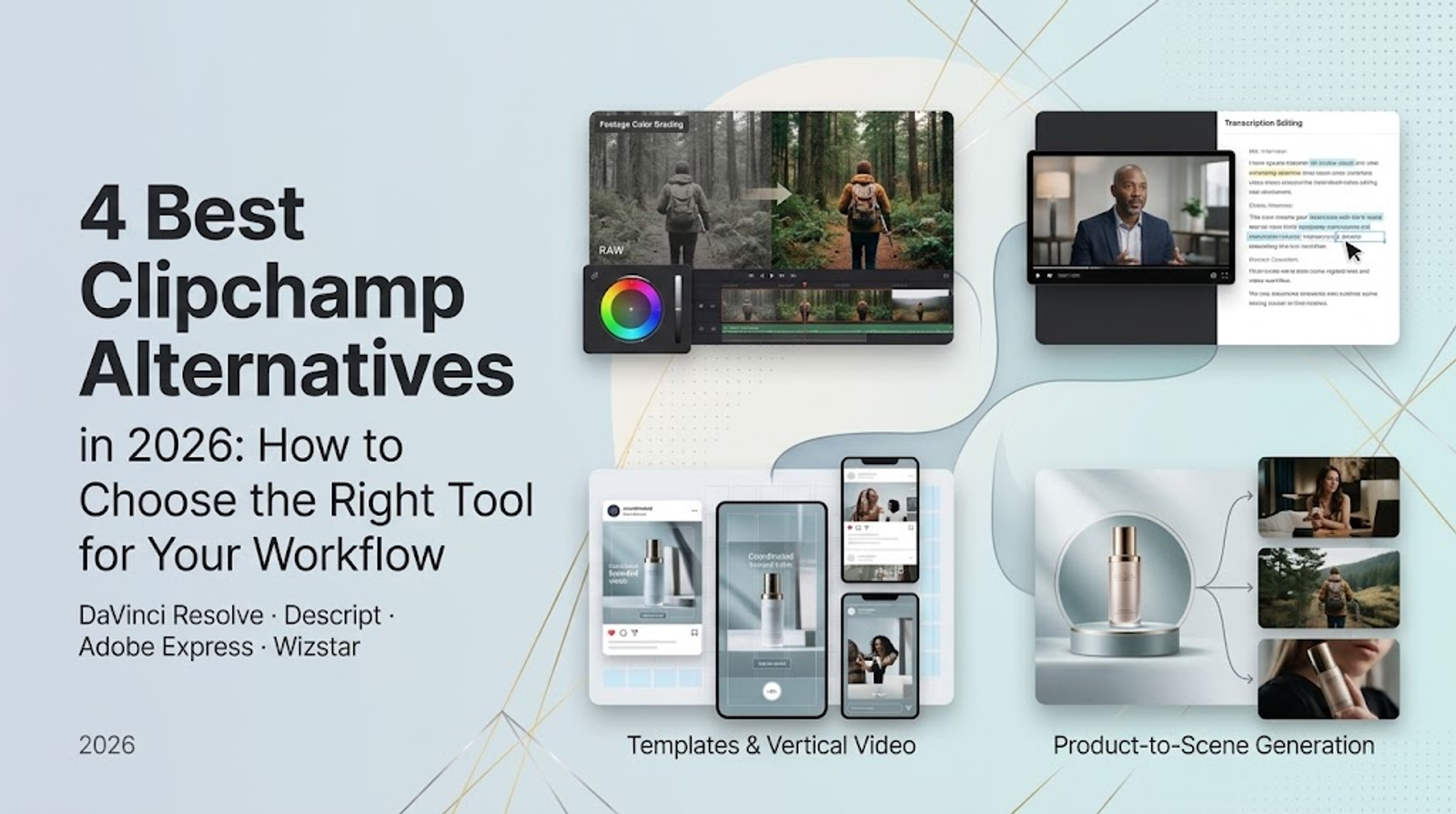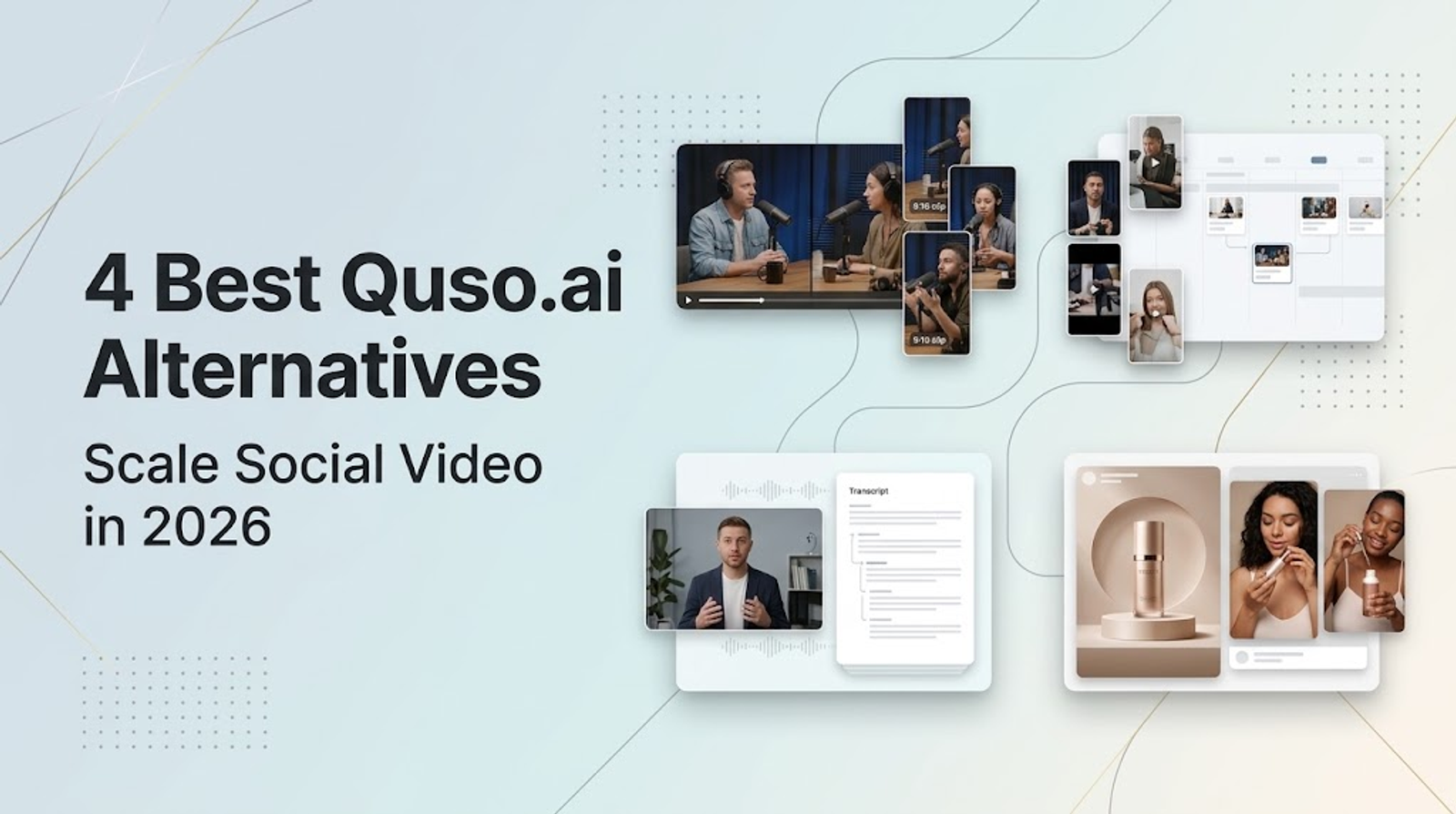
When exploring alternatives to Quso.ai, your ideal choice depends entirely on the specific production bottleneck you want to solve. OpusClip is the most direct option for turning long recordings into captioned social shorts. Vizard is built for creators and social media teams who need automated clipping paired with a built-in release calendar. Descript serves projects that require editing source audio and transcripts before chopping footage into pieces. Finally, Wizstar addresses a completely different need: creating fresh product showcases and social ad campaigns directly from ecommerce links, still images, and creative references.
Quso.ai remains a dependable baseline when automated clipping, animated subtitles, and social scheduling must live under one roof. This guide compares each alternative across workflow integration, editing and publishing controls, credit allowances, and monthly costs to help you choose the right platform for your podcast archive, explainer series, or paid product campaign.
Which Part of Quso.ai Do You Need to Replace?
Repurposing an existing recording and generating brand-new video footage both yield short-form social clips, but they start from fundamentally different source materials. Clarifying your starting point prevents you from adopting a platform built for an entirely different creative challenge.
| Platform | Replacement Role | Core Workflow Focus |
| OpusClip | Direct clipping alternative | Extract, reframe, and package viral hooks from long recordings |
| Vizard | Clipping & publishing alternative | Turn recorded long-form footage into planned, scheduled social posts |
| Descript | Deep source-editing alternative | Edit video by editing text; refine pacing and clean up audio tracks |
| Wizstar | Campaign generation alternative | Produce commercial ad creatives from product links and video references |
If you manage a library of webinars or podcast episodes, efficient moment extraction is your primary goal. If you are launching an ecommerce product or scaling paid social ads, starting with product photos and creative references is far more practical.
The right platform is the one that removes unnecessary manual steps between your raw assets and a publish-ready video.
OpusClip and Vizard: Fast Clipping vs. Coordinated Publishing
OpusClip focuses squarely on packaging standout moments from long videos. Its Starter plan includes automated AI curation, dynamic animated captions, an in-browser editor, brand template presets, silence removal, and watermark-free downloads. These controls cover the entire journey between identifying a compelling quote and optimizing it for vertical feeds like TikTok, Shorts, and Reels.
The primary difference within OpusClip lies in distribution. While the Starter plan supports direct, one-off posting to YouTube, TikTok, and Instagram, multi-channel scheduled publishing is reserved for the Pro tier. If you publish clips immediately after exporting, Starter handles the job smoothly. If your brand relies on a pre-planned content calendar, account for that tier difference upfront.
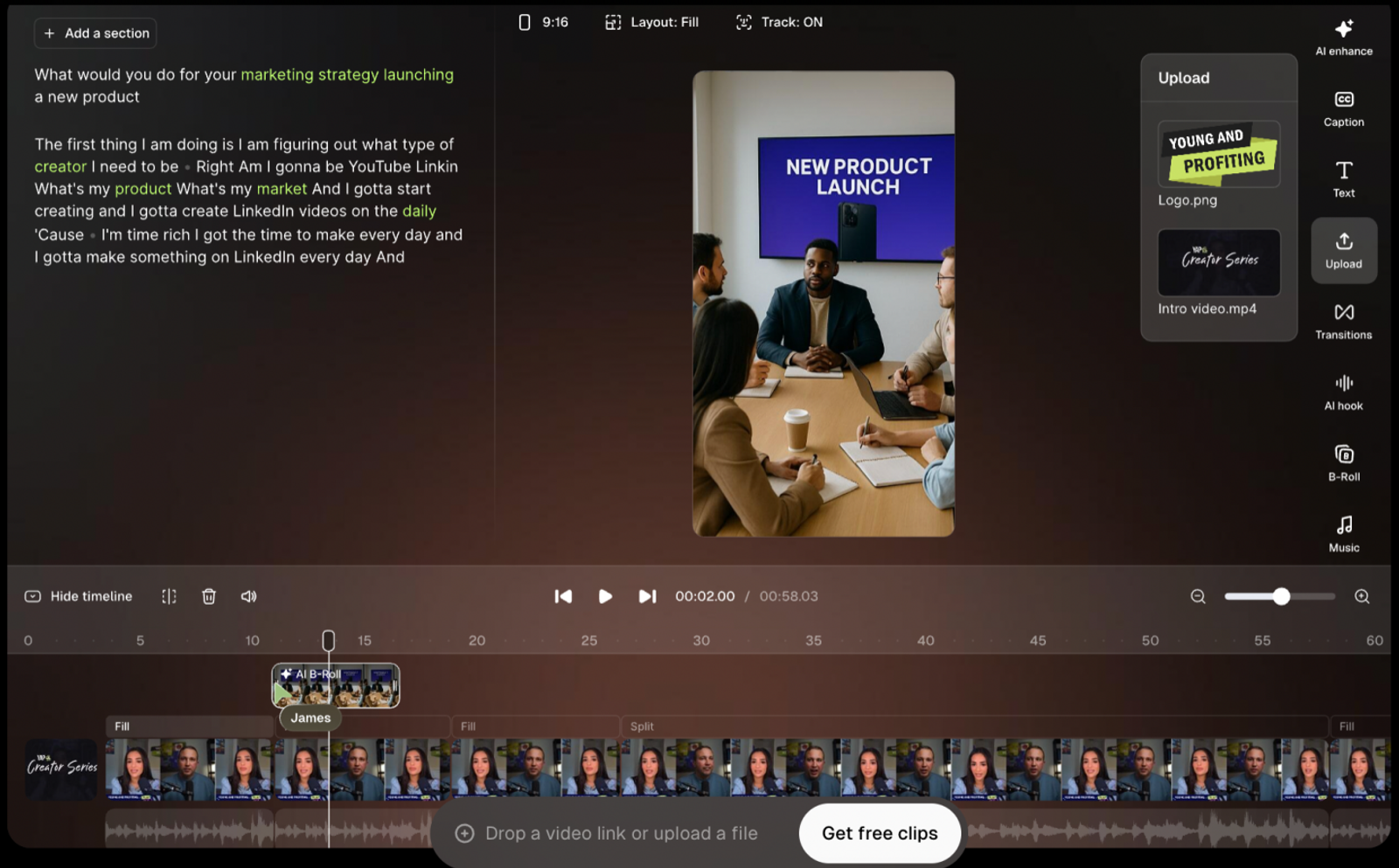
Vizard combines automated clipping with dedicated publishing logistics. Its Creator plan features watermark-free 4K exports, private team workspaces, and integrated social scheduling. This setup allows teams to extract clips and schedule them across multiple brand profiles without switching to a third-party social media scheduler.
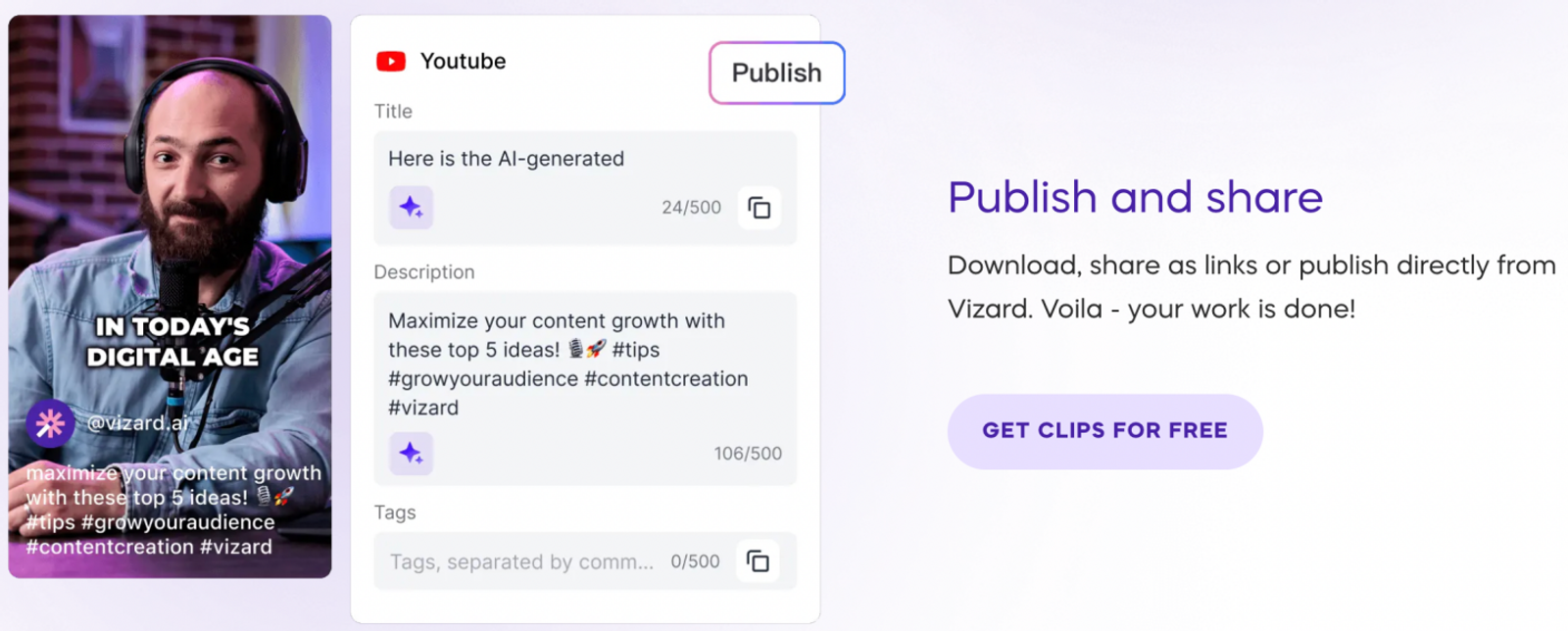
Both platforms still require human editorial review. An automated AI hook may catch attention, but you often need to trim the opening or protect critical context to keep the message accurate. OpusClip is the natural choice when rapid clip extraction is your main hurdle; Vizard pulls ahead when managing a scheduled multi-platform release calendar is your recurring headache.
Descript: Polish Source Audio and Pacing Before Packaging
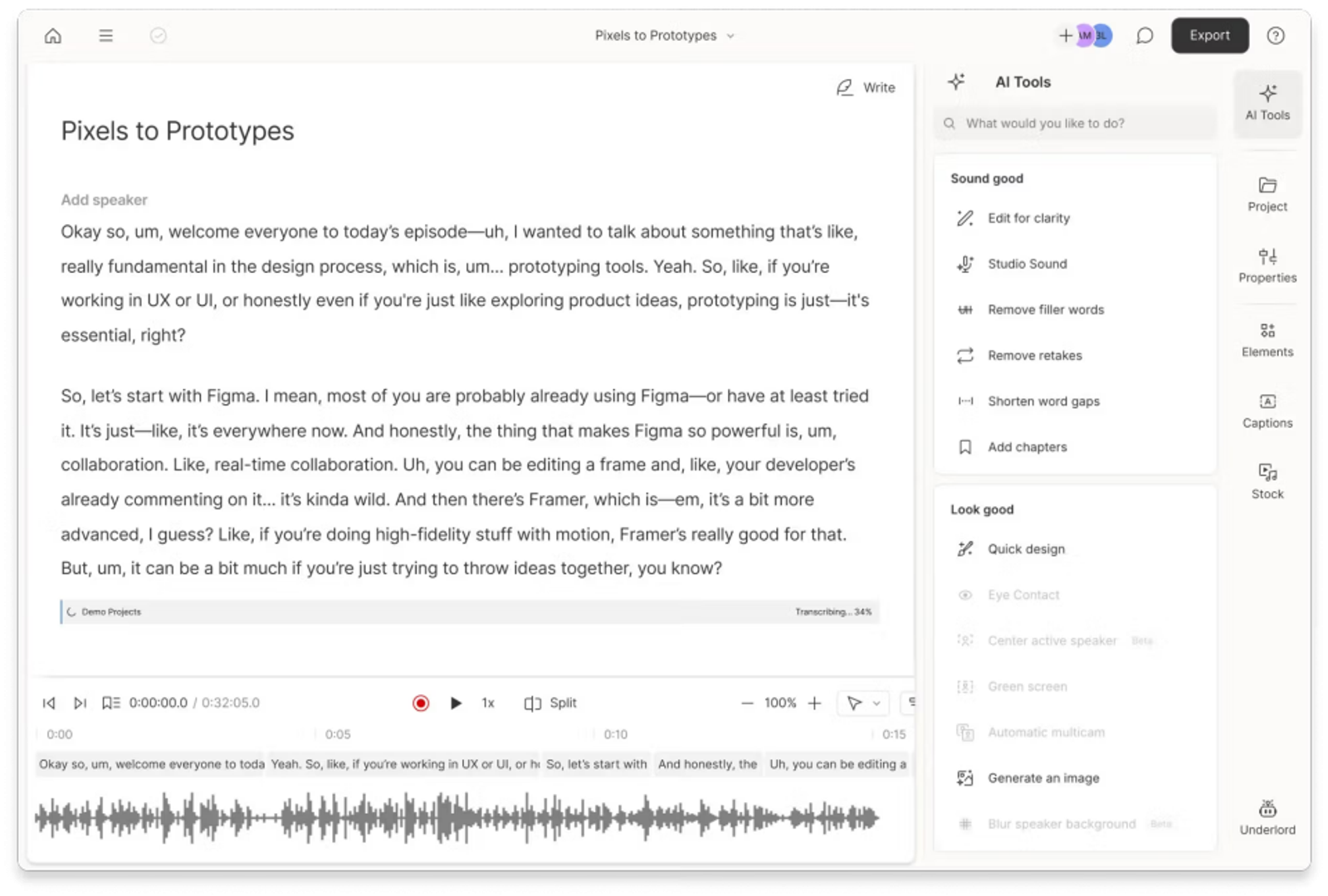
Descript takes a text-first approach, placing your recording's transcript and vocal quality at the heart of the editing process. The Hobbyist plan includes transcript-based video editing, AI Studio Sound, one-click filler word removal, the Create Clips tool, and watermark-free 1080p exports. This toolset is tailor-made for customer interviews, technical walkthroughs, and tutorials where raw dialogue needs tightening before an excerpt can stand on its own.
Its Create Clips feature allows you to generate between one and 20 excerpts lasting anywhere from ten seconds to five minutes. You can filter clips by entering specific thematic prompts (such as "extract the software onboarding advice") and choose native vertical (9:16) or square (1:1) compositions. Because each generated clip opens as its own editable sequence, you can freely rearrange text, adjust layout elements, or tweak B-roll after selection.
Descript gives you complete control over what the speaker says and how the scene is framed. Use it when your source recordings need structural cleanup and professional audio polish. If all you need is a fast, automated tool to pull 30-second clips from a clean interview, Descript’s deeper editing environment might introduce more steps than you require.
Wizstar: Build Product Ads from Assets and Creative References
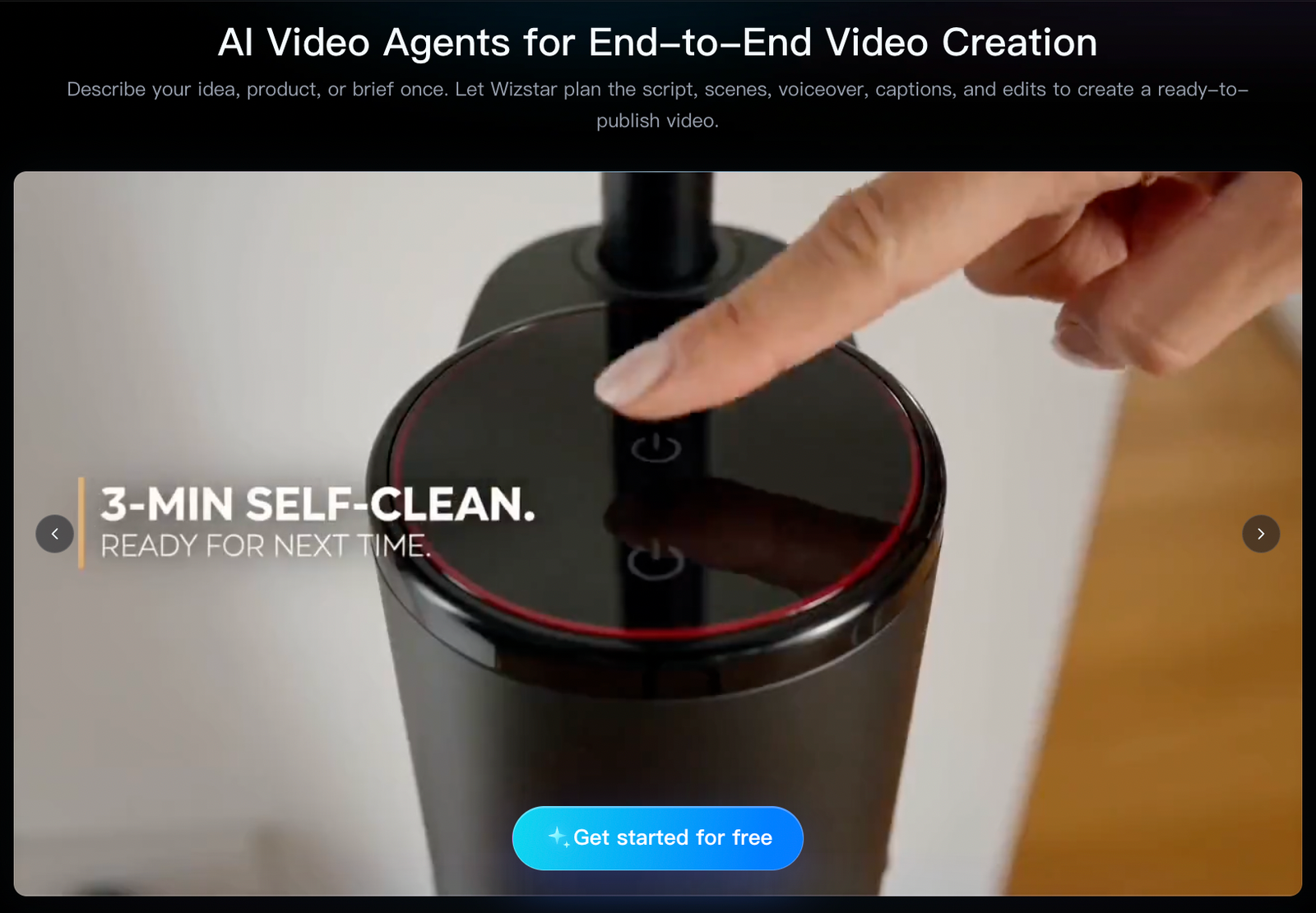
Wizstar comes into play when your assignment is to produce a fresh marketing or product video from scratch rather than repurposing an existing speech or podcast. Instead of hunting through hours of recorded talking heads, its Viral Video Recreation workflow analyzes proven social video references—extracting visual rhythm, hooks, and script pacing—to construct a custom promotional video around your specific product.
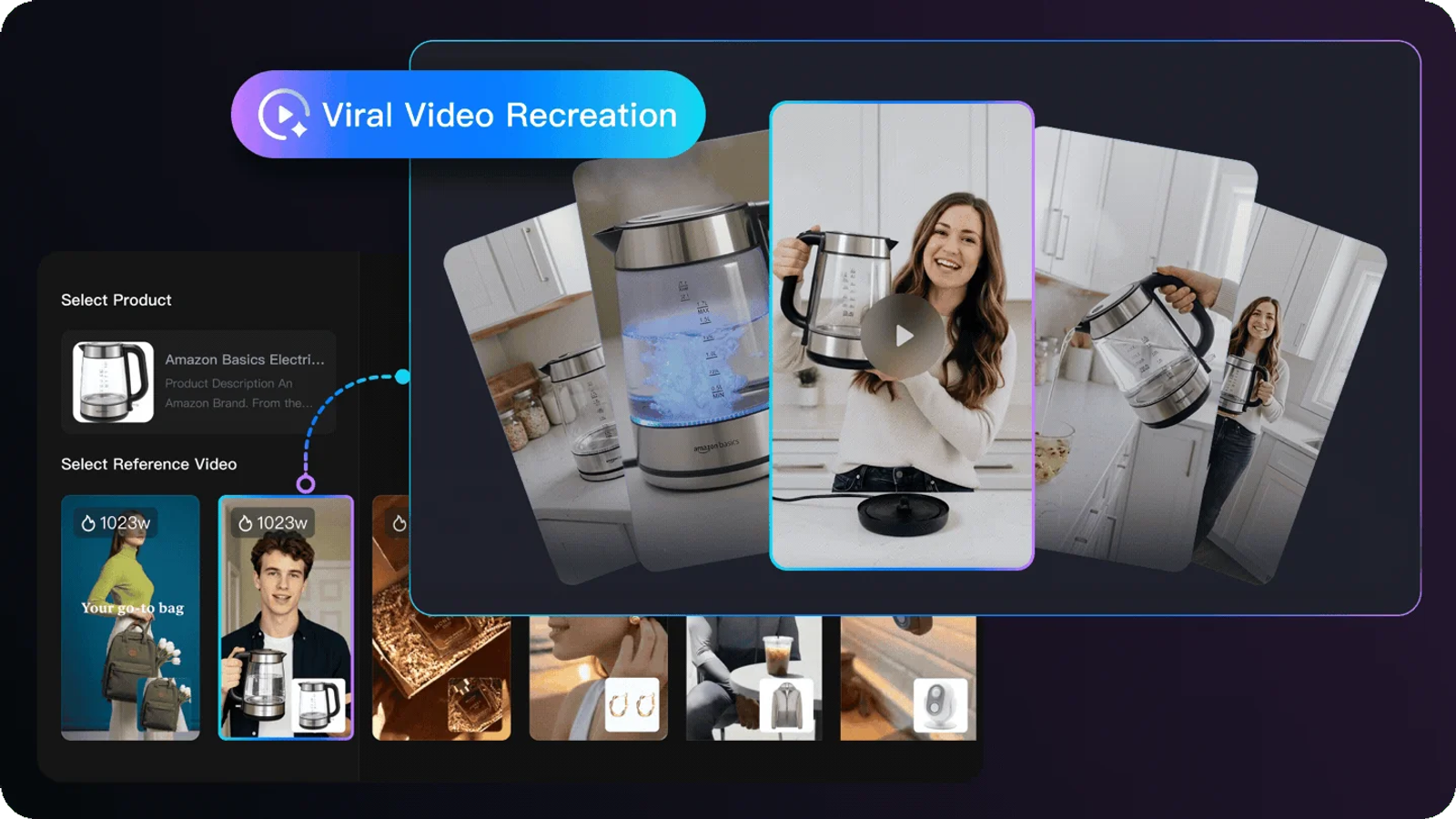
According to the Wizstar help guide, you can upload local reference videos between 10 and 90 seconds or select proven concepts from Trending Ads. Product details can be pulled automatically from Amazon, TikTok Shop, or Shopify URLs. Alternatively, manual input supports uploading a product name, up to 10 photos, and a custom promotional hook. You can adjust the underlying model, aspect ratio, narration language, and creative instructions.
For campaigns requiring close creative oversight, the Premium Agent workflow introduces staged review milestones: Demand Overview, Storyboard, Script, and Scene breakdowns. This allows marketing teams to fine-tune visual framing, actor delivery, on-screen text, and motion before rendering. For ecommerce brands and growth marketers, this structured review ensures the final creative accurately reflects product features and brand positioning.
Price and Output: Match the Tier to Your Monthly Volume
For independent creators and growing brands paying month-to-month for watermark-free assets, comparing baseline tiers clarifies what your subscription actually buys. OpusClip Starter covers high-speed repurposing; Descript Hobbyist provides deep audio and text-based editing; Wizstar Starter provides a dedicated budget for generative content.
| Platform & Plan | Monthly USD Cost | Included Processing Capacity |
| OpusClip Starter | $12 introductory; $15 standard | 150 source-video processing minutes |
| Vizard Creator | $29 / month | 600 credits = 600 source-video processing minutes/month; six social accounts and scheduling |
| Descript Hobbyist | $24 / user | 10 media hours + 400 monthly AI credits |
| Wizstar Starter | $10.99 first month; $18.05 renewal | 1,310 shared credits for video, images, & avatars |
Choose your plan based on recurring production requirements, keeping tier-specific feature gates in mind.
- OpusClip calculates usage at one credit per imported source minute. Five 30-minute podcast episodes fully consume Starter's 150-minute allocation (roughly $0.08 per processed minute at the $12 promotional rate). If your projects require automated release scheduling across accounts, factor in an upgrade to the Pro plan.
- Vizard’s Creator plan provides 600 processing minutes, six connected social profiles, and built-in scheduling. Under its processing rules, projects are billed once upon import, even when utilizing both transcription and AI clipping. This makes it an economical choice for teams managing a continuous calendar of long-form footage.
- Descript’s $24 monthly rate bundles essential vocal cleanup with ten hours of media transcription. Its billing guidelines separate raw media processing hours from AI credits used for advanced generation. This subscription delivers maximum value when you actively rely on Studio Sound and script rewrites.
- Wizstar credit consumption adjusts based on selected AI models, output duration, and rendering resolution. The dashboard provides an upfront credit estimate before you launch the Agent. For ongoing ad creative production, budget against the standard $18.05 renewal rate and keep a margin of credits for script revisions and alternative visual hooks.
Choosing the Right Tool for Your Next Video
To select the right software, look backward from the deliverable your team needs to ship this week:
- If you have an archive of long interviews and need fast, captioned vertical clips, stick with Quso.ai or switch to OpusClip.
- If your priority is turning recorded webinars into a structured, scheduled social media calendar across multiple brand accounts, deploy Vizard.
- If your raw footage has awkward pauses, poor audio quality, or wandering explanations that need tightening before clipping, use Descript.
- If your goal is launching high-converting product videos, TikTok Shop showcases, or paid video ads using catalog links and creative references, use Wizstar’s Viral Video Recreation and Premium Agent workflows.
Only switch platforms when your current tool creates repeated friction. Start with your primary asset, identify your biggest production bottleneck, and match your monthly workload to the plan that solves it cleanly.
FAQ
- Did my Quso.ai account, projects, and credits transfer during the rebrand?
- Yes. According to Quso.ai’s migration documentation, all existing login credentials, active subscription plans, accumulated credits, and saved projects transferred seamlessly from the former platform (Vidyo.ai). You can log in using your existing email address and password without losing past work.
- Which social channels can Quso.ai publish to directly?
- Quso.ai supports direct scheduling and automated publishing to TikTok, Instagram Reels, YouTube Shorts, LinkedIn, Facebook, and X through a unified content calendar. Its official FAQ confirms these integrations. Before scheduling posts, review the safe zones and caption positioning for each destination network to ensure readability.
- Can I use Quso.ai for free?
- Creating a Quso.ai account is free, but processing video requires purchased credits. Rather than offering a permanent free tier, Quso.ai provides one-time credit bundles alongside recurring subscriptions. As detailed in its support FAQ, one credit processes one minute of source video. Calculate your budget around the length of the footage you upload rather than the duration of the finished clips.
- How do I remove the platform watermark on Wizstar videos?
- Subscribing to any paid Wizstar tier automatically removes the platform watermark. The official help guide notes that commercial watermark-free downloads unlock immediately upon activating a plan. Ensure that all uploaded product photography, logos, and reference materials are cleared for commercial use before exporting your final campaign assets.
- What happens if I use up all my Wizstar credits during a campaign?
- If you exhaust your monthly credit pool, you can purchase on-demand top-up packs or upgrade to a higher subscription tier at any time. Your existing projects, drafts, and rendered videos remain saved in your library. Subscription credits renew each billing cycle, while top-up credits provide flexible coverage during heavy production spikes.
- How many languages does Quso.ai support for subtitles and AI clipping?
- Quso.ai provides subtitle generation in 99 languages, while its AI clipping engine supports more than 20 major languages and regional accents. Its language documentation also details support for US, UK, and Australian English dialects, word-level subtitle sync, and automated filler word removal. Always verify the pronunciation of brand names, product terms, and on-screen caption timing before distributing finished videos.