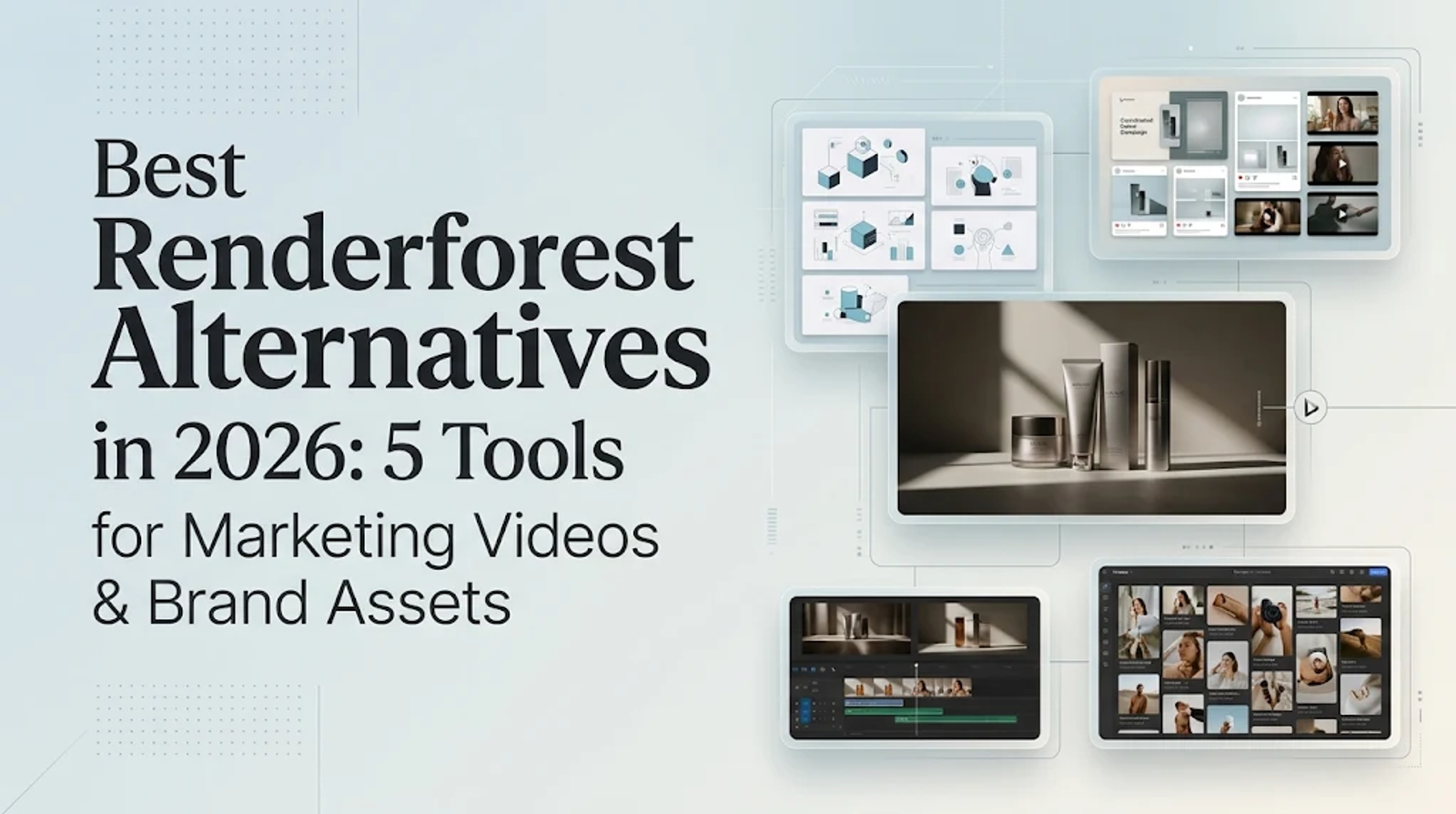
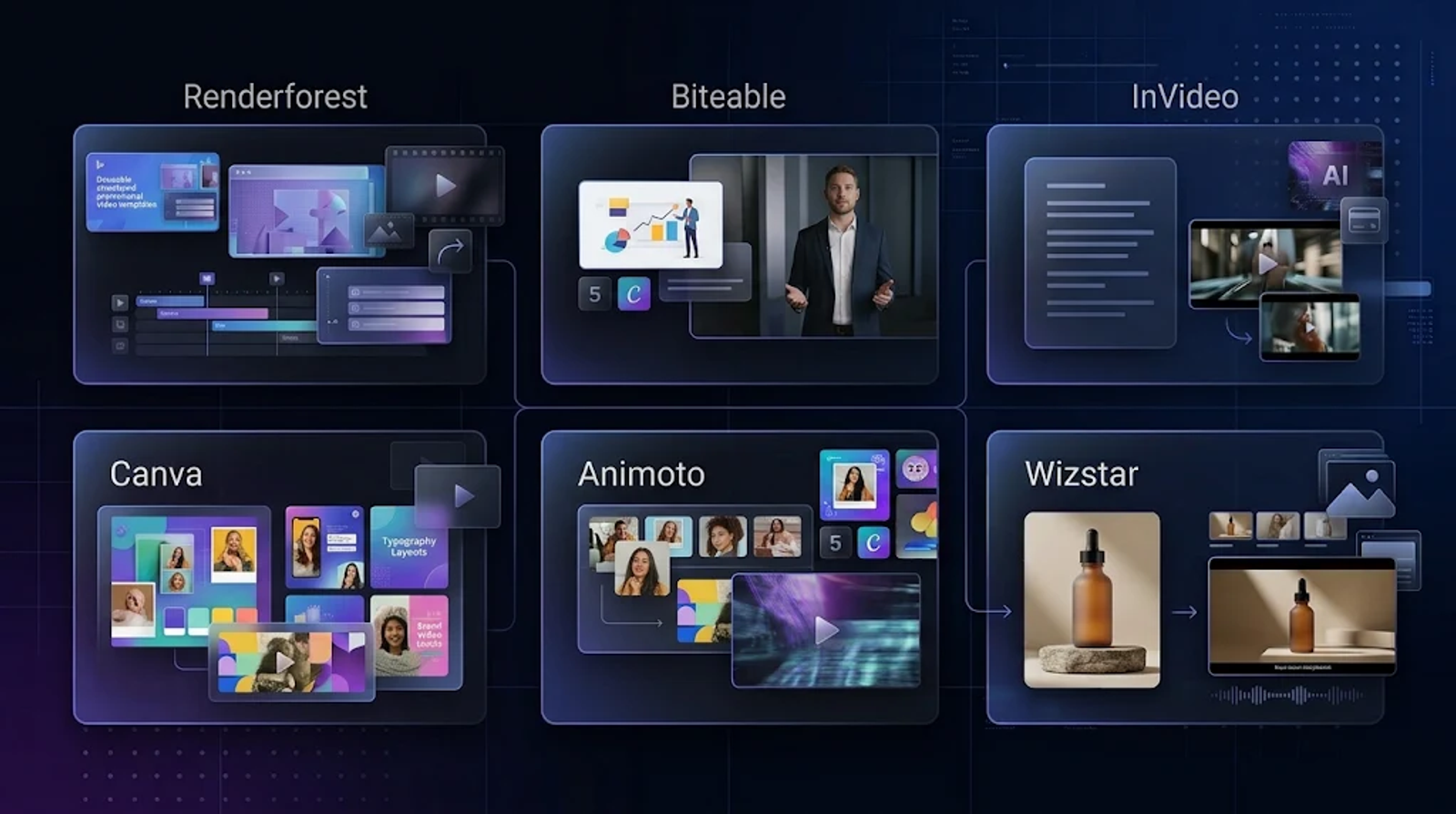
Choose Biteable for reusable business templates, InVideo for script-led AI production, Canva for broader campaign design, Animoto for organizing existing footage, and Wizstar for turning product links or photos into videos through its E-commerce Agent. The right Renderforest alternative depends entirely on where your production starts.
I prefer to make the decision around the actual deliverable rather than the length of a feature list. A live product listing, an approved voiceover script, and a reusable explainer template create very different production jobs.
What Renderforest users are actually replacing
Renderforest combines more than 1,200 video templates with AI video, AI images, logos, and websites. Its AI commercial generator can plan scenes, add voiceover, and compile a branded video for final edits, covering both structured template work and generative production.
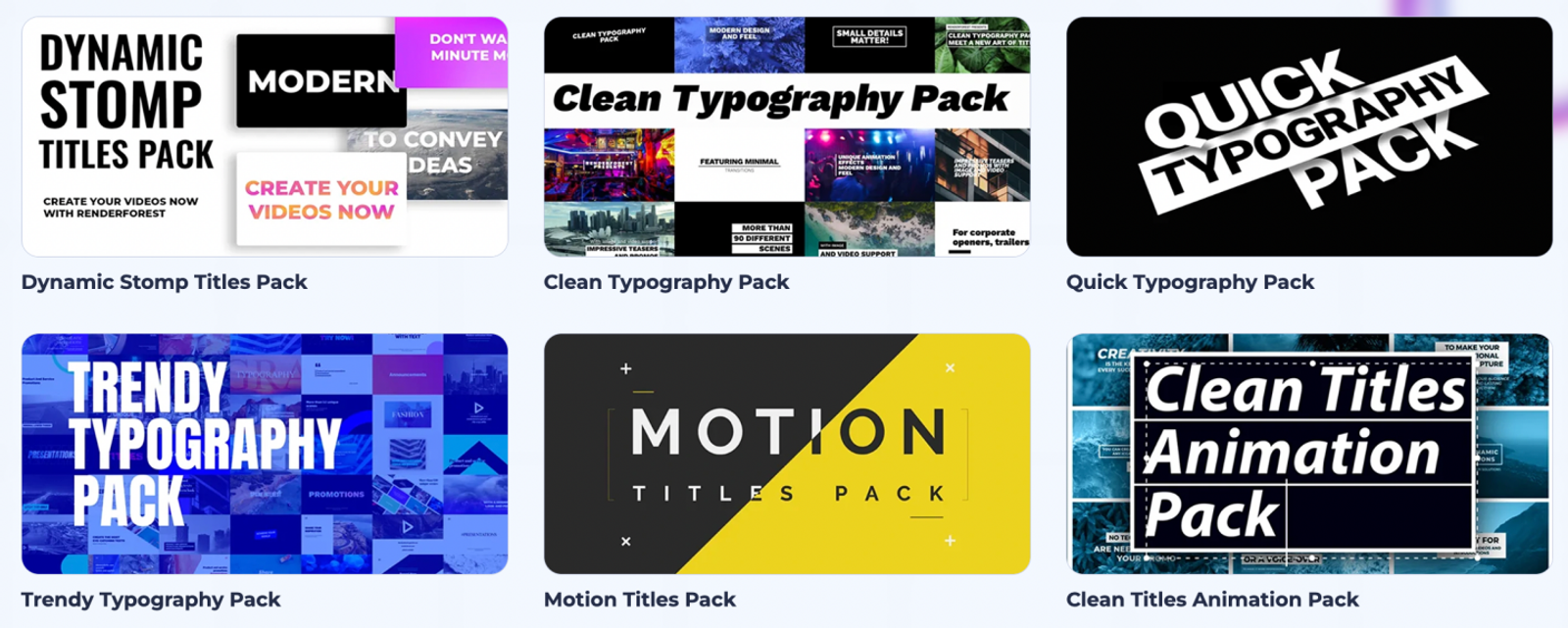
That breadth points to four practical starting points: adapting prebuilt scenes, generating from a script, assembling a wider set of campaign assets, or turning product material into a sales video. A useful comparison keeps those jobs separate—otherwise, a template editor and a generative tool look interchangeable simply because both export video.
| Tool | Starting material | Primary job | Functional strength |
| Biteable | Templates and business content | Promotional and explainer videos | Brand profiles and repeatable HD exports |
| InVideo | Scripts and generation prompts | AI video production | Model-specific generation and script-led workflow |
| Canva | Brand assets and campaign content | Video plus supporting graphics | Wider visual workspace and collaboration |
| Animoto | Photos, clips, and recordings | Marketing and training videos | Drag-and-drop assembly |
| Wizstar | Product links or photos | Store and social product videos | E-commerce Agent production flow |
In short, pick the platform based on the raw material entering your workflow, then verify whether it gives your team enough control over the final cut.
Template and script-led production
Biteable and InVideo solve the same broad problem—creating promotional or explainer videos—but organize the work differently. Biteable starts with a reusable visual system, while InVideo starts with a script or concept that needs to become generated footage.
Biteable for repeatable business videos
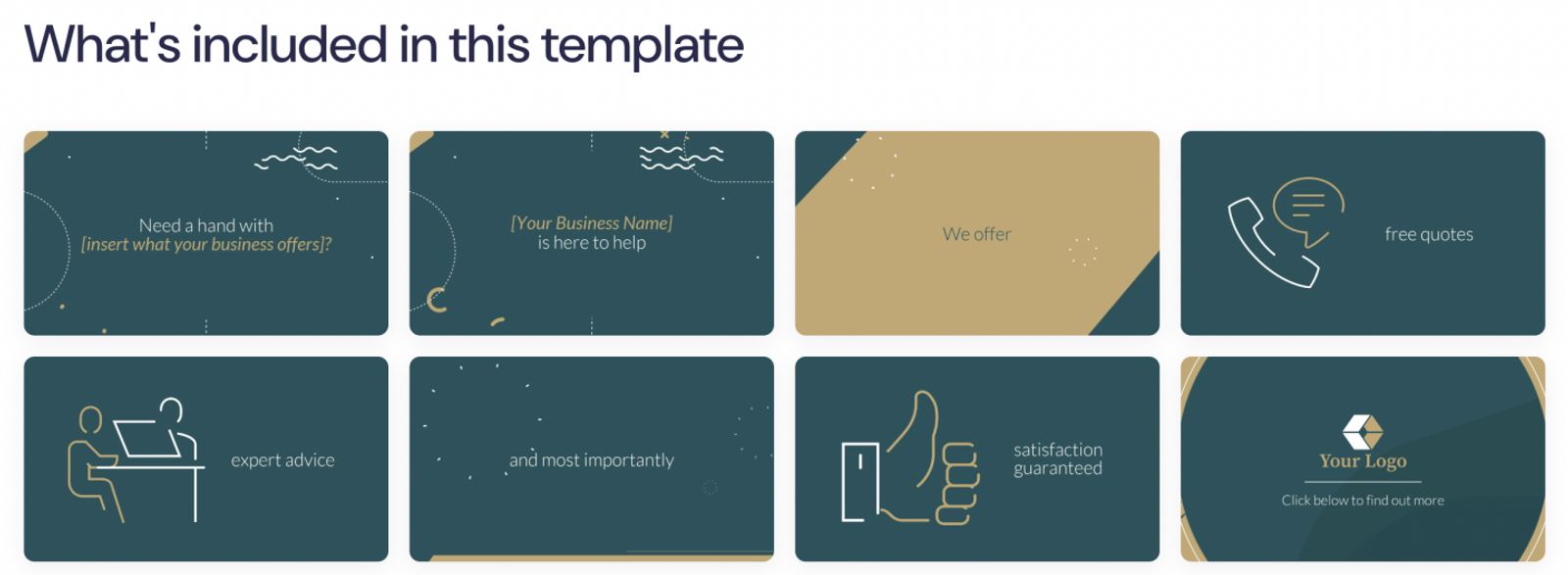
Biteable focuses on templates and structured business video production. Its Pro plan supports one custom brand profile and unlimited 1080p HD exports for one user, with finished videos running up to 10 minutes and 20 avatar clips included each month.
When your creative direction centers on an approved layout, choose Biteable. It is less suited for a brief asking the system to invent visuals from scratch based on a script or product concept.
InVideo for script-led AI production
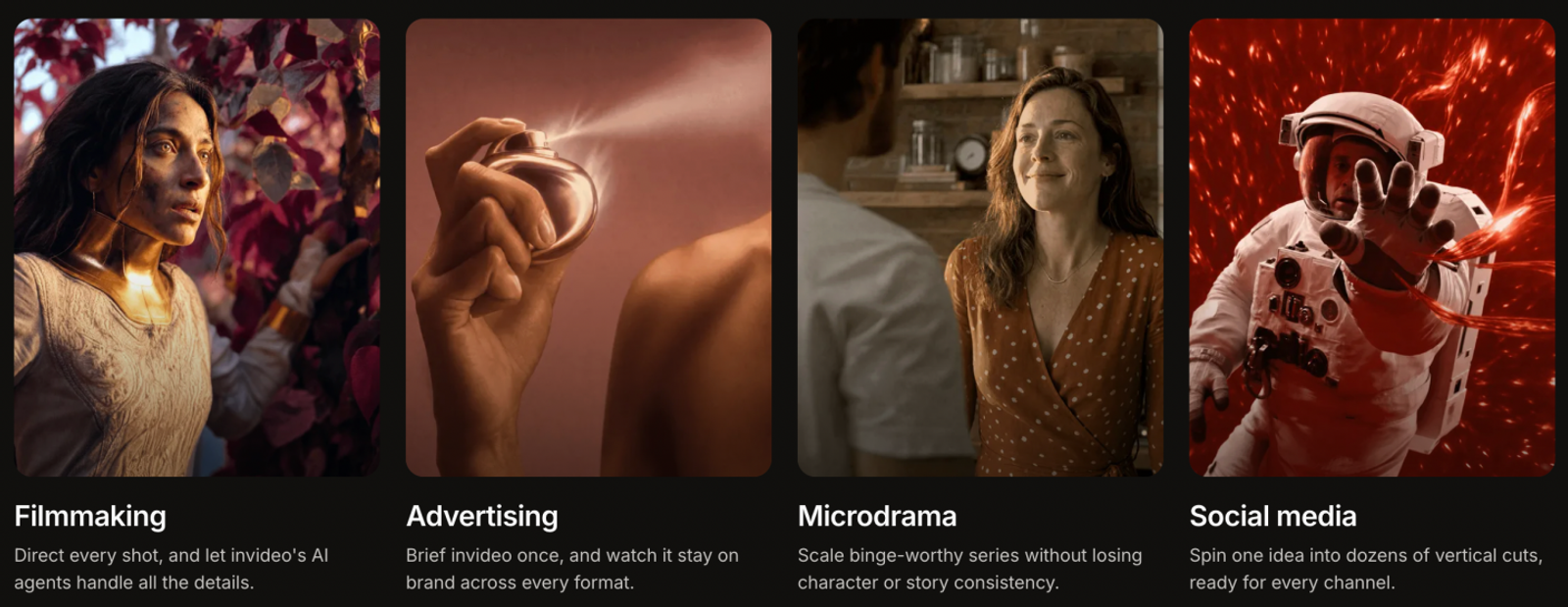
InVideo Starter is built around scripts, prompts, and generated footage. It includes Seedance 2.0 Fast and Seedance 2.0 Mini, allowing your workflow to begin with an idea or narration and build the visual sequence from there.
Choose InVideo when your production queue is driven by fresh concepts, and Biteable when your queue relies on repeatable formats. The difference comes down to where the work originates, rather than a generic claim that one platform is more advanced.
Canva for a wider brand system
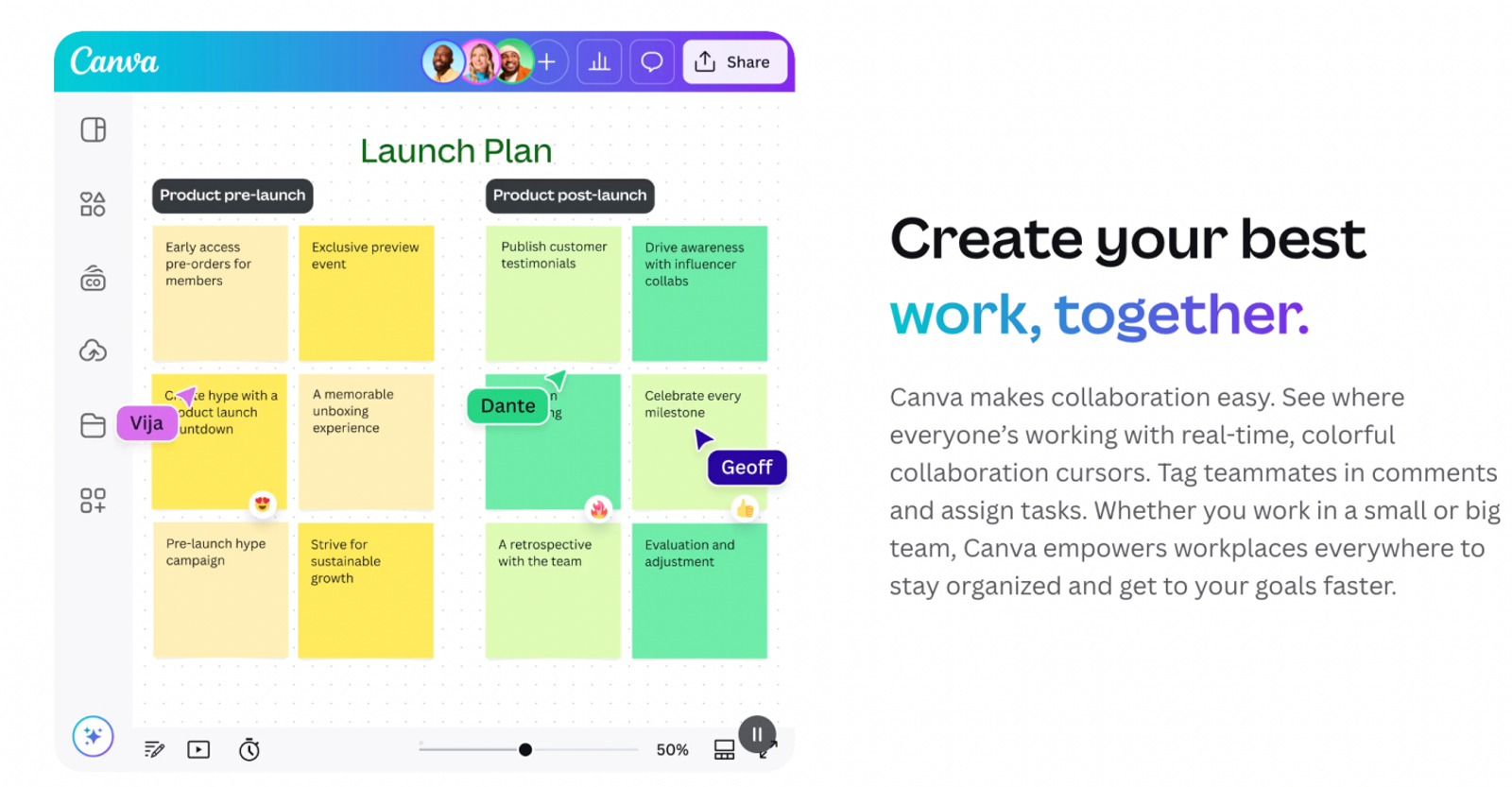
Canva brings together a video editor, video templates, stock video, a brand kit, AI image generation, and team collaboration. A campaign requiring short videos, social graphics, thumbnails, and shared brand assets can keep all of those pieces in a single visual workspace.
Canva is the stronger fit when video is tied to a broader brand rollout. It is less essential for a standalone product video with no supporting design work—use the wider workspace when those surrounding graphics are part of the deliverable.
Animoto for footage that is already ready
Animoto offers drag-and-drop video creation for marketing and training content. Its workflow fits photos, video clips, and screen or webcam recordings you already have on hand, where the main job is sequencing clips, adding text or music, and exporting a clean cut.
Animoto Basic includes watermark-free 1080p output, while its Professional tier adds 4K resolution, brand controls, voice-over, Getty stock, and analytics. Those upgrades matter once your delivery brief specifically calls for higher resolution, stricter brand guardrails, or performance tracking.
Animoto works best when you need to organize existing material quickly; Canva works best when video belongs to a wider visual campaign. Neither requires an AI-first workflow.
Wizstar for product-led video work
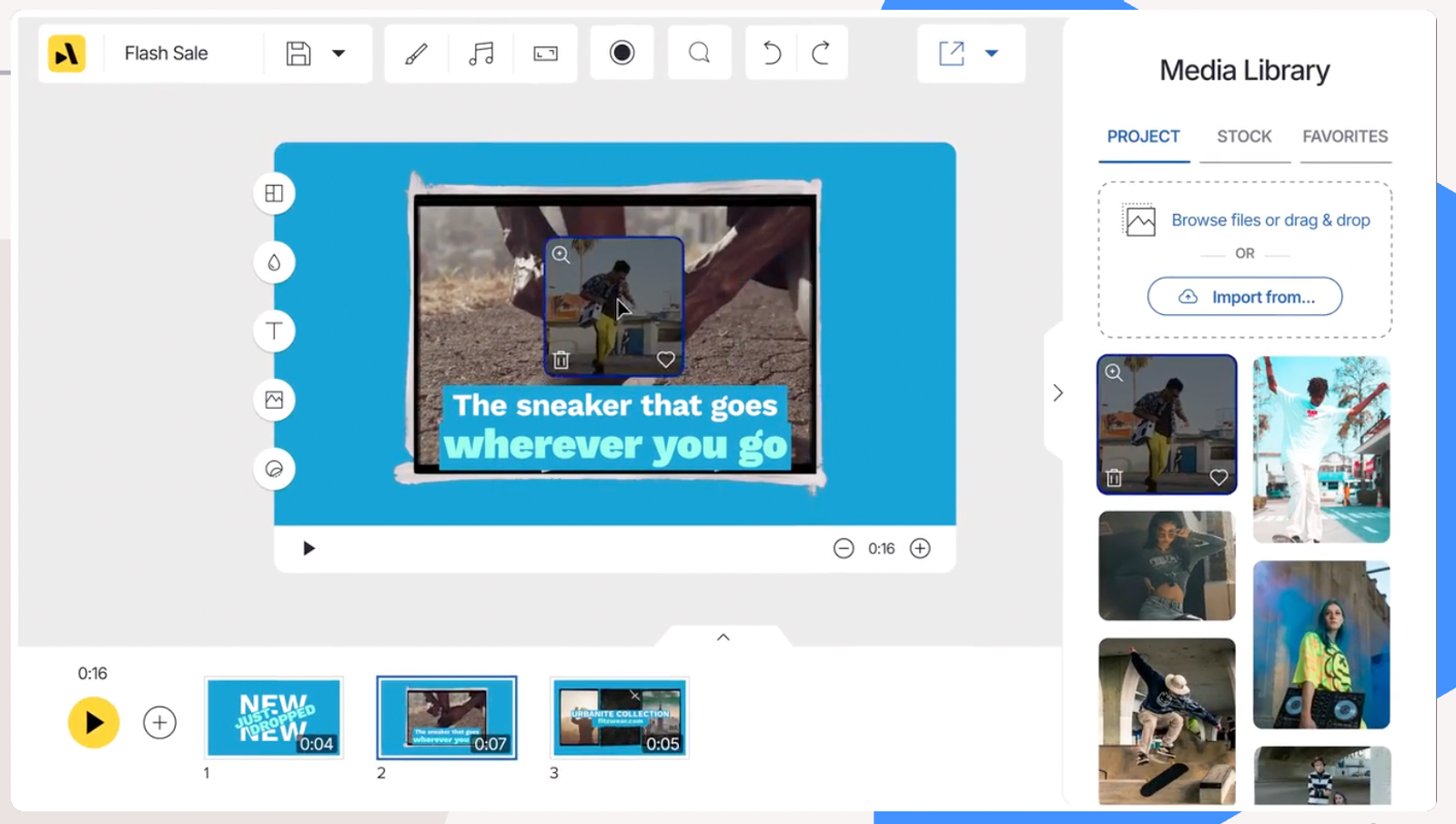
Wizstar targets a specific production path: starting directly from a product URL or photo to create a store or social video. Its E-commerce Agent turns those product inputs into videos complete with scripts, captions, voiceovers, and formats tailored for e-commerce listings and social ads.
Starting with the product changes the workflow. Instead of facing a blank timeline or hunting for a preselected template, a seller brings the product page or photo directly into the brief alongside the core selling point and target format.
Renderforest also generates AI videos and images, and its commercial generator coordinates scenes and voiceover. Wizstar’s practical distinction here is its dedicated product-link and product-photo path, giving product-led teams a direct starting input while Renderforest pairs generation with its broader template and brand toolkit.
Wizstar also accepts text prompts, images, and scripts. Its Creative Agent develops a prompt into a storyline with vendor-described character consistency and synchronized visuals and audio—making it useful for general creative briefs, while the E-commerce Agent remains the most direct fit for product campaigns.
The takeaway is straightforward: choose Wizstar when product assets sit at the center of the assignment, and stick with Renderforest or a template-led tool when your workflow relies on browsing and adapting prebuilt scenes.
Monthly pricing: what does your subscription actually buy?
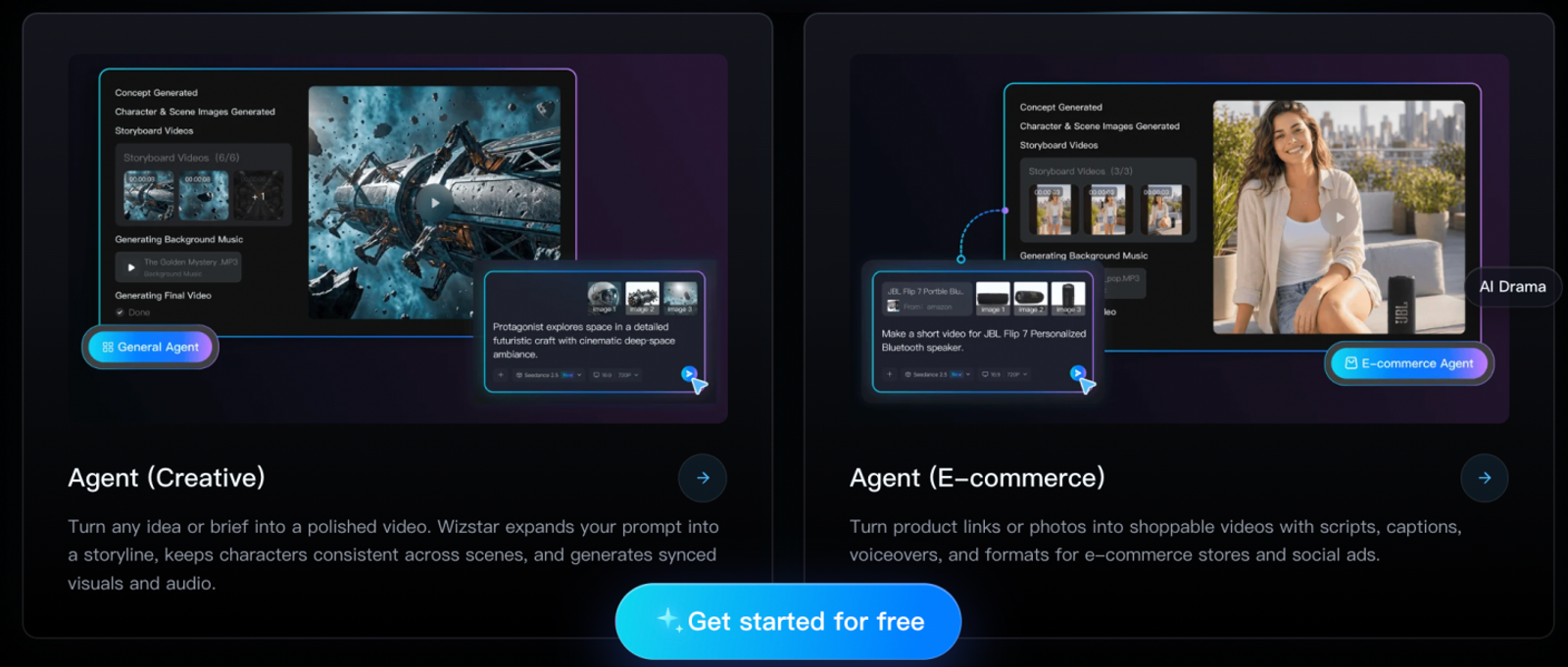
The comparison below uses entry paid plans for individual creators, with all six platforms priced in USD on monthly billing. The key distinction is what the fee covers: finished-video exports, a broader design workspace, or AI generation capacity.
| Monthly plan | Monthly price (USD) | Included capacity | Best budget fit |
| Renderforest Lite | $15 | 1,000 AI credits and five watermark-free 720p template exports per month | Occasional template videos alongside AI tools |
| Biteable Pro | $29 | Unlimited 1080p exports, 20 avatar clips per month, and one user | Frequent business videos using reusable brand settings |
| InVideo Starter | $20 per seat | 400 credits per seat per month | Model-based AI image and video generation |
| Canva Pro | $18 per person | Premium templates and assets, five brand kits, 100 GB storage, and feature-specific AI allowances | Campaigns combining video with social graphics and other designs |
| Animoto Basic | $16 | Unlimited downloads, watermark-free 1080p output, and one user | Repeatedly assembling videos from existing photos and clips |
| Wizstar Starter | $18.05 at renewal | 1,310 credits per month and watermark-free videos and images | AI asset generation and product-led video workflows |
For finished videos, compare export capacity and the tools you need
Renderforest Lite suits occasional template production when five monthly exports and 720p resolution meet the delivery requirements. Animoto Basic costs $1 more per month and includes unlimited watermark-free 1080p downloads, making it an economical choice for creators who already have their photos and footage ready.
Biteable Pro’s $29 monthly fee is easier to justify when recurring business videos benefit from its reusable brand profile and template workflow. Unlimited exports alone do not distinguish it from Animoto Basic; the additional value depends on whether Biteable’s production tools better fit your recurring assignments.
For wider campaigns, spread the subscription across more deliverables
Canva Pro costs $18 per month and covers video alongside thumbnails, social posts, and other brand assets. Its value increases when those supporting designs are regular deliverables, allowing one subscription to serve several parts of the campaign. For video-only assembly from existing footage, Animoto Basic offers a lower monthly fee; Canva’s additional spending is most useful when you also need its broader design workspace.
For AI production, convert credits into a specific workload
InVideo lists approximately 2.5 credits per Nano Banana Pro image. Allocating all 400 Starter credits to that operation yields about 160 images; video generation uses part of the same balance.
Wizstar lists MiniMax H3 at 720p at six credits per second. A five-second clip uses 30 credits, so 1,310 credits cover 43 five-second clips, totaling 215 generated seconds, when the entire balance goes to that operation. Agent workflows, other tools, and additional generations also consume credits, so this measures footage capacity rather than finished advertisements.
Choose the billing model around your main output: export access for frequent editing, a design subscription for mixed campaign assets, or generation credits for original AI visuals. Between InVideo and Wizstar, calculate the consumption of your intended models and workflow; their credit totals alone do not establish which delivers better value.
Which platform should you choose?
Start with your source material. Use Biteable for recurring template-led explainers and business videos, InVideo for scripts and newly generated concepts, Canva for deliverables that bundle video with brand and social graphics, and Animoto for existing photos, clips, and recordings that just need clean assembly.
Use Wizstar when a product link or photo needs to become a store or social video, and keep Renderforest when your projects rely on combining templates, AI generation, brand tools, and website features under one roof.
Following this decision order keeps pricing from pushing you into the wrong workflow: pick your production path first, then compare the unit that governs your monthly output.
FAQ
- Can I use Renderforest or Wizstar for free?
- Yes, both offer free entry tiers with different limits. Renderforest Free includes watermarked 720p template videos up to three minutes; it starts with 50 AI credits, adds 10 each return day, and caps the balance at 100, while free AI video uses Renderforest Fast at 480p with a watermark. Wizstar provides 20 free credits for eligible tools, though AI avatars and voice synthesis require a paid plan.
- Does removing a watermark also give me commercial-use rights?
- No—watermark removal and usage permissions are separate plan provisions. Renderforest Free is restricted to personal use, whereas Lite and Pro include commercial use, and Business adds a reseller license for client work. Wizstar lists watermark removal and commercial use separately, with paid rights subject to its terms. Commercial permission, a reseller license, and unrestricted ownership should never be treated as interchangeable.
- Do unused Wizstar subscription credits carry over?
- Your Wizstar plan’s account rules govern expiry and carry-over. The pricing FAQ directs subscribers to their account dashboard and checkout plan terms for specific details, while top-up credit balances follow their own checkout expiry and refund rules. Subscription credits are always consumed before top-up credits—keep those two balances separate when planning purchases, as subscription rules do not automatically apply to top-ups.
- Does Renderforest work on mobile and tablet devices?
- Yes, Renderforest supports phones and tablets via its Android and iOS apps as well as mobile web browsers. Its official FAQ notes that the platform is optimized for mobile devices, letting you choose between the native app and browser access depending on how you prefer to work on the go.
- Can I cancel my Renderforest or Wizstar subscription?
- Yes, both platforms allow you to cancel directly through your account settings. Renderforest offers one-click cancellation and keeps full access active until the end of your paid billing period. Wizstar supports cancellation in account settings, with remaining access governed by your plan’s cancellation terms. Note that stopping auto-renewal is separate from getting a refund: refund eligibility follows each service's purchase terms, and cancelling alone does not guarantee a prorated refund.
- Can Wizstar translate a video’s audio without changing the speaker’s lip movements?
- Yes—select Audio Translation Only to translate the voice track without altering lip synchronization. Wizstar’s AI Video Translation also offers a Lip Sync + Audio Translation mode when you want synchronized mouth movements. The tool supports 99 source languages and more than 70 target languages with independent source and output selectors, letting you choose audio-only translation or full lip sync based on your deliverable.