The short answer
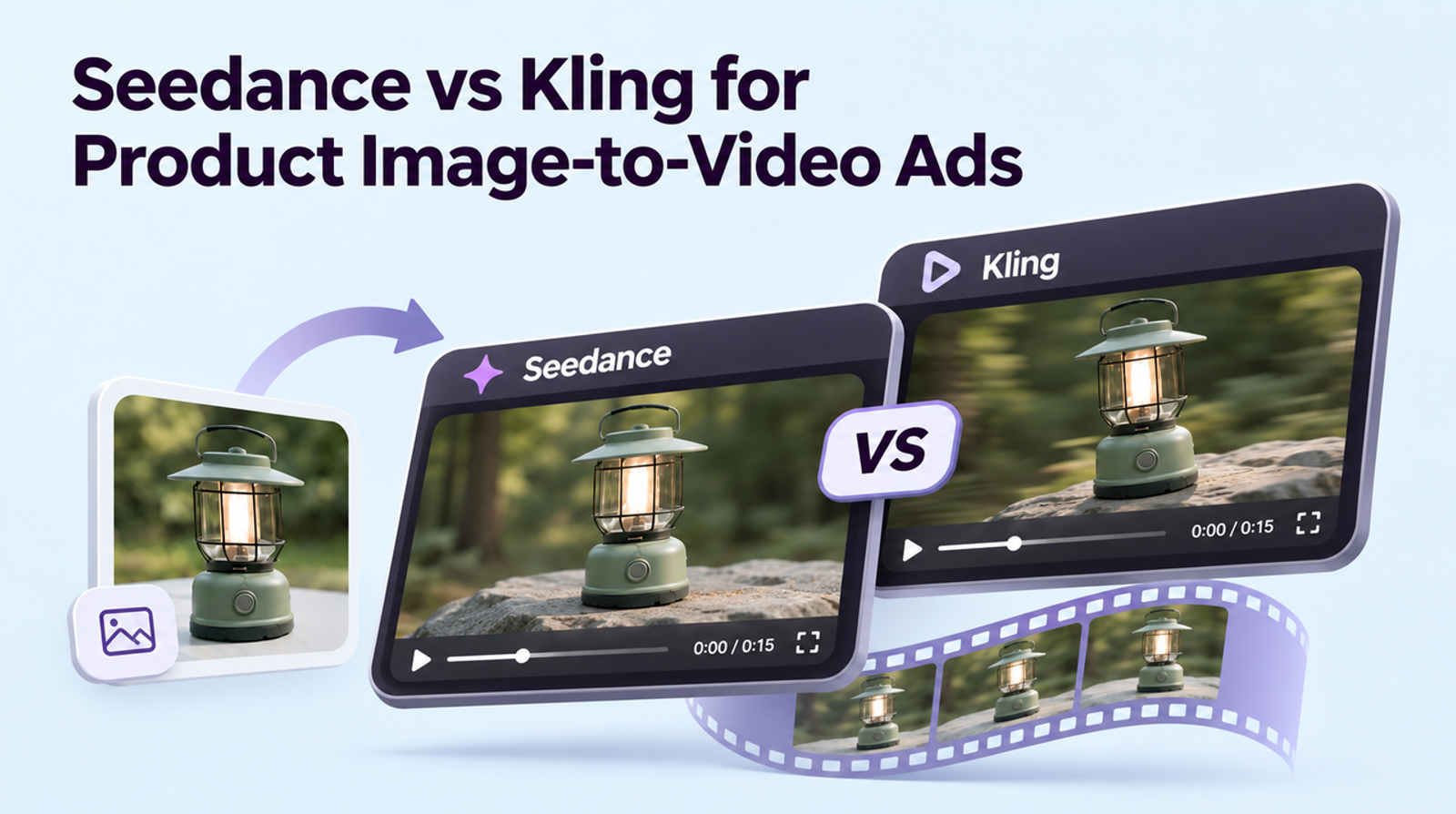
Test Seedance when the ad shot needs several approved references or a targeted change; test Kling when the camera must arrive at an approved final composition. For a single SKU image, neither set of controls tells you which model will preserve the package better. The deciding measure is the work needed to produce one clip the ecommerce team can approve and edit.
This article compares Seedance 2.5 with Kling 4.0, based on official materials checked on November 6, 2026. It sets out a matched production test, not hands-on results.
Which Product Image-to-Video Task Is Being Compared?
One SKU, One Approved Image, One Ad Shot
The test asset is a fictional coffee refill pouch, photographed straight on and approved for the campaign. It has a matte orange body, a blue wordmark, a white 250 g panel, a top zipper, and visible side folds. The requested ad shot lasts six seconds: the pouch remains on a tabletop while the camera slides gently to the right. An editor will add the offer afterward.
A soft pouch makes the production question concrete. Its folds may shift naturally as the viewpoint changes, but the zipper, printed panel, color, and proportions must still describe the same item. A camera move that reveals an invented side design is a problem even if the result looks convincing. The team should agree on that boundary before seeing any drafts.
Start both models with the same approved photograph and the same request for one continuous camera slide. Keep duration, portrait crop, and attempt limit aligned where the chosen interfaces allow. Save any setting that differs. The first round uses one image; extra references are tested only when a particular defect gives the team a reason to add them.
How Does Each Model Hold Product Details?
Shape, Color, Packaging, and Logo
Product fidelity has to be judged in the moving clip; neither provider promises an exact reproduction of printed packaging. ByteDance describes Seedance 2.5 as a model with reference and editing capabilities. Kling’s 4.0 user guide documents image-to-video and frame-based controls. Those capabilities affect how a team can direct a shot. They are not evidence that either model will keep the pouch’s 250 g panel accurate.
Inspect one full draft at normal speed, then pause wherever the pouch turns, bends, or approaches the edge of the frame. Compare those frames with the approved image. The wordmark, weight, zipper position, orange color, and overall outline are approval items. The folds can move, but they must not make the pouch appear wider, fuller, or constructed differently from the item being sold.
This is where a soft package differs from a rigid bottle. A small contour change may be plausible motion; a widened base can imply a different pack size. The team needs a product owner to set the tolerance, not just a video editor deciding whether the shot feels natural. I would check the printed weight before the lighting. A warm grade can be adjusted; a changed quantity makes the visual unsuitable for this SKU.
What Changes Across Drafts
Across drafts, the useful question is whether a change fixes the named defect without creating another one. Suppose the first take keeps the wordmark but broadens the pouch as the camera slides. Reducing the slide or keeping the front more square to camera is a focused next attempt. Adding new props, a different background, and a stronger camera move at the same time would make the result harder to interpret.
Use three dispositions rather than a single quality score: pass, repair locally, or regenerate. A stray background object might be removed by the editor. A brief crop problem may be solved by trimming. A weight panel that changes from 250 g to another value is a product failure and needs a new visual approach. Keep a short record of the defect, the attempted correction, and whether the next draft passed.
This record matters when a client asks for another variant. A single approved clip shows that one take worked. The pattern across attempts shows how dependable the workflow may be for a second pouch, colorway, or campaign crop.
How Much Motion Control Does the Brief Need?
Camera Path and Subject Movement
The brief needs a shallow camera slide, not movement of the pouch itself. The slide should create depth without turning the package far enough to expose an unphotographed side. If the concept requires a more substantial turn, obtain an approved side image and make that a separate test. A prompt cannot establish what the unseen printing actually says.
Kling 4.0 offers first-and-last-frame and other frame controls that may help specify where the camera lands. Seedance 2.5’s wider reference workflow may help when the team can supply approved product views or a motion example. These are reasons to try a repair route after the baseline, not reasons to award either model a quality win in advance.
For the pouch, define a useful landing frame: the wordmark and 250 g panel remain visible, while space opens beside the product for the offer. Ask whether the generated path reaches that frame smoothly and leaves enough steady footage for an edit. If it does not, an approved end frame is worth testing. If the path works but the package shape fails, a tighter camera specification alone may not solve the problem.
When Motion Hides the Product
Motion stops helping when the product becomes less identifiable during the seconds the ad needs to sell it. A slide can put a side fold over the weight panel or move the wordmark into the edge of a vertical crop. The clip may still look polished in a wide preview, then fail once the editor adds an offer and the ad is viewed on a phone.
Mock up the actual text placement before accepting a take. If the pouch occupies the offer area, the editor may need to shrink it so much that the wordmark disappears. That is a composition failure, even when every printed detail is technically present in the raw video. The best camera path is the one that leaves a clear product and a workable edit, not the one with the most visible movement.
What Does Revision Cost the Team?
Prompt Iteration and Human Repair
Revision cost includes the decisions and labor between the first generation and an approved ad shot. Count attempts, prompt changes, editing minutes, reviewer corrections, and any new product photography. Keep provider charges in the units shown by the account used for the test; a subscription credit and an API price are not automatically comparable.
The defect should determine the repair path. If the slide is too fast while the pouch remains accurate, revise the motion instruction. If the background flickers but the package is intact, ask the editor whether a local repair is cheaper. If the weight panel or zipper changes repeatedly, stop treating the issue as a wording exercise. Replace the generated product area with controlled artwork, reduce the camera angle, or use photographed footage.
BytePlus’s Seedance 2.5 ModelArk guide describes generation and editing controls available through that route. Kling documents its own frame and reference options. Test control against the defect it is supposed to fix, and include the time required to prepare any extra asset. The next edit is part of the cost whether it happens in the model interface or on an editor’s timeline.
| Same acceptance rule | Seedance 2.5 | Kling 4.0 | What to record |
| Starting asset | Approved front-facing SKU photo | The same photo | Whether the opening matches the approved pouch |
| Printed details | Check wordmark and 250 g panel throughout | Apply the identical check | Pass or reject, with the time of any change |
| Camera slide | Request the same gentle move | Request the same gentle move | Whether the landing frame supports the offer |
| Focused repair | Try a relevant reference or edit after naming a defect | Try an approved frame or reference after naming a defect | Whether the repair solves it without a new product error |
| Handoff | Count generation and human repair | Count the same work | Cost of one approved, editable take |
Which Model Fits This SKU Ad Shot?
A Conditional Choice by Product Risk
Start with the model whose controls address the hardest part of this particular shot. If the pouch must be shown from several approved angles or the team expects targeted changes, Seedance is a sensible first test. If the front image is sufficient but the exact camera landing matters, test Kling’s frame controls. Run the shared one-image baseline before adding either advantage.
The product can also change the decision. A plain unprinted pouch permits more visual variation than one carrying a precise weight, ingredient claim, or limited-edition design. For the orange pouch, printed accuracy is the first gate. Choose between the passing takes by the amount of editing and review they require, rather than by their best-looking still frames.
Cases That Need a Different Production Path
Use controlled product imagery when the shot must prove an exact detail the source image cannot safely carry through generation. That includes a readable back panel, a zipper being opened, or a close view of ingredients. Photography, a 3D asset, or a composited pack can hold those details while generated footage supplies the background or camera atmosphere.
Keep prices, offers, and calls to action in the edit. They can change without requiring the pouch to be generated and approved again. A draft earns a review, not a green light.
Conclusion
For this pouch ad, Seedance vs Kling is a decision about which route delivers an accurate SKU and a usable camera landing with less rework. Begin with the same approved image and movement. Let product review determine which takes remain eligible, then compare how each route handles a specific correction. When exact printed details or unseen surfaces exceed what the generated shot can reliably show, keep the product under controlled photography or compositing.
FAQ
- Do Seedance and Kling apply different rules to images with third-party trademarks?
- Neither model’s image input grants the agency rights to use a third-party mark. Obtain permission for the photograph and the trademark’s use in this campaign, then check the terms of the service receiving the file. An agency should also confirm that a client’s approval covers the specific SKU image, markets, and placements proposed.
- Can either model generate a clip with an approved audio track?
- Both can generate sound, but supplying an exact approved track is a separate task. Seedance 2.5 documents audio references. Kling 4.0’s reference-audio workflow supports voice profiles rather than uploading background music or effects as references. If a particular licensed track must appear, add it in editing and review its timing against the final picture.
- What are the commercial-use terms for both model outputs?
- Commercial use depends on the access route and account agreement. Kling’s paid-service terms describe commercial use for eligible member output, subject to the applicable rules. BytePlus’s ModelArk service terms govern output created through that Seedance route. Check the agreement actually used, plus rights to the input photograph and marks. Please refer to the latest official documentation before paid distribution.
- Can both models export a placement-ready vertical frame?
- Both document portrait generation, but a vertical file still needs placement review. In the documented Seedance first-frame route, the input image determines the output ratio; Kling 4.0 offers a 9:16 setting. Check the exported crop, product size, watermark, format, and room for the offer against the destination’s current requirements.
- Where can an agency access each model outside its own app?
- Seedance 2.5 is documented through BytePlus ModelArk, and Kling 4.0 through Kling’s developer API. Other services may expose either model with different controls, prices, or terms. Record the precise endpoint and account used for a test; a result from one route does not confirm that another route offers the same revision options.