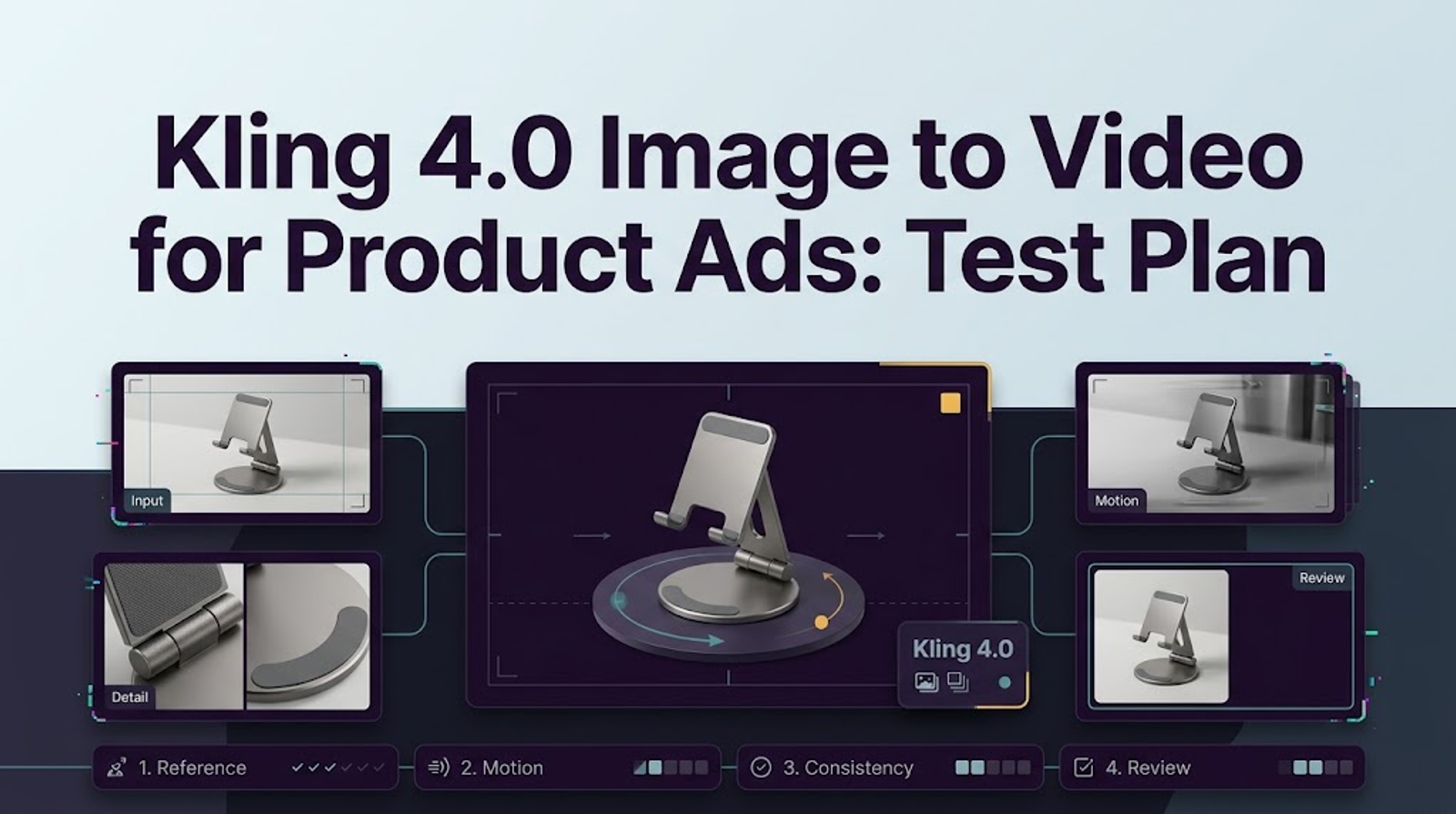
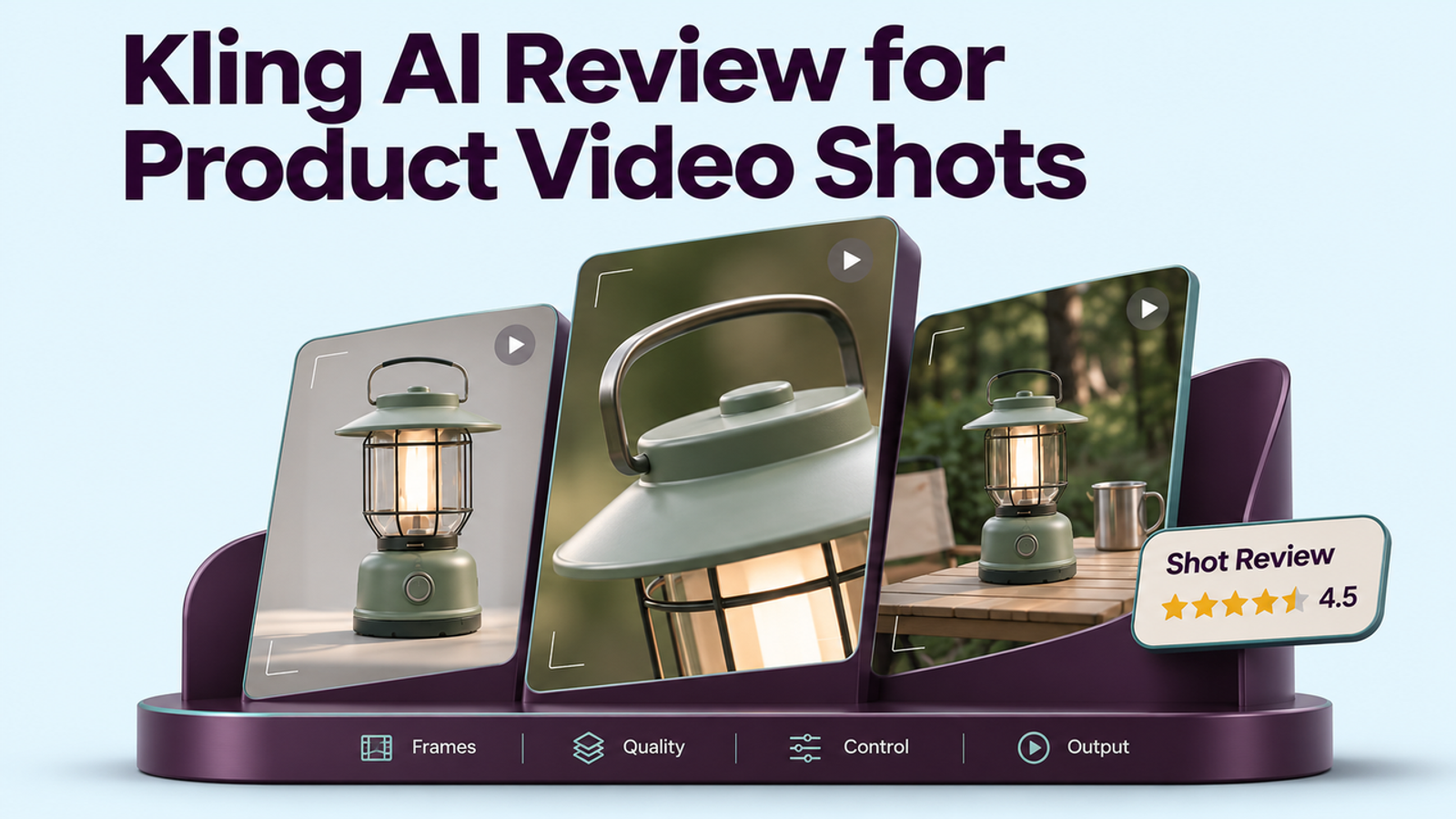
The short answer
Kling AI is worth trying when you have an approved product image and need one short moving shot for an ad. The real test is whether the product still looks like itself once the camera moves: same label, same shape, same variant. Kling’s documentation describes controls that make this task possible, but it cannot tell us how a particular bottle or box will turn out. This review uses current documentation and a repeatable brand review brief.
Where Does Kling Fit in a Product Video Workflow?
A Single Shot Versus a Finished Campaign Ad
Picture a simple brief: a slow push-in on an approved skincare bottle. The bottle stays upright, its front label remains visible, and the camera settles on a clean closing frame. That is a useful job to give Kling. A creative team can explore the shot without setting up another product shoot.
The assignment ends there. A finished ad still needs approved claims, copy, sound, pacing, placement crops, and sign-off. A lovely five-second bottle shot may become useful source footage, but someone still has to build the ad around it.
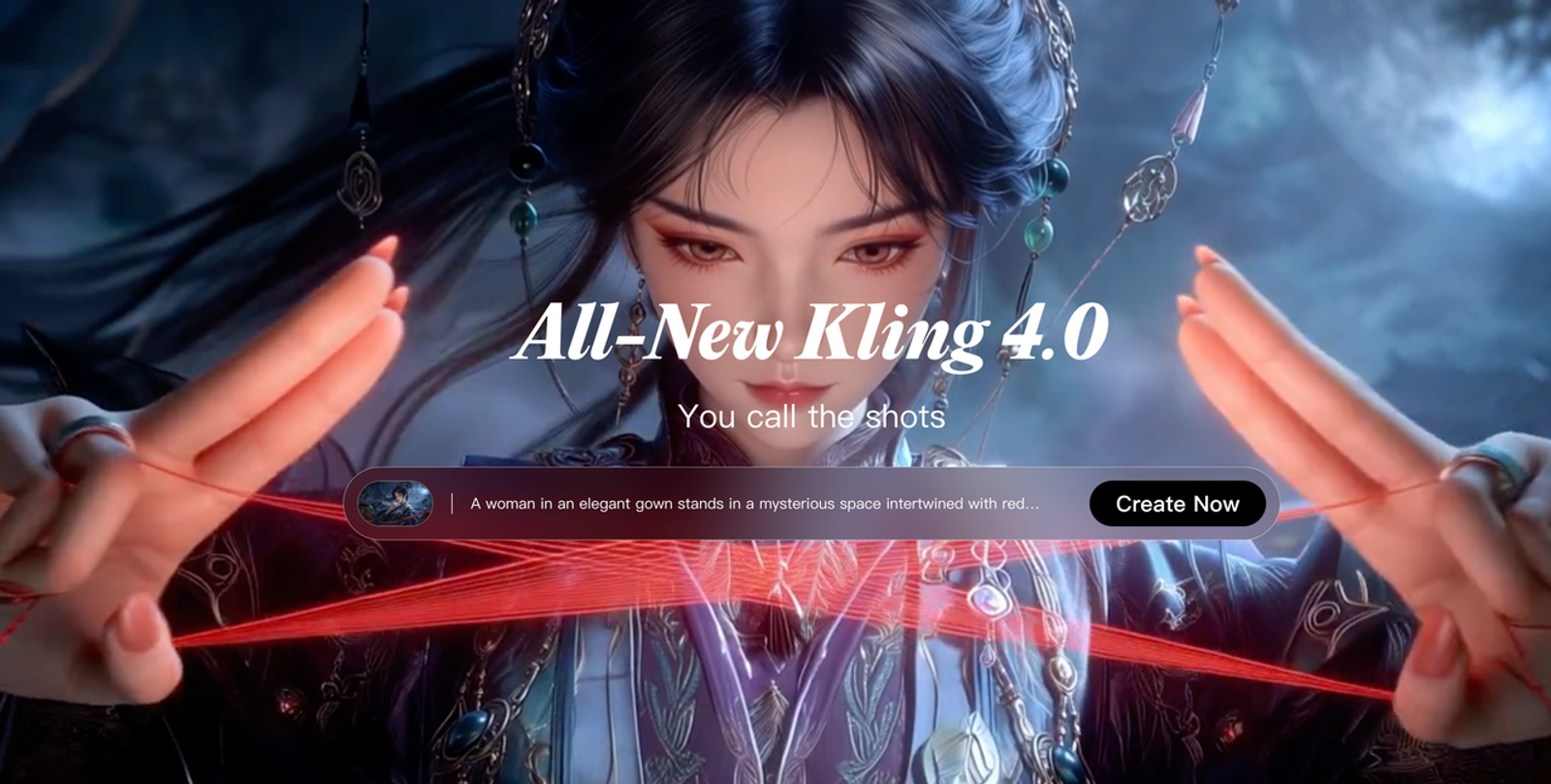
Kling’s 4.0 user guide describes two entry points that matter for this brief. Keyframes can define how a shot starts and ends. Omni Reference can give separate uploaded assets different roles, such as defining the product and the setting. They cannot be combined in one generation task, and the guide says available controls depend on the actual interface. Record the model and mode shown in your account before reviewing a result. Otherwise, a teammate may spend an afternoon trying to reproduce a shot made with different controls.
What Does a Product Image-to-Video Brief Require?
Source Image and Motion Instruction
The source image does more work than the prompt. If an approved photograph shows only the front of a box, a full orbit asks the model to invent the back. The result might look convincing until the product manager spots a missing seal or an imaginary panel. For a first pass, use the exact SKU, a clear view of its shape and label, and a modest move that does not demand unseen product information.
Write the motion brief in ordinary production language: keep the bottle front-facing; move the camera slowly closer; leave the full label in frame; stop on a steady packshot. When both opening and closing images have been approved, Keyframes can give the shot clearer endpoints. When a product image and a separate scene reference are used in Omni, spell out what each image controls. “Make it premium” leaves more room for guesswork than “preserve this bottle and use the second image only for the countertop and lighting.”
The references also deserve a quick visual check. A mood image might contain another bottle, a decorative wordmark, or lighting that turns an amber container red. Those details are easy to miss while everyone watches the camera move. Check the label before the lighting.
Iteration After the First Draft
The next prompt should answer a problem you can point to. If the bottle stretches during a fast move, reduce the camera travel. If the closing frame shows the wrong cap, inspect the approved endpoint before adding more adjectives. If the label was too small to read in the source, another render may only produce a different unreadable label.
Keep a small attempt record: source file, model and mode, prompt, duration, aspect ratio, credits charged, and the timecode of each defect. This sounds fussy until two reviewers disagree about whether a flaw came from the source or the generation. The record gives the next revision a starting point. It also shows how many completed attempts stood behind the clip that finally reached the editor.
How Should the Output Be Judged?
Packaging, Text, and Product Geometry
Place the exported video beside the approved product image and inspect its opening, middle, and final frames. Is it still the right variant? Does the logo keep its shape? Do the cap, seams, and proportions hold together? Has a number, ingredient, flavor, or other printed claim changed? Then watch at normal speed. A warped label can flash past quickly enough to escape a review focused only on the closing frame.
Not every imperfection has the same consequence. An odd reflection on a plain bottle might be repairable. A changed dosage or invented certification mark stops the shot from moving forward. Decide which details are fixed product facts before the team falls in love with the motion. Pretty is easy to spot. Useful takes another look.
These are checks for a proposed test, not reported Kling results. One attractive sample would show that one brief worked once. It would not tell a brand how reliably the next SKU will hold together.
Motion and Framing for a Short Ad
In a product shot, movement should help the viewer see the object. Does the camera give them enough time to recognize it? Does the bottle appear to slide across the surface? Is the final frame steady enough to hold approved copy? A dramatic move can impress in isolation and still be awkward to use if it ends before the product has registered.
Inspect the export at the size of the intended placement, especially for a vertical clip. A label that looks fine in a desktop preview may disappear on a phone. A package near the frame edge may leave no room for copy or platform interface elements. The shot earns its place in the edit when the product remains clear in the version viewers will actually see.
What Are Kling’s Practical Trade-Offs?
Revision Cost and Downstream Editing
The attraction is clear: a team can explore a camera move without setting up a physical shot. The less visible cost arrives after the first render. A client may change the claim. The logo may need approved artwork placed over it. The clip may need trimming, sound, subtitles, or another crop. Some changes belong in an editor; Others send the team back to generation.
Count completed attempts, review time, and finishing work together. Kling’s credit rules say a technically failed generation is refunded, but a completed clip rejected by the brand is a different outcome. The next edit is part of the cost. The price of one generation tells you little until you know how many versions made it through approval.
Rights need an answer just as early as cost. Kling’s paid-service terms describe commercial-use benefits for members, while its general terms contain broader restrictions and branding language. Resolve which terms apply to the producing account before promising a client a usable deliverable. The product photograph, packaging artwork, music, and other supplied assets need their own permissions too.
Which Teams Should Consider Kling?
Fits and Gaps for Brand Production
Kling belongs on the shortlist for a team with an approved still, a specific camera move, and an editor ready to finish the chosen take. It is particularly interesting when the team wants to explore several possible shots for a larger timeline and can reject one without derailing the campaign.
Dense packaging text changes the calculation. So does a product whose unseen sides must be exact, or a brief that needs several claims and formats kept in sync. Those jobs create more to check and more to repair. There is also an upload decision before the creative test begins: Kling’s Privacy Policy says it stores and processes uploaded images and does not promise immediate deletion after generation. An unreleased packshot needs clearance from whoever controls that asset.
That is where the Kling AI pros and cons become useful. The controls make a single product shot worth testing. The approval workload decides whether it belongs in a real campaign.
Conclusion
Give Kling one fair, contained job: turn an approved product image into a short moving shot, then compare the export with the real package. The camera move may be the reason to try it. The label, shape, rights, and work left for the editor decide whether to keep it. That is the answer a brand team needs before calling any product clip ready for an ad.
FAQ
- Can a free Kling account export video for paid ads?
- A downloadable file is not the same as permission to run an ad. Kling’s public materials give inconsistent summaries of free-tier commercial rights, while its general and paid-service terms differ on permission and branding. Check the terms attached to the account that produced the clip. If the campaign depends on a free-tier export, get the conflicting language clarified in writing before launch. The source photo and other assets also need to be cleared.
- Does Kling offer an API for the same video model used in the app?
- Kling publishes an API, and its API update documentation lists Kling 4.0 video request paths. The practical question is whether the developer account can use the model and settings your team tried in the app. Check that in the console before promising an automated version of the workflow; a matching model name alone does not settle access, controls, or price.
- Can Kling generate a vertical product clip for social ads?
- Yes. Kling’s 4.0 guide lists 9:16 as a supported aspect ratio. The vertical canvas is only the first check. Open the export at phone size: can someone still read the label, and is there space for copy and interface elements? Those answers determine whether the clip fits the placement.
- What happens to unused Kling credits at the end of a billing period?
- Look at the type of credits in the balance. Kling’s Credits Policy says regular subscription credits last one month from distribution, purchased credits last two years, and promotional credits follow their own displayed rules. Credits with the shorter validity period are used first. A remaining balance may therefore contain credits with different expiry dates.
- Does Kling retain uploaded product photos after generation?
- Kling says uploaded images are stored and processed. Its Privacy Policy ties retention to the purposes and conditions described there; it does not promise that every photo disappears as soon as a video finishes. It also describes deletion requests, subject to applicable retention grounds. If the packshot is confidential or unreleased, settle the upload question before using it as a test asset.