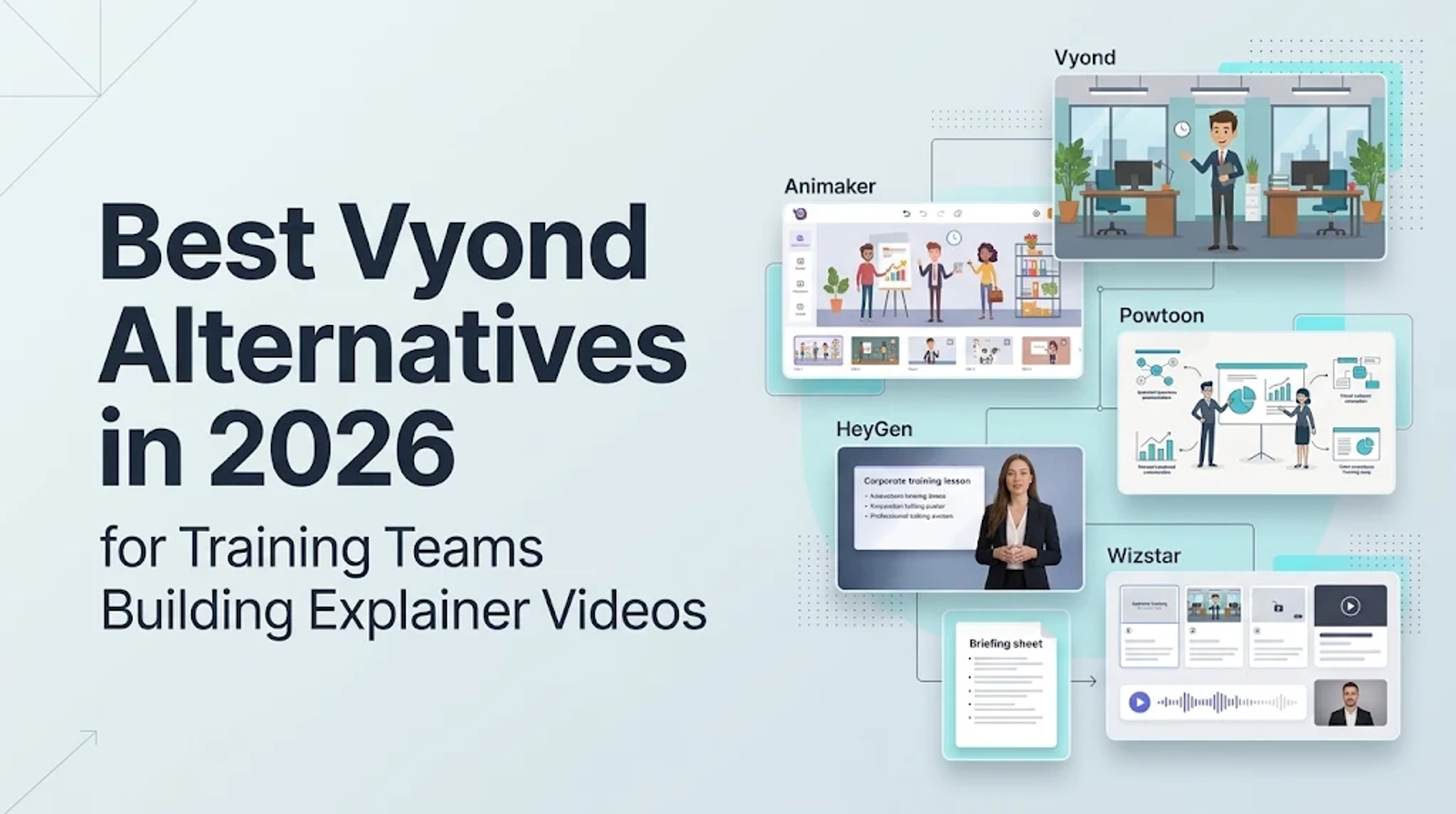
The best Vyond alternative comes down to the kind of video you actually need to deliver. Stick with Vyond or switch to Animaker when editable characters and scene choreography carry the message. Powtoon works best for presentation-led animation, while HeyGen is built for presenter-led courses and slide-to-video workflows.Choose Wizstar when approved scripts or source documents need to become explainers, avatar videos, or training drafts.
Before opening a single pricing page, answer one practical question: what needs to stay editable after the first draft is generated? Your answer immediately separates scene-based animation platforms from source-to-video and AI avatar tools.
Start with the output, not the feature list
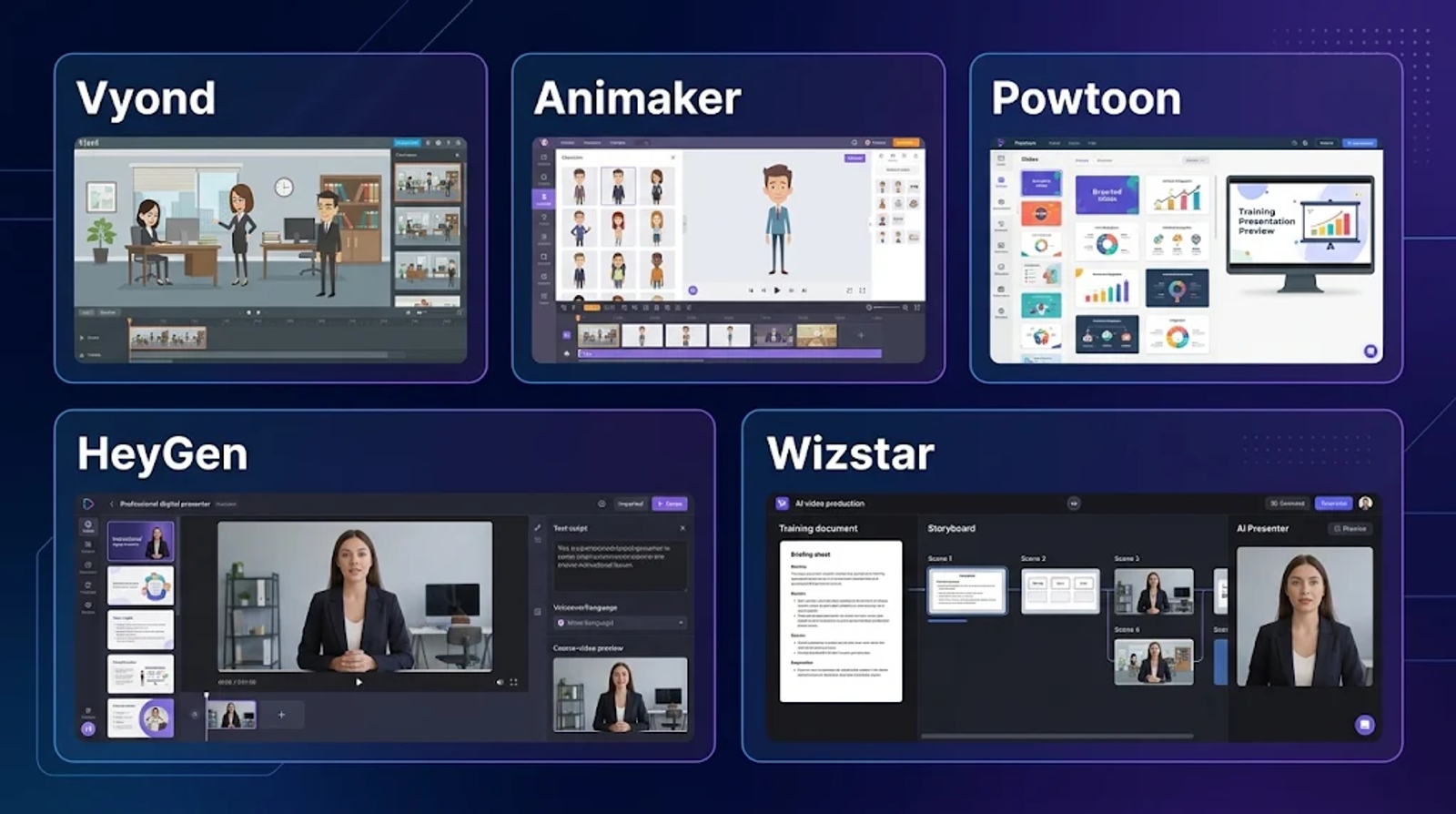
While all five platforms produce finished business and training videos, they start from completely different places. Vyond and Animaker begin with visual scenes, characters, and frame-level timing. Powtoon starts from slide-style layouts and branded visual assets. HeyGen begins with an on-screen presenter, a script, or imported slides, whereas Wizstar starts with approved source material and an AI-driven video workflow.
| Tool | Primary output | Production control | Best-fit task |
| Vyond | Character-led animation and explainers | Scene and character editing in Studio | Directed visual stories and recurring animated lessons |
| Animaker | Animation, training, explainer, and promo videos | Character builder, templates, media, then scene refinement | Editable animation with reusable assets |
| Powtoon | Animated presentations, explainers, and branded videos | Drag-and-drop composition, characters, camera movement, and AI tools | Presentation-led training and explainers |
| HeyGen | Avatar videos, courses, and slide-to-video | Presenter, voice, script, and imported-slide workflow | Presenter-led instruction and localization |
| Wizstar | AI explainers, avatar videos, and learning content | Source-to-video generation followed by editorial review | Fast training and explainer production from approved material |
The functional split is straightforward: if visual action inside the scene carries the lesson, start with Vyond or Animaker; if approved written information is the core message, look at Wizstar or HeyGen; and if your video reads like a designed slide deck in motion, evaluate Powtoon.
Vyond: the reference point for scene-level animation
Vyond’s Studio environment is built around scene-by-scene animated storytelling. That structure matters whenever a character’s physical action, a visual metaphor, or exact scene timing does the heavy lifting in a lesson. Keeping the visual sequence open as a structured, editable project makes it far easier to maintain recurring casts, repeatable training templates, and a consistent visual language across modules.
Vyond Turbo adds a conversational, agent-assisted entry point into video creation. While it offers a faster way to draft a project, it does not make every Studio control or plan allowance identical across tiers—always check Vyond’s live plan pages to confirm exact feature access.
Vyond remains the safest baseline when the animated scene sequence itself is the core deliverable. I would hold firm to Vyond for scene-led training where characters must demonstrate a workflow, or where a brand relies on an established animated cast. However, if your team mainly needs narrated lessons built from existing documents, compare a source-to-video tool before committing to scene-level animation overhead.
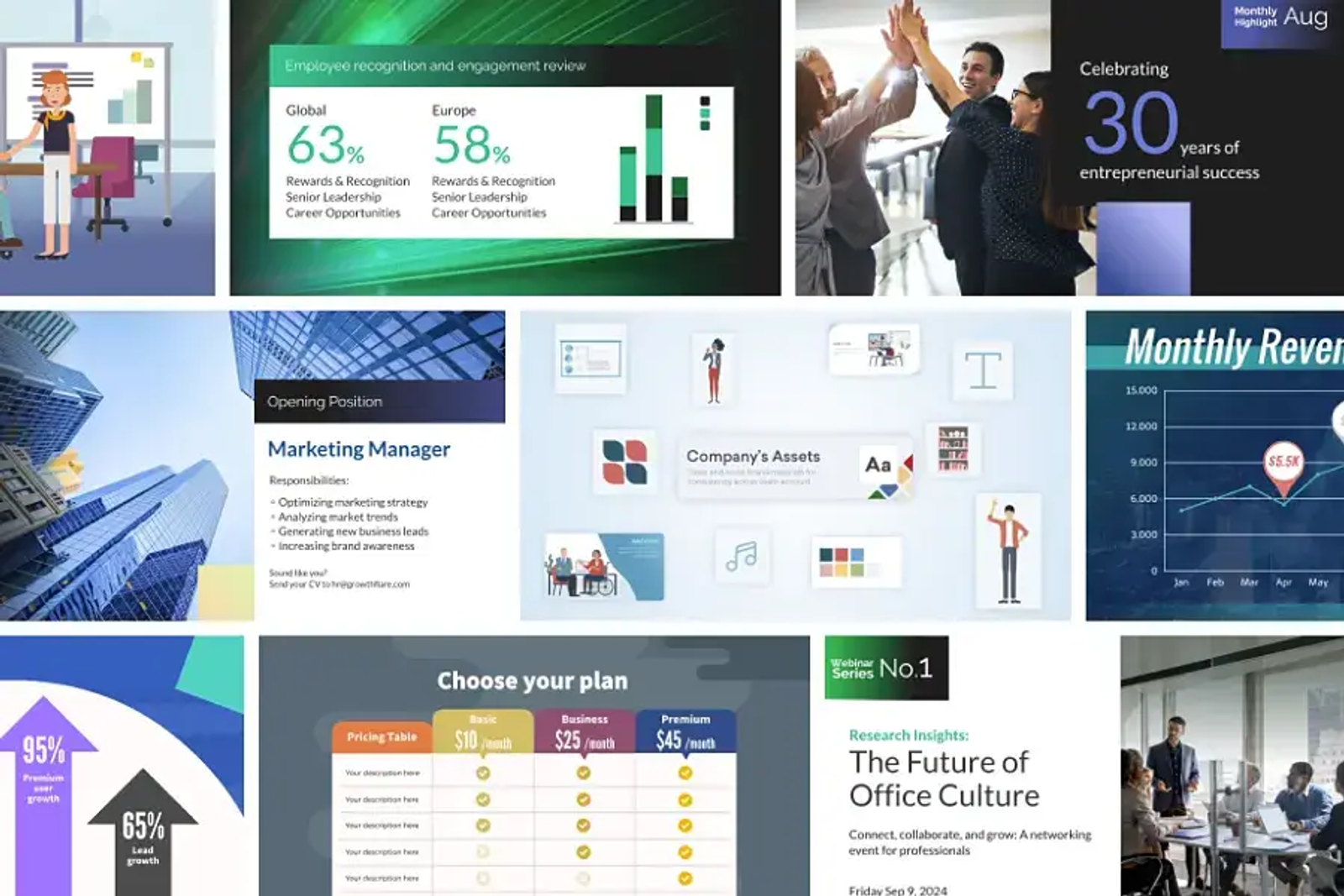
Animaker: the closest editable-animation alternative
Animaker is the closest functional alternative when your brief still calls for custom characters, multi-scene timelines, and reusable visual assets. Its official product pages position it for explainer, training, promotional, and onboarding videos, combining a character builder, templates, and stock media with an AI-assisted path from initial concept to timeline refinement and export.
Unlike a source-to-video generator, Animaker keeps your editor’s attention focused on shaping a visual canvas. That makes it a stronger match for recurring animated characters, visual process demonstrations, or lessons where meaning depends on character movement. Because its asset library and scene controls still differ from Vyond’s, teams should test whether its specific character rigs and templates fit their existing style.
Choose Animaker when editable character animation is a must and a broad template-and-asset library speeds up production. I would start there for animated scenes that require hands-on timeline revisions, while keeping Vyond as the benchmark if your workflow depends on Vyond-specific visual assets or established Studio habits.
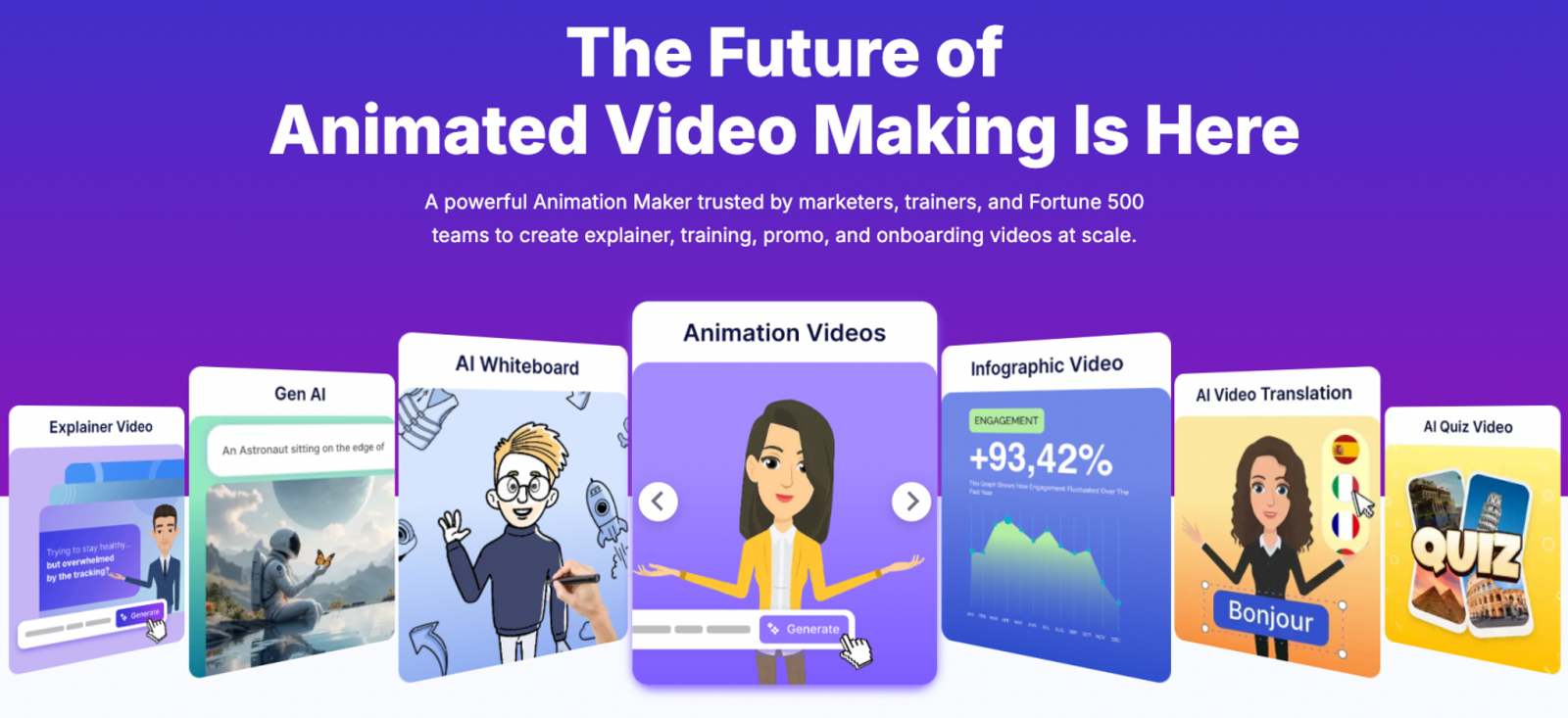
Powtoon: the presentation-led training option
Powtoon is built around a presentation-first production model. Its platform covers animated presentations, live-footage edits, infographics, whiteboard explainers, AI creation tools, a character builder, and drag-and-drop slide composition. That setup works especially well when a training video relies on structured slides, branded layouts, and controlled camera transitions.
In practice, Powtoon feels much closer to an animated presentation studio than an avatar-first video tool. I recommend starting there for slide-led corporate training—especially when your material is already organized around visual diagrams, callouts, or branded deck layouts. If nuanced character acting carries more meaning than slide structure, Vyond or Animaker will give you deeper control.
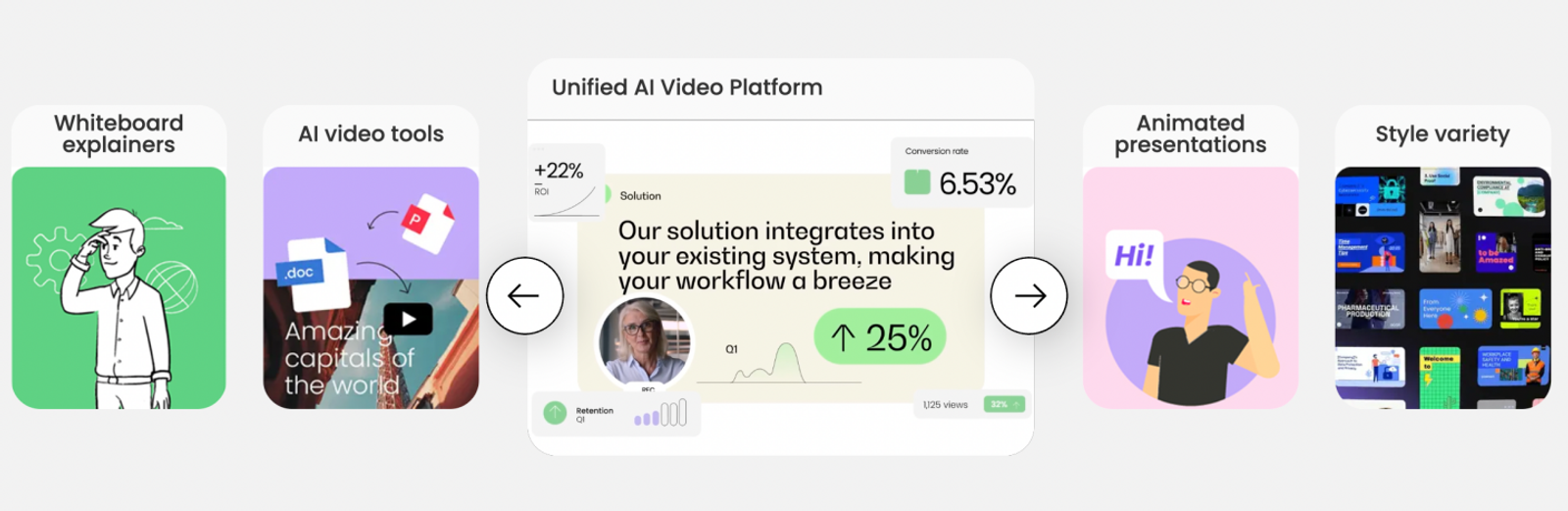
HeyGen: the presenter-led training option
HeyGen is the stronger partial replacement when a human-style presenter should anchor the lesson. Its feature set spans online training courses, AI avatars, a prompt-driven Video Agent, and slide-to-video tools that convert static decks into narrated avatar scenes. It dramatically cuts down on studio filming and voiceover recording, though it is not designed to replace custom character animation.
Pick HeyGen when your learners benefit from a recognizable on-screen instructor, rapid course rollouts, or localized multilingual delivery. I reserve it specifically for presenter-led training, whereas Wizstar makes more sense when your starting point is broader source material and your team wants a single AI workflow spanning explainers, avatars, and learning drafts. The real deciding factor is your input and review workflow—not merely whether a tool has an avatar feature.
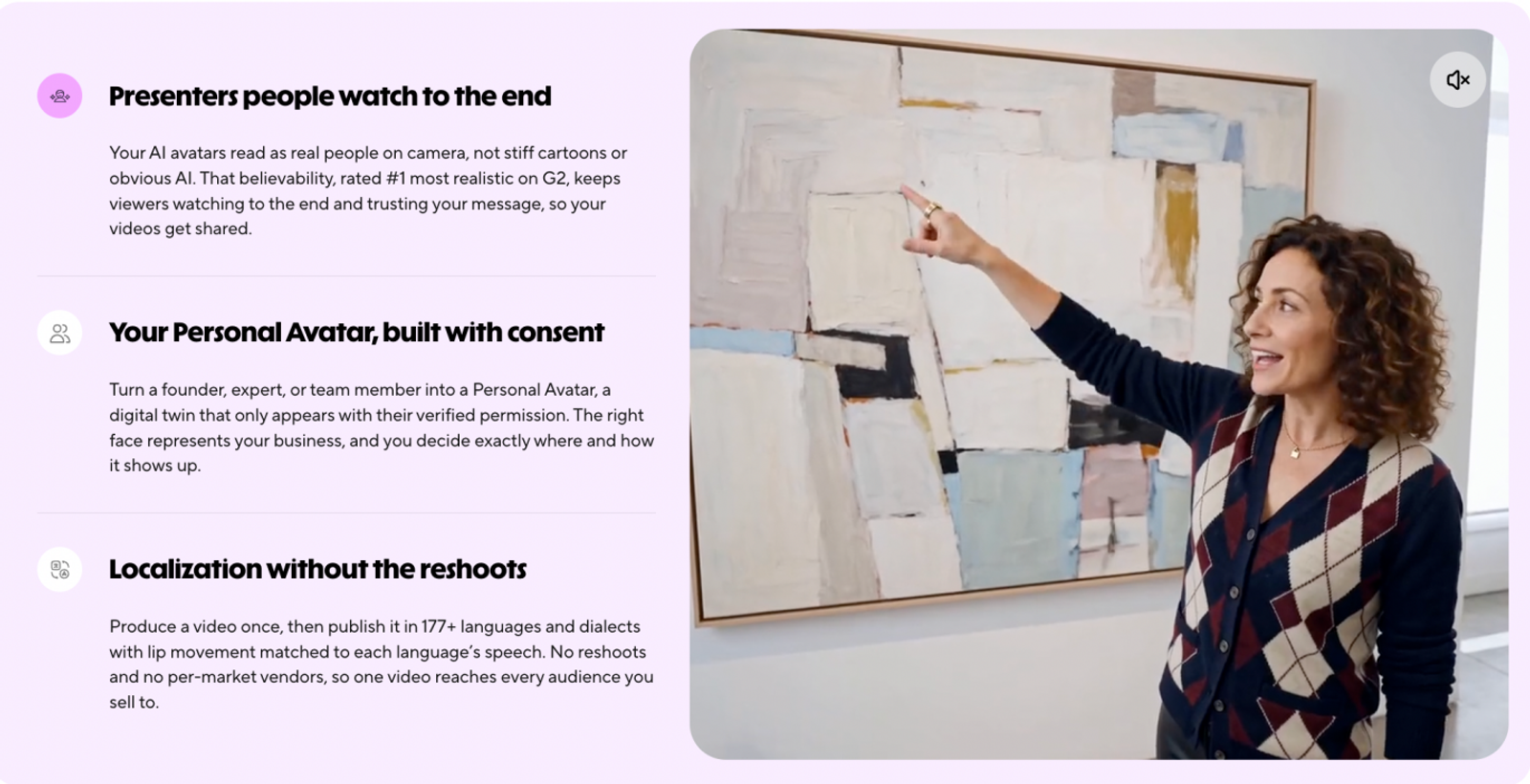
Wizstar: the source-to-video and avatar option
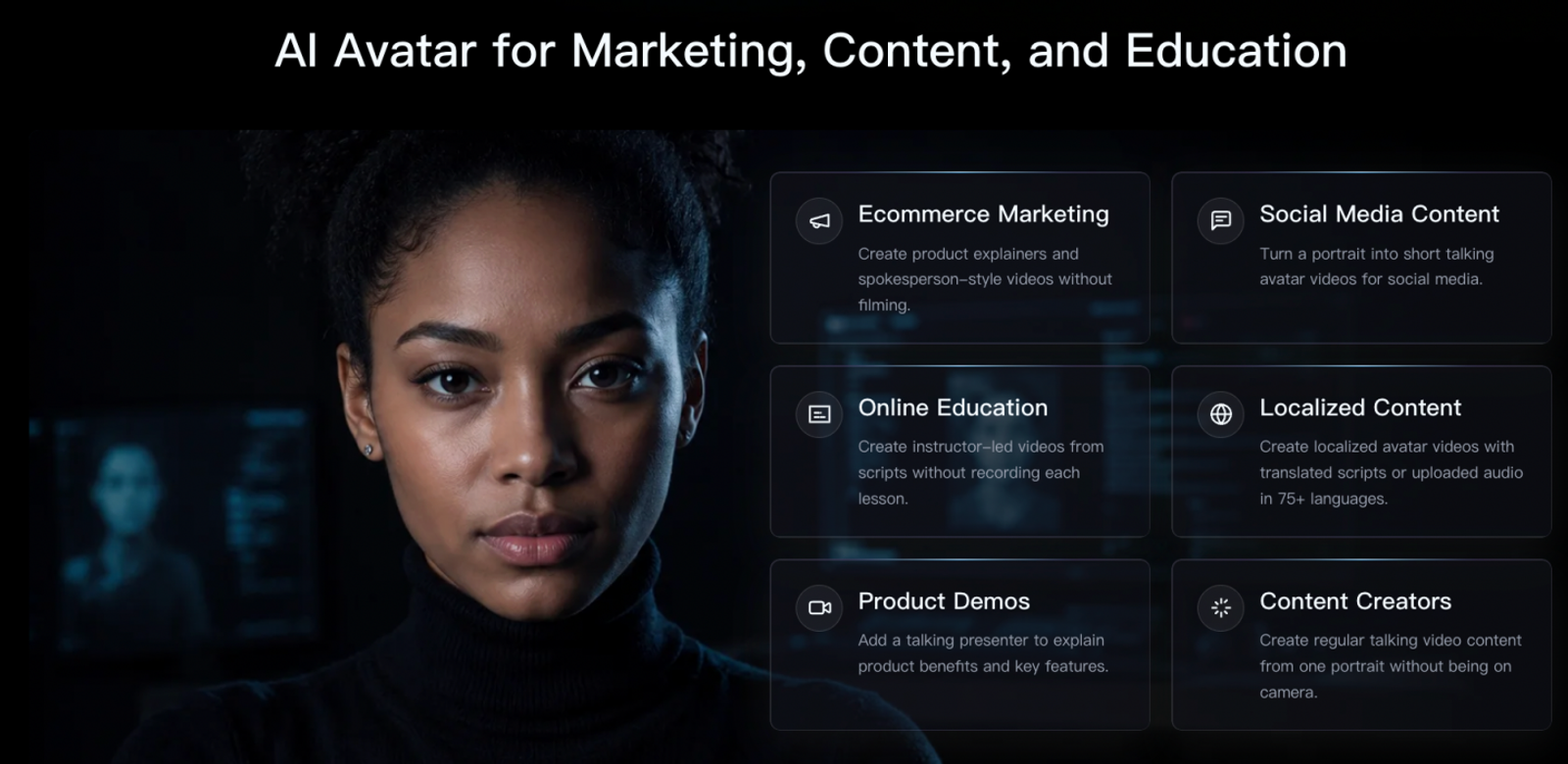
Wizstar’s AI Video Agent is designed around an input-to-video workflow, turning an approved script, policy document, or training brief directly into a structured explainer draft. Alongside it, Wizstar’s AI Avatar tools offer a presenter-led option tailored for Learning & Development and instructional communication.
That creates a genuine overlap with Vyond’s training and explainer use cases. Instead of manually choreographing every prop and character pose, Wizstar handles the jump from approved source text to a reviewable video draft—shifting your team’s review focus toward message accuracy, narrative pacing, and audience clarity.
As a result, Wizstar works well as a targeted Vyond alternative when source fidelity matters more than frame-by-frame animation choreography. I would start with Wizstar whenever the script is already vetted, the video serves primarily to deliver approved information, and a presenter or AI-generated visual sequence gets the message across cleanly. Stick with Vyond or Animaker when the lesson depends on detailed character acting or a tightly controlled animated world.
Functional choice: match the control point to the risk
The clearest way to choose is to look at where your team needs the tightest editorial control. Vyond and Animaker place control inside the animated scene; Powtoon puts it in slide composition; HeyGen centers it on the presenter, script, and deck workflow; and Wizstar anchors control in your source material followed by editorial review of the generated draft.
Where you place that control directly changes your revision risk. If an inaccurate character gesture would confuse learners, stick with a scene-based animation editor. If your biggest risk is turning a dense policy document into a muddy explanation, use a source-to-video workflow so you can review structure and copy first. And if maintaining a consistent instructor across multiple languages is the priority, choose an avatar workflow with clear script approval checkpoints.
Before looking at subscription prices, lock in your functional lane: Vyond or Animaker for character animation, Powtoon for presentation-led videos, HeyGen for presenter-led training, and Wizstar for source-driven AI video creation.
Price comparison: compare the meter to the job
| Platform and representative plan | Price and billing | Published output or meter | Decision takeaway |
| Vyond Starter | $58/mo; $699 billed annually | 10,000 credits per user/month and 100 monthly downloads | Use as the scene-animation baseline when Studio control is the priority |
| Animaker Starter | $45/mo or $300/year | 3,000 AI video credits/month and 90 generated seconds/month | Lower annual entry for animation work; compare the meter with the publishing schedule |
| Powtoon Lite | $15/mo billed yearly | Five exports/month, 1080p MP4, and up to 10-minute videos | Low-cost fit for occasional presentation-led production; export volume is the constraint |
| HeyGen Creator | $29/mo | 600 credits, up to 1080p, and videos up to 30 minutes | Paid entry point for presenter-led training and slide-to-video |
| Wizstar Starter | $16/mo annual-equivalent; $192 billed annually | 1,920 credits/year; official estimate up to 32 videos or 436 images | Best read as a shared video-and-image credit pool for source-led AI production |
The right value choice depends entirely on your recurring publishing schedule.
- Vyond Starter justifies its higher price when your team relies on a full scene-based animation studio and needs a generous monthly download and credit envelope.
- Animaker Starter offers a lower annual entry point for animation if 90 AI-generated seconds per month fit your cadence.
- Powtoon Lite keeps costs low for occasional slide-based videos, though its five-export monthly cap can quickly bottleneck active teams.
- HeyGen Creator is the most direct paid starting point for presenter-led training,
- while Wizstar Starter appeals to teams that want one shared credit pool covering multiple AI video and image formats—just remember that its published video and image counts are estimates rather than guaranteed finished-video minutes.
Match the subscription meter to the deliverables you ship every month:
start with HeyGen for recurring presenter lessons, compare Vyond and Animaker for character animation schedules, test whether Powtoon’s monthly export cap covers your deck-to-video cadence, and evaluate Wizstar’s shared credit pool when your team turns approved documents into mixed AI visual assets.
Final selection rule
Write your production brief before comparing subscription tiers. If the brief specifies recurring characters, physical actions, and choreographed scenes, go with Vyond or Animaker. If it centers on designed slides, diagrams, and branded presentation flow, pick Powtoon. If it calls for an on-screen presenter, voiceover, and localized course versions, choose HeyGen. And if it starts with approved source documents that need to become explainers, avatar clips, or rapid training drafts, start with Wizstar.
Wizstar is a practical partial alternative to Vyond because it takes over the source-to-explainer, avatar, and learning-video stages—without pretending to replace custom character animation. Being clear about that boundary helps you choose the tool that preserves the exact creative control your audience will notice.
FAQ
- What are some free alternatives to Vyond?
- Free tiers are only practical if their export limits match how you plan to share the video, so always check watermark, resolution, duration, and commercial-use rules before building a real deliverable in a free workspace. Wizstar’s free offer provides 20 credits; Powtoon’s Free plan supports 720p exports up to three minutes with a watermark; and HeyGen’s free tier includes three watermarked one-minute videos per month. Confirm live free-tier terms before committing to a workflow.
- Is there a free version of Vyond?
- Check Vyond’s live pricing and help pages to see what unpaid trial or workspace access is currently available for your account type. Free workspace access, free project editing, and watermark-free export are governed by separate rules—make sure the live terms cover your internal review process, delivery format, and usage rights before building a project around a trial.
- What replaced GoAnimate?
- GoAnimate rebranded to Vyond, and all current product documentation, Studio features, and subscription tiers operate under the Vyond name. Because older GoAnimate tutorials often reference legacy interfaces or discontinued plan names, verify any workflow instructions against current Vyond help documentation rather than relying on archived guides.
- Can Wizstar replace Vyond for training videos?
- Yes, for the source-to-explainer and presenter-led training stages when your team starts from approved written material—areas directly supported by Wizstar’s AI Video Agent, AI Avatar, and Learning & Development workflows. However, Vyond remains the stronger choice when a training module relies on detailed character animation, custom scene choreography, or an established animated brand world. Choose the platform that gives you direct control over the part of the video you revise most often.
- Can I export videos from Wizstar and Vyond on entry plans?
- Always verify current export terms on both platforms’ Wizstar pricing page and Vyond pricing page before purchasing, as entry plans vary in watermark rules, maximum resolution, seat limits, credit consumption, and commercial-use permissions. Match the exact plan tier, billing cycle, and required export format against your delivery checklist rather than assuming every paid entry plan includes unrestricted commercial exports.
- Does Wizstar support AI avatars for explainer or learning videos?
- Yes. Wizstar offers dedicated AI Avatar tools alongside Learning & Development workflows designed for avatar-led explainers and training content. Before getting started, confirm how your source material will feed into the workflow, how much editorial review the output requires, and which current plan terms cover your intended commercial or internal distribution.
- What should teams check about privacy, data handling, or commercial use before switching?
- Review the current privacy policies, terms of service, and plan agreements for both Vyond and Wizstar, and route any unresolved compliance questions through your legal or procurement team. Pay close attention to how submitted documents are processed, data retention timelines, seat security, and commercial distribution rights so your workflow upgrade also clears internal deployment standards.
- Which is easier for a small team: Vyond’s animation workflow or Wizstar’s AI video workflow?
- Wizstar is faster to pick up when a small team already has approved source documents and needs an explainer, avatar video, or training draft without animating scenes manually. Vyond is more intuitive when the team’s main job is directing animated characters and visual storytelling. Whichever workflow keeps your most frequent revisions closest to the subject-matter owners will feel easiest in day-to-day production.