The short answer
The most useful wan 3.0 image to video prompts treat an approved product still as the opening frame and specify one action, one camera move, and the details reviewers must check. This creates a testable video ad motion brief, not a guarantee that every label or package edge will hold. This article is documentation-based; I have the documentation, not a finished test.
What Does a Wan 3.0 Product Clip Prompt Need?
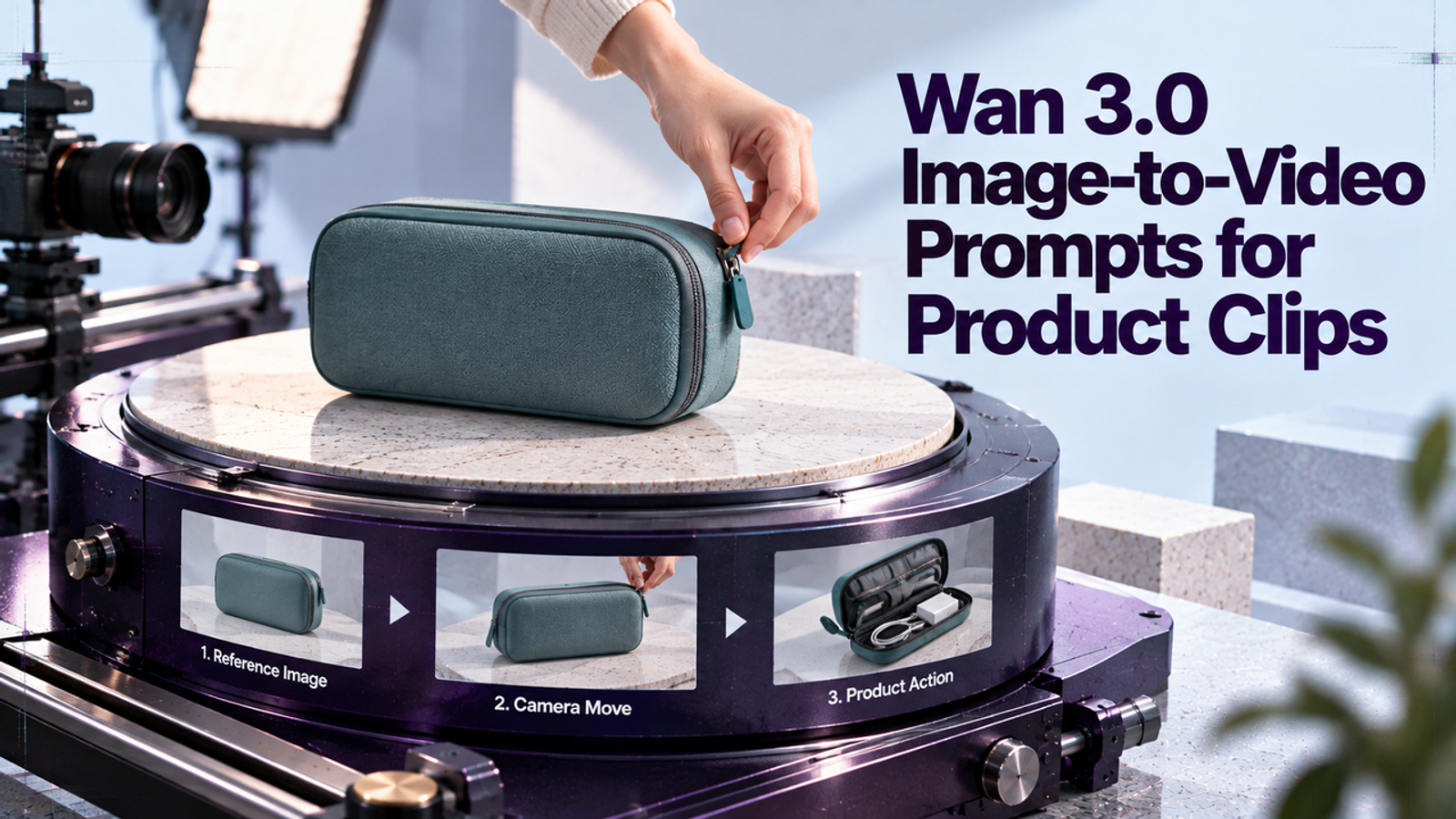
A product clip prompt needs four decisions: which image starts the shot, what moves, what stays visually stable, and how the team will judge the export. “Make it cinematic” is a mood; “the camera makes a slow push while the bottle stays upright” is an instruction a reviewer can check.
Wan 3.0 supports first-frame image-to-video and other video tasks. The official Wan 3.0 release page lists wan3.0-video and wan3.0-video-prime. Model Studio describes Prime as an accelerated version with capabilities aligned to Standard. They are separate model IDs, not “draft” and “final” labels. Confirm the model and region your team uses before sharing a prompt brief.
For one product still, choose the first-frame route rather than reference-to-video. These modes accept different input combinations. Extra references can introduce competing package views or crops, so use them only when the shot needs them.
Choose a Starting Image and One Motion Goal
Choose an authorized still that shows the product at the scale and angle the ad needs. The opening frame anchors visible shape, label placement, lighting, and crop; it cannot establish an unseen side. If the source cuts off a cap or blurs small print, prompting “preserve the package” will not repair it.
Pick one motion goal the still can support. A centered packshot might take a small camera push; a tight label crop may work better with a locked camera and a soft background shift. Avoid combining an orbit, product turn, moving props, lighting change, and changing crop in the first pass. Each movement gives the render another chance to drift.
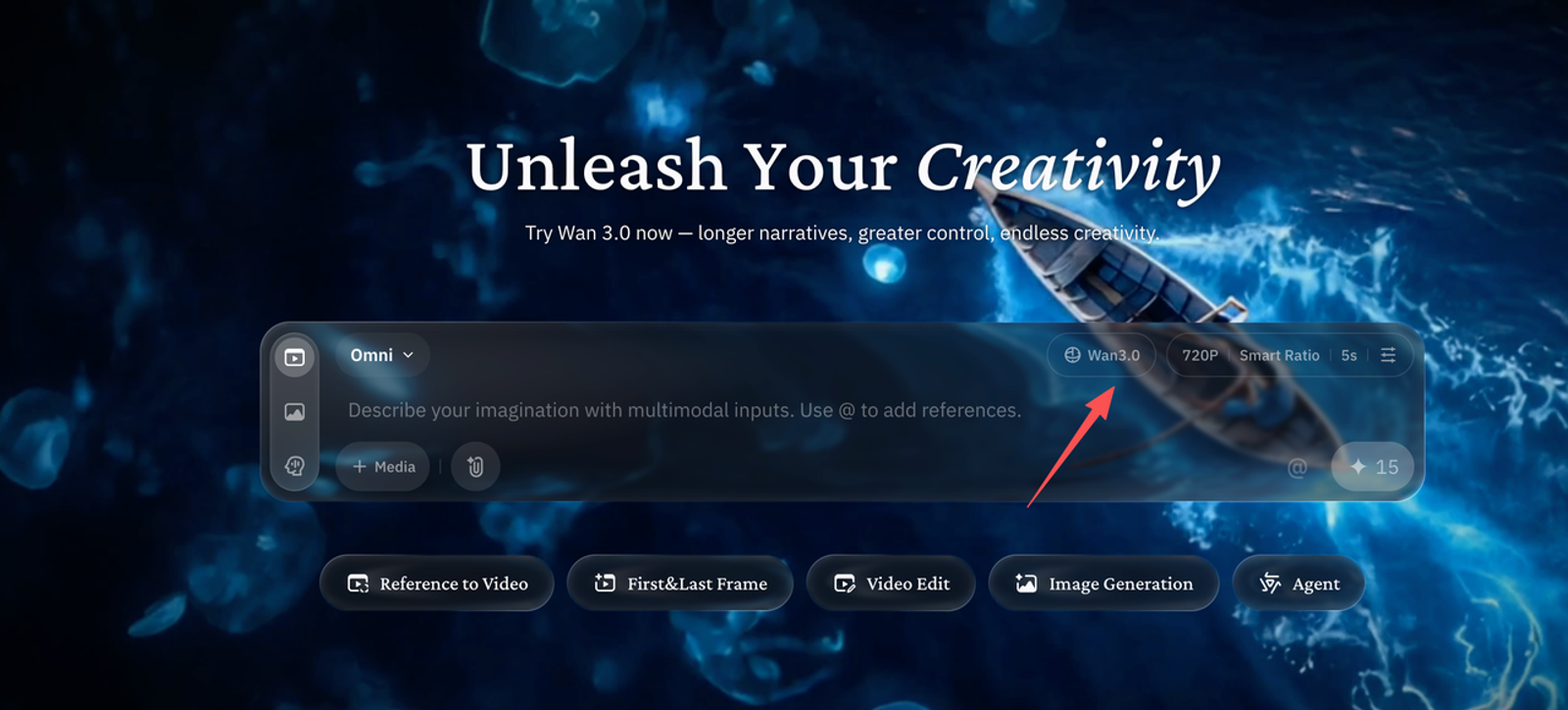
Set the placement before generating. Wan’s first-frame workflow recommends adaptive ratio to match the input image. For a vertical ad, start with a vertical composition; a square still may not leave enough headroom for 9:16, even if the clip renders successfully.
Write a Prompt for a Single Product Shot
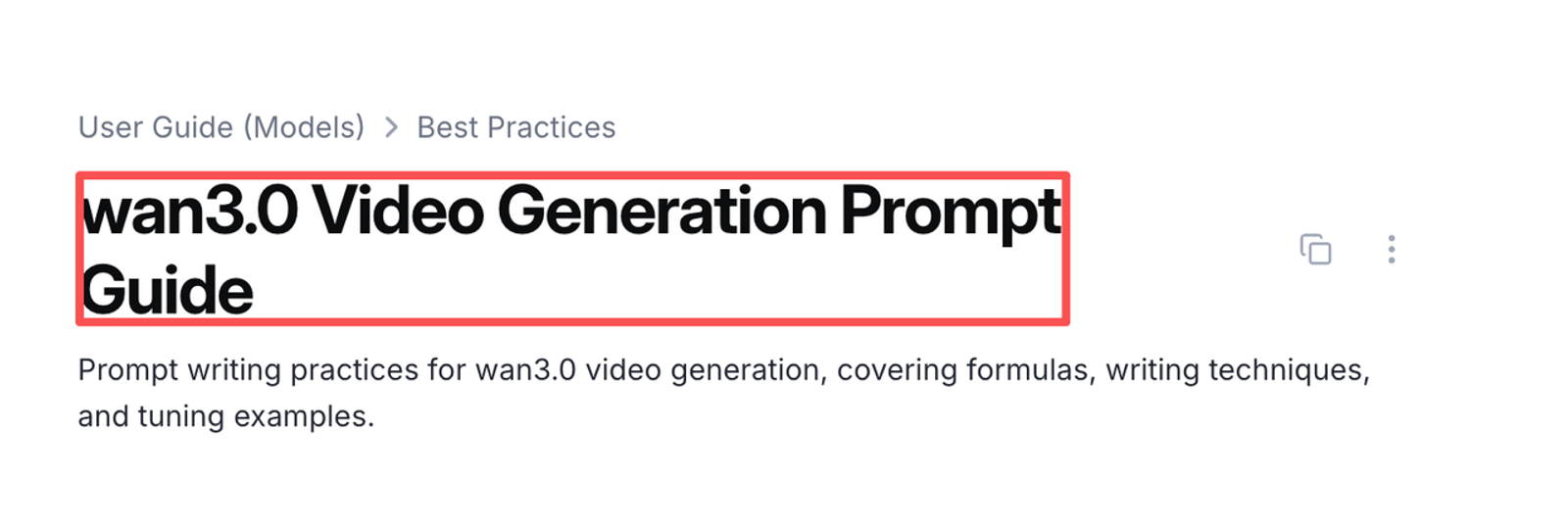
Alibaba’s Wan 3.0 video prompt guide says the image establishes the subject, scene, and style, while the prompt can focus on motion, action, and camera movement. That division works well for a product still animation: describe what changes, then name the visible facts the team needs to inspect.
Use this as a working brief, replacing the brackets with details from the approved still:
Animate the authorized product still as the first frame. Keep [product and starting position] in view. The camera [one movement and direction] at a [slow/moderate] pace, then settles on [visible end composition]. Keep [three visible package details] consistent with the source. Do not reveal an unseen side, add products, or generate new label copy. One continuous shot.
For a bottle hero shot, that could mean a slight push toward the front label while the bottle stays upright and the cap remains in frame. If the idea requires a turn, use a source angle that supports the reveal and inspect every newly visible surface. “No new text” makes the brief clearer, but cannot guarantee unchanged lettering.
The next edit is part of the cost. Record the model ID, source, prompt version, ratio, duration, and review result. If a test changes the label, revise one variable—usually motion amplitude or camera movement—before changing several inputs at once.
Review Product Shape, Motion, and Audio
Review the whole clip, not only its strongest frame. Check opening, middle, and final moments for silhouette, cap and label geometry, color, reflections, and crop. Watch at normal speed for wobble or flicker, then pause where the product is largest. I want to see what survives a second look: a clean opening can still lead into a distorted package.
Check what the motion implies, too. Sparkling liquid, a sealed cap, or product applied to skin may suggest a performance claim even if the prompt asked only for atmosphere. The FTC’s 2024 advertising guidance explains that express and implied advertising claims need support. Keep generated action within what the product evidence and approved brief can substantiate.
Audio deserves a separate decision. If the placement is silent or the team will add licensed music in editing, do not let a generated soundtrack become an unreviewed deliverable. The current guide says output URLs are temporary, so save the approved file promptly.
Revise the Brief for an Approved Clip
Treat a render as a draft for review, not a green light. Mark the first timecode where the product changes shape, label text becomes unstable, or motion exceeds the brief. Then decide whether to fix the source image, prompt, settings, or edit. If the product must remain exact, one option is to keep an approved product layer static in post while generating motion around it; check the composite for edge and lighting mismatches.
A team can evaluate a shorter, lower-resolution generation before committing to delivery settings. That is a proposed workflow, not a named Wan “draft mode,” and a completed test still needs brand review. Compare the clip with the packshot and ad brief; export only when product, crop, and implied message pass review.
Conclusion
A strong Wan 3.0 product clip prompt starts with an approved still and gives the model one motion job. Keep source and brief aligned, review the full shot, and make each revision traceable. A polished render earns a review; package details and the ad message still needs to pass it.
FAQ
- Does Wan 3.0 offer a draft mode before a full render?
- The current documentation does not describe a separate draft-mode switch. A short, lower-resolution test is a workflow choice; confirm cost and available settings in your Model Studio route.
- Does Wan 3.0 let teams omit generated audio?
- Yes. In the API, audio is on by default and can be disabled with audio=false. The Wan 3.0 API reference lists this parameter. Check your chosen interface rather than assuming every surface exposes the same control.
- What aspect ratios are available for product ads?
- The API lists 16:9, 9:16, 1:1, 4:3, 3:4, 21:9, and adaptive. For first-frame work, the guide recommends adaptive, which matches the input. Prepare the source for the target placement and inspect the crop.
- Can a team use real-person product photos?
- Only with the necessary rights and consent for the image and people shown, including permission to upload and process it. Model Studio’s current product terms assign users responsibility for required rights and consents, including image, privacy, and personal-data rights. Permission to use a supplier listing image may not cover an identifiable model or a paid campaign.
- Does Wan 3.0 output carry commercial-use rights?
- The terms say Alibaba Cloud does not claim ownership of output and assigns to the user any right or interest it may have in the output, subject to the terms and applicable law. That does not clear third-party marks, likenesses, source photos, or product claims, or guarantee an output is protectable or exclusive. Check terms for your contracting region and seek legal review for a material campaign.