First month 40% off — unlock Seedance 2.5, Wizstar R1 with Unlimited Video Generation for $10.99First month 40% off — Seedance 2.5, Wizstar R1 & Unlimited Video for $10.99

Video Background Remover

Replace a plain or messy background with a brand-new scene. Add your video or images, describe the new background, and AI recreates it.

Wizstar’s video background remover is a background remover for video that recreates your clip in a new scene instead of cutting out the original frame. Upload reference clips, product photos or audio, write a short scene prompt, and generate fresh footage with lighting, shadows, reflections and camera motion matched to the new backdrop.

Change Video Background

Online, no download · Free to start · Commercial use

Reference materials

New background (optional)

Background Remover for Video: Old Backdrop → New Scene

Same product, new place. Wizstar works as a background remover for video by keeping the subject, framing and motion from your reference materials and recreating the clip inside the scene you describe. Because ambient light, surface reflections and contact shadows are generated together with the new backdrop, every frame looks filmed on location instead of pasted onto a flat plate.
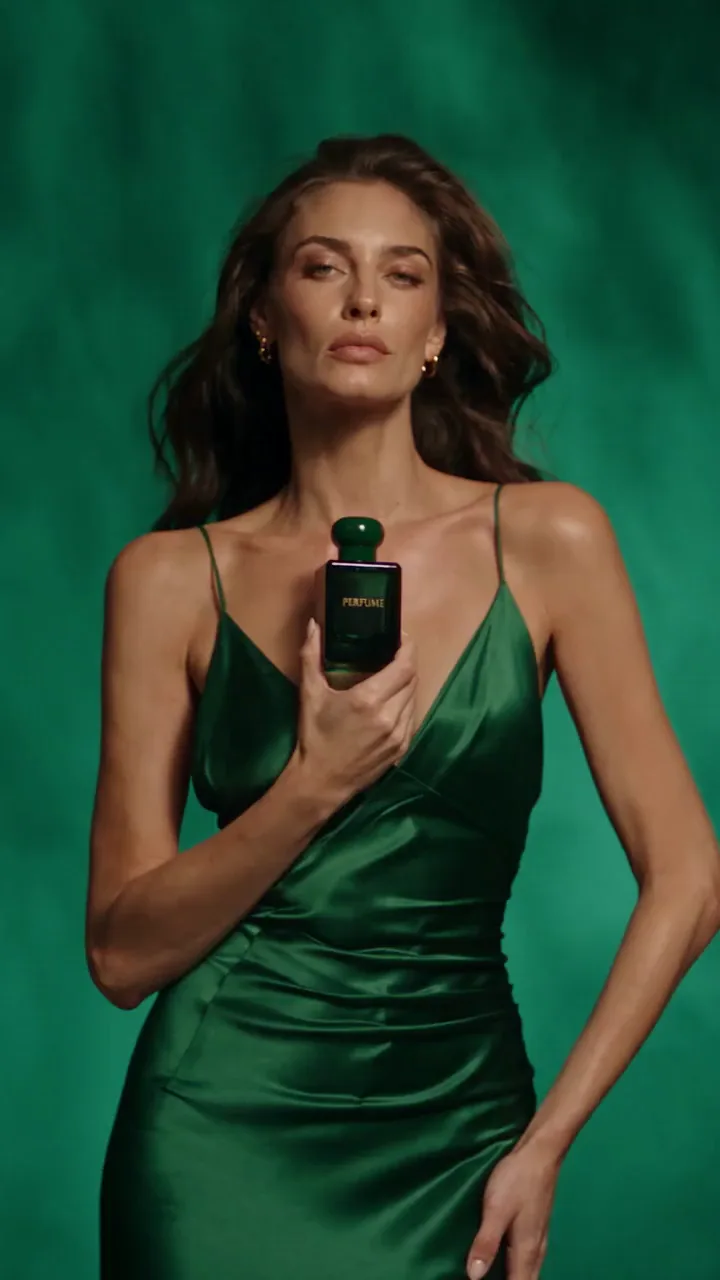
Model holding a perfume bottle against a plain green wall
Original
Plain green wall shot in flat indoor light, before recreating the scene
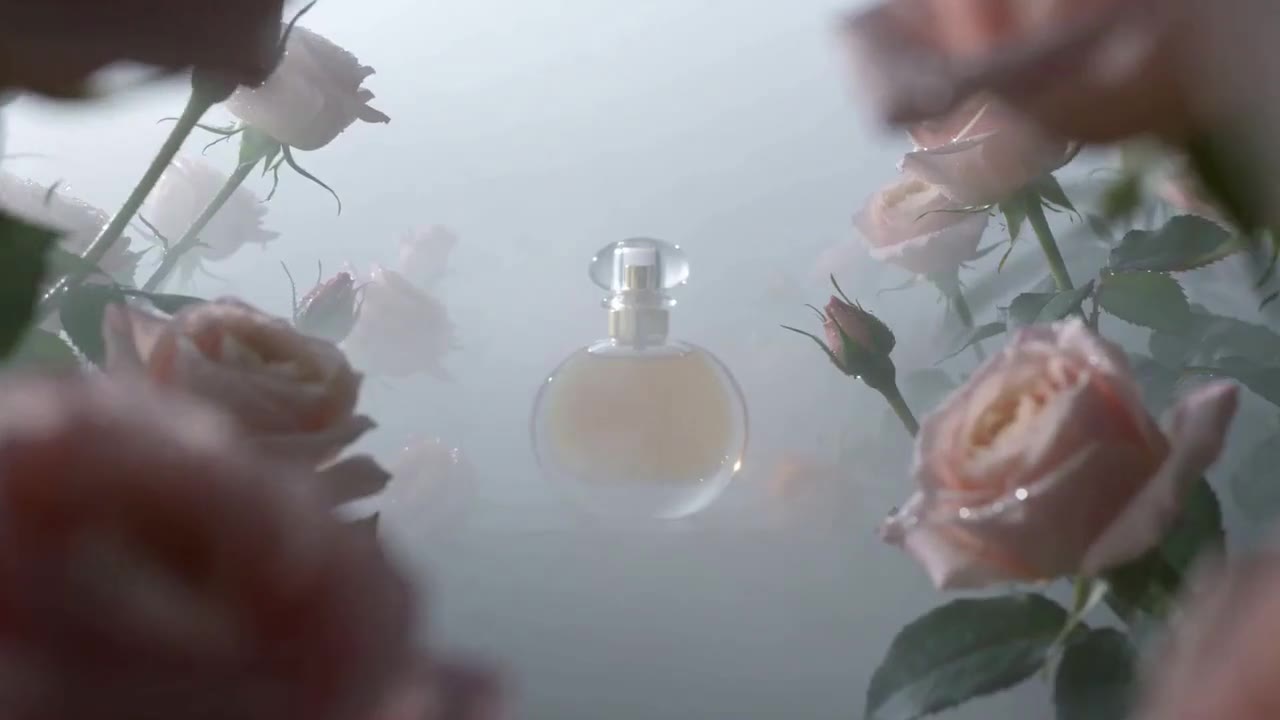
Perfume bottle among roses in soft morning mist
New scene
Rose garden in morning mist with soft highlights and natural glass reflections
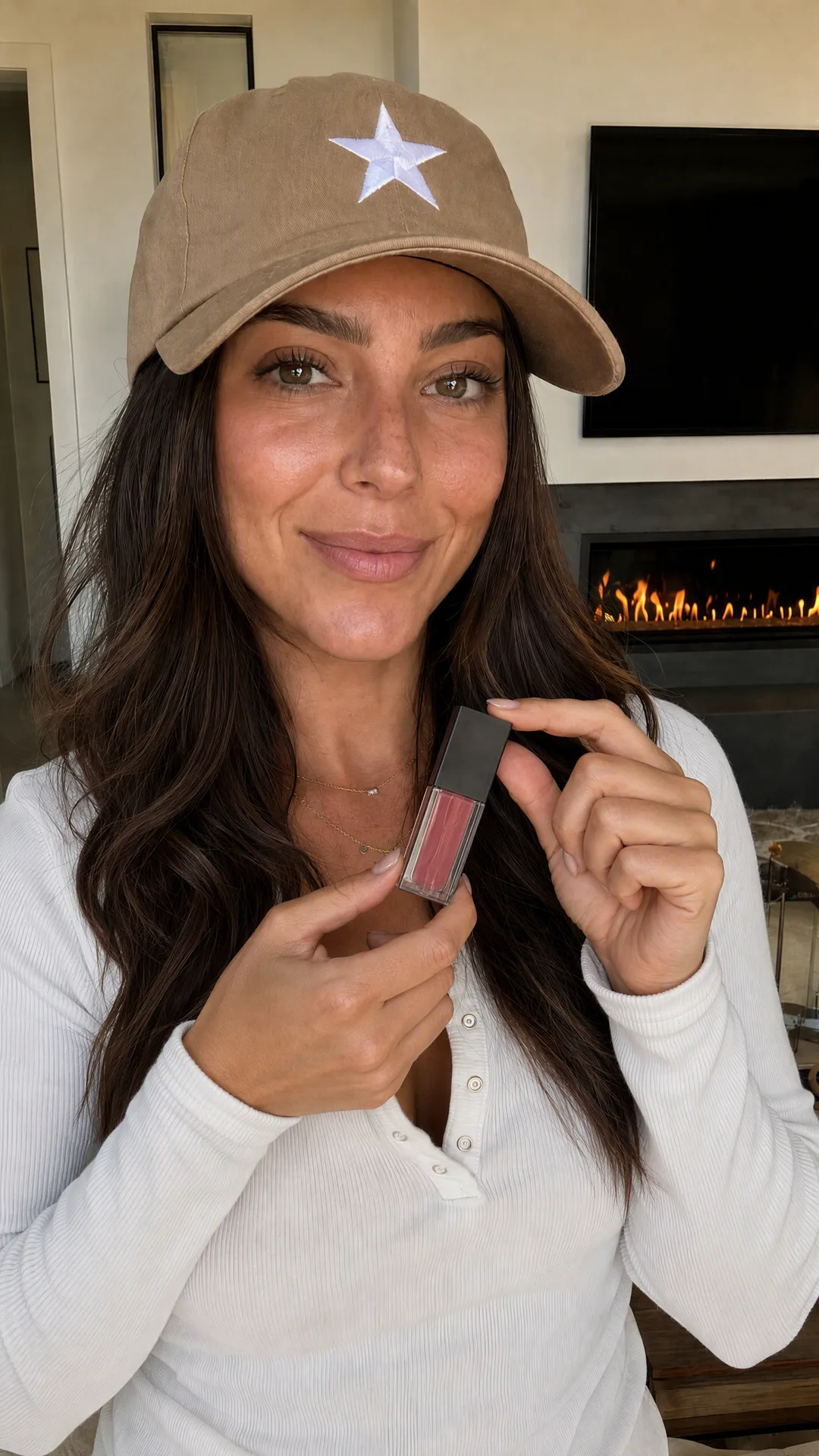
Creator showing a lipstick in her living room
Original
Living room selfie with everyday room clutter and uneven overhead lamps
Beauty bottle on a lavender flower set
New scene
Lavender beauty set with balanced pastel light and clean studio depth
Model holding a serum bottle on a plain backdrop
Original
Plain backdrop from a quick phone test clip on a studio table
Model holding a perfume bottle in a warm editorial scene
New scene
Warm editorial set styled for campaign launches and storefront headers

How to Change a Video Background

1

Add reference materials

Upload videos, images or audio in one place—up to 15 files in total, including up to 9 JPG, PNG, WEBP or GIF images, 3 MP4 or MOV clips up to 200MB each, and 3 WAV or MP3 tracks. Your uploads set the subject look, camera angles, movement rhythm and overall pacing for the recreated clip.
2

Describe the new background

Tell the scene prompt what the new environment should look like in plain words, such as a dark glossy studio with pink rim light, a sunny seaside picnic table, or a tidy wooden desk by a warm window. Naming light direction, surface textures and mood gives you tighter control over how the new scene wraps around your subject.
3

Generate the new video

Click through to open the reference-to-video editor with your reference files and scene prompt pre-filled. Review or refine the prompt wording, pick your preferred video model, resolution and aspect ratio, check the credit quote, and generate a cohesive clip where subject motion and new surroundings belong together.

Background Video Remover Ideas: Pick a New Scene

Sneaker in a dark glossy studio with pink light

Product studio

A dark, glossy studio set with controlled floor reflections and soft rim light that puts full attention on sneakers, gadgets, bottles and hero products without booking a physical stage or lighting crew.“Dark glossy studio with pink light and floating crystals”
Tumbler at a seaside picnic with water splashes

Seaside picnic

Bright coastal daylight, open sky and sunlit water splashes that turn indoor test footage into summer lifestyle clips for drinks, tumblers, sunglasses, sun care and travel accessories.“Seaside picnic on a sunny day with water splashes”
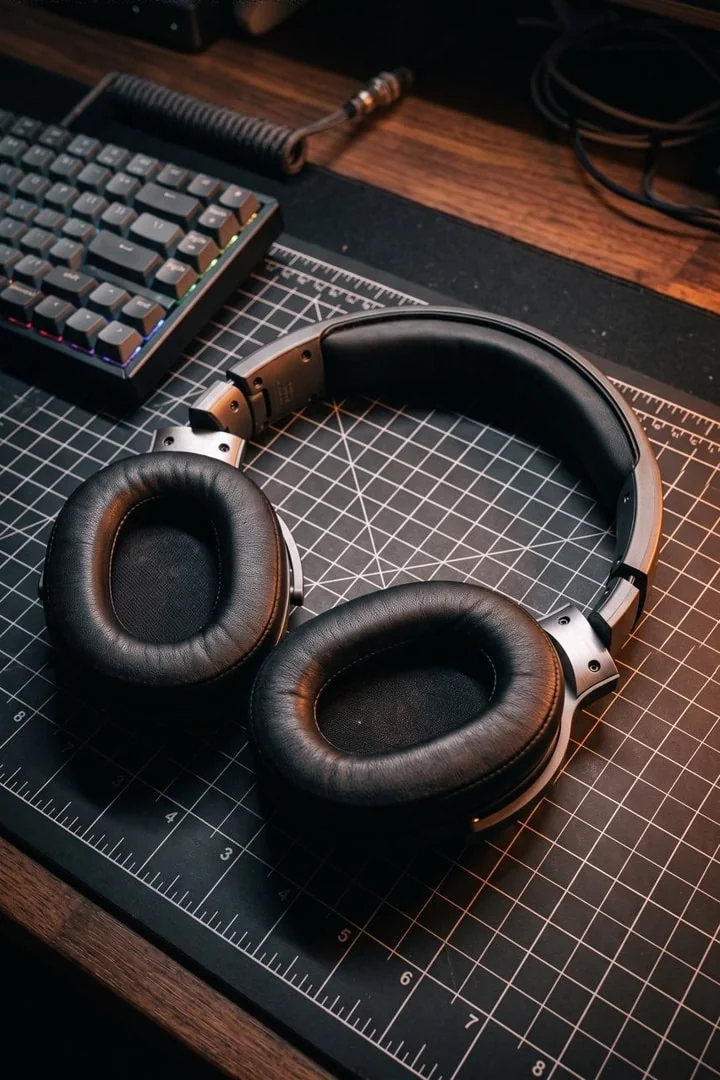
Headphones on a wooden home desk with a keyboard

Home desk

A clean wooden desk setup with warm directional lamp light and everyday workspace props, built for headphones, mechanical keyboards, desk accessories and creator-style tech demos.“Wooden desk at home with a keyboard and warm side light”
Beauty bottle surrounded by lavender and orchids

Floral beauty set

Soft botanical arrangements, petals and diffused pastel lighting tailored for skincare serums, lipsticks, cosmetics and fragrance launches when you want an elevated beauty counter feel.“Lavender and orchid flowers in soft pastel light”
Product held up against a clean blue gradient backdrop

Minimal gradient

A smooth single-hue gradient backdrop with subtle ambient glow that keeps storefront loops, app feature previews and paid social hooks crisp, modern and distraction-free.“Clean blue gradient backdrop with soft glow”
Kitten holding a latte in a cozy room with warm lamp light

Cozy morning

Warm window light, soft indoor fabrics and a calm morning atmosphere suited for homeware, mugs, candles, pet accessories and relatable everyday product storytelling.“Cozy room by the window with warm lamp light”

Who Uses Wizstar to Replace Video Scenes

E-commerce product videos

Turn quick warehouse, showroom or desk clips into polished storefront videos set in studio, home or outdoor environments. Refresh seasonal catalog listings, hero banners and marketplace product pages without organizing a reshoot.

Social media ads

Use this background video remover workflow to test three or four distinct settings for the same creative hook across Reels, Shorts and paid social feeds, then scale the scene that drives the strongest watch time.

New product launches

Pair early sample photos and handheld prototype clips with launch-ready backdrops on day one. Produce teaser videos, landing page loops and announcement posts weeks before full studio footage is ready.

Multi-language campaigns

Adapt visual surroundings—from sunlit patios to modern apartments—so regional ad variations feel native to each audience instead of running one identical setting across every market and season.

Why Choose Wizstar’s AI Video Background Remover

Online, no download

Open the online video background remover straight in your browser on desktop or mobile. Everything runs in the cloud with free starter credits on sign-up, so there is no heavy desktop editor or plugin to install.

Guided by your reference

Simple mask filters often leave flickering hair, spilled color or flat lighting. Wizstar’s AI background remover video approach uses your clips and images to guide motion and framing while generating realistic light for the new scene.

Fine-tune in the editor

Uploads and scene descriptions carry straight into the reference-to-video workspace, making Wizstar the best free video background remover starting point when you want to edit prompts, swap files or adjust aspect ratios before generating.

Commercial use

Deploy generated clips in paid social ads, online stores and brand landing pages with confidence. Starter credits let you test new scenes with a watermark first, and paid plans unlock clean, watermark-free exports.

Video Background Remover FAQ

Wizstar is free to start, so new users can test a video background remover free of upfront payment right after signing up. Every new account receives starter credits to try reference uploads and scene prompts in the browser-based editor before choosing a subscription, with no credit card required to begin. Videos generated on free credits include a watermark, and any paid plan removes the watermark for live campaigns.

Give Your Video a New Background Today

Free background remover video creation to start—try a background remover for video free with sign-up credits, upload your reference clip, and recreate it in a brand-new scene.