Do you need an ad assembled from a store page, new motion from a product photo, or a presenter explaining an offer? AI video ad generators use AI to create or assemble advertising videos, but they cover different combinations of those jobs.
I’m Vela, and I would separate those jobs before comparing subscriptions. Below, four documented approaches are compared against one proposed brief, including the changes required after review.
Start With the Advertising Task
Use the same product and deliverables across candidates. My suggested brief is a 15-second, 9:16 ecommerce ad using one product URL, three approved images, and three supported claims. Produce four presenter-led versions in total, changing only the opening hook. Then select one version for a review round containing two edits: replace the opening sentence and correct its caption.
That is a proposed evaluation, not a completed benchmark. The comparison below uses official pages reviewed on November 5, 2026; plan entitlements and terms should be checked again before purchase.
Compare Four AI Video Ad Generators
Wizstar publishes this guide and is included below. The numbering follows the production tasks discussed here; it does not represent a performance ranking.
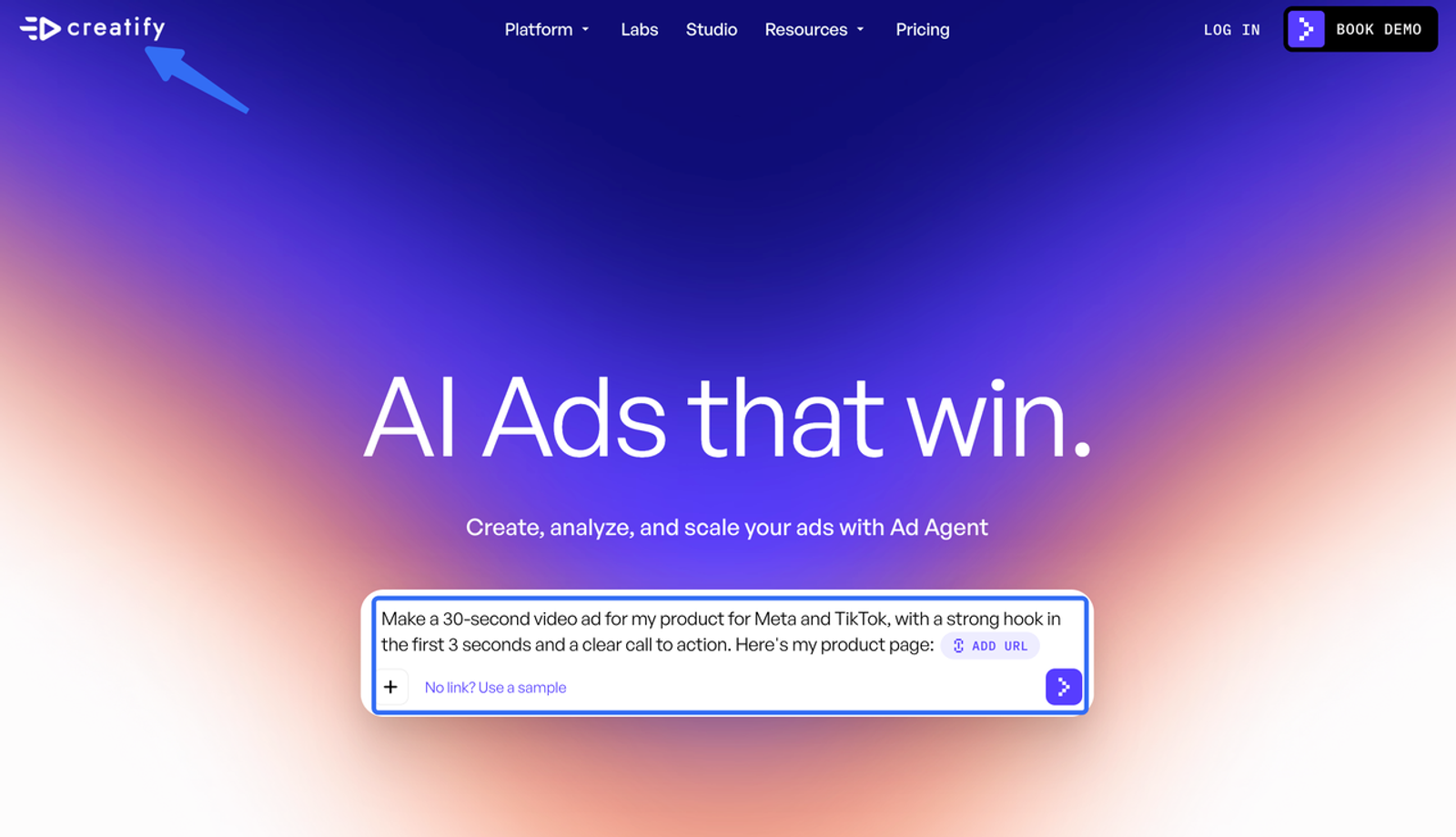
Creatify is a relevant starting point when your ecommerce team has a product page but needs an ad assembled from its assets. It documents product-link input alongside uploaded images, videos, and descriptions, followed by an editor for changing the generated result.
Creatify’s revision rules distinguish manual editing from AI regeneration. Manual changes to an already-exported project, including captions, trims, media swaps, and layout, are free. Regenerating the video, avatar, voice, or script consumes credits.
I would shortlist it for product-to-ad work, then check whether your requested hook change preserves the approved body. If a spoken opening needs a new voice generation, budget for that separately from correcting its caption.
Invideo: Timeline Editing and Ad Assembly
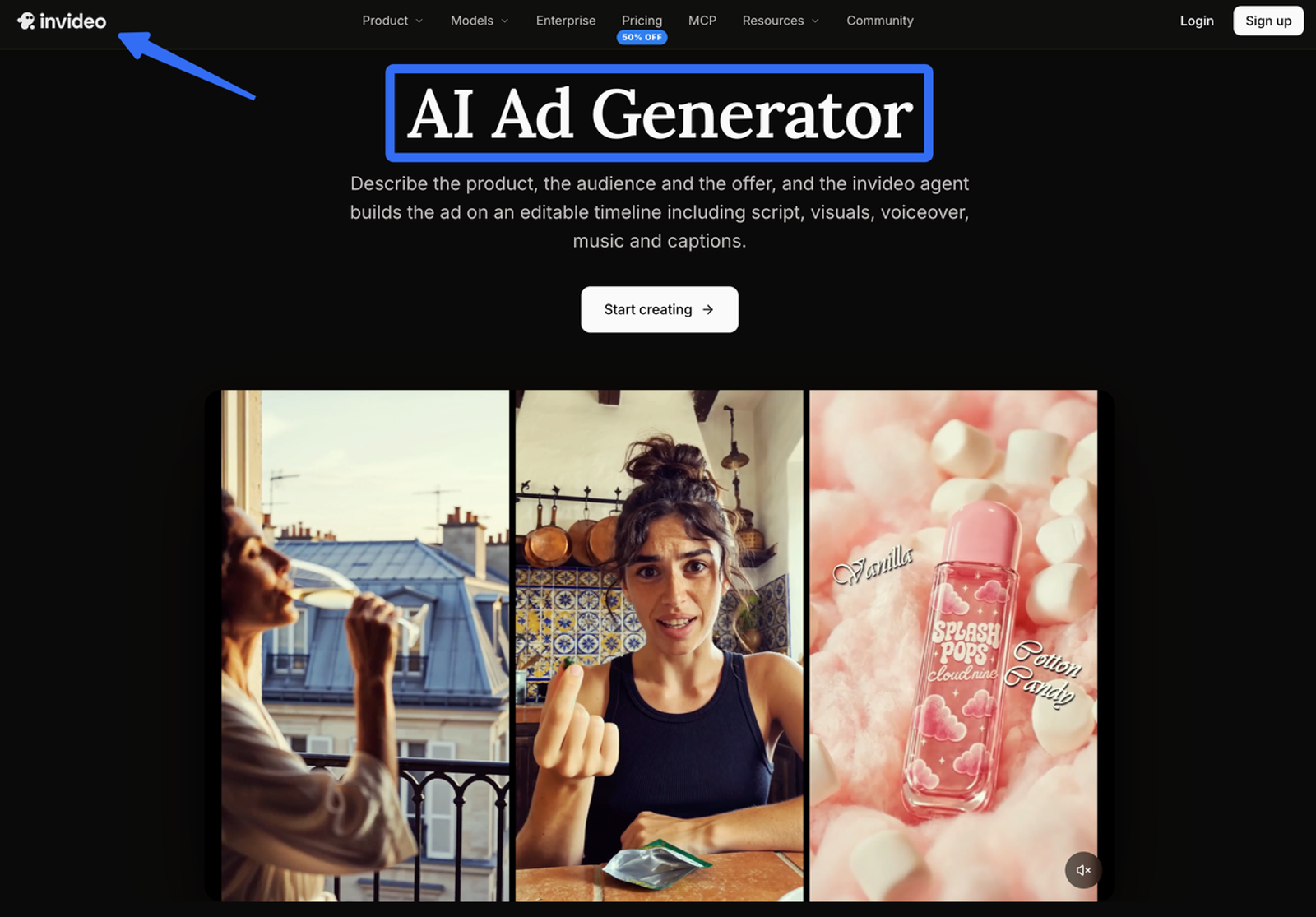
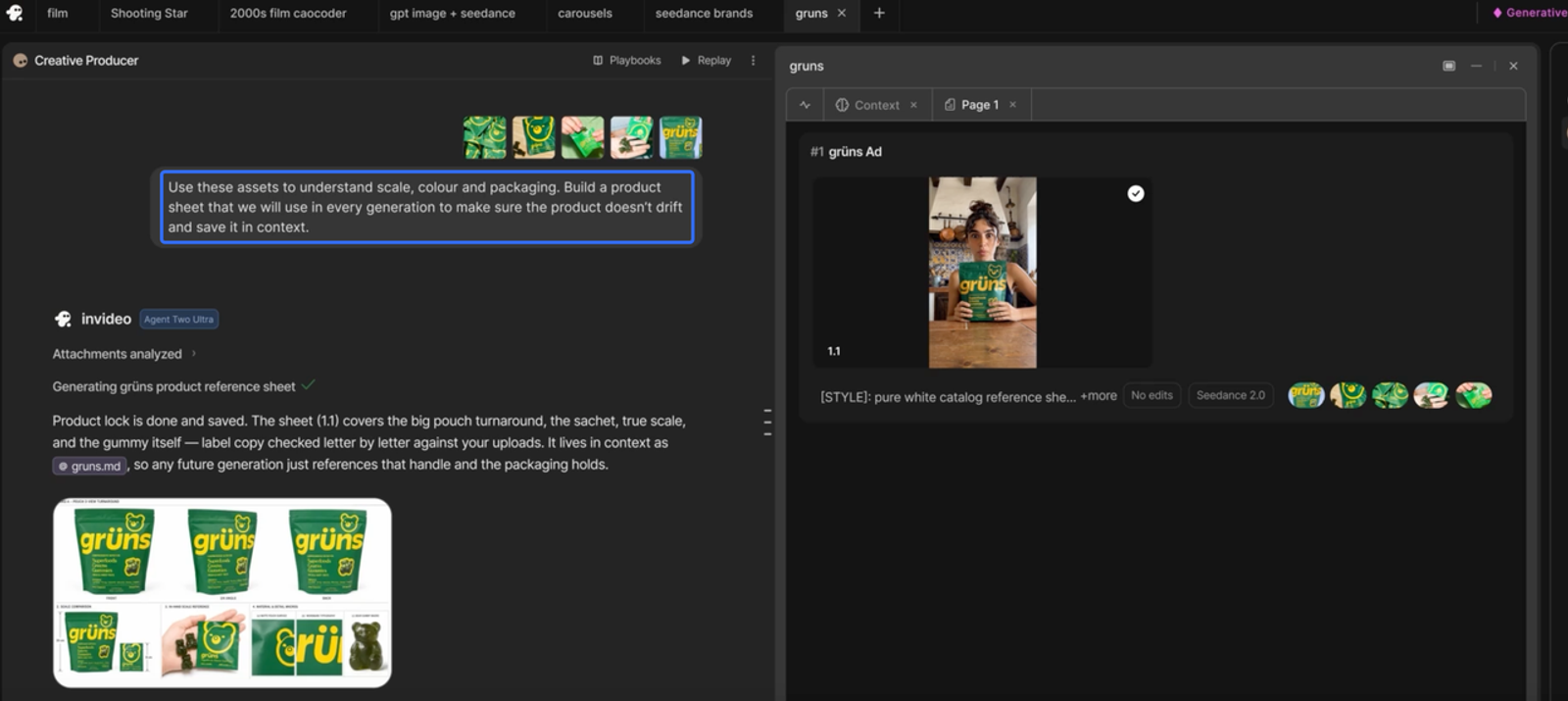
Invideo describes creating an ad from a brief, with script, visuals, voiceover, music, and captions assembled on an editable timeline. Teams can upload their own product images, footage, and brand assets, then trim, reorder, or replace shots.
That is useful when the campaign already has accurate footage and the editor needs to combine it with generated scenes. For the trial brief, replace the opening while leaving the demonstration untouched, then inspect the rest of the timeline.
I would favor this route when shot-level editing is the daily job. Model access, team seats, and generation charges still need checking against the selected plan; a flexible timeline does not establish those entitlements.
HeyGen: Presenter-Led Video Ads
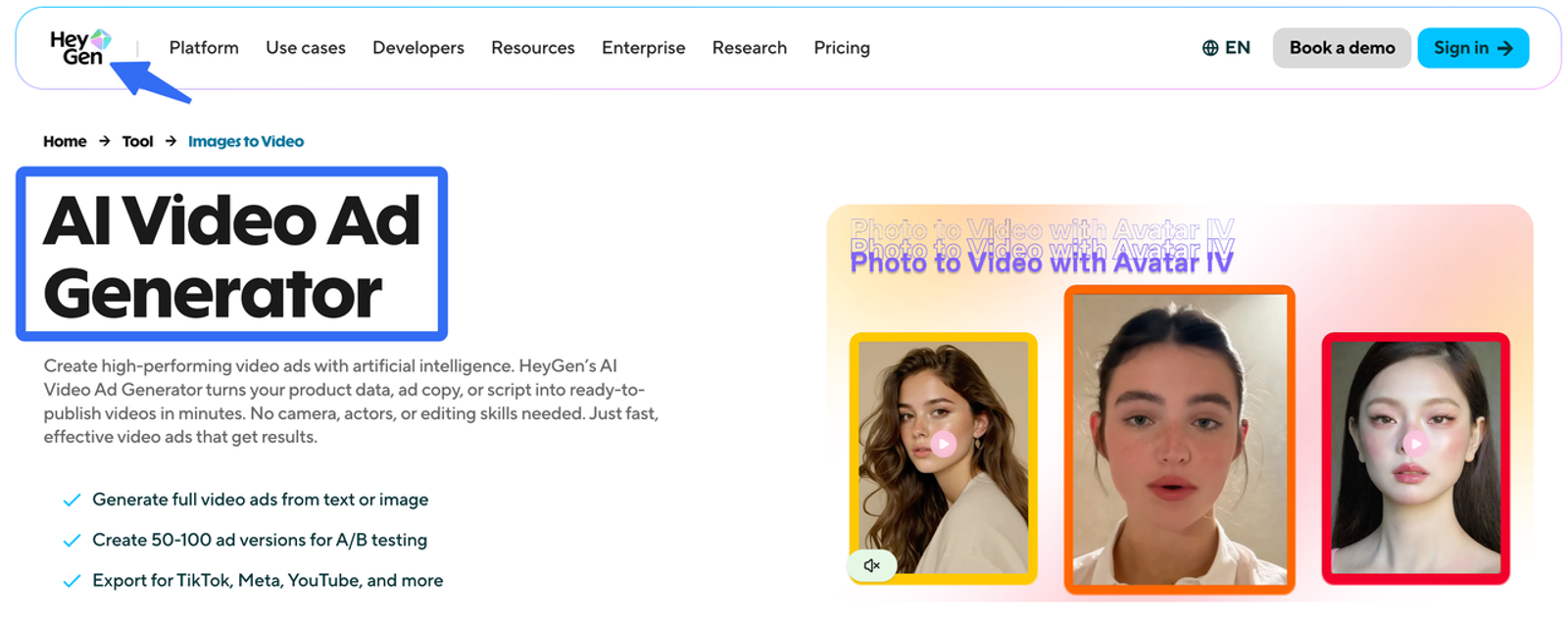
HeyGen is worth considering when a presenter carries the explanation. Its ad workflow accepts product images, footage, descriptions, or scripts, with controls for avatars, voice, text, and branding. It also describes vertical, square, and landscape output.
The important question is whether the presenter handles your script convincingly. Check brand-name pronunciation, pacing, and the relationship between narration and the product shown. An expressive avatar cannot compensate for an inaccurate demonstration.
Plan rights can also change the trial’s purpose. HeyGen’s current Free Plan terms restrict outputs to personal, non-commercial, and internal evaluation uses, excluding advertising and client work. Use that trial to evaluate the workflow; do not assume its exports can become campaign assets.
Wizstar: Product Visuals and Avatar Creation
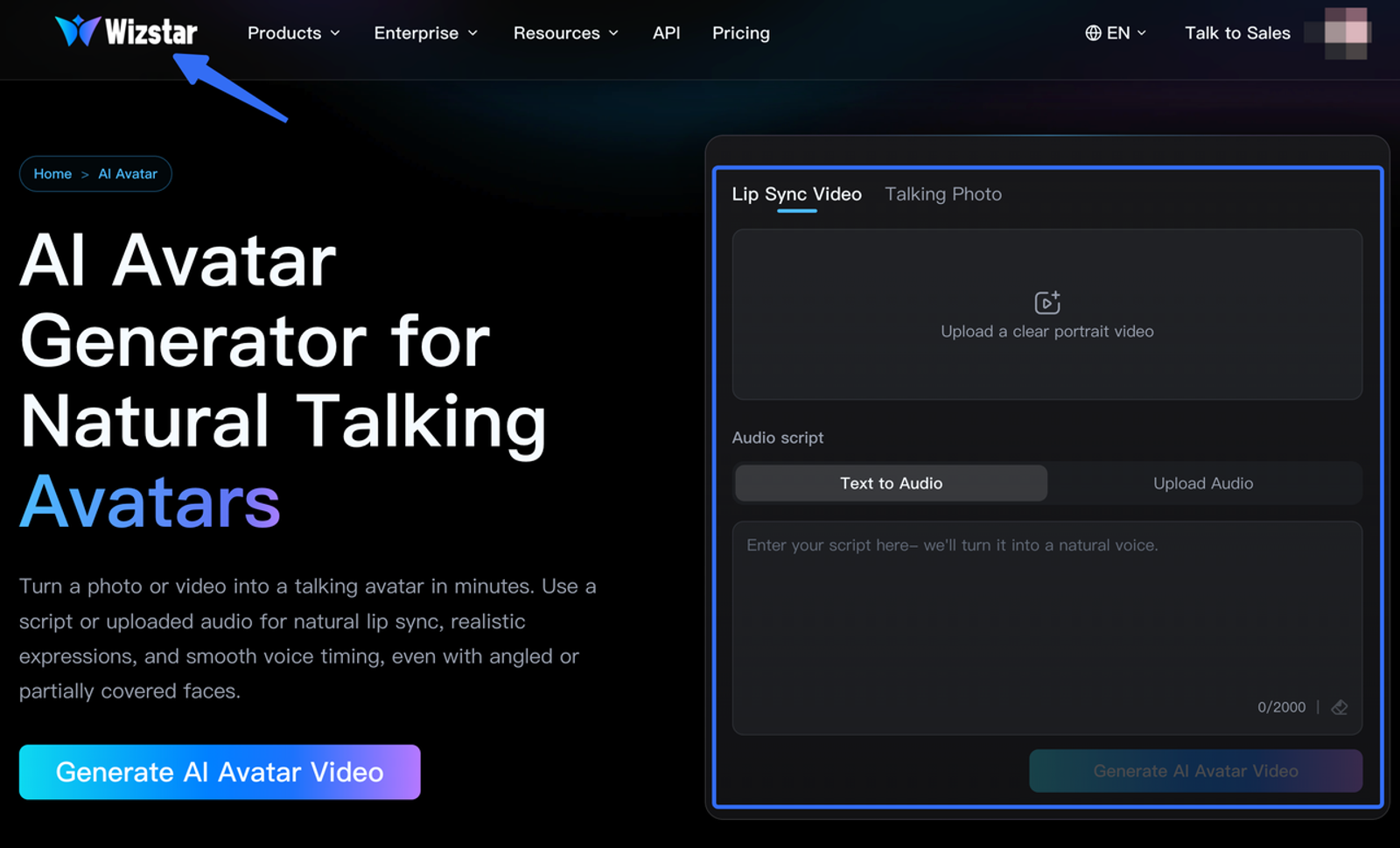
Wizstar offers two relevant routes. Its AI video generator describes text, image, and reference-based generation. Its AI avatar feature turns photos or videos into talking presenters using a script or uploaded audio.
That combination deserves consideration when a campaign needs new product visuals and a presenter asset. For example, a team could evaluate an image-based product shot separately from the narration-led introduction, checking each against the approved brief.
I would inspect the assembly step before choosing it for ongoing production. Separate feature pages do not establish seamless project transfer, shared approvals, or client permissions. If moving assets into the final edit adds substantial manual work, that affects the value of the subscription.
Compare Input Workflows
Product Links and Catalog Data
URL input can reduce setup, but the imported material still needs review. Product prices expire, images may show another variant, and a customer review is not automatically cleared for advertising reuse.
A single URL import does not establish catalog synchronization. For a feed workflow, confirm SKU mapping, refresh behavior, and access permissions separately.
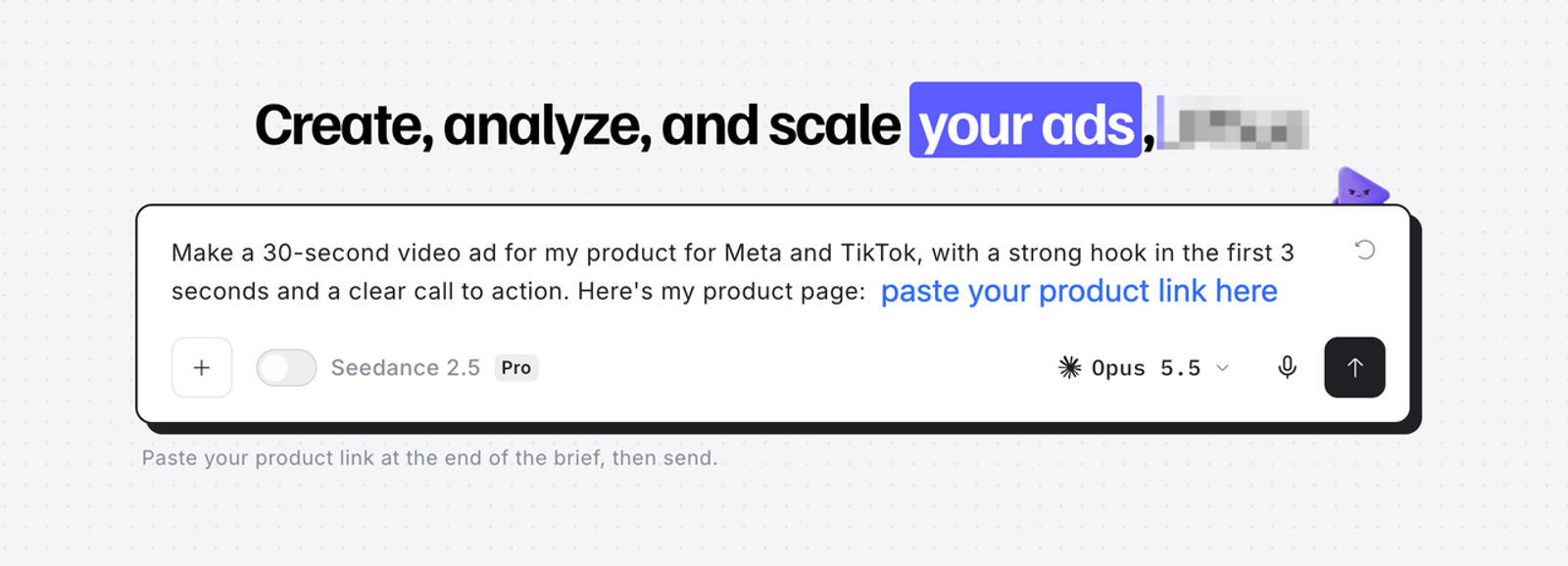
Images, Scripts, and Existing Footage
Existing footage gives you a useful baseline: the product is already visible in a shot your team accepts. Check whether the generator preserves that footage, or replaces it with an approximation when assembling the ad.
Keep approved scripts and images in the trial. Otherwise, you are evaluating the tool’s improvisation rather than its ability to work with your campaign.
Before uploading client footage, unreleased products, faces, or voices, confirm permission and the vendor’s handling of those assets.
Compare Creative Control
Hooks, Scenes, Presenters, and Voice
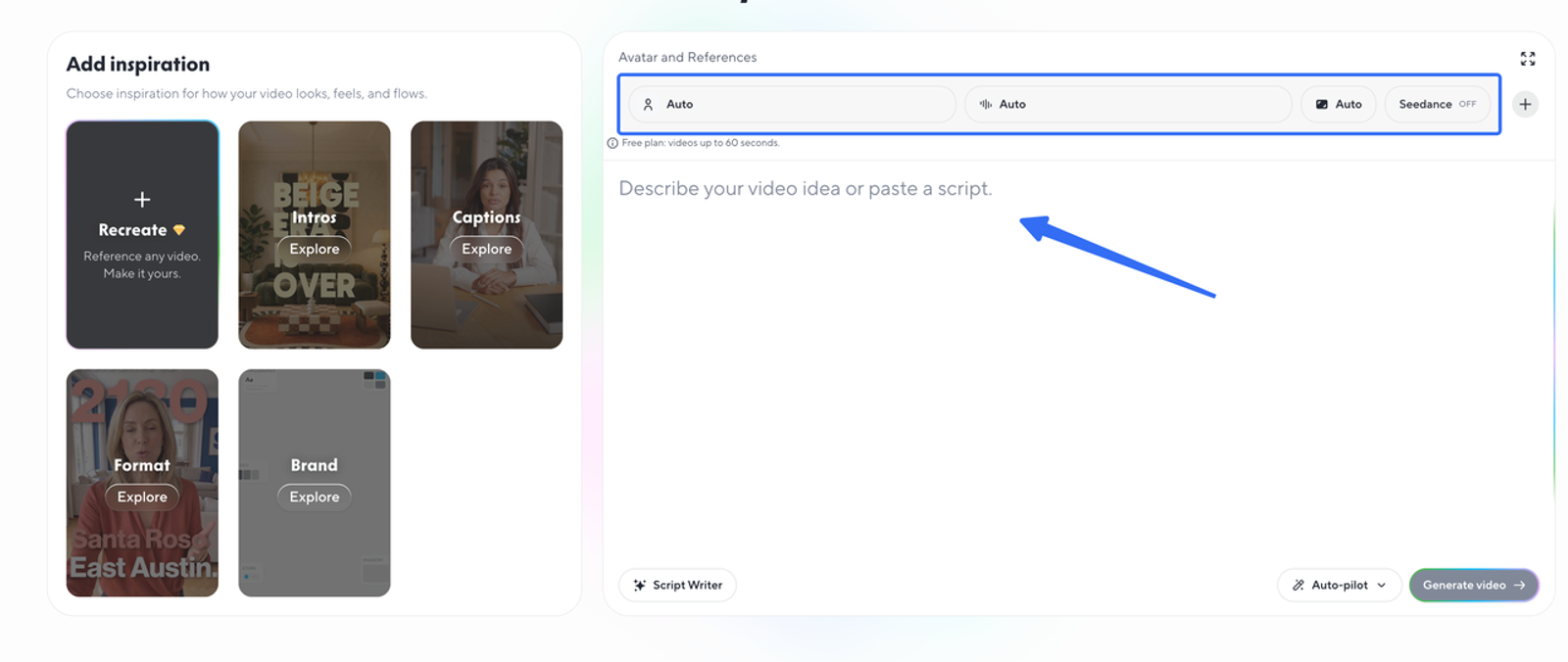
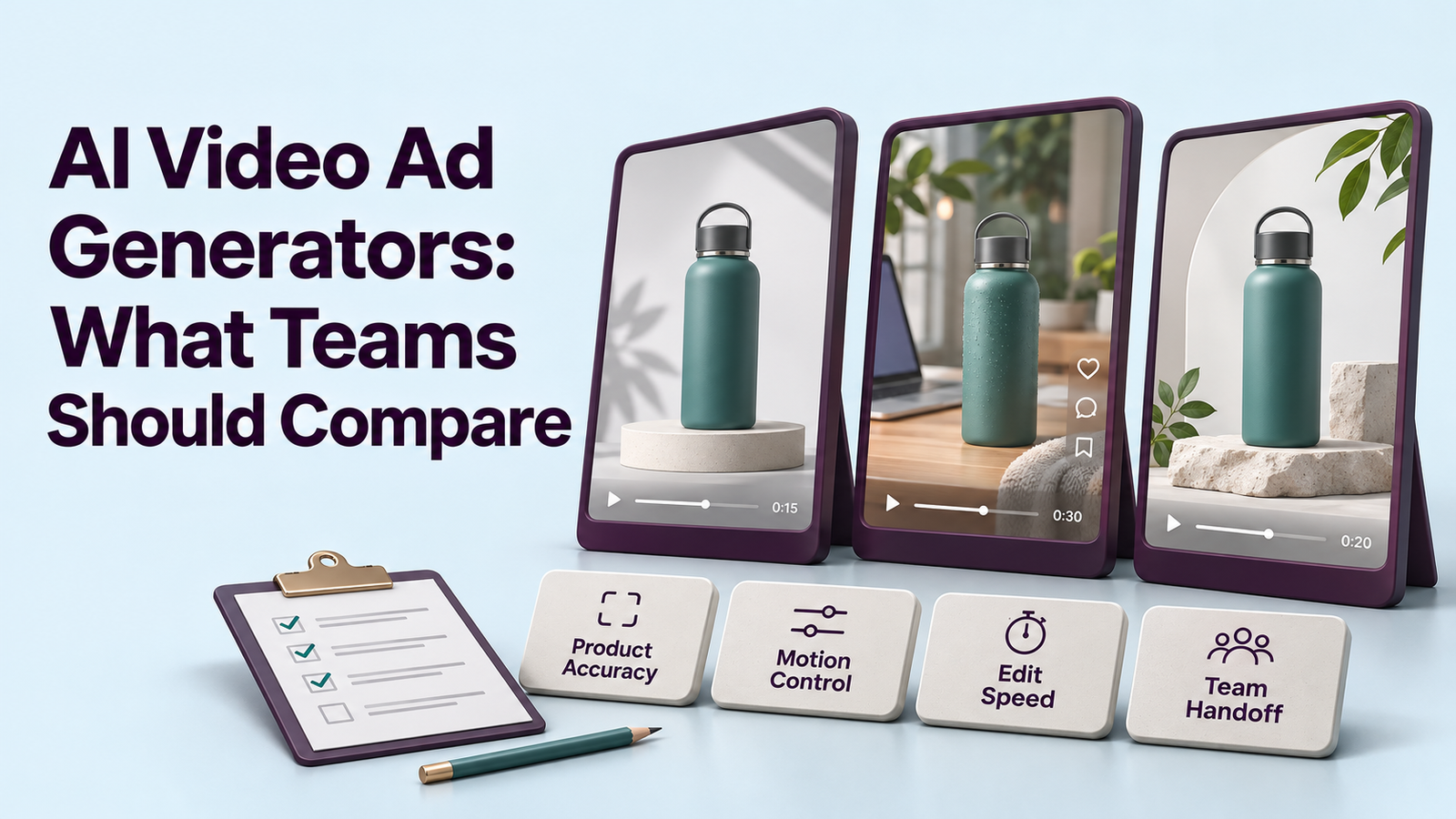
The controls you need depend on what the ad must show. Product motion requires accurate shape, packaging, scale, and handling. Presenter-led creative also needs intelligible speech, natural pacing, and correct pronunciation.
For a product demonstration, I would reject an attractive scene that changes the mechanism, label, or apparent result. Those errors affect what the viewer believes the product can do.
Editing, Revision, and Brand Consistency
Use the two requested edits from the brief to check revision control. After replacing the opening sentence and caption, compare the remaining product shots, offer, CTA, presenter, and audio with the approved draft.
Record whether each change uses a direct edit, a scene regeneration, or a full rebuild. If the whole ad changes, the team must review the whole ad again. A faster first generation can lose its advantage here.
For brand consistency, check the exported logo, fonts, colors, and caption placement. A saved brand kit only helps if its settings survive the actual edit.
Compare Variant and Testing Workflows
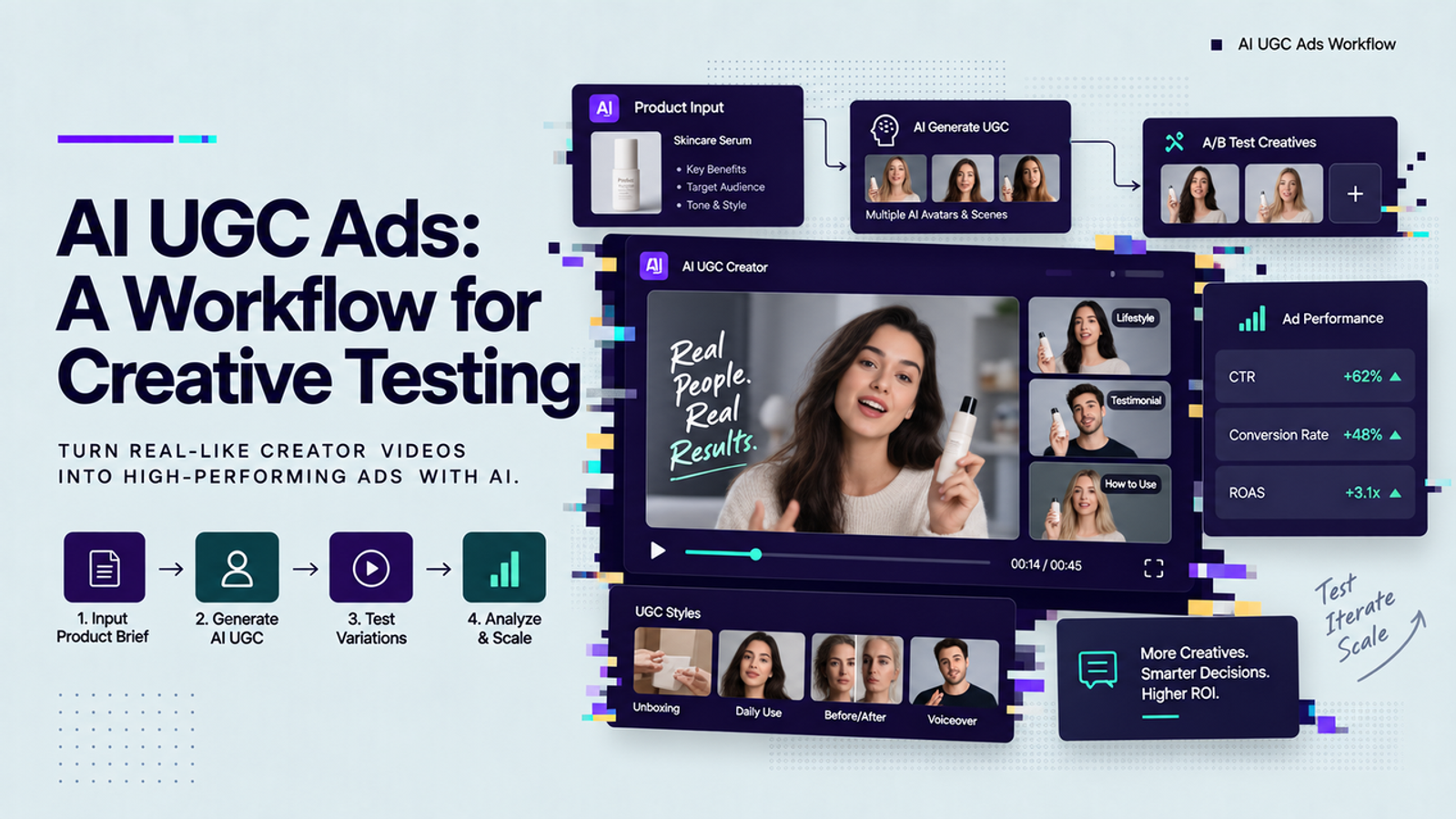
Give each hook version a clear ID and keep the product, body script, presenter, offer, and CTA fixed. Review them side by side before delivery.
This evaluates production control, not conversion performance. To isolate a hook’s advertising effect, the media team also needs suitable audience allocation, delivery settings, a defined metric, and a measurement window. Broader concept exploration can change several elements together; its results cannot identify one element’s contribution.
Compare Collaboration and Approval
A client may comment on a claim while an editor changes the opening and a media buyer downloads an earlier cut. Check that handoff with your actual team roles.
Reviewers should have appropriate access, versions should remain identifiable, and approval should identify a specific export. Comments or security logs alone do not establish a creative approval process. Once product accuracy is acceptable, I would favor the tool that makes the approved file easiest to find.
Compare Cost Visibility and Usage Rights
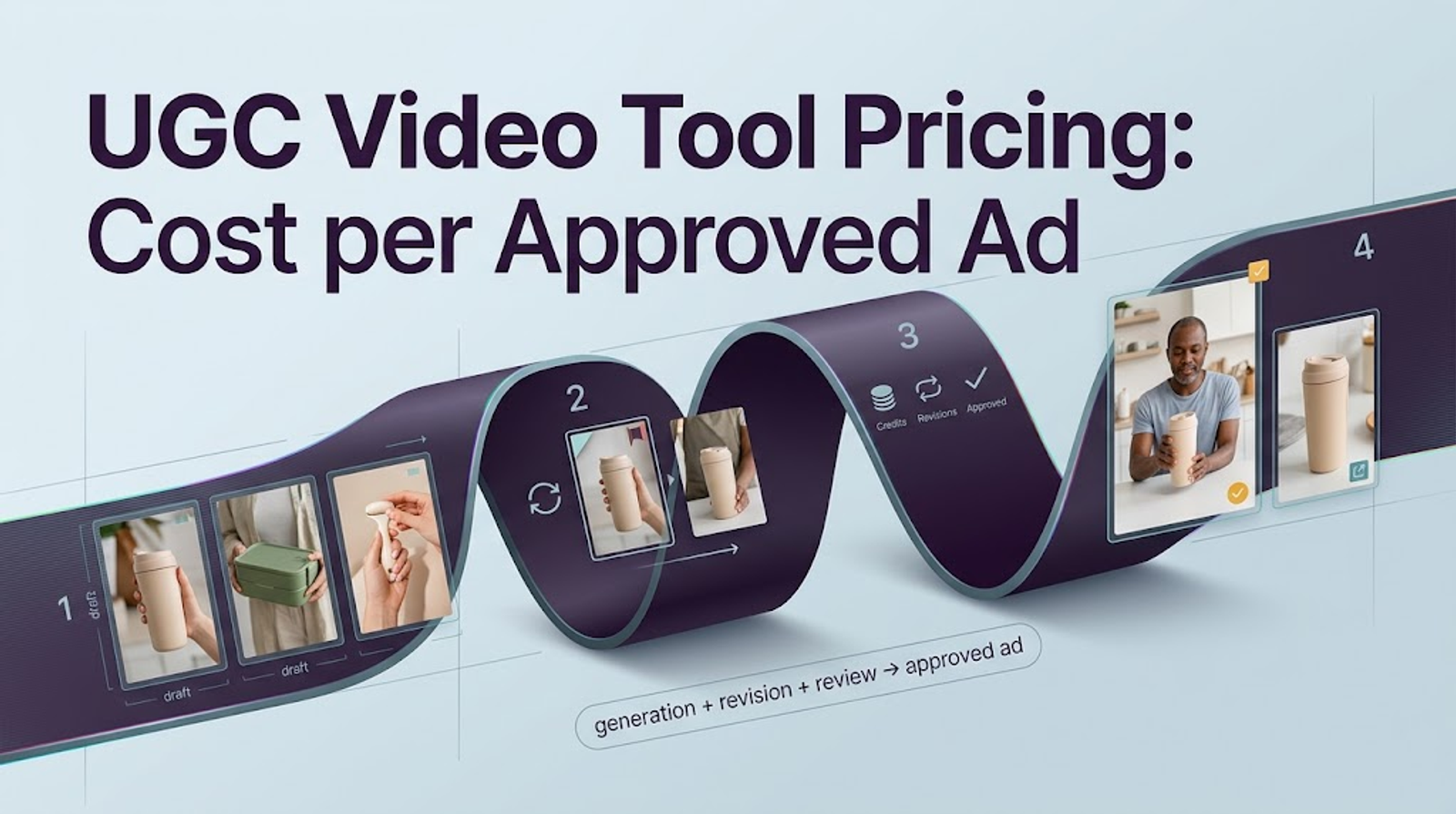
Price the complete brief, including the review round. Record the model, duration, resolution, seats, and any charges for regeneration or export. A credit count has little meaning without those conditions.
For a monthly software comparison, use:
Software cost per approved creative = monthly subscription, seat, usage, and export charges ÷ creatives approved that month.
Count only creatives that pass product, claim, brand, rights, and delivery checks. Hypothetically, $120 in monthly software charges divided by six approved ads is $20 each. Rejected drafts do not increase the denominator. Track labor, creator fees, music licenses, and media spend separately.
Commercial permission does not guarantee exclusive copyright. The U.S. Copyright Office’s AI copyrightability report distinguishes protectable human contributions from material generated without sufficient human authorship. Product photos, music, logos, faces, and voices also need appropriate permission.
Match the Generator to Team Type
| Team | Priority beyond generation |
| Ecommerce / DTC | Accurate SKU extraction, preserved product details, replaceable offers |
| Agency / media buying | Client separation, review access, approved export identification |
| Brand / global marketing | Presenter consistency, terminology, local review |
| Enterprise / regulated | Contractual data controls, permissions, retained approval records |
Choose the production route first, then apply these operational requirements. A suitable creative tool can still fail a client’s procurement requirements.
Limitations and Trade-Offs
Generation does not establish that a product claim is true. Synthetic presenters should not invent personal experience. The FTC’s reviews and testimonials guidance distinguishes AI presentation from deceptive or false testimonials; a fictional spokesperson is not automatically a genuine customer endorsement.
Disclosure depends on the content and market. Under the EU’s Article 50 guidance, provider marking duties differ from deployer disclosure duties for certain content, including deepfakes. Avoid turning either into a blanket rule for every AI-assisted ad.
These are practical buying considerations, not legal advice. Confirm applicable licenses, platform policies, and local requirements before release. An export preset cannot guarantee ad approval.
Conclusion
I would shortlist an AI video ad generator by its documented fit, then run the same brief and revision request before committing. Look for an ad your team can correct without losing approved work, with understandable charges and a clearly approved file ready for media buying.
FAQ
- Can product feeds connect without exposing customer purchase data?
- A catalog-only integration can avoid transaction data if its permissions are limited accordingly. Request the field list and access scope before connecting it. Product titles, images, prices, and availability do not require customer identities; reject unrelated permissions unless there is a justified use.
- Which vendors offer regional processing for enterprise campaign assets?
- This comparison does not establish a verified regional-processing option. HeyGen publicly describes US hosting and US customer-data storage, so teams requiring processing in another region should obtain written confirmation covering storage, processing, and subprocessors.GDPR commitments or international-transfer mechanisms alone do not establish where processing occurs.
- What accessibility metadata survives after generated ads are exported?
- Burned-in captions remain part of the image; selectable captions require a supported track or separate file. Keep those deliverables distinct. Check speech and meaningful non-speech information against W3C caption guidance, then test the uploaded ad in its destination player.
- Do platforms notify teams when underlying generation models change?
- Do not assume notification or version pinning. Ask for the contractual change-notice policy, and archive approved exports independently. Recording visible model settings helps document a generation, but does not guarantee that a later run will reproduce it.
- How should regulated campaigns preserve generation and approval records?
- Link the final ad ID to the approved brief, source assets, licenses, claim evidence, prompts or settings, generated versions, and dated approvals. Keep rejected drafts that explain material decisions. Content Credentials may supplement that history where supported; the C2PA specification does not prove a generator or destination preserves it.