The short answer
The most useful AI video ideas for a product launch are a problem-first teaser, a product detail demonstration, a founder answer, a feature update, a localized clip, and a post-launch FAQ. Pick one according to what the buyer still needs to understand, then brief it from approved assets and review the finished claim, not just the visuals. These are production concepts, not formats I have tested for this campaign or promises of conversion lift.
Which Launch Goal Needs a Video?
Start with the decision the audience faces. Awareness needs a recognizable problem; evaluation needs product evidence; post-launch questions need current answers. A clip covering all three can lose its useful takeaway.
Name the buyer question and the approved visual proof. AI can assemble real assets; it should not invent an interface state, performance result, or buyer reaction.
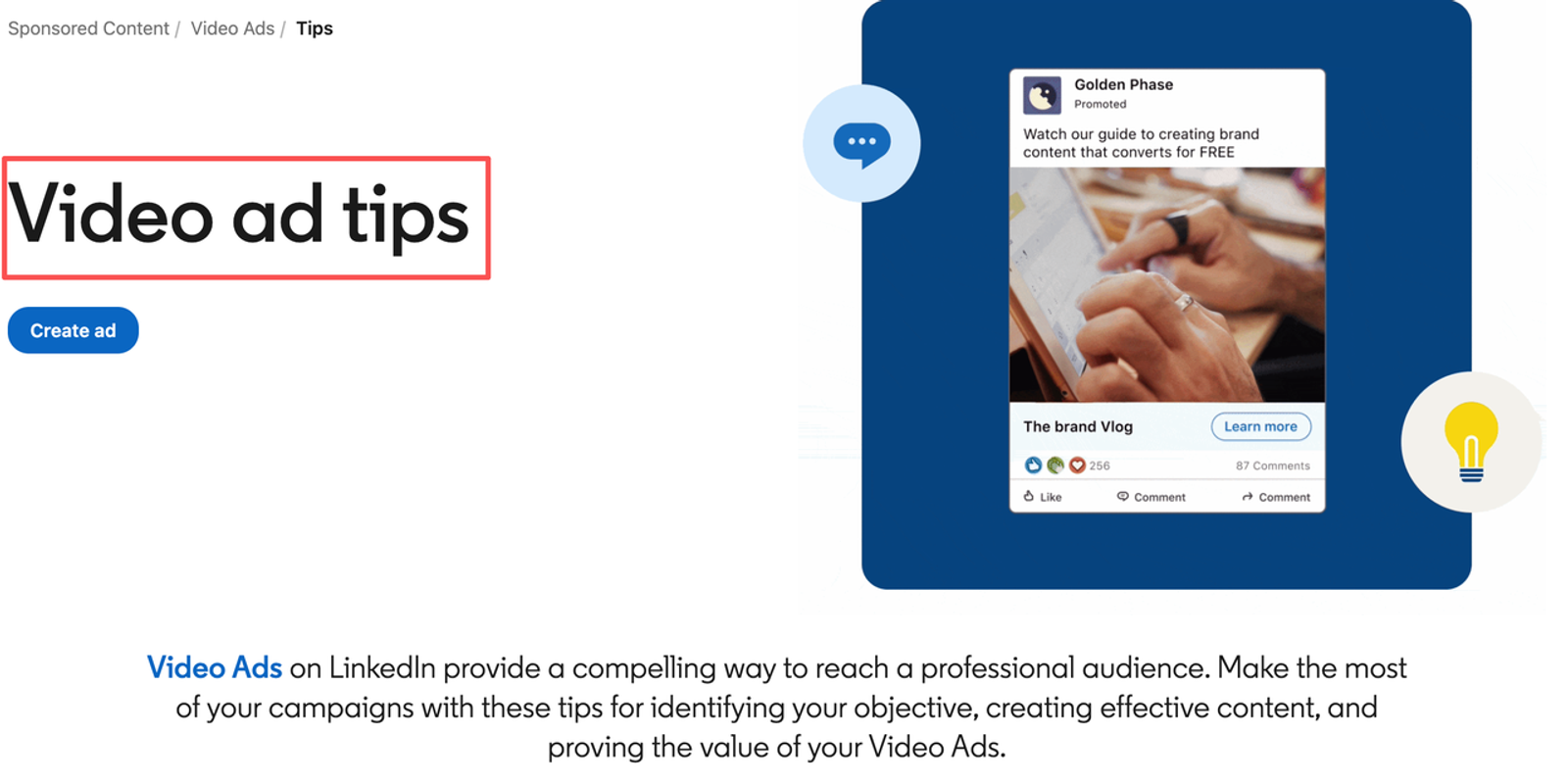
Match the brief to placement: a silent feed needs readable on-screen information, while a product page can support more explanation. LinkedIn’s video ad guidance advises planning for sound-off viewing and matching length to the objective.
Six AI Video Ideas From Assets You Already Have
A Problem-First Product Teaser
Input assets: an approved product image, one real customer problem from research or support, and a landing page that explains the solution. Open with the recognizable friction, then reveal the product and one credible benefit. For a desk accessory, for example, show the cluttered task the accessory addresses, followed by a clean view of the actual item. For B2B software, use a genuine workflow bottleneck rather than a fabricated “before” screen.
The core message should be narrow enough to survive a short feed placement: here is the problem this launch addresses. AI-generated scene motion or typography can create pace, but the product reveal should preserve the item’s shape, color, controls, and packaging. Review the first seconds without sound, compare the reveal against the approved source, and check that the problem statement does not imply an unsubstantiated frequency or cost.
After release, observe whether viewers reach the launch page; views alone do not establish buyer understanding.
A Product Detail Demonstration
Input assets: accurate product photos or real screen captures, a specification sheet, and a shot list approved by product. The concept is one feature in use, not a tour of every selling point. An ecommerce team might explain a fastening mechanism with a close-up and a short label. A B2B team might show the exact step where a new control appears in the interface. The core message is what the feature does and where the buyer can find it.
Use this on a product detail page, launch email, or evaluation-stage paid placement. If motion is generated from a still, avoid asking the model to rotate into a hidden side of the product or simulate an unseen UI result. Show real footage or screen capture when the mechanism itself is the proof. I would check the label before the lighting: a polished clip with the wrong control name, dimension, or menu state fails the buyer’s actual question.
After release, watch visits to the named detail page or relevant questions in comments.
A Founder Answer to One Buyer Question
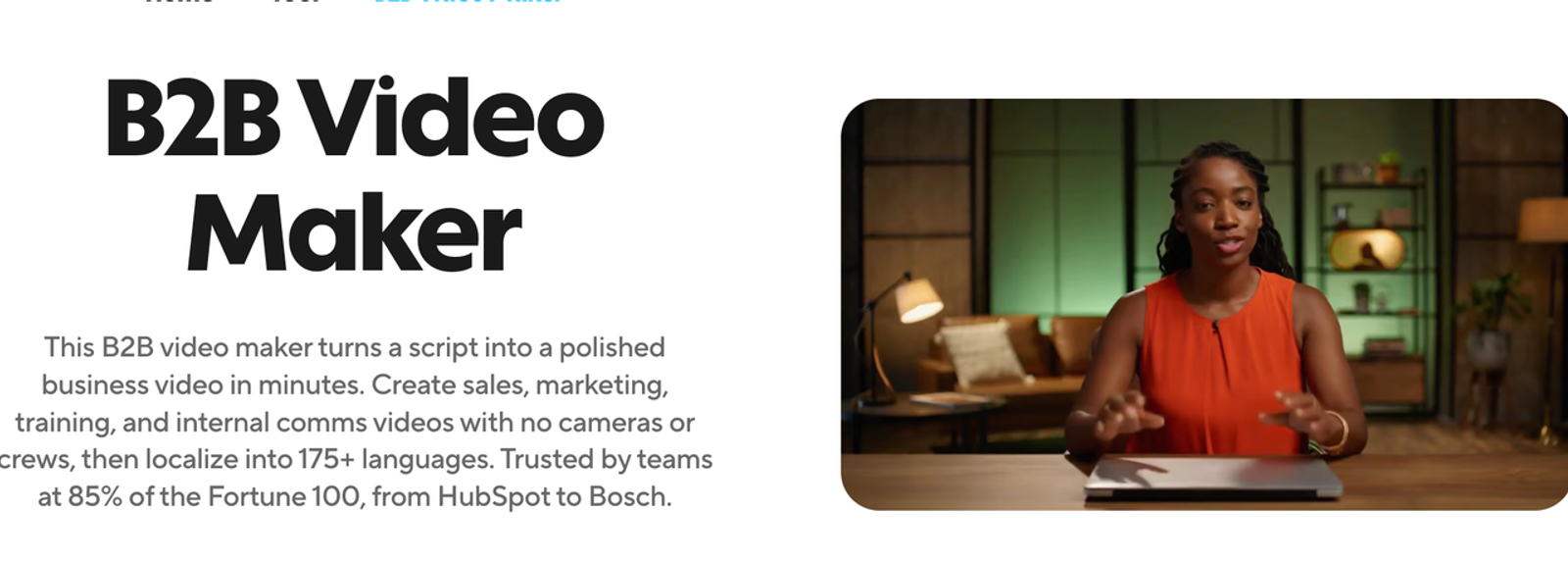
Input assets: an approved short answer from the founder or product lead, a current portrait or recording, and an approved voice track. The question should come from sales calls, launch comments, or a documented objection, such as why the product was built or which customer it fits. The message is a direct answer in that person’s own approved words. A company page, product page, or B2B social post is a better home for it than a generic montage.
If using a synthetic likeness or voice, get permission for that specific use, script, channel, and duration. Review the facial expression, lip timing, and implied endorsement alongside the words. A live recording may be simpler when the answer is sensitive or likely to change. If I am watching the mouth, I have stopped listening to the answer; the team should shorten the clip or use the real recording rather than assuming another render will fix it.
After release, compare visits to the linked answer page with the question the founder addressed.
A Feature Update for Existing Customers
Input assets: release notes, a current interface capture, and a precise change statement from product. This is a launch video for people who already know the product. Lead with what changed, who can use it, and what action they can take now. A customer email, help center page, or in-product announcement can carry the clip; paid prospecting usually needs more context than an existing customer update provides.
The review point is version truth. Confirm that the demonstrated feature is live for the audience named in the copy, that menu labels match the shipped build, and that any rollout or plan restriction is visible. Do not animate a prototype as if it were the released interface. If the release date slips, the video should wait or be edited before distribution.
After release, check eligible customers’ visits to the release notes or feature guide.
A Localized Launch Clip
Input assets: an approved source script, market-specific product terms, licensed visuals, and a reviewed translation. Keep the central benefit consistent while allowing local reviewers to change examples, subtitles, or offer language that would otherwise mislead. The core message is the same launch promise made intelligible to a new audience; suitable placements include regional social feeds, localized landing pages, and market-specific email.
Do not equate translation with approval. A longer translated phrase may overrun the shot, cover the product, or make a synthetic speaker’s mouth conspicuous. Review the script’s meaning, pronunciation, captions, currencies, availability, and any claim that changes with market. The translated line still has to fit the shot. If it does not, revise the edit or use subtitles rather than forcing a voice performance that changes what the spokesperson appears to say.
After release, inspect regional page visits and questions about the translated claim.

A Short Post-Launch FAQ Video
Input assets: one repeated question from support, sales, or launch comments; the verified answer; and the page where viewers can check the latest detail. A useful clip answers one question such as compatibility, setup, or shipping scope. It can live in a help article, follow-up email, or an organic post responding to the confusion. Its message is clarification, not another launch slogan.
Put the answer near the start, then show the relevant product view or interface step. Name the condition that changes the answer: model, plan, region, or release version. Review the question and response with the team that owns the underlying fact, and assign an owner to retire the clip when that fact changes. A FAQ video that is easy to publish but hard to update can become a support problem of its own.
After release, ask support whether that specific question still recurs; fewer inquiries alone would not prove the video caused the change.
Turn One Idea Into a Reviewable Brief
Use the same five fields for any format: viewer question; approved answer; source assets; shot order; next step. Add the placement, claim owner, and one observation to review after publishing. Bracketed text below needs product approval; it is not a factual claim.
For the teaser, brief: question, “What problem does [product] address?”; answer, “[approved benefit]”; assets, a licensed task image and approved product photo; shots, show the task, cut to the real product, then hold the approved benefit line; next step, the current launch page. For the detail demonstration, ask, “How does [verified feature] work?” Use a real close-up or screen recording: full product, feature in use, then a hold on its correctly named control. End at the setup guide or product page. For the FAQ, show the actual buyer question, give [support-approved answer and condition] immediately, demonstrate the relevant step, then direct viewers to the maintained help page.
The founder answer can follow question → approved spoken answer → product evidence → current page. The feature update can show old task → shipped change → eligible-user condition → release notes. The localized clip can use the approved source sequence with reviewed market wording and a local destination. Save each brief, input, output, and revision note together. The next edit is part of the cost; if a generated detail changes shape, return to a real source view.
Check Claims, Rights, and Distribution Fit
Before publishing, compare every visible and spoken statement with the current product page, specification, offer terms, and market availability. Someone should own the final fact check. For customer reviews and spokesperson material, confirm permission for advertising and make sure edits preserve the person’s actual meaning. In the United States, the FTC’s endorsement guidance says endorsements must be honest and not misleading; a public review is not automatically a licensed voiceover script.
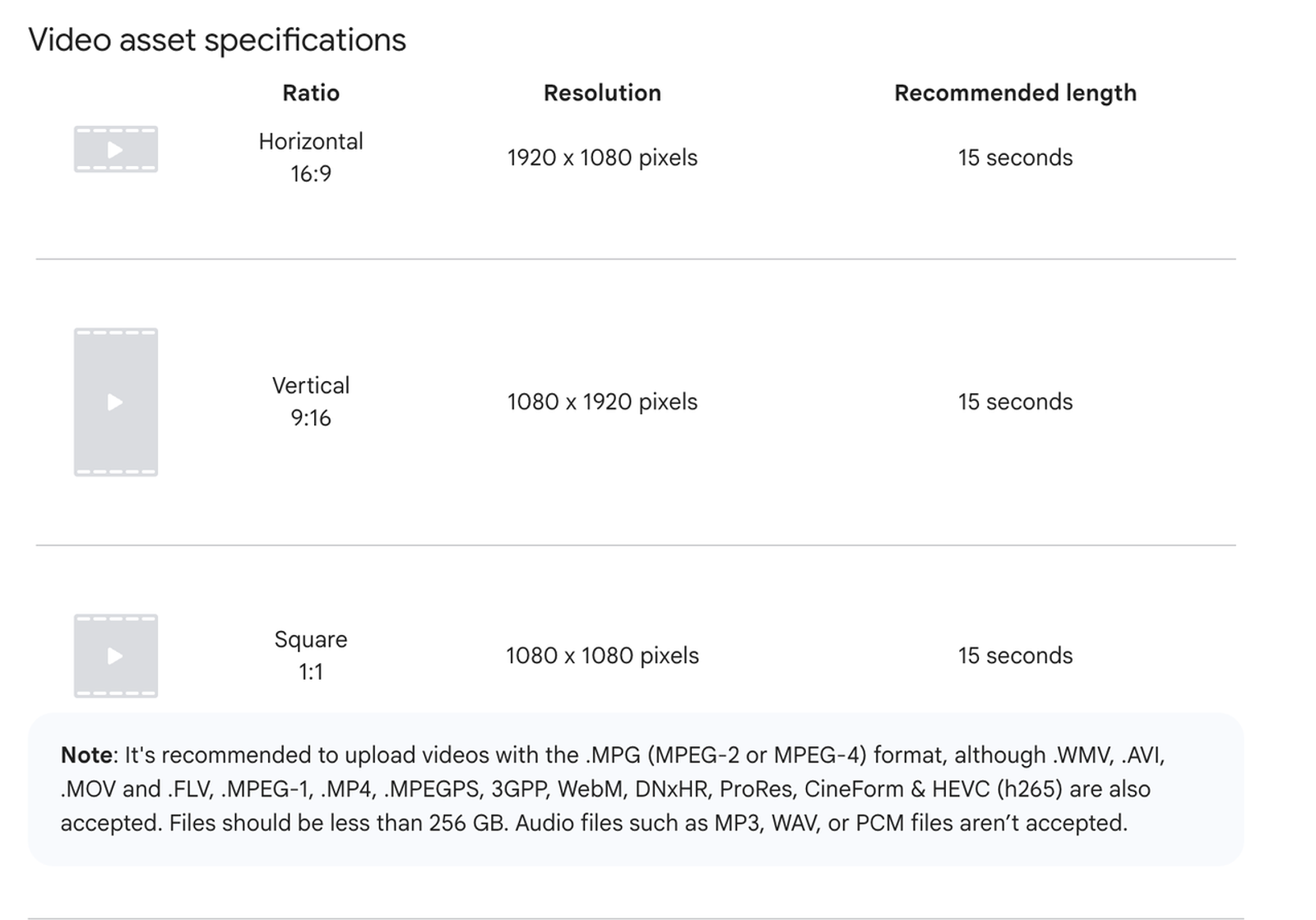
Check crop, captions, thumbnail, landing page, paid-use rights, and expiration date for each placement. Google Ads publishes video asset specifications by format; verify the destination rather than exporting one ratio everywhere. Check disclosure rules for synthetic people and voices separately, by product and market.
Keep contracts and creation records with the campaign. C2PA’s provenance guidance explains that credentials record media history; they do not establish whether an ad claim is true. The U.S. Copyright Office’s 2025 AI copyrightability report explains that protection for AI-assisted output depends on sufficient human-authored expression and is assessed case by case. Agency ownership still depends on contracts and applicable law. This is general information, not legal advice.
When Is Another Format Better Than Video?
Use a static image when the message is a single price, date, product view, or comparison that viewers need time to inspect. Use a live demo when motion is the evidence and a generated simulation could misstate how the product works. Use a written FAQ when conditions are numerous or change frequently.
Conclusion
The best AI marketing video concepts start with a buyer question and an approved proof asset. Choose one of the six formats for that job, give reviewers a narrow brief, and make the final clip answer only what the team can substantiate. A launch video is ready when its message, rights, and destination still agree with the product that buyers can actually get.
FAQ
- Can a launch video reuse a customer’s public review as voiceover?
- Only after the team confirms permission for that advertising use and verifies that the edit preserves the customer’s meaning. Public visibility does not establish voice, likeness, or paid-media rights. Do not synthesize the customer’s voice or turn a narrow comment into a broader performance claim without separate authorization and substantiation.
- What should happen to a video showing an expired launch offer?
- Stop distributing it and update or retire every version the team controls. Check paid ads, scheduled posts, product pages, emails, and regional variants, then replace any linked landing page that still repeats the expired terms. Keep an owner and end date in the brief so the offer has a planned removal path.
- Can a synthetic founder likeness be used after the founder leaves the company?
- Do not assume so. Check post-departure likeness and voice rights and whether the clip implies current endorsement. If authorization is unclear, stop using it.
- May the same generated clip be used in paid ads in multiple countries?
- Only if the asset licenses, likeness and voice permissions, agency terms, platform rules, and claims cover those countries and paid placements. Review each localized version for availability, offer terms, translation, and required disclosures. A technically reusable file is not automatically a publishable international ad.
- Who owns a launch concept drafted jointly with an external agency?
- The agreement and applicable law decide. Record source-asset ownership, script and edit contributions, assigned rights, and agency reuse rights before scaling variants. A shared folder is not an ownership clause.