The short answer
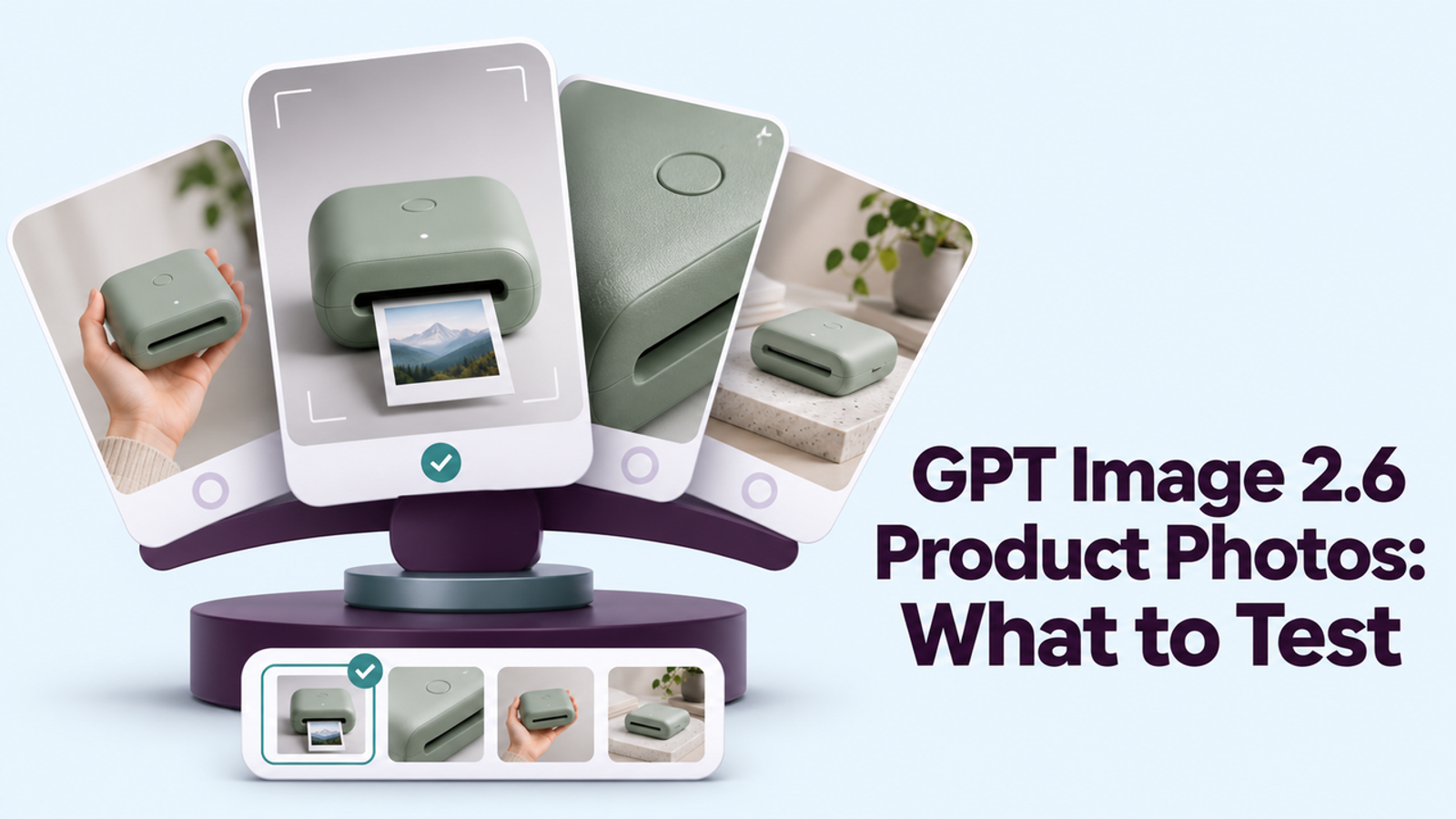
GPT Image 2.6 product photos cannot yet be judged from a published model release or a reproducible test. As of November 4, 2026, OpenAI’s current model catalog, image documentation, and API changelog do not announce GPT Image 2.6 as an available model. For an ecommerce team, the useful work now is to prepare one authorized product brief and decide what would make an image safe to hand to a video editor. This article is a test plan, not a claim of access or results.
What Is Known About GPT Image 2.6?
OpenAI’s model directory currently names GPT Image 2.5 Sunburst and Flare under image generation. The API changelog records their September 2026 release; it does not announce 2.6. The current image-generation API reference also does not list 2.6 among its documented model IDs. These pages establish no 2.6 release date, price, speed, product-photo performance, or access route.
There is no honest 2.6 score to borrow from another model. Prepare the review sheet instead of inventing a verdict from the name.
Prepare One Product Photo Test Brief
Use an Approved Product Reference and Ad Copy
Choose one SKU with a photograph authorized for upload. Keep approved views, label artwork, logo, and product name beside the brief. Mark details that cannot drift: cap shape, color, volume, ingredient statement, certification marks, and claims. Record who approved the assets and their permitted campaign. This is general production guidance, not legal advice.
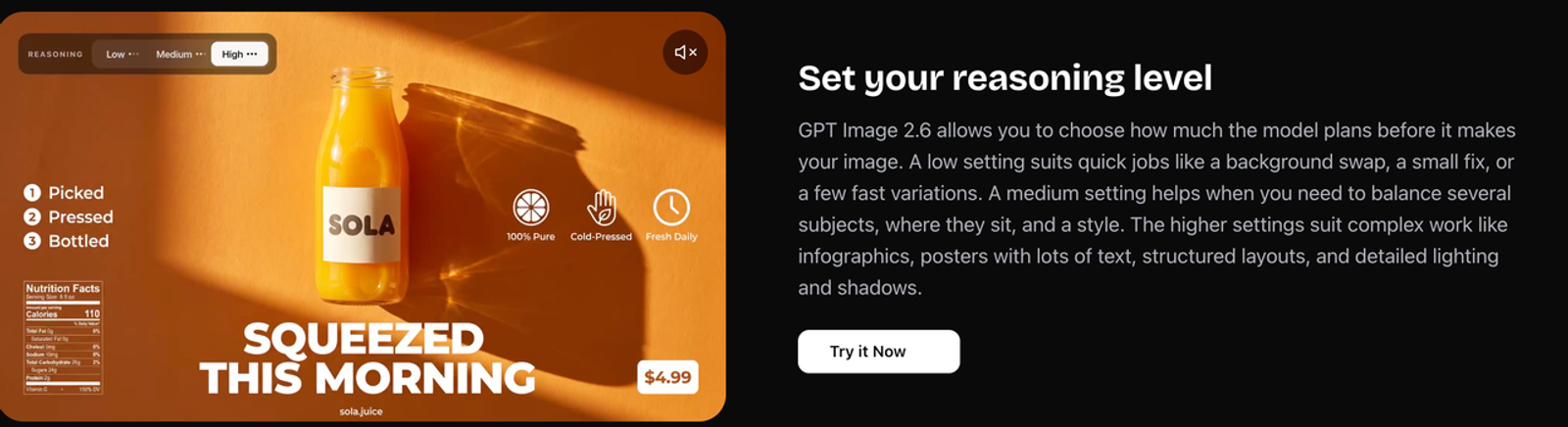
Ask for one deliverable, such as a clean hero image on a pale counter with room for a headline. Put approved copy in quotation marks and decide whether it must appear in the generated pixels or will be added later as editable type. OpenAI’s current image prompting guide recommends specifying the artifact, text, canvas, and layout constraints. That is useful brief-writing advice, not evidence of 2.6’s future accuracy.
Set the Required Video Ad Crops
Specify downstream use before generation. A vertical opening frame needs space for subtitles; a wide closing frame needs room for the offer and logo. Prepare both crop templates with real overlay positions. An attractive still may fail when the headline covers the label.
For YouTube video ads, Google’s video ad specifications list 9:16 vertical and 16:9 horizontal formats and show safe zones where overlays may cover important content. Use the rules for the actual destination rather than treating either canvas as approval. Save the native image and proposed video crops separately.
What Should the Output Test Measure?
Product Details and On-Image Text
Compare candidates with the authorized reference at full and delivery size. Check silhouette, cap, seams, label, color, and reflections. Read every visible word and number, including unrequested text. A changed volume or invented certification rejects the image, however convincing its lighting. I want to see what survives a second look.
Treat on-image advertising copy as a separate test. Did the model place the exact words, punctuation, and hierarchy? Is there enough contrast to read them after compression? If copy changes by market, a clean blank area may be more useful than baked-in type. Record these outcomes separately so a good composition does not hide a bad label.
Revision Effort and Video-Safe Framing
Give each candidate one targeted revision, such as correcting a cap without altering the label. Save the original, instruction, revised file, and editor minutes. If fixing one detail changes three others, that is the finding. The next edit is part of the cost, even when a single generated image looks inexpensive.
Place surviving files in the prepared video crops. Check whether the pack stays visible during a modest push-in, whether shadows end abruptly at the edge, and whether captions cover purchase-critical details. This evaluates frame readiness, not video-generation consistency; a later motion tool can still change the product.
When Is a Product Photo Ready for Video?
It is ready when a second reviewer can match the SKU and claims to the source, both crops leave room for copy, and remaining edits are feasible. Keep the source, prompt, model ID, settings, output, crops, revisions, and approval together.
Conclusion
The first credible GPT Image 2.6 product-image test will use an authorized SKU, exact copy, fixed crop templates, and a record of every repair. Until OpenAI documents the model and teams can run that brief, its product-photo quality, cost, and availability remain unknown.
This article is based on currently available information about an unreleased product. Details may change, and we will update this page when official information becomes available.
FAQ
- Will GPT Image 2.6 support multiple reference photos?
- OpenAI has not documented a 2.6 input limit or reference-photo workflow. Its current image-generation guide describes using one or more reference images with supported models. Confirm 2.6’s own model page and endpoint before writing a multi-view test around that capability.
- Will GPT Image 2.6 offer transparent product cutouts?
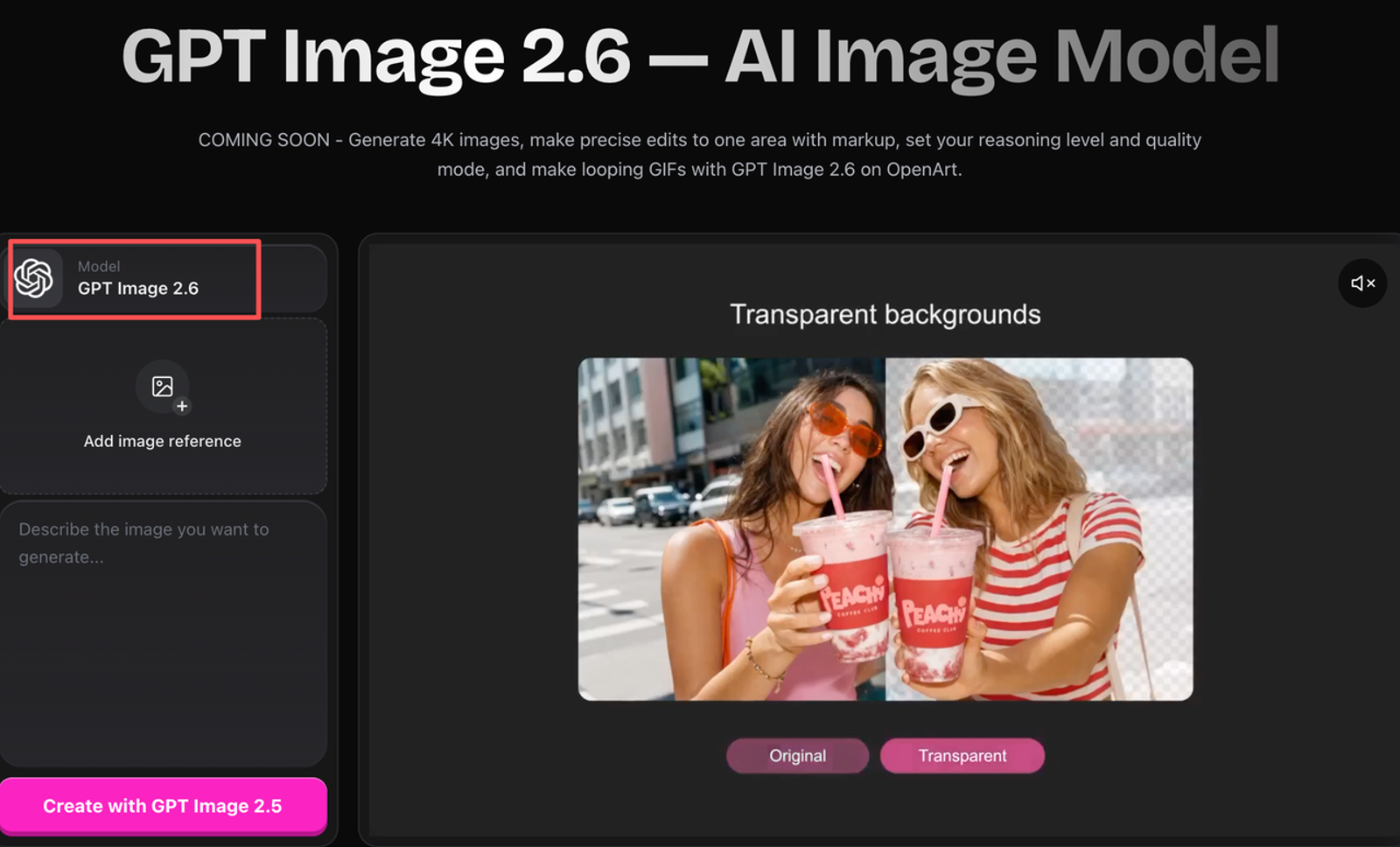
- That is undisclosed. Some current GPT Image models support transparent PNG or WebP output, but the feature cannot be assigned to 2.6 by inheritance. If it appears, inspect cutout edges and shadows on both light and dark backgrounds.
- Will GPT Image 2.6 be available in ChatGPT and the API?
- Neither route has been officially announced for 2.6. Check the ChatGPT release information and the API model directory separately when a release is posted; availability in one does not establish access in the other.
- Will GPT Image 2.6 support repeatable seeds for product photo tests?
- No 2.6 seed control has been disclosed. Preserve the prompt, inputs, settings, output, and date regardless. If a seed option is documented later, record it as an additional control rather than assuming identical reruns.
- What commercial-use terms will apply to GPT Image 2.6 images?
- No model-specific 2.6 terms have been published. Check the current service terms and the agreement for the account used when it becomes available, along with the rights to uploaded photos, logos, people, and copy. The ability to generate an image does not clear its product claims or destination ad rules.