The short answer
The best Grok Imagine alternatives for product video teams solve different jobs: Wizstar builds around approved product assets, Runway creates brand footage, Kling animates a product still, and Pika explores short social ideas. Start with the job your team repeats most often. This is a documentation-based comparison, so the final choice still belongs to your own assets and approval process.
What Would a Product Team Replace in Grok Imagine?
Fast Visual Ideas Versus Brand-Ready Video
Grok Imagine is good at getting an idea moving. The official Grok Imagine video documentation describes generation from a source image and optional prompt. For a team trying visual directions, that is a useful starting point.
The harder question comes when the idea meets an actual SKU. Does the pack still look like the approved product? Can someone read the offer in the export? Pretty is easy to spot. Useful takes another look. The real production cost sits between the first interesting clip and the version a brand can approve.
How Were the Alternatives Selected?
Product Inputs, Revision Control, and Export Fit
I would give all four tools the same approved pack shot, offer line, logo, and 9:16 target. Ask for a restrained camera move and one alternate opening. Then look at the product shape, label, brand color, safe area, and the work left after export. That small trial tells a team more than four unrelated demo reels. It is a proposed comparison, not a test I have run.
Each tool offers a legitimate route to short video, but the handoff differs. One may give an editor a strong shot; Another may take more of the product-ad brief into the generation workflow. I would count cost per approved version, including reruns and edits, rather than compare subscription prices in isolation.
1. Wizstar for Product-Led Video Workflows
Starting From Approved Product Assets
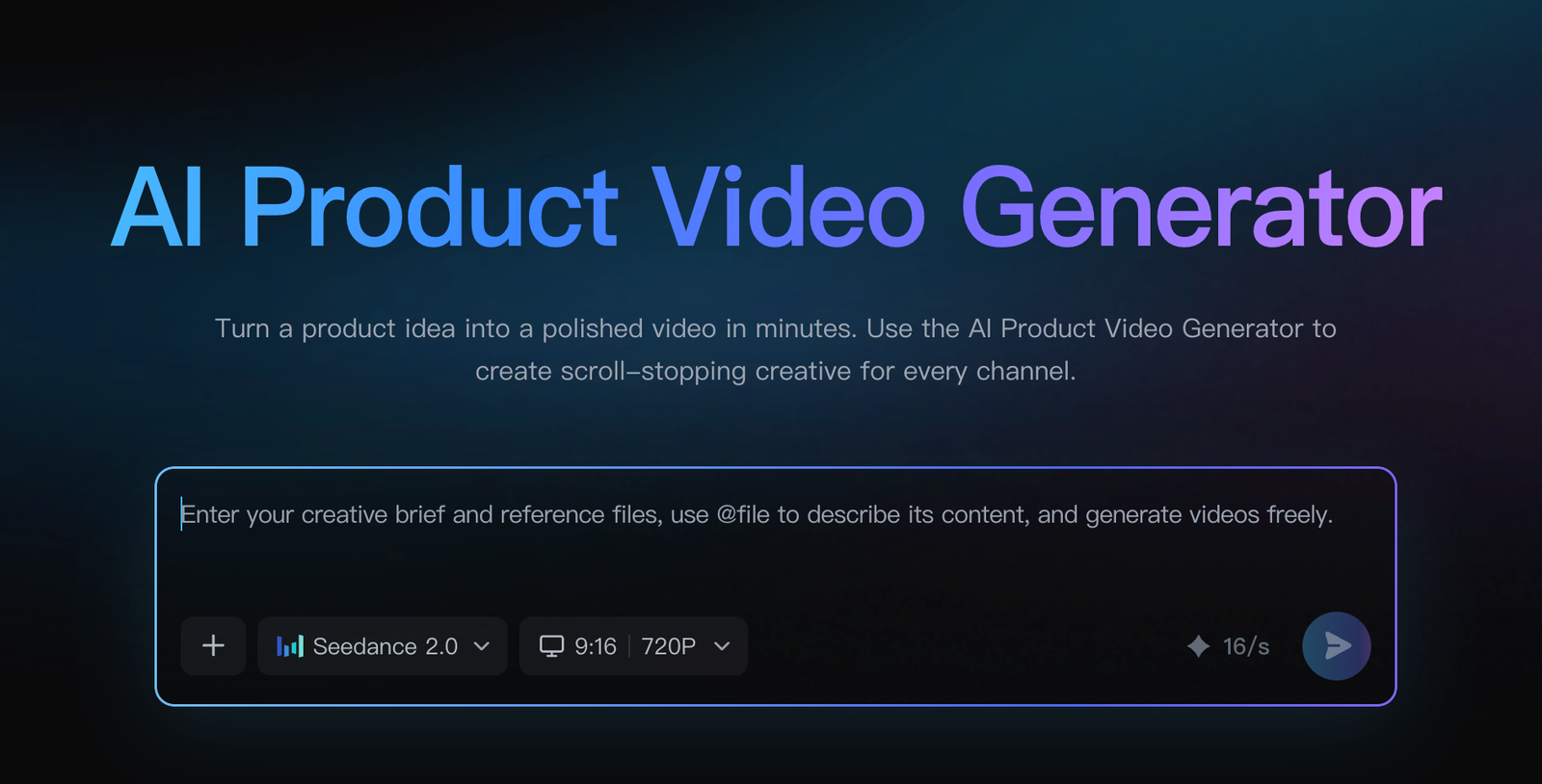
Wizstar makes sense when the brief begins with a real item. Its AI Product Video page says teams can start with product images, video or audio references, and a brief, then choose among output ratios and models. I like that starting point for a brand team: the SKU and offer are already defined before anyone writes a visual prompt.
The page claims that product details stay recognizable across scenes. That is exactly the claim I would test with packaging that has small text or an unusual shape. For a required legal line, I would still use an editable overlay; there is no prize for asking generated pixels to carry compliance copy.
What to Verify Before Switching
The first migration task is asset hygiene: choose a clean pack shot, settle the offer, and decide which details must not change. Try one easy image and one awkward one, such as reflective packaging or fine print. If the result reduces assembly work without rewriting the product, Wizstar has a real advantage for this job. Check current export limits, commercial terms, and customer-image handling before moving a client library.
2. Runway for Generated Brand Footage
Shot Creation and Iteration
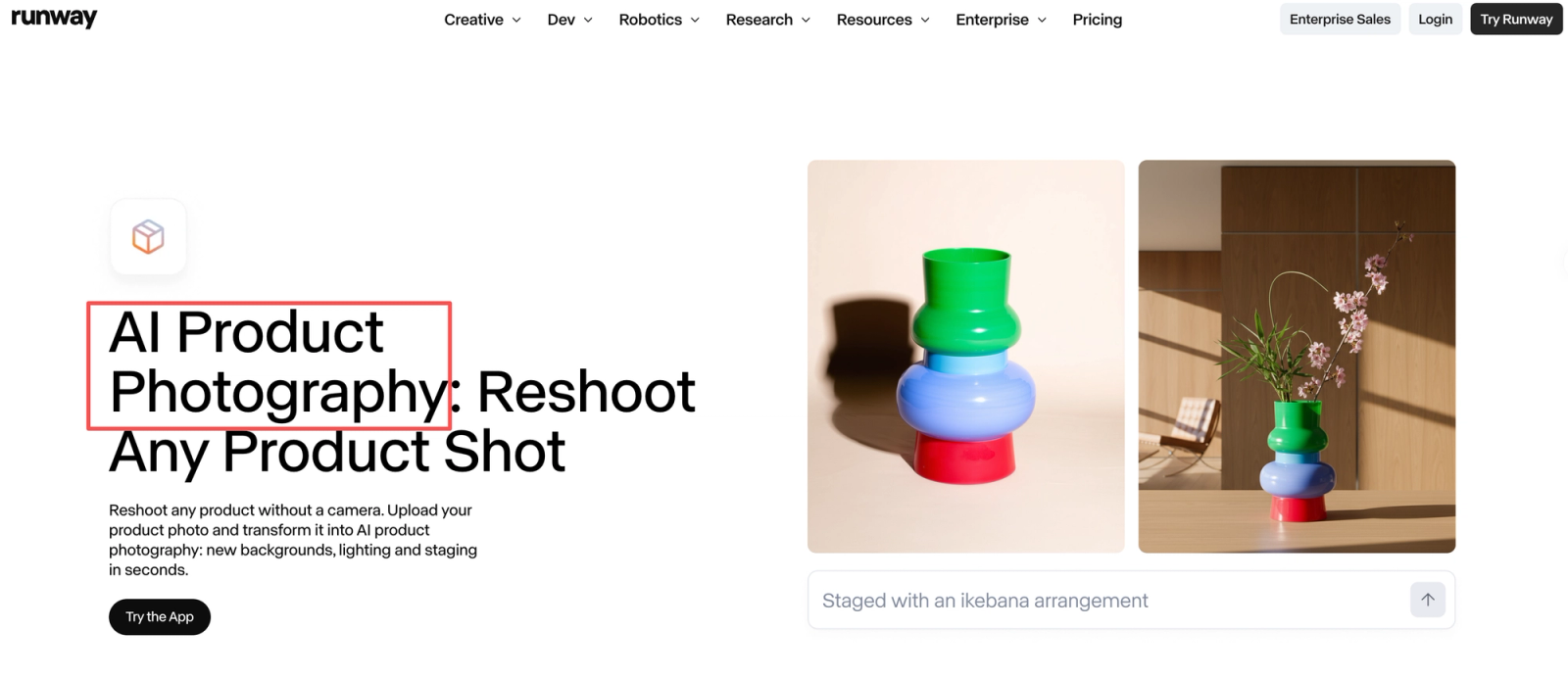
Runway is where I would go for the shot that gives an ad its mood: a camera move, atmosphere, or a scene the team cannot easily shoot. Runway's Gen-4 creation guide documents image-led generation, short duration choices, multiple ratios, and a Turbo route for iteration. A carefully composed still gives the model a visual anchor, though tiny package text remains a tough review point.
Change only the camera instruction between two attempts. If one gives you lovely movement but bends the SKU, you have learned where the work moves next: another generation or a compositing fix. The next edit is part of the cost.
The Remaining Ad-Assembly Work
Runway can supply hero footage, but someone still has to build the ad around it: copy, captions, sound, end card, and crops. For a campaign built on one memorable shot, that division of labor is fine. For dozens of offer variants, the editor's timeline may become the bottleneck.
3. Kling for Short Product Motion Tests
Product Image for Single Clip
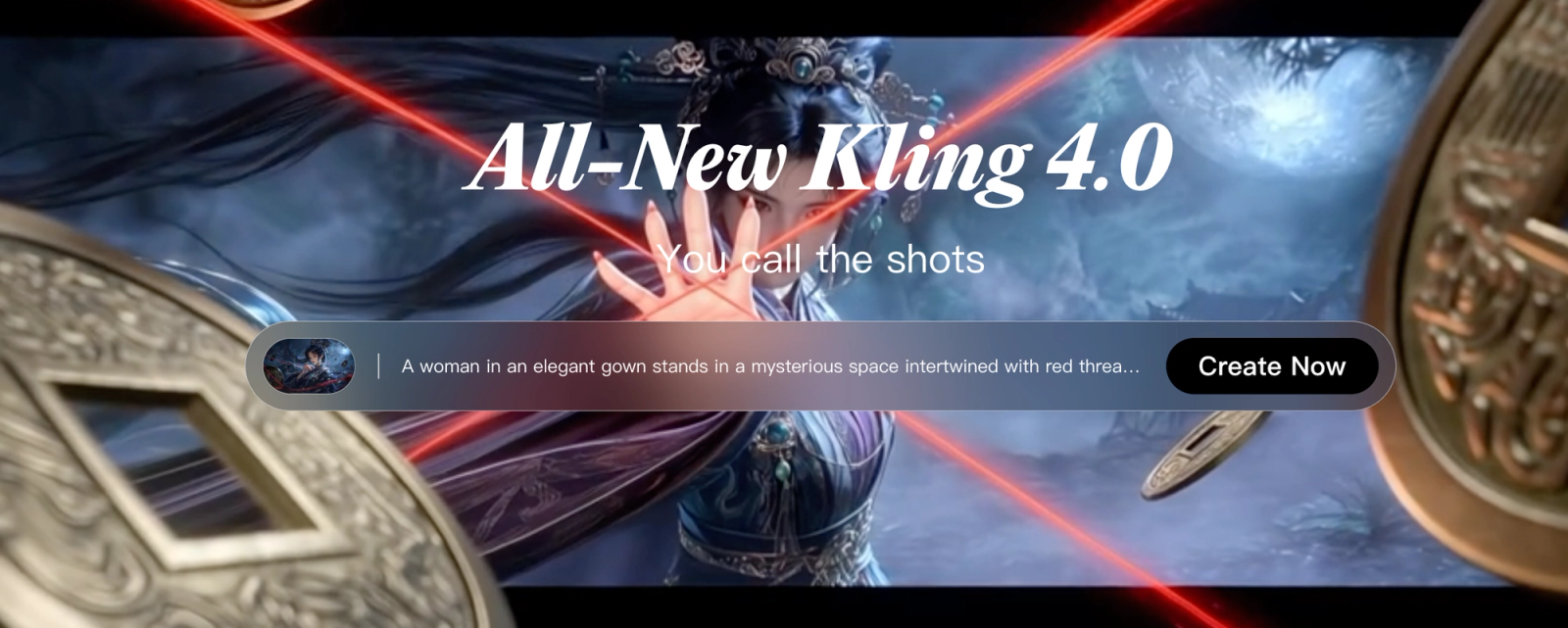
Kling is the focused choice when the question is simply, “Can this product still move convincingly?” The official Kling AI site presents image-to-video alongside text-to-video and editing. I would begin with a slow push-in or slight turntable move. A request for hands, props, changing backgrounds, and a camera orbit all at once makes a failure harder to diagnose.
Its short-clip output also leaves room for a motion designer to decide exactly where the shot belongs in the final edit. Check the current model controls in your account before planning around a particular motion option.
Product Fidelity Review
Compare the first, middle, and last frames with the source, especially the silhouette and label. I would reject a distorted pack shot even if the background motion looked excellent. Kling's migration cost is straightforward but real: better source photos, reruns for product drift, and an edit workflow outside the generated clip.
4. Pika for Short Social Experiments
Prompt and Image-Led Clips
Pika is worth opening when the team wants to try a social hook without building a whole ad first. Its Video Studio page says an image can guide the action or camera move; controls vary by model. I would try one product reveal and watch it at phone size. If the item disappears into effect, the hook is doing the wrong job.
That makes Pika useful for exploring an opening, but less convincing as a complete product-ad workflow. The clip has to communicate the item and offer, not merely earn a second glance.
Where a Simple Clip Falls Short
An editor may still need to add captions, a call to action, and a clean product close-up. Pika's support information ties commercial rights to eligible paid plans; a free-plan experiment should not quietly become a client deliverable. Check the current mode's input and export options before promising a particular format.
Which Alternative Fits Your Team?
Match the Replacement to the Actual Job
The choice becomes easier when you name the deliverable. A sequence built from approved merchandise points toward Wizstar; a hero shot with an editor already assigned points toward Runway. Kling answers a narrower motion question, while Pika lets a team try a social opening before it invests in the full ad. I would not rank those jobs on one scale.
Use the same source, brief, and ratio for the shortlist. Record what had to be fixed after export. One good output would make me curious, not certain.
Migration Friction and Asset Review
Switching tools changes where assets, prompts, and approvals live. Keep the source file, approved claim, prompt, and export version together. Agencies feel this friction quickly: if a client circles one bad frame, the team needs to find the right source and revise it without guessing which draft was reviewed.
Conclusion
The right replacement is the one that gets your actual product into an approvable ad with the least avoidable rework. Grok Imagine can remain a fast idea tool. For the production path, judge the export and the second edit; the first attractive frame tells only part of the story.
FAQ
- Can a team share an alternative’s draft for client approval without a login?
- Possibly, but it depends on the vendor's current sharing controls and the client's access policy. A downloaded watermarked preview can avoid requiring a tool account, provided the file can be shared through the agency's approved review system. Verify whether any built-in link is public, expiring, or restricted before using it for client material.
- Do Grok Imagine alternatives require an X subscription?
- No. The four products here are separate services with their own account and plan requirements. Check the current official plan before comparing costs with any Grok or X subscription.
- Which alternatives allow commercial use of generated product clips?
- Commercial use is plan- and terms-dependent. Pika explicitly distinguishes commercial rights by plan; for all four, check the current official terms covering your account, generated output, uploaded source assets, and client work. A vendor's marketing example of an ad is not itself a license for every use or every plan.
- Can an agency keep customer images private in these tools?
- Do not assume that an unshared project is contractually private. Before uploading a customer's pack shots, check the vendor's current privacy policy, retention and model-training terms, workspace controls, and any available business agreement. If the client prohibits third-party uploads, use approved or synthetic test assets while the agency completes that review.
- Will an alternative preserve the same source-image aspect ratio?
- Not necessarily. Output ratio can be an explicit generation choice, a model-specific constraint, or a crop made during export. Prepare the same source in the intended placement ratio, then inspect the exported file's dimensions and safe areas; a correct preview does not settle whether the final crop protects the logo and product.