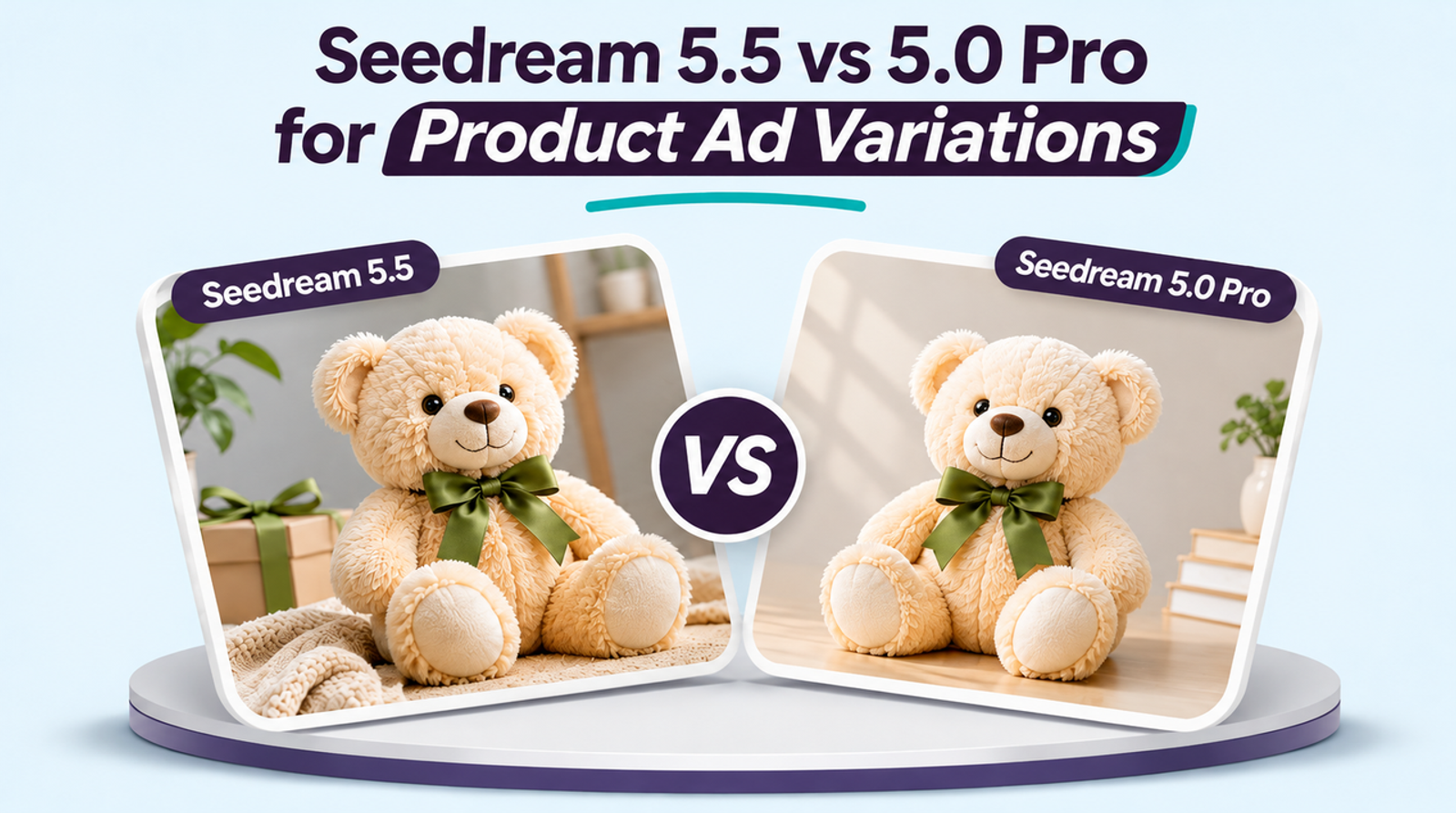
The short answer
Choose Seedream 5.5 first for product ad variations that need repeated edits or a native transparent asset. Keep Seedream 5.0 Pro in the trial when designers rely on annotations or sketches to direct a local change. The decision still depends on the controls in your account and the number of approved images each route produces. ByteDance's Seedream 5.5 announcement reports gains over 5.0 Pro, but its vendor evaluation is not a test of your packaging.
Which Version Fits a Product Ad Variation Brief?
Start with 5.5 if successive scene edits or transparent layout assets are the main task; start with 5.0 Pro if a designer needs to mark the exact region to change. To make that choice concrete, take one authorized photo of a pale blue perfume bottle with a fine wordmark, frosted glass, a gold band, and white flowers. The campaign needs a warm still, a cooler stone-table layout, and a cutout. Each risks changing the bottle, nearby pixels, or glass edges.
Use the approved photo, label artwork, and placements as the common brief. Keep prompts and settings as similar as possible; record the model label, platform, settings, and successive inputs. A first image is useful only if later variants still show the real product. Pretty is easy to spot. Useful takes another look.
This dated documentation comparison provides a trial design, not a visual winner. The relevant question is which version can produce more accurate, approved variations from the same product still.

Compare Both Models on the Same Product Still
Targeted Edits Across Ad Variants
Both versions describe local editing, but they emphasize different controls. ByteDance's Seedream 5.0 Pro model page shows spatial annotations, sketch guidance, and layer separation. That matters when a designer can mark a precise area, such as a background panel or prop. The 5.5 release emphasizes preserving unedited regions through repeated instructions. Its 100-round example is one official demonstration in which each output became the next input; There is no guarantee of 100 lossless edits for a product shot.
Ask both versions to change only the wall from blue gray to beige, keeping the product and props fixed. Then use the accepted output to change only the tabletop to cool gray stone. Compare round two with both its input and the original. A shifted wordmark means more review and probably another revision. The next edit is part of the cost.
Transparent Assets for Layout Changes
Seedream 5.5's official model page explicitly presents native RGBA assets with full and partial transparency. That makes it a candidate for an isolated bottle or flower that a designer can move between square and vertical layouts. The 5.0 Pro materials describe layer separation, but the checked launch description does not establish an equivalent native RGBA export in every access route. A missing statement on that page does not prove the older model cannot produce a transparent file.
Ask both versions to isolate the bottle and contact shadow while preserving the rim and label. Open each downloaded file over white, charcoal, and the campaign color. Inspect the actual alpha channel, not an editor checkerboard. Frosted glass may need a partly transparent edge; the shadow must not become a gray rectangle. Count any manual masking.
Packaging Text and Material Detail
Packaging accuracy can overturn an attractive result. Seed reports lower text corruption rates for 5.5 in its Chinese and English evaluation, including dense small text. It also reports higher quality scores and usability rates than 5.0 Pro across six professional use cases, with experienced evaluators judging outputs on MagicArena. Those are ByteDance's methods and results, not a measured preservation rate for this perfume label or proof that every 5.5 output beats every 5.0 Pro output.
Zoom in on every letter, the gold band, bottle shoulder, glass tint, and printed claim. Compare with approved packaging art, since errors can carry through successive edits. Reflections matter too: frosted glass can become polished plastic. I would check the label before the lighting.

| Brief requirement | First route to try | Why | Approval check |
| Several scene edits from one still | 5.5 | Its release focuses on stability across edits | Compare unchanged areas after round two |
| Designer marks a precise area | 5.0 Pro | Its page shows annotation and sketch controls | Check the edit boundary and nearby label |
| Movable cutout for layouts | 5.5 | Its page documents native RGBA generation | Inspect downloaded alpha, edges, and shadow |
| Exact packaging or material | Trial both | Neither page approves your specific product | Check label, shape, tint, and finish |
What Trade-Offs Matter Before Choosing?
Rework and Brand Review
Save every output, mark brand-approved versions, and record whether failures need a retry, retouch, or restart. Count an image as usable only when it fits the placement and passes packaging review. Otherwise, repair work outside the generator disappears from the comparison.
The review also needs a rights and claims gate. A team should confirm permission for the source photo, logo, people, and any licensed props. The FTC's advertising basics require truthful, supported claims; a changed product size or finish can mislead even without added copy. For Shopping placements, Google Merchant Center's AI image guidance requires specified AI source metadata on generated images. These points are general information, not legal advice; the destination platform and campaign terms need review.
Availability in the Team's Chosen Platform
Availability is a practical filter before image quality. Dreamina's official Seedream 5.0 Pro page describes its image workspace and model selector. ByteDance also names Dreamina and other rollout routes for 5.5, but a launch page cannot tell a team which controls, exports, and credit rates its account shows today. Check the exact label at generation time, then confirm that both versions can take the same source and deliver the files needed for this brief. If a required control is absent, record that as a platform limitation rather than a model-quality result.

How Should a Team Choose Its Next Image Workflow?
Make three outputs from one authorized still: a wall edit, a second scene edit, and a transparent bottle. Save each input and prompt; review at the final crop. Compare approved variants per total production effort, including retries, edge work, label repair, and reviewer time.
If both routes pass, use the one whose controls fit the team's editing habits and deadline. If only one passes a required condition, such as a clean alpha edge or unchanged packaging, that condition decides the brief. If neither passes, use the original product photography and conventional retouching. When an approved still later needs motion, that is a separate decision; Wizstar's product image-to-video workflow and image-to-video page cover that handoff. Seedream is a third-party image model, and this comparison does not imply that either version runs inside Wizstar.

Conclusion
Seedream 5.5 is the clearer documented starting point for repeated edits and native transparent assets; Seedream 5.0 Pro remains relevant when precise interactive selection is central to the job. Neither description settles a brand's own product-photo decision. Run the same still through both available routes, keep the prompt and review record, and choose by the number of accurate variants the team can actually approve.
FAQ
- Does Seedream 5.5 Pro belong in this comparison?
- No. ByteDance's November 9 announcement says a 5.5 Pro version will follow, but does not provide a released model to test against 5.0 Pro here. Check the current official model list before adding it to a later comparison.
- Do Seedream 5.5 and 5.0 Pro accept the same input formats?
- The checked model announcements do not establish one identical input-format list across all platforms. Verify upload types, size limits, reference count, and export format in the exact workspace or API route your team will use.
- Can both Seedream versions be used through an API?
- The linked 5.0 Pro model page advertises an API route. The checked 5.5 launch materials describe rollout access, but do not confirm the exact public API model ID and conditions needed for a matched integration. Confirm both identifiers and permitted operations in the current developer documentation.
- Do both versions have the same commercial-use terms?
- Do not assume so from model names or launch posts. Commercial rights depend on the service, account agreement, source material, and intended campaign. Please refer to the latest official documentation and have the relevant rights reviewed before paid use.
- How does the per-image cost differ between the two versions?
- A reliable cross-version price is not established by the checked release pages. Compare the live price for the same resolution, output count, account, and region, then add failed runs and manual correction. A lower generation price can still mean a higher cost per approved ad.