The short answer
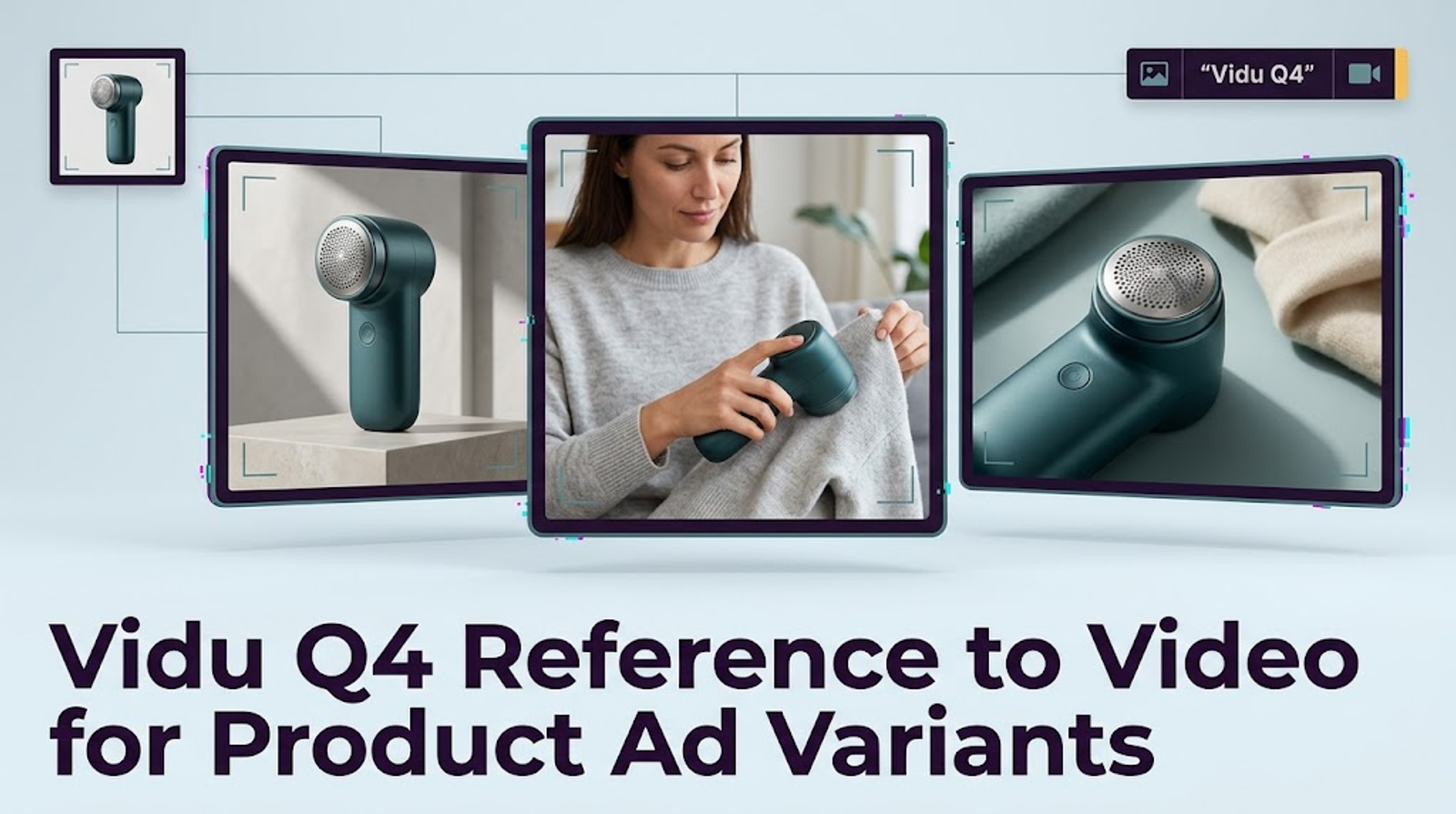
Use Vidu Q4 reference to video to draft short ad variants for one approved SKU: assign each image a job, plan the sequence, and compare every cut with the source pack. The Q4 Preview reference-to-video API accepts 1–15 images and describes camera switching. It does not promise that labels, color, or shape will survive each transition.
Vidu’s Q4 page offers a “Generate Now” entry, while the documented API route is POST /ent/v2/reference2video. Confirm which Q4 controls your account exposes before committing the campaign brief.
When Reference-to-Video Fits a Product Campaign
Reference-guided generation fits a brief needing several views of the same item: a front-facing reveal, side detail, and contextual close. For one controlled movement, a single starting image is often simpler. References can supply separate evidence for product and setting, but they are not locked frames in an edit.Keep the exercise to one SKU and one short sequence. “Make five lifestyle ads” is too open; “
keep the approved blue 250 ml bottle, then change only the setting for variant B” gives reviewers a stable comparison.
Build a Reference Pack for One SKU
Before writing a prompt, identify which images define the product and which suggest a scene. Give each file a role: SKU-front establishes silhouette and label; SKU-three-quarter confirms cap and side profile; SKU-detail shows the seal; scene-counter sets surface and light. A manifest should record SKU ID, package revision, source owner, permitted use, and approved claims. This is a review record, not a Vidu input format.
The API has one images array, not separate product and scene slots. These roles help the team choose and audit inputs; they do not force the model to treat one image as identity and another as background. I would remove a scene reference that introduces a conflicting product before trying a longer prompt to explain it away.
For the API, references may be accessible image URLs or Base64 data in PNG, JPEG/JPG, or WebP. The entire HTTP request body must stay within 20 MB. An approved high-resolution master can remain in the review pack even if the submitted reference needs resizing.

Separate Product Views from Scene References
Choose product views that agree: a current front image and last season’s side image create a contradiction. Scene references should show environment and light without a competing pack, second colorway, or unauthorized person. If a scene includes the item, verify its SKU and package revision. More references can add ambiguity.
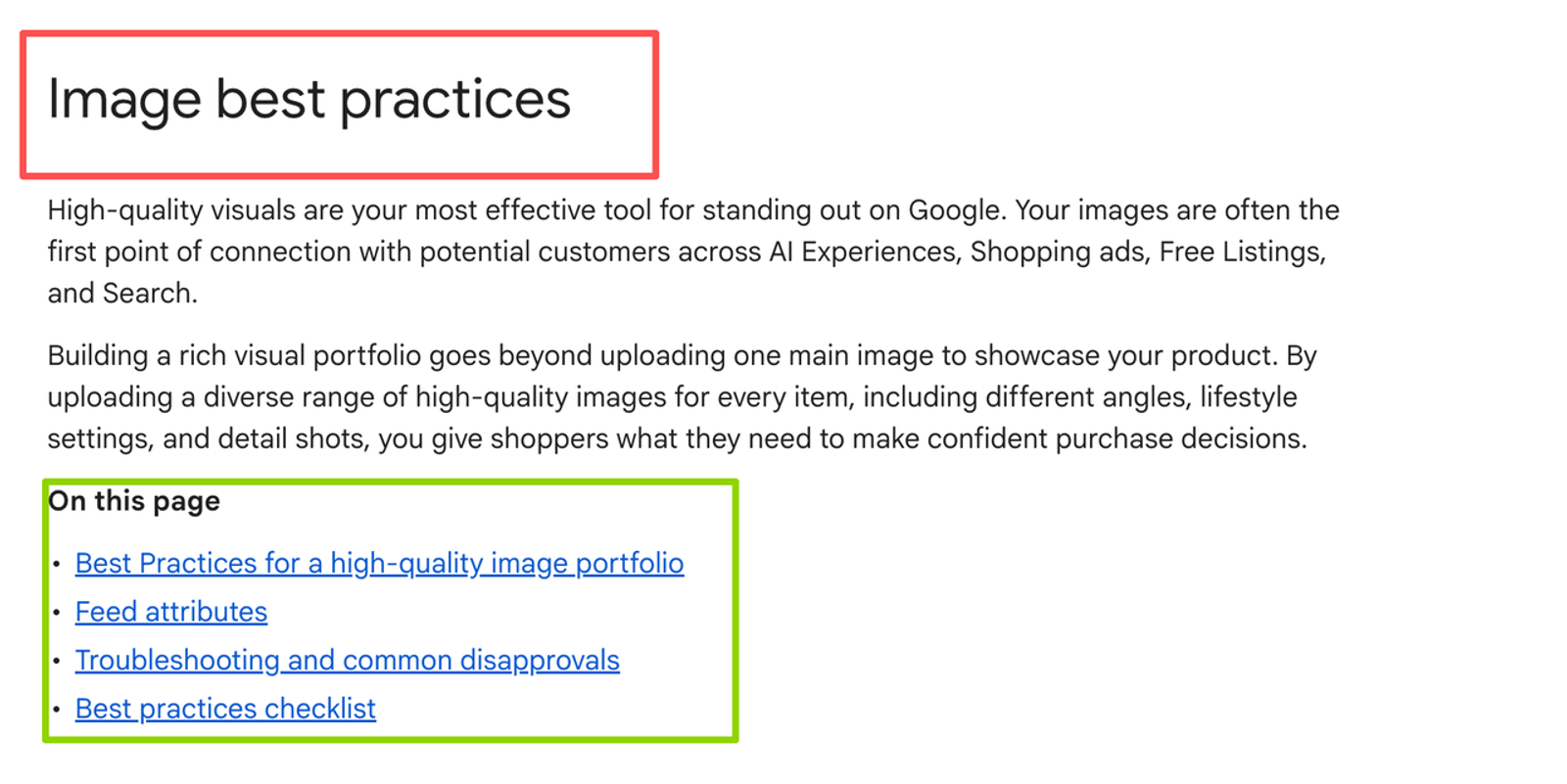
Google’s product image best practices distinguish primary, alternate-angle, detail, and lifestyle imagery. That helps organize the pack, though its feed rules are not Vidu input rules. Add a view only when it resolves an uncertainty.
Keep Brand Details Legible Across the Pack
Record cap type, label layout, logo position, color, and approved claims beside the images. A tiny logo in a lifestyle frame is poor evidence for exact lettering. Keep a sharp label image for review; add critical offer or legal text later as an editable overlay.
The team also needs rights to photography, trademarks, scenes, people, and copy. A visually useful reference may be unusable in a paid ad.
Draft a Short Sequence Around the References
Plan three purposeful beats: hero view, product-relevant detail, contextual close. A cap twist could show how it opens; a side move could reveal its profile. Unrelated camera tricks complicate review. The Q4 Preview API permits 3–16 seconds (default five) and lists 540p, 720p, 1080p, 2K, and 4K. The Vidu Q4 product page says 1–16 seconds for this mode; use the API range for that route and check the account interface.
A draft prompt could read: “Use the approved blue 250 ml bottle. Open on its front label against the counter reference; move to a three-quarter view of the cap and side; close with the same bottle on the counter. Keep package color, cap, label, and logo consistent. No new claims, extra products, or people. Leave space for an editable end card.” This is a brief, not a guarantee of lettering or timing. Q4 Preview does not currently support subject invocation, so do not depend on named subject tokens.
Produce Ad Variants Without Changing the Approved Product
Generate a baseline; hold its product-reference subset, duration, ratio, audio choice, and SKU description steady. For a setting variant, replace only the counter scene reference with an approved shelf scene. For a camera variant, keep all references and change the side move to a cap close-up. Changing scenes and cameras together hides the cause of a failure. I care about the second pass: reviewers should know what to revise.
Each variant is a separate generation, not an automatic batch of approved ads. Log the pack and prompt revisions, changed variable, seed, output, reviewer, and decision. Vidu documents result URLs as valid for 24 hours; save candidates promptly with the approved source images and review notes. Otherwise, the team can lose the clip that a reviewer approved or compare it with the wrong package revision.

Check Continuity Before Approving a Final Cut
Compare variants at full size and at the intended placement size. Pause at each cut and at the first and last clear SKU frame. Before I call it ad-ready, I want to know what happens on mobile: is the product identifiable, and does approved copy survive the crop?
Compare Shape, Label, Color, and Scene Transitions
Use one sheet for every variant and record a timecode for each failure. The standard is the approved pack, not the most attractive generated frame.
| Review field | Compare across cuts | Stop condition |
| Shape | Silhouette, cap, proportions | New shape or missing part |
| Label and logo | Position, legibility, visible wording | Altered mark, unreadable hero label, or invented claim |
| Color | SKU color under changing light | Different colorway |
| Transition | Scale and physical continuity | Duplicate, jump, or vanishing product |
Mark each field “match,” “revise,” or “reject.” A second reviewer should be able to reproduce the decision from the timecodes and approved images. If only a brief detail beat fails, shorten or replace that beat in the edit; if the product drifts throughout, return to the reference pack and regenerate or reject the variant.
The UK ASA’s 2026 guidance on AI advertising says advertisers remain responsible for AI-made ads. Compare the clip with the approved listing and claim evidence, then check placement policy. A convincing render cannot authorize a claim or likeness.
Keep or Reject Each Variant
Keep a variant when the SKU stays accurate, the intended change is visible, and the crop leaves room for approved copy. Revise a localized issue with a better view, narrower action, or shorter sequence. Reject repeated package drift, changed claims or marks, and unresolved rights. One good-looking generation would make me curious, not certain.
Limits of Reference-Guided Product Video
Vidu Q4 is a third-party model; no Wizstar integration is implied. Its API labels Q4 viduq4-preview. This route takes images and optional sound, with no source-video field or disclosed output codec. Exact product fidelity is not guaranteed. The audio switch defaults to true; set it deliberately. Voice samples require authorization and suitable rights.
Vidu’s API terms of use do not restrict commercial use under that agreement, subject to its conditions. They do not clear photos, trademarks, voices, copy, or placement. Before publication, check the terms for your actual route, input rights, and ad policies. This is general guidance, not legal advice or an approval, quality, or performance guarantee.
Conclusion
For one SKU, a strong variant has traceable references and passes continuity review across cuts. Start with a small authorized pack, change one scene or camera decision at a time, and keep the review sheet with the final edit. A persuasive reader still needs that check.
FAQ
- Can Vidu Q4 reference to video use just one image?
- Yes. The Q4 Preview API accepts 1–15 images. Multiple views give reviewers more evidence when the sequence changes angle.
- Can a team add an authorized voice sample to Vidu Q4 reference to video?
- Yes. It accepts up to three MP3 files, each 3–12 seconds and at most 50 MB. The whole HTTP body is capped at 20 MB, so that total may bind first, especially with Base64 inputs. Secure voice rights first. An exact match is not guaranteed.
- Which aspect ratios can Vidu Q4 reference to video output?
- The API lists 1:1, 9:16, 16:9, 3:4, and 4:3; 16:9 is the default. Fix the destination ratio before comparing variants.
- Does Vidu Q4 reference to video accept a source video as a reference?
- The documented request has image and sound fields, but no source-video field. Check for a separately documented route if a source clip is essential.
- Can a fixed seed reproduce the same Vidu Q4 product variant exactly?
- Omitted or zero uses a random seed; A manual seed is applied. Exact reproduction is not promised. Save the seed and review each output.