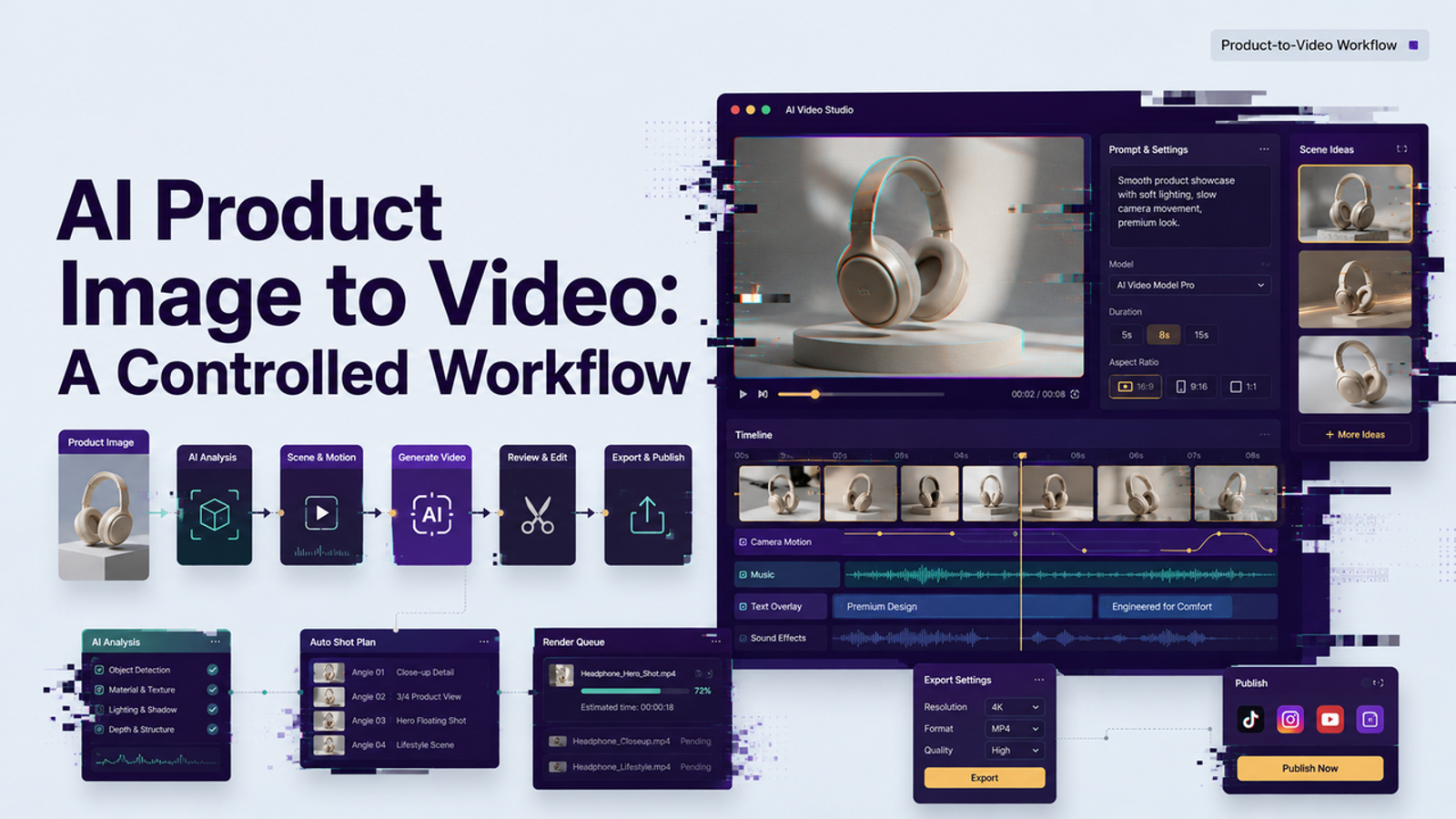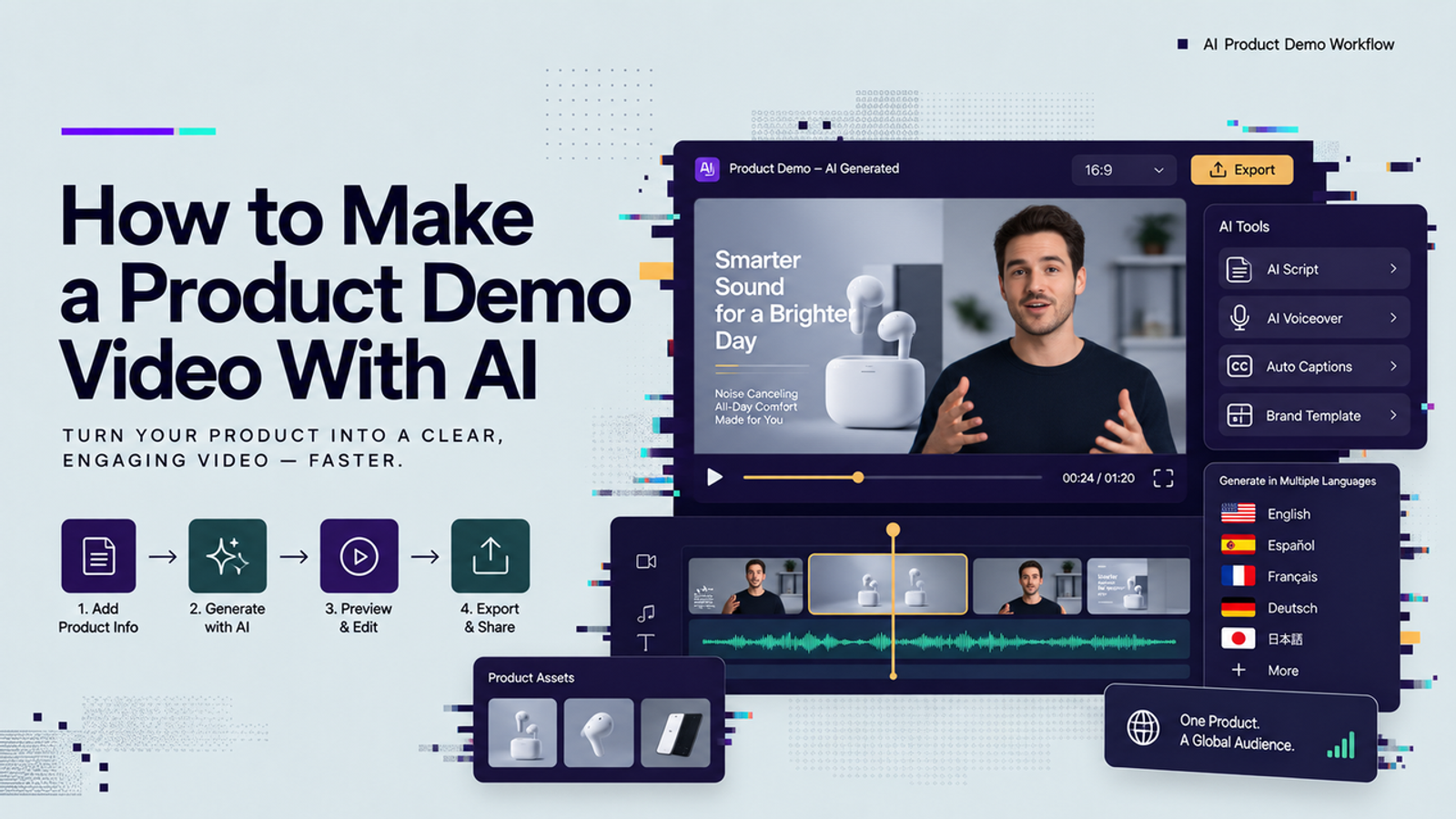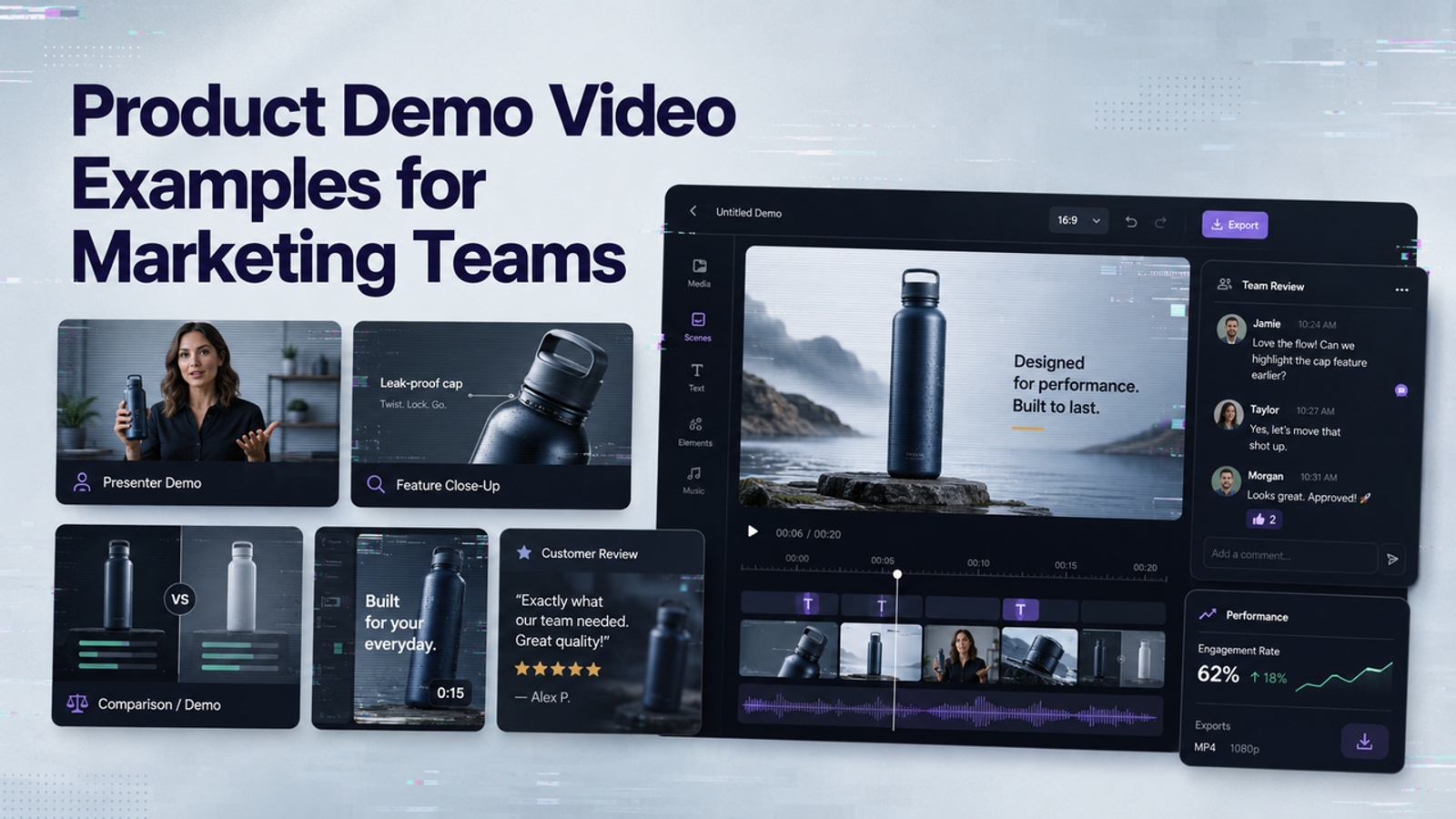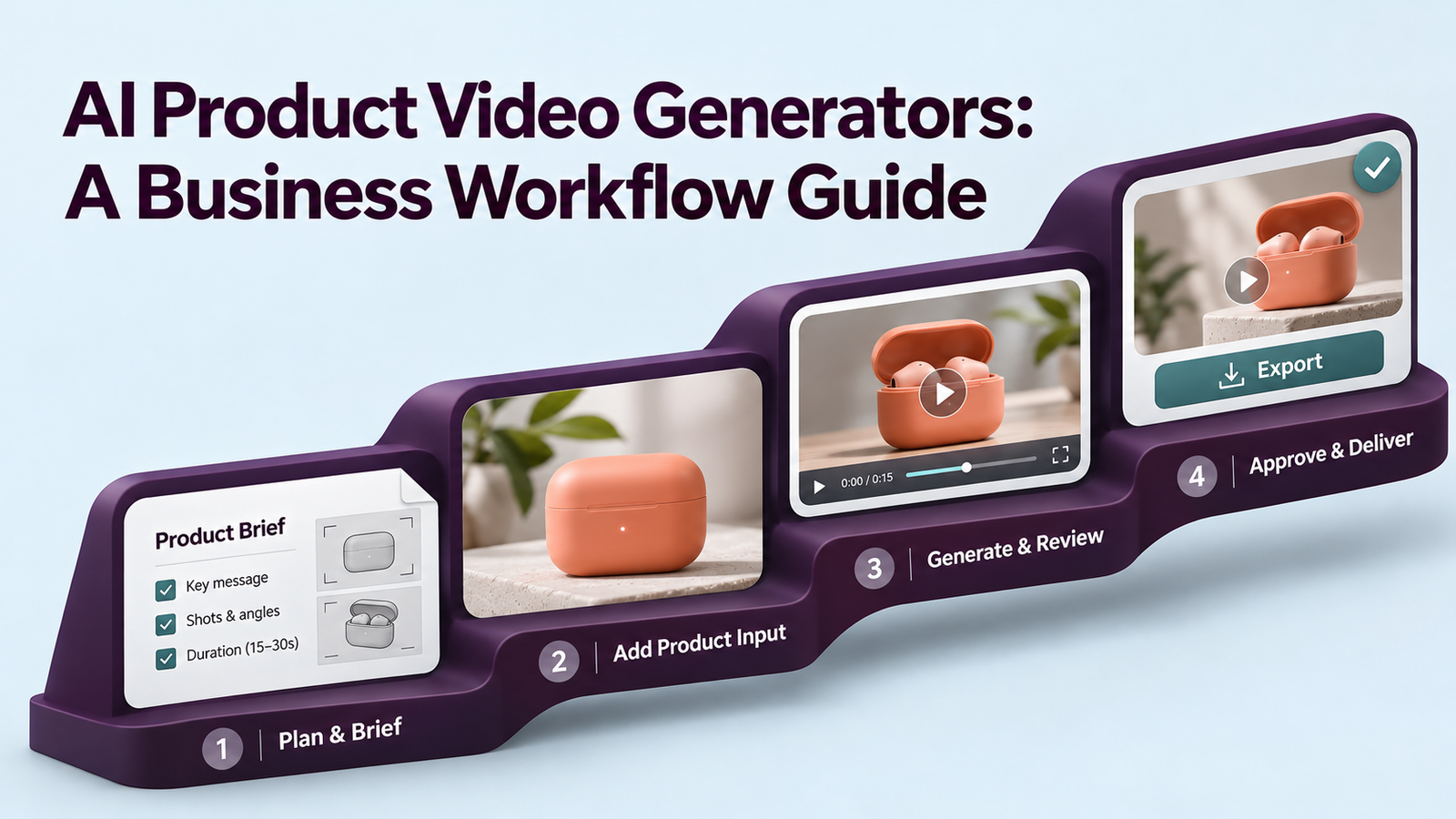
A retailer starting with product photos has different production needs from a team with an accurate filmed demonstration. The retailer may need new scenes and narration. The second team may need a shorter opening, updated offer, and cleaner captions.
Before choosing an AI product video generator, decide which job you are buying it for. Then look at what happens when the first version needs changing. Can you replace a line without altering the product, packaging, or demonstration that everyone already approved?
What an AI Product Video Generator Does
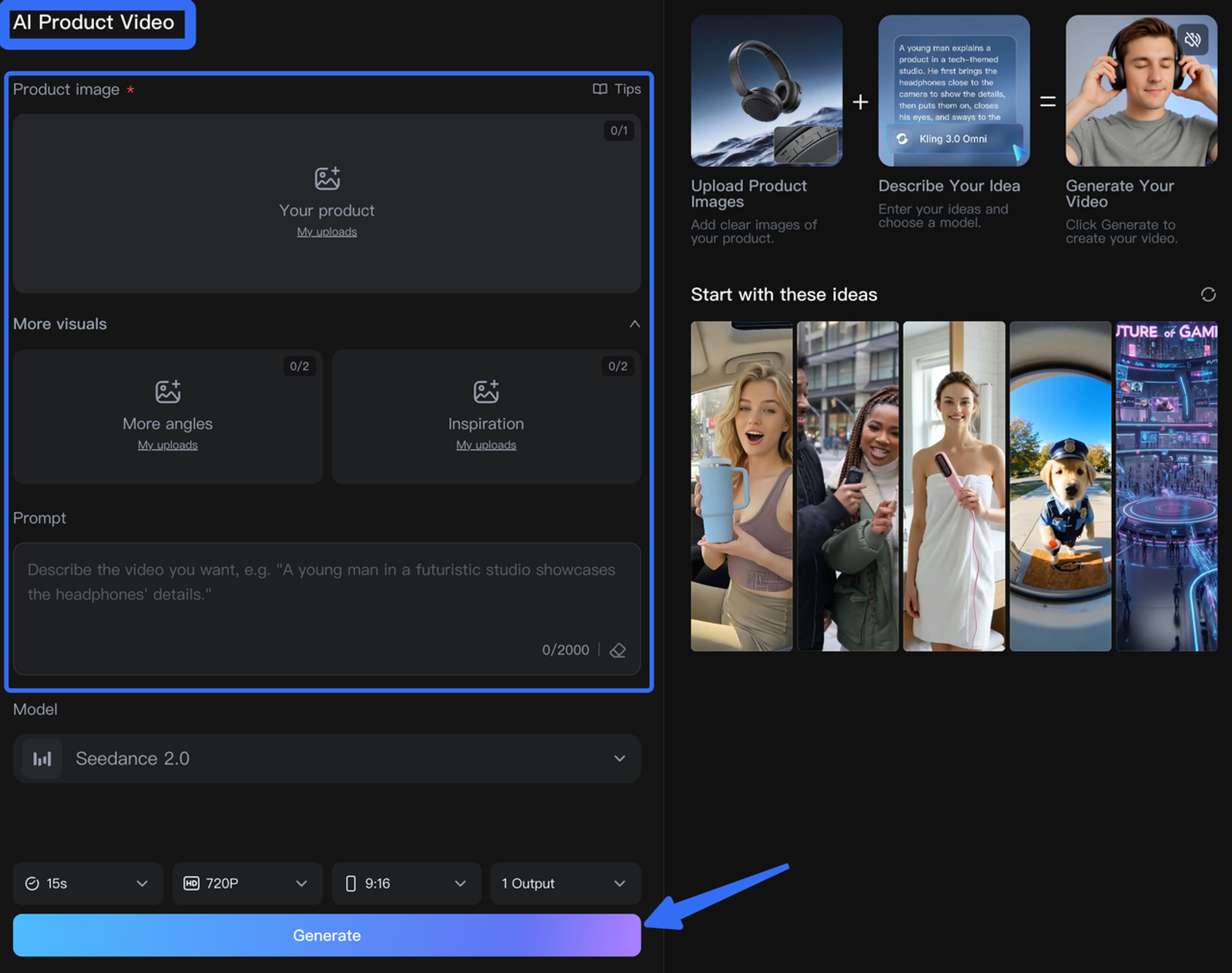
An AI product video generator uses inputs such as images, product information, scripts, and footage to produce video. The deliverable varies:
| Starting material | Production route | What may still need work |
| Product page and approved copy | Assemble an ad with scenes, narration, and text | Extracted facts, scene choices, and pacing |
| Product image and motion direction | Generate a short product shot | Product fidelity, editing, audio, and end card |
| Existing demonstration footage | Edit and adapt the original material | Hook, captions, offer, and channel-specific framing |
A generated shot is one ingredient in a finished product video. Some platforms assemble the whole sequence; others supply clips for an editor. That difference affects both subscription value and the work left for your team.
Inputs That Shape the Final Video
Product Links, Images, and Approved Claims
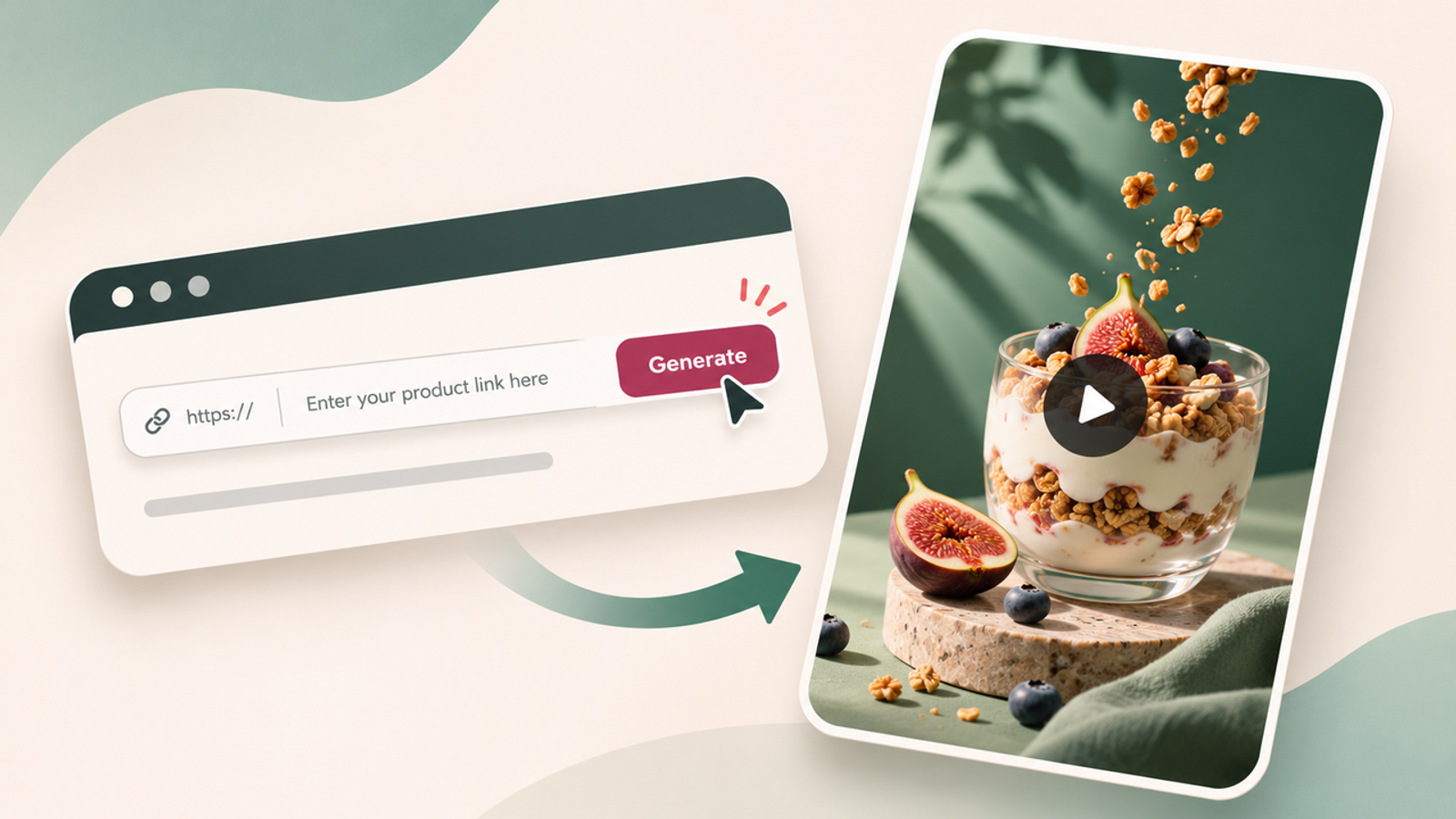
Start with the exact SKU. A product page may contain several colors, bundles, old promotions, or reviews that should never become the script. Check what a URL-based tool extracts before generating scenes. The product URL-to-video workflow explains that input review in more detail.
For an illustrative example, assume the approved specification describes a canvas travel pouch measuring eight inches long, in olive green, with a black zipper. These are hypothetical product details, not a tested product or campaign.
Supply the matching front image, detail views, approved wording, and current offer. Mark the pouch color, zipper, label, and dimensions as details that must remain accurate. Exclude extra compartments or waterproof claims unless the approved information supports them.
Only submit images and other assets you are authorized to use with the service. Use sanitized materials when the brief includes customer information or an unreleased product.
Scripts, Avatars, and Brand Assets
For the pouch example, a short script might read:
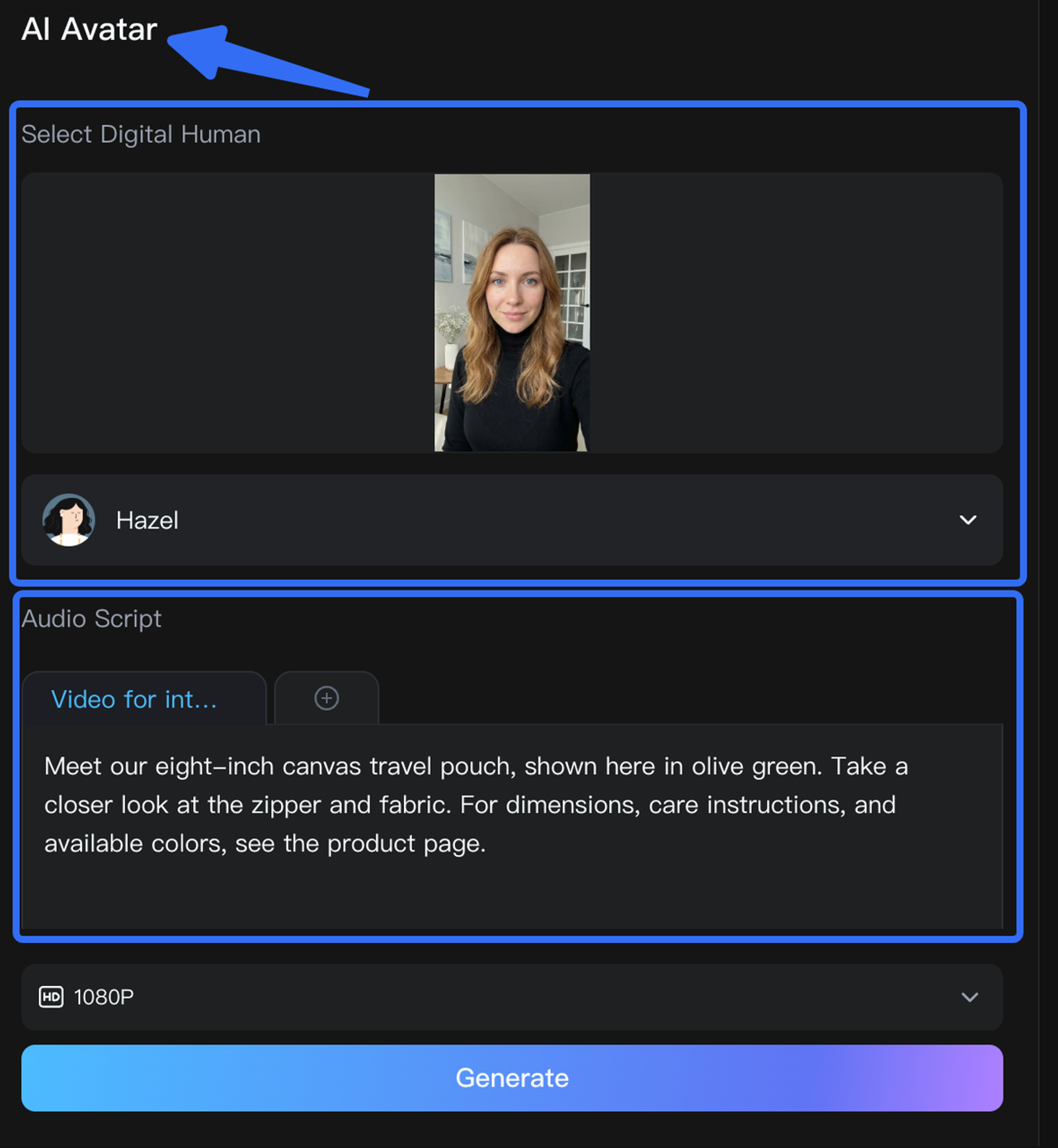
Meet our eight-inch canvas travel pouch, shown here in olive green. Take a closer look at the zipper and fabric. For dimensions, care instructions, and available colors, see the product page.
This assumes the approved page contains those details. The narration describes the product without inventing a customer experience or performance result.
An avatar can introduce the pouch, but detailed views may work better with the presenter off screen. Keep logos, pricing, and essential text editable where possible. A separate text layer is easier to correct than lettering rendered into a generated scene.
A Reviewable Product Video Workflow
Create a Small Set of Variants
Begin with enough variation to make a creative decision. For this example, compare a product-first opening with a use-case opening while retaining the same approved product details.
If you change the setting, presenter, narration, and opening together, treat the outputs as different concepts. A later hook-only advertising experiment needs tighter controls.
Build the pouch sequence around what each shot must show:
| Scene | Suggested treatment | Approval question |
| Introduce the pouch | Use the approved front image with a simple edit or background treatment | Is this clearly the correct SKU? |
| Show the zipper | Use an approved detail image or real opening footage | Does the shot show the actual mechanism? |
| Close with the offer | Add approved logo artwork, editable text, and CTA | Does the offer match the destination page? |
You can explore atmosphere around those assets without asking a model to invent the pouch’s construction.
Check Product Accuracy Before Style
Compare generated frames with the references. Look at the zipper pull, seams, proportions, fabric, and label. A convincing texture can still hide an added pocket or a different opening.
Check movement as well as still frames. If the zipper changes position halfway through, the sequence misrepresents the product even when the opening frame matches. A generated rear view also needs a real reference; the front image cannot establish unseen construction.
When a shot fails, choose the smallest reliable repair: replace it with a product still, use real footage, simplify the motion, or regenerate that shot. I would keep a clear static detail rather than approve an impressive rotation of the wrong pouch.
Revise, Approve, and Export
Give feedback that names both the correction and what should stay:
Replace the zipper-opening shot with the approved recording. Keep the opening, narration, and end card unchanged.
Product reviews the SKU and demonstrated action. Marketing checks the message and offer. Brand checks presentation; legal or compliance reviews claims and rights where needed. Assign one final approver.
Test the actual exported file in its intended placement. Check resolution, crop, audio, captions, and interface overlays. A 9:16 master may suit vertical ads, but every required placement needs its own check.
Archive the approved video alongside the script and relevant source assets. A finished MP4 does not give another editor access to the original layers or project.
How Teams Should Compare Generators
Control, Editing, and Collaboration
Public product descriptions checked on November 3, 2026 illustrate why the production route matters:
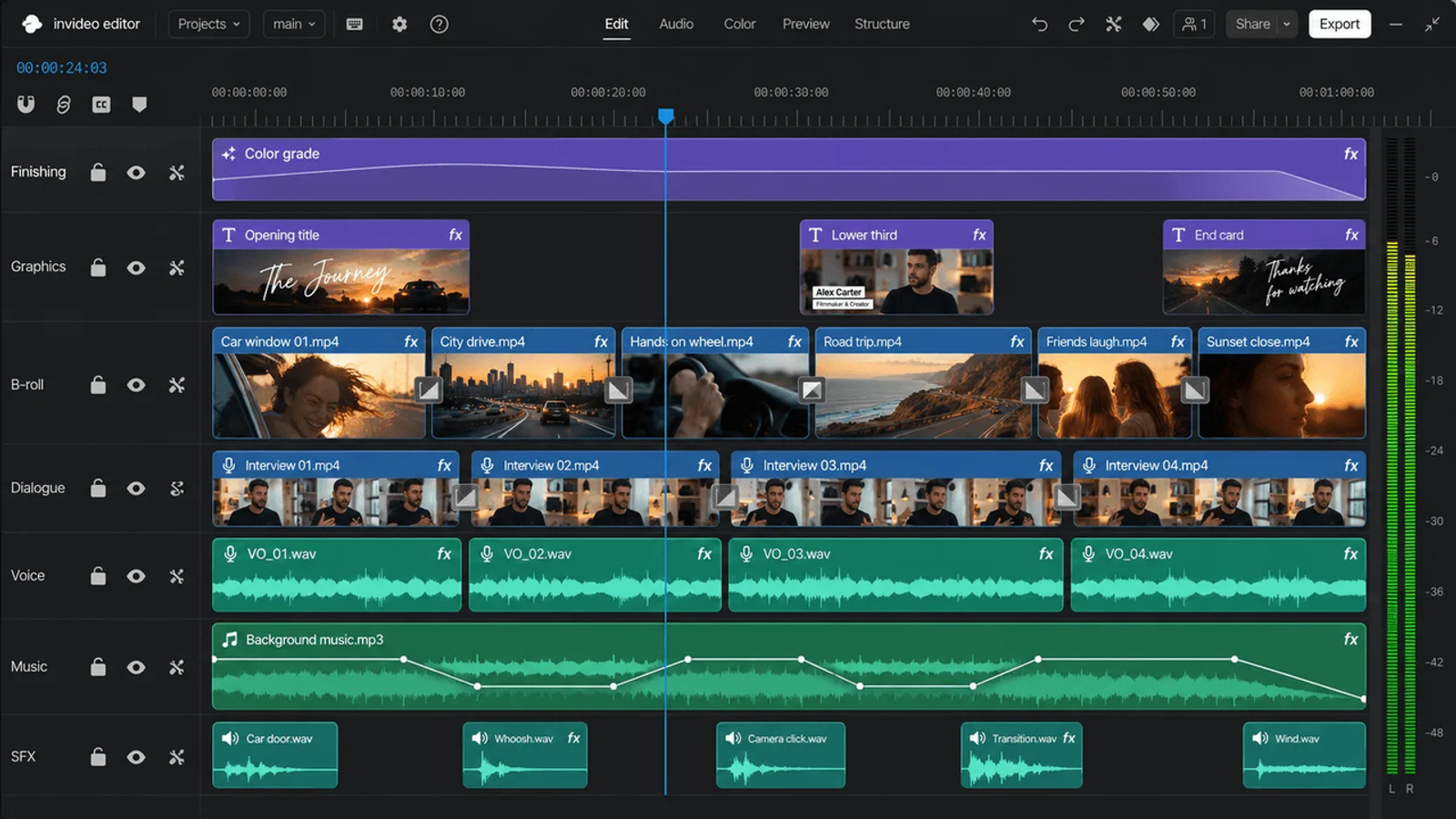
- InVideo describes building an editable multitrack sequence from product assets and a brief. Its FAQ also warns that references do not guarantee an exact product match. This is a candidate when you need assembly and editing around generated shots.
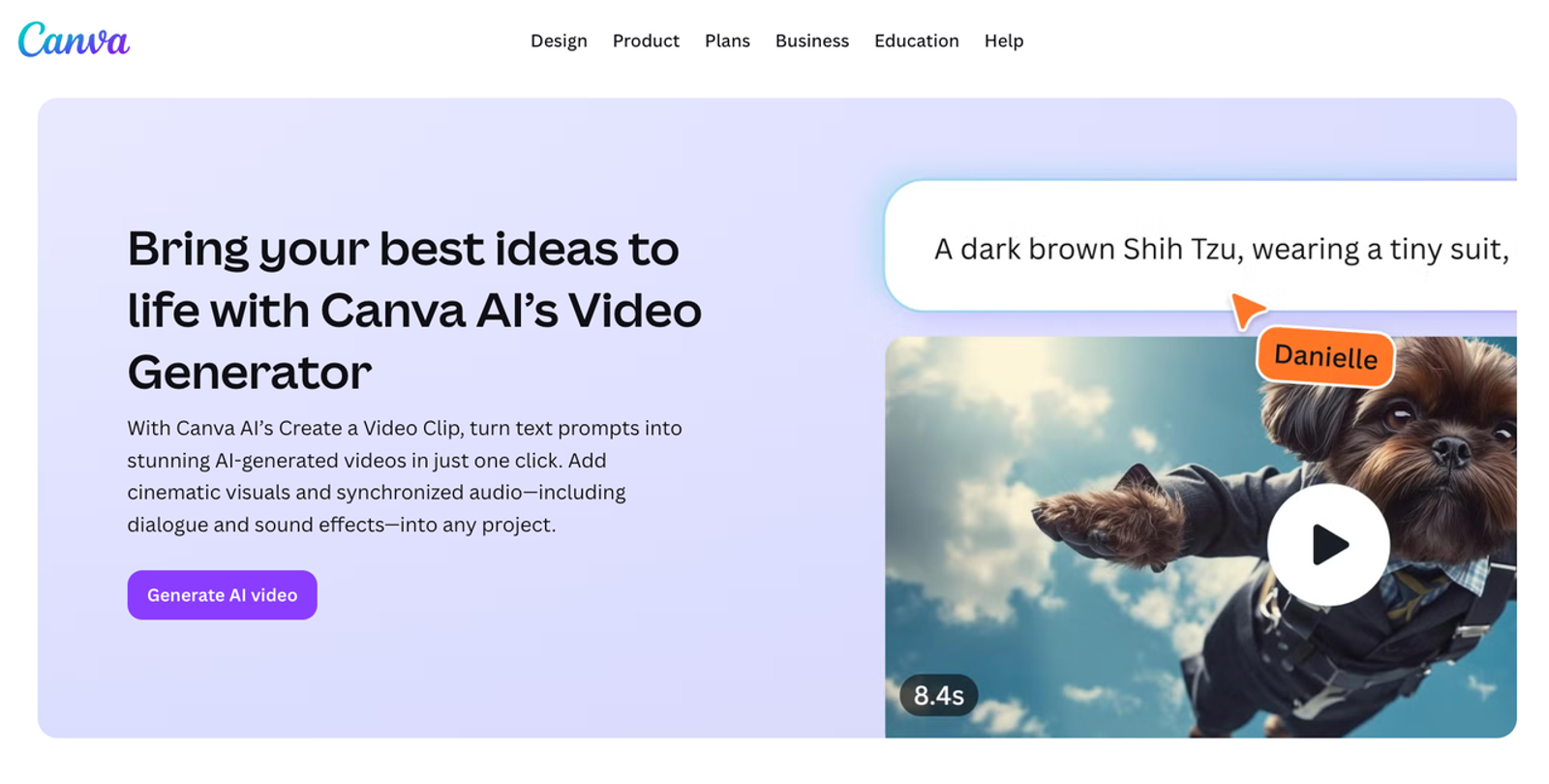
- Canva’s Create a Video Clip page describes a specific route producing a 16:9 clip of up to eight seconds per prompt. That clip then enters a design for further editing. Compare its allowance with the number of shots your ad needs, not a presumed number of complete ads.
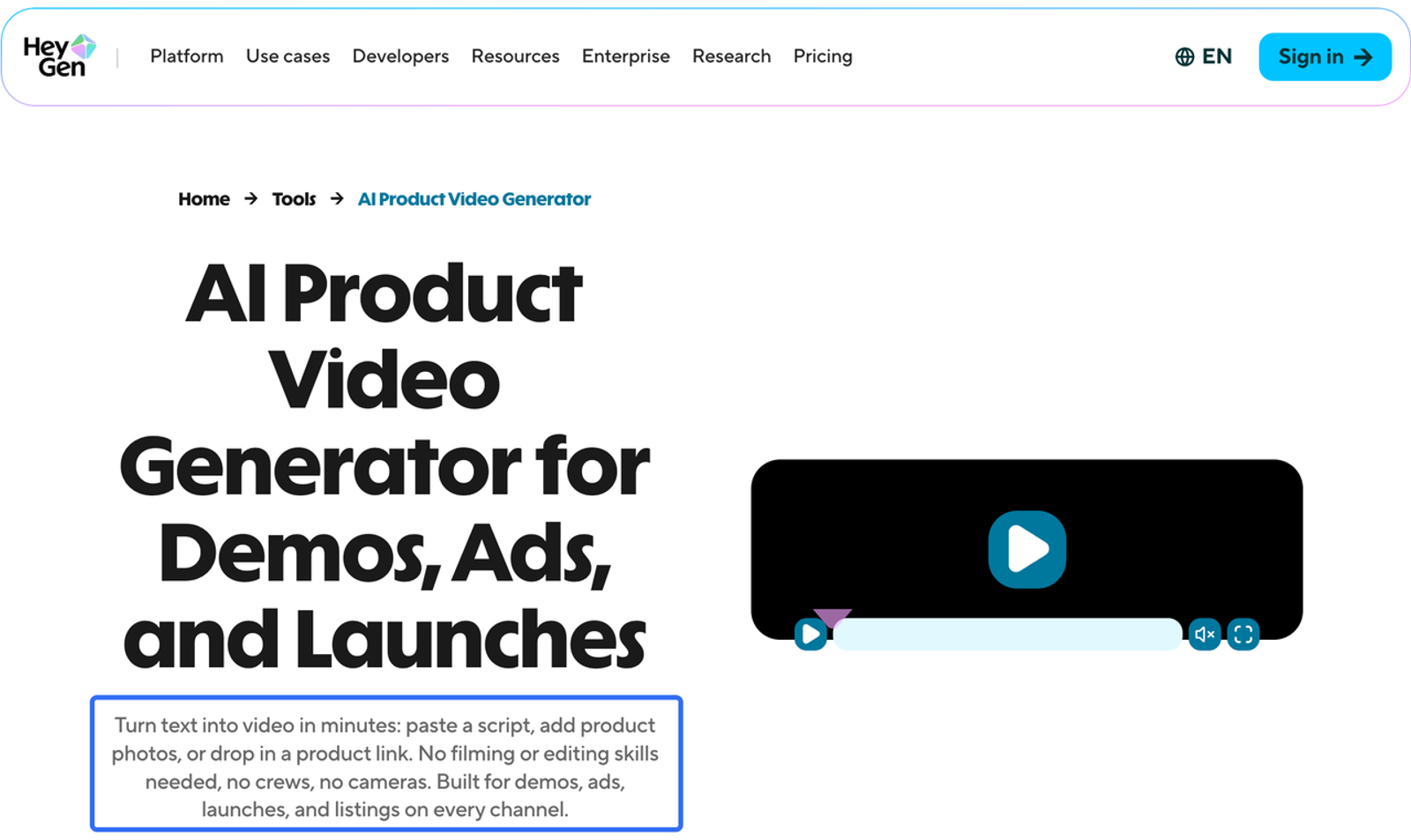
- HeyGen describes combining product photos or screen captures with a presenter and adapting scripts. Consider that route when spoken explanation carries the message; product-action evidence still needs separate checking.
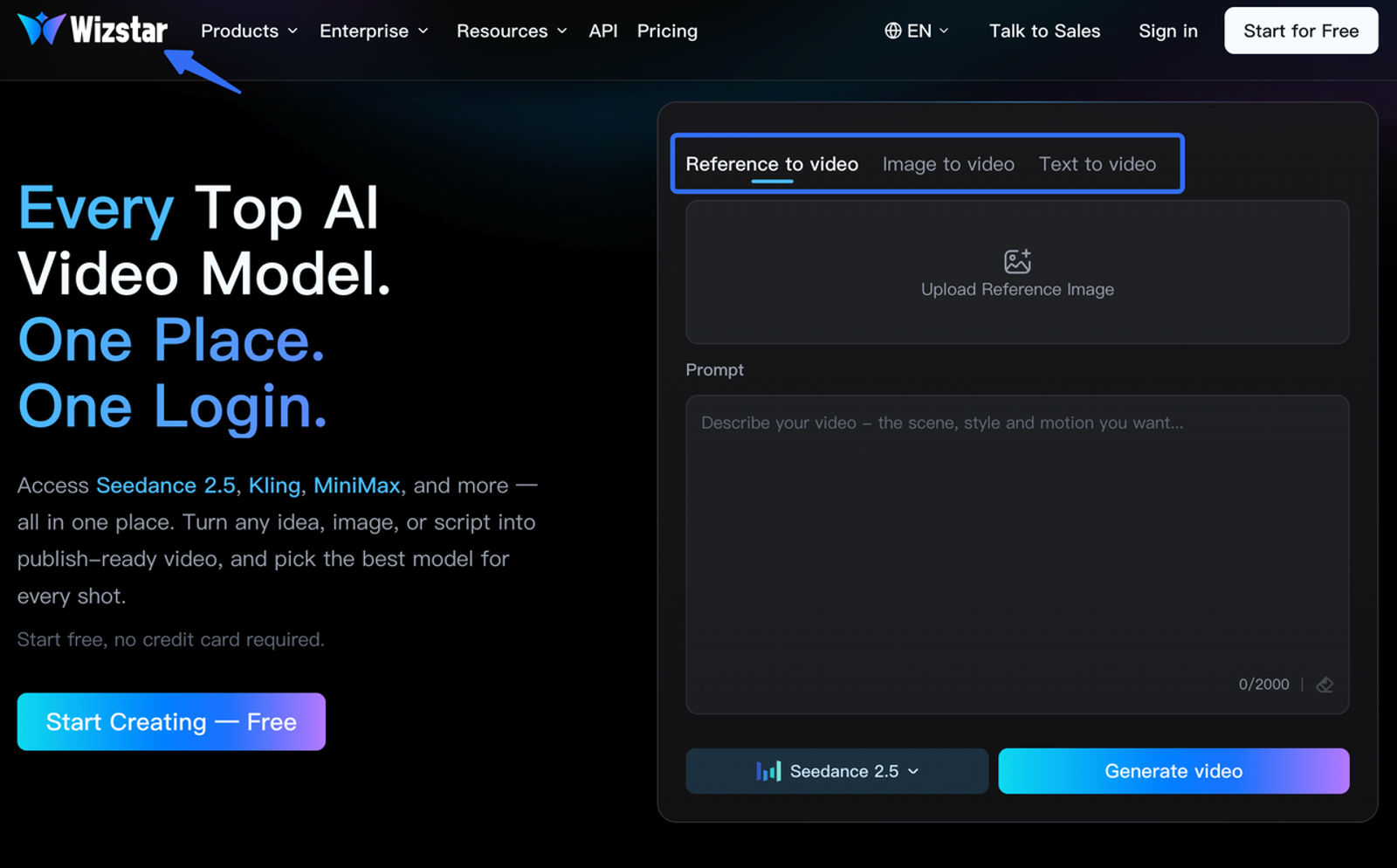
For an image-led starting point, Wizstar’s AI video generator describes text-, image-, and reference-based generation. Match the selected mode to the shot you need; reference input alone does not establish exact product preservation.
For teamwork, distinguish comments from approval restrictions. Also confirm whether the next editor receives an editable project, a shared link, or only an export. Those are different handoffs.
Cost Visibility and Output Rights
Use the same output requirement when comparing allowances: duration, model, resolution, narration, and export conditions. Record which changes consume credits and how failed generations are handled.
For example, assume a monthly software bill of $90 produces six approved creatives. The software portion is $15 per approved creative. This is a hypothetical calculation, excluding labor, music, creator fees, and media spend. Unused capacity does not reduce the bill you actually paid.
Check commercial-use terms separately from ownership, exclusivity, and permissions for uploaded material. A subscription does not authorize every face, voice, logo, or track. For client or confidential work, confirm data handling before upload. These are production-planning considerations, not legal advice.
Where AI Fits and Where It Does Not
AI can help explore visual settings, assemble product information, draft narration, and prepare variations from approved material. Existing footage may already provide the strongest evidence; keep it when the product action matters.
The task determines the risk. Editing approved footage for a regulated product differs from generating a new visual implication about its effects. Likewise, a synthetic presenter can explain pouch specifications but cannot truthfully supply a personal account of using it. Endorsements must reflect genuine experience and supported claims.
Conclusion
Choose an AI product video generator around the assets you have and the changes you expect. For the pouch example, preserve the approved product views, use real footage for the zipper, and keep the offer editable. Then compare how each production route handles that sequence, its revisions, and the final export.
FAQ
- Which ad platforms require disclosure for AI-generated product videos?
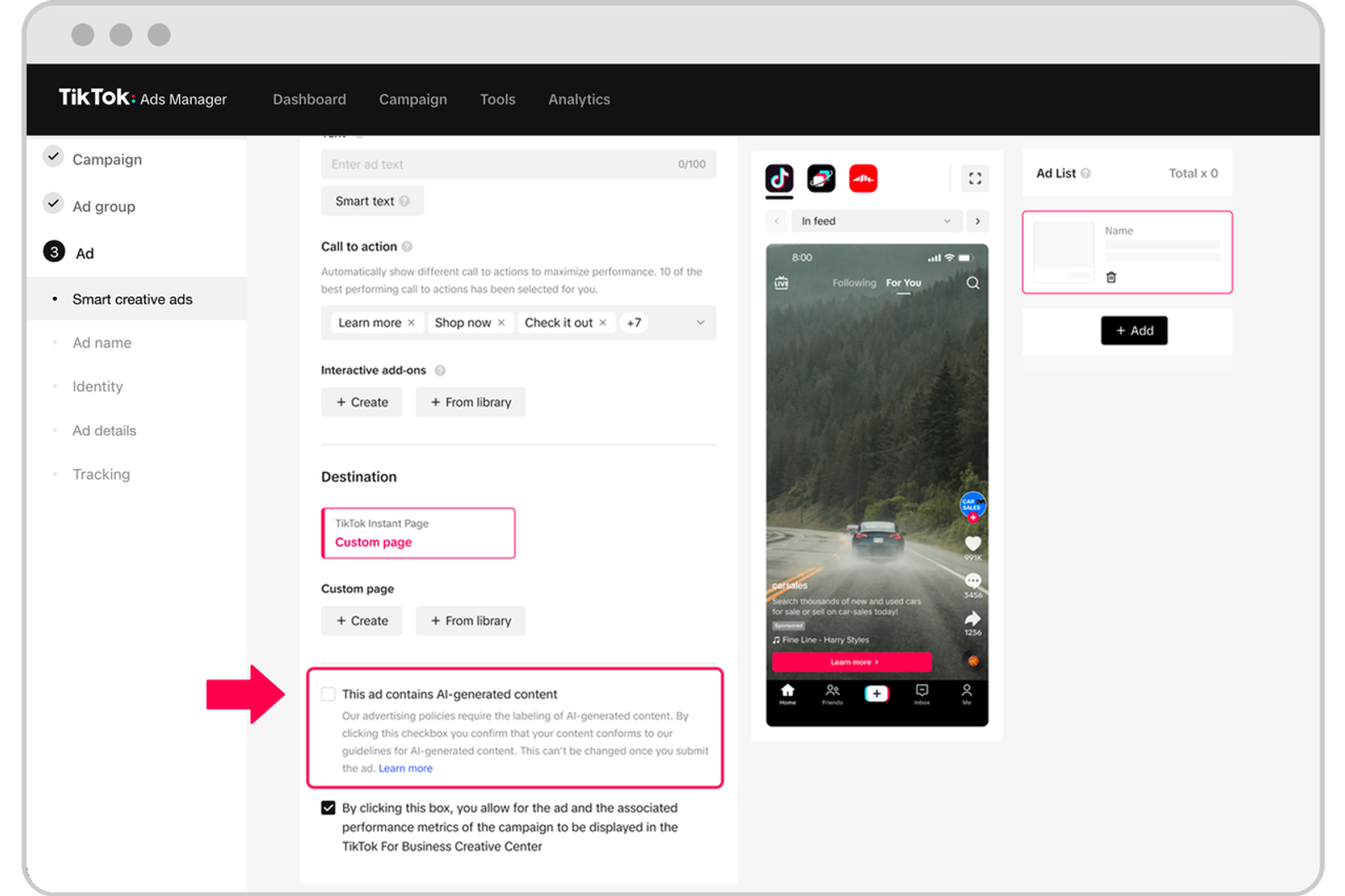
- As of November 3, 2026, TikTok requires disclosure for fully AI-generated or significantly AI-modified ad content. Its disclosure instructions distinguish non-Spark ads from Spark posts following organic-content rules. Google provides AI labeling options, while noting that its settings do not guarantee legal compliance. Check the actual creative, placement, and target market; minor enhancements and synthetic performances can receive different treatment.
- Can teams reuse approved scenes across seasonal product campaigns?
- Yes, when the product and permissions still match. Separate reusable product scenes from offer cards, prices, availability, and time-limited claims. A new zipper, bundle, or packaging design may invalidate an old shot. Recheck talent and music license periods before carrying a scene into another campaign.
- How should regulated products document generated visual claims?
- Connect each express or implied claim to its evidence and approved wording. Retain the source assets, prompt, generated version, reviewer decision, and final export. A prompt saying “accurate demonstration” is not substantiation. Have the relevant compliance owner set retention and review requirements for the product and jurisdiction.
- Do generators retain product photos after project deletion?
- That depends on the service and agreement. Ask separately about original uploads, generated files, backups, subprocessors, and model-training use. Request deletion timelines and any exceptions. A project disappearing from the interface does not establish what happened to every underlying copy; resolve that before submitting confidential assets.
- Can agencies isolate each client’s products and brand assets?
- Some services provide workspace or permission controls, but folders and brand kits alone do not establish isolation. Check the applicable plan with a test reviewer account: can it browse another client’s assets, follow shared links, or download files? Confirm how access is revoked and what remains available afterward.