The short answer
If you’re choosing between two models for the same product shot, Pollo AI gives your team one place to compare them. On a campaign deadline, the prettier take can be the slower one to finish if the label needs rebuilding throughout the shot. A few retries can also change which model looks cheaper. This review gives you one brief to run across models, a table for comparing the takes, and a way to count credits through approval.
Quick Verdict for Multi-Model Video Work
Pollo is worth shortlisting when your team regularly needs a second rendering option for the same brief. Pollo’s video catalog lists its own Pollo 2.5 alongside partner models such as Seedance 2.5, Kling 4.0, and Vidu Q4. The catalog is a starting point. Check which versions and controls your account actually offers for the shot.
If your team already has a reliable way to animate product photos, the buying question is narrower. Does using Pollo get an approved file to the editor sooner or at a lower cost? A larger model catalog helps when it gives the team another practical way to finish the shot.
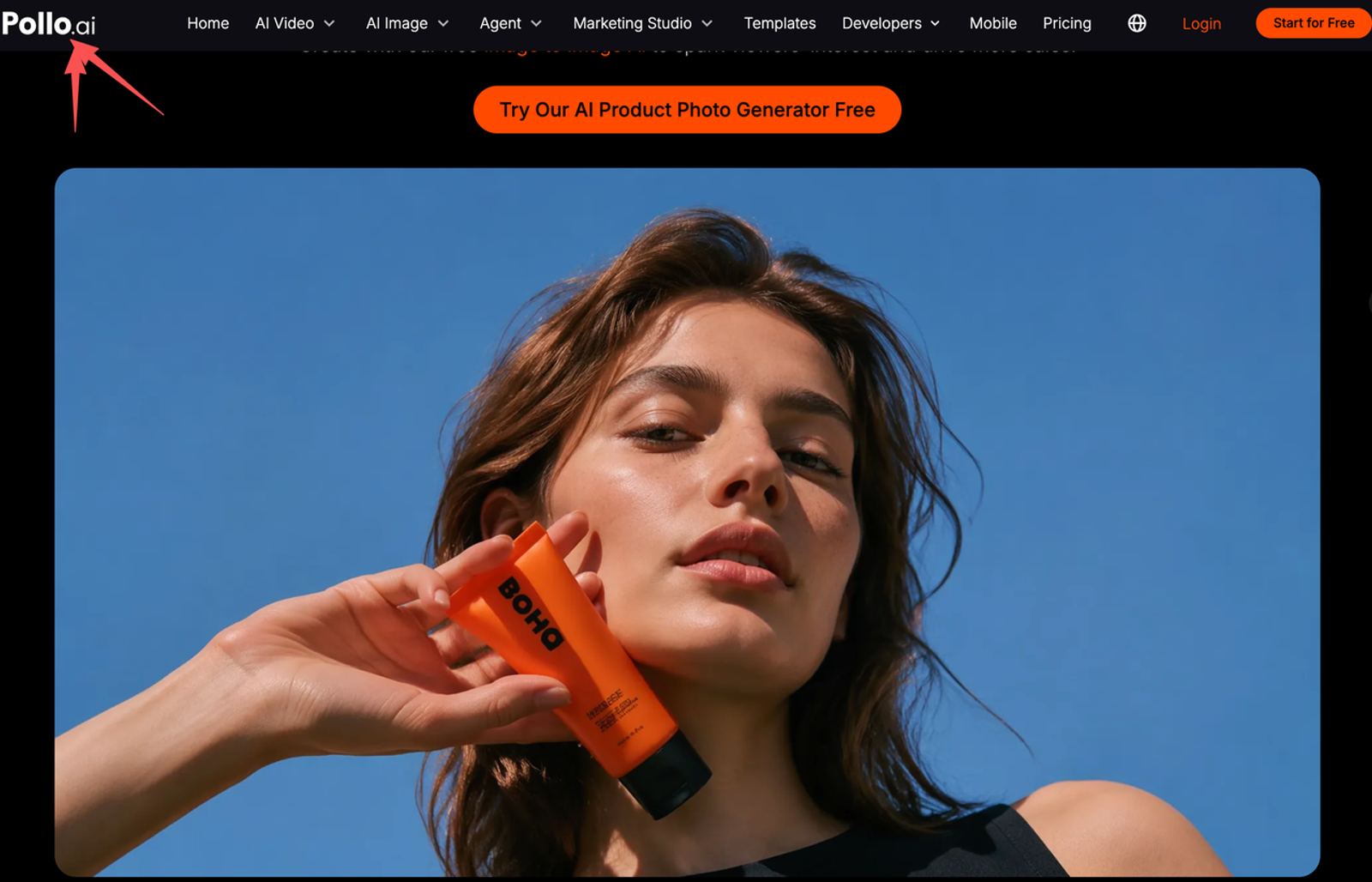
How Does a Team Choose a Route in Pollo?
Choose based on what the shot needs to be preserved. Use image-to-video when a specific SKU has to appear. Use text-to-video to explore the idea while the package artwork or source photography is still being developed.
Match the Brief to Text or Image Inputs
Consider a coffee ad that needs five seconds of movement before the offer appears. A text prompt can show how a sweep of window light might look behind a generic coffee pouch. For the version showing the real 250 g bag, start with the authorized front-facing packshot. That gives the reviewer a reference for the exact print, color, and shape.
Start from the approved packshot. Keep the blue coffee pouch upright and front-facing, with its white label and sealed top visible. Keep the camera fixed. Move a soft band of light slowly across the counter behind the bag. Hold the composition through the final beat and leave the upper area clear for the offer. No dialogue or music.
Compare Model Options for the Same Shot
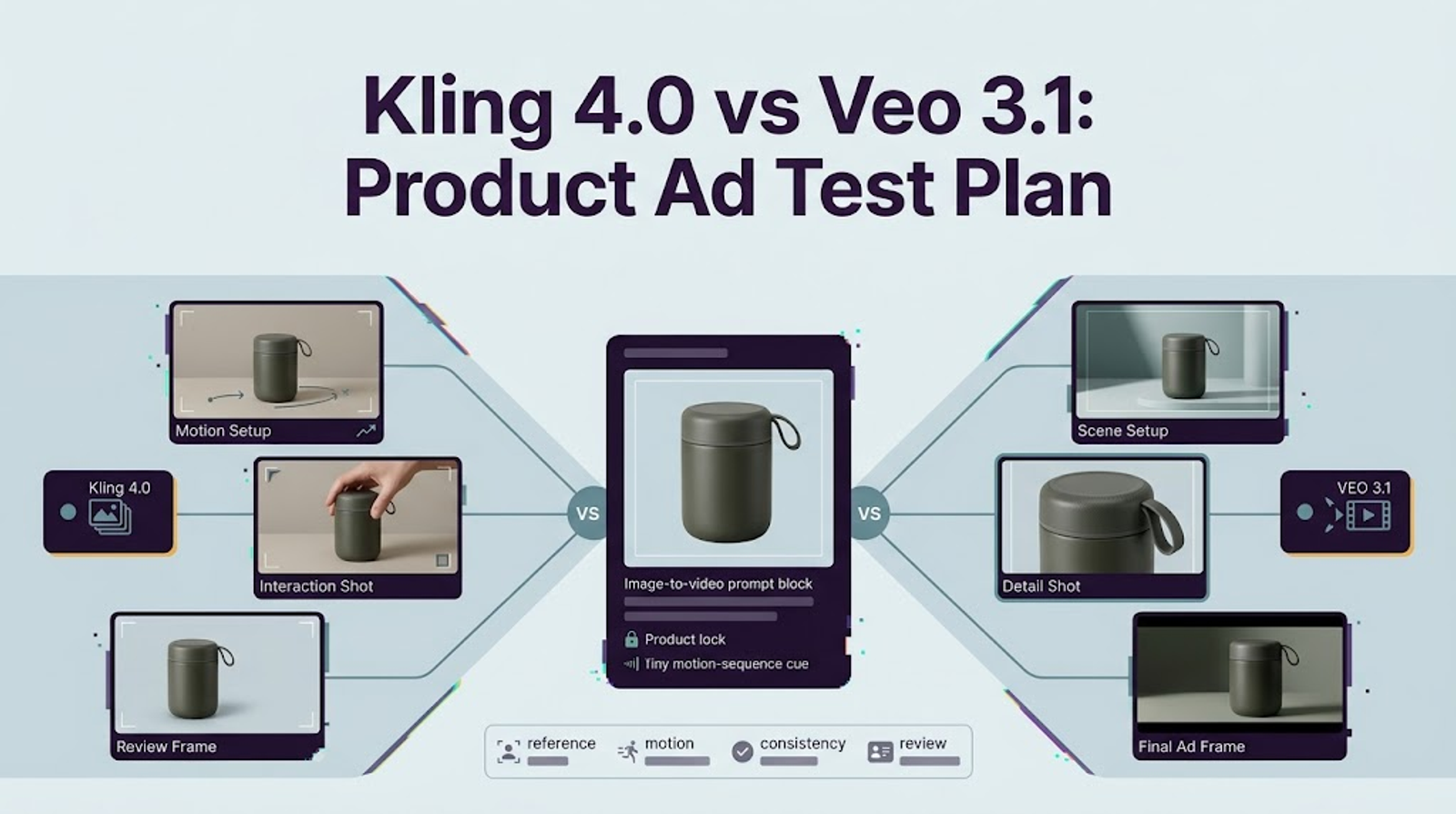
Try Pollo 2.5 and a partner model such as Seedance 2.5 if both appear in your image-to-video selector and support the settings you need. Give each the same packshot, prompt, and number of attempts. Match duration, resolution, aspect ratio, and audio settings where possible. If one route forces a longer clip or adds audio, record the difference before comparing costs. It can mean extra editing even when the picture passes.
If you’re deciding which version of a model to try, the Seedance 2.5 vs. Seedance 2.0 comparison covers differences in clip length and reference controls. Use it to narrow your shortlist, then confirm the controls in Pollo’s selector.
Use this table for both candidates. Agree on what passes before opening either take.
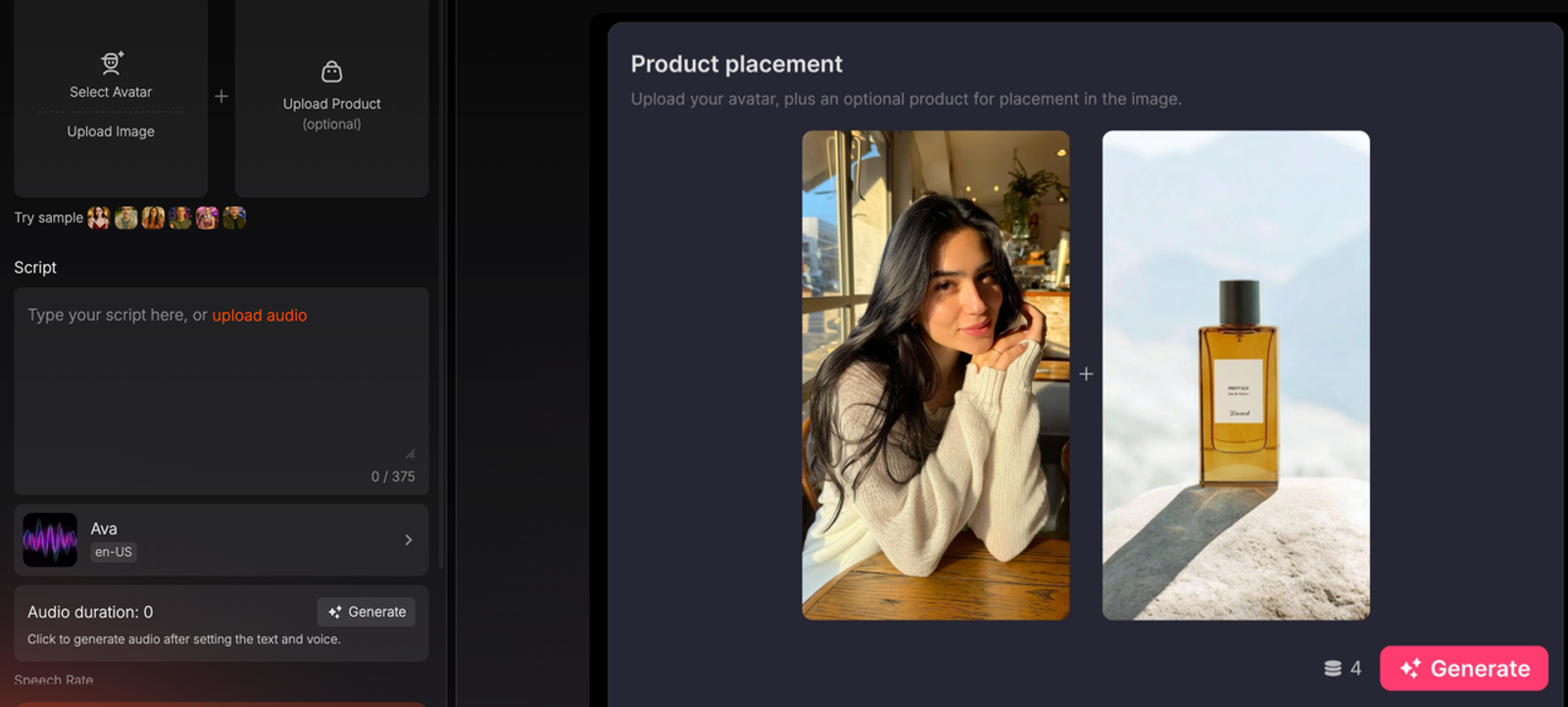
| Check | Pass condition for the coffee ad | Record for each model |
| Input and format | Same packshot and brief, with a usable five-second cut in 9:16 | Model version, duration, resolution, and any settings that differ |
| Product identity | Label, 250 g marking, top seam, and pouch outline match the source | Pass or revise, with a frame or timecode |
| Motion and placement | Only the background light moves, and the offer has room at the end | Any trimming, reframing, or audio work needed |
| Cost to approve | The cut meets the same delivery standard within the pilot budget | Net credits, approved clips, and hands-on minutes |
How Should You Judge a Product Clip?
Judge it against the signed-off packshot and the actual ad layout. Play it through once on a phone, then scrub the frames where viewers can see the product most clearly.
Brand Assets and Package Accuracy
I’d read the weight marking as the light passes behind the bag. Start with the opening frame and compare the logo, roast name, zipper seam, and pouch silhouette with the packshot. Then check the midpoint and the frame that will sit under the offer. A stable first frame can hide a label that shifts halfway through the clip. If the printed weight changes, hold the take until the brand has an accurate version. Add the promotional headline and price as editable elements in the final layout.
Carry those packaging checks over if you’re evaluating another generator. The PixVerse review for short product clips applies similar checks to a one-photo brief, including whether the product details hold up across the shot and how much finishing work the clip needs.
Motion, Audio, and Placement Fit
The bag and camera should stay still. If the pouch rocks as the light moves, mark the first frame where it shifts so the next prompt or edit has a precise target. Check the final hold with the offer in place. The headline may clear the bag in the full-size preview and overlap the seal in the final crop.
Pollo advertises native audio for its Pollo 2.5 model. This brief calls for a silent deliverable, so decide in advance whether removing an unexpected track counts as an acceptable edit. If a later variant needs a sound cue, tie it to a visible event and review the finished mix on a phone speaker.
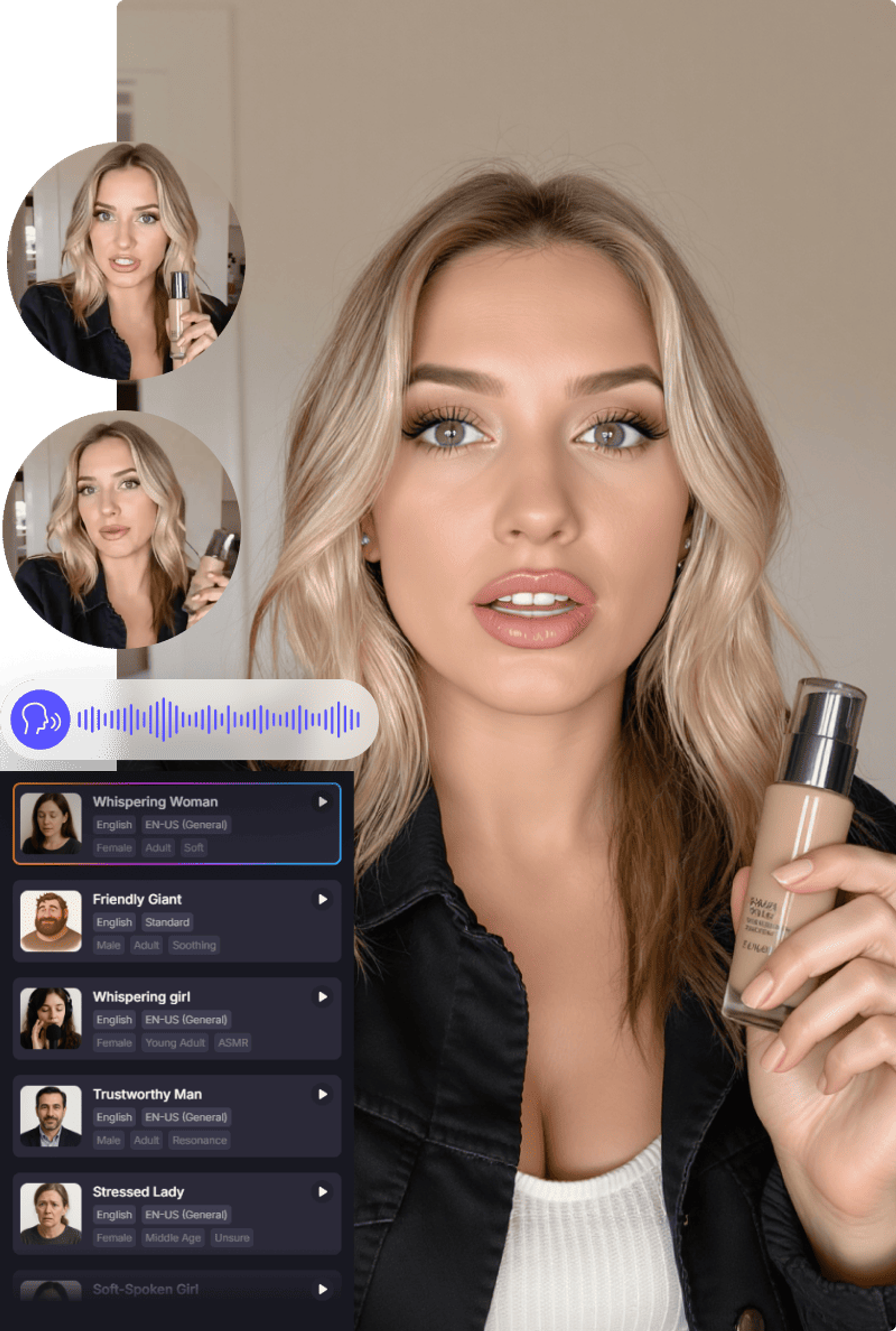
What Does It Cost to Reach an Approved Version?
Count the net credits spent to get the approved cuts and track hands-on editing time beside them. The price of one render tells you what it costs to try. Your buying decision depends on what it takes to finish.
Compare Credits Under the Same Brief
In its guide to Pollo Credits, Pollo says deductions depend on the tool, model, duration, output count, and resolution. Record the estimate before each run and check the actual entries under Billing → Usage. Add up the net deductions for the brief, then divide by the number of clips approved for the same placement. If none pass, log the spend and zero approvals.
For example, a pilot budget of 120 credits for four approved clips sets a ceiling of 30 credits per approved clip. If you’ve spent 90 credits and have two approved clips, you’re at 45 credits per clip so far. To stay within the total budget, the two remaining clips can use 30 credits combined. If the next generation would leave too little for the last clip, check whether editing the approved still can deliver what you need.
Account for Revisions and Rejected Renders
Track three outcomes so the producer can see where the budget went.
- Approved. Count the take after the brand signs off on the final crop and copy.
- Rendered and rejected. Include any charge in the job cost and record the defect, such as a shifting seam or a changed label.
- Technical failure. Save the task details and record the net deduction after any credit adjustment.
I care about the second pass. Changing the light’s speed calls for a small prompt revision. Rebuilding a label that warps across frames calls for an editor. If both models show the same packaging defect, a controlled animation of the approved still may be the quickest way to keep the launch moving.
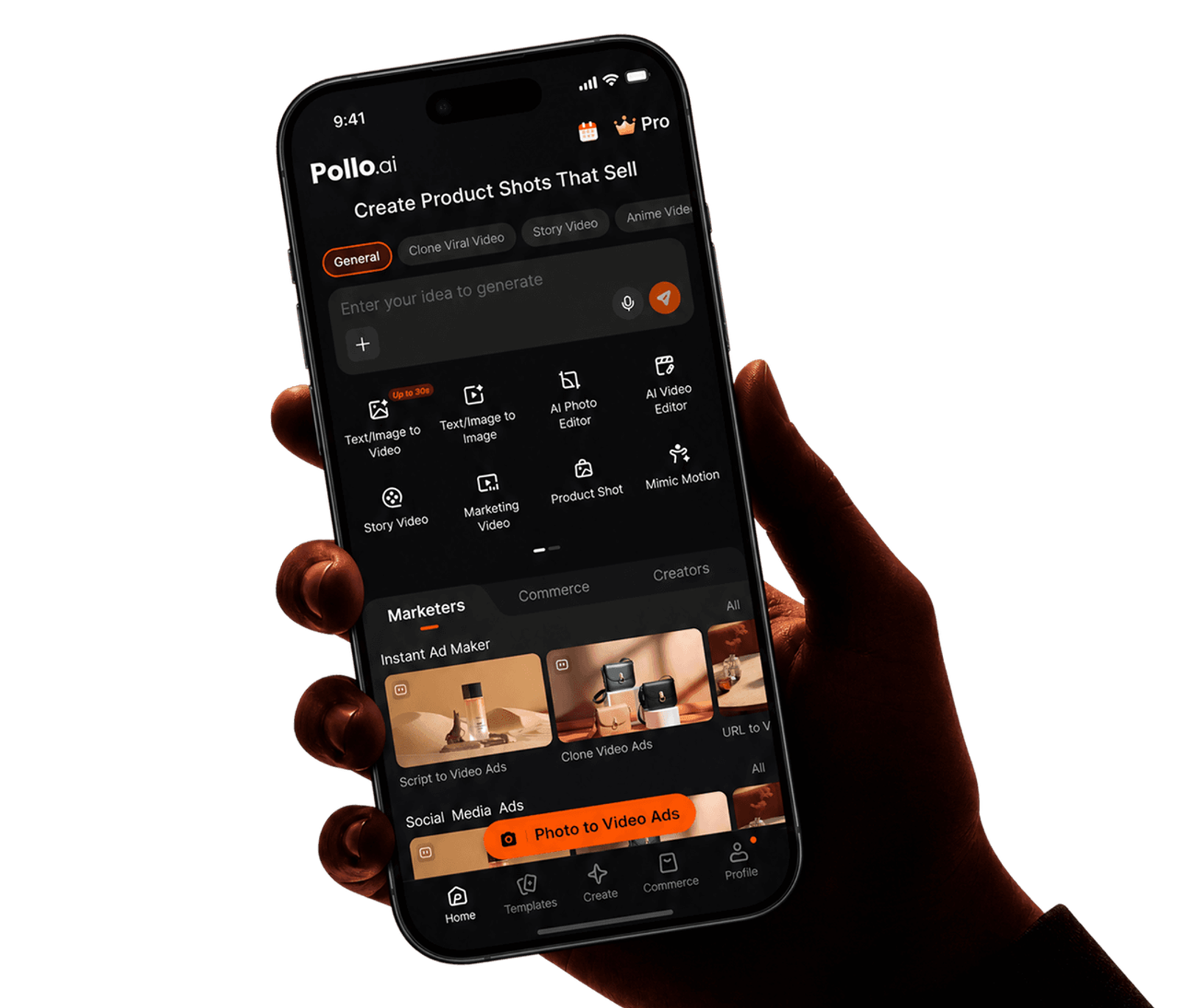
When Does Pollo Fit a Marketing Workflow?
Pollo fits when a producer regularly needs a second model for the same kind of shot and can apply one set of review rules across candidates. For a team that mostly animates approved artwork with simple moves, compare a small Pollo pilot with the existing editing workflow before adding a subscription.
Once the product shot is approved, you can keep it fixed while testing two opening hooks. The AI UGC ad testing workflow shows how to hold the product proof and offer steady while changing a single creative variable.
One Workspace and the Limits of Model Choice
Switching models can also change who processes the source image. Under Pollo’s privacy policy for the creative app, prompts and uploaded files may go to different providers depending on the model or feature selected. Before uploading embargoed artwork, check whether the relevant provider is on your team’s approved vendor list. Also verify what visibility controls your plan offers. Pollo’s credit guide says some privacy and community-sharing controls require an active subscription.
Conclusion
Put two takes from the same brief into the campaign layout and review them together. Give the producer the accepted file, the repair it needed, and the credits it took to finish. Keep the route your team can repeat across the campaign. If neither take keeps the coffee bag accurate, build the shot from the approved photo in the edit.
FAQ
- Are Pollo credits shared across image and video tools?
- Yes. Pollo Credits pay for both image and video generation in the creative app, with deductions that vary by tool and settings. Unused subscription credits expire at the end of the billing cycle. Bonus and add-on credits do not expire under Pollo’s published credit rules.
- Can developers use Pollo through an API?
- Yes. Developers can submit image and video generation tasks, check their status, and receive callbacks when tasks finish. The separate Pollo API terms govern the developer service. Check the model endpoint, supported settings, and API pricing before moving a browser workflow into production.
- Can Pollo use uploaded brand images for AI training?
- It depends on the service and how the content is shared. The web terms give Pollo rights to use submitted content to operate, improve, and promote the service. They expressly cover model improvement for content posted to public areas and give no blanket no-training commitment for private web uploads. The API terms say Pollo uses API inputs and outputs to train its own models only with explicit authorization. Check the selected provider’s handling of brand files separately.
- How are failed generations charged or refunded?
- Pollo’s public credit guide and purchase-refund policy don’t specify a universal rule for returning credits after a failed generation. Check the final entry in Billing → Usage. If a failed task leaves an unexplained deduction, send support the task details and the corresponding usage entry.
- Do commercial terms differ between Pollo and partner models?
- Confirm the terms for the model you plan to use. Pollo’s product FAQ advertises commercial use for paid-plan content. Its web terms and conditions say users retain ownership of submitted and generated content and remain responsible for its use. The terms provide no model-by-model commercial license table. Before delivering a paid ad, verify the conditions for the selected model as offered in Pollo and clear the source photo, logo, and soundtrack.