A prospect watching your sales demo may be deciding whether the product fits their business. A new user watching an onboarding video needs to know which button to click next. A product demo video gets easier to plan once you choose whose question it should answer.
I’m Vela, and I’d make that choice before planning the shots. For a prospect, I’d show enough of the workflow to judge fit. For a new user, I’d keep the setup and confirmation steps, even when they make the video less polished.
What a Product Demo Video Must Prove
A product demo video shows how a product works in a situation the viewer recognizes. For software, that could mean filtering records and exporting a report. For a physical product, it might mean attaching, folding, or fitting the item into a particular space.
I’d be careful about what that footage actually establishes. Showing a product fold demonstrates the action; it does not establish long-term durability. A shortened screen recording cannot, by itself, prove a time-saving claim either.
For U.S. advertising, claims must be truthful and evidence-based. Apply that standard to implied visual claims as well as narration. The FTC advertising guidance provides the relevant starting point.
This guide covers recorded video. Clickable product tours and live demonstrations require different interaction and measurement plans.
Product Demo Formats by Buyer Task
Start with the detail your buyer is still unsure about. These formats give you different ways to address it:
| Format | Buyer question | Essential footage |
| Problem-to-solution demonstration | Does this solve my problem? | Starting state, product action, changed result |
| Feature walkthrough or product tour | How does this capability work? | Relevant controls and their effects |
| Product-in-use demonstration | How will this behave in use? | Handling, setup, scale, and visible action |
Short social demos and onboarding demos are applications of these formats. A product-in-use demonstration can become a social cut; a walkthrough can support onboarding.
Problem-to-Solution Demonstrations
If your buyer already recognizes the frustration, keep the setup brief and get to the change. When comparing old and new workflows, use the same task, inputs, and conditions.
If setup steps disappear through editing, avoid presenting the result as an unbroken speed comparison. Label accelerated footage where speed affects the claim.
Feature Walkthroughs and Product Tours
Existing users may want the feature immediately, without another explanation of their problem. Follow the task through the interface, including the confirmation that tells them it worked.
I’d keep that confirmation screen. It may feel repetitive to the product team, but a first-time viewer needs to recognize success.
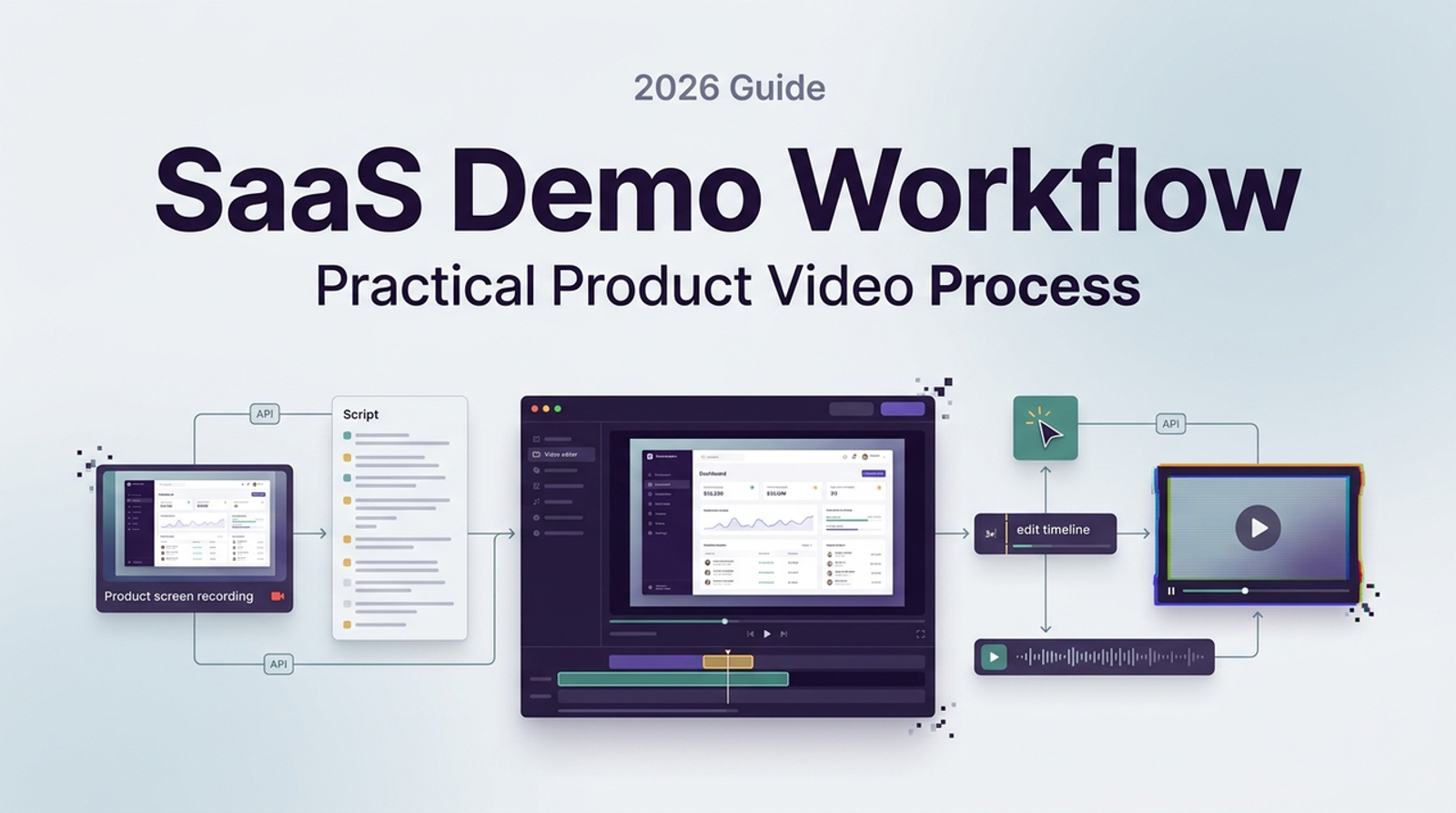
For deeper software recording and maintenance guidance, use the SaaS product demo workflow.
Product-in-Use Demonstrations
Let the buyer inspect the detail that matters: grip, fastening, assembly, texture, or fit. Keep lighting and framing clear enough to evaluate that detail.
If a hand covers the clasp as it closes, film that action again. The elegant ending shot can wait. Our product demo video examples explore different ways to make product use visible.
Build a Clear Demo Script
Put the narration beside the planned picture. A line can sound persuasive in a document and leave the editor wondering what to show. Resolve that gap before recording.
Open With the Buyer Problem
For unfamiliar prospects, name the problem briefly and show why the product matters. For onboarding, begin with the task and its prerequisites.
“Add your prepared captions to this video” gives a learner a clearer starting point than a broad introduction to video accessibility.
Show Evidence Before Claims
I’d find the supporting shot before polishing the promise. The exact order can vary, but the finished sequence must support what viewers will infer.
This proposed script follows YouTube’s caption-upload steps, checked November 4, 2026. Record with your own video and authorized account access.
| Beat | Proposed narration | Planned screen action |
| Goal | “Add your prepared captions to this video.” | Show the chosen video and caption file. |
| Navigation | “Open Subtitles, select the video, and add your language.” | Capture the corresponding Studio controls. |
| Action | “Under Subtitles, choose Add, then Upload file.” | Show the upload option. |
| File choice | “Choose With timing for a timed file, continue, and select your file.” | Show the timing choice and file selection. |
| Completion | “Save, then check the captions against your video.” | Capture saving; review the resulting captions in playback. |
The last check is an editorial recommendation. The sequence demonstrates file upload; it makes no promise about automatic translation or caption accuracy.
End With One Next Step
Give the viewer an ending they can act on. A prospect might request a tailored demonstration; a learner might repeat the workflow. For the caption example, I’d finish with checking playback before release.
Plan the Production Workflow
Once the script and pictures agree, production needs a clear handoff:
- Approve the brief. Name the viewer, task, channel, and intended next action.
- Prepare the evidence. Collect current screens or product footage, approved claims, and authorized assets. Use a sanitized account for recordings.
- Map and capture scenes. Pair narration with actions. Record readable UI, deliberate cursor movement, and clean audio; keep essential steps visible.
- Edit and caption. Remove repetition while preserving the sequence. Add annotations where attention needs directing.
- Approve and package. Save the master, source files, captions, approval notes, and destination-specific exports together.
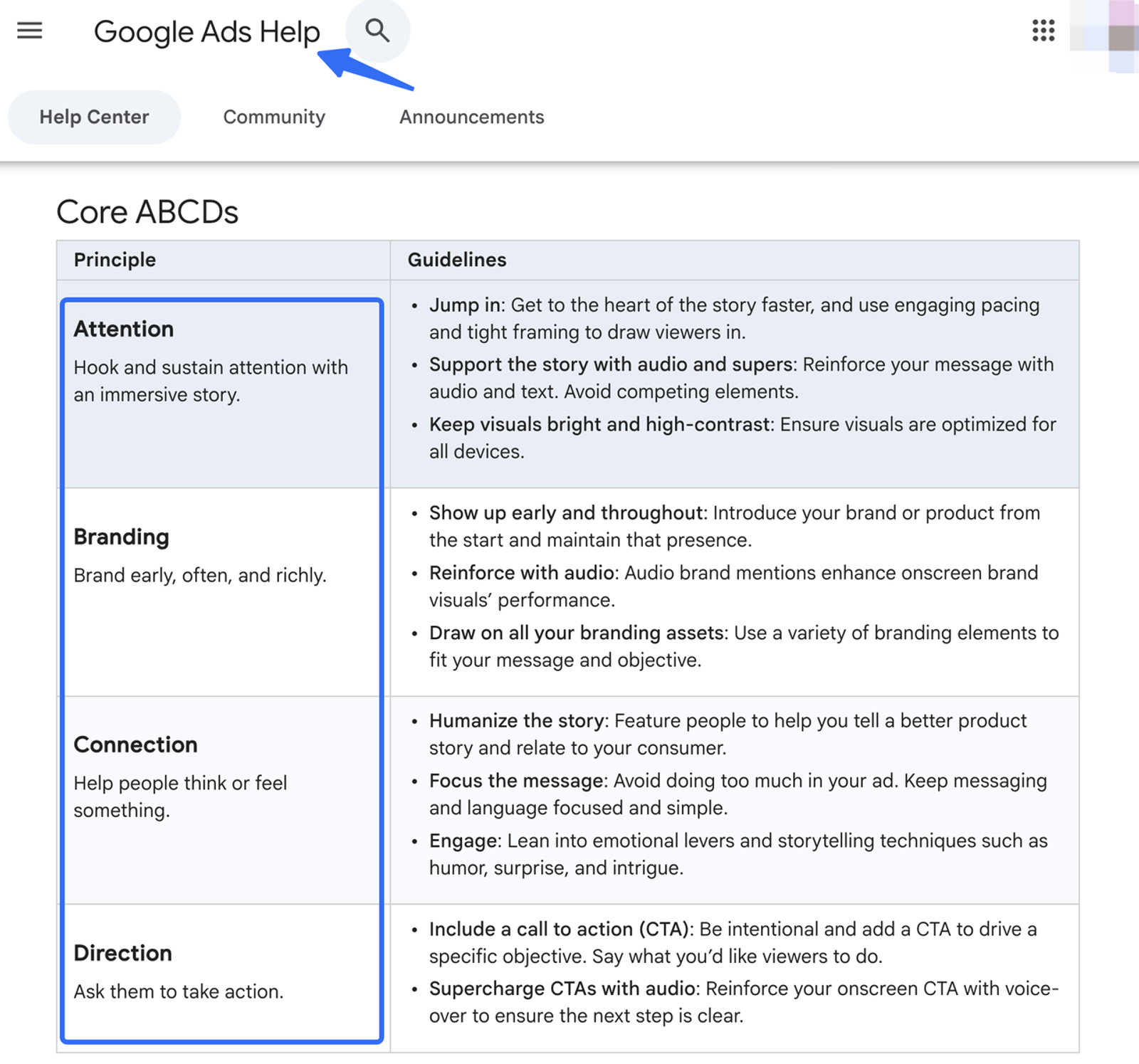
Confirm placement requirements before capture; LinkedIn video ad specifications apply when that is the destination. For YouTube advertising, Google’s ABCD guidance can inform the ad treatment.
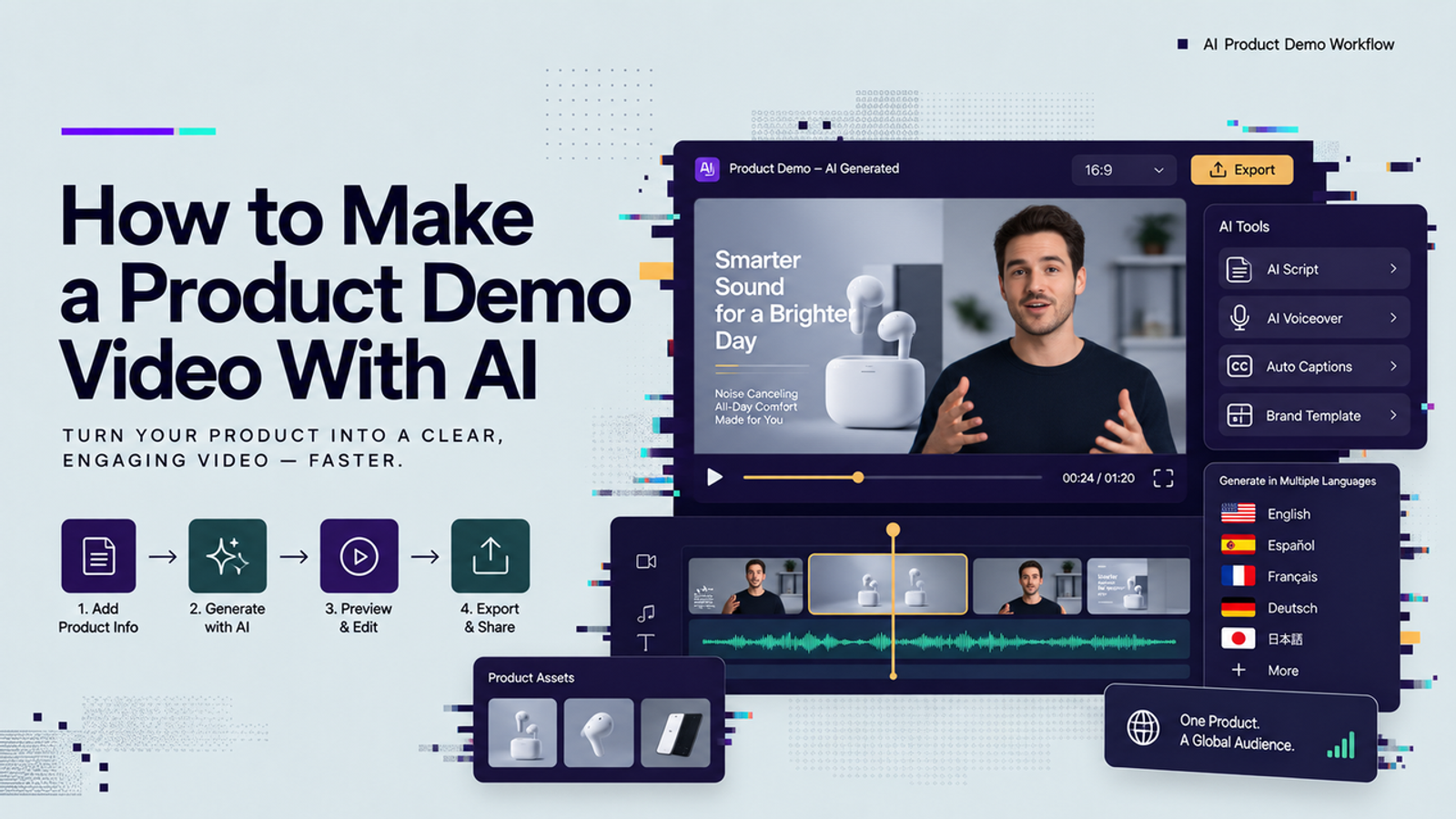
Keep AI-generated illustrations distinguishable from actual product behavior. The Copyright Office’s AI materials address related copyright questions. Our AI product demo tutorial covers the production route in more detail.
Review Clarity, Accuracy, and Pace
Give Product the first review of behavior and claims. They should check permissions, prerequisites, UI labels, and whether the recorded result matches the narration. I’d settle those questions before asking an editor to polish transitions.
Then watch with sound and without it. Check audio, caption timing, readable controls, and collisions with labels or player overlays. A silent review checks one viewing condition; it is not a complete accessibility assessment.
Let unfamiliar actions breathe. If you already know the interface, pause on the controls a newcomer would need to read. Cut repetition before cutting a necessary step.
Common Product Demo Mistakes
If the opening explains your company’s ambition while the viewer is waiting to see the product, shorten it. Replace unsupported adjectives such as “fast” with a process they can inspect.
Watch for hidden prerequisites, outdated screens, tiny interface text, and edits that imply capabilities the product lacks. If a customer quote appears, preserve its meaning and approved scope; one person’s experience does not establish a typical result.
Conclusion
Before approving the demo, ask someone unfamiliar with the product to explain what happened and what they would do next. Their hesitation gives you a specific place to revisit. I’d resolve that before adding another feature or a more polished ending.
FAQ
- Who owns screenshots recorded inside a product demo video?
- Recording a screen does not settle rights to everything displayed. Check interface assets, third-party content, and the recording contract separately. U.S. copyright ownership principles include authorship, qualifying employment arrangements, and transfers. Specific rights questions depend on the agreement and jurisdiction; this is not legal advice.
- Should product demo videos include captions for silent viewing?
- Include accurate, synchronized captions for spoken content. Accessible captions also convey necessary speaker identification and meaningful sounds. Adjust placement and pacing rather than dropping essential words. W3C’s prerecorded-caption guidance explains that scope.
- How often should teams update demos after product changes?
- Recheck when workflows, permissions, pricing, claims, or important labels change. I’d give one person the published-version list so a corrected master does not leave old copies circulating. Verify embeds and downloaded copies separately.
- Which analytics show whether viewers understood the product demo?
- No viewing metric proves understanding on its own. Check understanding through a specific question or attempted task. GA4’s automatic video events cover supported YouTube embeds with JS API enabled and measurement configured; they do not measure comprehension. Record the cohort, observation period, and demo version when comparing outcomes.
- Can one demo support both sales and onboarding workflows?
- Yes, the source footage can serve both. I’d make separate cuts when the instructions needed by a new user slow down the sales story. Keep prerequisites and confirmation in onboarding; give each version its own opening, pace, next step, and success measure.