The short answer
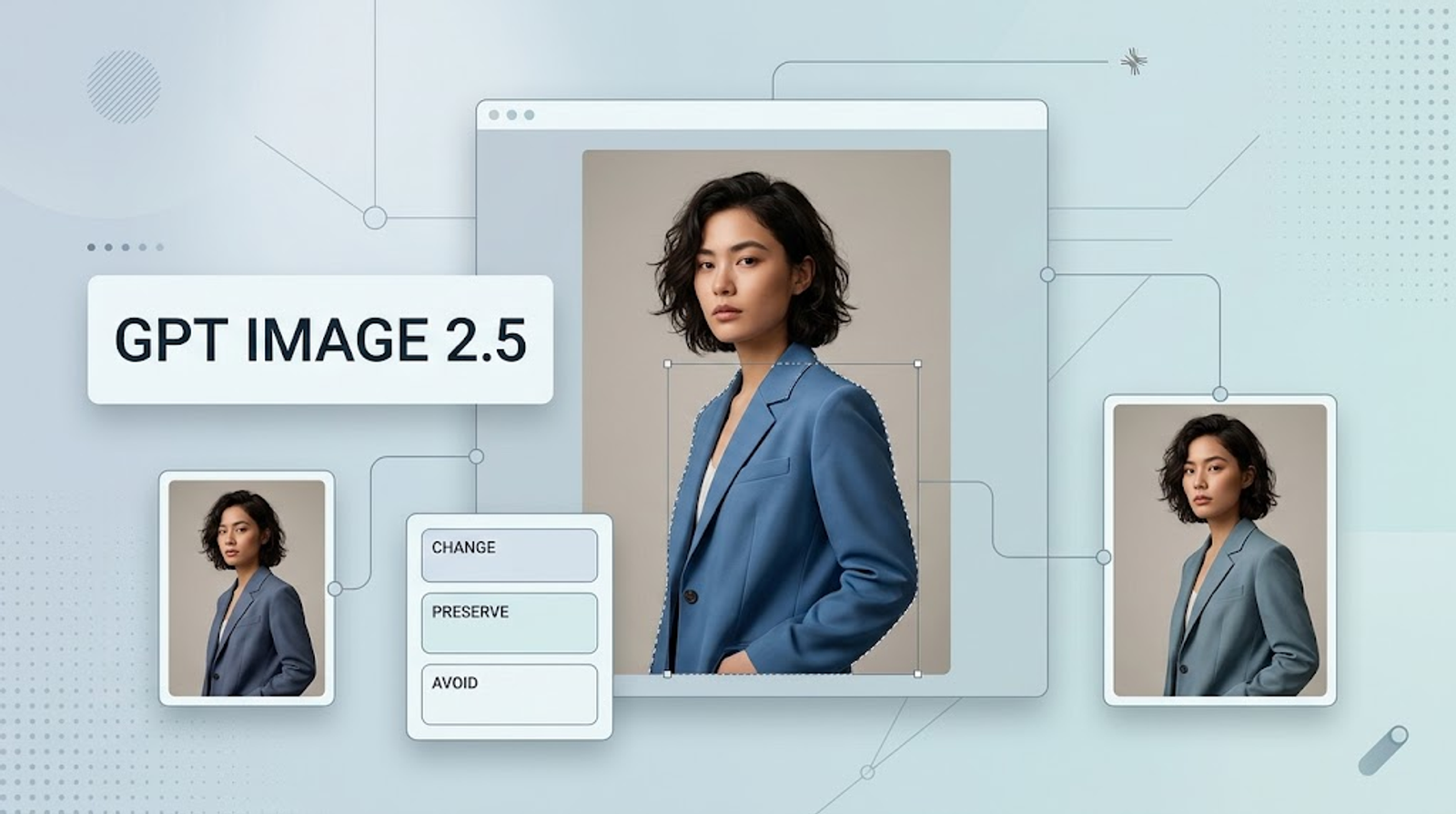
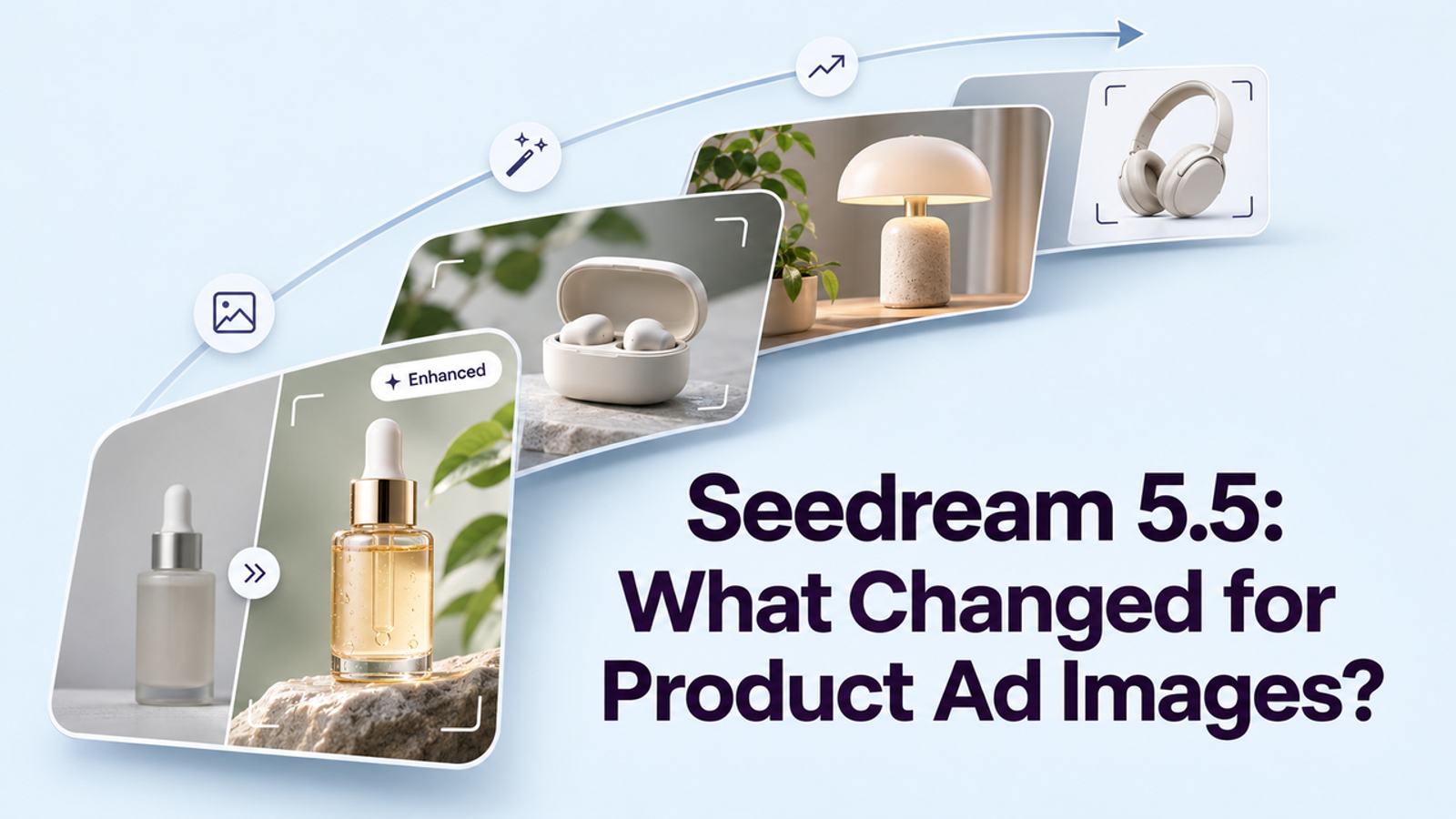
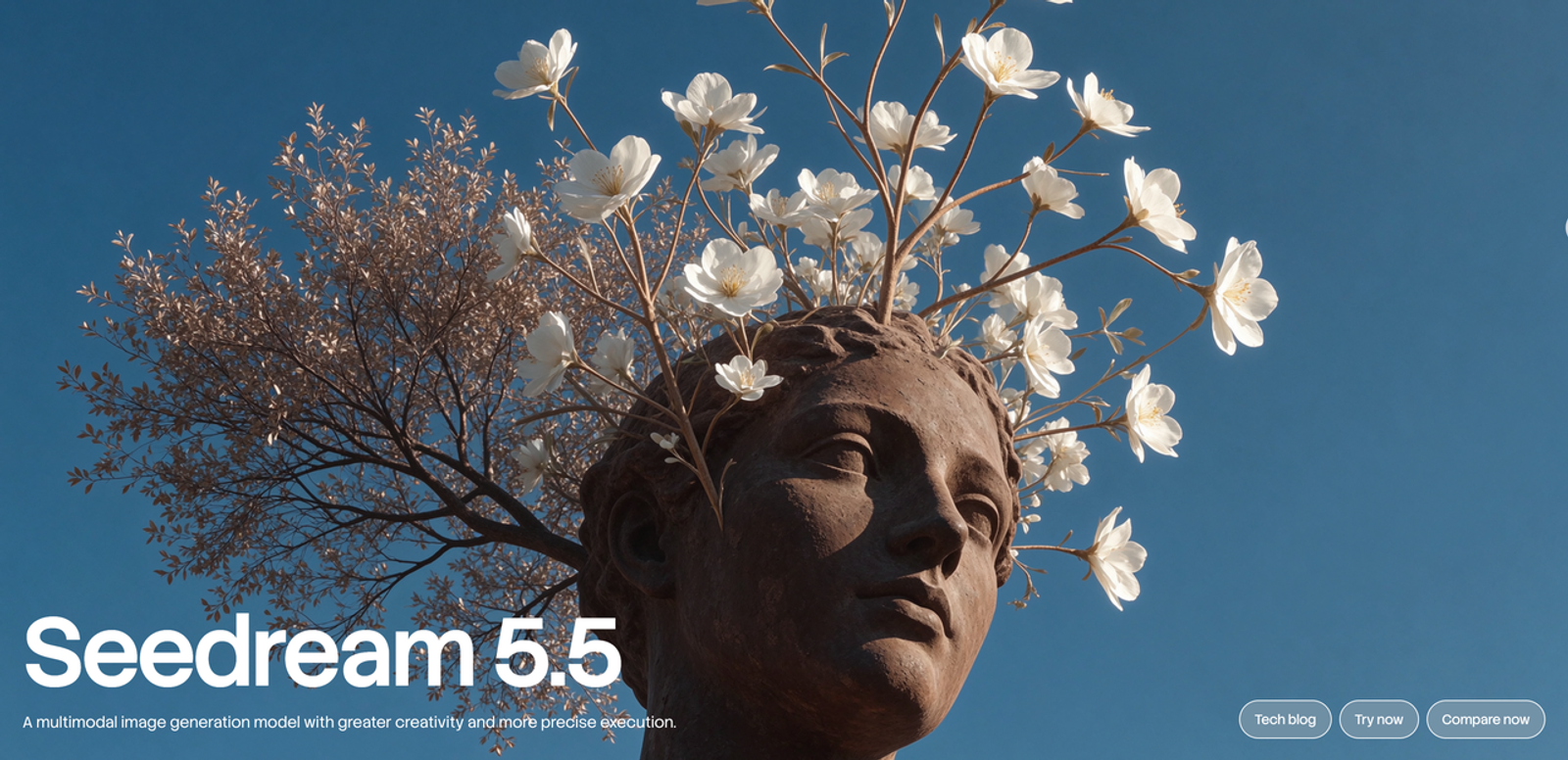
ByteDance Seed released Seedream 5.5 on November 9, 2026, with steadier multi-round editing, native RGBA transparent assets, more realistic surfaces, and clearer text, according to its official release announcement. For product ads, teams may be able to revise a still and reuse its parts across layouts. Seedream 5.5 is an image model; These updates do not make it a video generator.
What Changed in Seedream 5.5 for Product Images?
Multi-Round Editing and Targeted Changes
The hard part of revising an ad image is keeping the bottle, label, color, and lighting intact after the next request. Seed says Seedream 5.5 keeps areas you did not ask to change more stable across edits. Its release shows 100 successive edits to one image, each based on the last output. The demo does not mean users can always make 100 edits or that every product will stay unchanged.
I care about the second pass: if a later request changes the tabletop, does a tiny logo also move? Compare each candidate with the approved source, particularly after several edits.
Transparent RGBA Assets
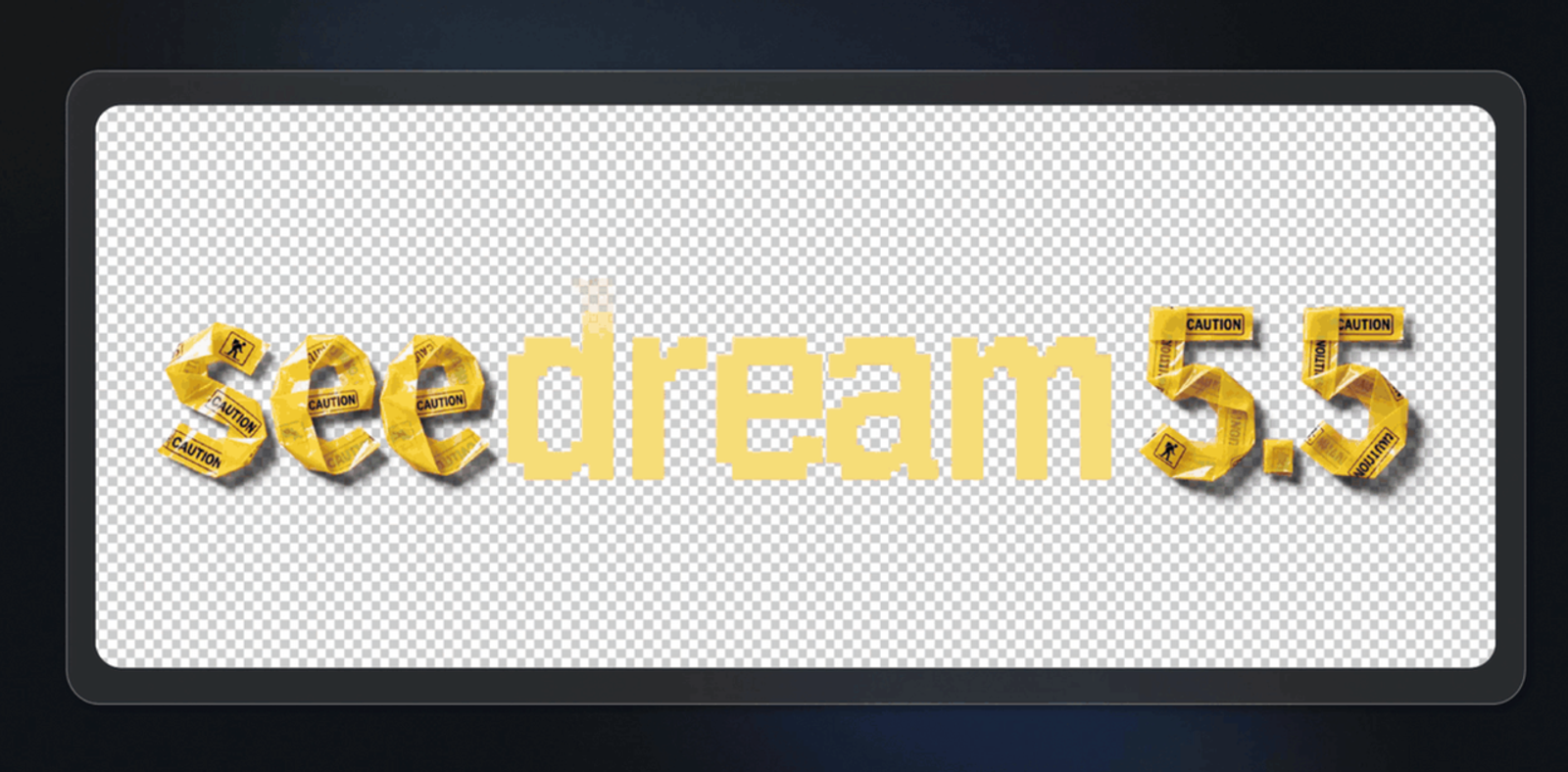
Seedream 5.5 can generate fully or partly transparent images from text or reference images. Its RGBA output means the file can keep transparent areas. The Seedream 5.5 project page shows isolated subjects and transparent design elements. A cutout can then move between backgrounds or storyboard panels without rebuilding the still.
Check the exported file, not a checkerboard preview. Open it in your design app and inspect the edges against light and dark backgrounds; glass, soft shadows, and clear packaging can show a pale outline. If the outline appears, clean the edge or export again. If the product itself has changed, return to the approved photo. Also check the download formats in your chosen interface; Native RGBA support does not mean every interface exports the same file type.
Realistic Surfaces and Small Text
Seed says the model improves natural lighting, material texture, and small text. Its evaluations used experienced reviewers on the MagicArena platform across six types of work, plus side-by-side judgments of text and realism. These are Seed's results under its evaluation method, not a promise that a brand's label will be correct.
For seedream 5.5 product images, realism helps only if the material remains truthful. A cosmetic jar should not acquire an invented finish. Small types still need character-by-character reviews against approved artwork. Pretty is easy to spot. Useful takes another look when text is an ingredient, warning, or registered name.
How Can These Images Fit a Product Ad Workflow?
Revise a Campaign Still for Different Placements
For example, a direct-to-consumer skincare team has an approved bottle photo and needs square and vertical launch stills. It could keep the bottle and approved text fixed, replace a busy bathroom with stone, then ask for more headline space above the bottle. Saving each accepted version makes it easier to find the edit that introduced a mistake.
Can seedream 5.5 image editing change the setting while keeping the real product intact? Compare the bottle's shape, cap, label, color, and shadow. If the background is wrong, revise it. If the label or bottle shape changes, return to the approved photo before trying another edit.
Then crop each version for its final placement. A wide image may lose the cap or headline space when cropped vertically. The next edit is part of the cost, so count review and repair time too.
Prepare Cutouts for Layouts and Storyboards
For different backgrounds, a cutout is more flexible than a finished image with its background fixed in place. A seedream 5.5 transparent background request could isolate the bottle and keep a soft shadow beneath it. Place that draft cutout on brand colors at final size beside the approved photo. If the shadow looks detached, fix the cutout before building more layouts from it.
The same asset can help test framing and copy positions in a storyboard. Keep the source photo, edited still, cutout, and approved copy as separate files so a flawed version can be replaced. A video tool may still change the product's shape once motion begins.
What Should a Brand Check Before Turning a Still Into Video?
Product Shape, Packaging, and Claims
Compare the still with current product photography and packaging artwork. Check label, logo, product color, capacity, seals, and anything buyers could read as a feature. Better typography can still alter a specific word. I would check the label before the lighting; a convincing surface cannot rescue a false claim.
The FTC's advertising guidance says ad claims must be truthful and supported by evidence. Review copy and image together: a new “clinically proven” mark or an oversized product can make a claim without a caption. Remove unsupported claims before approval.
The brand must also check rights to source photos, people's likenesses, logos, and added artwork. The U.S. Copyright Office's 2025 AI report notice discusses when human creative work may qualify for copyright protection; it does not give permission to use someone else's material. These are general review points, not legal advice.
Edges, Framing, and Visual Consistency
Inspect the final crop where the ad will run: fringes, detached shadows, softened labels, and changing proportions. If stills will guide video, compare them to make sure they show the same product version. A clean frame does not establish consistency over time.
Channel requirements can change the asset decision. For example, Google Merchant Center's image specifications include requirements for AI-generated product images and their metadata; a paid social creative and a shopping feed image may face different rules. Check the current policy for the actual placement before exporting, rather than treating “ad-ready” as one universal format.
When Is a Separate Video Workflow Needed?
A separate video workflow is needed for a camera move, product interaction, scene change, or timed copy. Seedream 5.5 revises stills; Its release does not claim video generation. Use an approved still as a candidate video starting frame.
Wizstar's current image-to-video page describes uploading an image and directing subject and camera motion. The video models listed there are separate from Seedream 5.5; the page does not say Seedream 5.5 is available in Wizstar.
If the campaign needs a clip, the controlled product image-to-video workflow gives a fuller review path. Start with one simple motion request, then compare the video frames with the approved still for changes in shape, label, and color.

Conclusion
Seedream 5.5 could make product ads still easier to revise and reuse. Start with one approved product photo and check each change to the size where the ad will appear. When the image is accurate and approved, it can become a starting frame for a separate video workflow.
FAQ
- Where can teams currently access Seedream 5.5?
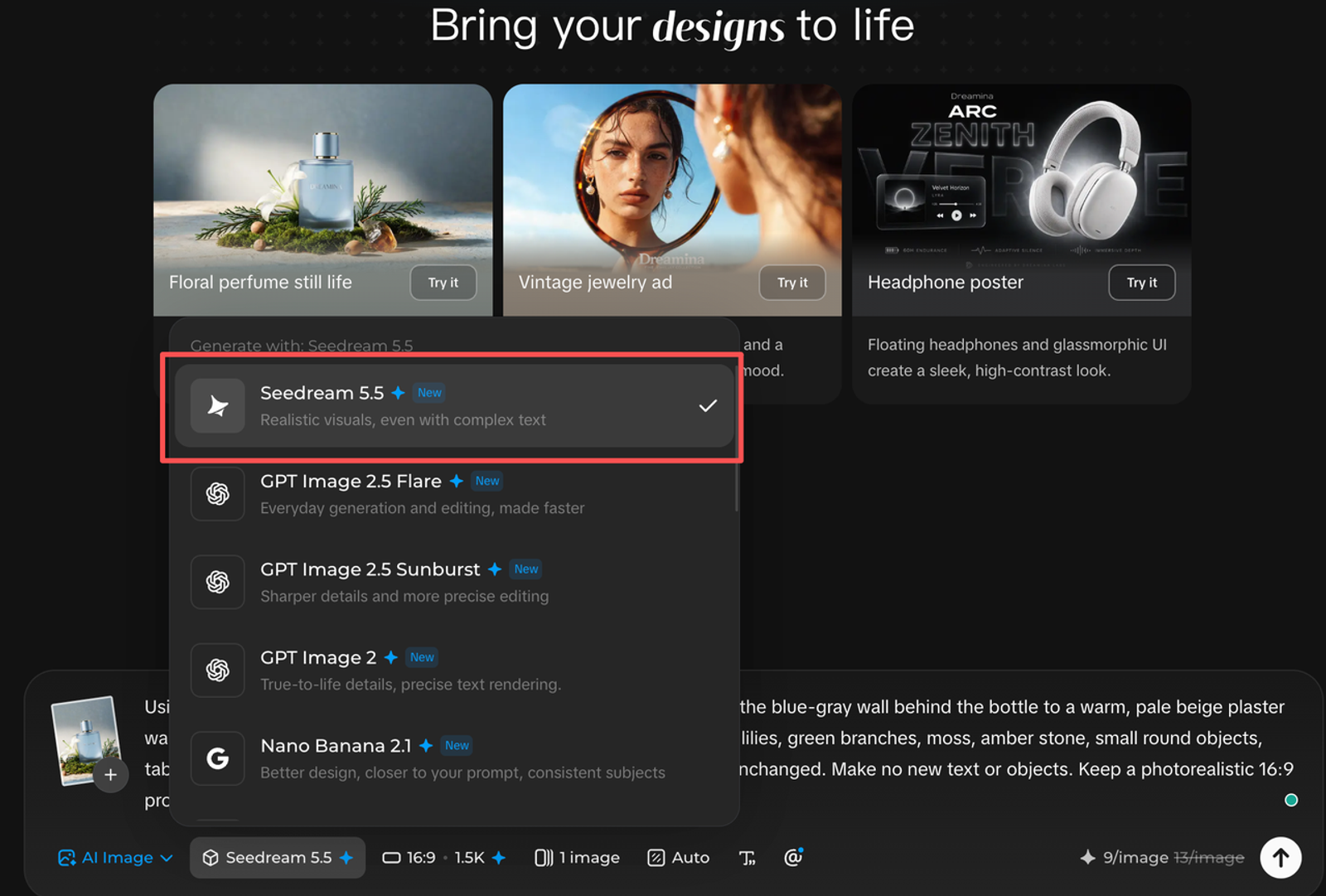
- ByteDance's launch notice says Seedream 5.5 is rolling out through Jimeng, Doubao, Doubao Work, and the Volcengine Ark playground. Its English project page also links to Dola and a BytePlus playground. Rollout, region, account access, and the visible model label may differ, so confirm that the interface explicitly names Seedream 5.5 before using it for a production trial.
- Is Seedream 5.5 Pro available yet?
- The release says a Seedream 5.5 Pro version will follow; it gives no launch date or specification. Do not confuse that future version with Seedream 5.0 Pro or treat the current 5.5 release as Pro.
- Is Seedream 5.5 available through an API?
- The official release pages do not confirm a public Seedream 5.5 API. They show a playground route but give no public API model ID, price, or launch date. A playground listing alone is not enough to plan an integration; check the current developer documentation and exact model name first.
- Can a brand use Seedream 5.5 images in paid advertising?
- The release announcement does not, by itself, grant a commercial-use license. Check the current terms for the exact service and account through which the image was generated, plus rights in uploaded photos, marks, and likenesses. Have the brand review claims and destination-platform policy before publication. Please refer to the latest official documentation.
- How are uploaded product photos handled by Seedream 5.5?
- The model announcement does not specify one universal retention or training policy for every access route. Review the current privacy terms, data-processing terms, and account controls of the service receiving the upload, especially for unreleased products or confidential packaging. Please refer to the latest official documentation.