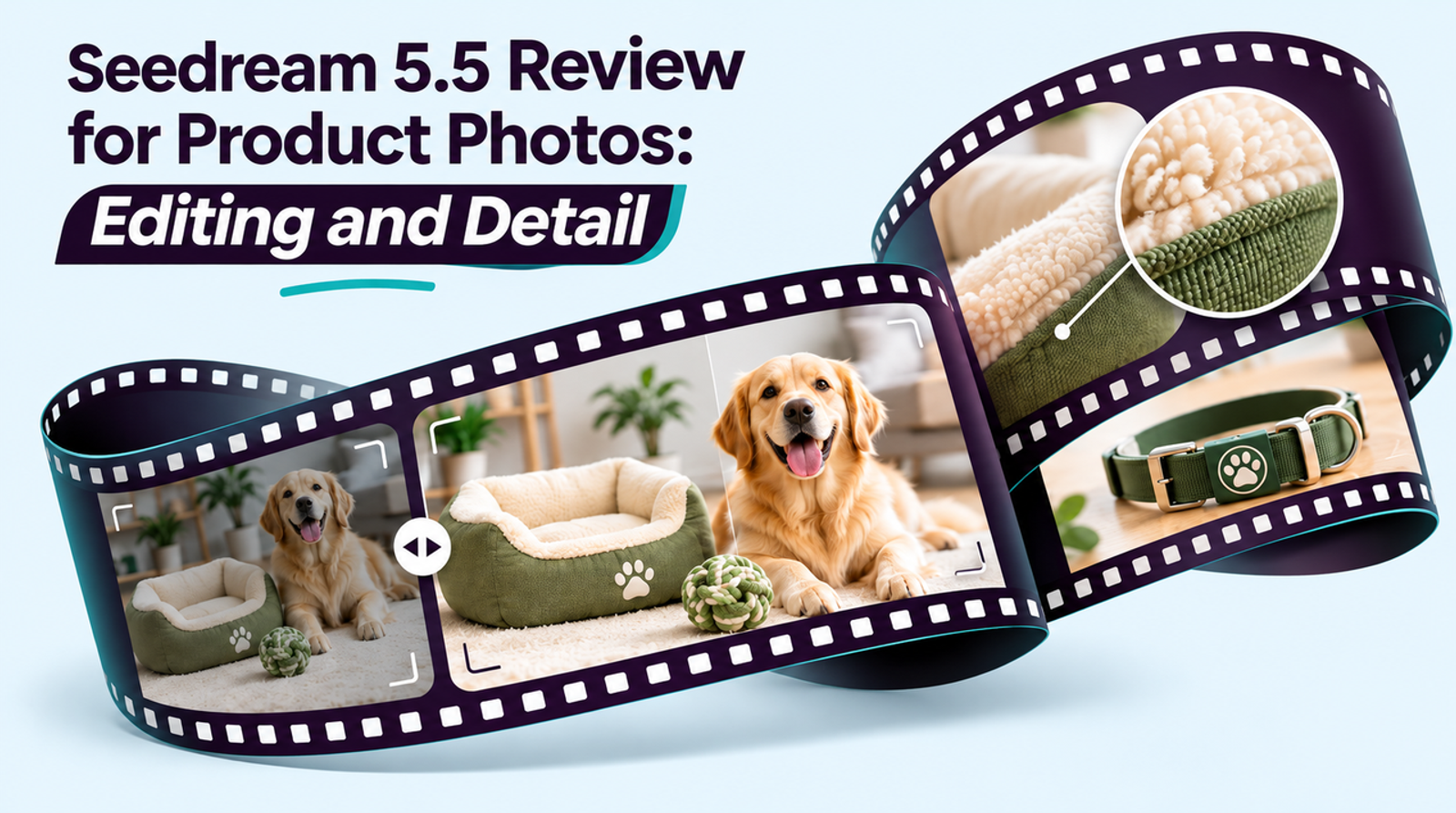
The short answer
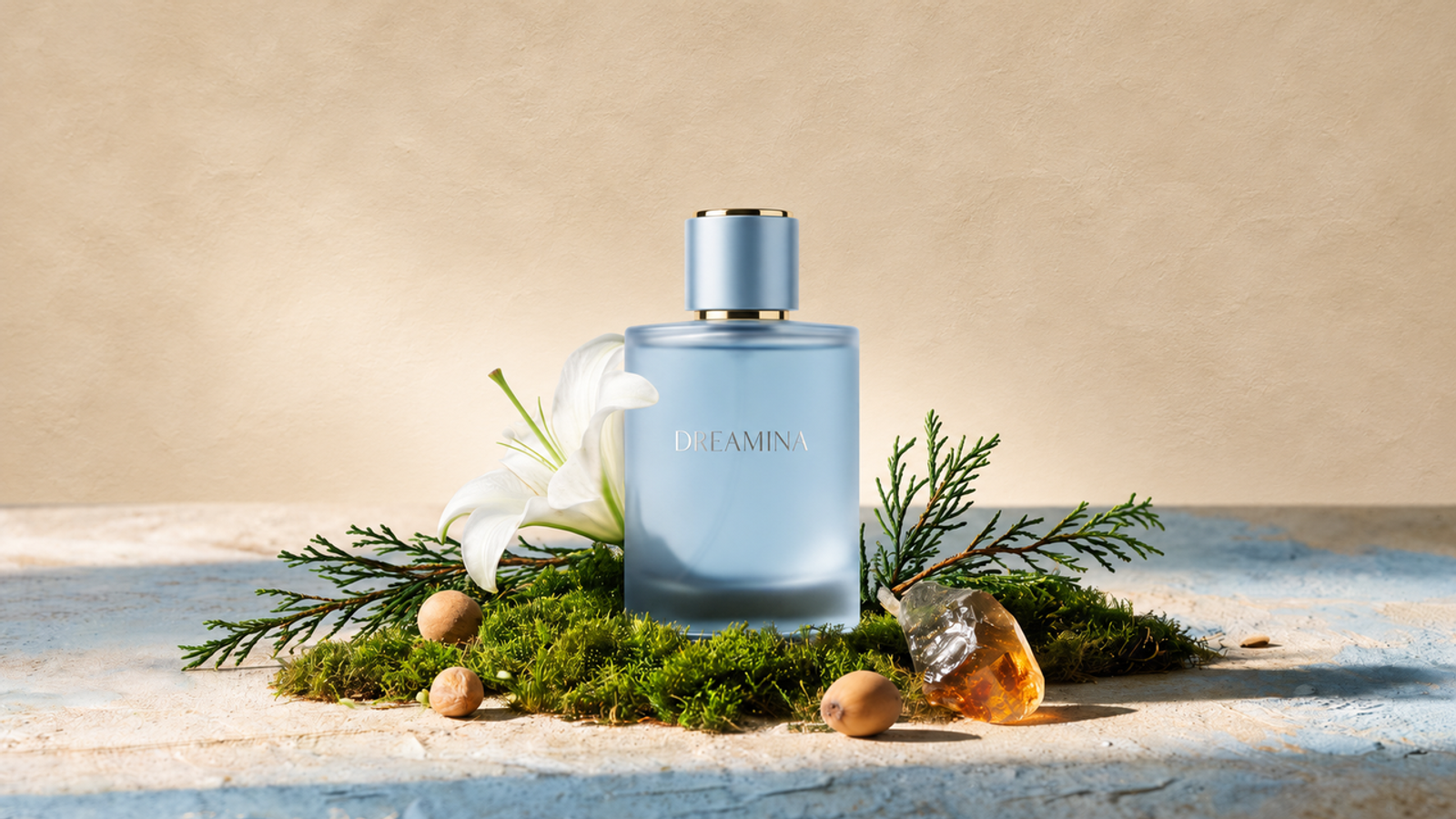
In this Seedream 5.5 review for product photos, a second perfume image was made using the first generated image as its input. The final still keeps the blue bottle and DREAMINA label readable, but changes more than the wall: fabric and a pedestal give way to moss, branches, and stone. That makes edit control and review time more useful measures than visual polish alone. ByteDance's release report provides context for its editing claims.
How Was the Product Photo Review Set Up?
The Source Image and Edit Brief
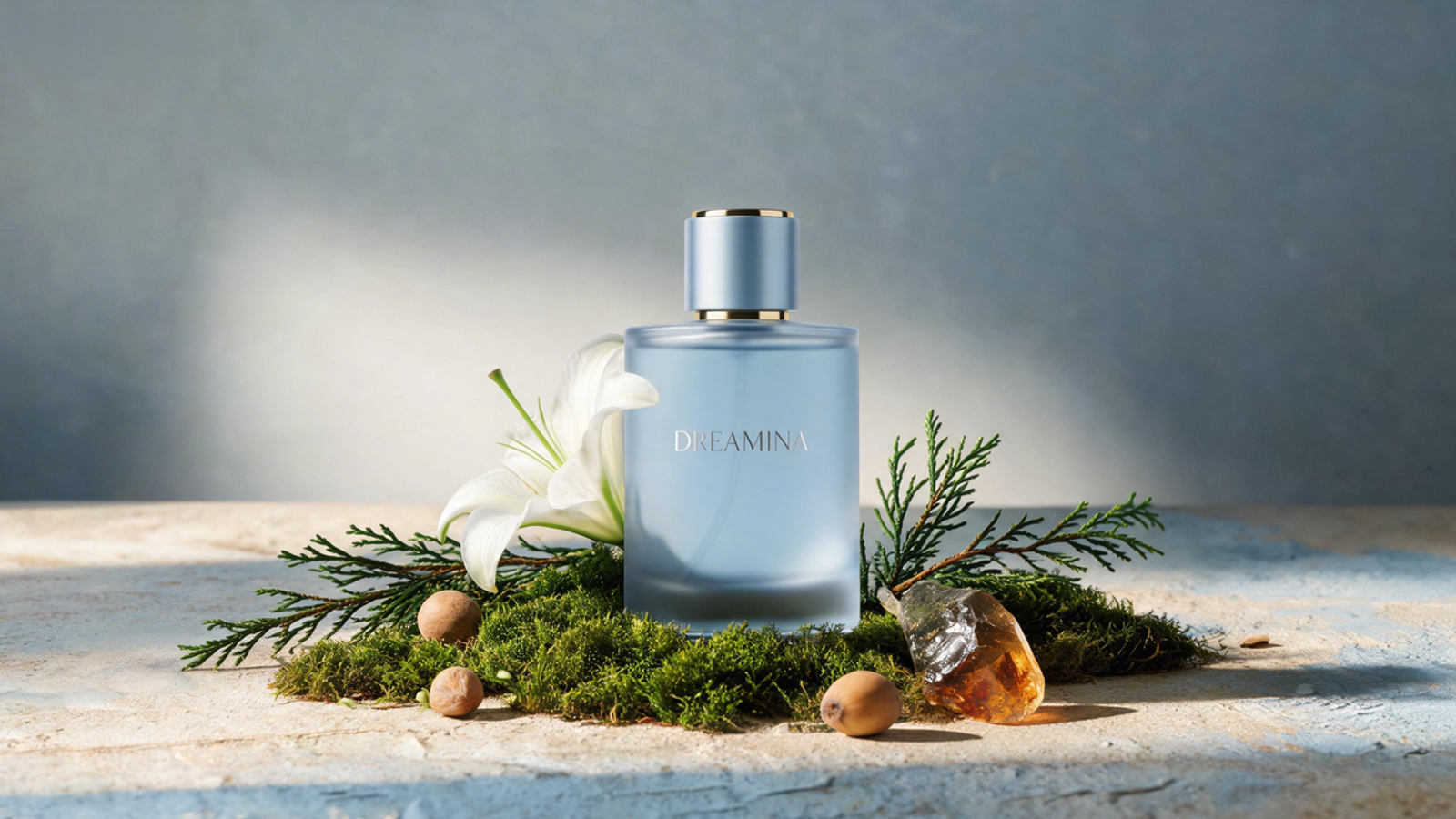
The 1280 × 720 source shows a pale blue perfume bottle on moss and stone, with a lily, branches, and an amber-colored stone. DREAMINA appears in fine lettering on the front.
The Dreamina AI image workspace lists Seedream 5.5 as a model. The supplied image order is now clear: the warm fabric scene was the input for the final image. The exact prompts were not saved with the files. These reconstructed prompts describe the visible changes and give a team a starting point for a repeatable trial; They are not a recovered prompt history.
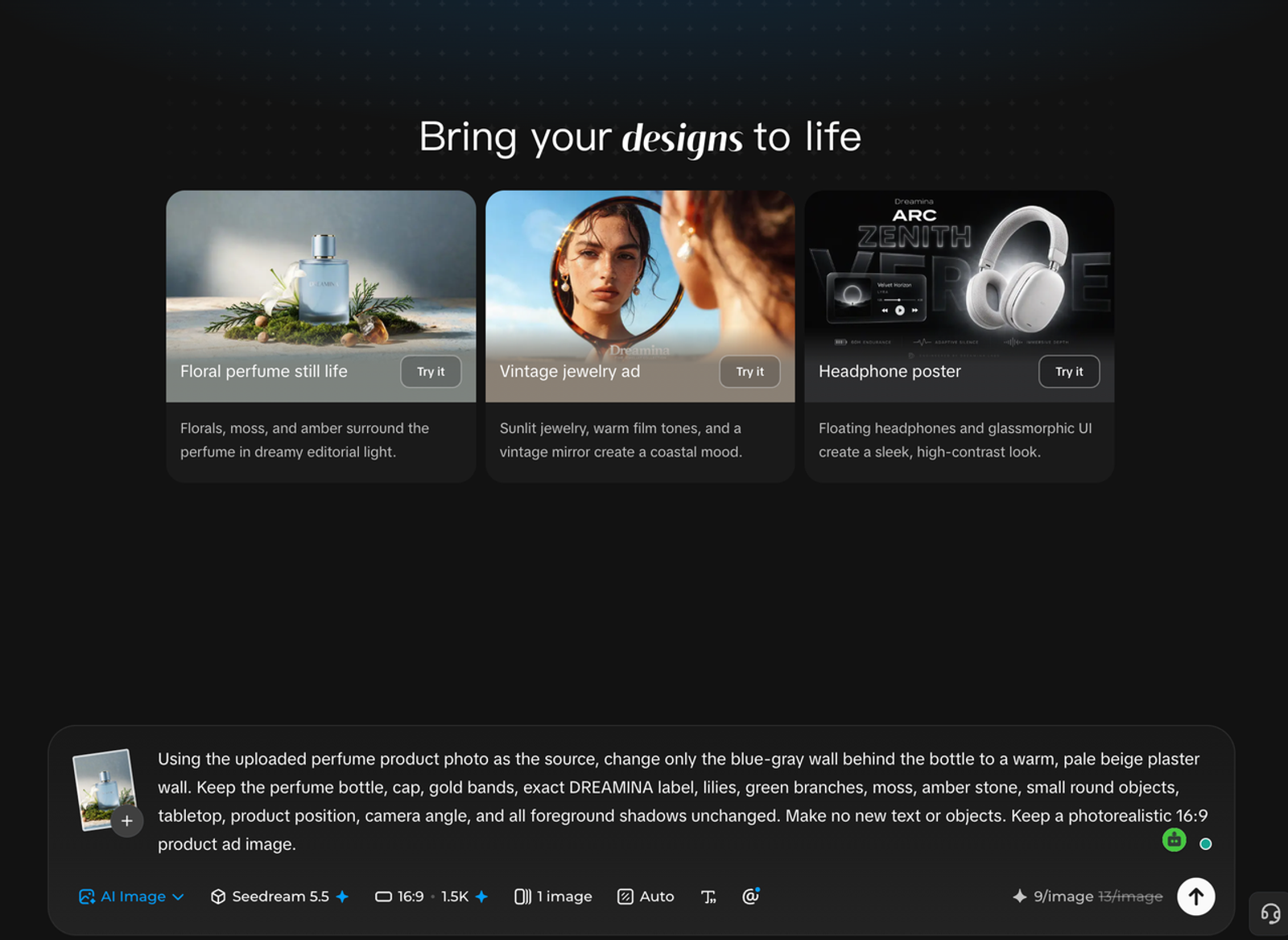
Source photo → image 1: “Use the uploaded perfume photo as a product reference. Keep the pale blue frosted bottle, cylindrical cap, gold bands, and exact DREAMINA label. Create a warm editorial still with the bottle centered on a round beige stone pedestal, ivory fabric, white lilies, a beige plaster wall, and soft diagonal window shadows. Keep the bottle realistic, in a 16:9 landscape frame. Add no claims or extra text.”
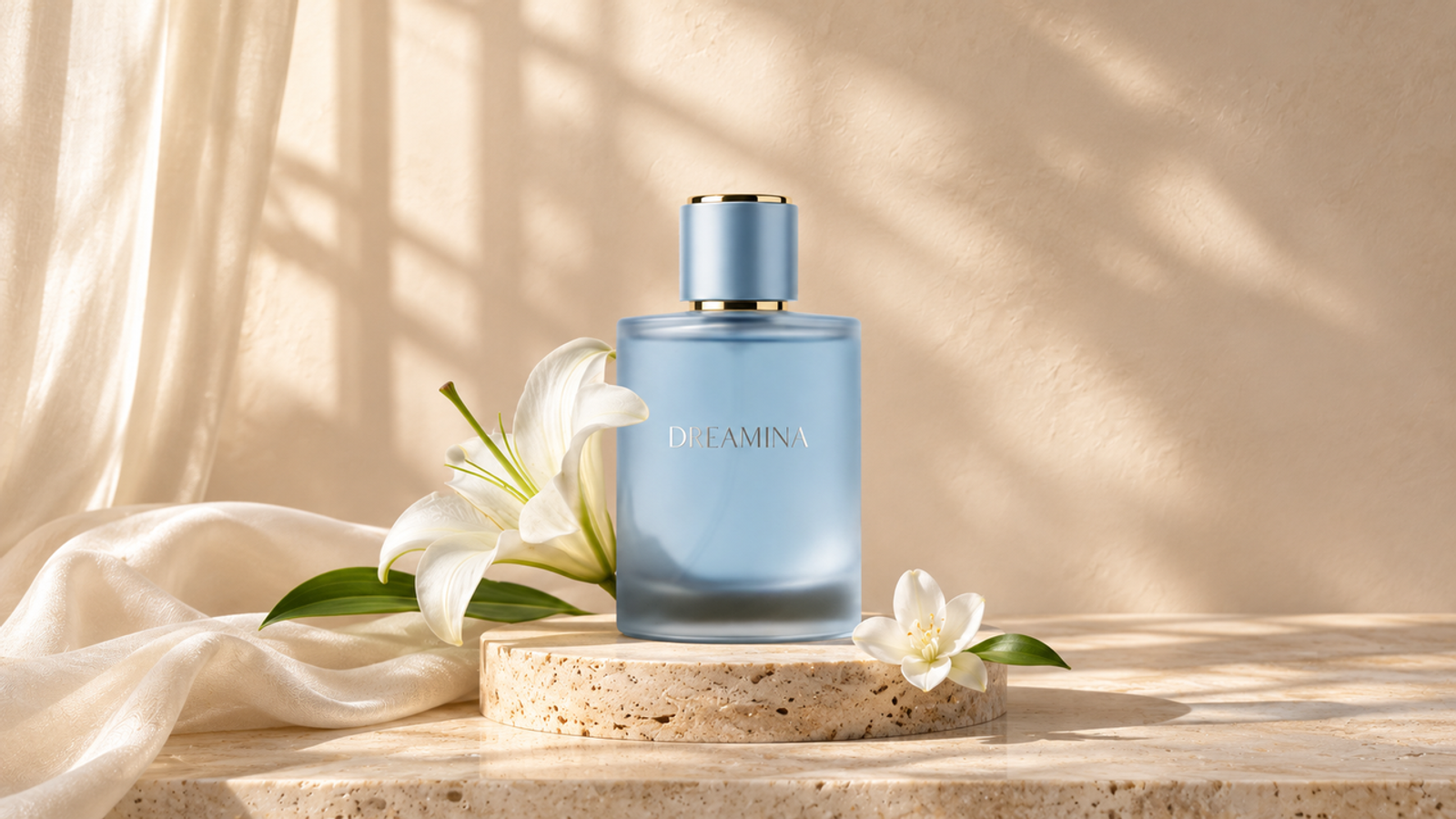
Image 1 → image 2: “Use the previous perfume image as the input. Keep the pale blue bottle, cap, gold bands, centered view, and exact DREAMINA label. Replace the fabric and pedestal with a light stone tabletop. Arrange green moss, cedar-like branches, white lilies, small round natural objects, and an amber stone around the bottle. Keep the warm beige wall and realistic light. Make a 16:9 product still with no new words or claims.”
What Counts as a Usable Ad Image?
A usable result follows the brief without turning the bottle into a lookalike. The label, cap, bands, proportions, and tint must match approved artwork. The second image restores the original prop types, but not their exact positions.
ByteDance's 100-round sequence demonstrates one edit chain, not a promise of 100 lossless edits on any product photo. The useful measure is the number of approved versions.
What Did the Supplied Images Show About Product Details?
| Comparison point | Source image | Image 1 → final image |
| Label and bottle | Pale blue bottle; fine DREAMINA lettering | Readable in both outputs; the final bottle is broadly consistent, but letter spacing and shape still need artwork review |
| Background and set | Blue-gray wall and stone tabletop | Image 1 uses beige wall, fabric, and pedestal; final image replaces the fabric and pedestal with stone and moss |
| Props | Lily, greenery, moss, amber stone, and round objects | Image 1 changes them extensively; final image brings back their recognizable forms, with new shapes and positions |
| Transparency | Opaque photograph | Both outputs are opaque; the separate cutout below is a postproduction asset |
Packaging Text and Product Shape
ByteDance reports 0.4% severe and 1.7% minor text corruption in its Chinese and English evaluation. In the final image, DREAMINA is legible at normal size. I would still compare every letter with approved artwork. I would check the label before the lighting.
If the label changes, narrow the edit or place approved artwork in the design file. Count that correction in the cost. The same applies to a changed cap or bottle shoulder.
Changed and Unchanged Regions
Seed says Seedream 5.5 can preserve areas outside the requested edit at the pixel level. Its model page shows examples. Here the final set remains recognizable, but the lilies, greenery, moss, and stone differ from the source. This supports a useful revision, not pixel-level preservation in this case.
The second image carries a recognizable product through a large scene revision, but its details still need review against the source.
How Did the Transparent Cutout Work in an Ad Layout?
Edges, Shadows, and Partial Transparency
ByteDance's model page shows assets with full and partial transparency. Neither supplied perfume output has alpha, so I extracted the bottle from the final image in a separate postproduction step. The resulting PNG has a real alpha channel and can be placed over a new layout; It is not evidence of Seedream's native transparent export.
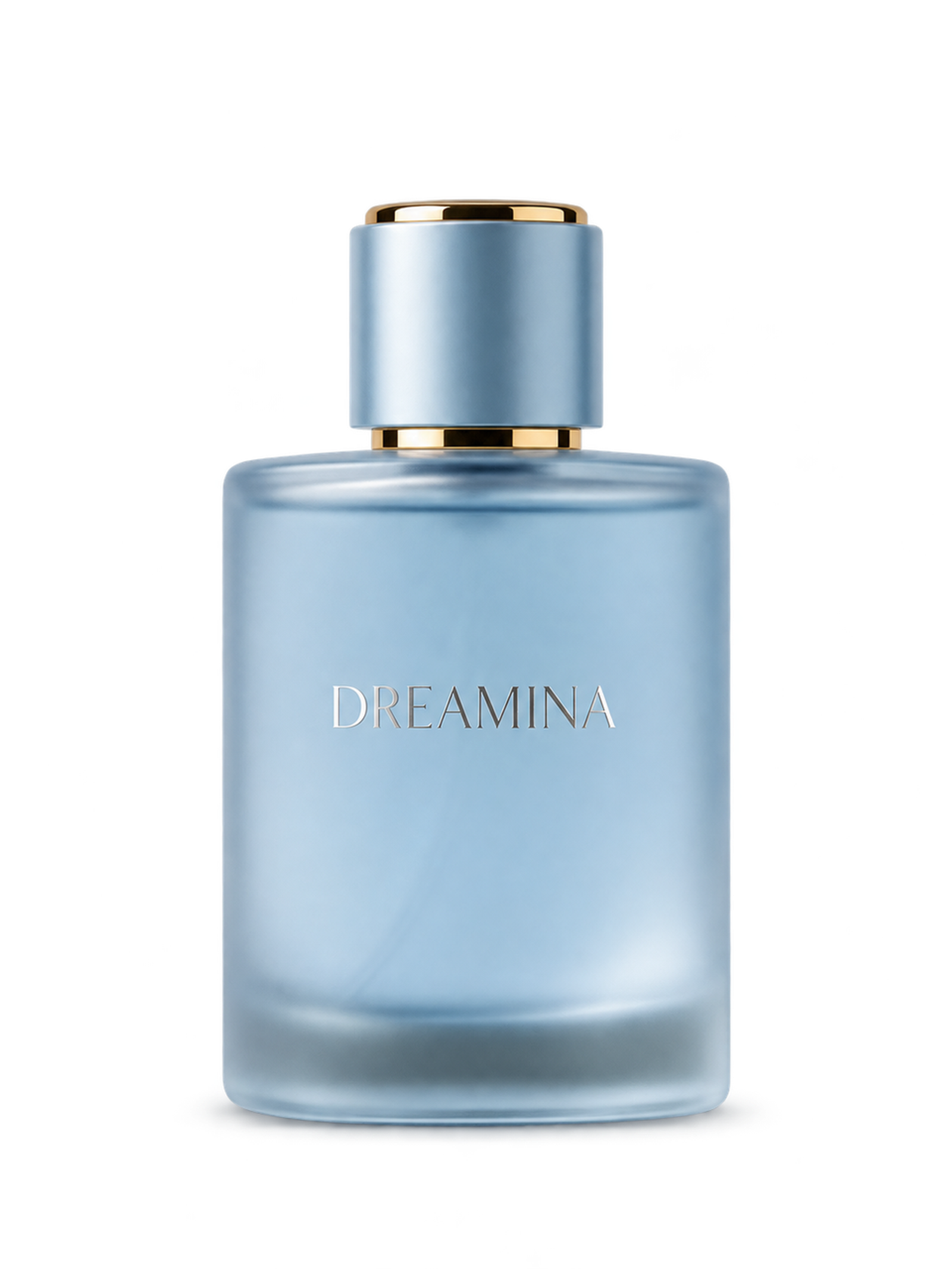
The cutout kept the label, blue glass, and contact shadow. A thin blue fringe remains near the cap and side edges after cleanup. A dark layout would need another mask repair. Alpha present and edge approved are separate checkpoints for frosted glass.
What Would Need Manual Correction?
Brand Details and Approved Claims
The final supplied image keeps the label readable and the bottle broadly recognizable, but the prop arrangement needs creative review if it must match the source. The first image is a different layout direction. Before release, compare the label with approved packaging artwork, then check the cap, metal bands, and bottle tint. Budget at least one edge-cleanup step for the transparent asset; the exact time depends on the size and placement of the ad.
The FTC's advertising guidance requires truthful, supported claims, including visual implications about size or finish. The U.S. Copyright Office's AI report notice discusses copyrightability; it does not grant rights to someone else's photo or logo. These are general review points, not legal advice.
Preparing a Still for a Separate Video Workflow
Seedream 5.5 creates and edits stills. If an approved still needs motion, a separate video step can begin. Keep the bottle visible and its label correct in the starting frame. Wizstar's controlled product image-to-video workflow describes the later review; It does not mean Seedream 5.5 is available inside Wizstar.
Who Is Seedream 5.5 a Fit for in Product Photography?
It is a sensible candidate for teams with approved product photos that need setting changes or reusable cutouts. It is a weaker fit when exact packaging cannot be reviewed or an account cannot access the model on deadline. The decisive trial is one product image, two narrow edits, and one cutout.
The credit estimate uses rates Dreamina displayed on November 10, 2026: 9 credits at 1.5K or 14 at 2K. The supplied outputs have no credit receipt; This is a rate-based calculation. The separate cutout does not count as a Seedream output.
| Work | 1.5K rate | 2K rate |
| Two supplied image outputs, if both charged at the displayed rate | 18 credits | 28 credits |
| One additional Seedream cutout attempt, if available at the same rate | +9 credits | +14 credits |
| One more image rerun | +9 credits | +14 credits |
| Separate postproduction cutout and edge repair | No Dreamina credits recorded | Human time and tools cost unrecorded |
The two-image chain plus a hypothetical native cutout would be 27 or 42 credits; add one rerun for 36 or 56. Actual charges, plan fees, and correction time remain unknown. A good-looking draft earns a review, not a green light.
Conclusion
ByteDance's results make Seedream 5.5 worth a focused product-photo trial. The perfume brief sets the bar: exact label, stable bottle and props, clean cutout, and reasonable repair time. Those checks decide whether it saves work for an ad team.
FAQ
- Which input image formats does Seedream 5.5 accept?
- The official announcement does not give one format list for every access route. This PNG uploaded to Dreamina, but it does not establish its full format list. Check the chosen service's current documentation.
- Can Seedream 5.5 process a batch of product photos at once?
- The checked release pages do not establish folder-wide batch editing. Dreamina allowed multiple generated outputs, which differs from processing many source photos. Confirm batch support before estimating throughput.
- Where can a team currently access the Seedream 5.5 model?
- ByteDance's launch materials name Dreamina/Jimeng, Doubao, Doubao Work, and the Volcengine Ark playground as rollout routes. Availability and pricing depend on region and account, so confirm the exact model label and terms in the service you plan to use.
- Can Seedream 5.5 product photos be used in paid campaigns?
- The release announcement alone does not grant a paid-ad license. Check the current service terms, the rights to the uploaded photo and marks, and the rules for the destination placement. For example, Google Merchant Center's image rules include requirements for AI-generated product images and metadata. Please refer to the latest official documentation.
- Does Seedream 5.5 offer an API for product image jobs?
- The checked official release materials do not confirm a public Seedream 5.5 API model ID, price, or batch endpoint. A playground listing is not enough to plan an automated product-image pipeline. Verify the current developer documentation and exact model label before committing to one.