The short answer
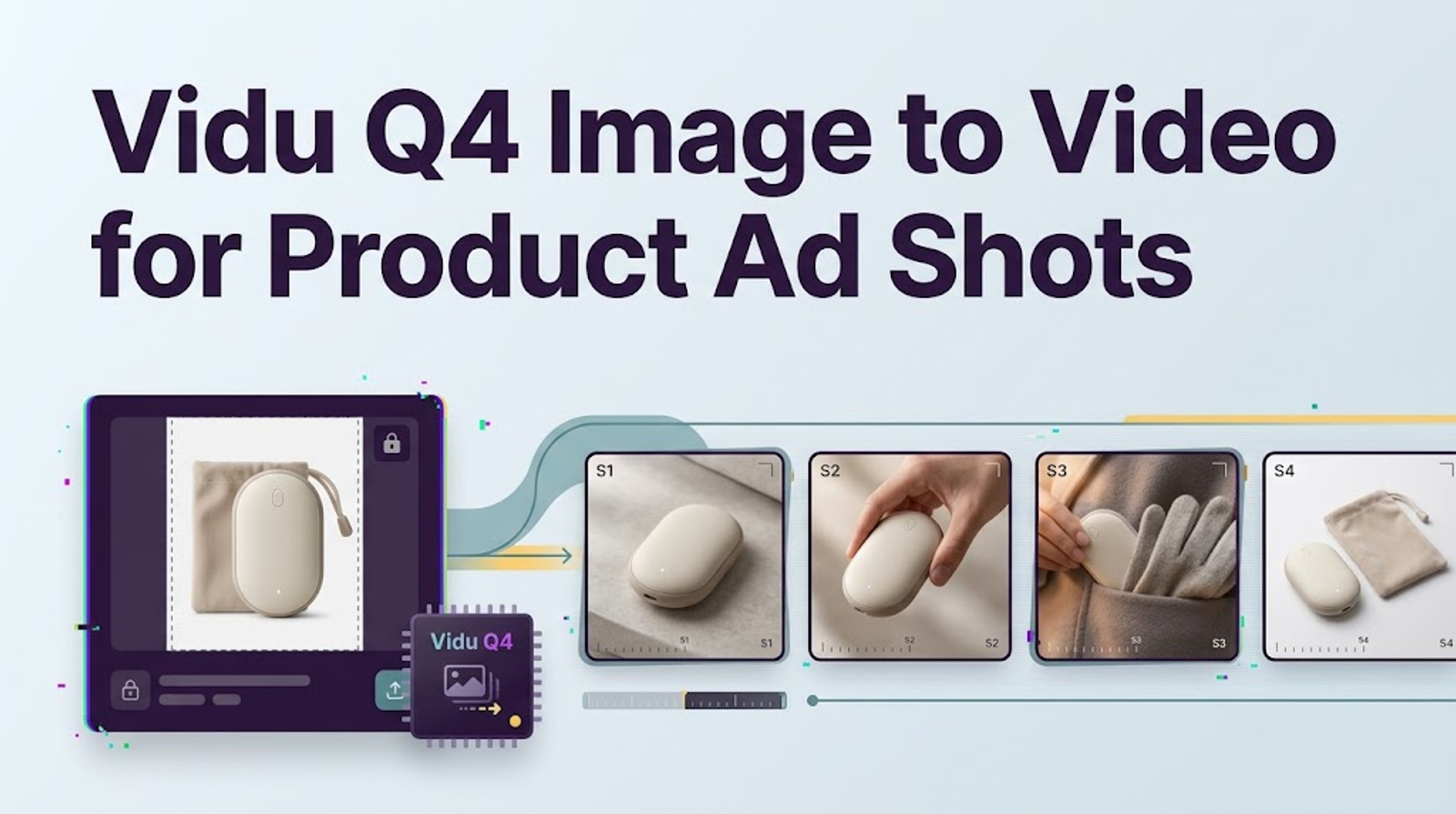
For a Vidu Q4 image to video product ad shot, I would start with one approved SKU image, direct one restrained movement, and review every visible detail before use. The test is whether motion helps this image without changing what the customer will receive. A smooth clip with the wrong cap or an invented claim has failed.
This is a documented workflow, not a completed test. Checked October 15, 2026, Vidu's Q4 Preview image-to-video API documentation identifies viduq4-preview and accepts one image as the first frame.
Choose a Product Shot for Vidu Q4 Image to Video
For teams asking how to use Vidu Q4 image to video for a paid shot, pick an image with a clear advertising job. A front-facing bottle can support a gentle push-in, but cannot establish how its cap opens or unseen back label looks. If the brief depends on those details, I would obtain approved footage or choose another shot. A motion prompt cannot supply product evidence.
Frame the SKU and Leave Room for Motion
The image checklist: confirm rights for AI transformation and paid advertising; match the exact SKU, variant, pack count, and current artwork; keep the silhouette and logo visible; inspect the label at full size; remove compression damage; and leave space for the move. A tightly cropped product gives a push-in nowhere to go. High output resolution cannot restore unreadable source text.
Save the source beside a list of non-negotiable details: cap shape, label wording, logo placement, material, color, and printed claims. Use it to compare the output, not as text for the model to invent. Keep the approved product listing or SKU record nearby as well; the reviewer needs an independent reference when a generated frame looks plausible but depicts the wrong variant.
Prompt One Camera Move and Product Action
Useful Vidu Q4 image to video prompts let the photo carry product facts and direct change over time. Choose one camera move, one product action, and a stopping point. For a front-view bottle, the safest product action may be none: let the camera move while the pack remains still. Rotation, falling ingredients, hands, and cuts invite details the image may not contain. Q4 advertises automatic camera switching, so a one-take instruction still needs checking in the output.
Focus the Motion Brief on the Visible Product
Here is a brief for an approved front-view bottle. Adapt it to your authorized asset.
Use the supplied image as the starting frame. Make one continuous five-second shot: the bottle stays upright while the camera slowly pushes in, stopping before any edge is cropped. Preserve its silhouette, cap, label layout, logo, color, and material. Keep lighting and background consistent. Do not rotate the bottle, reveal an unseen side, or add hands, props, text, or claims. Leave space above for approved copy added in editing. No dialogue or music.
The prompt limits the request; it does not lock pixels. I would check the label before the lighting. Add prices, offers, and benefit lines from approved artwork during editing, where copy can change without regenerating the product.
Add Sound Only When the Ad Needs It
Q4's API audio setting defaults to true. I would set it to false for this draft and license any soundtrack later. If sound is essential, describe one plausible effect tied to visible action, then check what it implies. A synthetic click, pour, or spoken claim can suggest behavior that is still never established. The documented image-to-video route has no separate sound-reference input.
Generate a Short Draft in Vidu Q4
In Vidu, select Q4 Preview if your account offers it, choose Image-to-Video, upload the approved frame, paste the motion brief, choose five seconds and a review resolution such as 720p, and turn off generated sound if the control is shown. Generate one candidate before changing the prompt. Controls can vary by interface; the documented API route is POST /ent/v2/img2video with model: viduq4-preview, duration: 5, resolution: 720p, and audio: false. Its is_rec default is true, which asks Vidu to use a recommended prompt; set it to false when testing your exact wording. Save the source version, settings, date, task ID, and output.
The Q4 endpoint lists 3–16 seconds and 540p through 4K; defaults are 5 seconds and 720p. Vidu's model map lists 24 fps, while the endpoint leaves codec and container unspecified. Result URLs are documented as valid for 24 hours, so download candidates promptly. Higher resolution cannot repair a wrong word. The next edit is part of the cost; a short draft shows whether this direction deserves one.
Inspect the Draft Before Campaign Use
Watch at normal speed, then pause at the start, peak movement, and end. Scrub where the logo or edge begins to drift. Compare against the approved photo and SKU record. I want to see what survives a second look: a convincing first frame says little about the next four seconds.
Check Packaging, Text, Logo, and Product Shape
Look for altered cap geometry, bottle width, colors, accessories, pack count, and material. Read every visible label word, number, certification mark, and claim; an almost-correct capacity is wrong. Check whether motion implies unsupported performance, such as a bottle dispensing by itself. The UK Advertising Standards Authority's 2025 guidance on misleading imagery in ads emphasizes the ad's overall impression.
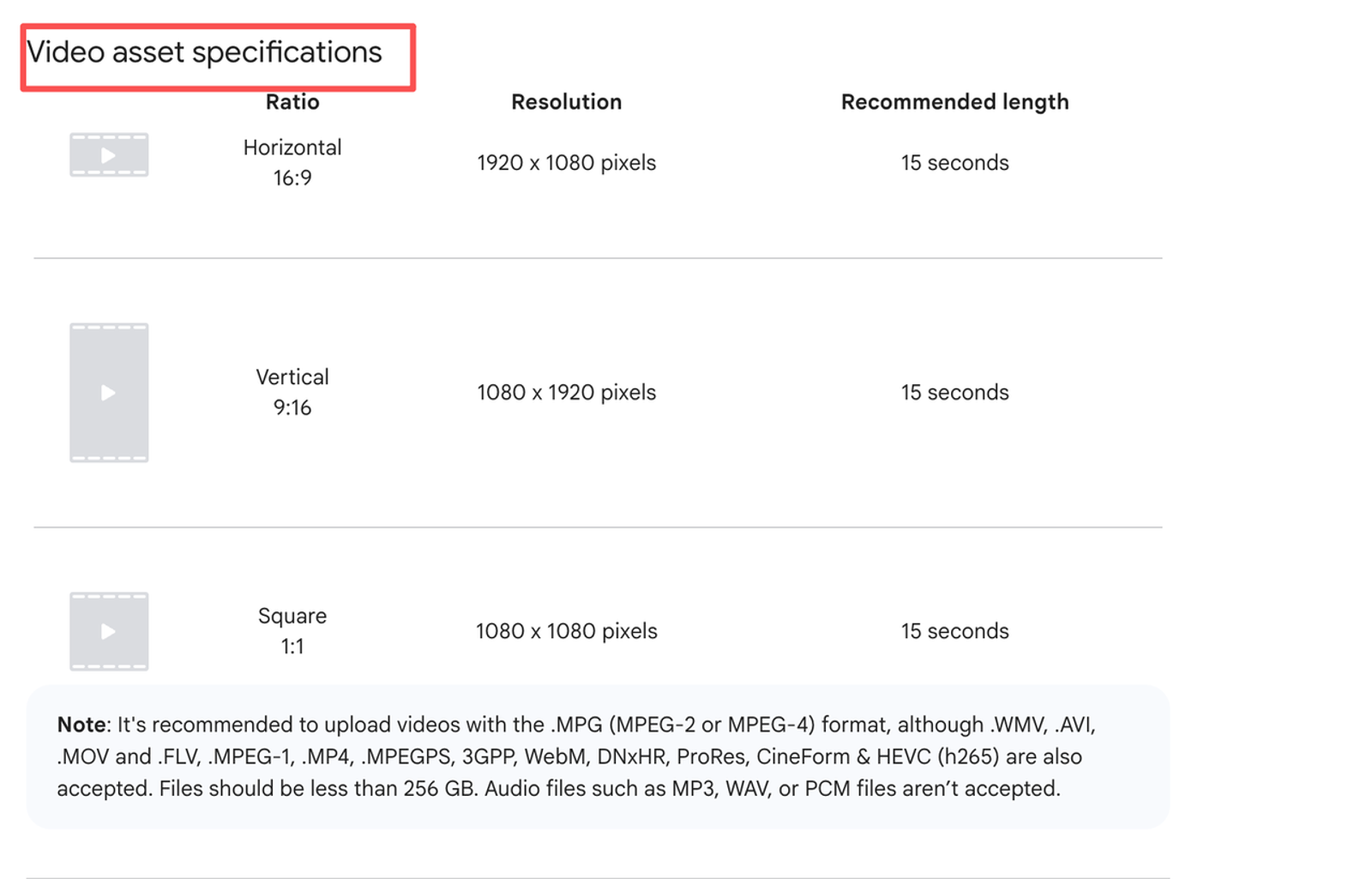
Test at the intended viewing size: can a phone viewer recognize the product, read approved copy, and understand the opening without sound? A five-second Q4 clip is a shot, not automatically a complete placement-ready ad. Google's video ad format specifications vary by campaign and placement; its Shorts guidance, for example, lists six to 60 seconds. Wizstar's broader controlled product-image-to-video workflow covers team review and handoff. Here the decision is whether this single shot earns a place in it.
Keep, Revise, or Reject the Shot
Keep the draft only if product, claims, and crop remain accurate at the opening, motion peak, and end, with no drift between them. If only the background flickers, try one narrower camera move using the same approved source, then review the entire new output. Reject changed pack geometry, label words, logos, quantities, or invented performance even when the rest looks polished. If text must stay readable, film the pack or animate approved artwork instead of regenerating its label.
A quick cut cannot cure a false product detail.Keep source, prompt, version, reviewer decision, and final cut together. Meta's June 2026 update on AI information in ads describes expanding detection of ads made with third-party AI tools. Retain provenance and check the destination policy; no particular clip is guaranteed approval.
When a Single Starting Image Is the Wrong Input
One image works when the shot stays faithful to the visible side. It is wrong for an unseen box back, package opening, hand for scale, or product demonstration. More prompting cannot create authorized evidence. Vidu documents a separate Q4 Reference-to-Video route, but that changes the task. I would first consider a better approved photograph, real footage, or a controlled edit.
Conclusion
Use one authorized image, one motion brief, and one review against the real SKU. If motion helps without changing the product, move the clip into editing. If shape, wording, logo, or claims fail, fix the source or change methods. A draft earns a review, not a green light.
FAQ
- Which image formats does Vidu Q4 image to video accept?
- The Q4 Preview API lists PNG, JPEG/JPG, and WebP via accessible URL or Base64, with a 50 MB image limit and 20 MB HTTP-body limit. Check any additional upload rules in your account.
- Does Vidu Q4 image to video keep the starting image's aspect ratio?
- Vidu's Q4 product page says it keeps the original aspect ratio. The API has no separate ratio parameter, so prepare the intended composition and inspect the returned crop. Pixel-identical framing is not promised.
- Can Vidu Q4 image to video use both a start and end frame?
- The Q4 Preview image-to-video endpoint accepts one first-frame image; it documents no end-frame field. Vidu's separate general Start-End function does not establish Q4 Preview support.
- How long can a Vidu Q4 image-to-video clip be?
- The Q4 Preview image-to-video API documents 3–16 seconds, defaulting to five. Confirm available settings in your account.
- Where can a team verify Vidu Q4 commercial-use rights for paid ads?
- Check Vidu's current Terms of Service for the account that generated the clip; API users should also check Open Platform docs → Terms and Policies → Terms of Use. The consumer terms updated July 3, 2026, extend commercial use to paid users; the API terms effective January 23, 2025, say they do not restrict commercial use, subject to that agreement. Neither clear photography, trademarks, sound, people, or claims. Confirm those permissions and the destination platform's current policy before publication. This is general information, not legal advice.