The short answer
Hailuo is a good fit for e-commerce teams with an authorized product photo and a short shot that needs one clear move. Based on Hailuo’s published workflow, I’d use it to explore whether a simple push-in suits the brief. Before the clip goes into an ad, check that the product matches the photo, the motion reads clearly, and the shot fits the intended placement.
Quick Verdict for Short Product Concepts
I’d shortlist the Hailuo AI web app for a close-up or an opening shot that needs a few seconds of motion. The buying question is how much time and how many credits it takes to get a clip your brand can approve of. That includes the time someone spends checking the first draft and any revisions.
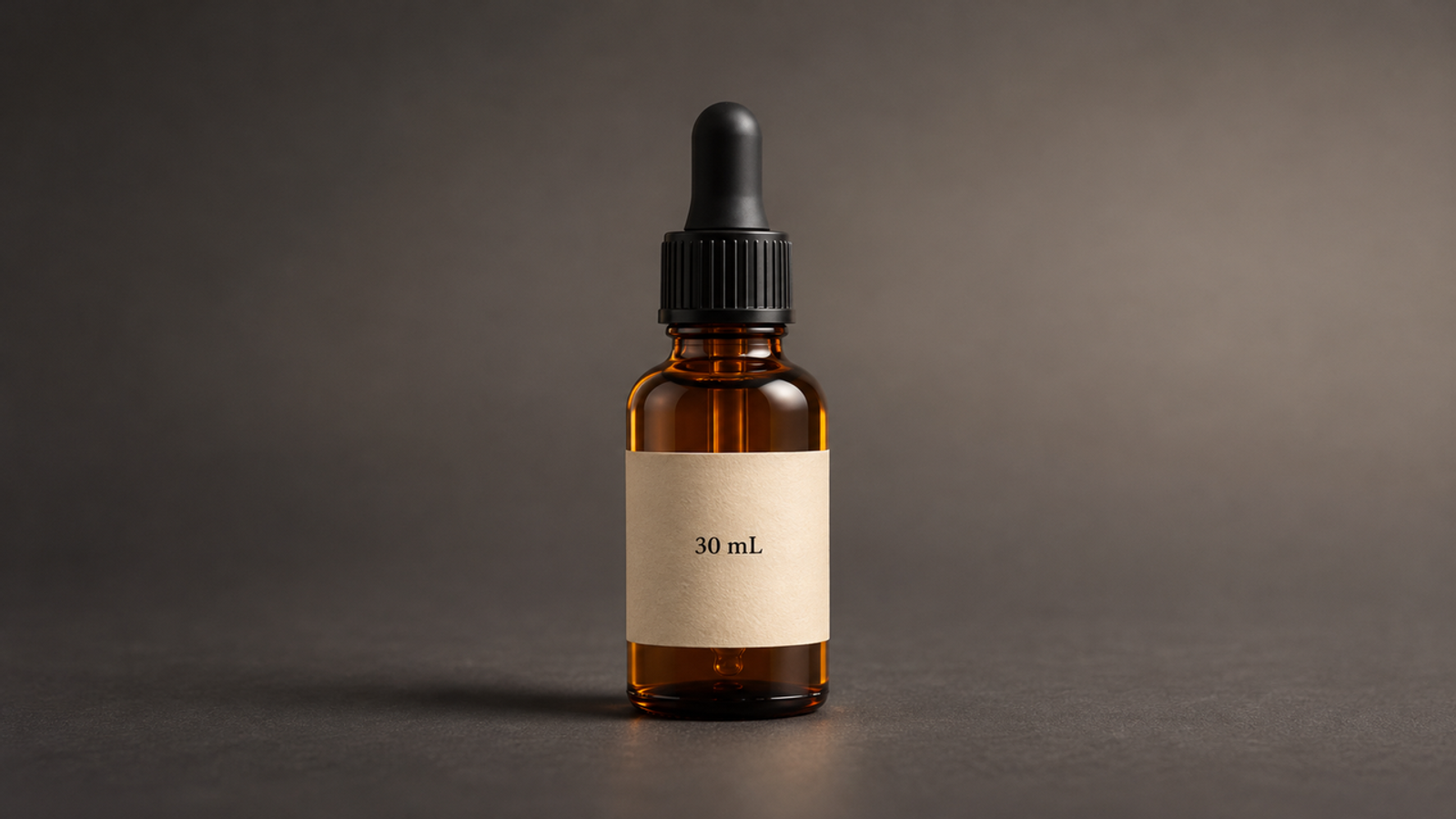
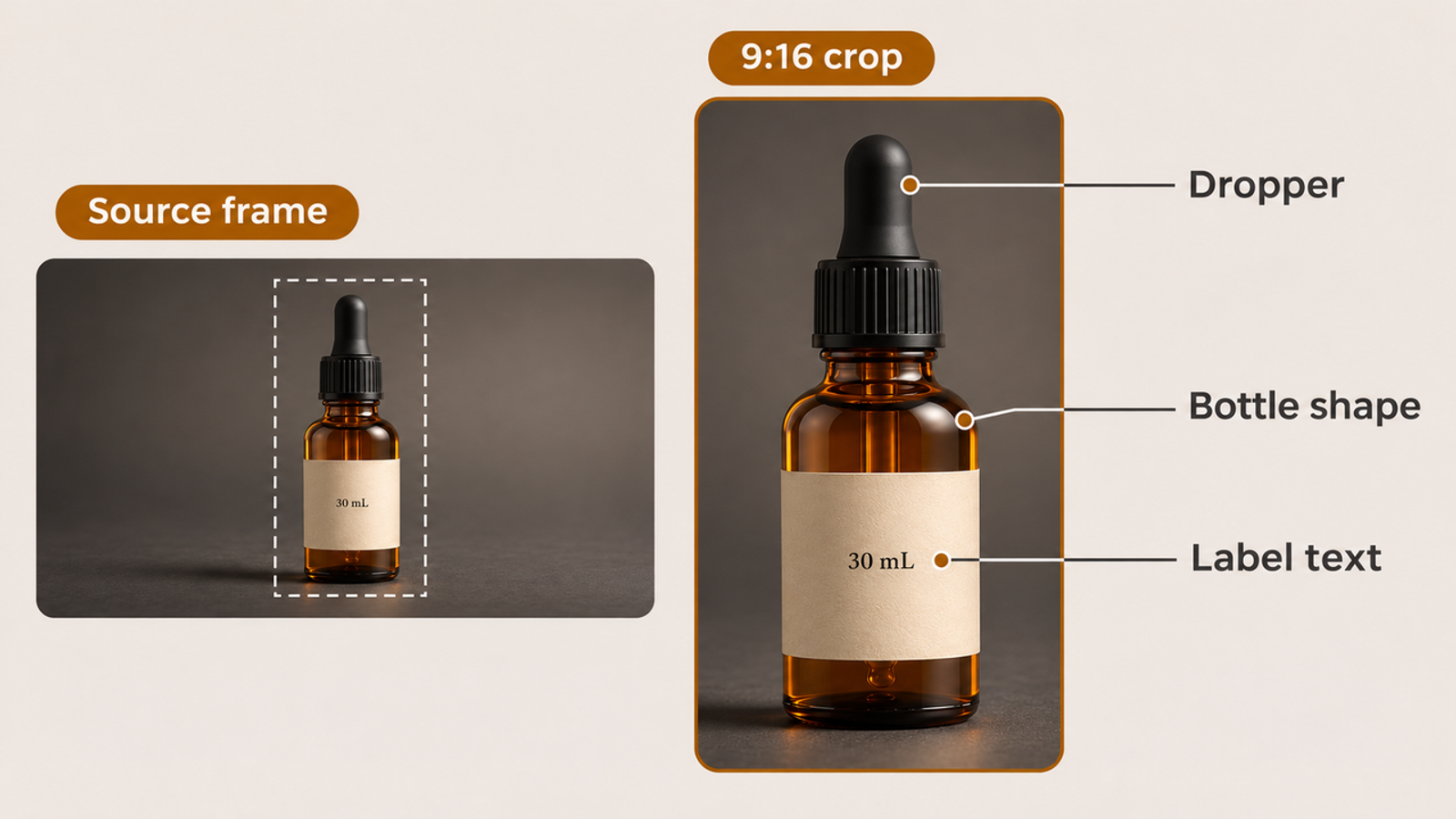
Take a 30 mL amber serum bottle as the example. The brief calls for a six-second push-in using an approved front-facing photo with a black dropper and cream label. The intended placement is a 9:16 social ad. Keep the source photo and placement brief beside each draft so reviewers can judge the same details every time.
How Do You Start a Hailuo Product Clip?
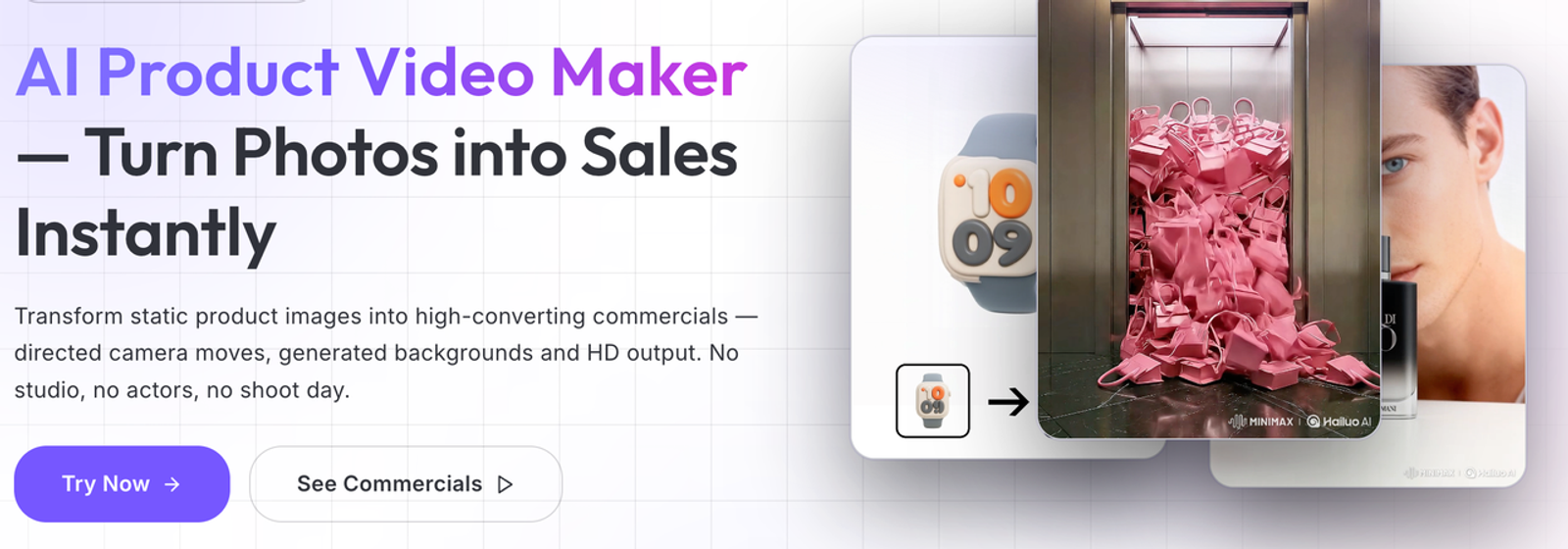
Start with a text description to explore a shot idea, or supply an authorized photo when the actual product needs to be recognizable. Pick the model, duration, and resolution before refining the motion prompt. If someone else supplied the photo, check that the license covers uploading and adapting it. The U.S. Copyright Office’s permission guide explains how to identify the rights holder and clear the intended use.
Describe a Shot or Supply a Product Image
A text prompt lets you explore lighting and composition for a generic serum shot. For this bottle, I’d use the approved photo as the starting frame. Hailuo’s 2.3 model guide describes text-to-video and image-to-video for 2.3, and image-to-video for 2.3-Fast. Both use a single starting frame in image-to-video mode. The photo gives reviewers a reference for the bottle’s proportions, dropper, and label placement as the camera moves.
If the photo needs a cleaner background before animation, our guide to targeted product photo edits covers how to review the edited label and bottle outline against the original.
Choose One Motion Goal for the Draft
Ask for a slow, straight push toward the upright bottle with the label facing the camera. Leave space above the dropper and beside the bottle for the headline. A straight push-in gets closer to the packaging using the angle you already have in the reference photo. Judge that move on its own before adding another action.
What Makes a Clip Usable for a Brand?
A usable clip preserves the product’s appearance, follows the intended motion, and fits the ad layout. Check it beside the approved photo, then preview it in the intended crop. A full-frame clip can look good while the vertical edit cuts off a detail the buyer needs to see.
Product Shape and Packaging Text
I’d check the label before the lighting. Pause at the beginning, midpoint, and end, then inspect any moment when a highlight crosses the label. Compare the dropper profile, bottle shoulders, logo, and “30 mL” text with the approved photo. A logo that looks right in the opening frame can still drift during the push-in. If the logo or printed capacity changes, send the clip back for revision.
Motion, Camera Path, and Cropping
Watch at normal speed to see whether the camera approaches steadily or the bottle appears to slide. Then preview the 9:16 layout with a draft headline and call to action. If the dropper is visible in the source clip, reframe the edit. If the move takes it outside the source frame, reduce the push-in and generate another version. When only part of a clip passes review, mark the usable start and end times and check that the segment is long enough for the edit.
How Much Iteration Should You Expect?
Budget for a second pass and set a credit limit before you start. If the label or bottle shape keeps changing during the move, shorten it and check the result against the reference. If the shot still misses a detail central to the campaign, use approved footage.
Compare Attempts Against the Same Brief
Keep the photo, model, duration, and resolution fixed while changing one instruction. If the push-in takes the dropper out of frame, ask for a shallower move and check the framing at that point on the next pass. Record what you changed, the credits charged, and why the clip passed or failed. The next edit is part of the cost, especially when a brand reviewer has to check each version. Our PixVerse review for short product clips outlines a similar bottle push-in and shows what to track across attempts, including editor time per accepted clip.
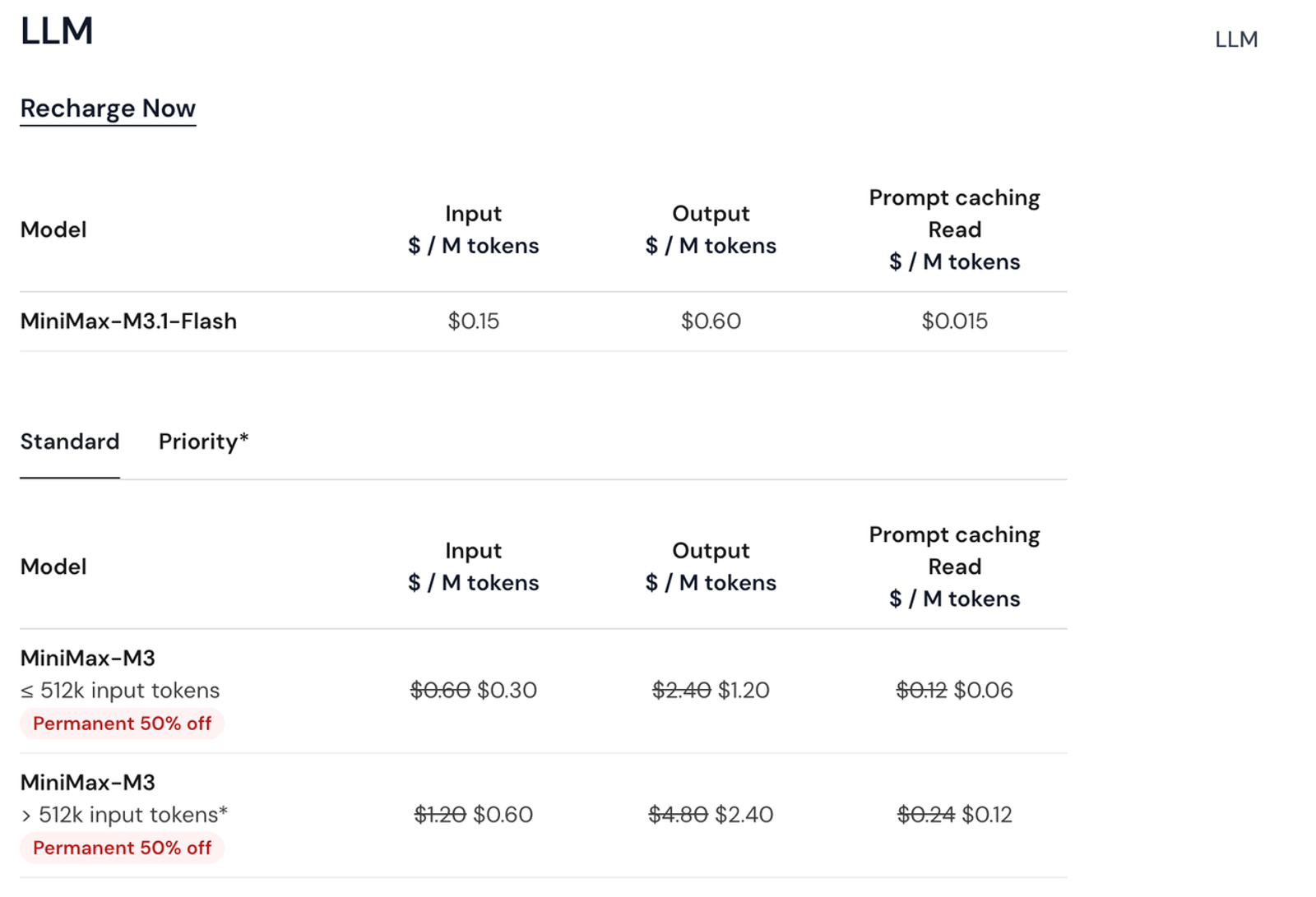
Hailuo’s 2.3 model guide gives web pricing examples of 25 credits for six seconds at 768p and 50 credits for six seconds at 1080p. Check the current plan allowance in your account and the charge for your selected settings before budgeting a batch. For teams generating through the API, MiniMax’s API pricing lists separate rates by model, duration, and resolution.
Keep the Approved Shot Separate From the Ad Edit
Save the approved clip with its source photo, reviewed crop, and usable timecodes. Add the offer, headline, and sound in the editing project so the team can update them when the campaign changes. Keep the approved still available for a mobile end card that needs crisp packaging text.
If the clip opens a UGC-style ad, our guide to reviewing AI UGC ads before launch covers how to check the finished footage against the product claim and the offer against the landing page.
Who Should Use Hailuo for Product Video?
Hailuo fits e-commerce teams with approved photography, time for revisions, and an editor who can finish the selected shot. It’s a weaker fit when the brief calls for a precise product demonstration, such as showing the dropper dispense a measured amount.
Concept Testing and Production Limits
A push-in can help the team choose an opening shot. If the ad shows the dropper dispensing a specific amount, use real footage and evidence that support that claim. The FTC’s advertising substantiation policy covers objective claims conveyed through visuals as well as copy in U.S. ads. Review what the footage and headline imply together before approving the finished cut.
Conclusion
I’d use Hailuo to decide whether the serum bottle’s push-in works as an opening shot. Approve the segment once the bottle and label match the reference, the move reads at normal speed, and the 9:16 layout leaves room for the copy. Give the editor the approved crop and timecodes, then review the finished ad in its intended placement before release.
FAQ
- Which Hailuo models are available in the web app?
- Hailuo’s public generator catalog lists 2.3, 2.3-Fast, 2.0, and older 1.0 variants. Its tools directory also lists MiniMax H3 and H3 Max alongside models from other providers, including Seedance and Kling. Check the signed-in model picker for the options available to your account and input type. If the brief calls for audio or video references, our guide to MiniMax H3 for business content explains how those inputs affect shot planning and review.
- Do free Hailuo exports include a watermark?
- Yes. Section 7 of the Hailuo AI Video Subscription Service Terms says free downloads carry a watermark and Standard and higher paid tiers offer watermark-free downloads. Section 9 describes a one-time welcome credit package with a three-day expiry. Check your account’s current offer for the amount and eligible models.
- Can Hailuo output be used in a paid ad?
- Potentially, if the terms governing your account and clip permit the intended use. Section 8 of the subscription terms recognizes commercial rights for clips generated and downloaded while on a paid plan, and Section 1.2 says the subscription terms prevail in a conflict with the general terms. Hailuo’s general Terms of Service include noncommercial-use language in the section on service intellectual property and address user-generated content separately. Before publishing, confirm the terms that apply to the clip, clear the rights to the uploaded photo and depicted assets, and check the destination platform’s advertising and disclosure rules.
- What happens when a queued Hailuo job fails?
- Section 10 of the subscription terms says Hailuo automatically returns consumed credits when a web generation fails or a job fails Hailuo’s content review. The policy gives no refund timeline, so check the job status and credit balance before retrying. Count a completed clip rejected by your brand reviewer as part of the production cost.
- Is the same Hailuo workflow available through an API?
- Yes, the core workflow is available through MiniMax’s image-to-video API. It accepts a starting image and prompt for supported models including Hailuo 2.3, 2.3-Fast, and 02. Submit a task, check its status, and retrieve the file when it succeeds. The API has its own billing and settings. For Hailuo 2.3, the API documentation lists 1080p at six seconds and 768p at ten seconds.